As an Amazon Associate I earn from qualifying purchases. Read our full affiliate disclosure for more detail.
Two screens change the way a gaming room feels. One screen holds the game, the other holds chat, a map, a stream, or your homework, and suddenly you stop alt tabbing every two minutes. The trick is not buying two random monitors and hoping they match. It is picking a pair that fits your desk, your eyes, and the games you actually play.
In this guide you will find 10 complete dual monitor setups you can copy whole, from a simple side by side pair to a curved duo, a vertical second screen, and a small room twin that fits a tight wall. Each setup covers the desk, seat, screens, light, storage, and power, so you are not left guessing about the missing pieces. If you love a moody glow too, the ideas in 15 LED Gaming Room Ideas That Set the Perfect Mood pair well with almost every setup below.
At a glance 1. Side by Side Command Center 2. Curved Immersion Duo 3. Budget Twin Starter 4. QHD Work and Play Pair 5. Corner L Desk Dual 6. Vertical Plus Horizontal 7. Ultrawide Plus Sidekick 8. Console and PC Dual Screen 9. Pink Creator Duo 10. Small Room Twin FAQ Conclusion
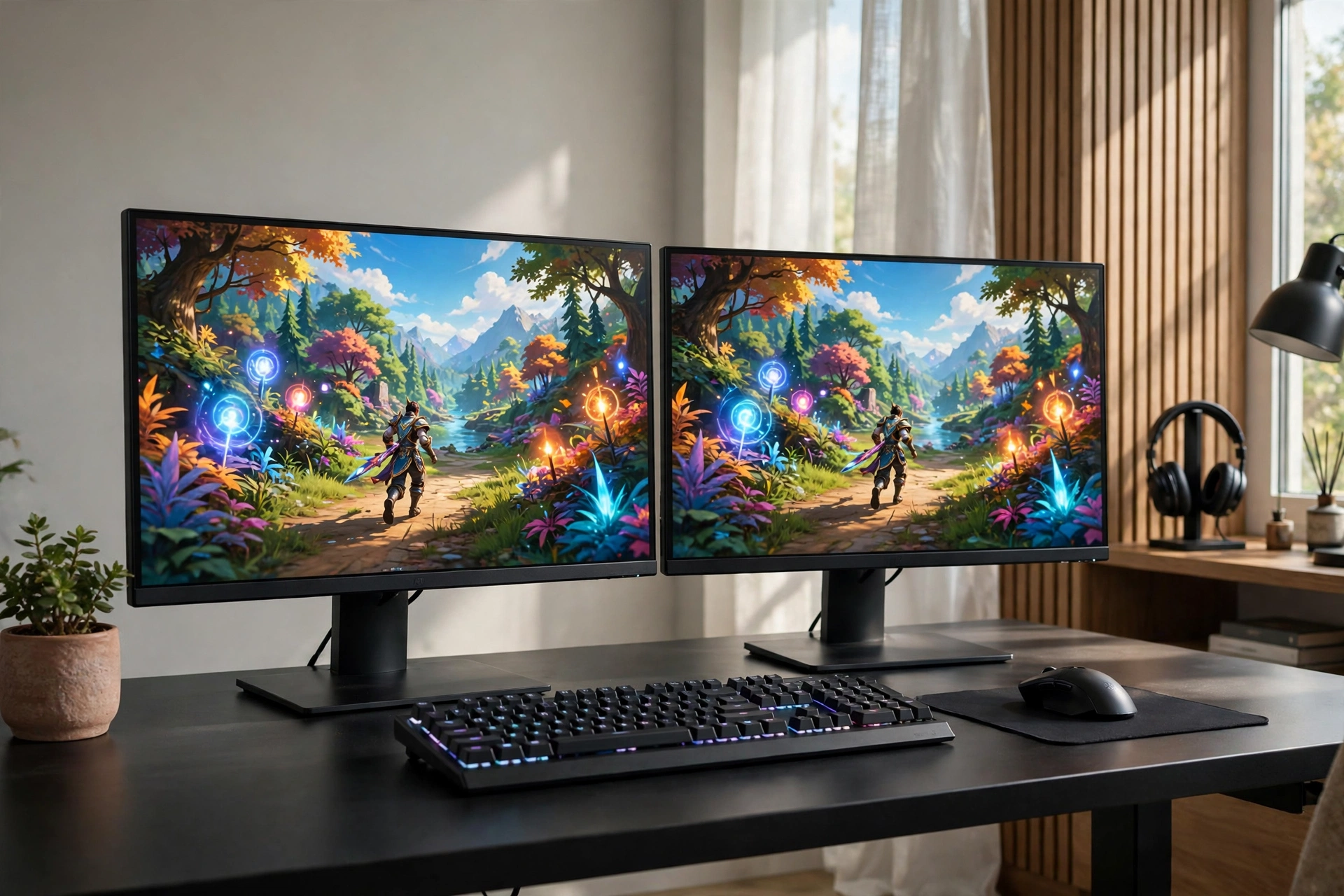
Start with the classic for a reason: it just works. Two matching screens sit level, your main game stays front and center, and the second screen takes chat, music, or a walkthrough without covering the action.
LG UltraGear 27GP850-B 27 Inch QHD Gaming Monitor
Check today\'s price on Amazon
Why this one: a sharp QHD screen with fast refresh makes it a strong main screen, and buying a matching pair keeps colors and height consistent.
Worth knowing: two QHD screens need a PC that can drive both comfortably, so check your graphics card outputs before you buy.
HUANUO Dual Monitor Stand for 13 to 40 Inch Screens
Check today\'s price on Amazon
Why this one: one stand holds both screens at the same height and frees the desk space that two factory stands would eat up.
Worth knowing: check the weight limit and VESA pattern for your monitors, since heavier screens need a sturdier arm.
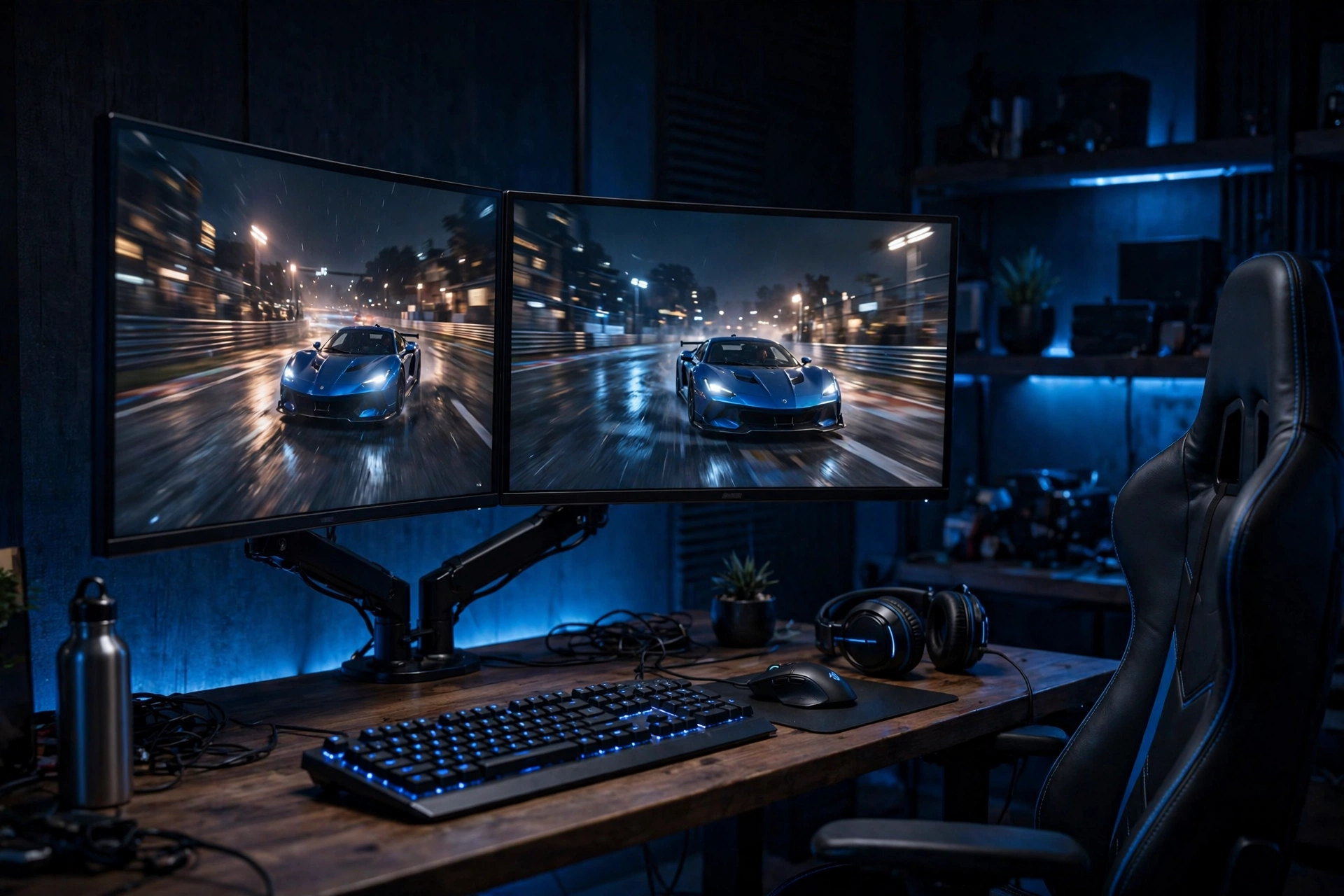
If you love getting pulled into a game, curve the screens around you. Two curved monitors angled slightly inward feel wider than they look, and the edges stop feeling like a hard border. This is a lovely pick for racing games, flight games, and long story sessions where atmosphere matters more than a perfectly flat editing view.
How to set it up:
Samsung 27 Inch Odyssey G5 QHD Gaming Monitor
Check today\'s price on Amazon
Why this one: the QHD curved panel gives a wide, wrapped view that suits immersive games, while staying a sensible size for a desk.
Worth knowing: curved screens can distort straight lines slightly, so they are less ideal if you do precise photo or design work on the same desk.
HUANUO Gas Spring Dual Monitor Stand for 17 to 32 Inch Screens
Check today\'s price on Amazon
Why this one: gas spring arms let you tilt and angle curved screens easily, which matters more here than with flat screens.
Worth knowing: gas arms need the tension adjusted to the screen weight, or a heavier screen may slowly droop.
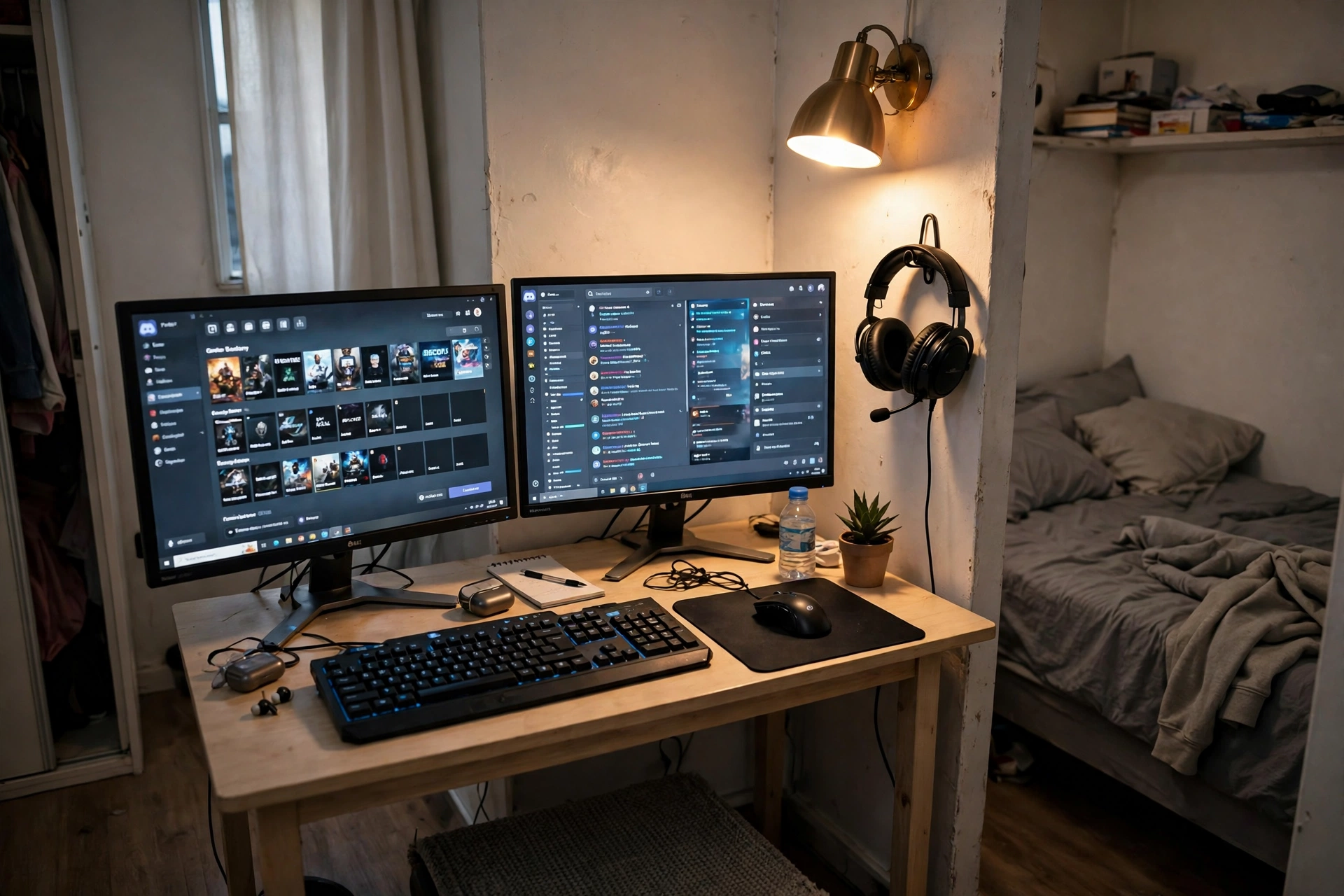
You do not need a huge budget to enjoy two screens. This setup keeps the desk compact, the screens sensible, and the extras simple, which leaves room for a decent chair and a headset that you will actually notice every day.
Budget tip: buy the second screen first if you already own one decent monitor. A matching pair is nice, but a slightly different second screen for chat is a smart saving, and you can upgrade it later.
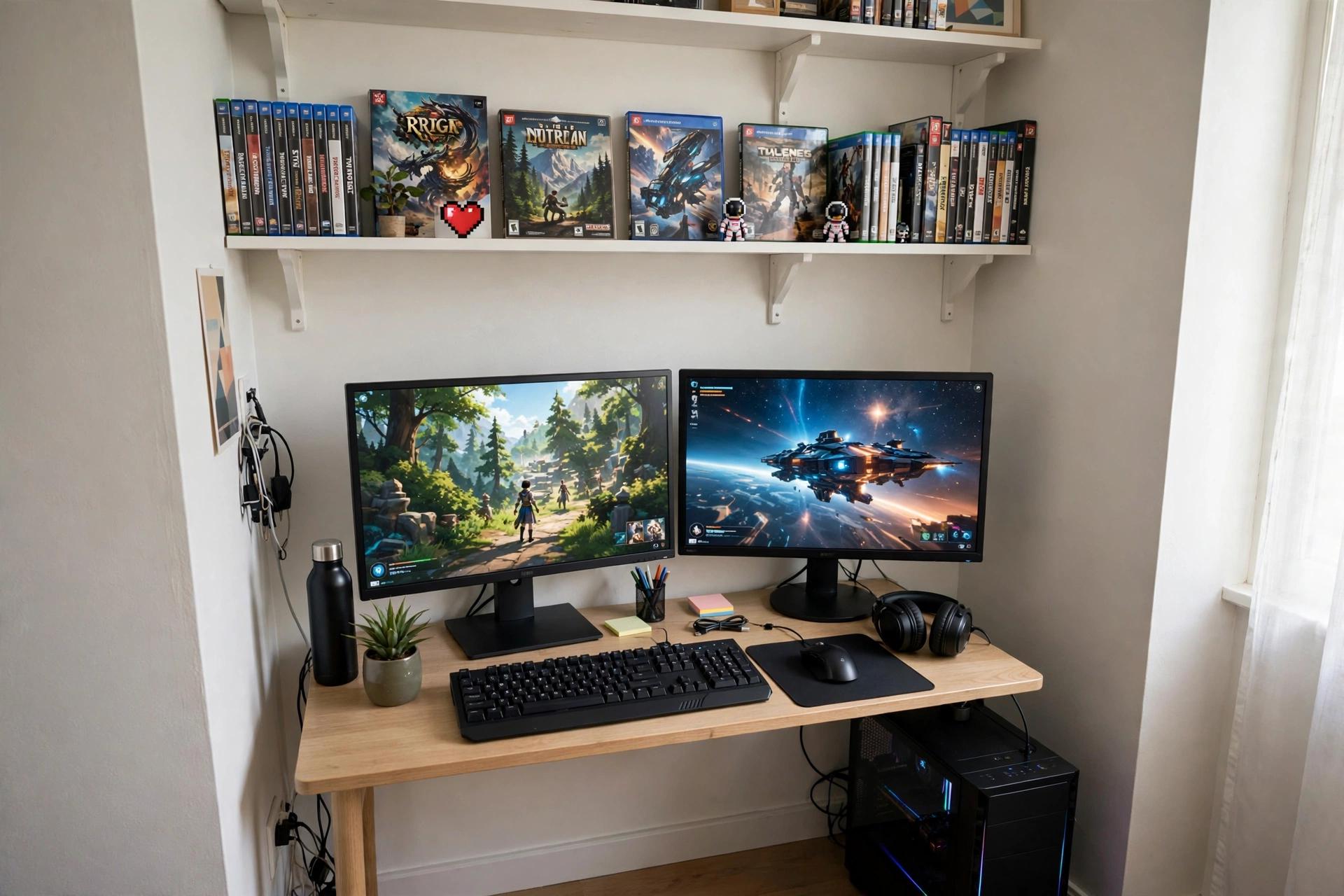
Place the desk against a wall, add a small shelf for games, and run one power strip behind the desk so cables stay off the floor. A simple lamp keeps the room warm without washing out either screen.
KTC 27 Inch Gaming Monitor, 180Hz, 1080p
Check today\'s price on Amazon
Why this one: a fast 27 inch screen at a friendly tier for a first dual setup, with a size that pairs well with most desks.
Worth knowing: 1080p on a 27 inch screen looks softer up close than QHD, so sit a little farther back if text looks fuzzy to you.
DUMOS 45 Inch Gaming Desk with LED Lights and Power Outlets
Check today\'s price on Amazon
Why this one: built in power outlets cut down on extension leads, and the LED edge adds a gaming feel without extra gear.
Worth knowing: a 45 inch desk is snug for two 27 inch screens, so measure your screens and stands before ordering.
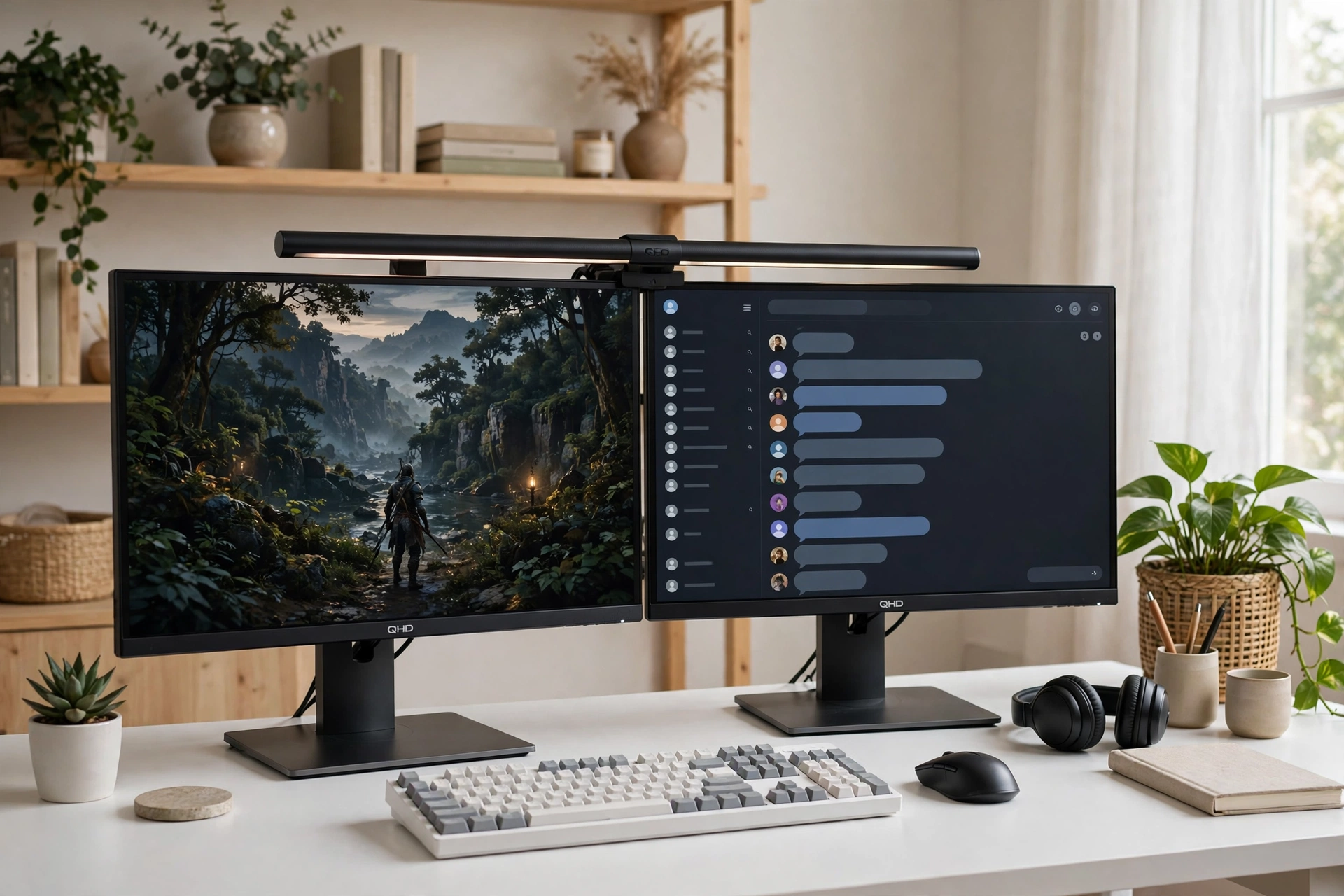
Some desks have to do two jobs. In the day this pair holds documents and video calls, at night it holds a game and a friend group chat. QHD is the sweet spot here, because text stays crisp and games still look detailed.
Two screens, two jobs: keep the game or main document on the left screen and the supporting window on the right, so your eyes learn one simple habit. Add a monitor light bar to cut glare during evening work, a notebook shelf for papers, and a power strip with a switch so you can shut the whole desk down at night.
ASUS TUF Gaming VG27AQ 27 Inch QHD Monitor, 165Hz
Check today\'s price on Amazon
Why this one: QHD sharpness plus a fast refresh rate covers both work text and fast games without forcing a compromise.
Worth knowing: higher refresh rates need the right cable and settings, so check that your PC is actually running the screen at full speed.
Quntis Monitor Light Bar RGB PRO
Check today\'s price on Amazon
Why this one: light falls on the desk, not into your eyes or onto the screens, which helps late sessions feel easier on the eyes.
Worth knowing: a light bar adds a small glow behind the screens too, so it may not suit a room where you want total darkness.
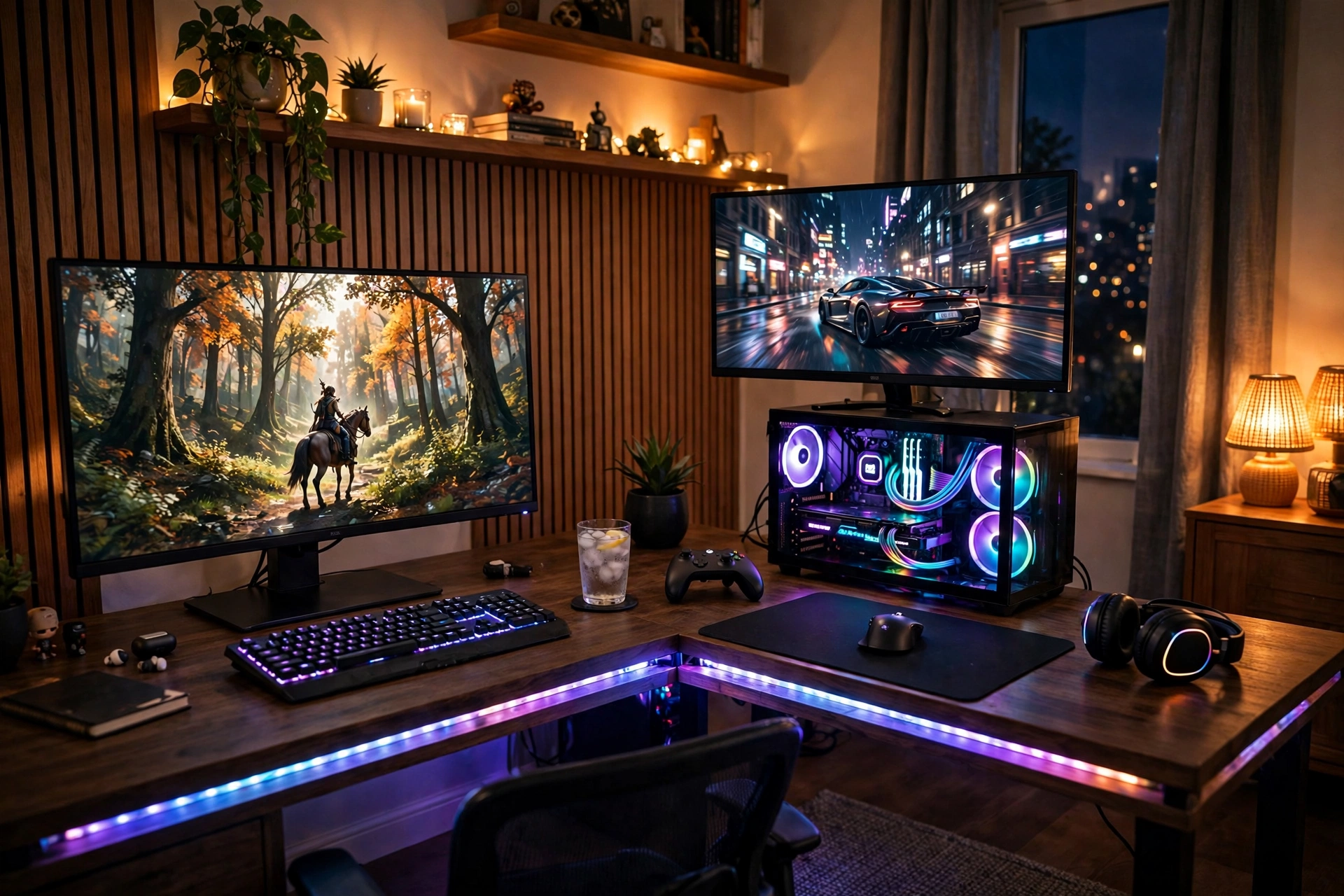
Corners are wasted space in many rooms, and an L desk turns that space into a proper battlestation. One screen faces you for gaming, the second sits on the return side for chat, streaming tools, or a second player watching along.
What works here:
CRUA 27 Inch Curved Gaming Monitor, 180Hz
Check today\'s price on Amazon
Why this one: a curved screen softens the corner angle and makes the main gaming view feel wider from a corner seat.
Worth knowing: curved screens need a little viewing distance, so a very tight corner may feel too close.
PRAISUN 66 Inch L Shaped Gaming Desk with LED Lights and Power Outlets
Check today\'s price on Amazon
Why this one: the L shape, built in power, and LED edge cover the three things a corner dual setup needs most: space, power, and light.
Worth knowing: measure both walls and the corner angle, since an L desk is harder to return than a straight desk if it does not fit.
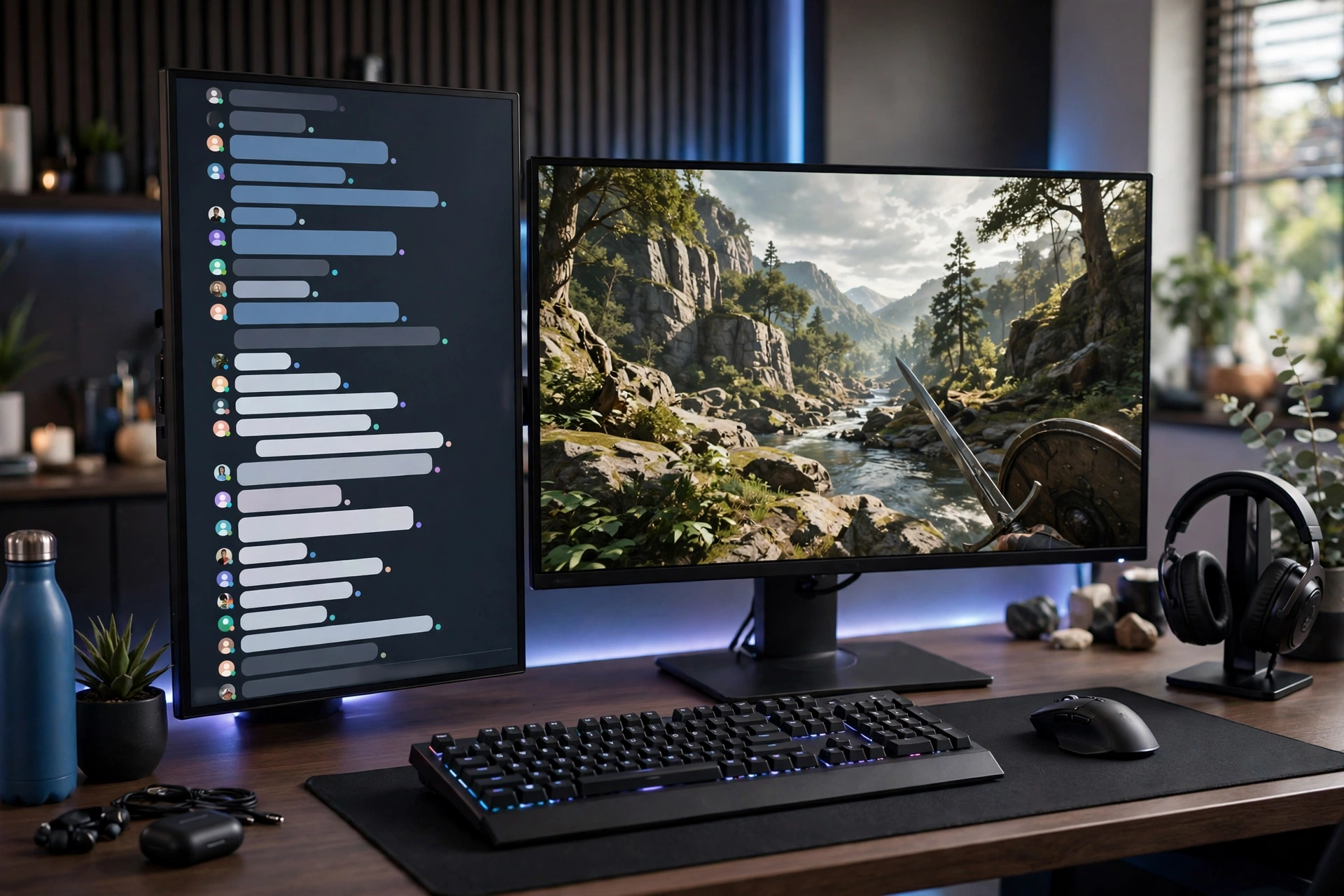
This is the streamer and guide reader favorite. The horizontal screen holds the game, the vertical screen holds chat, comments, or a long guide, and you can read far more without scrolling. It looks unusual at first, then feels obvious after a day.
Vertical screen checklist:
Acer Nitro VG272U V3 27 Inch QHD Gaming Monitor, 180Hz
Check today\'s price on Amazon
Why this one: a fast QHD screen works well as the main game screen, and a second matching screen in portrait still reads text crisply.
Worth knowing: some games and apps do not scale neatly in portrait mode, so test your favorite chat app before you commit to this layout.
HUANUO Dual Monitor Arm, Gas Spring
Check today\'s price on Amazon
Why this one: a dual arm makes the portrait rotation simple and keeps both screens steady at different angles.
Worth knowing: portrait screens sit taller than landscape screens, so check ceiling shelves and wall clearance above the desk.
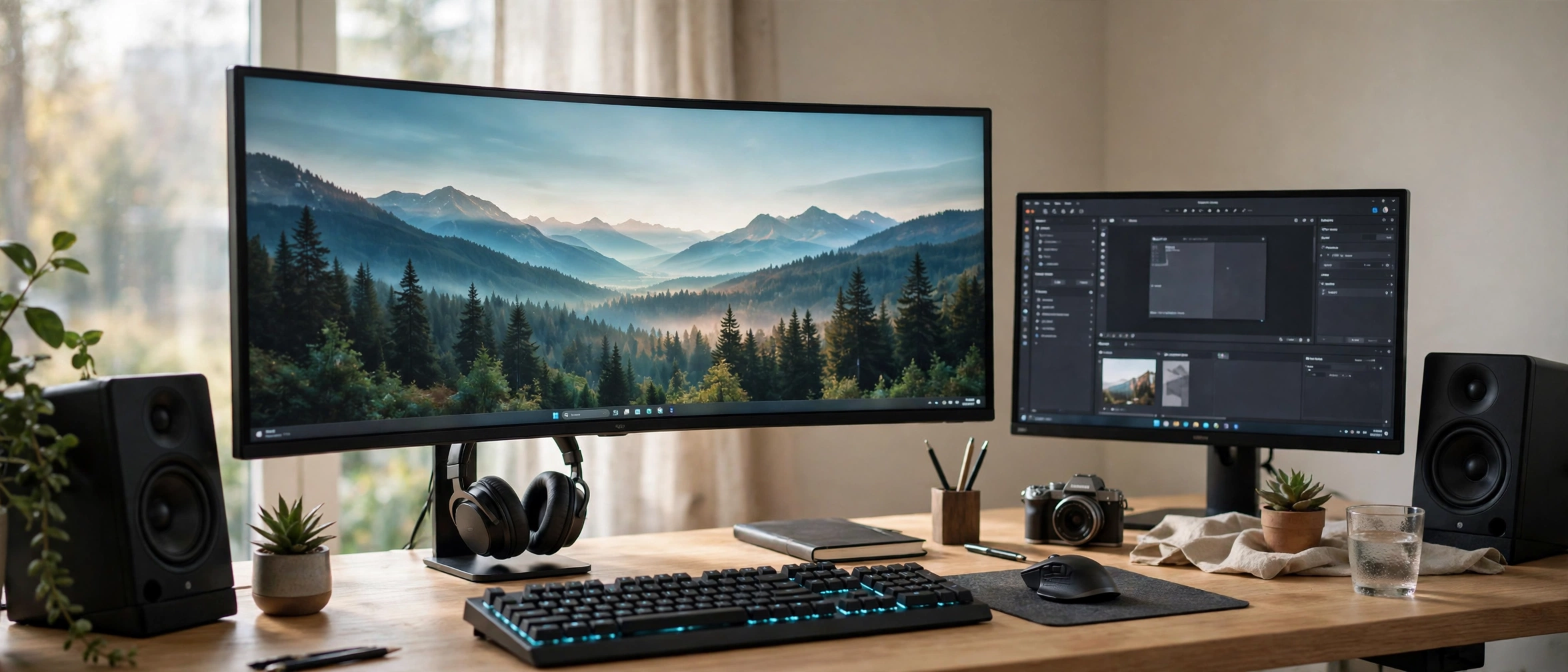
Think of this as a main stage plus a sidekick. The ultrawide screen carries the game or timeline in one long view, and the smaller second screen quietly handles chat, music, or reference images without shrinking the main view.
LG 34 Inch Curved UltraWide QHD Monitor, 160Hz
Check today\'s price on Amazon
Why this one: the wide curved view gives racing, sim, and open world games a panoramic feel that two small screens cannot quite match.
Worth knowing: not every game supports ultrawide ratios fully, so some titles may show black bars at the sides.
LG UltraGear 27GS75Q-B 27 Inch Gaming Monitor
Check today\'s price on Amazon
Why this one: a 27 inch sidekick is large enough to read chat at a glance, but small enough not to fight the ultrawide for attention.
Worth knowing: mixing an ultrawide and a standard screen can make window dragging feel uneven, since the heights differ.
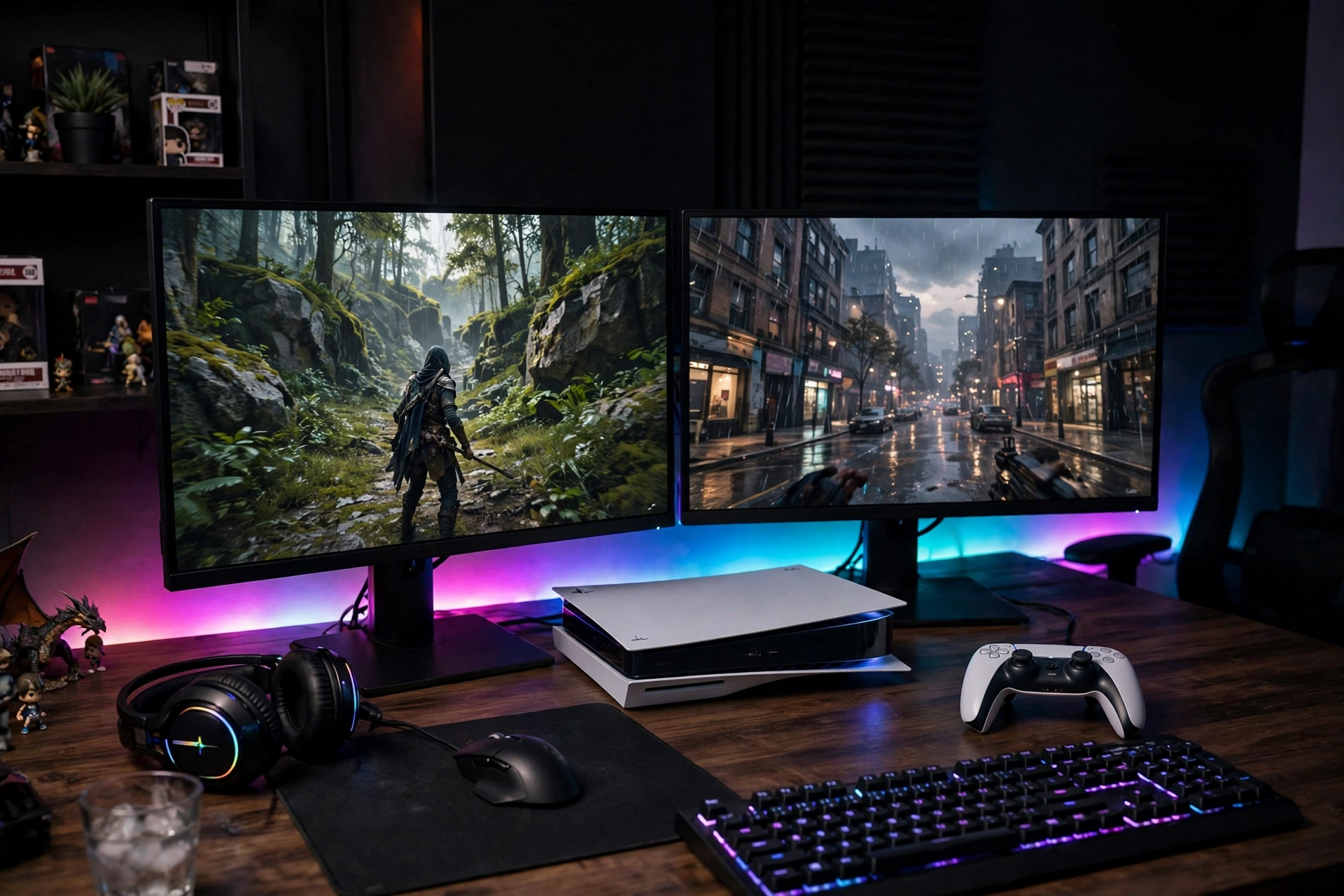
Not every dual setup is two PC screens. Here one screen runs the PC and the other runs a console, so friends can watch, or you can switch systems without unplugging cables. It is a great setup for households where one desk serves more than one player.
How to run both systems:
For more glow ideas that suit a console corner, see 15 Cozy Gaming Setup Ideas on a Budget, which shows how warm light can make a two screen room feel welcoming rather than harsh.
Dell S2721HGF 27 Inch Curved Gaming Monitor, 144Hz
Check today\'s price on Amazon
Why this one: the curved screen suits console play from a chair, and the fast refresh keeps motion smooth on both systems.
Worth knowing: console and PC color settings can differ, so the same game may look slightly different on each screen.
Govee RGBIC LED Strip Lights, 16.4ft
Check today\'s price on Amazon
Why this one: a strip behind the desk adds color without a second lamp, and it makes two screens feel like one planned setup.
Worth knowing: strip adhesive can weaken on textured walls, so clean the surface first and press firmly along the whole run.
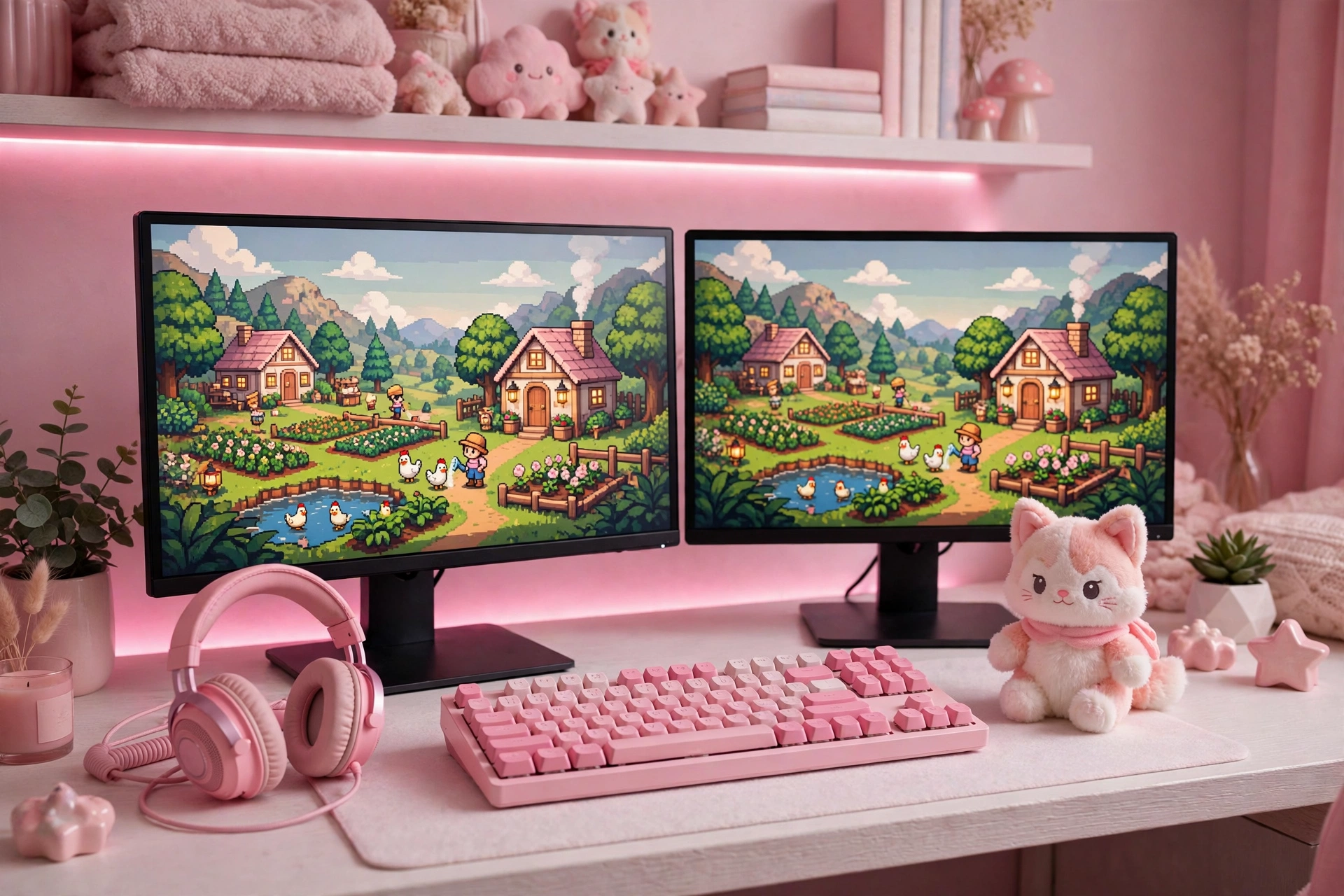
Soft does not mean less serious. This duo pairs a pink hero screen with a calm second screen, so cozy games, editing, and streaming all feel at home in the same room. White furniture keeps the pink from feeling heavy, and a plush toy or two makes the desk feel personal rather than staged.
Creator tip: put your game or editing timeline on the pink screen and your chat, comments, or reference images on the second screen. That split keeps your creative view clean while viewers stay visible.
Add a small shelf for a camera or mic, a drawer for cables and makeup free desk clutter, and a warm lamp for evening streams. The second screen can stay dimmer than the main screen, so your face lighting stays flattering on camera.
Pixio PX279 Wave Pink 27 Inch Gaming Monitor, 240Hz
Check today\'s price on Amazon
Why this one: the pink finish is the style statement of the room, and the fast refresh rate keeps it a real gaming screen, not just a pretty one.
Worth knowing: a bold color limits future matching, so pair it with white or neutral gear if you like to change themes often.
Samsung Essential S3 S36GD 27 Inch Curved Monitor
Check today\'s price on Amazon
Why this one: a curved second screen adds gentle shape to the desk and gives chat and reference windows a comfortable viewing angle.
Worth knowing: curved and flat screens side by side can look slightly mismatched in photos, even when they feel fine in person.
Small rooms reward simple choices. This twin uses a compact desk, wall shelves instead of floor storage, and two screens that fit without pushing you against the wall. The goal is a setup you can sit at for hours without feeling boxed in.
What works here:
Acer Nitro KG271U 27 Inch QHD Gaming Monitor, 180Hz
Check today\'s price on Amazon
Why this one: QHD sharpness in a standard 27 inch size gives a small room two clear screens without needing oversized panels.
Worth knowing: two 27 inch screens still need a desk width check, so measure the desk and the screen stands together.
Huuger 47 Inch Computer Desk with Power Outlets and LED Lights
Check today\'s price on Amazon
Why this one: built in outlets and LED light cover power and mood in one compact desk, which matters most in a small room.
Worth knowing: a compact desk leaves less depth for a keyboard tray or large mousepad, so keep accessories slim.
Do I need two identical monitors? No. Identical screens look tidier and match in color, but a different second screen for chat is perfectly fine and often cheaper. Match the height if you can, since uneven heights cause more neck strain than different brands.
Can my PC run two gaming monitors? Most modern PCs can, but check your graphics card outputs and cables first. One screen for gaming and one for chat is much easier to run than two high refresh games at once.
Should the second screen be vertical or horizontal? Horizontal suits most players, since games, videos, and documents all feel natural that way. Vertical suits chat, long guides, and code, so pick the layout that matches your second screen job, not just the look.
What desk size do I need for two 27 inch monitors? Measure first, every time. A wide straight desk or an L desk works best, and a monitor arm helps a lot on smaller desks because it removes two bulky stands. Check today's price on Amazon for arms and desks in the setups above before you commit.
Is a curved dual setup worth it? Yes, if you play immersive games and sit centered. If you mainly edit photos or read long documents, flat screens usually feel more predictable, so choose based on your main use.
How do I stop cables looking messy with two screens? Route both monitor cables together behind the desk, use one power strip, and add a tray or ties under the desk. Tidy cables also make it easier to move a screen later without unplugging everything.
Two screens work best when each screen has a job. Pick a main screen for your game, a second screen for chat or guides, and a desk layout that lets you sit comfortably between them. Start with the setup that matches your room, then add light and storage slowly, one piece at a time.
If you want more room inspiration after this, browse the Gaming Room Ideas category for the full collection.