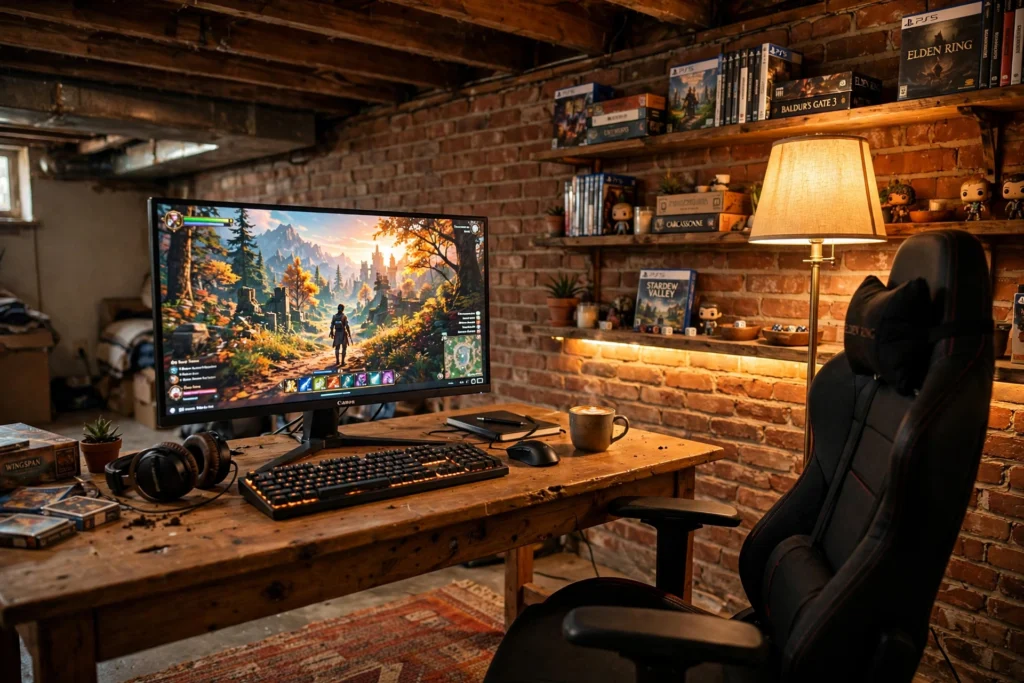
A basement is the most underrated gaming room in the house. It is quiet, it is separate from the rest of the home, and nobody walks through it on the way to the kitchen. The trade off is the light, or rather the lack of it. Low ceilings, tiny windows, and concrete walls can make a basement feel like a storage room instead of a den. The fix is not a big remodel. It is warm light, a screen that glows in the right way, and furniture that fits the space you actually have. The ten setups below cover the whole range, from a projector lounge built for friends to a tidy under-stairs nook for one. If your basement is small, the ideas in 15 Small Gaming Room Ideas for Tight Spaces pair well with everything here.
Before you buy anything, check the damp. A basement that smells musty needs a dehumidifier and airflow first, and your gear will thank you for it. After that, think in layers: one warm main light, one glow behind the screen, and one soft accent somewhere at floor level. That trio turns almost any basement into a room you want to spend evenings in. Every setup below is complete, desk to light to storage, so you can copy one whole and be done.
In this article
At a Glance: 10 Basement Gaming Room Ideas Compared
| Setup | Best for | Hero product |
|---|---|---|
| 1. The Warm Brick Den | Solo players who want cozy | LG 34 inch UltraWide monitor |
| 2. The Basement Movie Night Setup | Groups and co-op nights | Philips Hue Play gradient strip |
| 3. The Under-Stairs Nook | Tiny and awkward spaces | Acer Nitro 27 inch monitor |
| 4. The Midnight Cave | Late night immersion | CRUA 27 inch curved monitor |
| 5. The Side-by-Side Desk | Couples and siblings | DUMOS 45 inch gaming desk |
| 6. The Bright Basement | Beating the gloom | PRAISUN L shaped desk |
| 7. The Retro Lounge | Console players and nostalgia | GTPLAYER gaming chair |
| 8. The Streamer Corner | Streaming and content | Corsair K70 CORE keyboard |
| 9. The Clean and Calm Setup | Minimalists and small budgets | ASUS TUF 27 inch monitor |
| 10. The Fantasy Cave | Long story driven sessions | LG UltraGear 27 inch monitor |
1. The Warm Brick Den: An Ultrawide Setup That Makes a Low Ceiling Feel Cozy
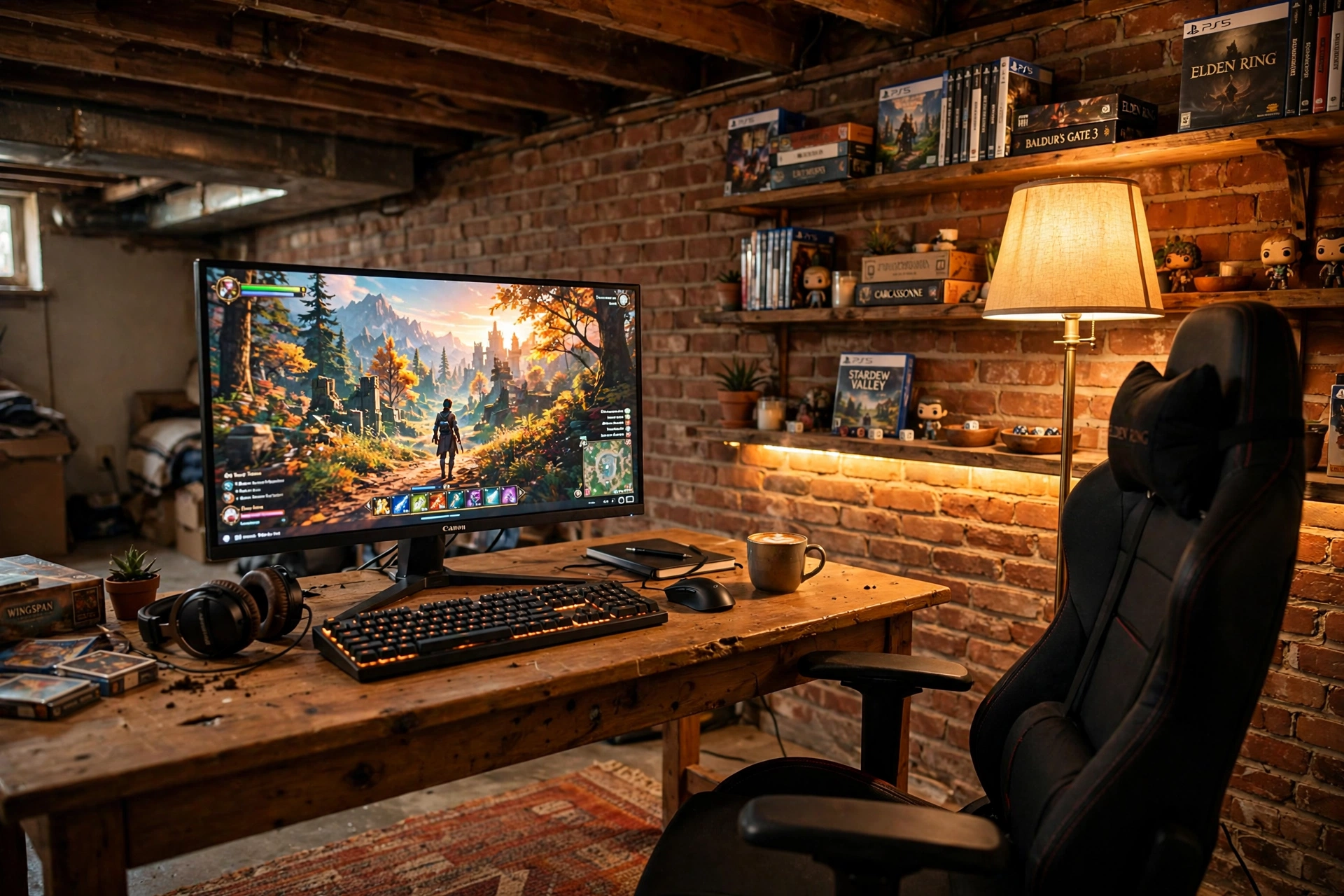
Low ceilings feel cramped when the light is cold and flat, so this setup leans the other way. Warm wood, a brick wall, and amber light turn the low ceiling into a blanket instead of a lid. The ultrawide monitor sits on a simple wooden desk and fills your view, so you stop noticing the walls and start noticing the game. A rug under the chair softens the concrete floor, and shelves at arm height hold games and a couple of plants. It is a den first and a battlestation second, and that is exactly why it works for long evenings.
LG 34 Inch Curved UltraWide QHD Monitor, 160Hz
Why this one: the wide curved screen fills your view in a small room, so one monitor does the work of two.
Worth knowing: an ultrawide needs a sturdy desk, since it is wider and heavier than a standard monitor.
Govee RGBIC Floor Lamp, LED Corner Lamp
Why this one: it throws warm color up the wall and into the corner, which is the fastest way to make a basement feel tall and calm.
Worth knowing: it needs a corner spot and a nearby outlet, so plan its place before you arrange the desk.
2. The Basement Movie Night Setup: A Projector Screen and a Sofa Built for Co-op
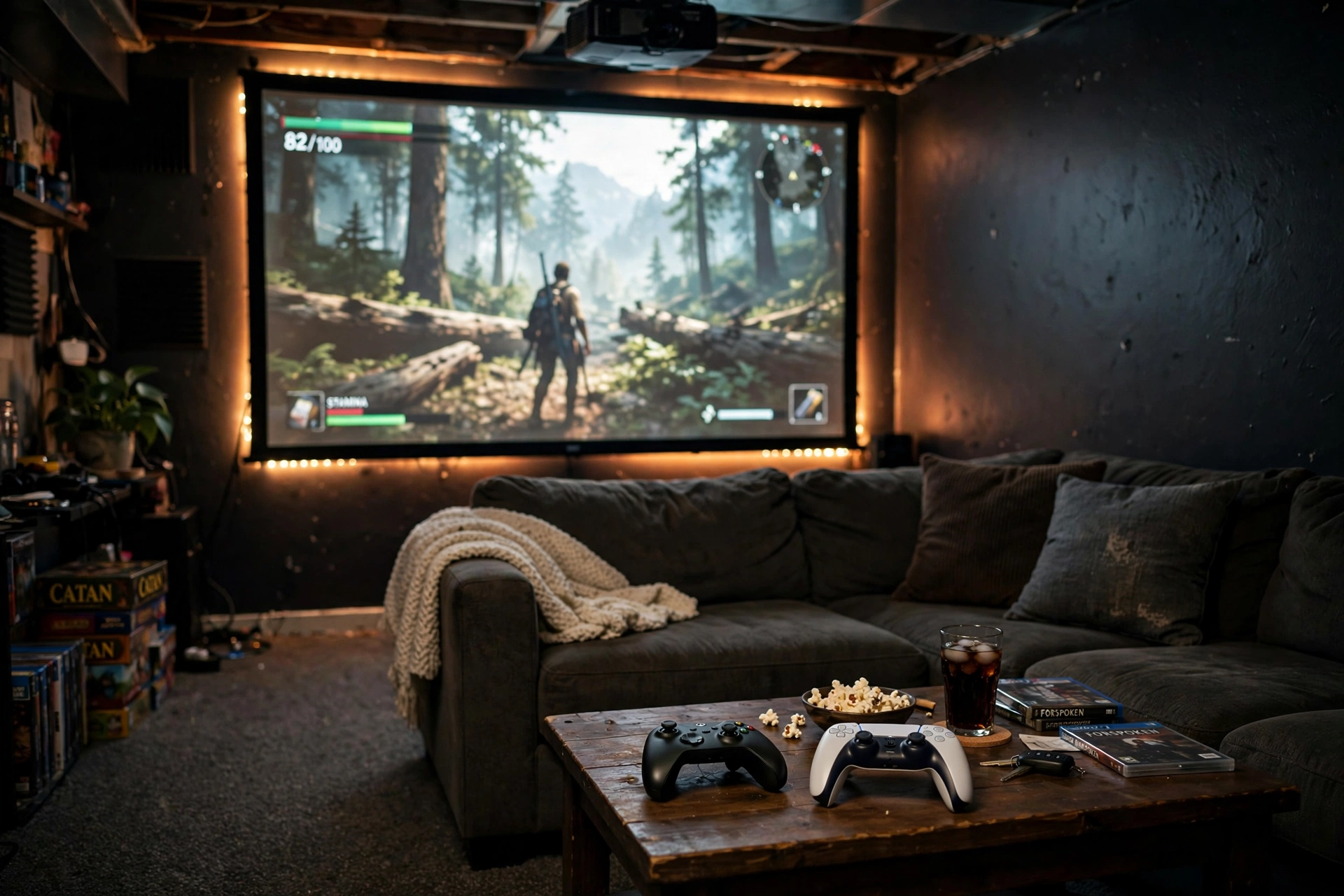
Some basements are too big for one desk, and that is a gift. Push the desk to the side and give the room to a sofa and a big screen instead. A projector screen on the longest wall turns game night into an event, and a sectional means four people can actually play together instead of two people watching over one shoulder. Keep a low coffee table for controllers, snacks, and drinks, and run a soft glow behind the screen so the dark room never feels like a cave. Dark walls help the picture pop, and carpet keeps the sound from echoing off concrete.
- Seat the sofa about twice the screen width away for a comfortable view.
- Keep one warm lamp on a dimmer so nobody trips over a controller in the dark.
- Store controllers in a basket by the sofa, not on the floor.
Philips Hue Play Gradient Light Strip, 55 Inch
Why this one: the gradient glow behind the screen matches the game colors and makes the whole wall feel alive.
Worth knowing: the full color sync setup needs a Hue Bridge, which is sold separately.
Philips Hue Play Light Bar, 2 Pack
Why this one: two small bars wash the wall behind the sofa with color and stop the room from going pitch black between rounds.
Worth knowing: the bars work best aimed at a light colored wall, so very dark paint mutes the effect.
3. The Under-Stairs Nook: A Tidy Two-Monitor Setup in the Space You Forgot
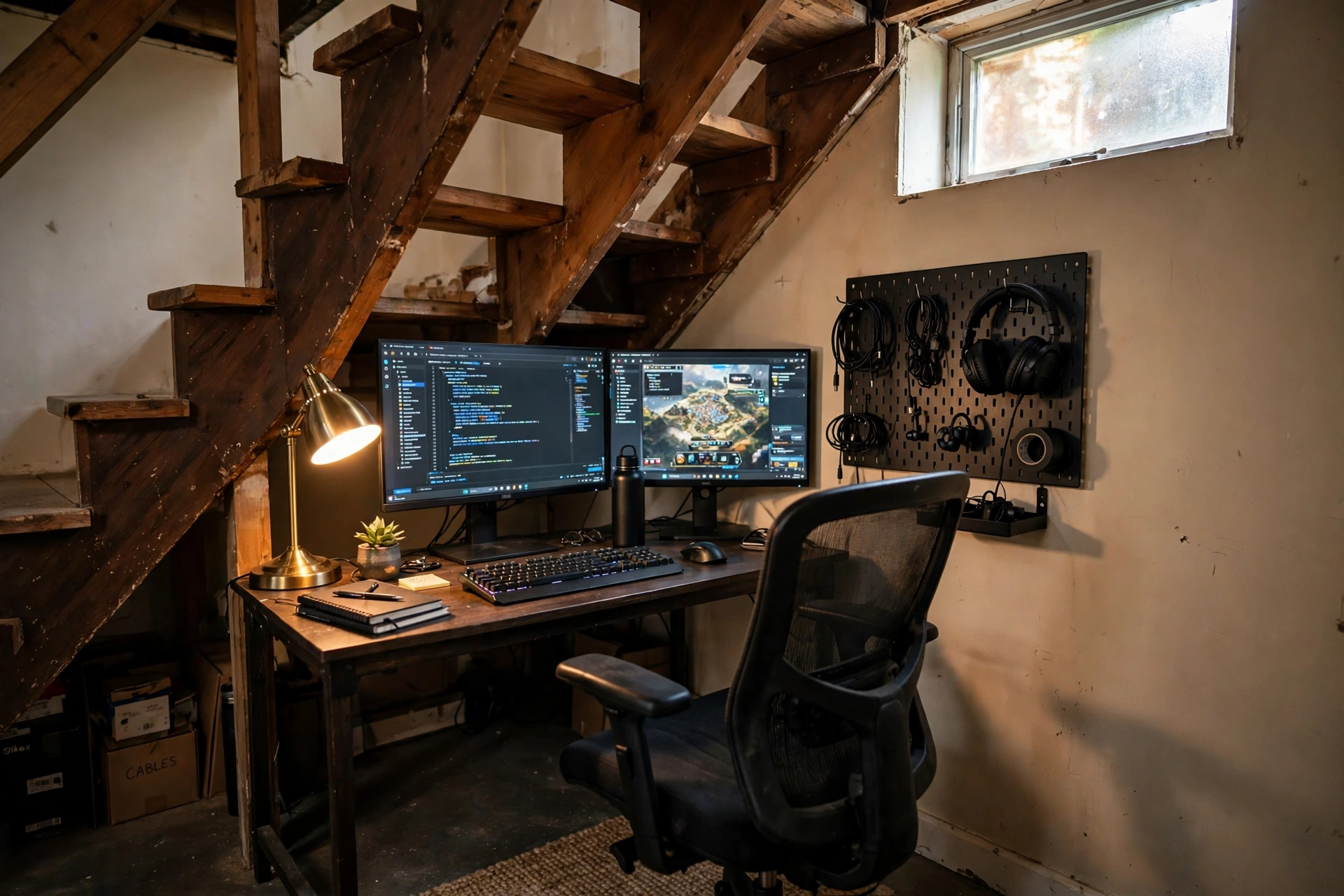
The space under the basement stairs is usually where boxes go to be forgotten. It is also the perfect size for one person, one desk, and two monitors. A compact desk slides right in, and a dual monitor arm lifts both screens off the surface so the small top stays clear for a keyboard and a notebook. A warm desk lamp fills the low corner with light, and a pegboard on the side wall holds headphones and cables where you can reach them. The small high window above the stairs even gives you a little daylight. Measure the lowest point of the slope before you buy the desk, and pick a chair that rolls out easily, since the space is snug.
Acer Nitro KG271U 27 Inch QHD Gaming Monitor, 180Hz
Why this one: a sharp 27 inch screen with fast refresh gives you a proper gaming display in a space that only fits one desk.
Worth knowing: the included stand is basic, so pair it with an arm if you want the screen higher or pushed back.
HUANUO Dual Monitor Arm, Gas Spring
Why this one: it holds both screens up and off the desk, which is the difference between a cramped nook and a usable one.
Worth knowing: check your desk thickness and the weight of each monitor against the arm limits before ordering.
4. The Midnight Cave: A Curved Monitor and Deep Color for Late Sessions
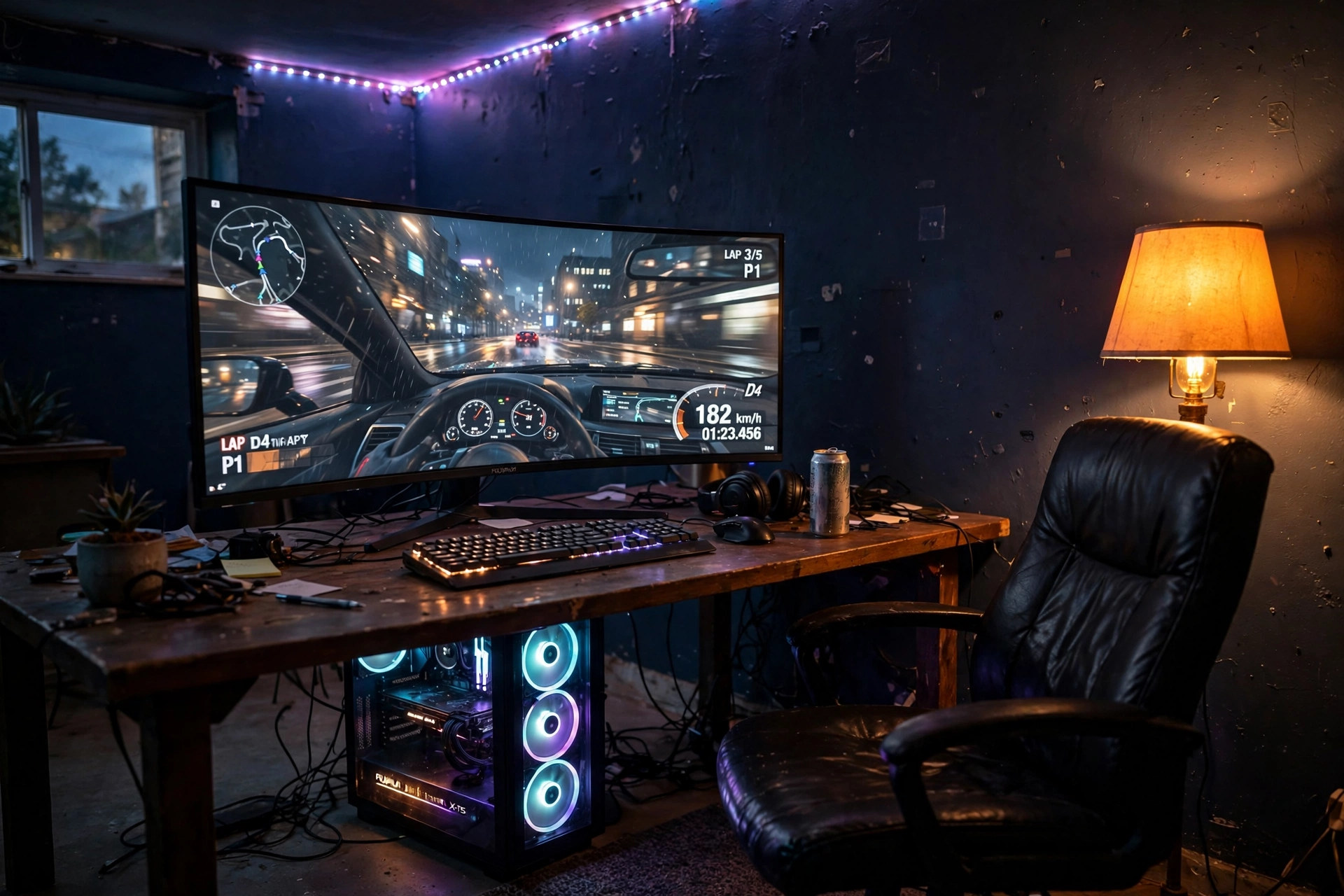
Some players do their best gaming after midnight, and a basement is built for it. This setup stops fighting the darkness and uses it. Deep navy walls, a curved monitor that wraps your view, and one amber floor lamp are all the light you need. The curve pulls you into the game, and the warm lamp keeps your eyes from straining in a black room. Your PC sits on the floor or a small stand with its fans glowing softly, and the desk stays clear except for keyboard, mouse, and a drink. For more moody inspiration, see 15 Dark Gaming Setup Ideas for a Moody Battlestation. Keep a blanket on the chair, because basements get cold at 2 a.m.
CRUA 27 Inch Curved Gaming Monitor, 180Hz
Why this one: the curve wraps the game around your view, which feels made for a dark basement corner.
Worth knowing: curved screens reflect ceiling lights more than flat ones, so keep overhead light off while you play.
AsiaHorse COSMIQ 120mm RGB Fans, 3 Pack
Why this one: three quiet fans keep the PC cool in a basement with little airflow, and the soft glow adds color without a second light.
Worth knowing: check your case fan size and header type first, since not every case takes 120mm fans.
5. The Side-by-Side Desk: A Two-Player Basement Setup Without the Squeeze
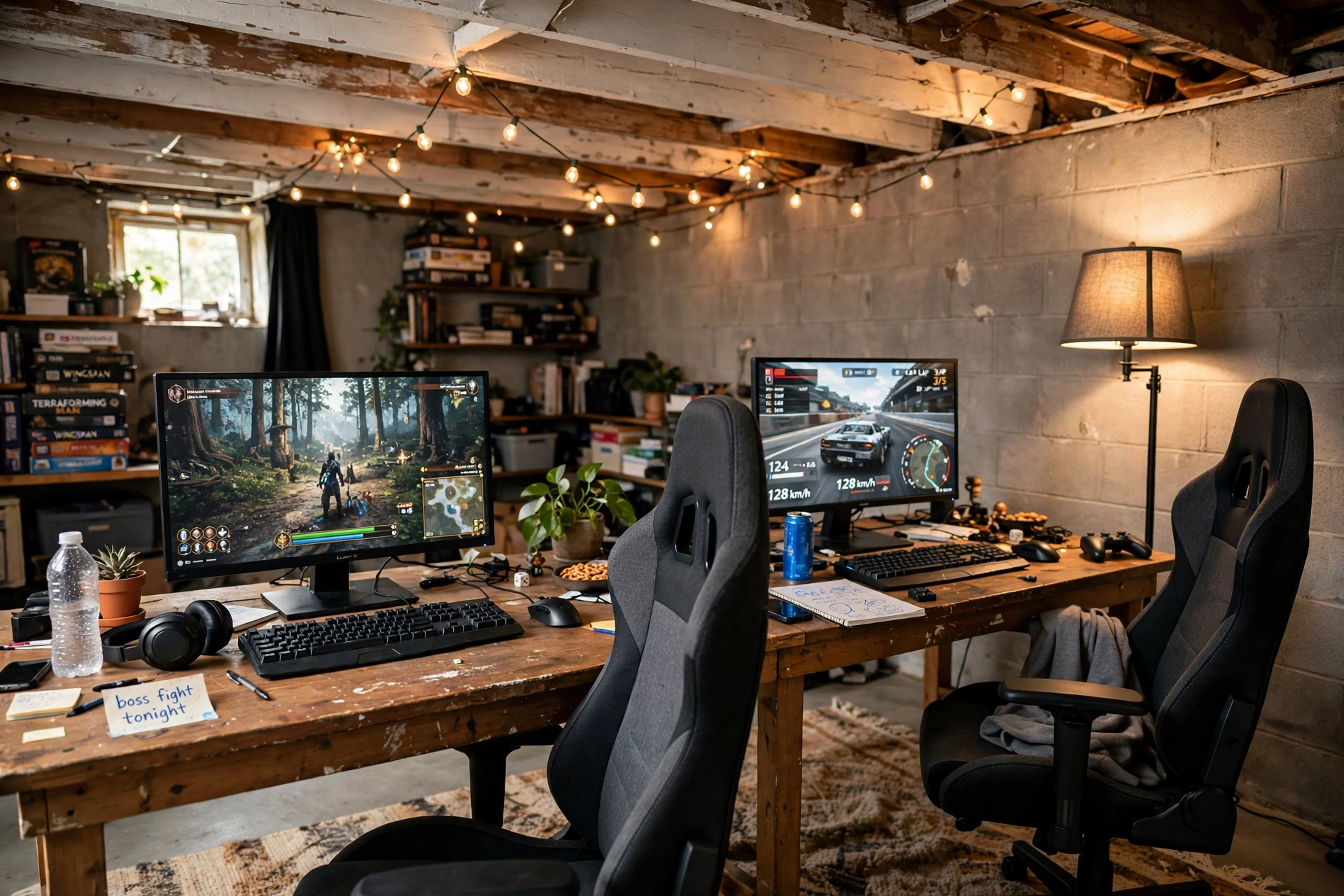
Two players sharing one basement usually means one person gets the good seat and the other gets the wobbly folding table. A single long desk fixes that in one move. Two monitors, two keyboards, two chairs, one shared surface, and nobody elbows anybody. Warm string lights along the ceiling beams and a floor lamp keep the long wall from feeling like a tunnel. A rug under both chairs marks the gaming zone and softens the floor. Give each player their own small shelf or drawer for headsets and controllers, because shared storage is where arguments start. This is the setup for couples, siblings, and best friends who actually play together instead of taking turns.
How to lay it out:
- Put the desk against the longest wall, with at least a foot of space behind each chair.
- Run one power strip per player so cables never cross the middle.
- Angle each monitor slightly inward so both players see their screen straight on.
DUMOS 45 Inch Gaming Desk with LED Lights and Power Outlets
Why this one: the wide top fits two setups side by side, and built-in outlets mean fewer extension cords snaking across the floor.
Worth knowing: 45 inches is snug for two full setups, so compact keyboards and monitors help a lot here.
Logitech G502 HERO Wired Gaming Mouse
Why this one: a proven gaming mouse with adjustable weights, so each player can tune it to their own hand.
Worth knowing: it is wired, so plan a little cable slack if your PC sits on the far side of the desk.
6. The Bright Basement: An L-Shaped Desk That Fights the Gloom
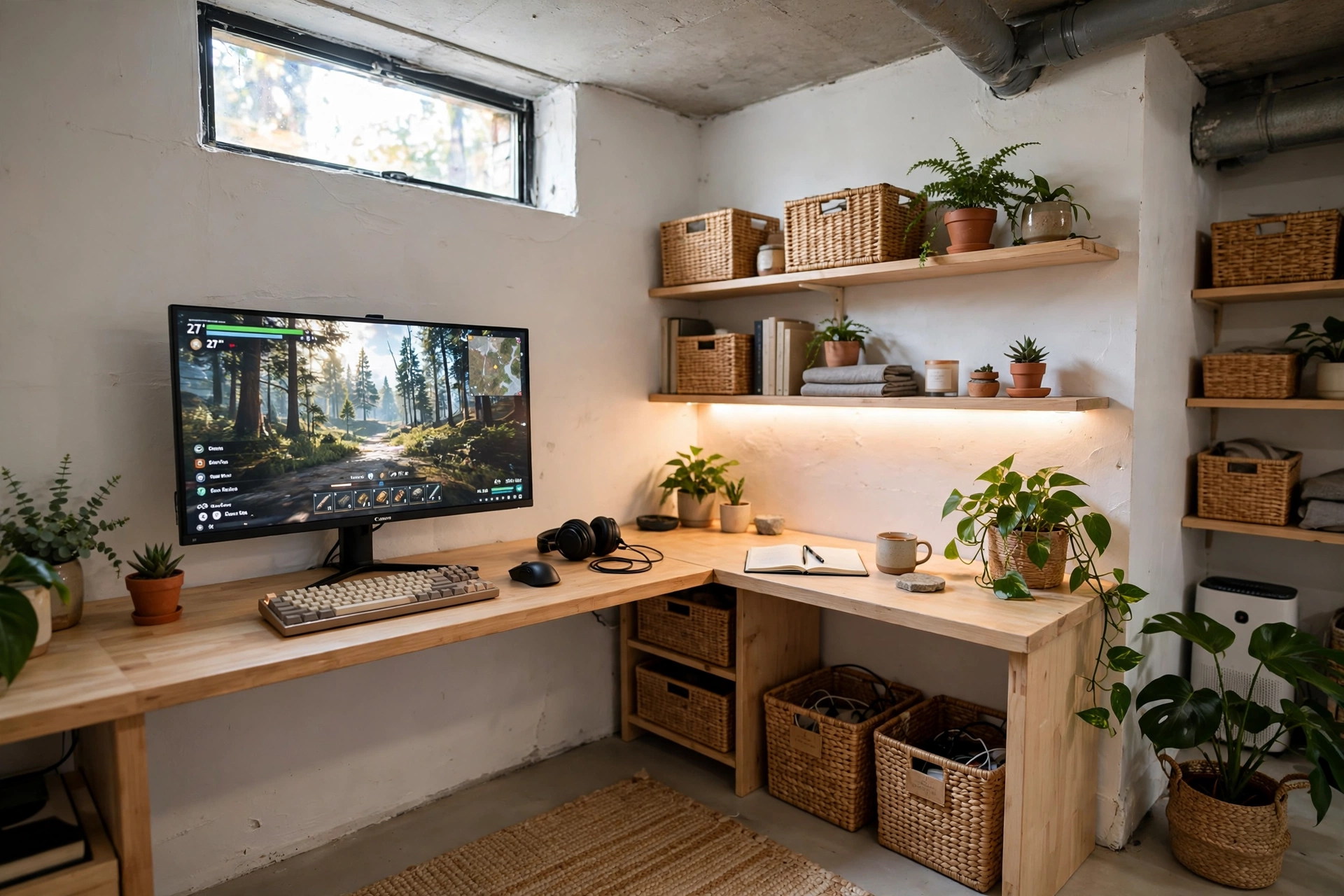
Not everyone wants a dark cave. If your basement gets even a little daylight from a small high window, you can push it bright. White walls bounce what light there is, light wood keeps the room warm instead of stark, and an L-shaped desk fills the corner so no space is wasted. The long side holds the monitor and keyboard, the short side holds a second screen, a notebook, or a streaming mic. Plants do surprisingly well down here if you pick low light varieties, and a warm white LED strip behind the desk adds glow without turning the room into a nightclub. This is the setup for daytime players and for anyone who works at the same desk between games.
Bright basement checklist:
✓ White or pale walls to bounce light ✓ Warm white LEDs, not cool blue ✓ One plant that likes low light ✓ Storage baskets to hide clutter fast
PRAISUN 66 Inch L Shaped Gaming Desk with LED Lights and Power Outlets
Why this one: the L shape uses a basement corner fully, giving you a gaming side and a work side on one desk.
Worth knowing: measure your corner twice, since an L desk is hard to move once it is built.
Quntis Monitor Light Bar RGB PRO
Why this one: it lights the desk without glare on the screen, which matters a lot when your only window is small and high.
Worth knowing: it needs a flat top edge on your monitor to sit properly, so very curved screens may not fit.
7. The Retro Lounge: A Big TV, a Neon Glow, and Room to Kick Back
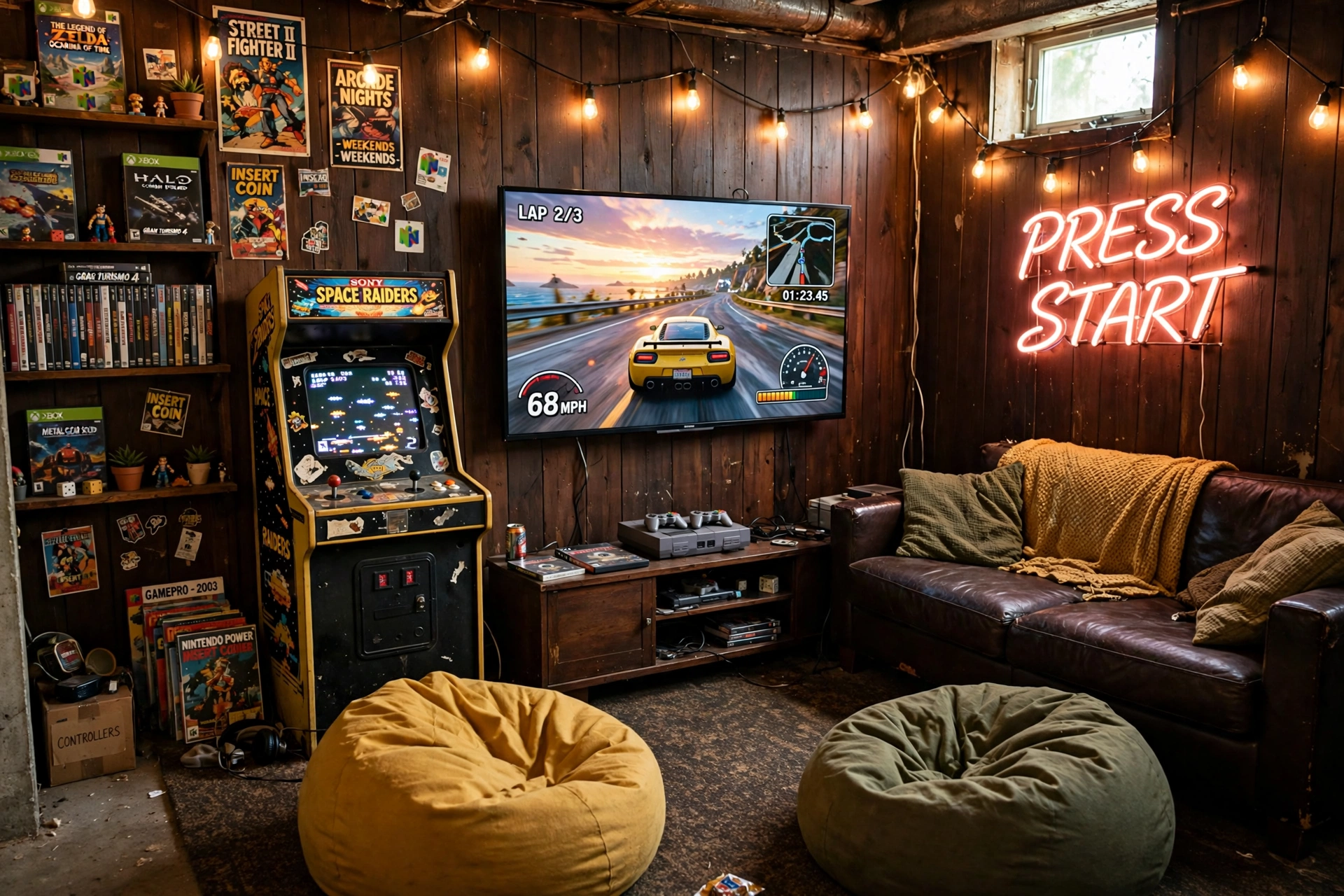
Basements and retro gaming belong together. The wood paneling, the low light, the posters, it all feels like an arcade that never closed. Put a big TV on a low stand, drop in a bean bag or two plus a low sofa, and let the console do the work. A neon sign on the wall gives the room its glow and its personality in one piece, and warm string lights keep it from going too dark between games. Shelves hold game cases and a few collectibles, and a small side table keeps drinks off the floor. No desk, no chair posture lectures, just a room built for kicking back with friends and a controller.
Retro lounge, two ways:
Bean bags and floor cushions suit short sessions and big groups. A low sofa with a footrest suits long story games where you sink in for hours. Pick the seat that matches how you actually play.
GTPLAYER Gaming Chair, Computer Chair with Footrest and Lumbar Support
Why this one: the pull-out footrest turns it into a lounge chair for TV sessions, then back into a desk chair when you need it.
Worth knowing: it is a big chair, so check your door and stair width before it arrives.
Govee 65.6ft RGBIC LED Strip Lights
Why this one: one long strip runs the whole room edge and gives the lounge its arcade glow for very little money.
Worth knowing: measure the wall run first, since cutting a strip short leaves you with a dark corner.
8. The Streamer Corner: A Basement Setup Ready for Camera and Mic
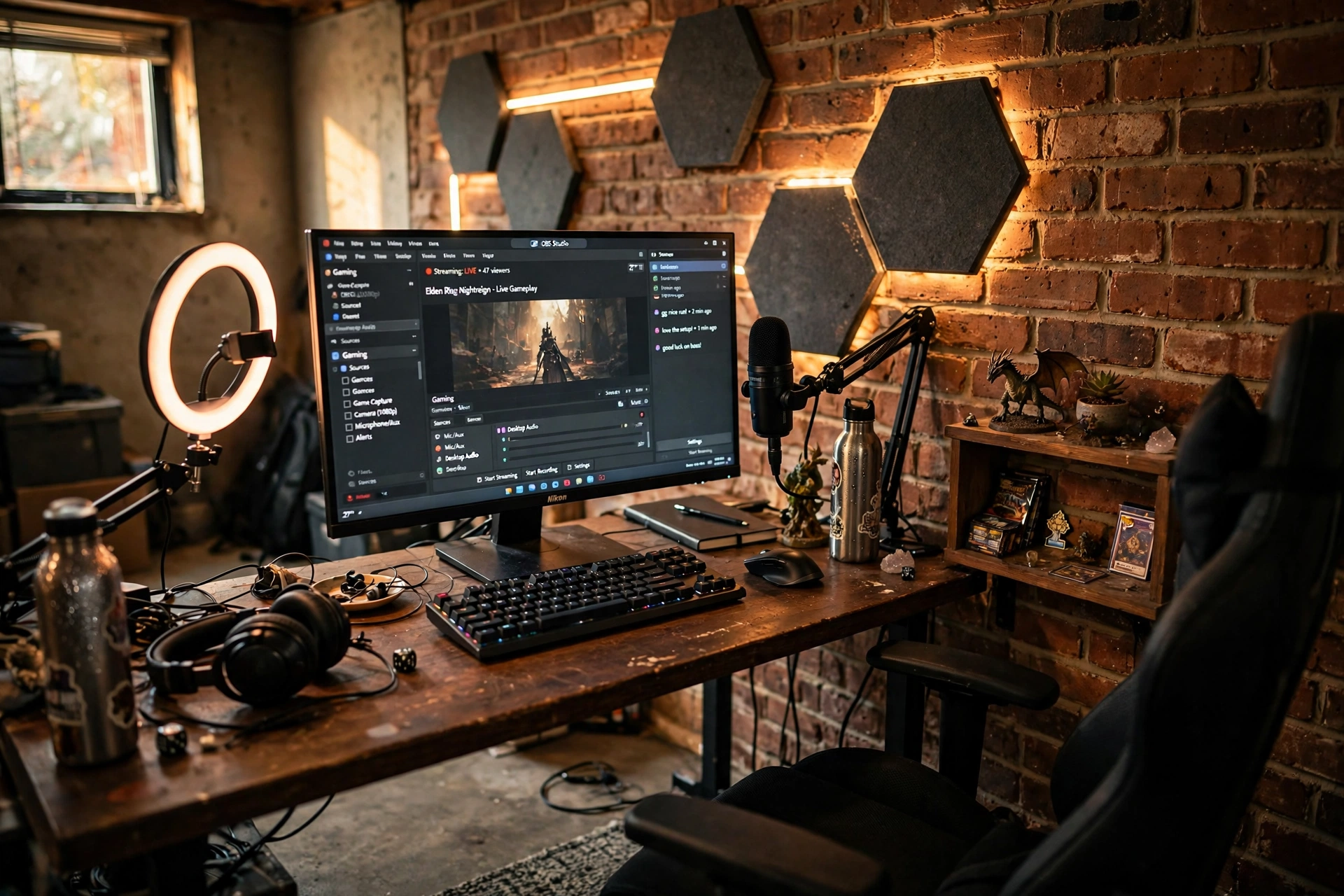
A basement is a natural streaming studio. It is quiet, the light is fully under your control, and nobody walks into frame. Face the desk toward a brick accent wall so your background looks good on camera, then add acoustic foam panels to cut the echo that concrete walls love to make. A ring light in front of you and a warm wall light behind you give your face soft, even light without a harsh overhead glare. A mic on a boom arm keeps the desk clear, and a small shelf with collectibles fills the background without clutter. Cable management matters here more than anywhere, because a messy desk shows up on every stream.
- Test your camera angle before you fix anything to the wall.
- Put the mic arm on the opposite side from your mouse hand.
- Keep a spare cable and a spare headset within reach, not in another room.
Corsair K70 CORE RGB Mechanical Gaming Keyboard
Why this one: a solid mechanical keyboard with quiet switches that will not drown out your voice on stream.
Worth knowing: the RGB lighting is bright out of the box, so turn it down if it reflects in your camera.
TROND RGB Headset Stand with PD 20W USB C Charger
Why this one: it parks your headset where the camera can see it and charges your phone at the same time.
Worth knowing: heavy headsets can tip a light stand, so keep it near the back of the desk.
9. The Clean and Calm Setup: One Monitor, Warm Light, Zero Clutter
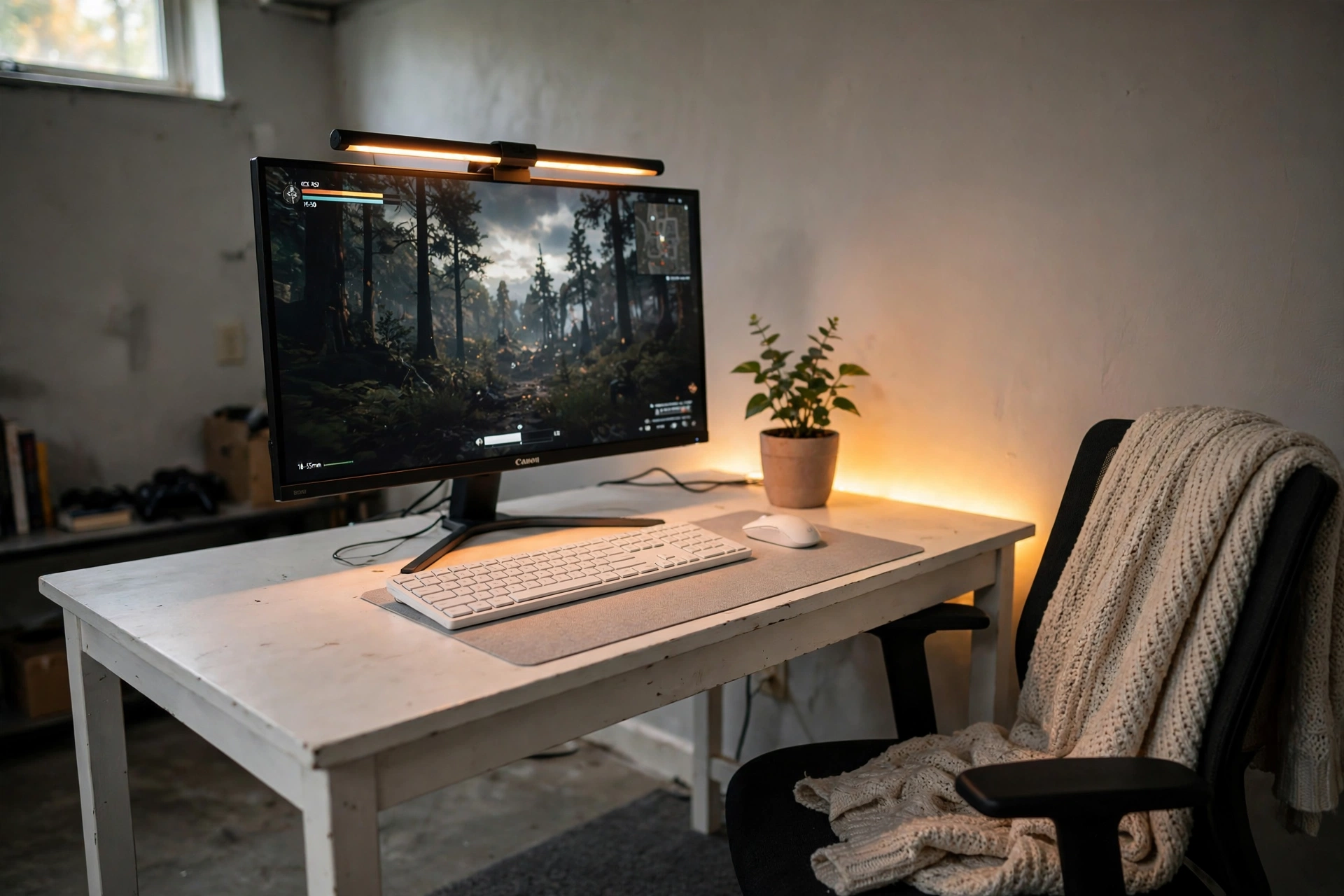
You do not need a wall of gear to love a basement setup. One good monitor, one keyboard, one mouse, and a clean white desk can feel better than a room full of RGB. The trick is a monitor light bar, which washes the desk in warm light without adding a lamp or a cable mess. A single plant and a folded throw blanket keep the corner soft, and a large mouse pad hides the desk edge and ties the whole surface together. Everything has one home, and nothing sits on the floor. If your budget is tight, this is the setup to copy first, and one warm LED strip behind the desk is all it takes to finish a room like this.
ASUS TUF Gaming VG27AQ 27 Inch QHD Monitor, 165Hz
Why this one: a fast, sharp 27 inch screen that does everything well, so one monitor is genuinely enough.
Worth knowing: the stand takes up a fair bit of desk depth, so an arm frees space on a small desk.
JOYYE Large RGB Gaming Mouse Pad with Magnetic Wireless Charger
Why this one: a big pad defines the desk zone and adds a soft glow edge without a separate light strip.
Worth knowing: the wireless charger only works with compatible phones, so check yours before counting on it.
10. The Fantasy Cave: A Plush Den for Long Story-Driven Nights
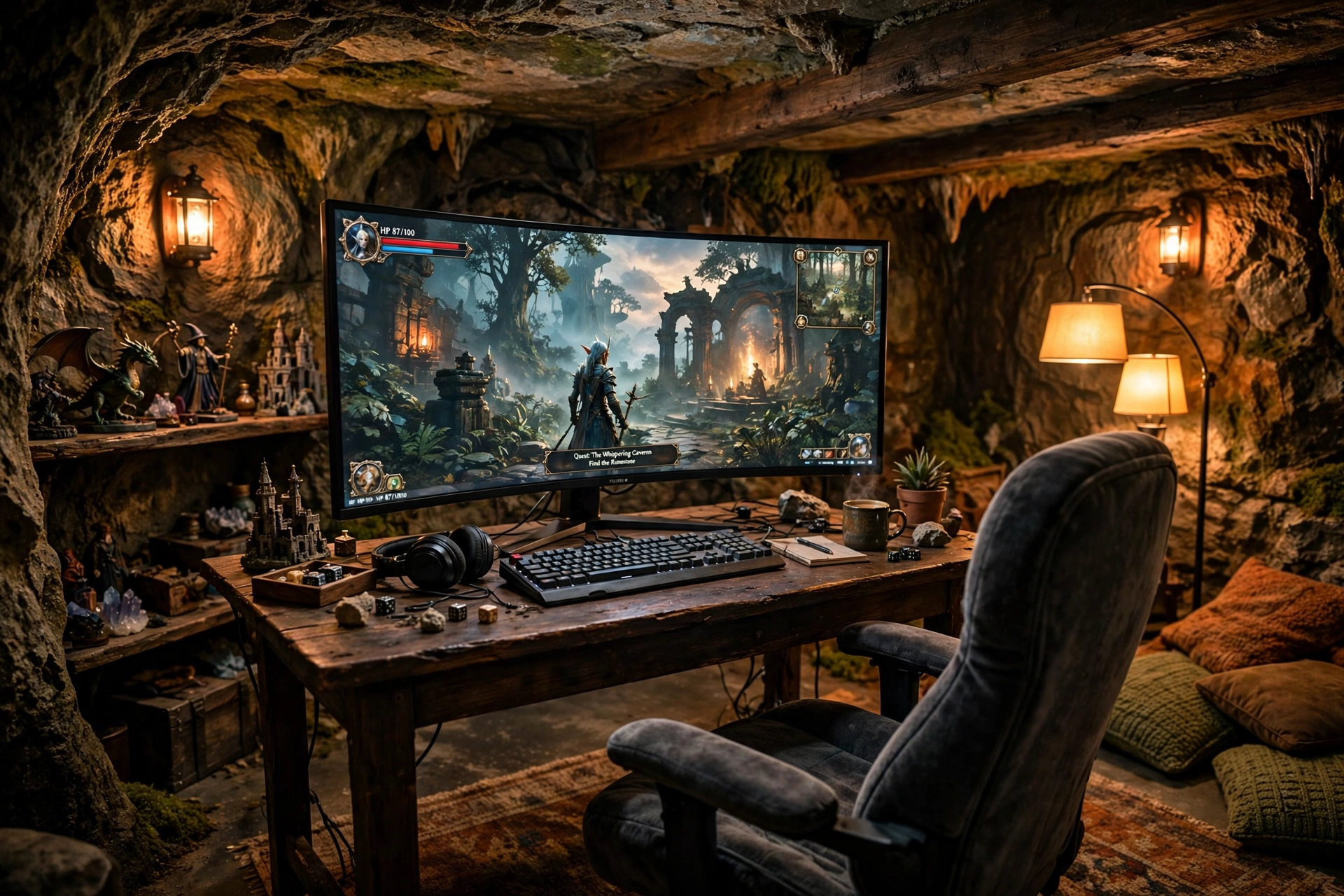
Story games deserve a room that feels like part of the story. This is the plush one: a curved ultrawide monitor, a soft chair you sink into, amber wall lights, a thick rug, and cushions everywhere. The desk is dark wood, the shelves hold figurines and a few favorite game boxes, and a floor lamp in the corner gives the whole room a warm ember glow. Nothing here is sharp or bright. The light bar on the monitor keeps the desk usable without breaking the mood, and the whole room is built for four hour sessions that end with you forgetting what time it is. Keep water and a snack within reach, because you will not want to leave.
LG UltraGear 27GS75Q-B 27 Inch Gaming Monitor
Why this one: a bright, smooth gaming display with rich color that makes fantasy worlds look their best.
Worth knowing: the speakers are basic, so headphones or a small speaker set will sound much better.
Hive Vibes Monitor Light Bar with RGB Backlight
Why this one: warm desk light in front and a soft RGB glow behind the screen, which keeps the cave cozy without glare.
Worth knowing: the RGB backlight shows best on a wall close behind the monitor, so a desk pulled far from the wall mutes it.
Frequently Asked Questions
Is a basement a good place for a gaming setup?
Yes, if it is dry. Basements are quiet, separate, and cool in summer. Check for damp first, run a dehumidifier if the air feels musty, and keep gear off the floor on a desk or stand.
How do I stop a basement gaming room from feeling gloomy?
Layer warm light instead of one bright ceiling bulb. A floor lamp, a glow behind the screen, and a warm desk light together make a basement feel cozy rather than dark.
Do I need a dehumidifier for basement gaming gear?
Most basements benefit from one. Damp air can damage electronics and make the room smell musty. A small dehumidifier and some airflow go a long way.
What is the cheapest way to start a basement gaming room?
Start with one good monitor, a desk that fits the space, and a warm light source. You can add LED strips, a second screen, and a better chair later as budget allows.
Is a projector or a TV better for a basement gaming lounge?
A projector gives you the biggest picture for the money and suits dark basements well. A TV is brighter, simpler to set up, and better if the room gets daylight from a window.
How do I keep cables tidy in a basement?
Run a power strip per station, use a cable tray under the desk, and keep a basket for controllers and chargers. Concrete floors make loose cables a trip hazard, so route them along the wall.
Conclusion: Your Basement Is Already a Gaming Room
A basement does not need a remodel to become your favorite room. It needs dry air, warm light in layers, and furniture that fits the space instead of fighting it. Pick the setup that matches how you play, whether that is a quiet solo den, a projector lounge for friends, or a clean single monitor desk. Start with the pieces that matter most, the screen and the light, and add the rest over time. Your basement has been waiting to be the best room in the house. Now it can be.
Related reading
If your basement is short on space, start with 15 Small Gaming Room Ideas for Tight Spaces. For a warm, low cost version of the den look, try 15 Cozy Gaming Setup Ideas on a Budget.
