As an Amazon Associate I earn from qualifying purchases. Read our full affiliate disclosure for more detail.
Christmas is the best excuse to give your gaming room a full makeover. A small tree beside the desk, warm fairy lights along a shelf, and a red and gold glow behind the monitor can turn an ordinary setup into a room that feels like the holidays, without buying a whole new desk. The ideas below are all complete setups you can copy whole, from a snowy white minimal desk to a cozy fireplace corner and a party-ready dual screen station.
Each setup covers the desk, seat, screen, light, storage, and power, so nothing important is left out. If you want more glow ideas for the rest of the year, the ideas in 15 LED Gaming Room Ideas That Set the Perfect Mood pair well with every festive setup below.
At a Glance: Pick Your Christmas Gaming Setup
1. Classic Red and Gold Tree Beside the Desk
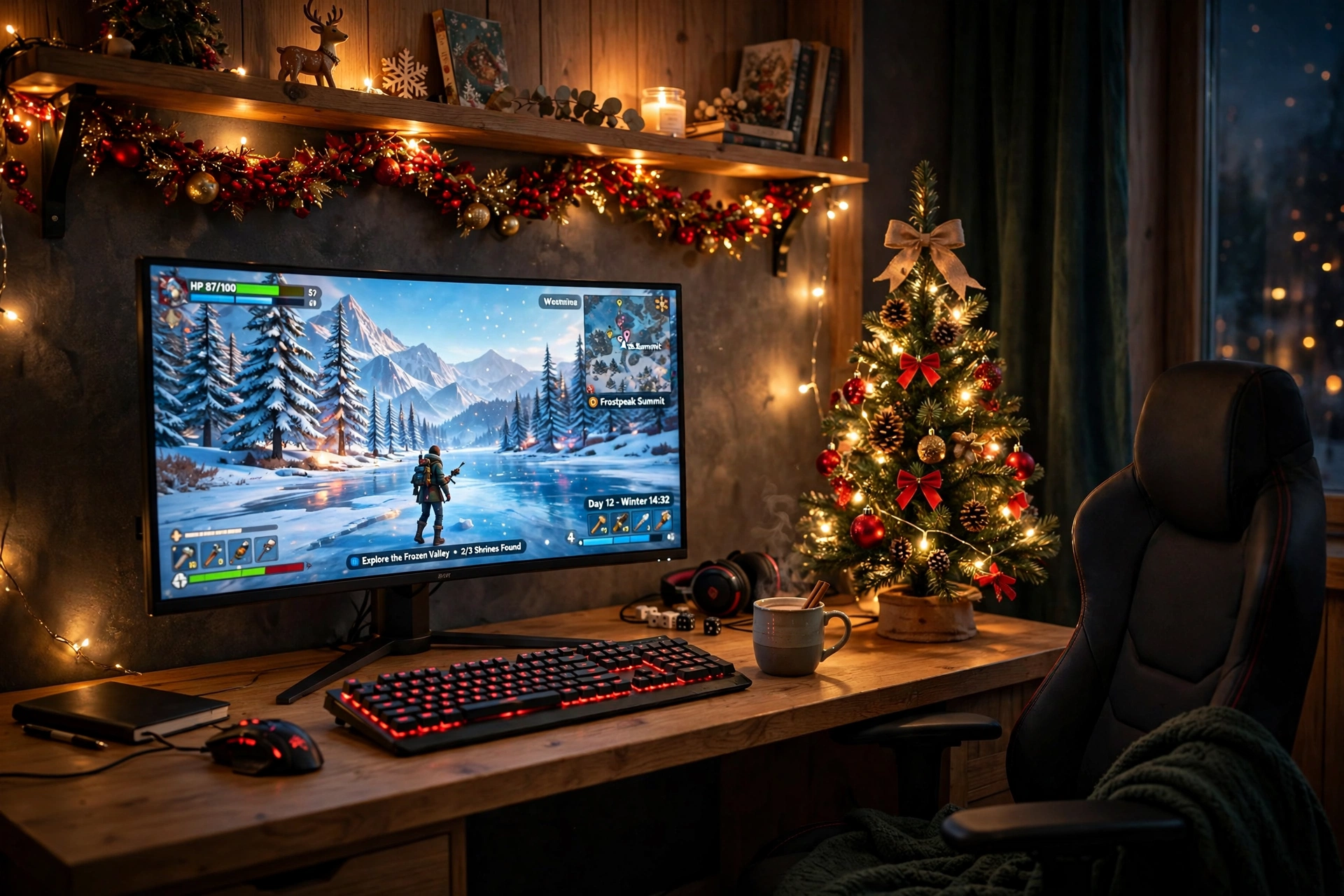
Red and gold never goes out of style at Christmas, and it works beautifully on a gaming desk. Put a small decorated tree on the floor beside the desk, run a long strip along the back edge of the desk and up the wall, and let the warm glow frame the monitor instead of fighting it. A red backlit keyboard picks up the tree colors, and gold garland on the shelf above ties the whole corner together.
- Desk: a straight desk pushed close to the wall, with the tree on the floor at one end.
- Seat: a comfortable chair centered on the monitor, with a red cushion for a festive touch.
- Screen: one sharp main monitor, with the game front and center.
- Light: a long RGBIC strip set to warm red and gold, plus the tree lights.
- Storage: a wall shelf for games, wrapped in gold garland.
- Power: one strip behind the desk for the lights, monitor, and tree.
2. Cozy Fireplace Corner Setup
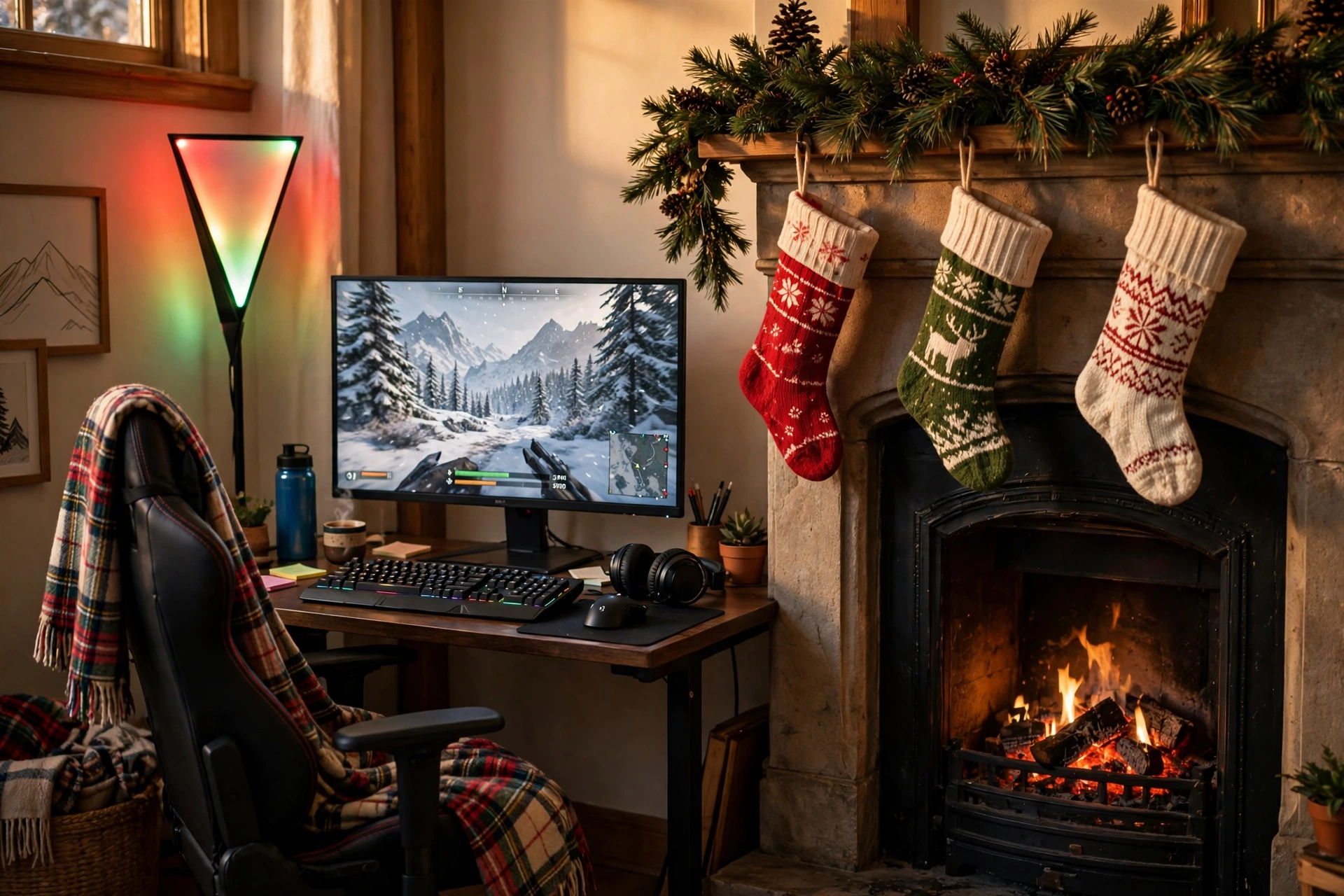
If you have a fireplace, or even a mantel shelf that looks like one, build your Christmas setup around it. Place the desk at a right angle to the fireplace wall, hang stockings above the mantel, and let a tall corner lamp throw warm red and green light up both walls. The monitor stays the focus, the fire glow is the frame, and a plaid blanket over the chair makes long winter sessions feel like a cabin evening.
Fireplace corner tip: keep the lamp and the tree lights on one warm color, and let the monitor be the only cool light in the room. That contrast makes the screen pop while the room stays soft and cozy, and it is much easier on the eyes during a long night of gaming.
Run garland with pine cones along the mantel, keep a basket for controllers beside the chair, and run one power strip behind the desk so the lamp, the monitor, and the fairy lights share a single switch. When the game ends, one click turns the whole corner into a quiet, glowing room.
3. Green Garland Dual Monitor Setup
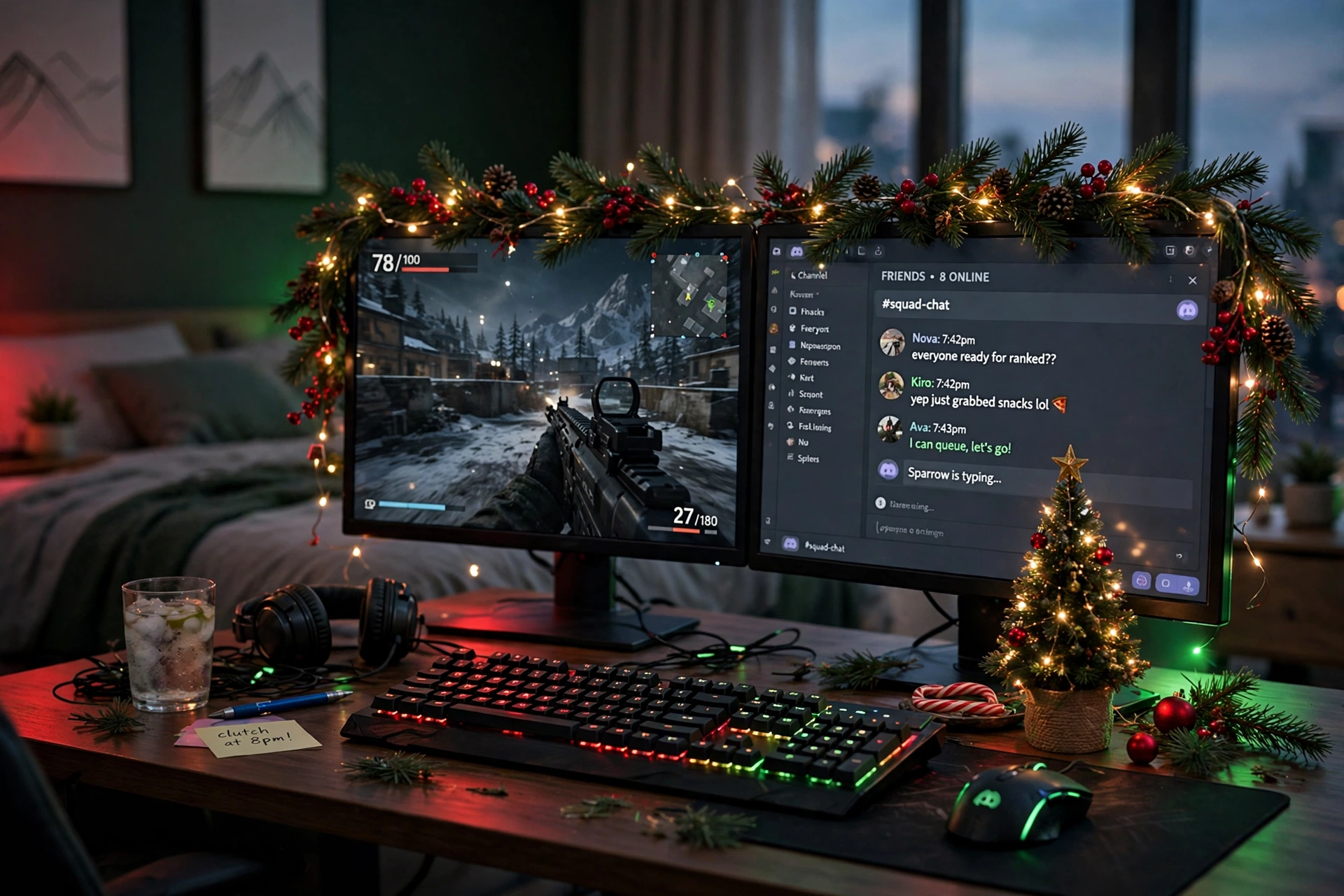
Two monitors and a garland go together better than you would think. Mount both screens on one arm to free the desk, then drape green pine garland with red berries and fairy lights across the top of the monitors like a festive frame. The game stays on the main screen, chat or a stream sits on the second, and the garland makes the whole desk look dressed for the holidays without a single extra piece of furniture.
How to set it up:
- Clamp the dual arm to the back of the desk and set both monitors at eye level.
- Drape the garland along the top edge of the monitors, keeping it clear of the screens.
- Weave fairy lights through the garland and plug them into the desk power strip.
- Place a mini tree on the desk end and a red desk mat under the keyboard.
- Keep cables behind the arm, so the garland is the only thing you see from the front.
4. Snowy White Minimal Christmas Setup
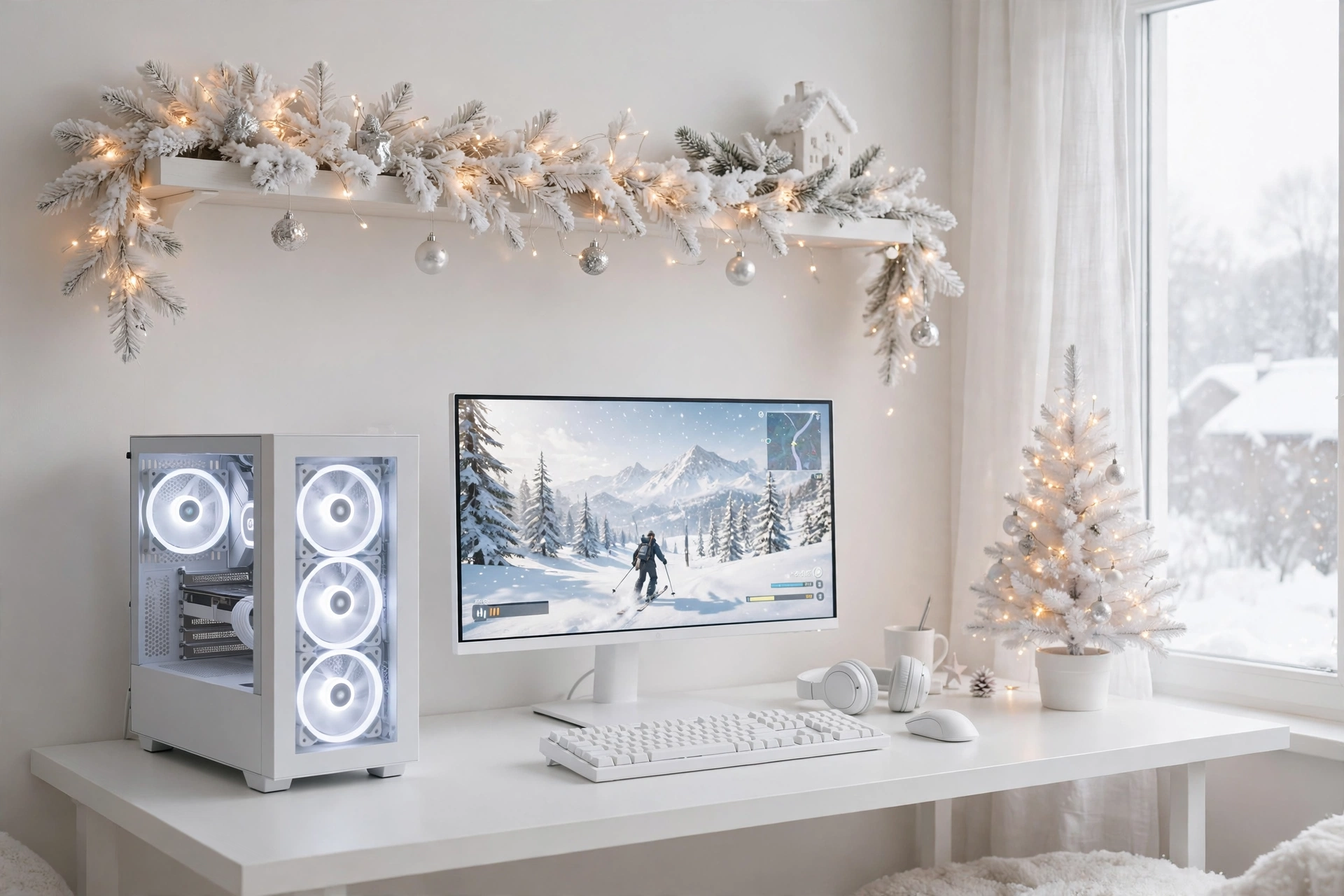
Not every Christmas room needs red and green. A snowy white setup uses a white desk, a white PC case, and white garland with tiny warm lights, so the room feels like fresh snow with just a hint of holiday warmth. The monitor shows a bright winter game, the soft white fan glow fills the case window, and a small white tree with silver ornaments finishes the look without any clutter.
Keep it snowy checklist:
✓ White desk, white case, and white peripherals for one clean look
✓ Warm white lights only, no bright colors, so the room stays calm
✓ Silver and clear ornaments on the tree, not mixed colors
✓ One soft rug under the chair to warm up the white floor
✓ Cables in white sleeves, so nothing dark breaks the look
This is a great choice if you share the room or want a setup that still looks good in January. Take the tree down, leave the white garland, and the desk is ready for the new year with nothing to change. If you like calm, tidy rooms, the ideas in 15 Cozy Gaming Setup Ideas on a Budget show how to keep that cozy feeling without spending much.
5. Console Christmas TV Setup
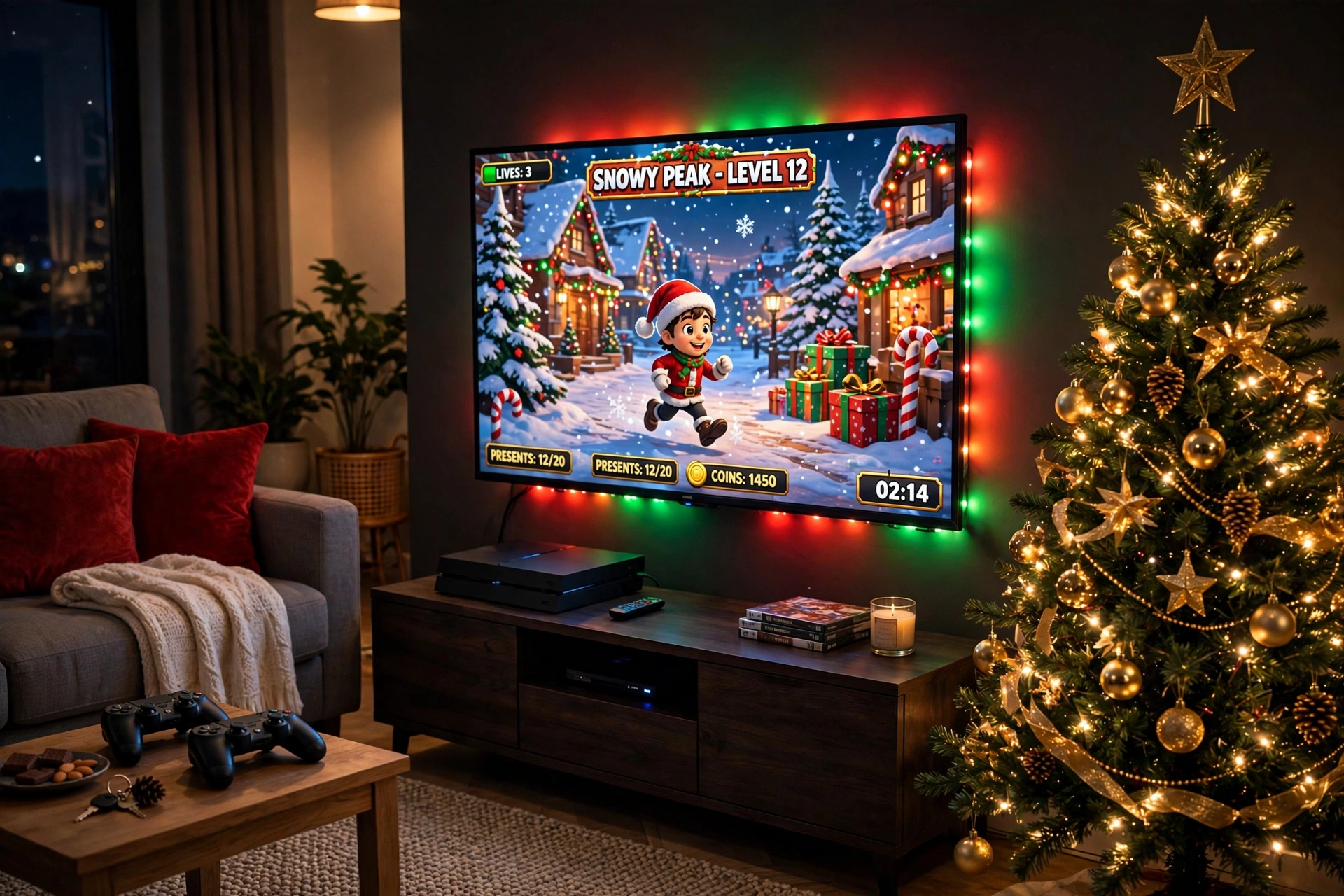
Console players do not need a desk at all. A strip behind the TV gives the living room the same festive glow as a gaming desk, and it makes holiday movie nights look better too. The TV is the main screen, the sofa is the seat, and a small side desk holds a curved monitor for a second player or for PC games when you want them. A decorated tree beside the media console, gold ornaments catching the TV glow, finishes the room.
Keep the console in a ventilated spot on the media unit, and run the strip power from the same outlet as the TV so one switch controls the glow. A basket beside the sofa holds controllers and headsets, and the room stays tidy even when the lights are doing their brightest work.
6. Small Bedroom Christmas Nook
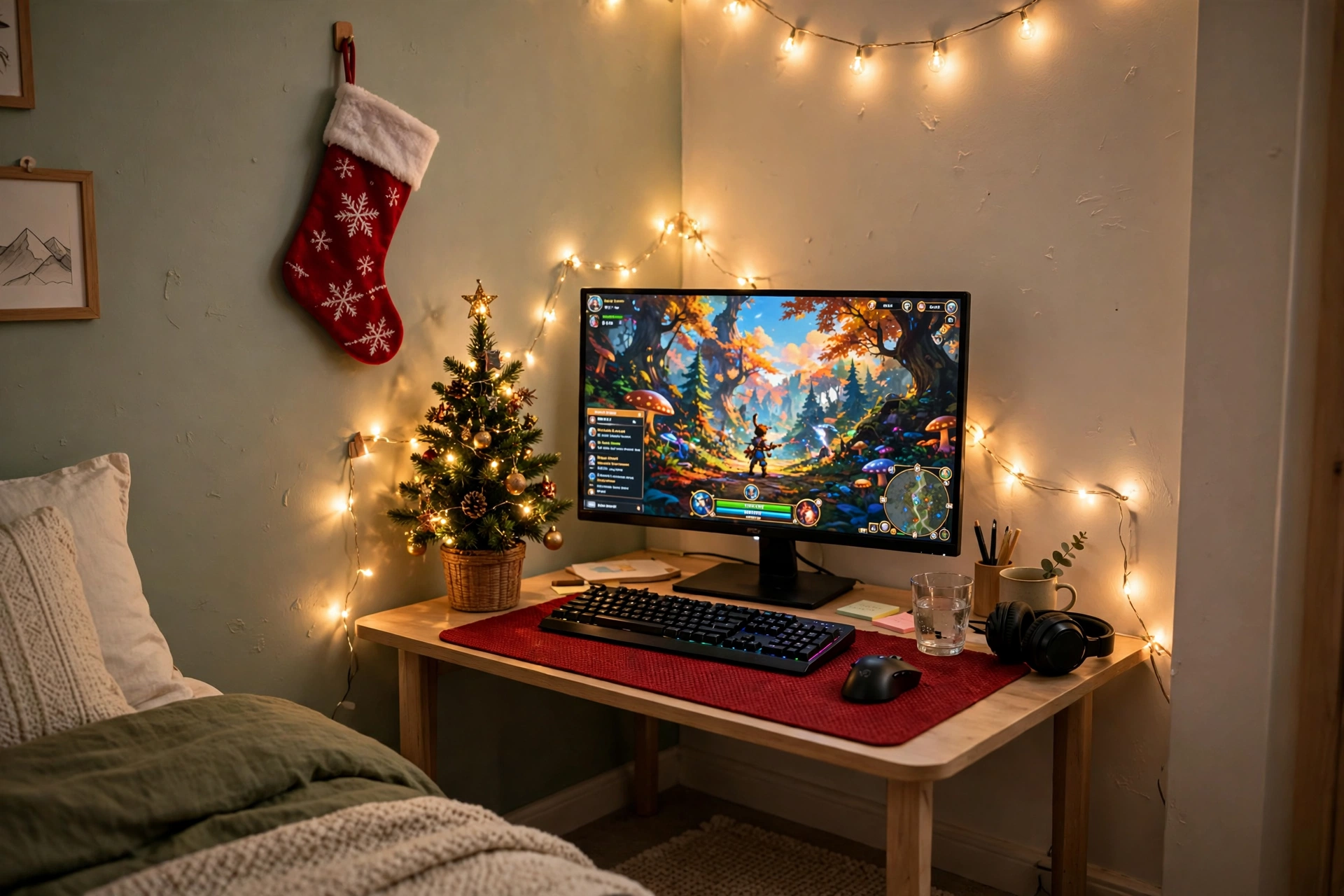
A small bedroom can still have a proper Christmas setup, it just needs to stay light and vertical. Tuck a compact desk into a corner, string warm white fairy lights along the wall above it, and put a mini tree on the desk end where it never blocks the screen. A red desk mat and a stocking on the wall add the festive color, while the lights do most of the decorating without taking up any floor space.
What works here:
- Desk: a compact desk that fits the corner, with built in outlets so no extension lead crosses the floor.
- Seat: a chair that tucks fully under the desk when you are done.
- Screen: one fast monitor on a small riser, so the fairy lights have room to glow behind it.
- Light: warm white fairy lights on the wall, plus the mini tree lights.
- Storage: one wall hook for a headset and a small drawer for controllers.
- Power: the desk outlets run the monitor, lights, and tree from one spot.
7. Red and Green RGB Battlestation
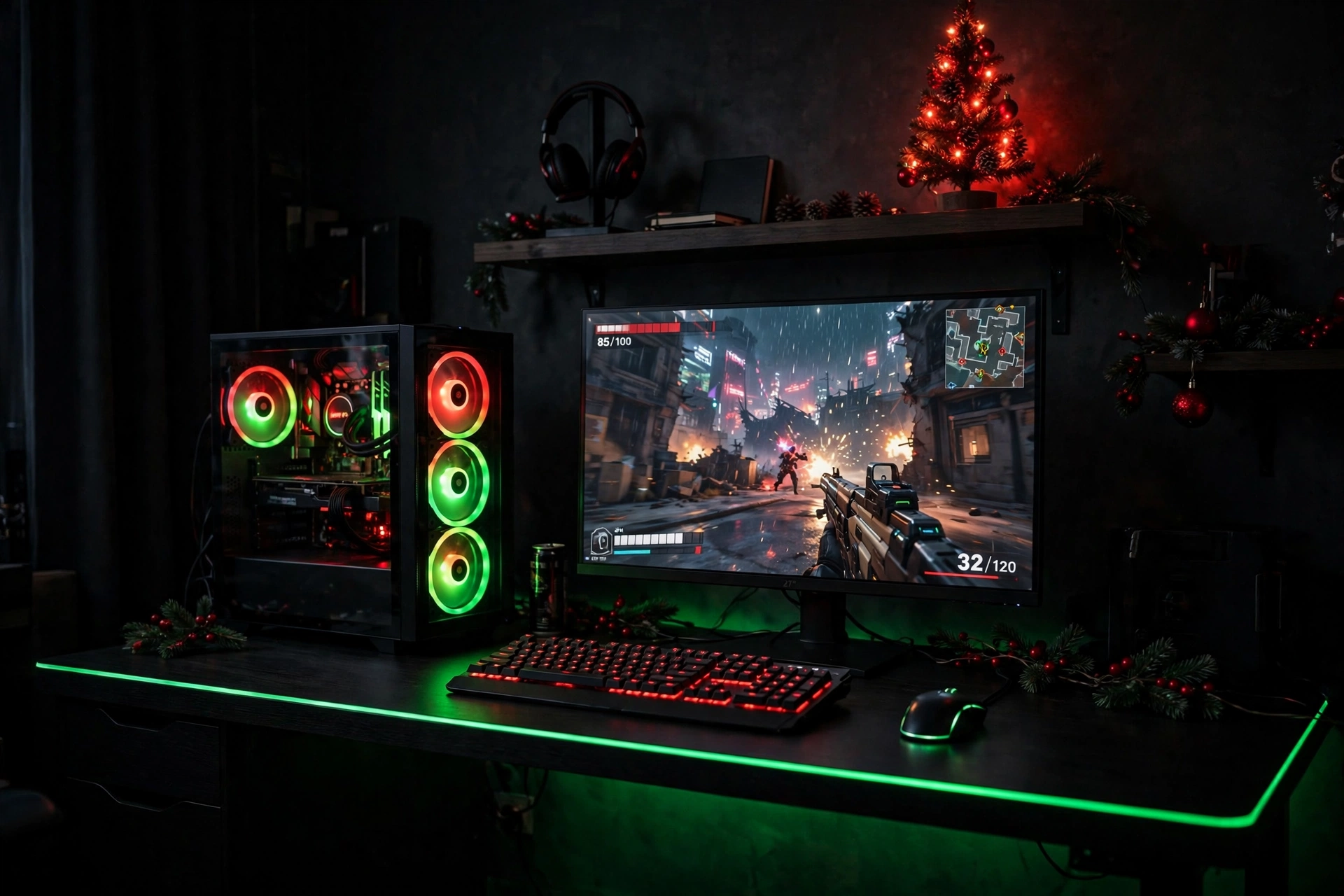
This is the loudest setup in the guide, and it is the one for gamers who love color. Set the PC fans to red and green, match the keyboard backlight to red, and run a green strip along the desk edge so the whole desk glows like a Christmas light. A small tree with red lights on the shelf keeps the holiday theme going, while the black desk and dark walls make every color look richer.
Color balance rule: pick one lead color and one accent, not two colors at full brightness. Red leads on the keyboard and tree, green accents the fans and the strip, and the room stays bold without looking busy. Dim both to about three quarters for evening play, and the glow stays festive instead of tiring.
Keep the desk surface dark so the RGB light has something to bounce off, add a headset stand to the side, and run all the lighting from one app or remote so you can switch the whole room from Christmas red and green to a calm blue in seconds when the holidays end.
8. Golden Glow Monitor Light Bar Setup
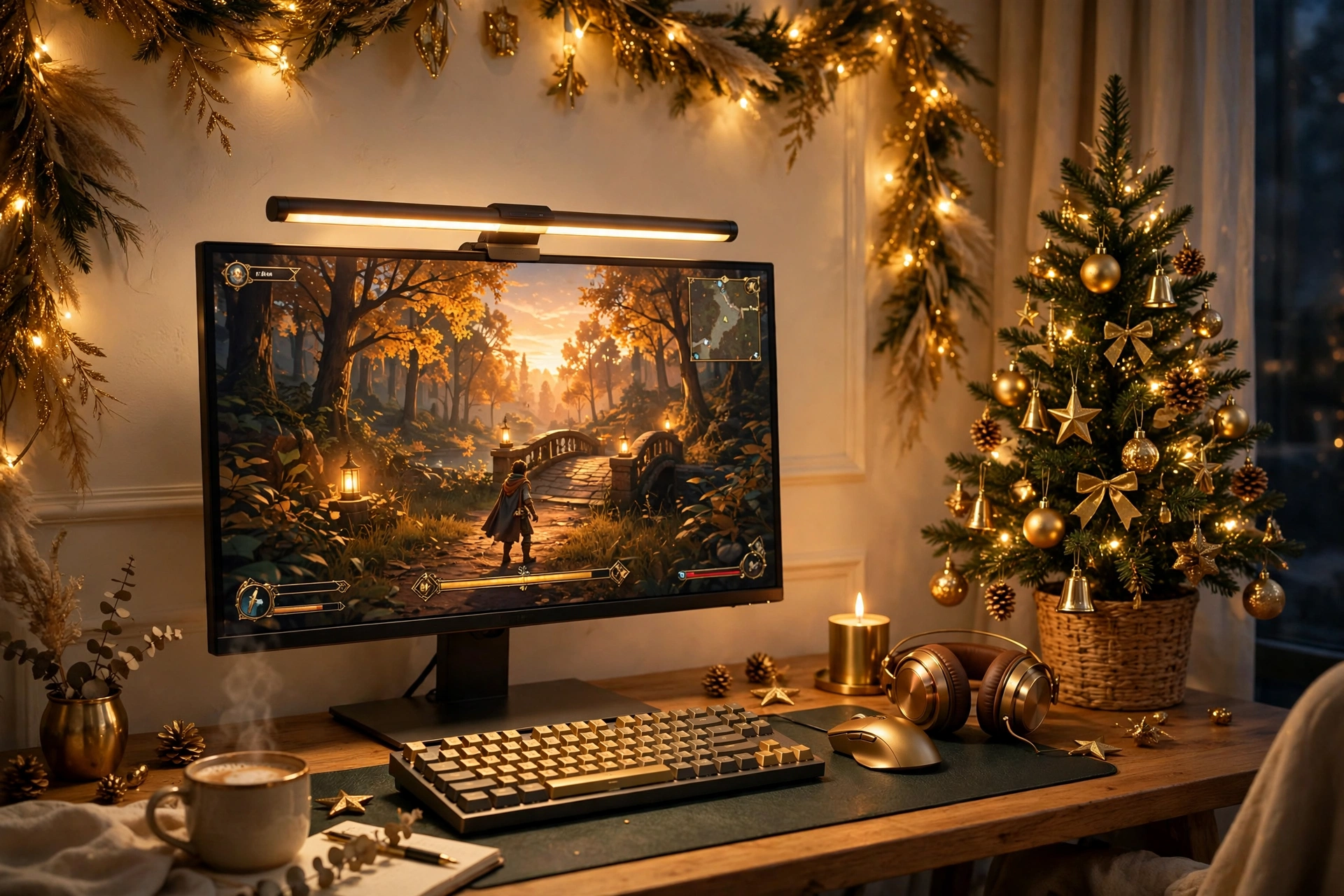
Gold is the grown up way to do Christmas light. A monitor light bar set to warm gold washes the desk in soft light without shining into your eyes, gold garland runs along the wall shelf, and brass ornaments on a small tree catch the glow. The room feels warm and a little bit luxurious, and nothing about it looks like a toy.
Warm gold or bright color, which is better? Warm gold suits quiet evenings, reading, and story games, and it flatters wood desks and cream walls. Bright red and green suits parties and fast action games, but it can feel loud after an hour. Many gamers run gold most nights and switch to red and green only when friends visit, which gives them both looks from the same light bar.
Choose a wood desk and a warm toned chair, keep storage simple with one shelf and a small drawer, and let the light bar do most of the decorating. The setup stays calm, the screen stays easy on the eyes, and the whole room still reads as Christmas the moment you walk in.
9. Christmas Tree Wall Art Setup
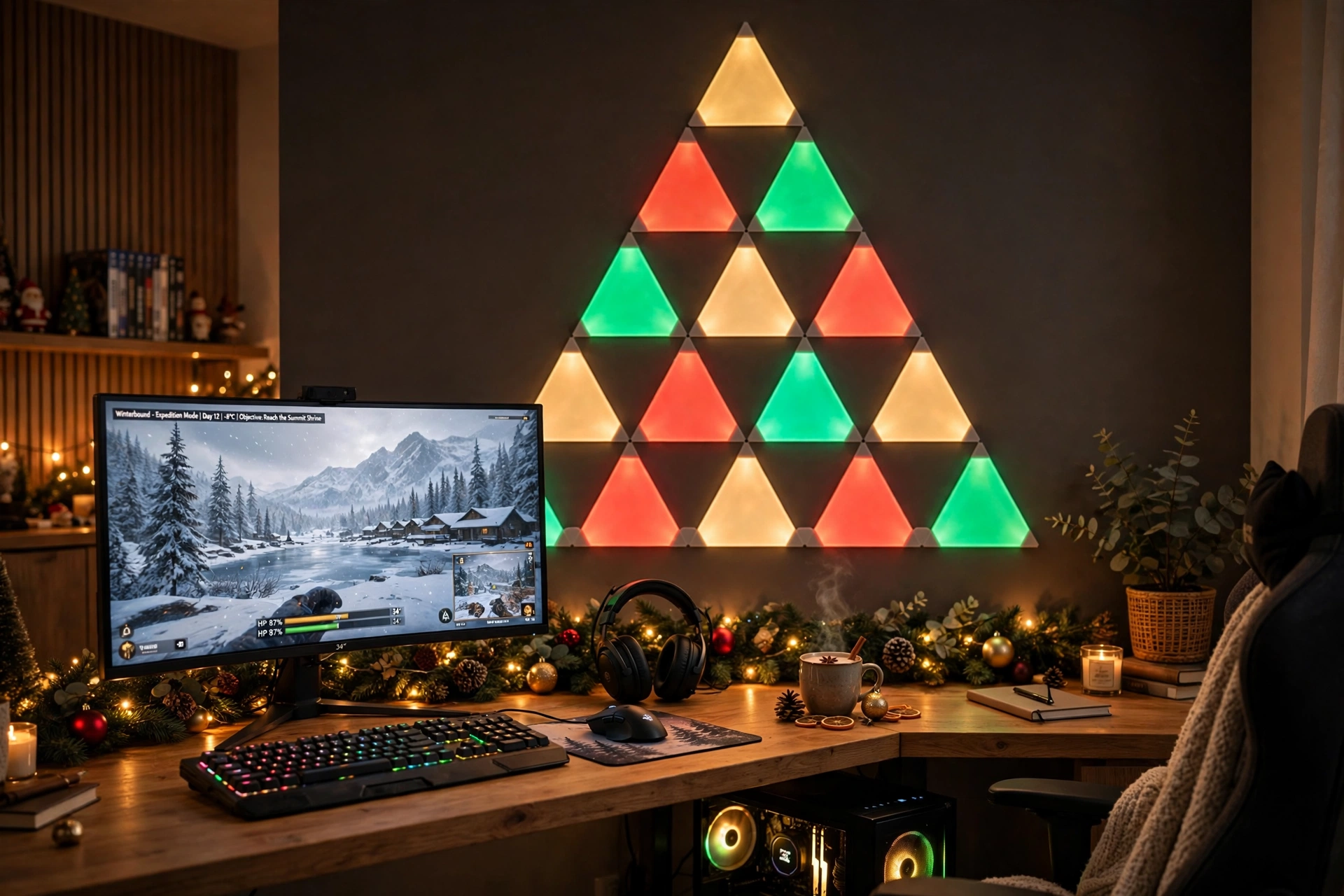
No room for a real tree? Build one on the wall instead. Arrange triangle light panels into a tree shape above the desk, red and green at the bottom, gold at the top, and put a small star shaped light at the peak if you have one. The ultrawide monitor below shows a winter game, garland runs along the desk edge, and the wall becomes the tree, the decoration, and the light all in one.
How to plan the wall:
- Sketch the tree shape on paper first, or lay the panels on the floor to test it.
- Start with the widest row at the bottom and narrow each row as you go up.
- Place the tree shape above the monitor, so it reads as one feature wall.
- Run garland along the back edge of the desk to tie the wall and the desk together.
- Set the panels to a slow color flow, and keep the desk strip on one matching color.
10. Festive Pink and Gold Setup
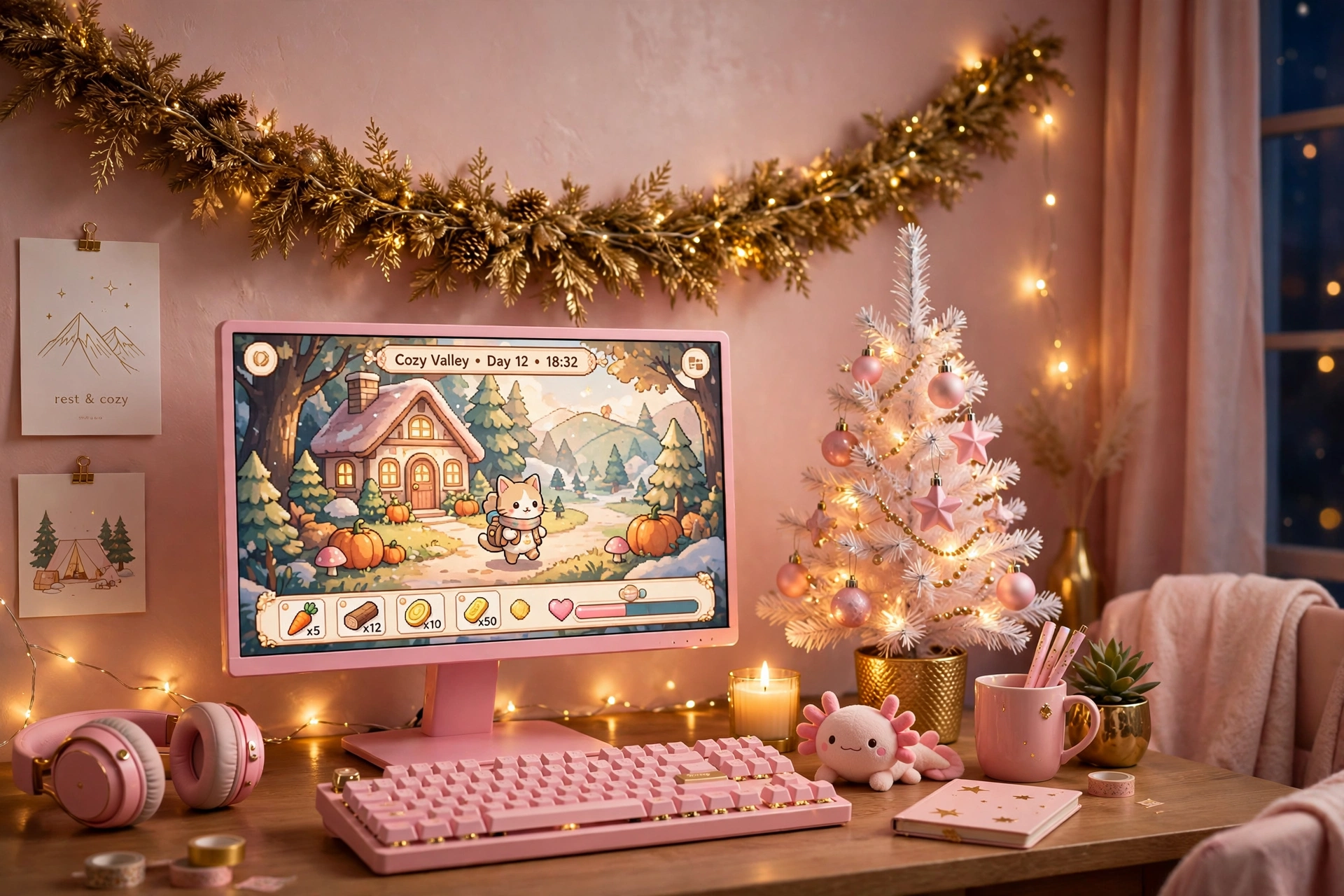
Pink and gold is a soft, pretty way to do Christmas, and it still feels like a gaming room. Choose a pink monitor and keyboard to match the light, add gold fairy lights and pink ornaments on a small white tree, and keep the desk itself light and tidy. The result is a bedroom setup that feels gentle in the day and glows like a dream at night, without any harsh colors fighting the screen.
Keep it soft: use pink as the main color and gold as the accent, not both at full brightness. Two strong colors at once can look busy, while one soft lead color with a quieter second color looks calm and planned. Dim both to about half brightness for evening play.
Keep storage simple with one shelf and a small drawer, add a white desk and a soft chair, and let the fairy lights do most of the decorating. The setup stays plain enough to work all year, and the tree and lights come down in January without leaving a bare room behind.
11. Winter Cabin Wood Desk Setup
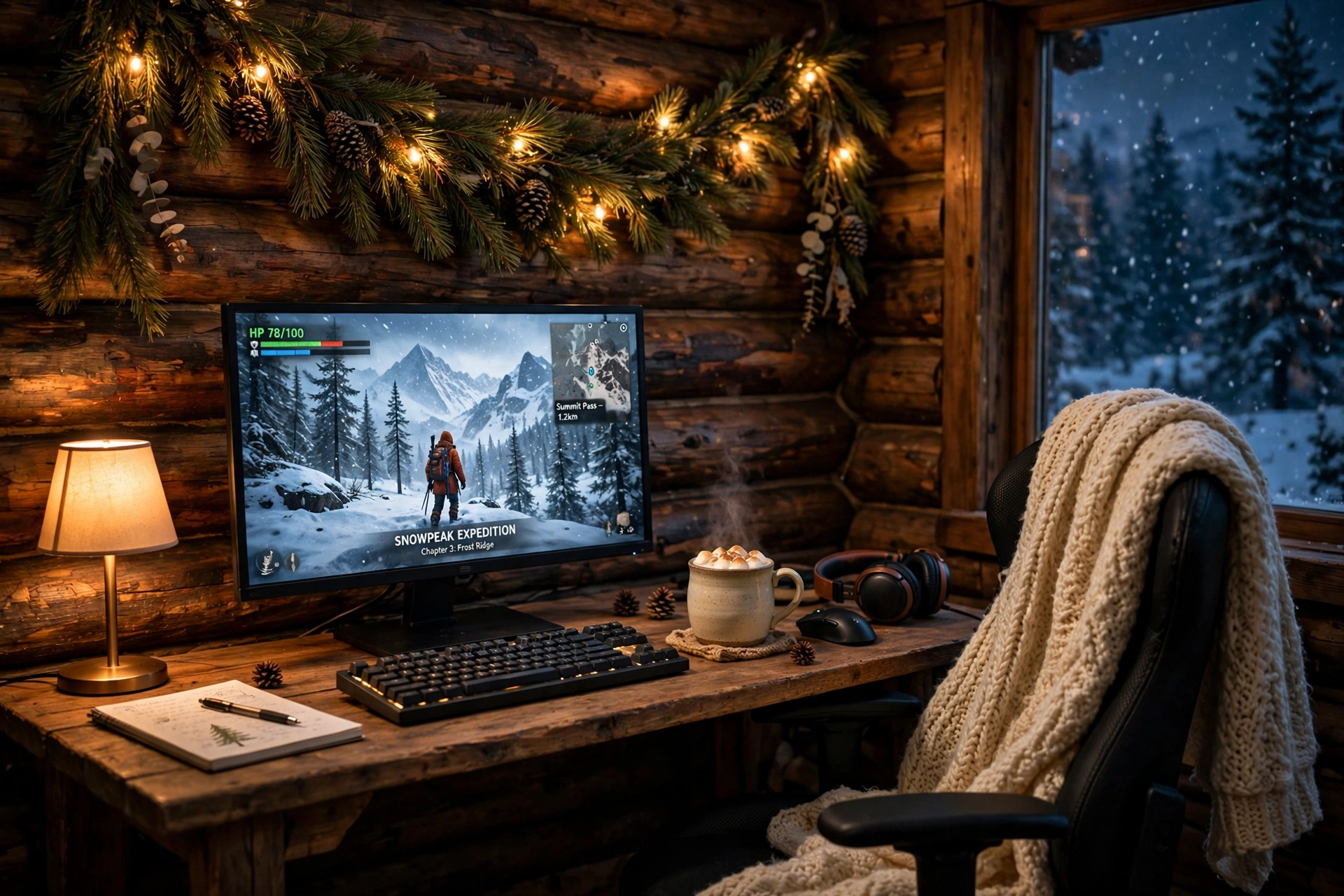
A wood desk and pine garland make a gaming setup feel like a winter cabin, even in a city apartment. Drape real looking garland with pine cones and warm lights on the wall, put a knitted blanket on the chair, and keep a mug of hot cocoa on the desk beside the keyboard. The monitor shows a snowy adventure game, the warm lamp light fills the corner, and the whole room smells faintly of pine even when it is just the garland.
- Desk: a wood desk with built in outlets and a warm LED edge, pushed against a wood or warm toned wall.
- Seat: a chair with a high back and a knitted blanket over it.
- Screen: one curved monitor, with the game as the warm center of the room.
- Light: warm fairy lights in the garland, plus a small desk lamp for reading.
- Storage: a wooden shelf for games and a basket for blankets.
- Power: one strip behind the desk for the monitor, lamp, and garland lights.
12. Christmas Party Dual Screen Setup
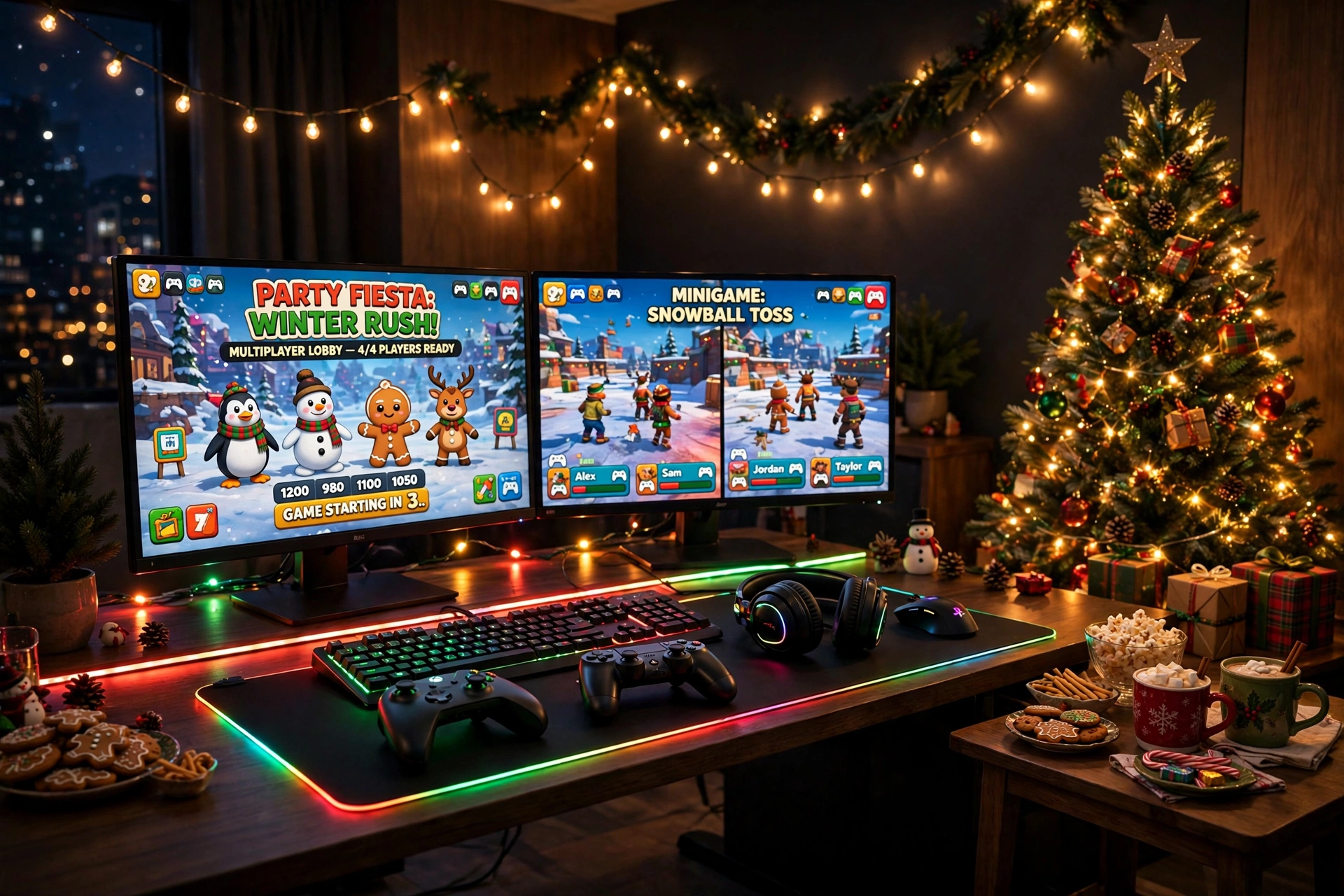
When friends come over for a holiday game night, the setup needs to work for a crowd, not just one player. Put the main game on the big monitor, the party chat and music on the second screen, and let colorful string lights and a red and green glow fill the room. A decorated tree in the corner, snacks and mugs on a side table, and a large glowing mousepad give everyone a place to gather, and the second screen means nobody has to crowd behind one chair.
Party night checklist:
✓ Second screen for chat, music, or a spectator view
✓ A second controller or mouse ready before guests arrive
✓ Snacks and drinks on a side table, never on the desk
✓ String lights on a dimmer, so the room can go bright for photos
✓ A spare chair pulled up beside the desk for the next player
Keep cables behind the desk so nobody trips in the dark, and run the lights from one remote so you can dim them when a serious match starts. When the night ends, the tree stays, the lights stay, and the room is ready for the next party.
Frequently Asked Questions
How much does it cost to decorate a gaming room for Christmas?
A small setup costs very little. One strip of lights, a mini tree, and a string of fairy lights is enough for most desks, and you can add garland or a light bar later if you want more. Start with lights first, since they change the room more than any ornament.
Can I put a real Christmas tree next to my gaming desk?
Yes, if it has room to stand clear of the desk and the cables. A small tree on the floor beside the desk is safest, and a mini tree on the desk works well in small rooms. Keep the tree away from the monitor vents and the power strip, and use LED lights, which stay cool.
What colors work best for a Christmas gaming room?
Red and gold is the classic choice, green and gold feels calmer, and warm white suits minimal rooms. Pick one lead color and one accent, and keep the monitor as the brightest light in the room. Two strong colors at full brightness can look busy, so dim the accent a little.
Will Christmas lights distract me while gaming?
They should not, if they sit behind the monitor or along the wall instead of in front of you. Lights that bounce off a wall give a soft glow, while lights that face your eyes pull your attention away from the game. Dim them during competitive matches and brighten them for parties.
How do I keep the cables tidy with extra holiday lights?
Run everything from one power strip behind the desk, and clip the light cables to the desk legs or the wall. Keep the tree lights on their own plug if you can, so you can turn the tree off without shutting down the monitor. A small cable box hides the rest.
Can I leave the Christmas setup up after the holidays?
Most of it, yes. Take the tree and the garland down, keep the light bar and the strips, and switch the colors to blue or warm white. A good light setup works all year, and only the ornaments need to come down in January.
Conclusion
Christmas is the easiest season to decorate a gaming room, because light does most of the work. A small tree beside the desk, a strip behind the monitor, and a string of fairy lights can turn a plain corner into a room that feels like the holidays, and none of it needs new furniture. Pick the setup that matches your room, the way you play, and the colors you love, start with the lights, and let the glow do the rest. Your gaming room does not need a big budget to feel festive, it just needs warmth in the right places.
Related reading:
If you liked these festive ideas, try 15 Dark Gaming Setup Ideas for a Moody Battlestation for a deeper, moodier glow that works all winter, and 15 Neon Gaming Room Ideas With Signs That Pop for a brighter wall look when the holidays are over.
