Gaming Room Ideas
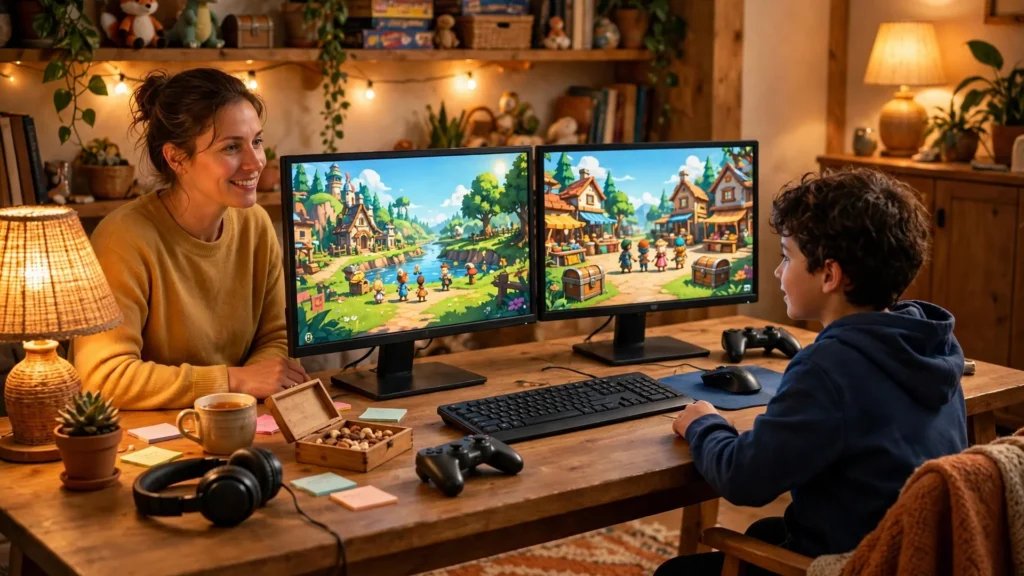
A gaming room for parents has to do two jobs at once. It needs to be a real place to play, and it needs to fit around school runs, bedtime, and a house full of other people. These twelve setups show how to build a gaming corner that works for the whole family, with desks that share well, screens that stay calm after dark, and storage that hides the clutter in seconds.
As an Amazon Associate I earn from qualifying purchases. Read our full affiliate disclosure for more detail.
Every idea below is one complete setup you can copy whole, desk, seat, screen, light, storage, and power included. Pick the setup that matches where you play most, the living room, a spare corner, or a small nook, then add the family friendly touches that make it yours. If your space is tight, the 13 gaming room ideas for small bedrooms will help you fit a parent setup into a room that already does a lot of jobs.
In This Article
- 1. The Shared Family Desk
- 2. The Quiet Corner After Bedtime
- 3. The Homework and Play Split Desk
- 4. The Living Room Blend
- 5. The Spare Room Parent Den
- 6. The Early Morning Coffee Setup
- 7. The Two Chair Family Station
- 8. The Closet Nook for Parents
- 9. The Budget Family Build
- 10. The Screen Time Boundaries Setup
- 11. The Cozy Reading and Gaming Chair
- 12. The Weekend Family Tournament Setup
- At a Glance Comparison
- Frequently Asked Questions
- Conclusion
At a Glance Comparison
| Setup | Desk and Seat | Screen and Light | Best For |
|---|---|---|---|
| 1. Shared Family Desk | Long shared desk, two chairs | Dual monitors, warm lamps | Parents who play beside their kids |
| 2. Quiet After Bedtime Corner | Compact desk, soft chair | Single monitor, dim lamp | Late night play once kids are asleep |
| 3. Homework and Play Split | Split desk, adjustable chair | Single monitor, task lamp | One desk for school work and games |
| 4. Living Room Blend | Media stand, sofa seating | TV screen, soft lamps | Gaming in the shared living room |
| 5. Spare Room Parent Den | Large desk, gaming chair | Wide monitor, wall lights | Parents with a whole spare room |
| 6. Early Morning Coffee Setup | Window desk, upright chair | Single monitor, daylight | Quick games before the house wakes |
| 7. Two Chair Family Station | Wide desk, two matching chairs | Dual monitors, soft light | Cooperative play with a partner or child |
| 8. Closet Nook for Parents | Folding desk, compact chair | Single monitor, strip light | Turning an unused closet into a den |
| 9. Budget Family Build | Simple desk, value chair | Single monitor, simple lamp | A full family setup on a tight budget |
| 10. Screen Time Boundaries Setup | Organized desk, family chair | Single monitor, warm lamp | Keeping playtime tidy and timed |
| 11. Cozy Reading and Gaming Chair | Armchair, side table | Small monitor, warm lamp | Relaxed play in a reading corner |
| 12. Weekend Family Tournament | Large desk, extra seating | Big monitor, colorful lights | Family tournaments and game nights |
1. The Shared Family Desk
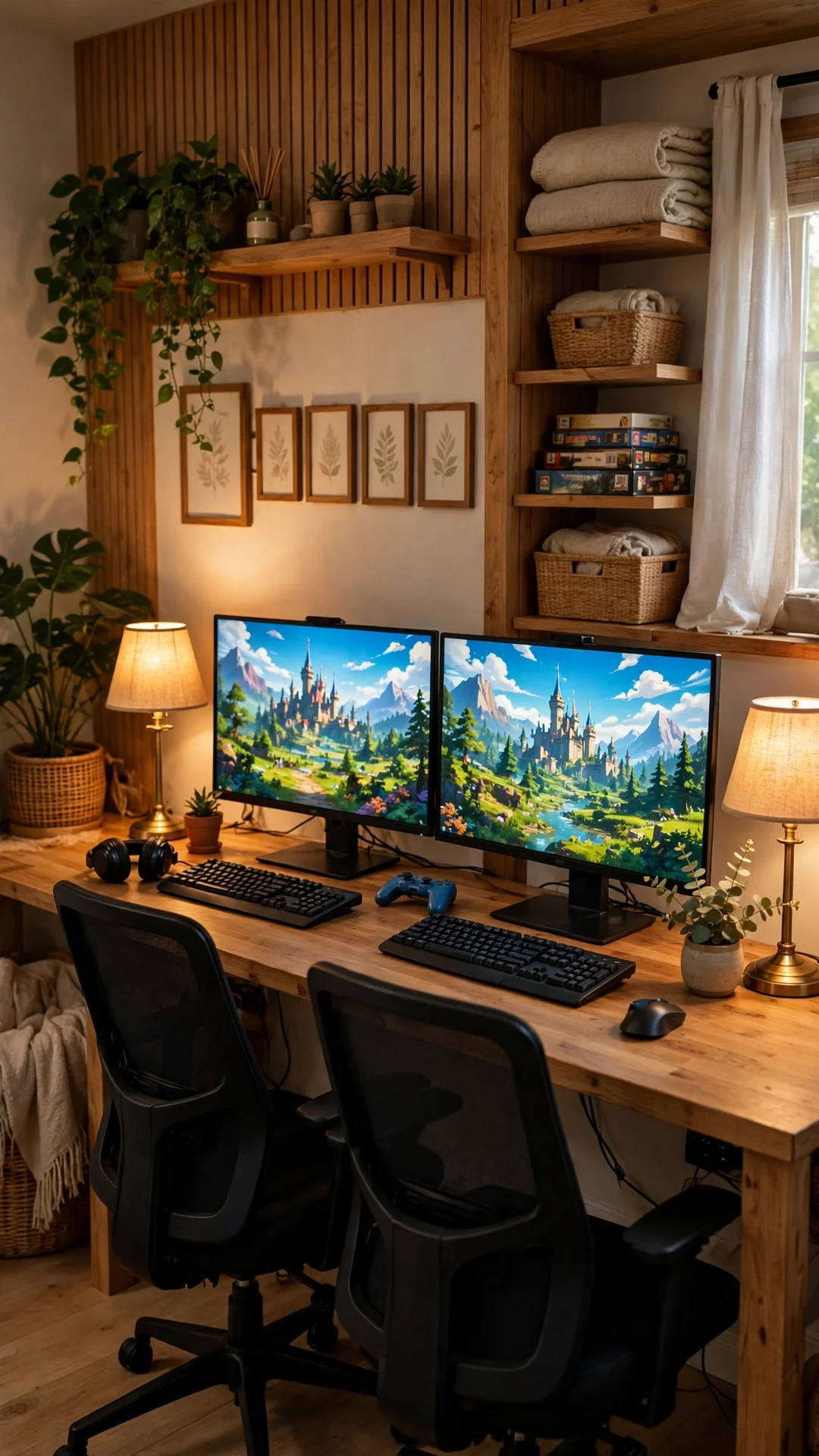
This is the setup for a parent who games with their kids, not next to a closed door. A long desk gives everyone their own elbow room, with one monitor for the parent and one for the child, and two chairs that slide in side by side. Keep the desktop low and the cables out of reach, and the desk becomes the family table after dinner.
Light stays warm and soft so nobody gets a headache during a long session. A floor lamp in the corner and a small desk lamp each do the job without any harsh overhead glare. Storage is a low shelf under the desk for controllers and a basket for chargers, so tidy up takes two minutes before school.
Power runs through one strip fixed under the desk with cables clipped along the back edge. Add a simple rule, controllers go back on the stand when the game ends, and this desk stays tidy enough to use for homework the next morning.
Why this one: The L shape gives a parent and a child a clear side each, and the side shelves hold games and controllers within reach.
Worth knowing: It is a wide desk, so measure the wall first, since it needs a long clear run to fit well.
Why this one: The armless design slides under the desk easily, and the lumbar support keeps long family sessions comfortable.
Worth knowing: It is a compact chair, so taller parents may want a chair with a higher back for longer play.
2. The Quiet Corner After Bedtime
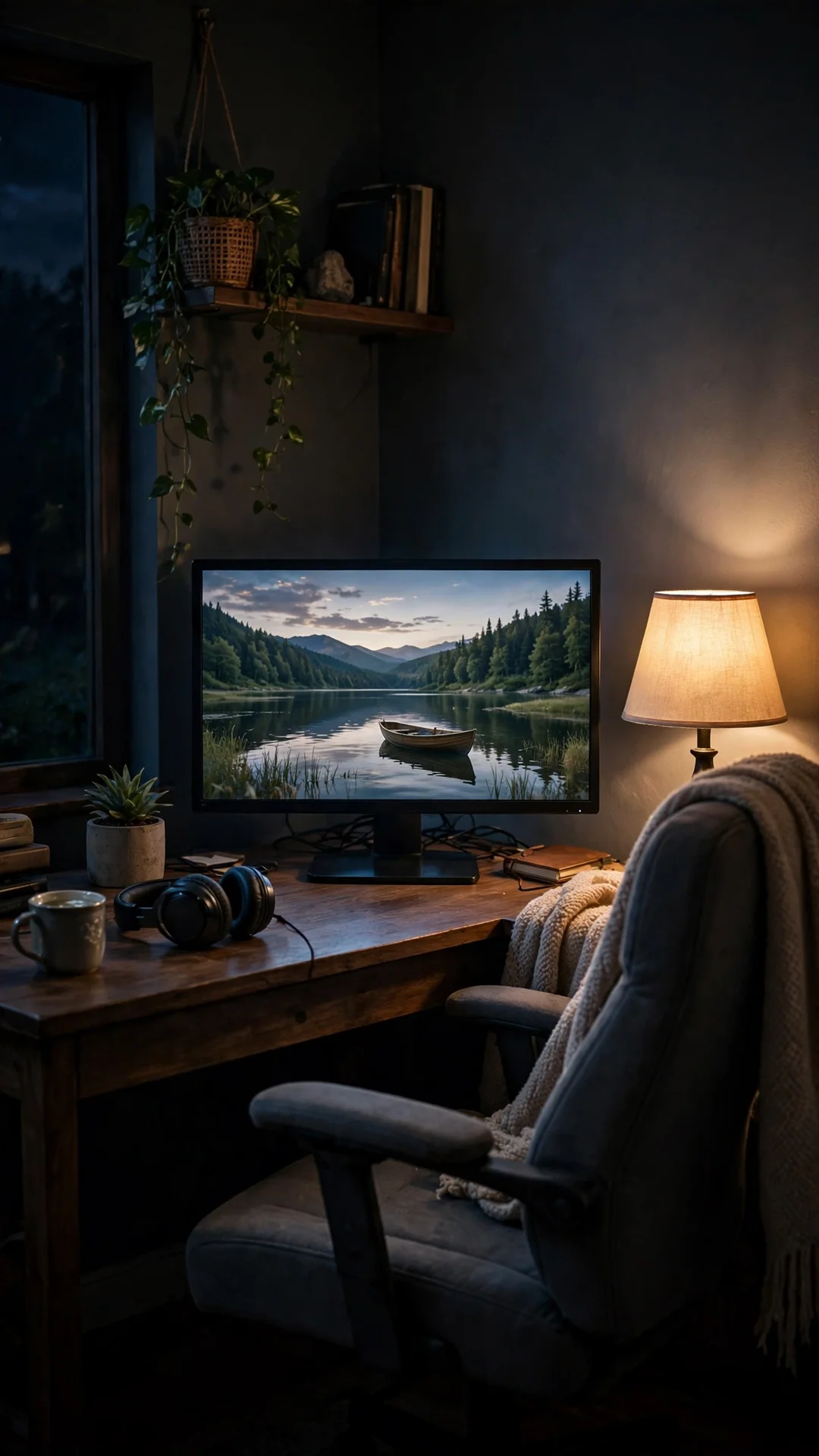
Every parent knows the best gaming hour starts after bedtime. This setup is built for quiet play in a dark house, with a compact desk in a corner, a single monitor, and light kept low and warm. A soft lamp and the glow of the screen are all you need, and nobody in the next room wakes up.
Sound matters as much as light here. Keep the volume through headphones on a stand, and add a few soft panels on the wall to soak up clicks and chatter. The chair is soft and silent, with no squeaky wheels on a hard floor, so you can settle in without a sound.
Storage is one small drawer for the headset and a basket for the controller, and power is a single strip tucked behind the desk. When the session ends, one switch kills the lights and the desk looks like a quiet reading corner again.
CubiCubi Computer Desk, 32 inch Small Home Office Desk for Small Spaces, Vintage
Why this one: The 32 inch top fits a single monitor and a lamp in a small corner, and the vintage finish looks like furniture, not gear.
Worth knowing: It is a small desk, so a second monitor will need an arm to fit without crowding the keyboard.
Why this one: The light bar washes the screen without spilling light into the room, which keeps late sessions gentle on tired eyes.
Worth knowing: It needs a USB port on the monitor or PC, so check for a free port before you buy.
3. The Homework and Play Split Desk
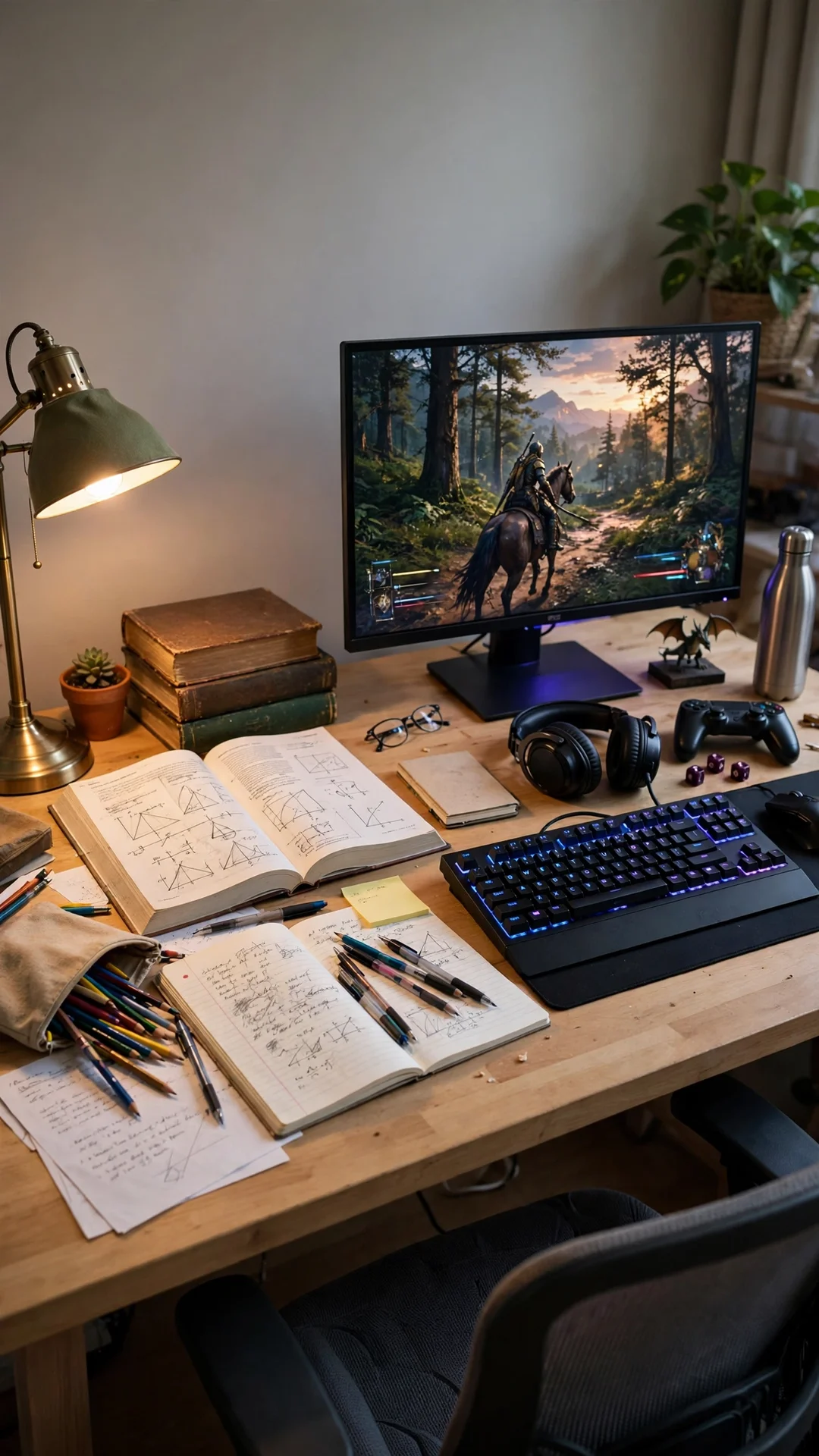
One desk has to serve two masters in a family home, homework at four and games at seven. This setup splits the desktop in half, with books and a lamp on the left and the monitor and keyboard on the right. A monitor arm lets the screen swing away when it is homework time, so the desk never feels like it belongs to only one job.
The chair adjusts up and down, so a child and a parent can both sit comfortably at the same desk. Light is a swing arm lamp that moves between the two sides, bright for homework and soft for games. Storage is a small shelf above the desk for school books and a drawer for game gear.
Power is one strip under the desk with a cable tray, so chargers for a laptop and a console both have a home. The rule that makes it work is simple, homework side stays clear until the work is done, then the whole desk belongs to play.
Why this one: The arm lifts the monitor off the desk and swings it aside for homework, which frees the whole desktop in seconds.
Worth knowing: It fits screens up to 27 inches, so check your monitor size and weight before you mount it.
Why this one: The swing arm moves between the homework side and the game side, and the clip base saves desk space.
Worth knowing: It needs its own bulb, so add one to the order if you do not have a spare.
4. The Living Room Blend
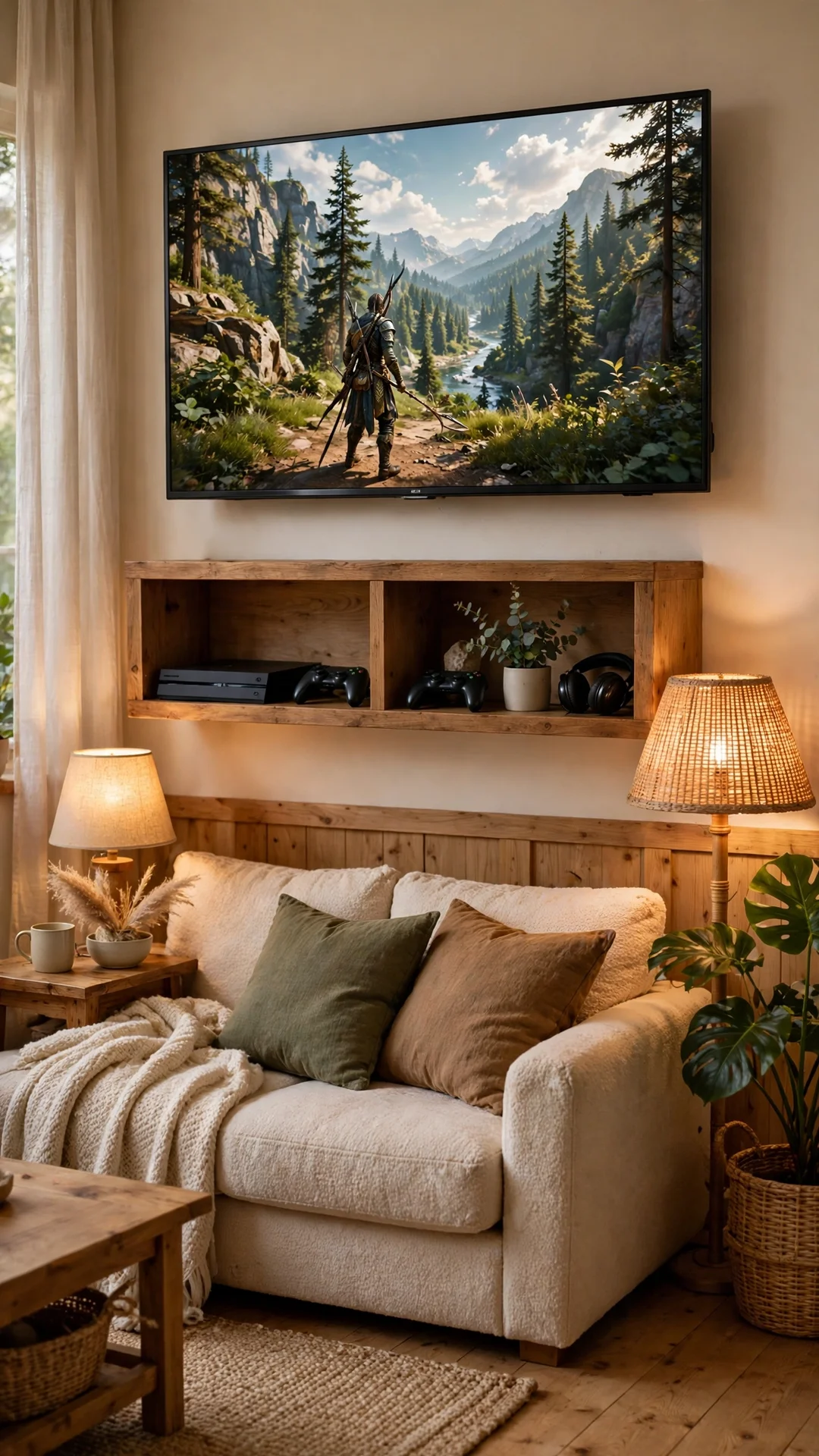
Not every parent gets a spare room, and this setup proves you do not need one. The living room TV becomes the gaming screen, and a wooden media stand hides the console, the controllers, and the cables behind closed doors. When the game ends, the room looks like a living room again, not a gaming den.
Light comes from the TV backlight and two soft lamps, so the room stays cozy for everyone, even the people who are not playing. Seating is the family sofa with a cushion for the player, which means no extra chair taking up floor space. A small side table holds the controller when it is not in use.
Storage is the media stand itself, with one shelf for games and one for the console, and power runs through a strip inside the stand. This is the easiest parent setup to build, because the room already exists, it just needs a little order.
Why this one: The side cabinet hides the console and games, and the stand fits large TVs without looking like gaming furniture.
Worth knowing: It is a big piece of furniture, so measure your wall and check the delivery size before ordering.
Why this one: The backlight softens the TV glow for evening play and makes the living room feel warm instead of stark.
Worth knowing: It is made for 55 to 65 inch TVs, so check your screen size first.
5. The Spare Room Parent Den
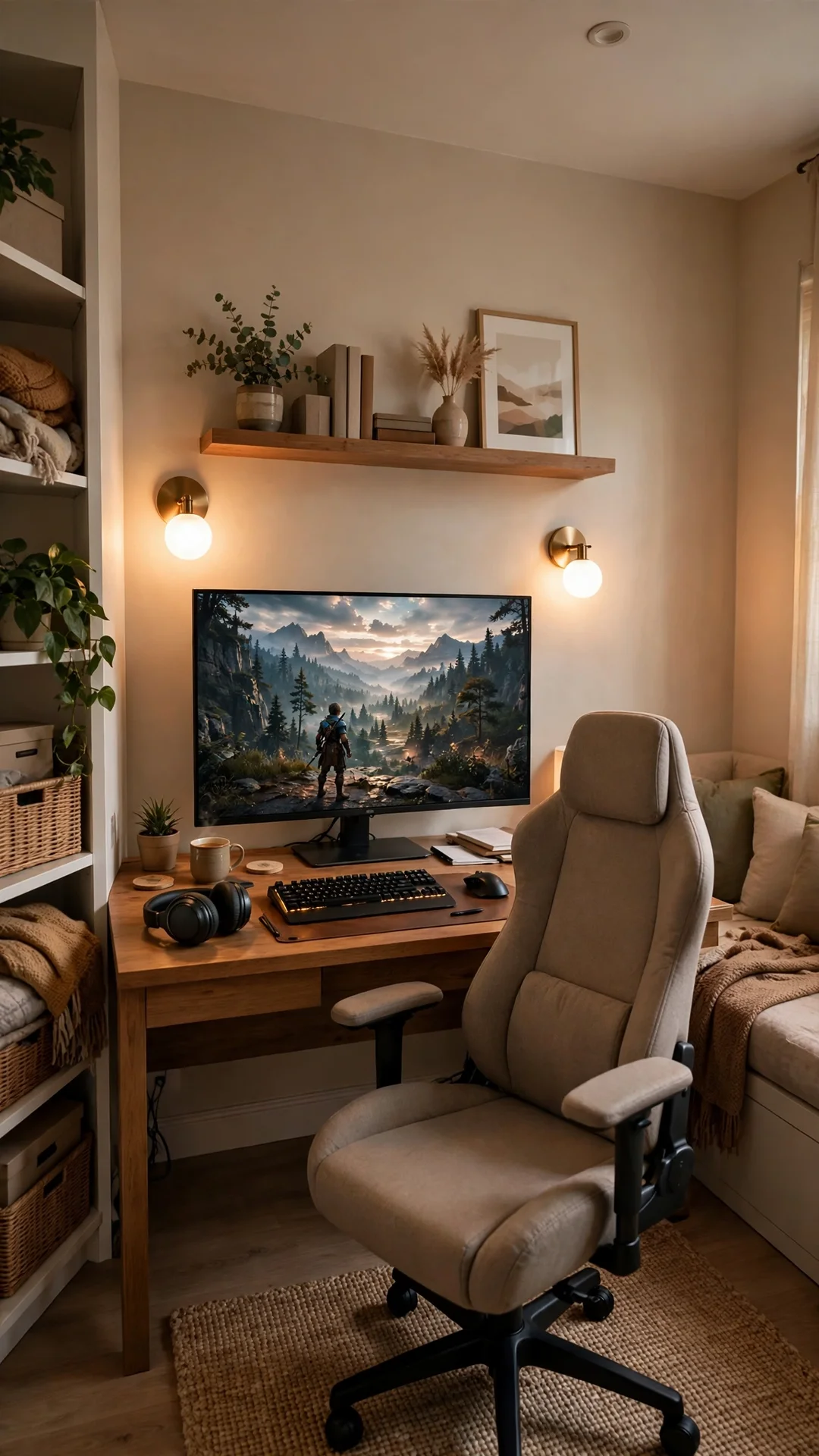
If you have a spare room, this is the setup that makes the most of it. A large desk takes the main wall, a wide monitor sits at eye level, and a proper gaming chair means long sessions do not end with a sore back. The rest of the room stays free for a small sofa or a reading chair, so the den works for the whole family.
Light is layered, with wall lights for soft background glow and a desk lamp for the keyboard. A rug under the desk warms the floor and keeps chair wheels quiet, which matters when the room sits next to a bedroom. Storage is a bookcase for games and a drawer unit for controllers and headsets.
Power is a strip under the desk plus a cable tray, so nothing trails across the floor. Add a door hook for the headset and a small sign that says when the den is open, and this room becomes the family favorite.
DESIGNA Computer Gaming Desk 60 Inch, PC Laptop Table Workstation with Free Large Mousepad, Black
Why this one: The 60 inch top holds a wide monitor, a keyboard, and a lamp with room to spare, and the free mousepad covers the whole desk.
Worth knowing: It has no drawers, so pair it with a small drawer unit or shelf for controllers and cables.
Why this one: The footrest and lumbar support make long evening sessions comfortable, and the red finish adds a playful touch.
Worth knowing: It is a bold red chair, so it suits a den better than a living room where it has to blend in.
6. The Early Morning Coffee Setup
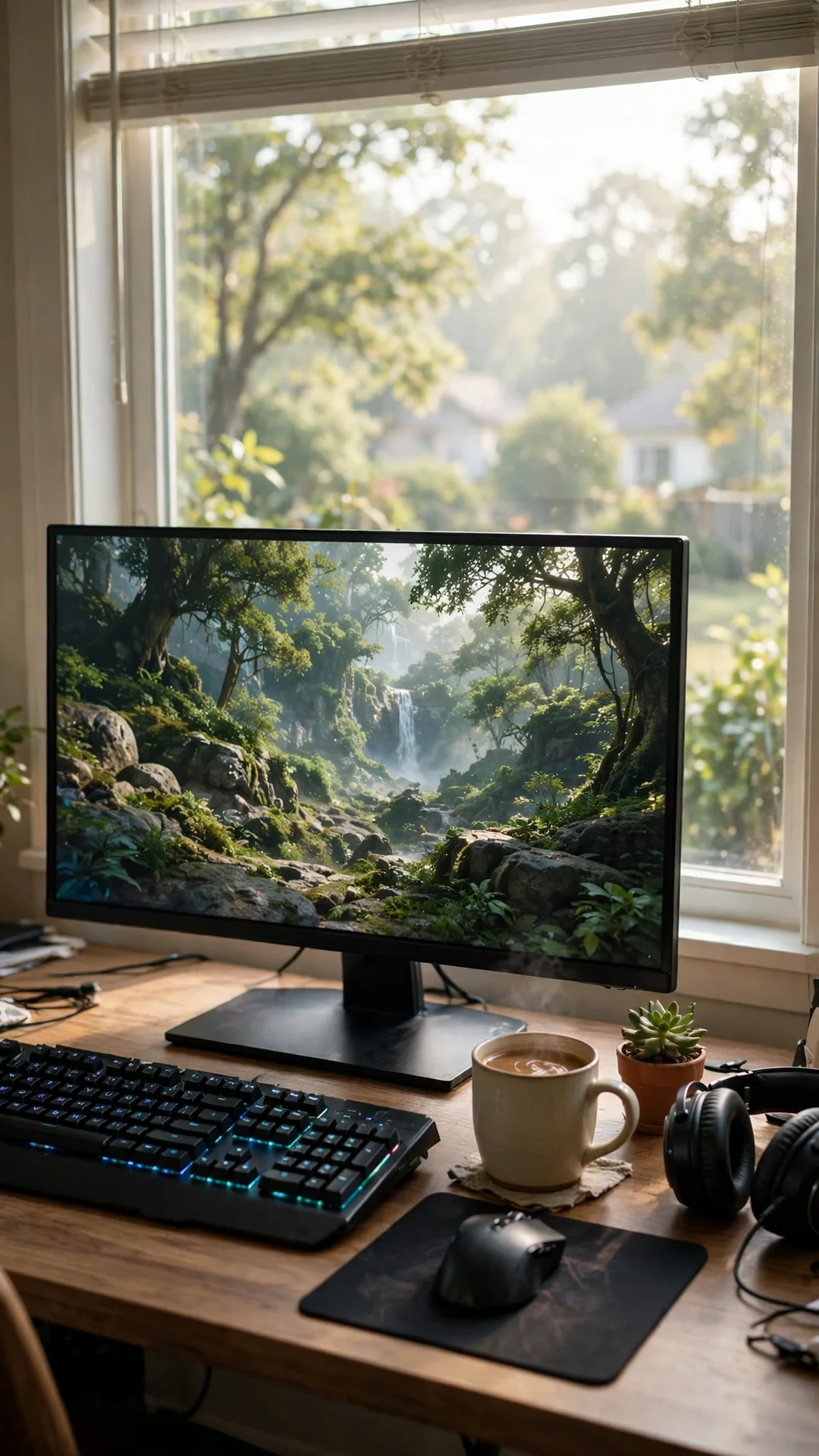
Some parents game at dawn, in the quiet hour before the house wakes. This setup sits by a window, where morning light does most of the work and a single monitor is all you need. The desk is small and tidy, with a mug on the left and the keyboard on the right, and the whole setup is ready in the time it takes the coffee to brew.
The chair is upright and simple, which suits a short session better than a deep gaming chair. Light is natural, with a small lamp for grey mornings, and the screen stays bright enough to read without any glare. Storage is one shelf for the controller and a mug hook on the wall, nothing more.
Power is a slim strip behind the desk with a single cable to the wall. This setup costs the least and asks the least, and for a parent with one free hour a day, that is exactly the point.
Why this one: The 32 inch top fits a window nook, and the two drawers hold the controller and the headset out of sight.
Worth knowing: It is a compact desk, so a large monitor and a second screen will feel crowded.
Why this one: The armless design tucks under a small desk, and the height adjusts so it suits a quick morning session.
Worth knowing: It has no armrests, so it is best for short sessions rather than long weekend play.
7. The Two Chair Family Station
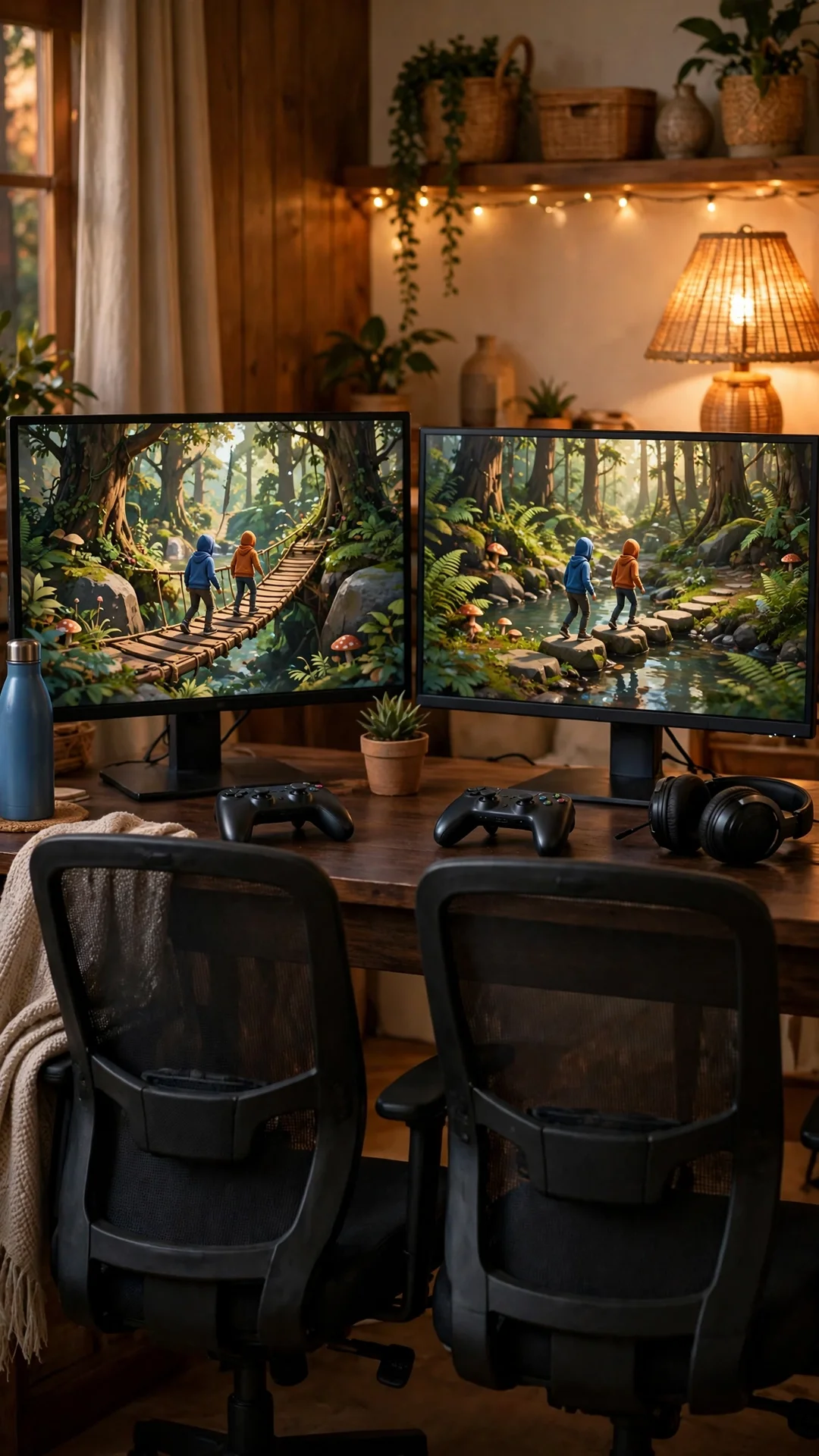
The best family gaming happens side by side, and this station is built for two players at once. A wide desk holds two monitors, two keyboards, and two chairs, so a parent and a partner or a child can play the same game together without sharing one screen. Each player gets their own space, and nobody has to pass the controller.
Light is shared too, with a light bar above each monitor and a soft lamp at the end of the desk. Headsets hang on a stand between the two seats, so each player grabs their own and the desk stays clear. Storage is a low shelf under the desk with a basket per player, which ends the argument about whose controller is whose.
Power runs through one strip with enough outlets for two PCs or a PC and a console, fixed under the desk with a cable tray. This is the setup for family game night, every night.
Why this one: The bamboo shelf lifts the second monitor and hides supplies underneath, which keeps a two player desk tidy.
Worth knowing: It is a shelf, not a full riser, so very large monitors may need a sturdier stand.
UPERGO Headset Stand with Gaming Controller Holder, Walnut Wood Headphone Stand with Storage Base
Why this one: The walnut stand holds a headset and a controller in one tidy spot, and the storage base catches small bits.
Worth knowing: It holds one headset and one controller, so a two player desk will want a second one.
8. The Closet Nook for Parents
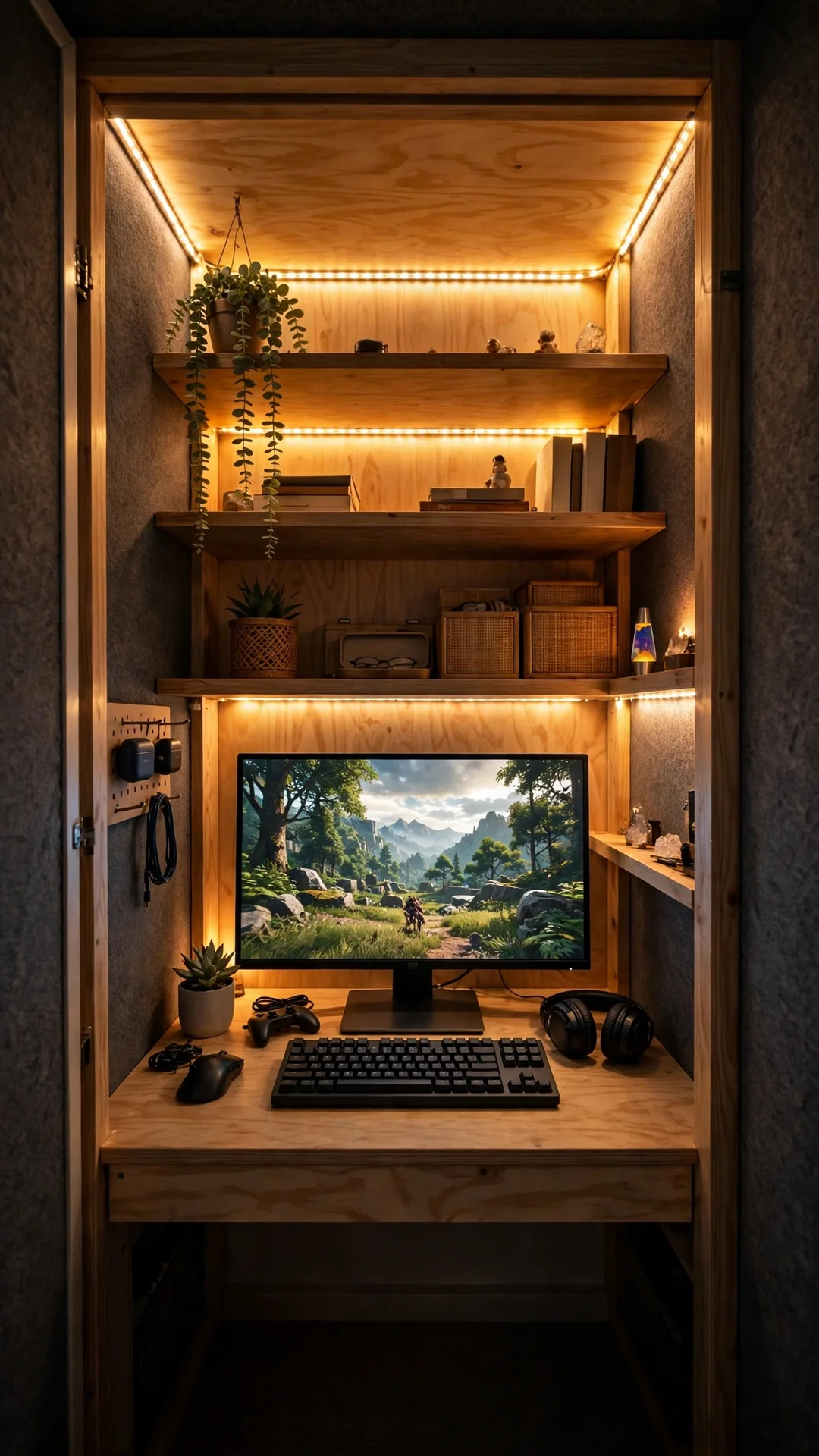
An unused closet is a gift for a parent who needs a gaming spot without giving up a room. A folding wall desk goes up inside the closet, a single monitor mounts above it, and the doors close when the game ends, hiding the whole setup from the rest of the house. It is the smallest den you can build, and it works.
Light is a strip along the top of the closet and a small lamp on the desk, which keeps the nook bright without any overhead fitting. The chair is compact and folds away or slides under the desk when the doors close. Storage is the closet shelf above the desk, which holds games and a headset in baskets.
Power is one strip fixed to the closet wall with cables clipped out of the way. Add a hook on the inside of the door for the headset, and this nook feels like a secret den, which is half the fun.
Why this one: The wall mounted desk folds down for play and up for tidy, which is exactly what a closet nook needs.
Worth knowing: It needs a solid wall and careful mounting, so check the studs before you drill.
Why this one: The covered strip lights give soft even light in a small nook, and the diffuser keeps the glow gentle.
Worth knowing: It needs a nearby outlet, so plan the strip route before you mount it.
9. The Budget Family Build
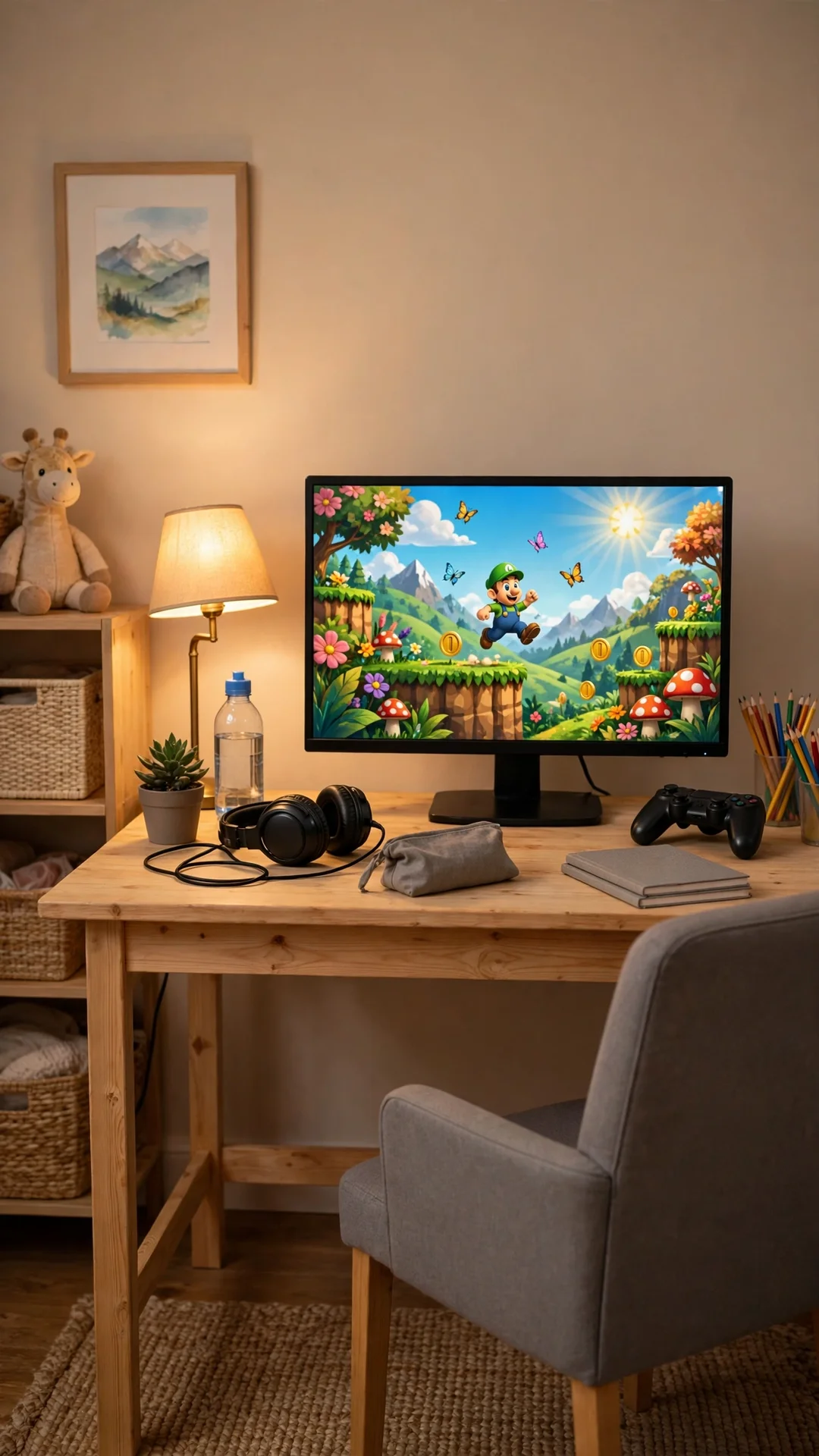
A family gaming setup does not need to cost a fortune, and this build proves it. A simple desk, a value chair, and a single good monitor are the whole foundation, and everything else is added slowly as the budget allows. Start with the desk and the screen, then add light and storage one piece at a time.
Light is one strip behind the monitor and a small lamp, which together make the desk feel finished for very little money. The chair is a simple adjustable seat that works for a parent and a child alike. Storage is a low bookcase for games and a basket for controllers, both cheap and both useful for the whole room.
Power is one strip with a cable tray, which keeps the setup safe for little hands and tidy for everyone else. Spend the money where it matters, the chair and the screen, and let the rest of the setup grow over time.
CubiCubi Computer Desk, 32 inch Small Home Office Desk for Small Spaces, Vintage
Why this one: The 32 inch top is a solid start for a budget desk, and the vintage finish looks good in any family room.
Worth knowing: It is a small desk, so a second monitor will need a riser to fit.
Govee 16.4ft RGBIC LED Strip Lights, Work with Alexa and Google Assistant
Why this one: The strip adds color behind the monitor for a low cost, and it works with voice assistants for easy control.
Worth knowing: It needs a USB port for power, so check for a free port on the monitor or PC.
10. The Screen Time Boundaries Setup
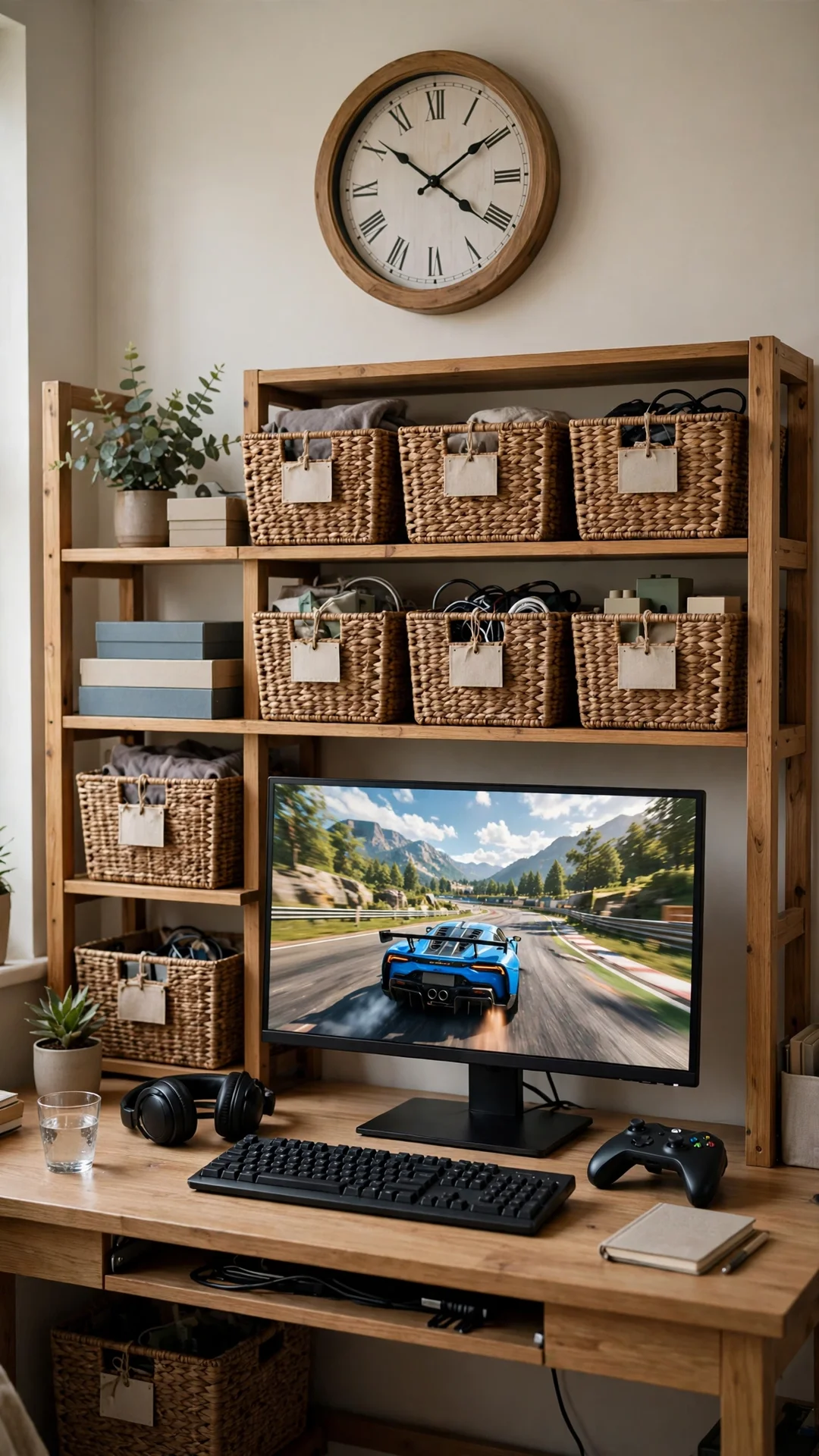
Good boundaries make family gaming better, and this setup builds them into the room. A wall clock sits where every player can see it, the controller lives on a stand with a clear home, and the desk has a start and end routine that even young kids can follow. When the timer ends, the controller goes back, the screen goes dark, and the desk is homework ready.
Light is warm and calm, with a lamp that dims for the last game of the night, which helps everyone wind down. Storage is labeled baskets, one for each child and one for the parent, so nothing gets lost and nobody argues about whose turn it is. The chair is sturdy and simple, built to be used by the whole family.
Power is a strip with a switch the parent controls, which makes the end of playtime a physical act, not a negotiation. This setup is less about gear and more about rhythm, and it works because the room makes the rules easy to follow.
Why this one: The four woven baskets give every family member a labeled home for controllers and chargers.
Worth knowing: They are open top baskets, so small bits can still spill if the basket is knocked over.
Why this one: The six outlets and three USB ports power the whole family setup, and the flat plug sits close to the wall.
Worth knowing: It is a power strip, so it still needs a cable tray to keep cords tidy and out of reach.
11. The Cozy Reading and Gaming Chair
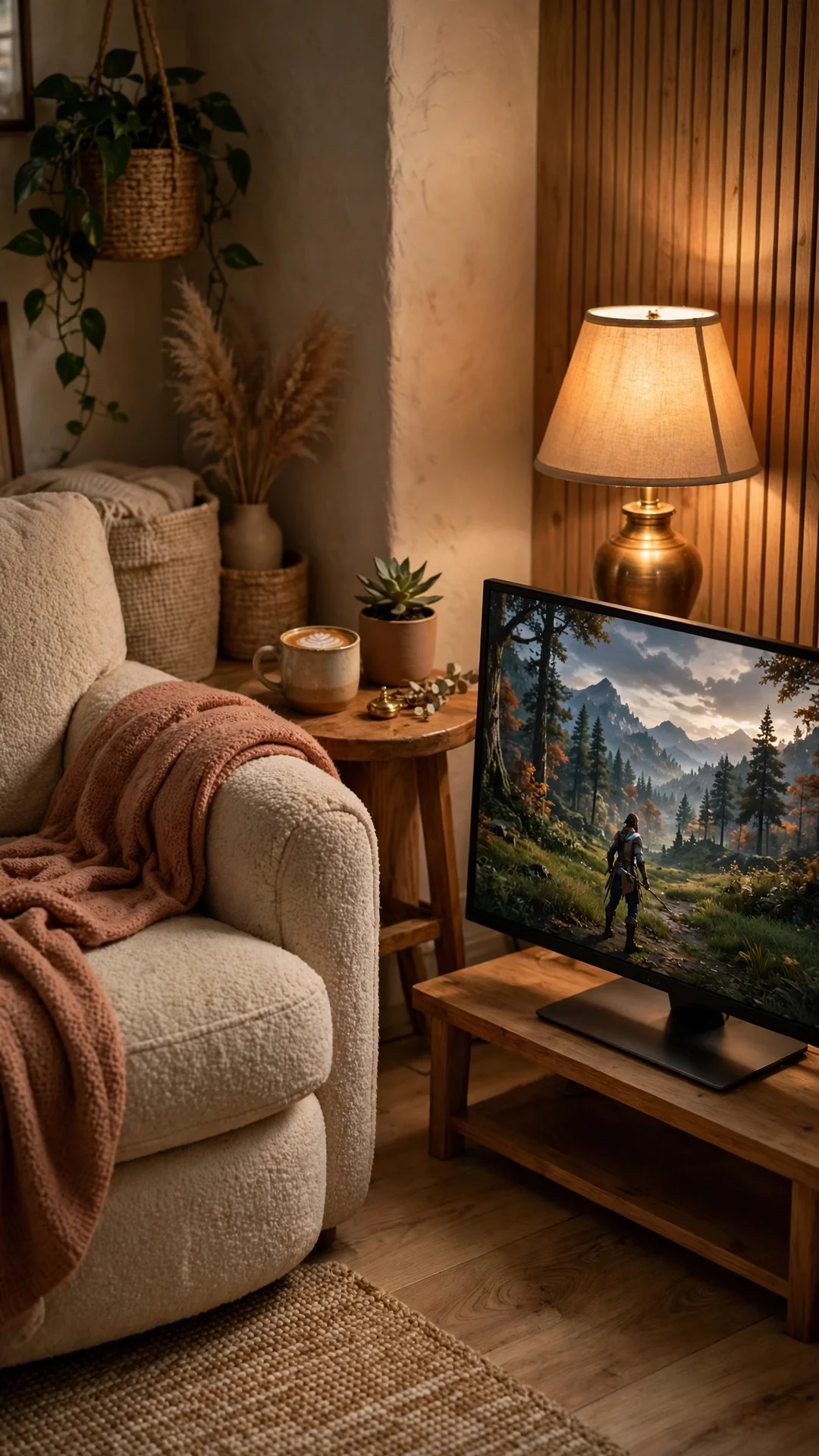
Some parents do not want a desk at all, and this setup is for them. A deep armchair in a quiet corner, a small monitor on a low stand, and a side table for a mug and a controller make a gaming spot that feels like a reading nook. It is the slowest, softest way to play, and it suits a parent who games to unwind.
Light is a warm floor lamp behind the chair, which throws a soft glow over the whole corner without any screen glare. The chair is plush and wide, with room for a child to curl up beside the player for a story game. Storage is a basket beside the chair for the controller and a small shelf for a few favorite games.
Power is one strip behind the side table with a single cable to the wall. This setup asks for almost nothing, a chair, a lamp, and a screen, and it gives back a corner that the whole family will fight over.
Why this one: The velvet chair is deep and soft, with a high back that suits long relaxed sessions and story games.
Worth knowing: It is an accent chair, so it has no wheels and stays where you put it.
Why this one: The tall floor lamp throws warm light over the whole corner, and the tan shade keeps the glow soft.
Worth knowing: It is a floor lamp, so it needs a corner spot and cannot sit on a desk.
12. The Weekend Family Tournament Setup
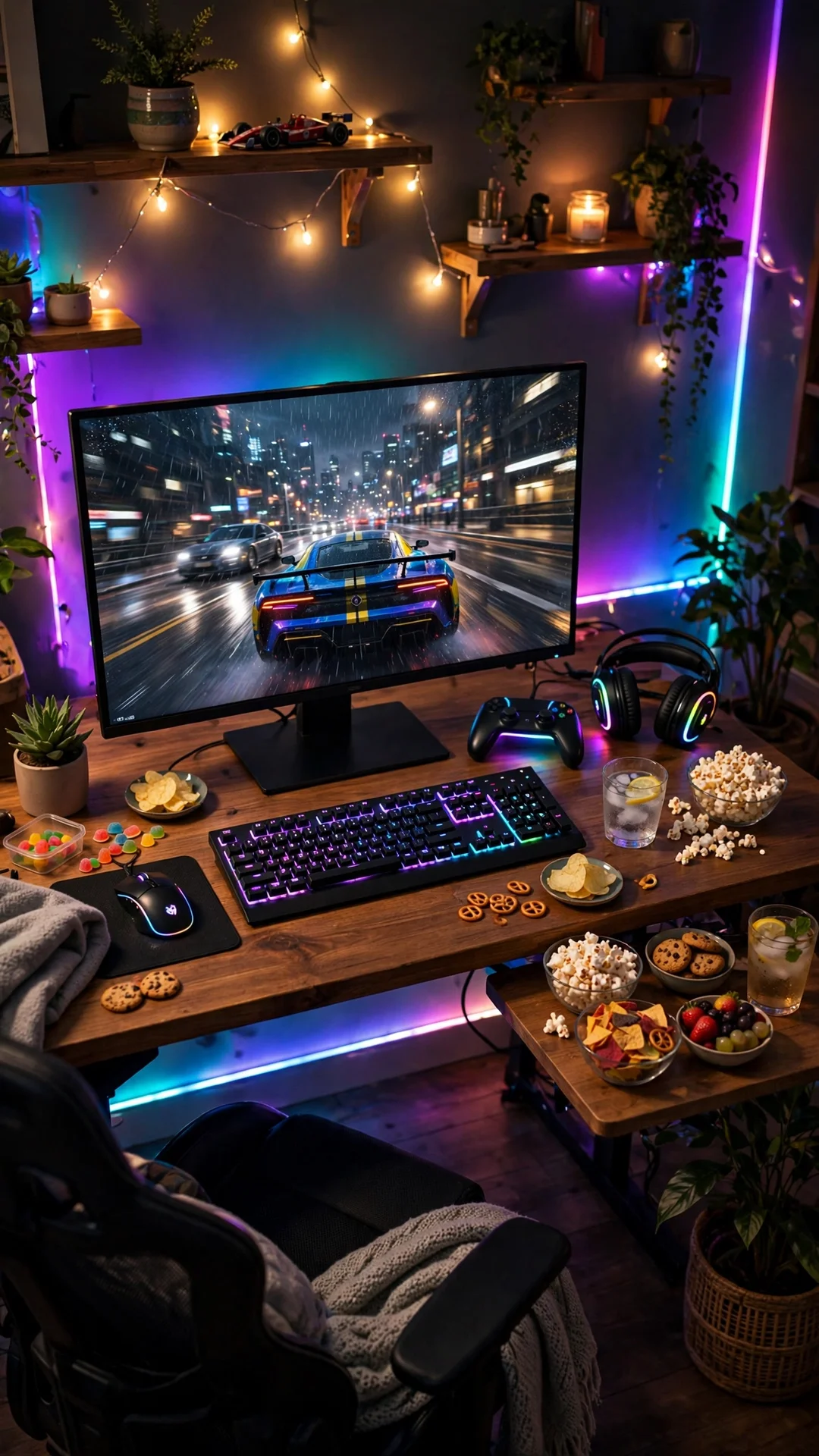
Saturday night is tournament night, and this setup is built for it. A large desk holds the main screen, colorful lights set the mood, and extra seating pulls up around the desk so the whole family can watch, cheer, and take turns. A small side table holds snacks and drinks, which is the real secret to a good tournament.
Light is the fun part here, with a neon strip behind the monitor and a color changing bar on the wall. The screen is big and bright, so everyone in the room can follow the race or the match. Storage is a low shelf for the spare controllers and a basket for the tournament snacks, kept well away from the keyboard.
Power is a strip with plenty of outlets for the console, the lights, and a phone charger, all fixed under the desk. Add a simple scoreboard on the wall and a rule that the winner picks the next game, and this setup turns one night a week into the family event everyone looks forward to.
Govee RGBIC Gaming Lights, 10ft Neon Rope Lights Soft Lighting for Gaming Desks
Why this one: The neon rope lights add a fun glow behind the desk, and they are soft and safe around kids.
Worth knowing: They are decorative lights, so they do not replace a proper desk lamp for reading or homework.
Why this one: The RGB stand holds a headset and a controller with nine light modes, which adds tournament color to the desk.
Worth knowing: It needs a USB port for the lights, so check for a free port before you set it up.
Frequently Asked Questions
How do I build a gaming setup that works for parents and kids?
Start with a shared desk that gives everyone elbow room, keep cables out of reach with a tray, and give every controller a labeled home. Setups 1, 7, and 10 show the shared desk, the two chair station, and the boundaries setup that make family play easy.
What is the best gaming setup for a small family home?
A compact desk in a corner or a closet nook works best, because it hides away when the game ends. Setups 2, 8, and 9 show the quiet corner, the closet nook, and the budget build that fit small homes.
How can parents keep gaming time balanced?
Build the boundaries into the room, with a visible clock, a controller stand with a clear home, and a power strip the parent switches off. Setup 10 covers the full boundaries routine, and it works because the room makes the rules easy to follow.
Can I game in the living room without it looking like a gaming den?
Yes, use a wooden media stand to hide the console and a TV backlight for soft light, and the room looks like a living room again when the game ends. Setup 4 shows the full living room blend.
What should a parent spend the most on?
Spend on the chair and the screen first, because those are what your body and eyes use every session. Setups 5 and 9 show where to put the money and where to save it.
How do I keep cables safe around small children?
Fix a power strip under the desk, run cables through a tray, and clip loose cords along the back edge so nothing trails on the floor. Every setup in this guide uses the same under desk power rule.
Conclusion
A gaming room for parents works when it fits the family, not the other way round. Pick the setup that matches where you play, share the desk when you can, keep the cables hidden, and build the end of playtime into the room itself. Start with the shared family desk if you play with your kids, the quiet corner if you play after bedtime, or the budget build if money is tight. Add one family friendly touch at a time, a labeled basket, a wall clock, a controller stand, and your gaming room will feel like part of the home, not a room you have to hide. For more ideas on fitting a setup into a small space, see our 12 corner gaming setup ideas and our 9 cozy gaming room ideas for winter.
