7 Home Office Chair Ideas for Back Pain
By Maya Bennett, Founder and Editor. Long days at a desk ask a lot of your chair, so these 7 setups put the seat first and build the whole workspace around it. Each one pairs a chair with adjustable comfort features with a desk, a screen, light, storage, and power, so you can copy the full scene. A quick note before we start: no chair in this guide claims to treat or cure back pain, and this guide makes no medical claim either. What follows is about adjustable features and comfort for long work sessions. If back pain keeps coming back, talk with a clinician about what fits your body.
As an Amazon Associate I earn from qualifying purchases. Read our full disclosure here: affiliate disclosure.
In this guide
At a glance
1The High-Back Mesh Command Desk
AI-generated image
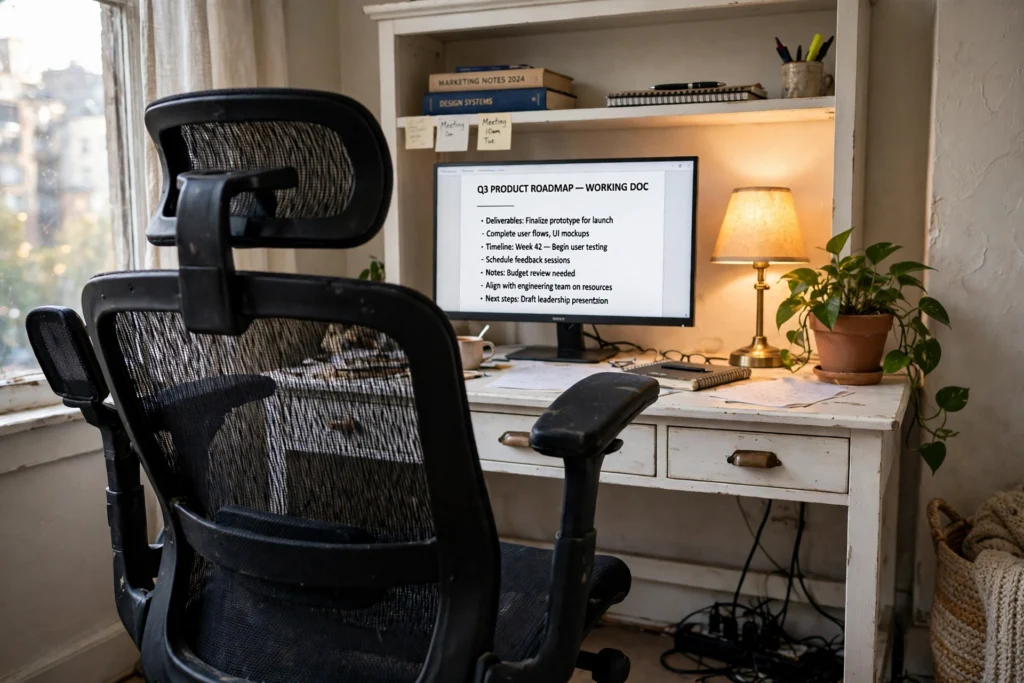
Start with the chair that does the heavy lifting. This high-back mesh chair keeps air moving across your back through a long afternoon, and the headrest, flip-up armrests, and height adjustment let you tune the fit instead of settling for it. It sits at a white wood desk with a hutch and drawers, so your planner, notebooks, and chargers each have a place. The 24 inch monitor sits at eye level with the screen on, and the keyboard tray slides out when you type and away when you write by hand. A small warm lamp fills the corner after dark, and a power strip under the desk keeps the monitor, lamp, and laptop charger in one tidy run of cables.
Why this one: The high mesh back, headrest, and flip-up arms cover the main adjustments most people reach for first, and the mesh stays cool through long sessions.
Worth knowing: The mesh seat feels firmer than a thick foam cushion, so some sitters add a thin seat pad for very long days.
Yaheetech Home Office Wood Computer Desk with Keyboard Tray and Drawers, White
Why this one: The hutch and drawer give papers and supplies a home, and the pull-out keyboard tray frees the desktop for a notebook beside the monitor.
Worth knowing: The 42 inch top is snug for a large monitor plus papers side by side, so keep the hutch shelf working for storage.
Why this one: The 24 inch IPS panel is a comfortable size for documents and video calls, with a tilt stand to angle the screen toward you.
Worth knowing: The included stand adjusts tilt only, with no height adjustment, so a riser or arm is the way to lift it higher.
2The Flip-Up Arms Bedroom Nook
AI-generated image
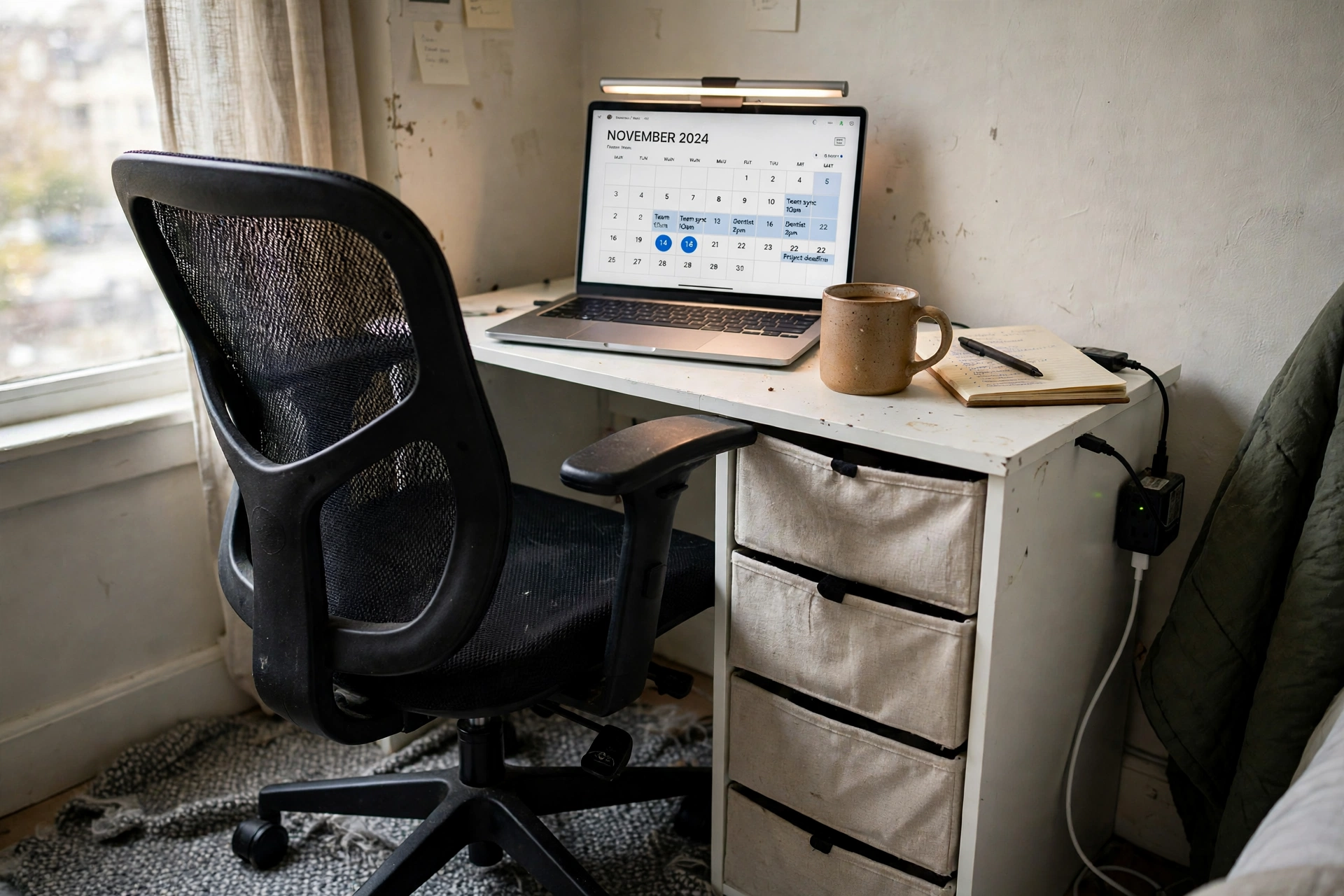
Small room? This is the setup that disappears when the workday ends. The chair is a compact mesh task chair with an S-shaped backrest and flip-up armrests, so when you lift the arms it slides right under a 32 inch desk and the bedroom gets its floor back. Your laptop sits front and center with the screen on, showing the day ahead, and a monitor light bar clips on top to wash the keyboard in even light without taking up desk space. Two fabric drawers hold notebooks and chargers, a small power strip behind the desk feeds the laptop and the light bar, and a mug and a notebook fill the last inches of the desktop. It is a full office that fits in the corner beside the bed.
Why this one: The flip-up arms and compact footprint are made for tight rooms, and the S-shaped backrest and saddle cushion give the seat its shape.
Worth knowing: The saddle cushion feels different from a flat seat at first, so give it a few days before you judge the fit.
ODK Small Desk with Fabric Drawers, 32 Inch Modern Work Writing Study Table, White
Why this one: At 32 inches wide it fits a laptop and a notebook in a bedroom corner, and the two fabric drawers keep supplies out of sight.
Worth knowing: The fabric drawers suit light items best and can sag under heavy books, so keep the big binders on a shelf.
Quntis Monitor Light Bar PRO+ with Remote Control, 20 Inch, Black
Why this one: The bar clips to the top of the screen and lights the desk without a lamp base, and the remote adjusts brightness and color temperature from your seat.
Worth knowing: The remote is small and easy to misplace, and the bar needs a free USB port for power.
3The Footrest Recline Corner
AI-generated image
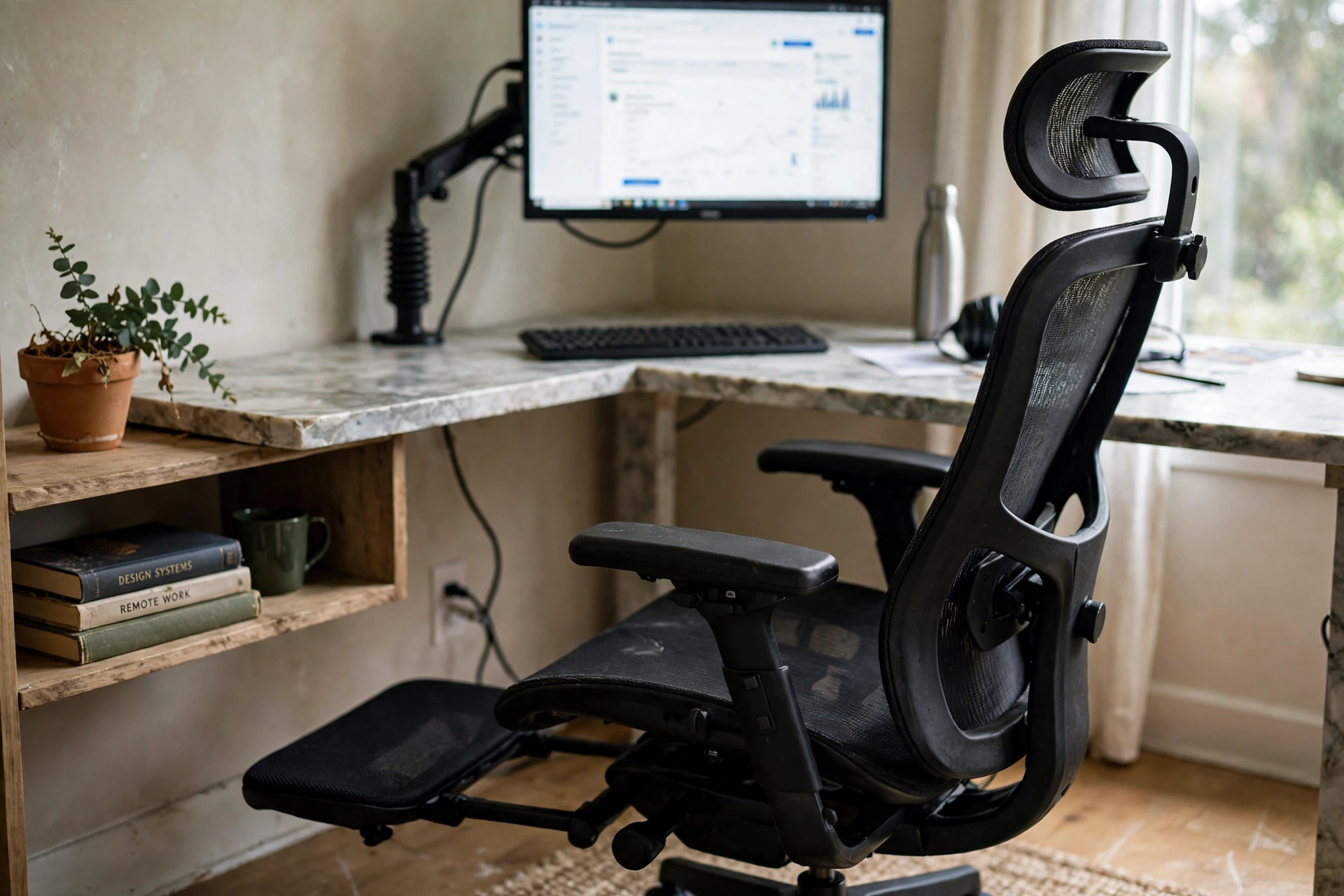
Here is the setup for people who sit for hours and like to change position without leaving the desk. The chair is a high-back mesh model with a headrest, 4D flip-up armrests, adjustable lumbar support, and a pull-out footrest, so you can sit upright to work and lean back with your feet up between tasks. It faces the corner of a marble L-shaped desk, where a monitor on a gas spring arm floats at eye level with the screen on. Reversible side shelves hold books and a plant, the long desktop gives your keyboard and papers room to spread out, and cables run down to a power strip tucked behind the desk leg. When the day ends, the footrest slides away and the chair is a regular desk chair again.
Why this one: The headrest, 4D arms, tilt lock, and hidden footrest pack the most adjustments of any chair in this guide into one seat.
Worth knowing: At about 46 pounds it is heavy to move between rooms, so set it where it will live and leave it there.
Why this one: The L shape turns an unused corner into a real workstation, and the reversible shelves can sit on the left or the right to match your room.
Worth knowing: The marble look is a printed finish, not real stone, and the open shelves show clutter, so keep them tidy.
Why this one: The gas spring arm lifts the screen to eye level and frees the whole desktop underneath for papers and a notebook.
Worth knowing: It holds monitors up to 15.4 pounds, so heavier screens need a stronger mount, and the spring can feel stiff until it loosens up.
4The Headrest Rolling Workstation
AI-generated image
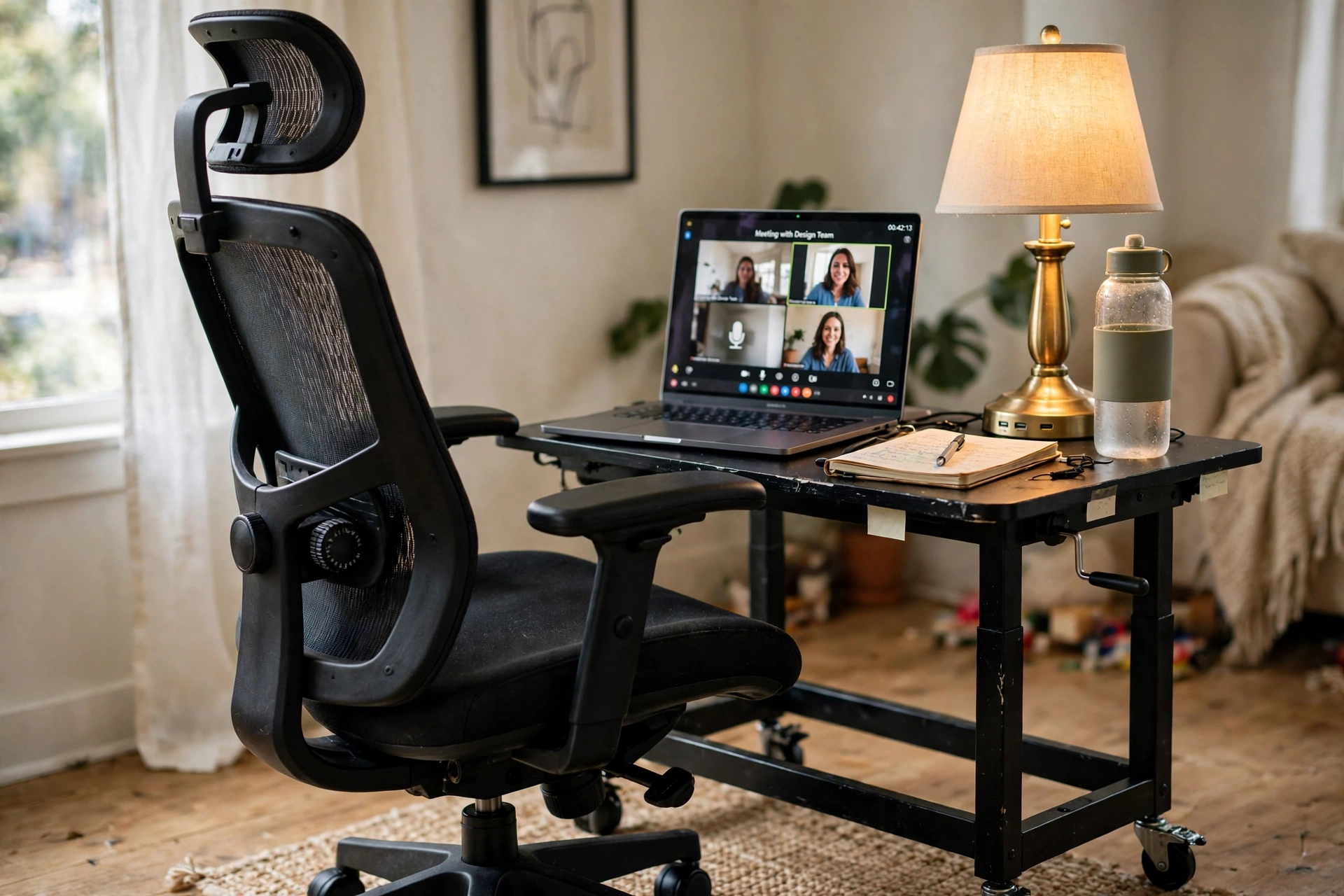
Some of us work in the living room in the morning and by the window in the afternoon, and this setup rolls along. The chair has an adjustable headrest and lumbar support that moves up and down, flip-up arms, and a recline range, so the fit follows you from room to room. It pairs with a small rolling desk whose height adjusts, so you can sit at it or raise it and stand for a stretch. The laptop sits on top with the screen on for calls, a warm table lamp with USB ports and outlets lights the corner and charges your phone at the same time, and a notebook and water bottle ride on the desk while a small rug marks the spot. Lock the desk wheels when you settle in, and the whole office stays put.
Why this one: The headrest adjusts in height and angle, the lumbar support slides to match your height, and the flip-up arms let the chair tuck under the rolling desk.
Worth knowing: The mesh seat is firmer than a foam cushion, and the flip-up arms do not adjust in height.
Why this one: The height adjusts for sitting or standing, the wheels let the desk follow you to another corner, and the small top suits a laptop-first setup.
Worth knowing: The 24 inch top fits a laptop and a few items only, so a dual monitor setup needs a bigger desk.
Why this one: One lamp covers light and power at once, with warm dimmable light, two USB ports, two outlets, and phone stands built into the base.
Worth knowing: The wide base takes up more desk space than a slim lamp, so place it at the back corner of the small top.
5The Leather Executive Setup
AI-generated image
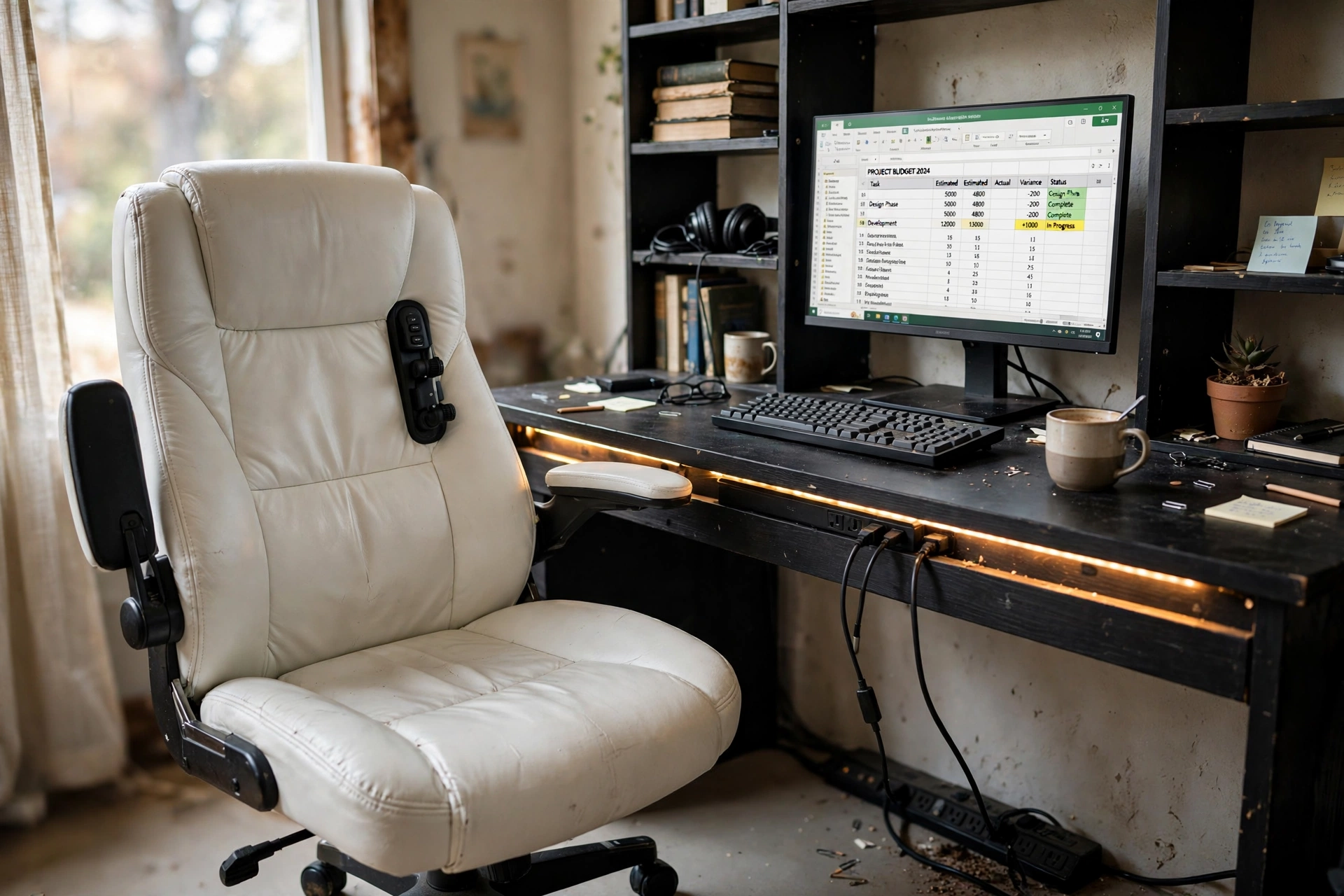
Want the office to look as put together as your work? This one leans polished. A white PU leather executive chair with five-position lumbar support, flip armrests, and a smooth tilt anchors the room, and the leather wipes clean after coffee rings and long days. It faces a black 47 inch desk with six open shelves, a monitor stand, built-in power outlets, and LED strips that glow warm along the edge. The monitor shows a spreadsheet with the screen on, books and a headset live on the shelves, and a surge protector on the floor feeds the monitor, the desk lights, and your laptop charger from one strip. It is the setup for video calls where the background matters as much as the work.
Why this one: The five-click lumbar support adjusts in clear steps, the PU leather gives a clean executive look, and the flip armrests let the chair slide under the desk.
Worth knowing: PU leather runs warmer than mesh in a hot room, and the armrests flip up but do not adjust in height.
Why this one: Six open shelves, a monitor stand, built-in outlets, and LED lighting cover storage, screen height, power, and light in a single desk.
Worth knowing: The built-in strip has only two AC outlets, so a second strip helps when the monitor, laptop, and lamp all need power.
Why this one: Six surge-protected outlets and a 6 foot cord with a rotating plug reach the wall without stretching, and the strip sits flat on the floor.
Worth knowing: The outlets sit close together, so a wide plug can block the outlet next to it.
6The Big and Tall Mesh Setup
AI-generated image
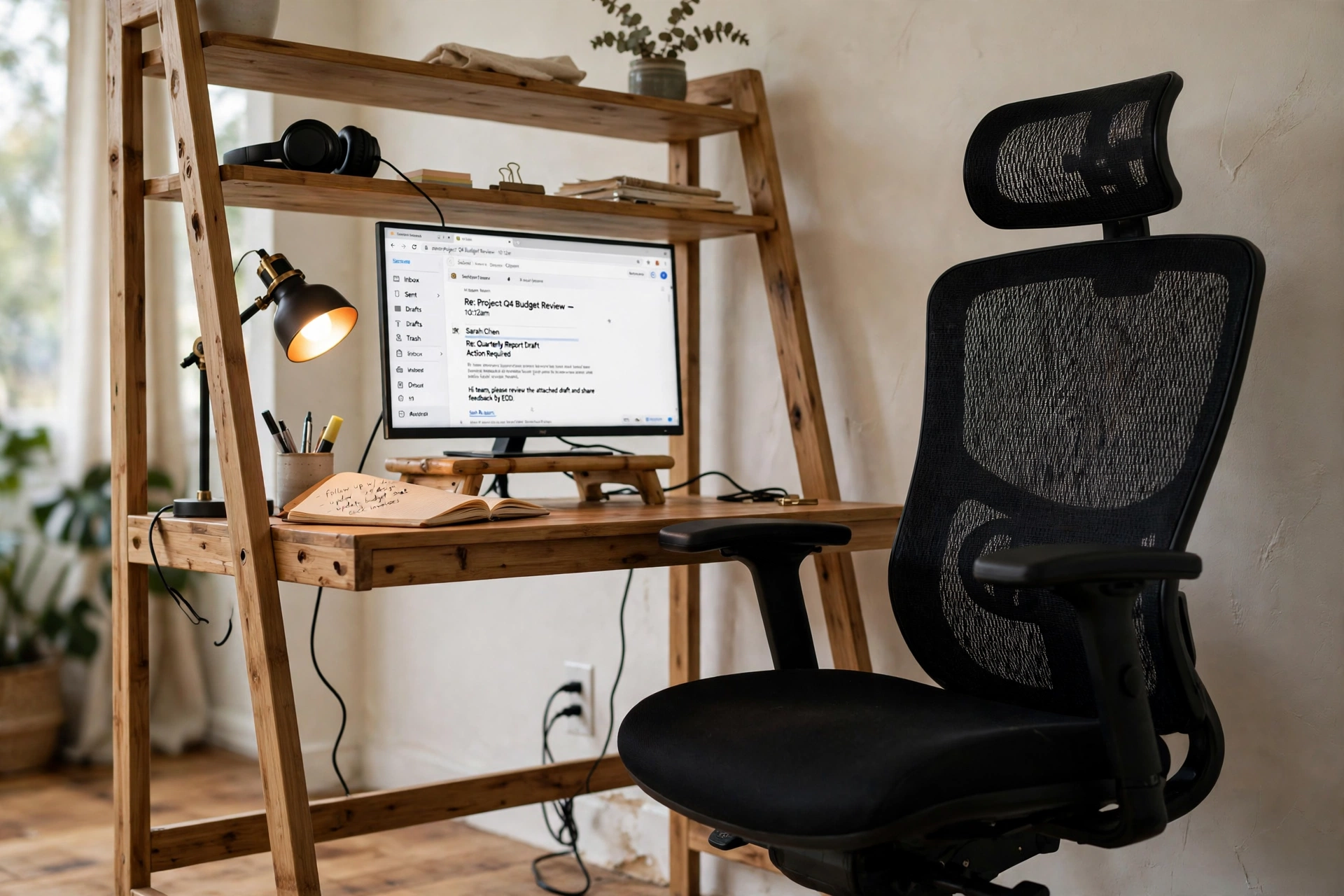
Taller sitters need a chair with room to spare, and this one is built wide. The high-back mesh chair has an adjustable headrest, flip-up arms, a tilt lock, and a wide cushion, so the seat fits a bigger frame instead of squeezing it. It sits at a ladder desk that uses the wall instead of the floor, with two open shelves above the desktop and a drawer below for pens and notebooks. A bamboo riser lifts the monitor to a comfortable height with the screen on, a small lamp glows on the left, and a power cable runs down the wall to an outlet. Books and a plant fill the ladder shelves, and nothing about the setup fights for floor space.
Why this one: The wide mesh seat and cushion, adjustable headrest, and tilt lock suit taller sitters, and the mesh keeps air moving on long days.
Worth knowing: The mesh seat feels firmer than a foam cushion, and the flip-up arms rotate 45 degrees only.
Why this one: The ladder shelves stack storage up the wall, so the desk takes up little floor while books and supplies stay within reach.
Worth knowing: The ladder shelves are narrow, sized for books and small items, not a printer or a large speaker.
Why this one: The bamboo riser lifts the screen about 4.65 inches with no assembly, and the drawer and compartments hold pens, notes, and small supplies.
Worth knowing: The drawer is small, sized for pens and notes, and the riser height is fixed, so measure your screen before you buy.
7The Compact Mid-Back Apartment Setup
AI-generated image
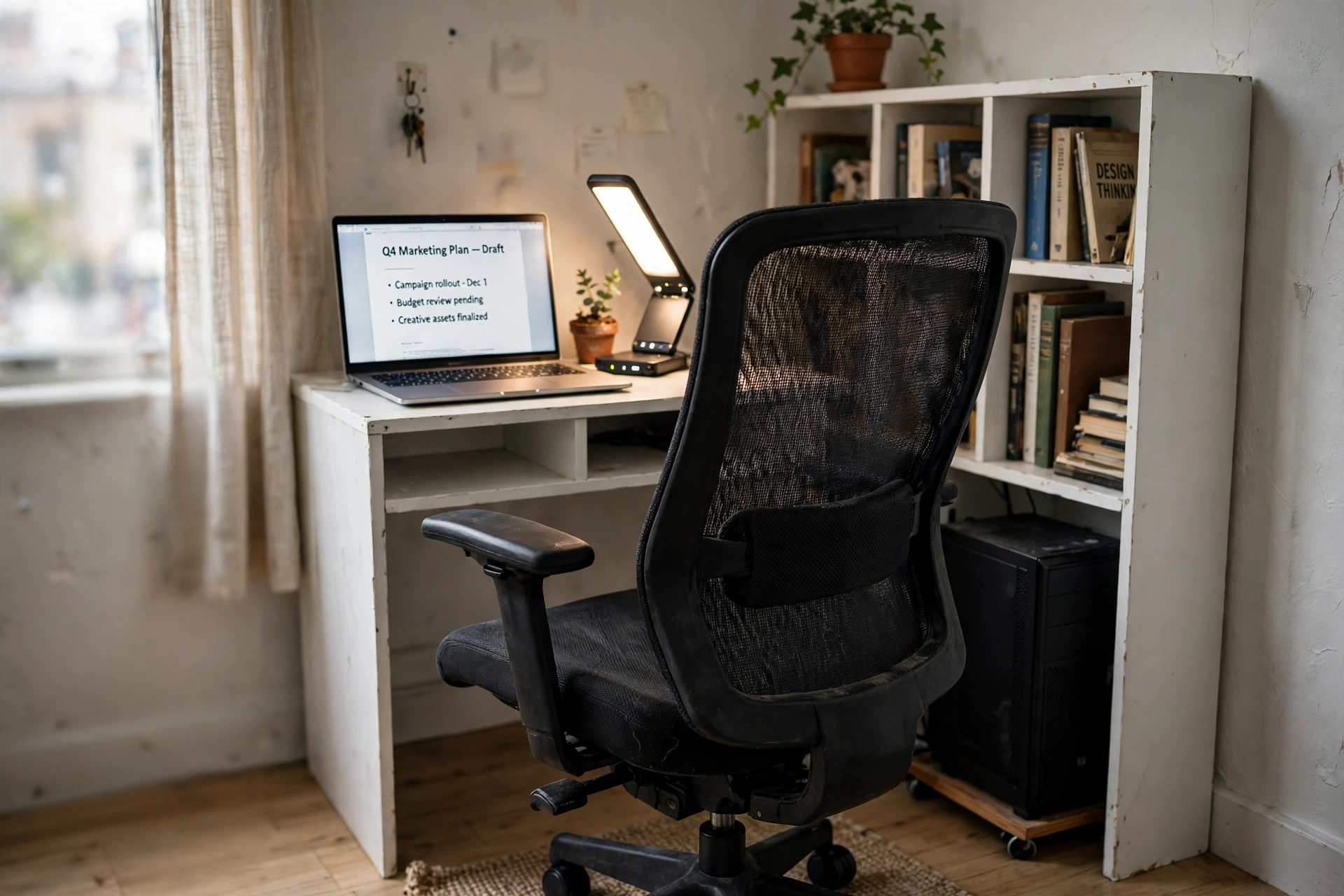
Last is the setup for a small apartment and a smaller budget, and it still covers every part of the scene. The chair is a mid-back mesh model with lumbar support, a rocking mode, and height adjustment, with fixed armrests that keep the design simple. It tucks into a white compact desk with a bookshelf side, cubby shelves, and a CPU stand, so books, files, and the computer tower all have a place without a second piece of furniture. The laptop sits on the desktop with the screen on, a foldable LED desk lamp with charging ports lights the keyboard and charges your phone, and a small plant tops the shelf. Everything in this setup earns its inches, and the whole corner costs less than the chair alone in some of the setups above.
Why this one: The contoured mid-back and lumbar support, rocking mode, and height adjustment cover the basics at a friendly size for small rooms.
Worth knowing: The armrests are fixed and do not adjust, and the mid-back height gives less upper back coverage than a high-back chair.
Why this one: The bookshelf side with cubby shelves and a CPU stand turns one desk into a full workstation with storage built in.
Worth knowing: The cubbies are open, so clutter shows, and assembly has many parts, so set aside an unhurried hour.
Why this one: The foldable lamp covers light and charging in one base, with three color temperatures, three brightness levels, pen holders, and USB and AC charging.
Worth knowing: The lamp head folds but the base is fixed in place, and USB charging runs at a modest speed, so it suits phones better than tablets.
Frequently asked questions
Can an office chair fix back pain?
No. A chair cannot treat, cure, or prevent back pain, and no chair in this guide claims to. A chair with adjustable lumbar support, seat height, and armrests can make long work sessions more comfortable, and a good fit helps you sit well. If back pain keeps coming back or gets worse, talk with a clinician instead of shopping for a cure.
What chair features matter most for long work sessions?
Start with the adjustments you will actually use: seat height, lumbar support position, armrest height, and tilt. A headrest helps when you lean back, and breathable mesh helps when the room runs warm. Set the chair so your feet rest flat, your knees sit near a right angle, and your screen sits at eye level.
Mesh or leather for long days?
Mesh breathes, so it suits warm rooms and long sessions. PU leather looks polished, wipes clean, and suits a professional video call background, but it runs warmer than mesh. Pick mesh for airflow and leather for looks and easy cleaning.
How high should my monitor sit?
Put the top of the screen near eye level, about an arm’s length away, so you look slightly down at the middle of the screen. A monitor arm or a riser lifts a screen that sits too low, which is the most common fix in a home office.
What if my new chair still feels wrong after a week?
Check the fit first. Raise or lower the seat, slide the lumbar support up or down, and try the tilt lock in a different position. Give each change a full day before you judge it, and check your desk height too, since a desk that is too high or too low can make any chair feel off. If the chair still does not fit your body after a fair trial, use the return window and try a different shape.
Conclusion
The best chair idea is the one that fits your body, your room, and the way you work. Pick the setup that matches your space, adjust the seat height and lumbar support on day one, set your screen at eye level, and give the new fit a few days before you decide. Then check today’s price on Amazon for the pieces in your setup, and build the corner where long workdays feel easier.
