As an Amazon Associate I earn from qualifying purchases. This article contains affiliate links, which means I may earn a small commission if you buy through them, at no extra cost to you. Read the full affiliate disclosure.
Small accessories are the secret weapon of a great gaming desk. A big monitor gets all the attention, but it is the mat under your keyboard, the stand holding your headset, and the light bar above your screen that make a desk feel finished and fun to sit at every day. I put together eight complete setups, each built around one hero accessory, so you can copy a whole look or steal a single idea for the desk you already have. If your room is on the tight side, these pair nicely with the ideas in 15 gaming desk setup ideas for small rooms, where every inch has to earn its place.
Every setup below uses real products you can check on Amazon, and each one keeps the same simple rule: the accessory solves a real problem, the rest of the desk supports it, and nothing on the desk is there just to look pretty. Pick the setup that matches your biggest desk annoyance, whether that is tangled cables, a headset with nowhere to live, or a drink that always ends up too close to your keyboard.
In this article
At a Glance: Which Accessory Fits Your Desk?
| Setup | Best for | Hero accessory |
|---|---|---|
| The Glow Mat Desk | RGB lovers | RGB desk mat |
| The Headset Stand Desk | Headset owners | RGB headset stand |
| The Light Bar Desk | Late night players | Monitor light bar |
| The Floating Monitor Desk | Two screen setups | Dual monitor arm |
| The Zero Cable Desk | Tidy desk fans | Cable raceway kit |
| The Bamboo Shelf Desk | Warm, natural style | Bamboo monitor shelf |
| The Controller Dock Desk | Console players | Controller charging dock |
| The Coffee Safe Desk | Drinkers at the desk | Clamp-on cup holder |
1. The Glow Mat Desk
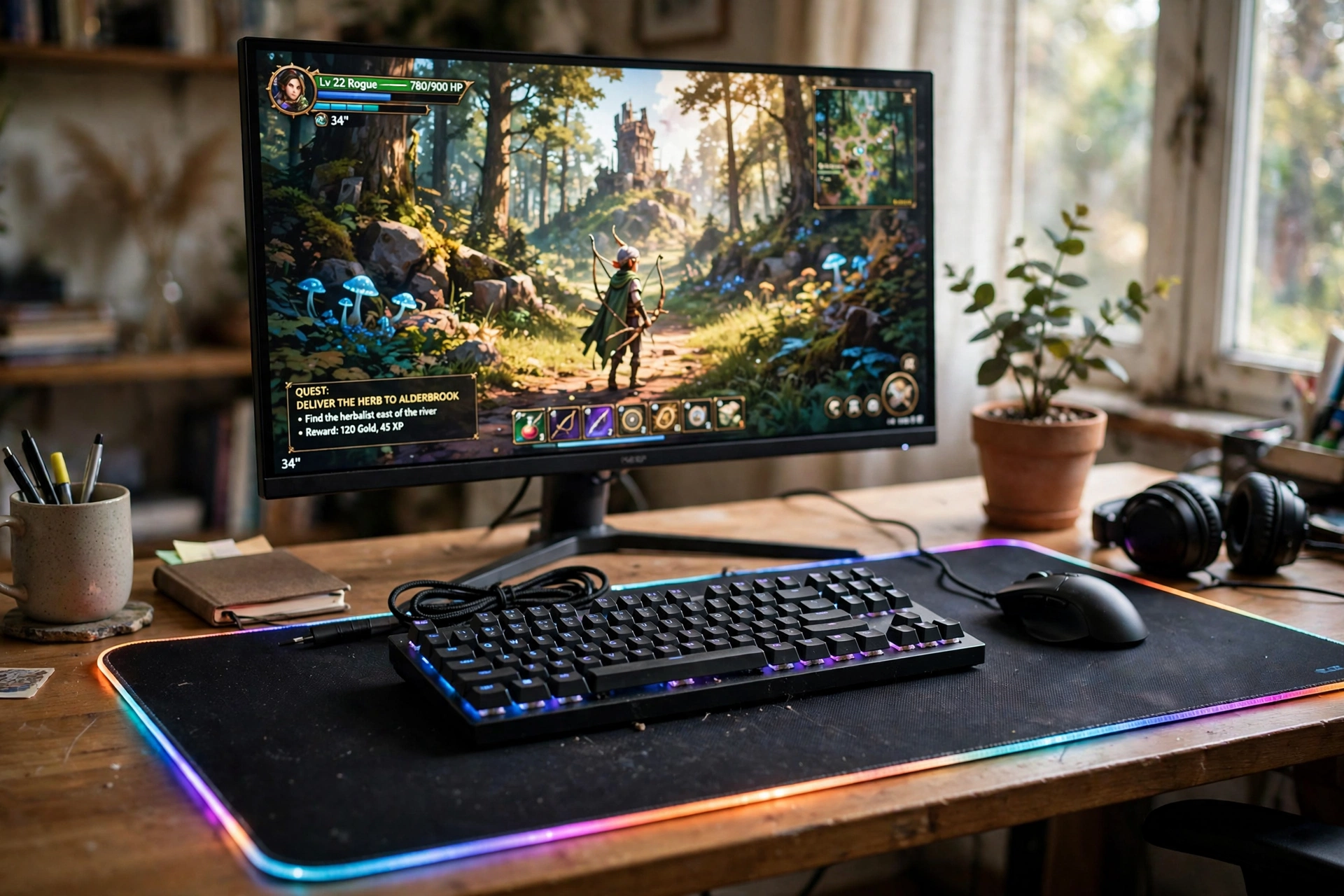
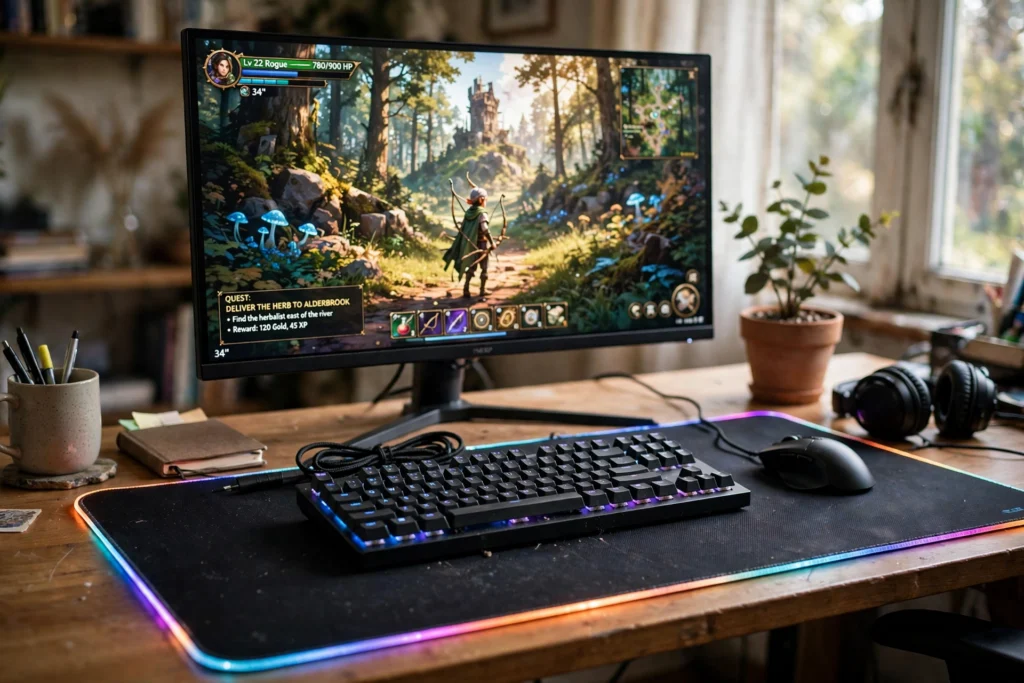
Start with the surface itself. A big RGB mat turns a plain desk into a gaming zone before you switch anything else on, and it quietly protects the desktop from scratches and coffee rings at the same time.
- Desk: a simple dark desk, so the mat glow stands out instead of fighting with a busy wood grain.
- Screen: one wide monitor centered on the mat, with the keyboard and mouse sitting on the lit surface.
- Light: the mat glow plus a small plant and soft room light keep the scene warm rather than harsh.
- Storage: a small drawer unit beside the desk holds spare cables and game discs out of sight.
What works here is scale. The mat is big enough for the keyboard and mouse to move freely, so your aim never hits the edge mid game. Choose a mat with a built in wireless charging spot and your phone has a home too, right where you can see it.
Quick tip: pick a mat color that matches your room, not just your RGB. A soft blue or warm white glow looks good in daylight, while a loud rainbow can feel tiring after a few hours.
Pull up a comfortable chair with good back support, so long sessions at the glowing mat stay easy on your back.
JOYYE Large RGB Gaming Mouse Pad with Magnetic Wireless Charger
Why this one: a large lit surface with a magnetic wireless charging spot built in, so the mat works as a charger and a glow source in one piece.
Worth knowing: the wireless charger only works with phones that support wireless charging, and thick cases can slow it down.
Corsair K70 CORE RGB Mechanical Gaming Keyboard
Why this one: a solid mechanical board with bright RGB that matches the mat glow, plus a comfortable layout for long sessions.
Worth knowing: it is a full size board, so measure your desk depth before ordering if space is tight.
2. The Headset Stand Desk
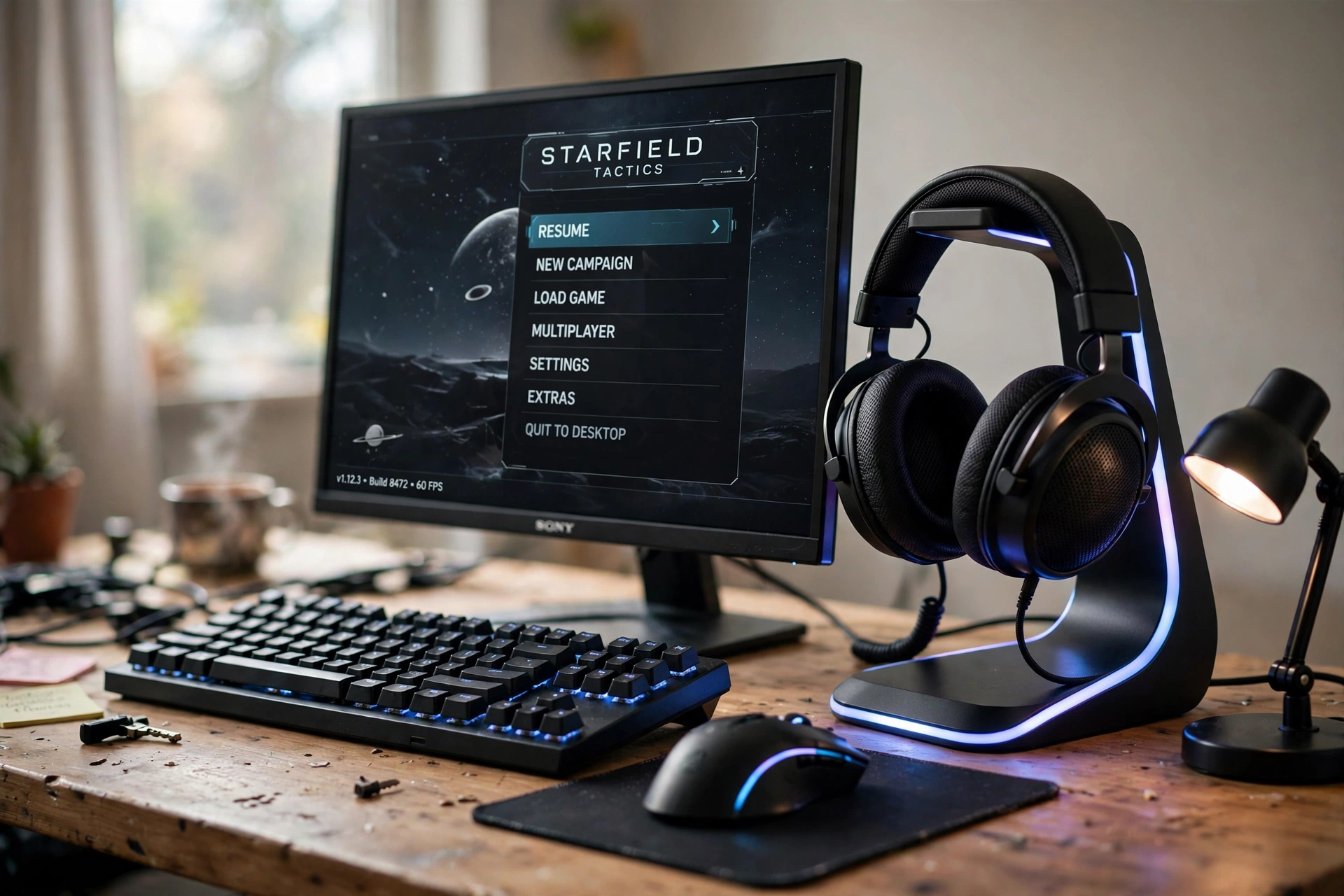
A headset left on the desk gets knocked over, tangled, or sat on. A stand gives it a home, and a glowing one turns that home into a feature of the desk instead of a boring hook.
Here the stand sits to the right of the monitor, close enough to grab with one hand when a match starts. The monitor shows a game menu, the keyboard sits square in front of it, and a small desk lamp adds soft light from the left so the stand glow is not the only light in the room. Under the desk, a small basket holds spare cables and the headset case.
The trick is placement. Put the stand on your dominant hand side so reaching for the headset feels natural, and keep the base clear of your mouse pad so a quick reach never drags the mouse.
Pull up a comfortable chair with good back support, so you can reach the headset stand without twisting away from the monitor.
Miroddi RGB Headset Stand with Wireless Charger, 8 in 1 Charging Station
Why this one: it holds the headset, adds RGB glow, and charges a phone and other gear from one base, which clears several small chargers off the desk.
Worth knowing: the charging ports share power, so charging everything at once can be slower than a wall charger.
Logitech G502 HERO Wired Gaming Mouse
Why this one: a reliable wired mouse with adjustable weights and extra buttons, a long time favorite for players who want precise aim without battery worries.
Worth knowing: the wired cable needs a little slack routed neatly, or it can tug during fast flicks.
3. The Light Bar Desk
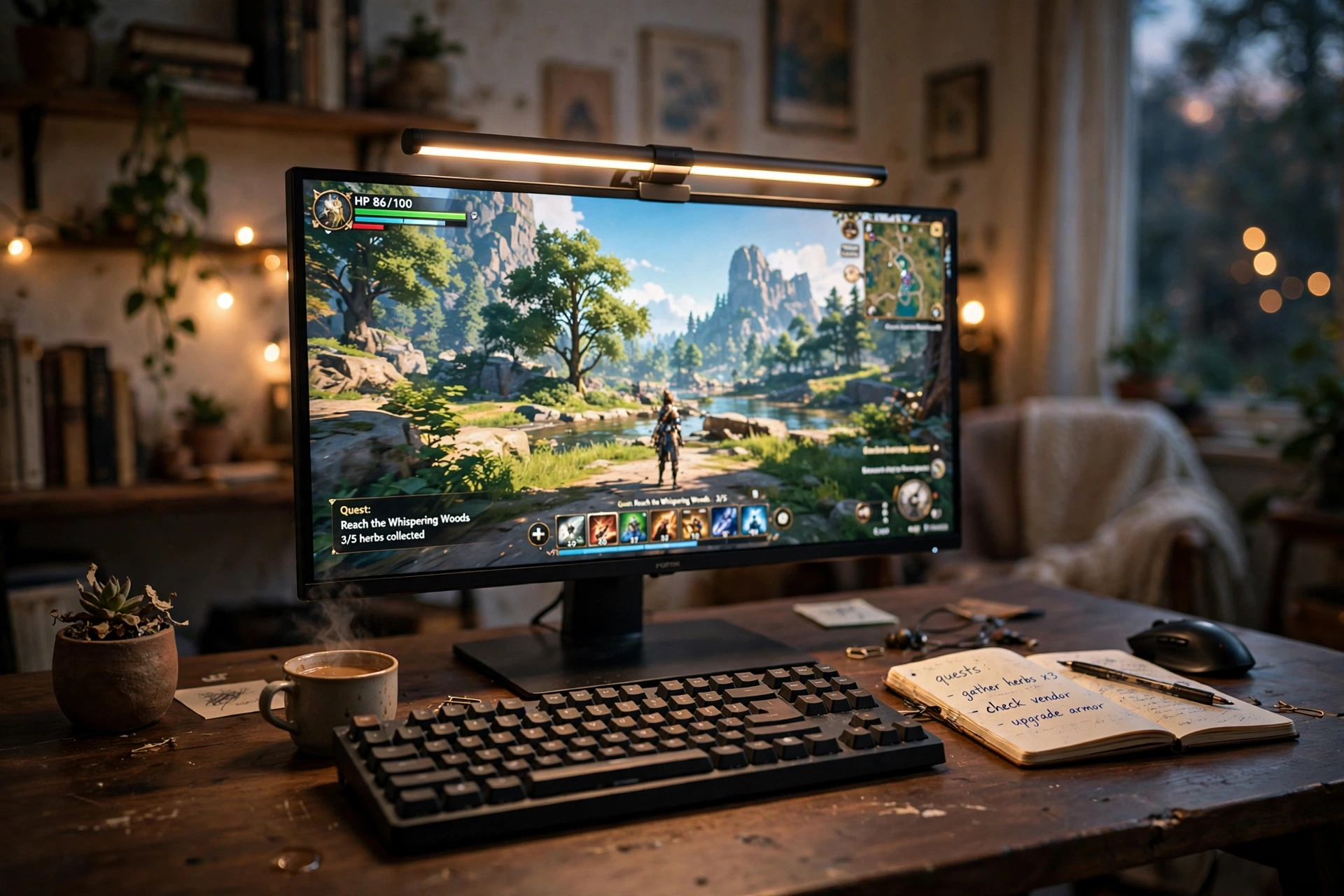
Playing in a dark room strains your eyes, and a bright desk lamp reflects on the screen. A monitor light bar fixes both at once: it washes the desk in light while the screen stays glare free.
The setup is simple and calm. One wide monitor with the light bar clipped on top, a dark wood desk, a keyboard and a notebook below, and the room dim behind it. No extra lamps, no glare, just an even pool of warm light across the keys.
How to set it up
- Clip the bar on top of the monitor and angle it down toward the desk, not toward your eyes.
- Set the warmth to match your room light so the screen and the desk feel like one space.
- Keep the brightness low enough that the keyboard is clear but the wall behind stays dim.
Once you have tried it, a light bar is hard to give up. It is one of the cheapest upgrades that changes how a desk feels after dark, and it costs less than most desk lamps while doing a better job.
Pull up a comfortable chair with good back support, and keep a small drawer unit beside the desk for spare cables and headsets, so the calm surface stays clear.
Quntis Monitor Light Bar RGB PRO
Why this one: it lights the desk without screen glare, adds a soft RGB glow behind the monitor, and adjusts for warm or cool light to suit the time of day.
Worth knowing: it needs a USB port for power, so it takes one port on your monitor or PC.
Acer Nitro VG272U V3 27 Inch QHD Gaming Monitor, 180Hz
Why this one: a sharp 27 inch QHD screen with a fast 180Hz refresh, a good match for a light bar setup where the screen is the star.
Worth knowing: the built in speakers are basic, so add headphones or speakers for better game sound.
4. The Floating Monitor Desk
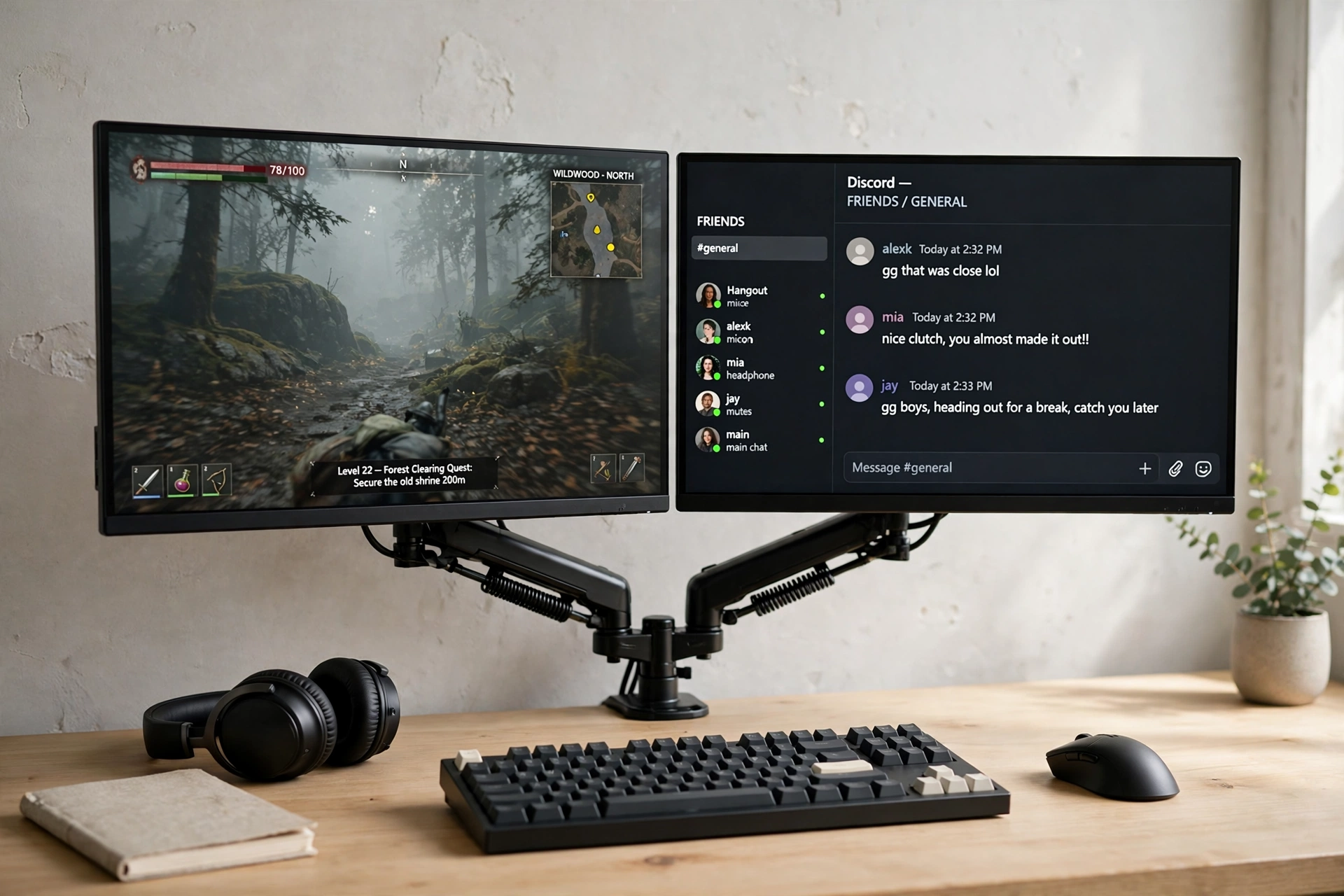
Two monitors on their factory stands eat half the desk. A gas spring arm lifts them both into the air, and suddenly the whole desktop is yours again.
What works here:
- Space: the keyboard, mouse, and a notebook all fit with room to spare, because the monitor bases are gone.
- Comfort: both screens sit at eye level and angle inward, so long sessions are easier on the neck.
- Flexibility: pull one screen closer for a game, push both back when you need the desk for homework or work.
- Clean look: cables run down the arm instead of across the desk, which makes the whole setup look calmer.
Check your monitor mounts before you buy. Most modern monitors use the same standard mounting holes, but older or very light screens can need an adapter, so a quick check saves a return.
Pair the floating screens with a comfortable chair that adjusts to eye level, so long sessions stay easy on your neck and back.
HUANUO Dual Monitor Arm, Gas Spring
Why this one: gas spring arms hold two screens steady, adjust smoothly with one hand, and free the desk surface the monitor stands used to take.
Worth knowing: it clamps to the desk edge, so very thick or glass desks may not suit the clamp.
LG UltraGear 27GP850-B 27 Inch QHD Gaming Monitor
Why this one: a crisp QHD panel with fast response and vivid color, well suited to a dual screen arm setup.
Worth knowing: the stand that comes in the box goes unused once the arm is fitted, so store it in case you move the monitor later.
5. The Zero Cable Desk
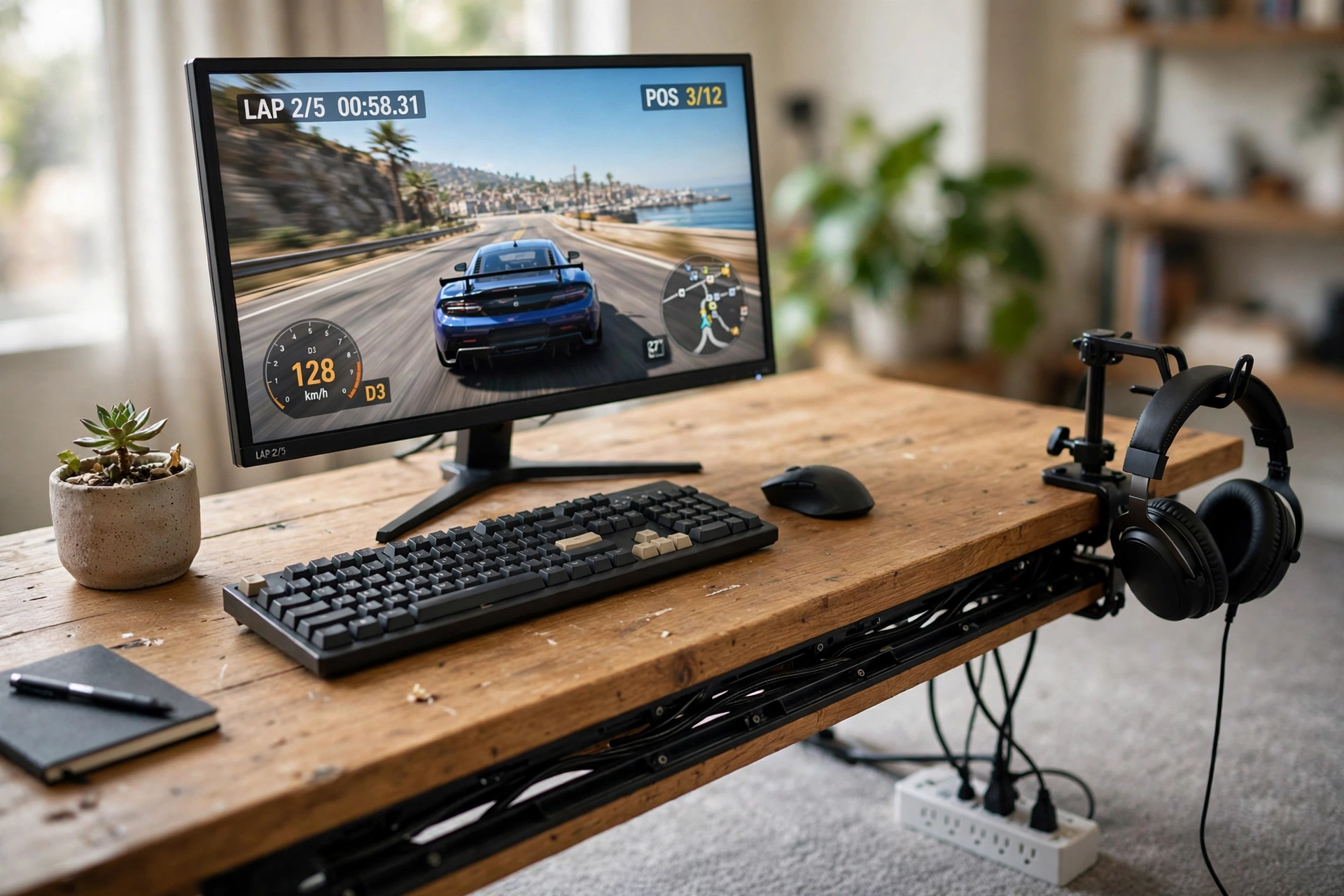
Cables are the fastest way to make a nice desk look messy. A raceway kit hides them under the desk edge, and a power strip box swallows the bulky plugs on the floor.
Do it in this order: unplug everything, group the cables by where they go, then clip them into the raceway one group at a time. Leave a little slack at each end so you can pull a monitor forward without yanking a plug. The monitor shows a racing game, the desk surface is clear, and the only thing visible below is a small plant and a headset hook.
This is the setup to start with if your desk looks fine in photos but feels chaotic in real life. It takes about half an hour, costs very little, and the difference is instant every time you sit down.
Finish the tidy desk with a comfortable chair with good back support, so the setup feels as good to sit at as it looks.
YECAYE 94.2 in Cable Management Under Desk, Cord Hider Raceway
Why this one: long adhesive channels hide a full set of cables under the desk edge, and the sections can be cut to fit your desk exactly.
Worth knowing: the adhesive sticks best to smooth, clean surfaces, so wipe the desk underside first and let it dry.
Govee RGBIC LED Strip Lights, 16.4ft
Why this one: a strip along the back edge of the desk adds a soft glow that hides the shadow where the cables used to show, and the app control makes color changes easy.
Worth knowing: the strip is best stuck once and left alone, as peeling it off and resticking weakens the adhesive.
6. The Bamboo Shelf Desk
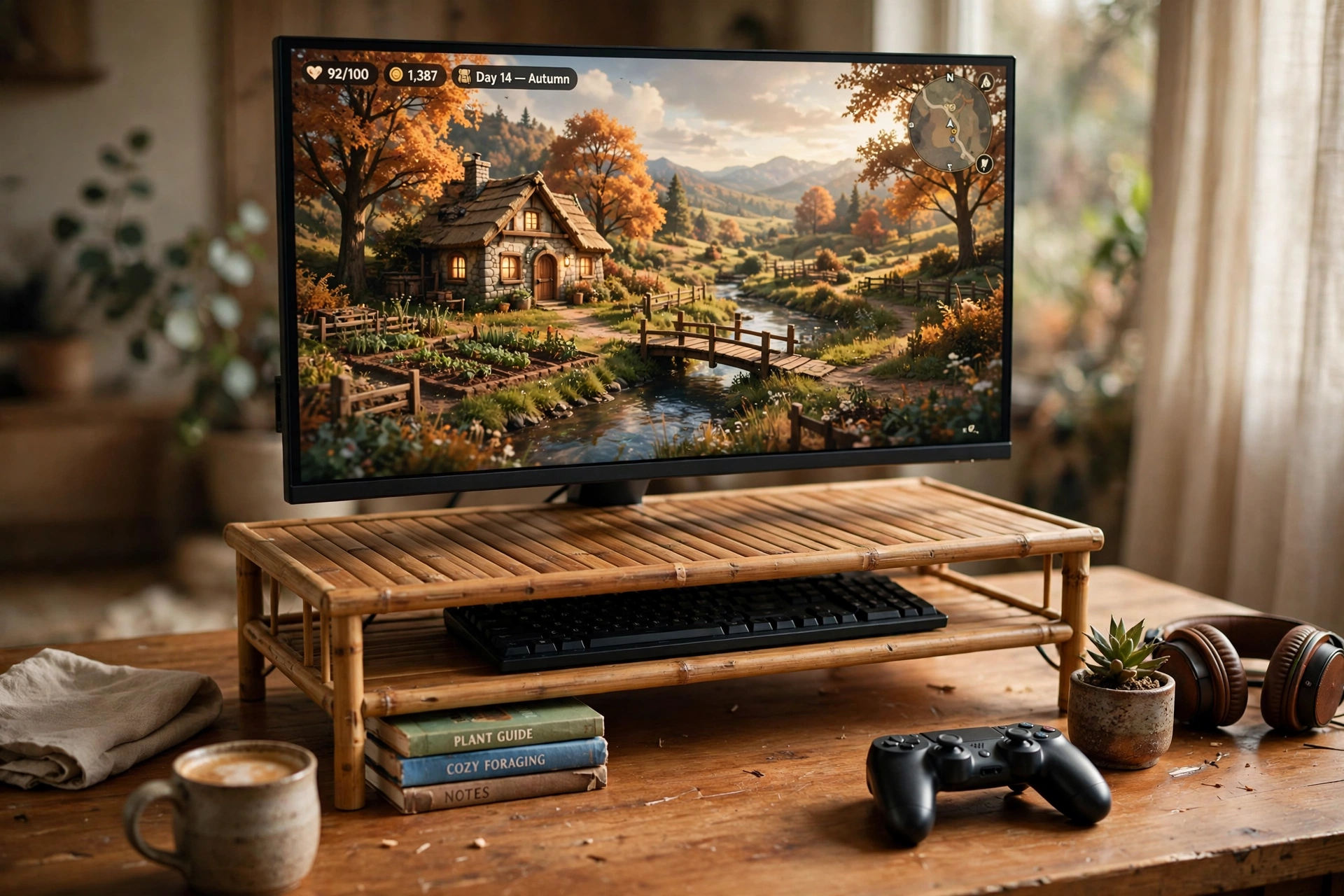
Not every gaming desk needs to glow. A bamboo riser lifts the monitor to eye level, warms up the whole desk, and opens a shelf of storage underneath that a monitor stand could never offer.
On this desk, the monitor sits on the bamboo shelf showing a cozy game world, the keyboard slides underneath when the session ends, and a controller and a few books live in the space below. Soft afternoon light does the rest, so the room feels like a reading corner that also happens to play games. If you like the idea of a setup that looks good without spending much, the tricks in 15 budget gaming setup ideas that look expensive pair well with this warm, simple style.
Why it works: the shelf raises the screen, hides the keyboard, and adds storage, three jobs from one piece of bamboo, with no tools and no drilling.
Pull up a comfortable chair with good back support, and plug the monitor and the lamp into a small power strip under the desk, so the cables stay hidden behind the bamboo shelf.
ROCDEER Bamboo Dual Monitor Shelf, Monitor Stand Riser with Underneath Storage
Why this one: a wide solid bamboo shelf that holds two monitors, lifts the screen to a comfortable height, and leaves a useful storage gap underneath.
Worth knowing: it is wide, so measure your desk before ordering to make sure it fits with room to spare on each side.
KTC 27 Inch Gaming Monitor, 180Hz, 1080p
Why this one: a fast 180Hz screen at a friendly size for a riser setup, with smooth motion that suits both cozy games and fast ones.
Worth knowing: it is a 1080p panel, so very close up viewing shows less sharpness than a QHD screen.
7. The Controller Dock Desk
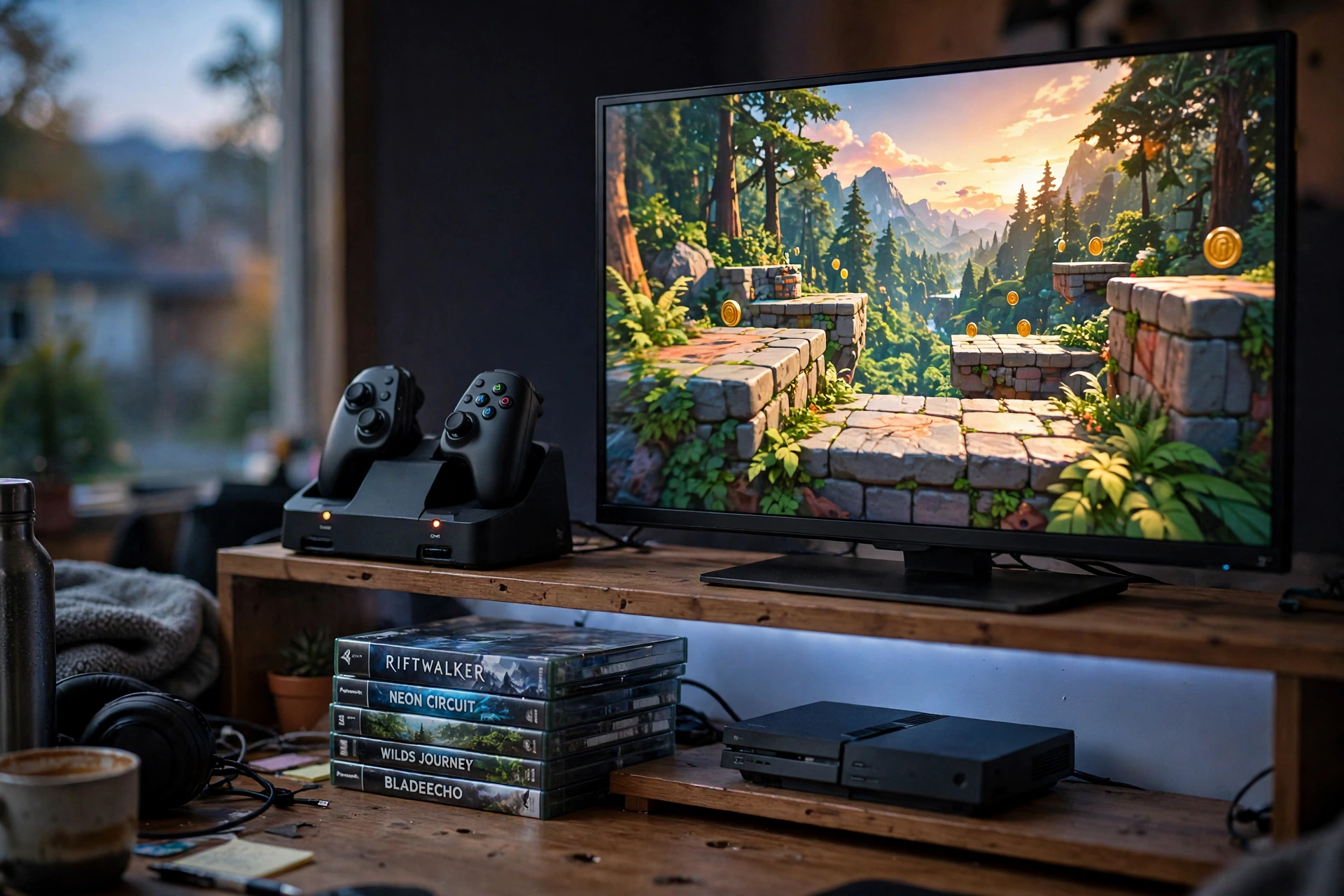
Console players have a different desk problem: controllers end up on the sofa, under a cushion, or with a dead battery right when friends arrive. A charging dock ends all three problems at once.
Here the TV shows a colorful game, two controllers sit in the dock charging, and the console rests on a small shelf beside the desk. A soft LED glow behind the desk keeps the room feeling like a gaming space, and a stack of game cases sits neatly to one side.
| Before the dock | After the dock |
|---|---|
| Controllers lost on the sofa | Both controllers in one visible spot |
| Dead battery mid game | Always charged and ready |
| Cables across the desk | One dock cable, hidden behind |
DOBE PS5 Dual Charging Station Dock for PlayStation 5 DualSense Controllers
Why this one: it charges two controllers at once, shows the charge status with LED lights, and gives both controllers a tidy home between sessions.
Worth knowing: it is made for DualSense controllers, so check compatibility if you use a third party pad.
Govee 65.6ft RGBIC LED Strip Lights
Why this one: a long strip that runs behind the desk and around the TV area, adding the console room glow without extra lamps.
Worth knowing: 65.6ft is a lot of strip, so plan the run first and trim or fold the extra neatly rather than bunching it up.
8. The Coffee Safe Desk
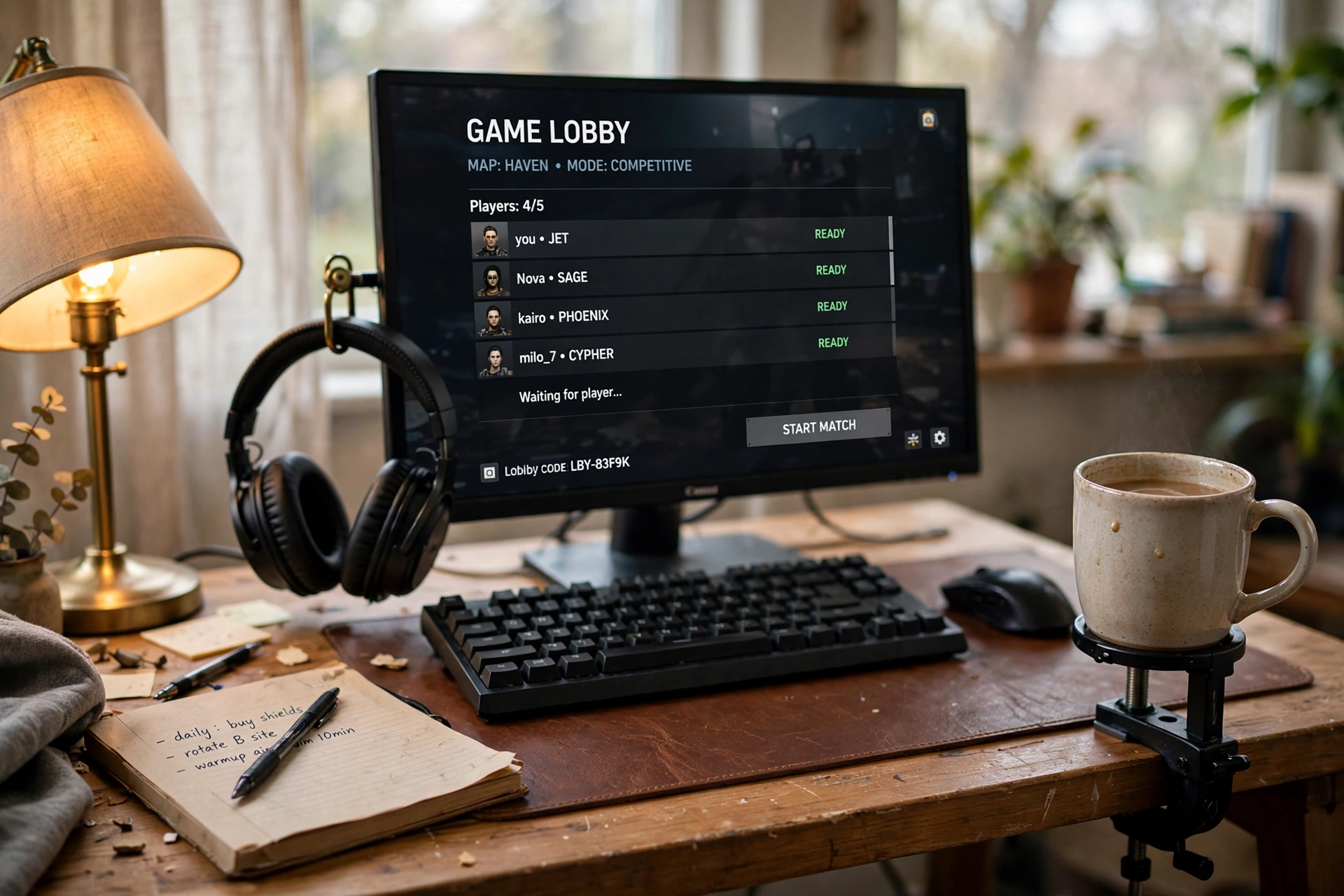
Every gamer knows the fear: one elbow, one coffee, one dead keyboard. A clamp-on cup holder moves the drink off the desk surface entirely, and that one change removes the biggest spill risk on the whole setup.
The holder clamps to the desk edge and holds a coffee mug safely below the surface level. Headphones hang on a small hook beside it, the monitor shows a game lobby, and the keyboard sits on a leather desk mat with a notebook and a warm lamp nearby. It is the most relaxed desk in this list, and it is also the cheapest to copy.
Checklist before you buy:
- Measure your desk edge thickness so the clamp fits.
- Check the holder fits your usual mug or bottle size.
- Put it on your non mouse hand side, so reaching for a drink never crosses the keyboard.
- Keep the hook free for headphones, so the desk stays clear.
Pull up a comfortable chair with good back support, and keep a small shelf or drawer unit beside the desk for mugs and spare cables, so nothing extra crowds the desktop.
OrgaFocus 4 in 1 Metal Clip On Cup Holder Attachment for Gaming Desk
Why this one: a sturdy metal clamp-on holder that keeps drinks off the desk, with a rotating hook for headphones or a bag as a bonus.
Worth knowing: the clamp needs a flat desk edge to grip well, so very rounded or beveled edges may not hold it firmly.
RGB Mousepad, Large LED Mouse Pad
Why this one: a large lit pad that protects the desk surface under the keyboard and mouse, and adds a soft glow to tie the relaxed setup together.
Worth knowing: the LED edge adds a cable to the desk, so route it behind the monitor to keep the clean look.
Frequently Asked Questions
What is the first gaming desk accessory I should buy?
Start with the thing that annoys you most. Tangled cables mean a raceway kit, a lost headset means a stand, and eye strain at night means a light bar. One fix that solves a daily annoyance beats three decorative buys.
How much should I budget for desk accessories?
Most single accessories in this list sit in a modest range, and a full setup built around one hero piece can stay well under the cost of a new monitor. Buy the hero piece first, then add supporting items over time instead of all at once.
Do RGB accessories use a lot of power?
No. LED strips, light bars, and glowing mats draw very little power, usually from a USB port. They cost only a tiny amount to run, even left on for long gaming sessions.
Will a monitor arm fit my monitor?
Most monitors made in the last few years use the standard VESA mounting holes on the back, and most arms support the common sizes. Check your monitor manual or the mounting holes on the back before ordering, and confirm the arm weight limit covers your screen.
Can I mix these accessories in one setup?
Yes, and that is the point. A light bar, a cable raceway, and a cup holder work together without clashing, since each solves a different problem. Add one at a time and live with it for a week before adding the next.
Are clamp-on accessories safe for my desk?
Most clamps have soft pads to protect the surface, but check the fit first. Very thin, glass, or heavily beveled edges can be a poor match, so measure the edge thickness and look for a clamp rated for your desk type.
Related reading
If you want more glow for the rest of the room, see 15 LED gaming room ideas that set the perfect mood. For more desk layouts, browse the full Gaming Room Ideas category.
Conclusion
Accessories are where a gaming desk stops being a pile of gear and starts feeling like your space. You do not need all eight ideas, and you do not need them all at once. Pick the one that fixes your biggest daily annoyance, a headset with no home, cables everywhere, a screen that glares, a drink too close to the keyboard, and build around it. Add the next accessory when the first one has earned its place. A desk built one good idea at a time ends up better than a desk bought in one big order, because every piece on it has a job you actually notice.
