As an Amazon Associate I earn from qualifying purchases. Read our full affiliate disclosure for more detail.
Cables are the quiet reason a gaming setup looks messy even when everything else is tidy. One loose power cord under the desk, a headset cable draped over the edge, a charger that always slides off, and suddenly the whole room feels unfinished. The fix is rarely expensive. It is a tray, a box, a sleeve, or a few clips in the right places.
In this guide you will find 7 complete cable management setups you can copy whole, from a simple under desk tray to a wall raceway for a console corner and a glowing setup where the light hides the wires. Each one covers the desk, seat, screens, light, storage, and power, so nothing is left dangling. If your desk itself is part of the problem, the ideas in 15 Gaming Desk Setup Ideas for Small Rooms show how a smaller desk can still hold a full setup.
In this article
At a glance
1. Under Desk Tray Hideaway
2. Cable Box Command Center
3. Monitor Arm Cable Route
4. Single Sleeve Run
5. Wall Raceway Console Wall
6. Small Desk Clip and Tray
7. Glow and Hide Combo
FAQ
Conclusion
At a Glance: Pick Your Cable Management Setup
| Setup | Best for | Hero product |
|---|---|---|
| Under Desk Tray Hideaway | Hiding a power strip | YECAYE under desk cable tray |
| Cable Box Command Center | Floor level power strips | Cable management box set of 2 |
| Monitor Arm Cable Route | Dual monitor desks | HUANUO dual monitor arm |
| Single Sleeve Run | One neat cable drop | JOTO cable management sleeve |
| Wall Raceway Console Wall | Console and TV corners | SimpleCord cord hider kit |
| Small Desk Clip and Tray | Small bedrooms and dorms | DELAMU under desk cable tray |
| Glow and Hide Combo | RGB rooms that still look clean | Govee RGBIC LED strip lights |
1. Under Desk Tray Hideaway
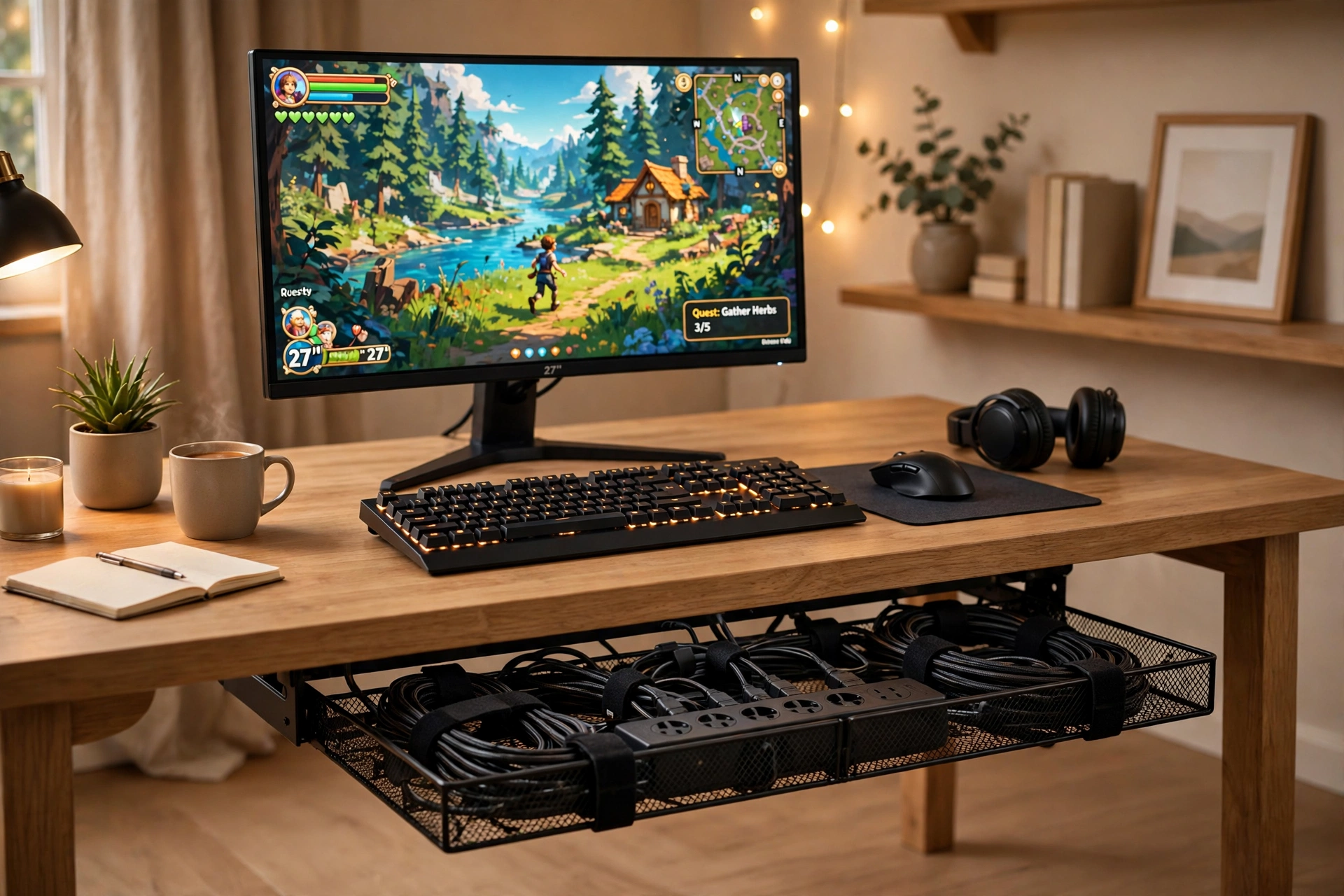
Start with the move that fixes most desks in one afternoon. A tray under the desk holds the power strip and the slack from every cable, so nothing hangs down to the floor and nothing gets kicked loose. Your monitor stays on, your keyboard stays put, and the space under your feet is finally clear.
- Desk: any straight desk with a flat underside for the tray clamps.
- Seat: sit centered on the monitor, with clear legroom under the tray.
- Light: a small lamp or strip, since the tray hides the wires that used to catch the light.
- Storage: a drawer or shelf for spare cables and the headset when you are done.
- Power: one strip inside the tray, with each cable looped once before it drops in.
Tray tip: leave a little slack in every cable before it enters the tray. A cable pulled tight will tug its plug loose the first time you move the monitor, and slack is what makes the tray easy to open and rearrange later.
YECAYE Under Desk Cable Management Tray, All-Metal Clamp-Mount Cable Organizer Tray, Black
Why this one: the all metal tray clamps on with no drilling, so it suits rented rooms, and it is deep enough to hold a full power strip plus the slack from several cables.
Worth knowing: the clamps fit a limited range of desk thicknesses, so measure your desk edge before ordering.
TidyHelper 100 PCS Adhesive Cable Clips, White and Black
Why this one: a big pack of small clips guides the cables you use every day, like a headset or phone charger, along the desk edge and into the tray.
Worth knowing: adhesive clips grip best on smooth, clean surfaces, so wipe the desk edge first and give them a day to set before loading them with heavy cables.
2. Cable Box Command Center
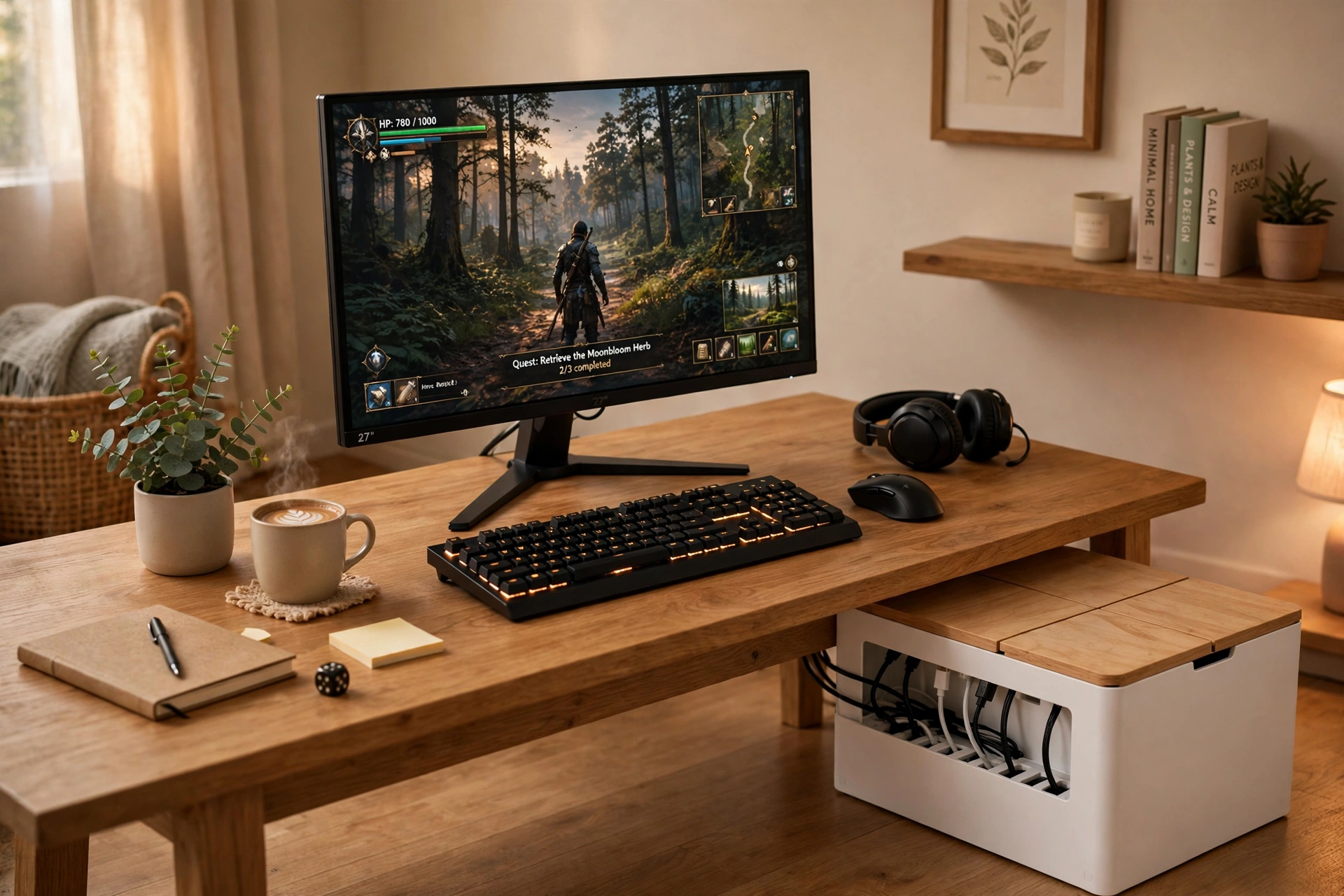
Some desks cannot take an under desk tray, because the frame is in the way or the desk is a rental you cannot touch. A cable box on the floor solves the same problem from below. The power strip lives inside the box, cables enter through slots at each end, and the lid keeps dust and curious pets out. It looks like a small storage box, not a tangle of wires.
How to set it up:
- Place the box on the floor behind the desk leg, not in a walkway.
- Put the power strip inside and plug in the monitor, PC, and charger.
- Route each cable out through the nearest slot, with a little slack inside.
- Close the lid and check that no cable is pinched at the slot edges.
- Add a second smaller box near the bed or sofa for a console or lamp strip.
| Box size | Use it for |
|---|---|
| Large | The main power strip, monitor and PC plugs |
| Medium | A router, a console strip, or a lamp and charger |
Cable Management Box Set of 2, Cord Organizer with Bamboo Lid, Large and Medium, White and Wood
Why this one: two sizes in one set cover both the main desk strip and a second spot, and the bamboo lid looks like furniture rather than a plastic tub.
Worth knowing: a box hides heat as well as cables, so avoid packing a very hot adapter inside with no airflow gap.
Delamu 2 Pack Cable Management Box, Stylish Cable Box with Cord Organizer for Desk, White
Why this one: the two box set gives you a spare for a TV corner or a shared room, and the lid keeps cables out of reach of small children and pets.
Worth knowing: check that your power strip fits the box length first, since long strips with wide plugs can crowd the slots.
3. Monitor Arm Cable Route
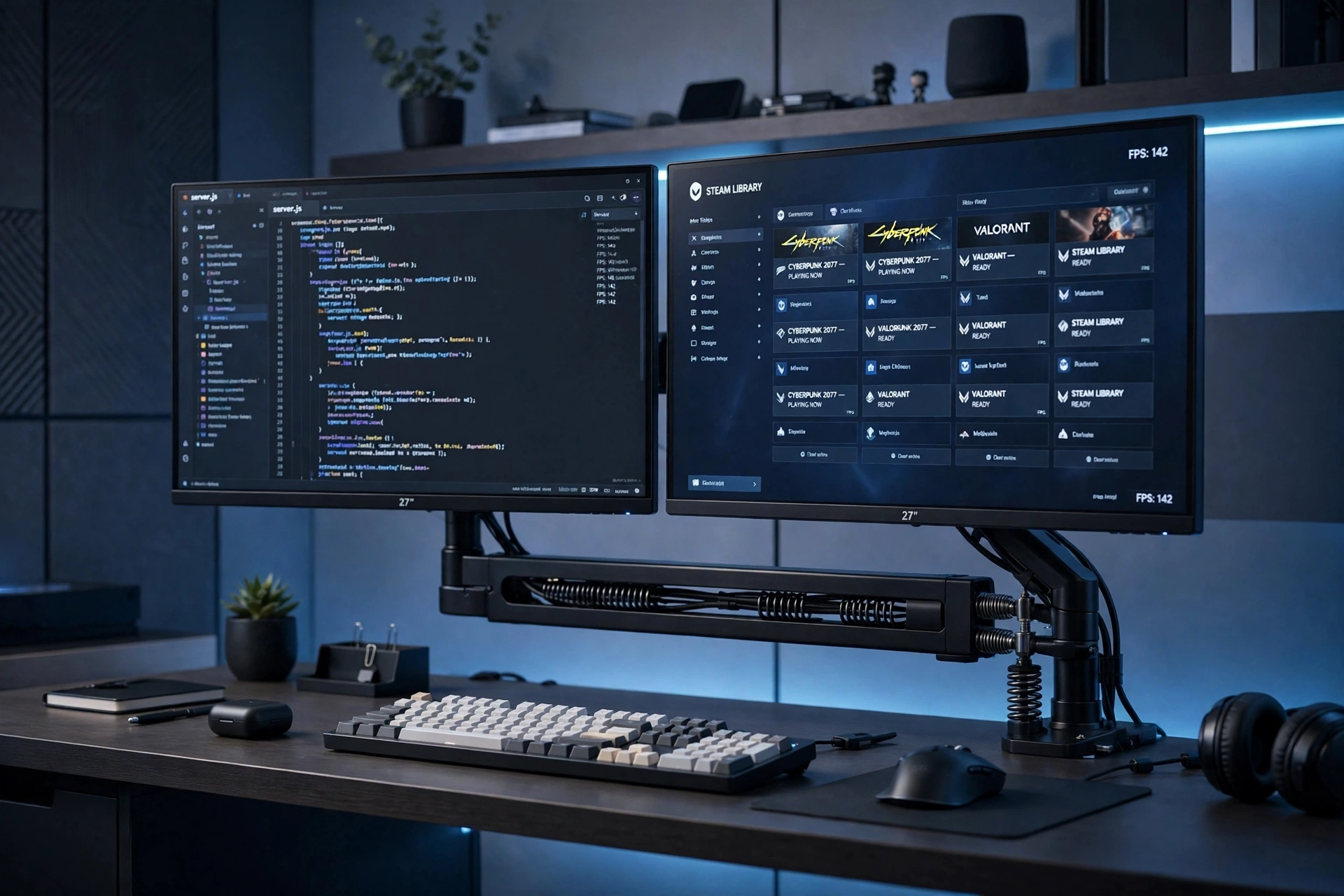
Two monitors mean twice the cables, and a monitor arm turns that problem into a clean vertical line. The screens float above the desk, the cables run down the arm in its channel, and the desk surface stays free for the keyboard, a notebook, and a drink. This is the setup to pick if your desk always looks crowded from the front.
Arm tip: route the cables before you tighten the arm fully. Leave a gentle loop at each joint so the arm can tilt and swivel without pulling a plug, then clip the slack into the arm channel last.
Pair the arm with a raceway under the desk edge, so the cables travel from the arm straight into a hidden channel and then down to the tray or box. Add a small shelf for the headset and a lamp behind the screens, and the whole desk reads as one calm line instead of a knot of wires.
HUANUO Dual Monitor Arm, Gas Spring
Why this one: gas spring arms hold two screens steady and let you adjust height and angle easily, and the built in cable channel keeps the monitor cords off the desk.
Worth knowing: gas arms need the tension set to match your screen weight, or a heavier screen may slowly droop over time.
NeetGeek J Channel Cable Raceway, 4 Pack 12 Inch Pieces with 3M Adhesive
Why this one: the open J shape lets you drop cables in and pull one out without removing the whole run, which is handy when you swap a monitor or add a charger.
Worth knowing: the adhesive holds best on a smooth desk underside, so clean and dry the surface first and press the channel firmly along its full length.
4. Single Sleeve Run
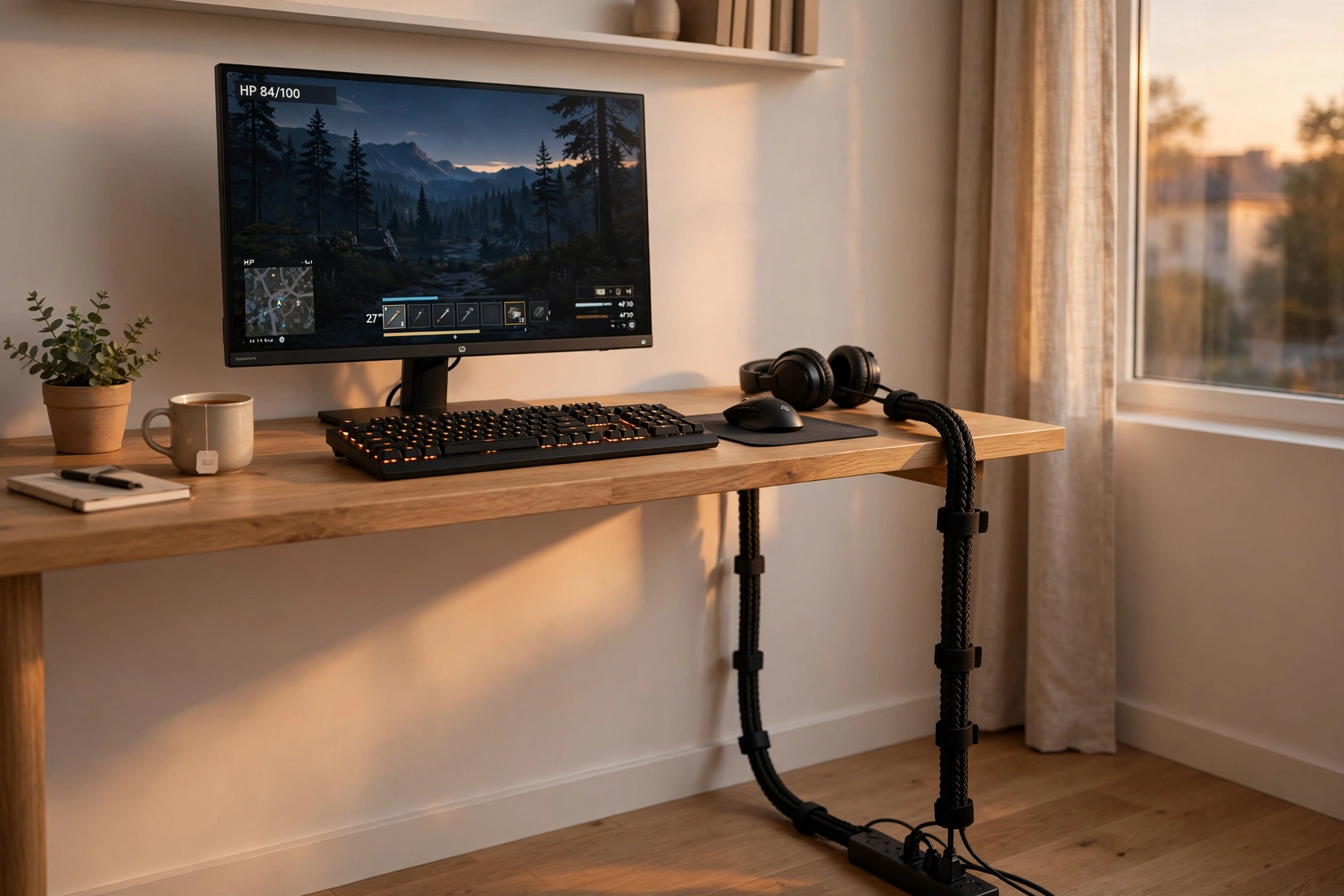
When every cable has to travel the same path, from the desk down to one outlet, the simplest answer is to wrap them into one neat bundle. A sleeve turns five loose cords into a single tidy line, and hook and loop ties hold the bundle in shape at the desk edge and the floor. It is cheap, fast, and it works in rooms where you cannot mount anything at all.
| Method | Best when | Watch out for |
|---|---|---|
| Zip sleeve | Cables rarely change | Adding a cable means unzipping the run |
| Hook and loop ties | You swap gear often | Ties can loosen if overloaded |
Keep the desk itself simple: one monitor, a compact keyboard, a small lamp, and a shelf for the headset. The sleeve drops straight down behind the desk leg to a floor level strip, so the only cable you ever see is one dark line against the wall.
JOTO 4 Pack Cable Management Sleeve, 19-20 Inches Cord Organizer System with Zipper, Black
Why this one: the zip up sleeve bundles a whole desk drop into one clean line, and the four pack covers the monitor, the PC, and a spare run for a console or lamp.
Worth knowing: a zip sleeve is harder to adjust than open ties, so group the cables in their final order before you zip it closed.
Hook and Loop Cable Ties, Heavy-Duty Self-Adhesive Cable Straps, 50 PCS
Why this one: reusable straps let you re-bundle cables in seconds when gear changes, and the adhesive backing lets you anchor a bundle to the desk leg or wall.
Worth knowing: hook and loop straps wear out if you peel them open constantly, so keep a few spares in a drawer for busy weeks.
5. Wall Raceway Console Wall
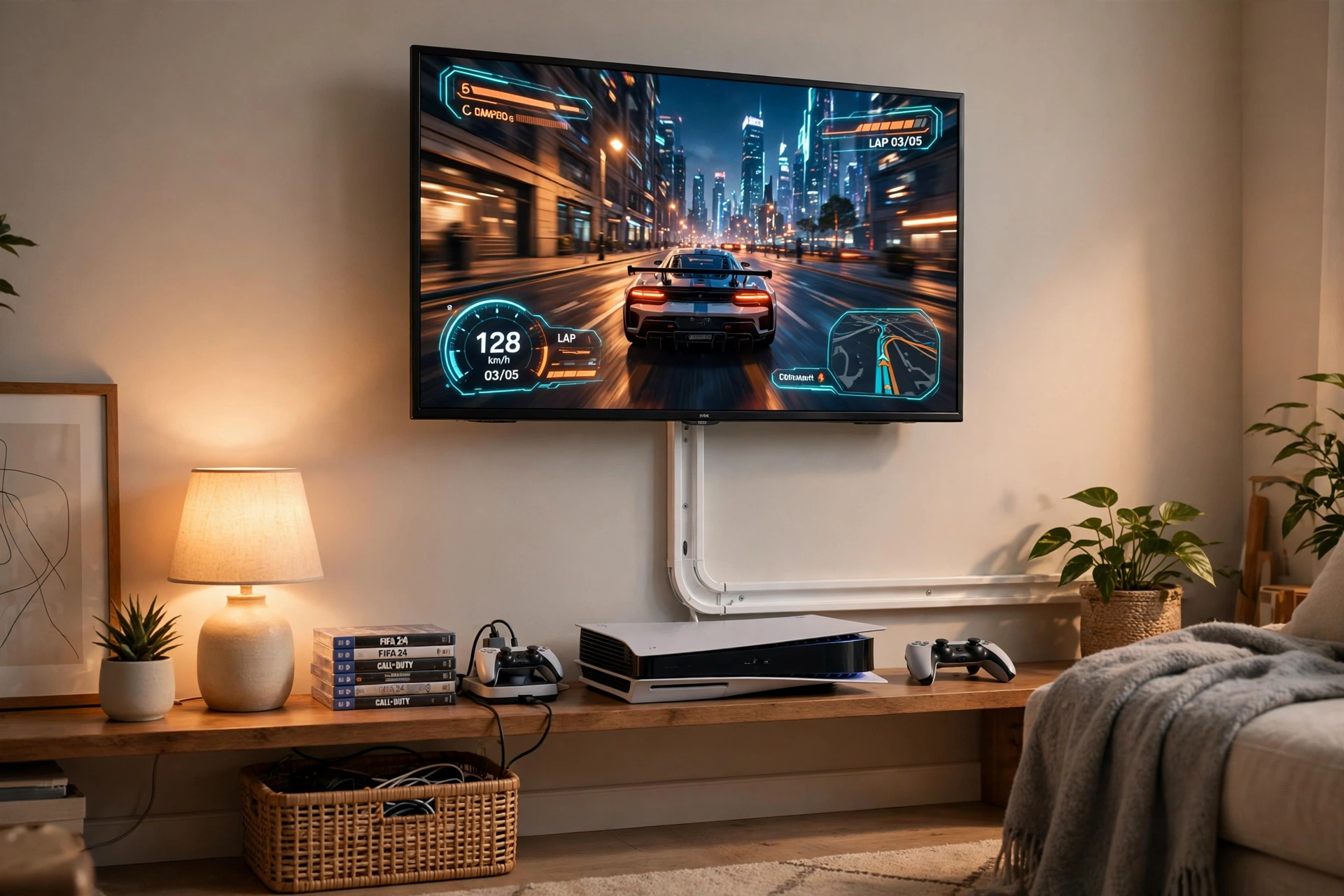
A console corner has a different cable problem: the TV is on the wall, the console is on a shelf, and the cables hang in plain sight between them. A wall raceway covers that whole vertical run in one straight channel, and it can be painted to match the wall so it nearly disappears. For more console corner ideas, see 15 PS5 Gaming Setup Ideas for Console Players, which shows how the same wall can hold a whole console setup.
What works here:
- TV: wall mounted at eye level from the sofa, with the raceway directly below it.
- Console: on a low open shelf with airflow on all sides, not inside a closed cabinet.
- Light: a soft strip behind the TV or a small lamp, so the raceway blends into the wall.
- Storage: a basket beside the shelf for controllers, games, and spare cables.
- Power: one strip behind the shelf, with the raceway carrying only the TV and console cords.
Why this one: the long paintable kit covers a full TV to shelf run with connectors for corners, so one kit usually finishes the whole wall.
Worth knowing: measure the wall run and the cable count first, since a very thick bundle of HDMI and power cords may need the wider channel size.
Delamu Cable Hider, 315in Cord Covers for Wires on Wall, One-Cord Cord Hider, White
Why this one: the slim one cord channels are perfect for a single stray cable, like a lamp cord or a camera cable, that does not deserve a full raceway.
Worth knowing: slim channels fit only one or two small wires, so do not try to force a thick power brick cable into one.
6. Small Desk Clip and Tray
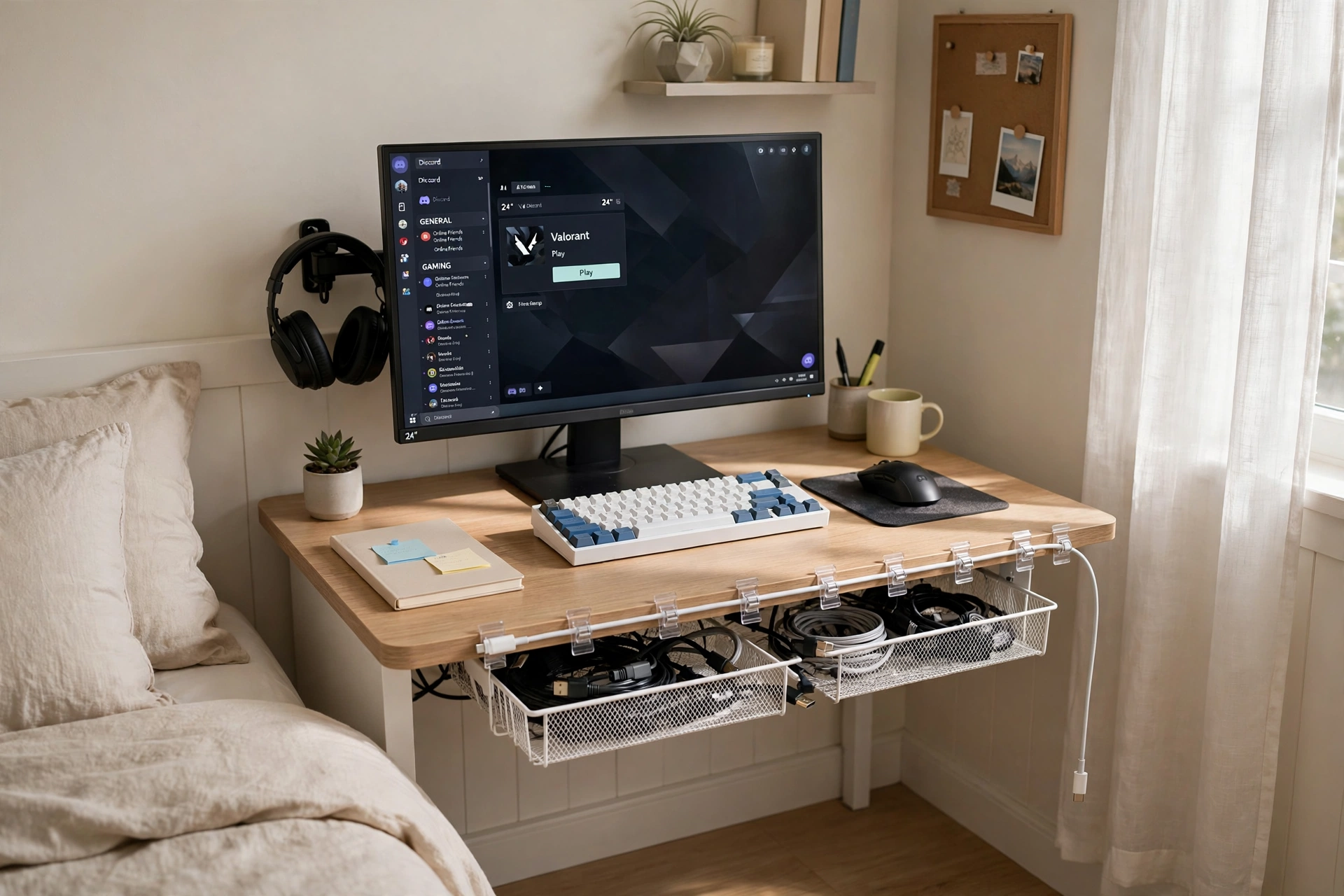
Small desks punish messy cables more than big ones, because there is nowhere for a tangle to hide. The trick here is to use two small tools together: a light mesh tray under the desk for the strip and slack, and a row of clips along the back edge for the cables you touch daily. Nothing is screwed in, nothing is permanent, and the whole setup comes apart in minutes if you move rooms.
Small desk checklist:
- Mount the tray first, then plug the strip in before you add any cables.
- Clip the headset and phone cables along the back edge, not across the desk.
- Keep the monitor and laptop cables on the same side of the tray.
- Leave one spare clip free for a guest charger or a new gadget.
- Check the tray once a month and re-loop any cable that has slipped out.
Why this one: the mesh tray is light and airy, so it suits small desks, and the clamp mount means no drilling into a desk you do not own.
Worth knowing: mesh trays hold less weight than solid metal ones, so keep heavy power bricks on the floor box instead of in the tray.
Why this one: sixty clips in one set is enough for the desk, the wall, and a few spares, and the choice of adhesive or nails fits both renters and owners.
Worth knowing: the large size suits thicker cords like HDMI and power cables, but small phone cables may slide around inside the clip.
7. Glow and Hide Combo
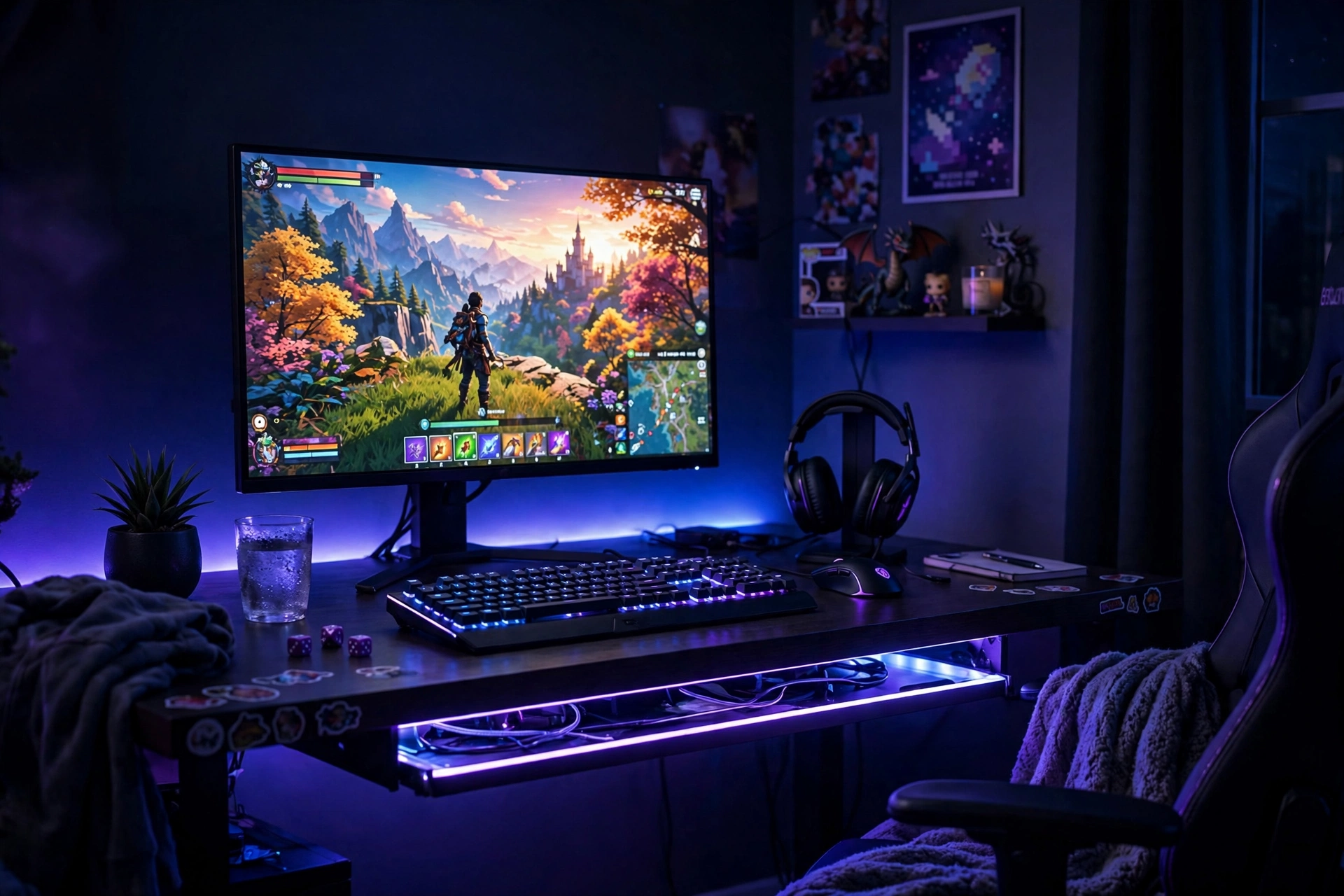
RGB rooms have the hardest cable job of all, because the light shows everything. A strip behind the desk will light up every loose cord unless the cords are already hidden. So this setup does both jobs at once: a tray under the desk swallows the cables, and a strip along the back edge turns the desk into a glowing frame. The room feels like a gaming cave, and the floor stays clear.
| Step | Do this |
|---|---|
| 1. Hide first | Mount the tray and route every cable before adding light |
| 2. Light second | Run the strip along the desk back edge, facing the wall |
| 3. Test at night | Turn the room lights off and check for any lit cable |
Finish the room with a comfortable chair, a headset stand, and a small shelf for games. Keep the strip controller and the power strip both inside the tray zone, so the only thing glowing is the light itself.
Govee RGBIC LED Strip Lights, 16.4ft
Why this one: the RGBIC strip shows several colors along one run, so the glow behind the desk feels layered rather than flat, and the app control keeps the remote off the desk.
Worth knowing: strip adhesive can weaken on textured walls, so clean the surface first and press firmly along the whole run.
NoDrill 2 Pack 15.7 Inch Under Desk Cable Management Tray, Sturdy Metal Cord Organizer, Black
Why this one: two metal trays in one pack cover a wide desk or a desk plus a second work spot, and the no drill clamps keep the desk surface untouched.
Worth knowing: two trays side by side need a desk wide enough for both, so measure the underside before ordering a second spot.
Frequently Asked Questions
What is the cheapest way to start cable management? A pack of adhesive clips and a few reusable ties. They cost little, need no tools, and they fix the worst offenders, which are the cables you see every day. Add a tray later when you want the power strip hidden too.
Do I need to drill holes in my desk? No. Most trays, raceways, and boxes in this guide clamp or stick on, and cable boxes sit on the floor. Drilling is only needed for heavy trays on thick desks, and even then many clamp trays hold fine.
How do I hide cables if I rent? Use clamp on trays, adhesive raceways, cable boxes, and sleeves. All of them come off without damage, and adhesive clips usually peel away cleanly if you warm them gently first. Check today’s price on Amazon for the clamp and adhesive options in the setups above.
Is it safe to hide a power strip in a box or tray? Yes, as long as air can move and nothing is packed tight. Leave a gap at the slots, do not stack heavy adapters on top of each other, and check the strip every few weeks for warmth or dust buildup.
How often should I redo my cable management? Once a year is enough for most setups, plus a quick tidy whenever you add new gear. Label the cables you rarely touch, so a yearly tidy takes minutes instead of an afternoon.
Conclusion
Clean cables are not about buying the most gear. They are about giving every cable a home: a tray for the strip, a box for the floor, a sleeve for the long drop, and a clip for the charger you grab every day. Pick the setup that matches your desk and your room, start with the worst tangle first, and add one piece at a time.
If you want more room inspiration after this, browse the Gaming Room Ideas category for the full collection.
