As an Amazon Associate I earn from qualifying purchases. Read our full affiliate disclosure for more detail.
Apartments ask for clever setups, not bigger ones. You have one room that does everything, a landlord who notices holes in the wall, and a floor plan that never seems to have a spare corner. The good news is that a great gaming setup does not need a spare room. It needs a desk that fits the wall you have, a screen at the right height, light that flatters the space, and storage that keeps cables out of sight.
In this guide you will find 8 complete apartment gaming setups you can copy whole, from a fold down wall desk that disappears after game night to a living room console corner and a studio ultrawide station. Each one covers the desk, seat, screen, light, storage, and power, and every pick is renter friendly where it counts. If your room is truly tiny, the ideas in 15 Gaming Desk Setup Ideas for Small Rooms pair well with the compact layouts below.
In this article
At a glance
1. Fold-Down Wall Desk Nook
2. The 40 Inch Starter Desk
3. Window Corner Glow
4. Living Room Console Corner
5. Bedroom Corner Workhorse
6. Rent Friendly Wall Glow
7. Sit Back and Play
8. Studio Ultrawide Station
FAQ
Conclusion
At a Glance: Pick Your Apartment Setup
1. Fold-Down Wall Desk Nook
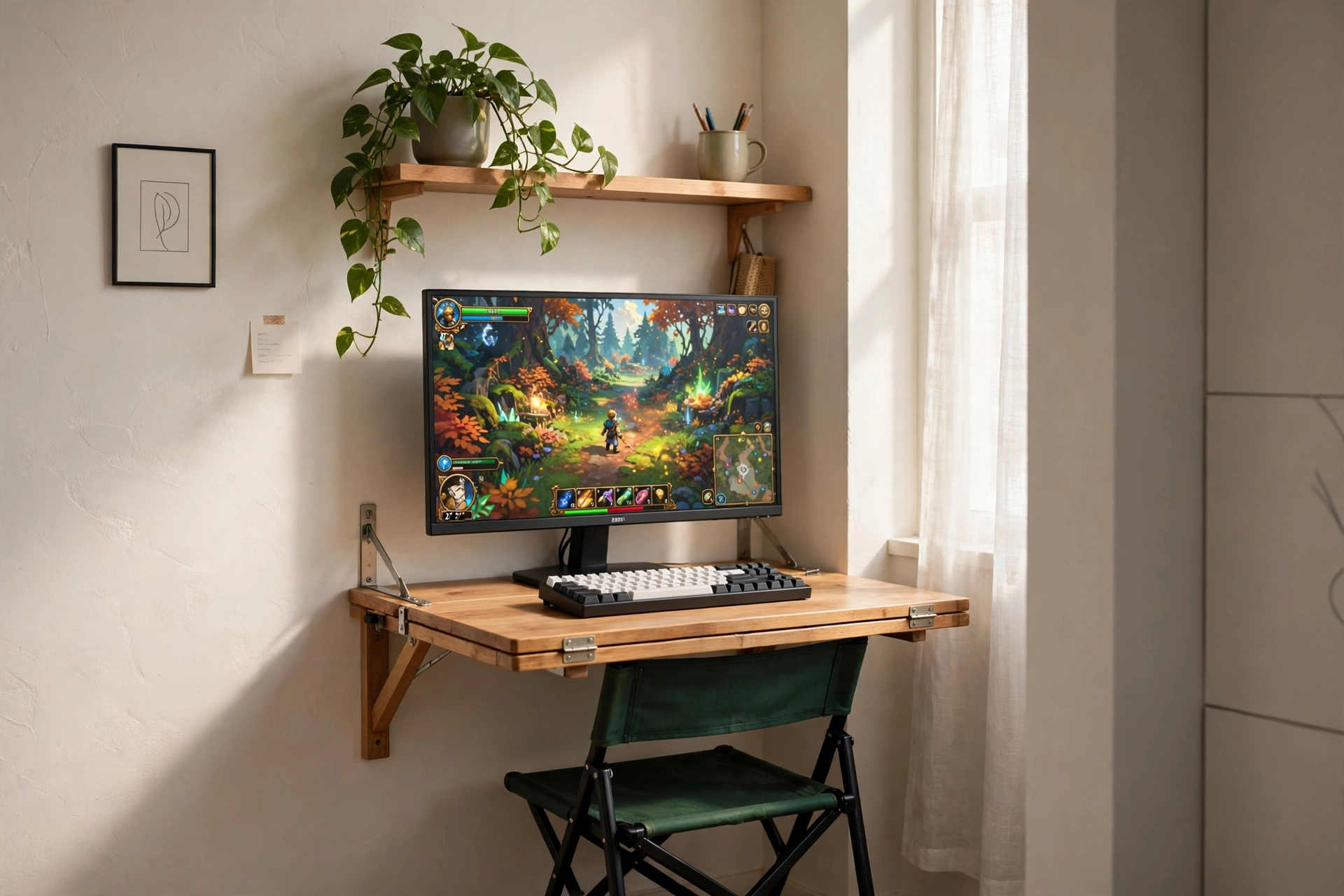
When floor space is the scarcest thing you own, the desk should fold away. This nook mounts a wooden desk to the wall, so it folds down for game night and folds up when guests come over. The monitor sits on the desk while you play, and a small shelf above holds a plant and a headset, keeping the only surface you have clear for your keyboard.
How to make it work: mount the desk at a height where your forearms rest level, keep the monitor close to the wall so the desk still folds, and run the power cable down to a small strip behind a floor cushion or basket. A light bar on top of the screen lights the desk without a lamp taking up space.
Renter tip: use the wall fixings your landlord allows, and keep the folding desk light. Heavy monitors and thick desktops strain the hinges, so a compact screen and a slim keyboard suit this nook best.
IFANNY Folding Wall Desk, Wood Wall Mounted Desk with Storage Drawer and Shelves
Why this one: it gives you a real desk surface plus a drawer and shelves, then folds away so a studio flat still feels like a living room after you play.
Worth knowing: wall mounting needs solid fixings and a level wall, so check your wall type before you drill anything in a rental.
Quntis Monitor Light Bar RGB PRO
Why this one: it lights the desk from the top of the screen, so you get clear light for your keyboard without giving up desk space to a lamp.
Worth knowing: the bar adds a soft glow behind the screen too, which some players love at night and others find distracting.
2. The 40 Inch Starter Desk
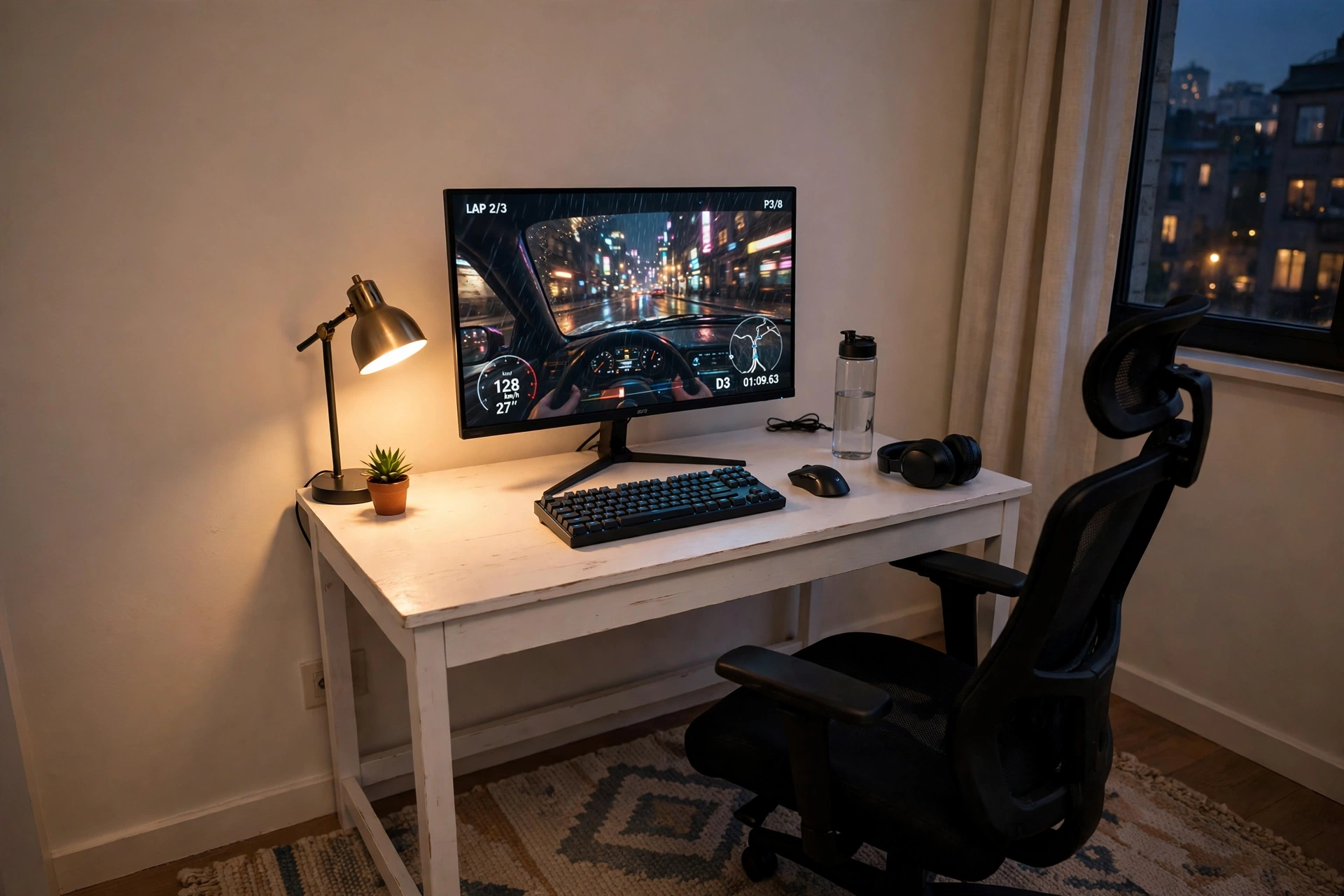
A first apartment setup should be simple, honest, and easy to move. A compact 40 inch desk slides against almost any wall, a single 27 inch screen fills your view without crowding the room, and a small lamp warms the corner in the evening. Add a rug under the desk and the whole corner suddenly feels like a room of its own, even in a shared flat.
- Desk: a slim desk with a clean top, so the monitor, keyboard, and a drink all fit.
- Seat: a chair that tucks fully under the desk when you are done.
- Light: one small lamp, warm toned, placed to the side of the screen.
- Storage: a basket or small shelf beside the desk for controllers and games.
- Power: a single strip behind the desk leg, with cables tied together.
Starter checklist
✓ Desk measured against the wall, with room to pull the chair out
✓ Monitor at eye level, about an arm’s length away
✓ Keyboard and mouse on a slim pad, not loose on the desk
✓ One power strip, hidden behind the desk leg
✓ A small bin or basket for snacks and cables
Sweetcrispy Small Computer Desk, 40X24 Inch Office Writing Work Study Gaming PC Table
Why this one: the 40 inch top is small enough for a tight apartment wall but still holds a 27 inch screen, keyboard, and mouse comfortably.
Worth knowing: a compact desk leaves little room for extras, so keep the surface to the essentials and use a shelf for the rest.
KTC 27 Inch Gaming Monitor, 180Hz, 1080p
Why this one: a fast 27 inch screen at a friendly tier for a first setup, with a size that matches a compact desk without overwhelming it.
Worth knowing: 1080p on a 27 inch screen looks softer up close than sharper panels, so sit a little farther back if text looks fuzzy.
3. Window Corner Glow
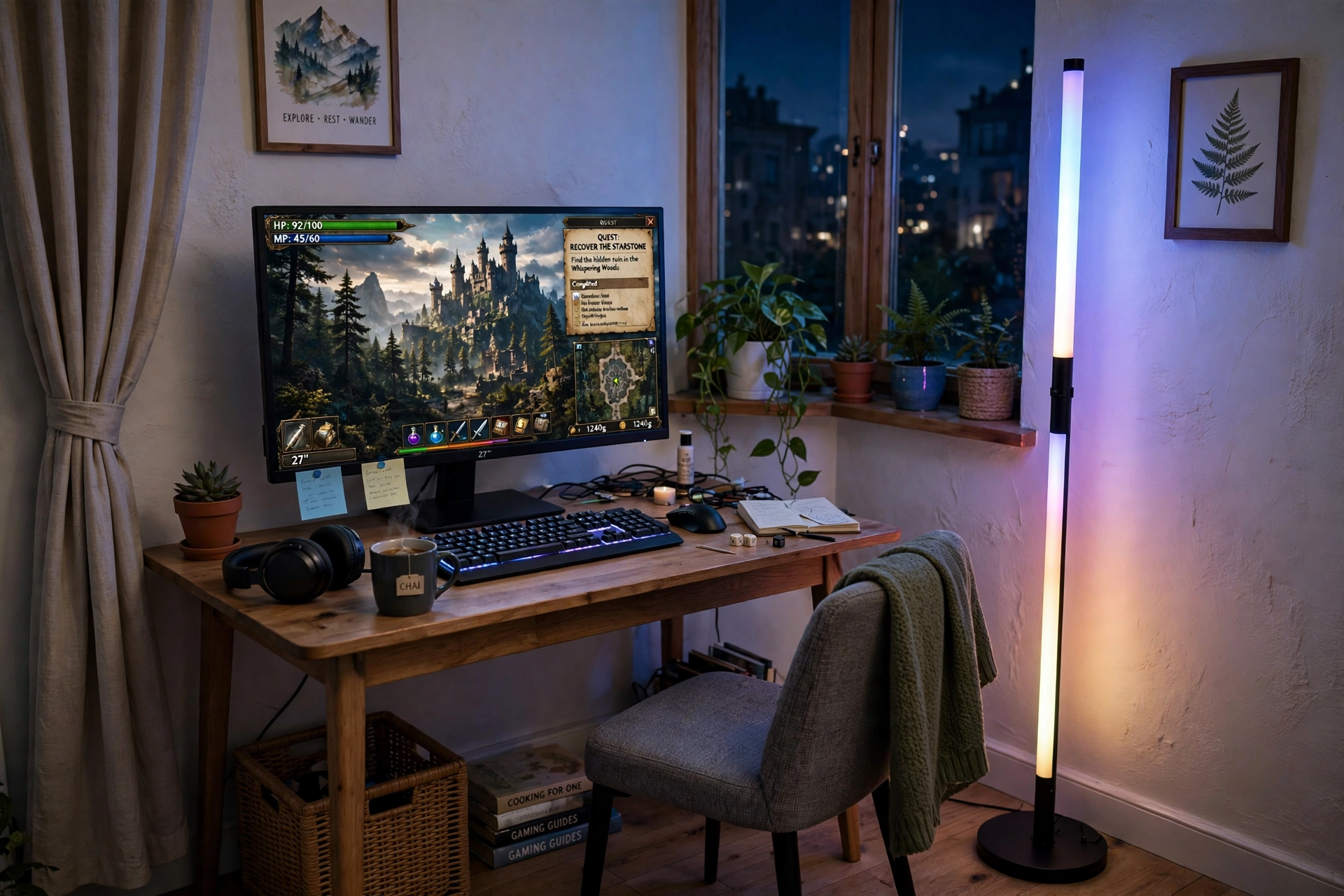
Some apartments only have one good corner, and it is usually by the window. Put the desk there and let the daylight do the work by day. At night a tall corner lamp takes over, washing the wall in soft color so the room feels bigger than it is. The screen stays the star, the lamp is the mood, and the plants on the sill make the whole corner feel lived in rather than staged.
Day or night: by day, keep the screen angled away from direct sun so glare stays low. By night, dim the lamp to a warm tone and let the game light do the rest. A small shelf under the window holds games, and a power strip tucked behind the desk keeps cables off the floor where the chair rolls.
Acer Nitro KG271U 27 Inch QHD Gaming Monitor, 180Hz
Why this one: QHD sharpness keeps text and game detail crisp even in bright window light, and the fast refresh suits quick games.
Worth knowing: a bright window behind you can cause reflections on glossy screens, so a simple curtain helps on sunny days.
Govee RGBIC Floor Lamp, LED Corner Lamp
Why this one: it stands in a corner that would otherwise be wasted, adds color without a single nail or screw, and doubles as the room’s evening light.
Worth knowing: a tall lamp needs a stable corner spot, so keep it clear of door swings and chair wheels.
4. Living Room Console Corner
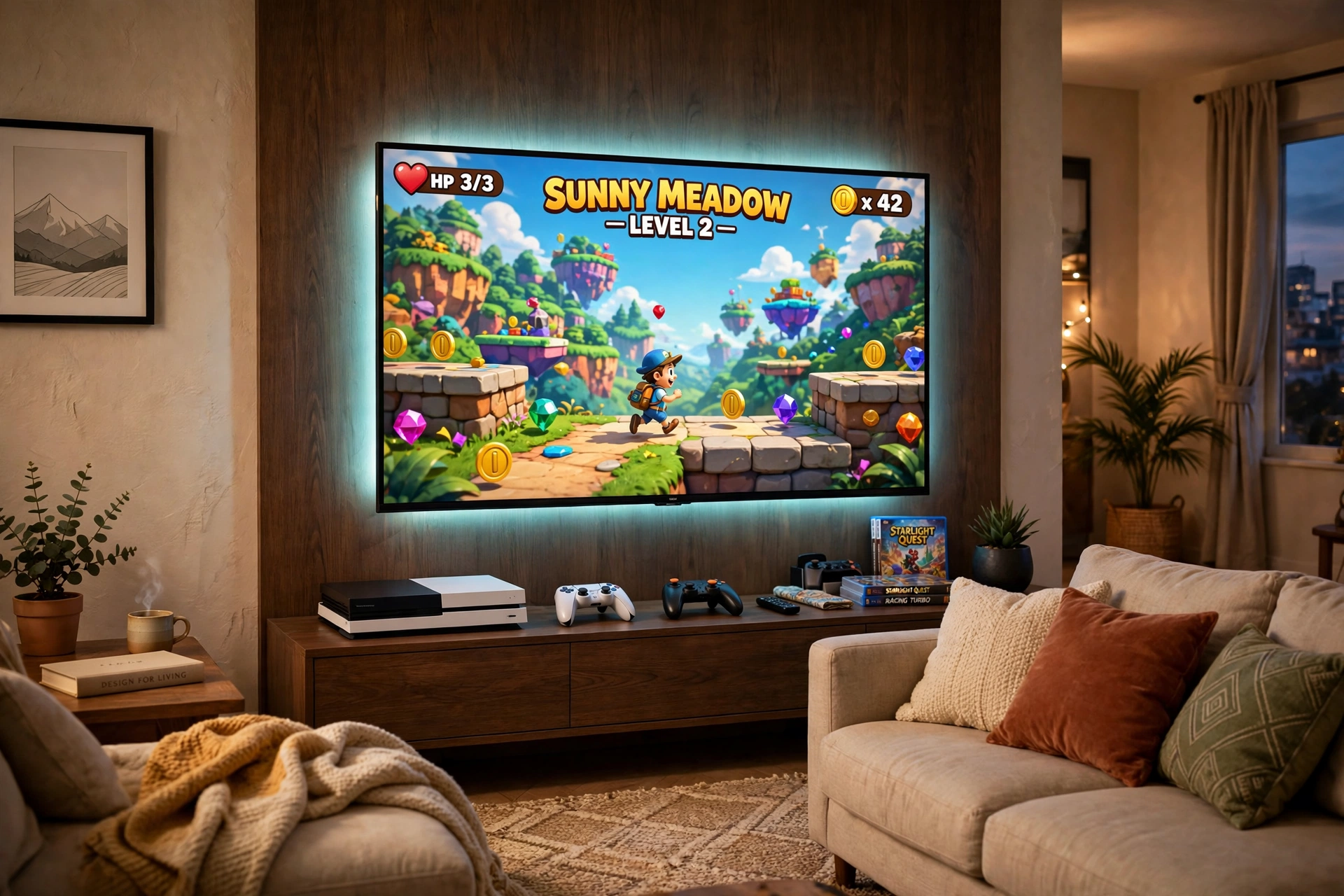
Not every apartment gamer sits at a desk. If your living room is your gaming room, build around the sofa. A large TV or curved monitor on a low media console, a console tucked inside with room to breathe, and a soft strip of light behind the screen turn a normal TV corner into a proper game night spot. Friends get a seat, you get a big screen, and the room still works for movie night.
What works here: keep the console on a shelf with airflow around it, not sealed in a cabinet. Put controllers on a small tray or hooks so they never slide off the console. Add cushions you can move, a blanket for long sessions, and one power strip behind the media unit so nothing trails across the floor.
For more console focused layouts, browse 15 PS5 Gaming Setup Ideas for Console Players for ideas that suit a shared living room just as well as a dedicated game room.
Shared flat rule: agree on one simple habit, which is that the gaming corner gets reset after each session. Controllers back on the tray, cushions straight, blanket folded. A shared living room stays shared when the setup respects everyone who uses it.
CRUA 27 Inch Curved Gaming Monitor, 180Hz
Why this one: the curved screen wraps the view nicely from sofa distance, and the fast refresh keeps motion smooth for console style play.
Worth knowing: curved screens like a little viewing distance, so a very short sofa gap can feel too close.
Govee RGBIC LED Strip Lights, 16.4ft
Why this one: a strip behind the TV adds color and depth without a second lamp, and it makes a plain media console look planned.
Worth knowing: strip adhesive can weaken on textured walls, so clean the surface first and press firmly along the whole run.
5. Bedroom Corner Workhorse
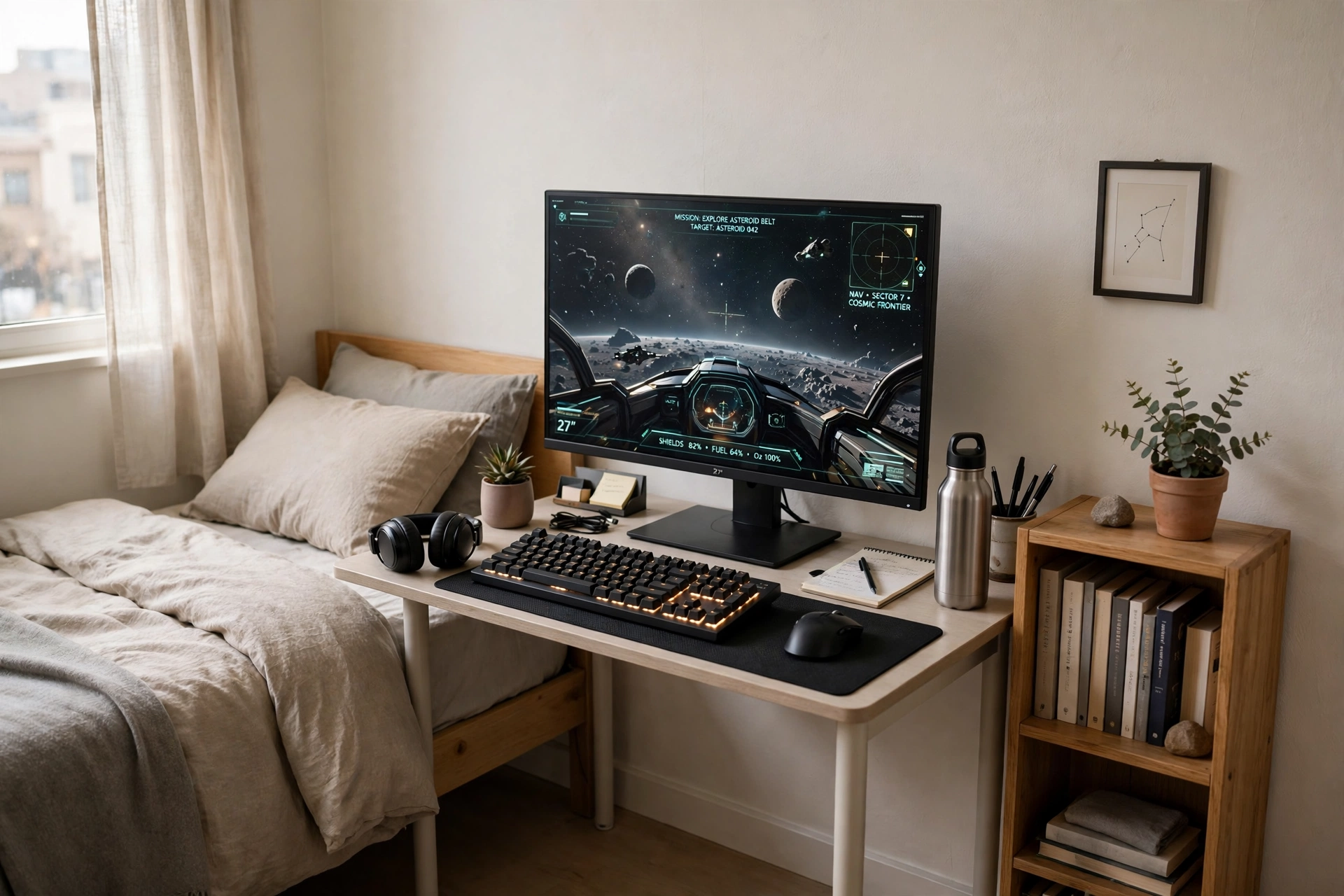
Bedroom gamers need one desk that does two jobs. By day it holds study notes or work calls, by night it holds a game and a group chat. A compact desk with an adjustable monitor stand keeps the screen at a good height for both, and a solid mechanical keyboard makes typing feel good all day while still being quick enough for games at night.
- Desk: a compact desk with a monitor stand, so the screen sits at eye level.
- Seat: a chair with good back support, since this desk gets used all day.
- Light: a small lamp for study, plus the screen glow for night play.
- Storage: a bookshelf beside the desk for books, games, and a headset.
- Power: cables routed straight down behind the desk to one tidy strip.
Two job checklist
✓ Morning: notes and laptop on the left, screen for reference
✓ Evening: game on the main screen, chat on a phone stand
✓ Night: keyboard backlight low, room light warm, desk cleared
✓ Weekly: cables checked, desk surface wiped, shelf tidied
KKL 40 Inch Small Computer Desk with Adjustable Monitor Stand
Why this one: the adjustable monitor stand lifts the screen to a comfortable height, which matters when one desk serves both work and play.
Worth knowing: a 40 inch desk is snug for a large monitor plus a full keyboard, so measure both before you order.
Corsair K70 CORE RGB Mechanical Gaming Keyboard
Why this one: a solid mechanical keyboard feels great for long typing days and stays responsive for fast games, with lighting you can tone down at night.
Worth knowing: mechanical keys can be loud for a shared bedroom, so check the switch feel if a roommate sleeps nearby.
6. Rent Friendly Wall Glow
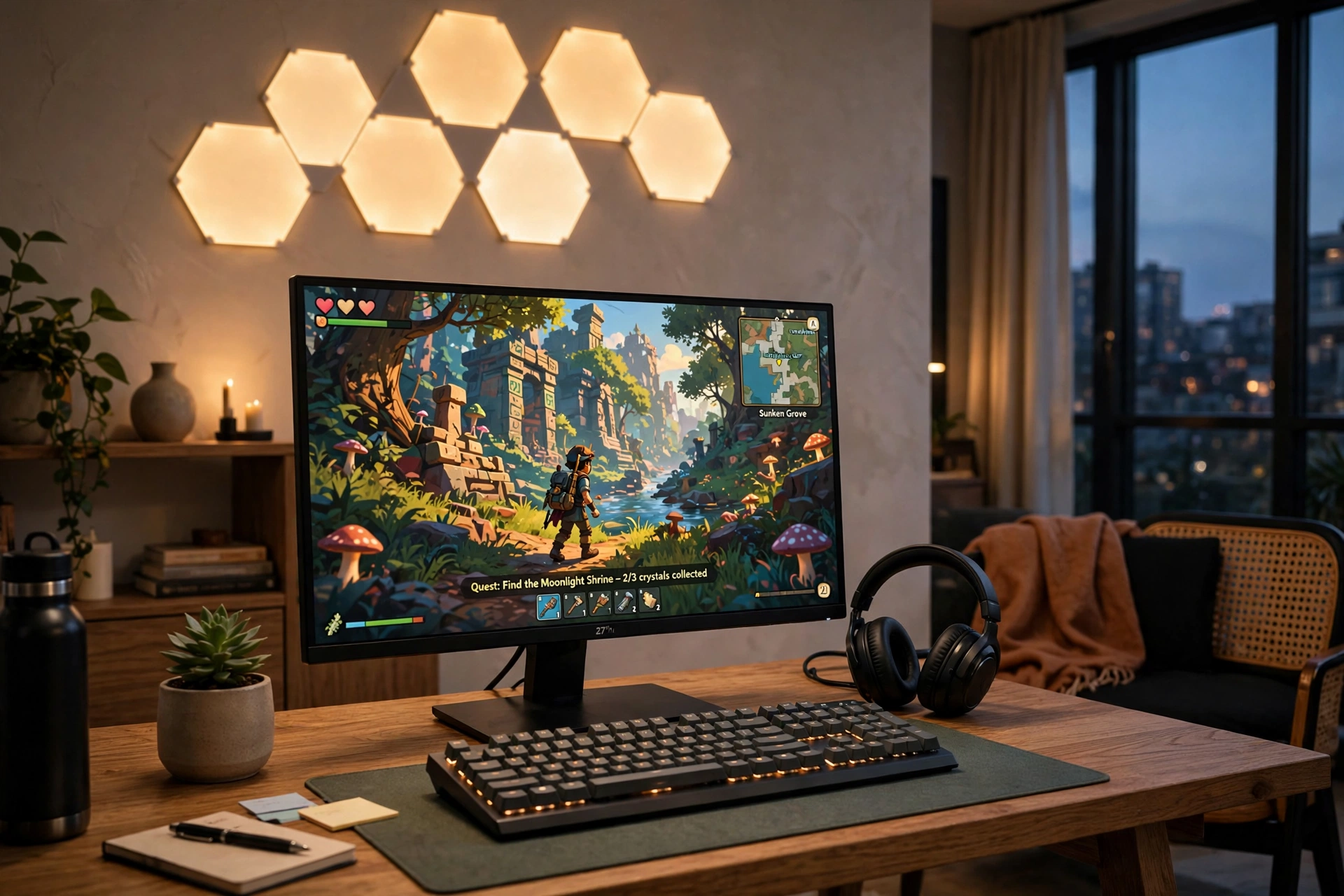
Renters can still have a wall that glows. Stick on light panels and a strip use adhesive, not screws, so the whole look peels off cleanly when you move out. The panels above the desk become the art of the room, the screen sits below them, and a small plant plus a headset on a hook finish a desk that looks designed, not improvised.
How to lay it out: plan the panel shape on the floor first, then stick it up in one go. Keep the panels above the screen so they never reflect in it, and run the strip along the back edge of the desk for a soft glow. Choose one or two colors per evening, since too many colors at once can make a small room feel busy.
Govee Glide Wall Light, 6 Pcs + 1 Corner
Why this one: the panels stick on with adhesive and arrange into your own shape, so you get a feature wall without drilling a single hole.
Worth knowing: adhesive can struggle on textured or dusty paint, so wipe the wall and let it dry before you stick the panels up.
Samsung 27 Inch Odyssey G5 QHD Gaming Monitor
Why this one: the QHD curved panel gives an immersive view that suits story and adventure games, while staying a sensible size for an apartment desk.
Worth knowing: curved screens can bend straight lines slightly in photos, so they are less ideal if you also edit images on the same desk.
7. Sit Back and Play
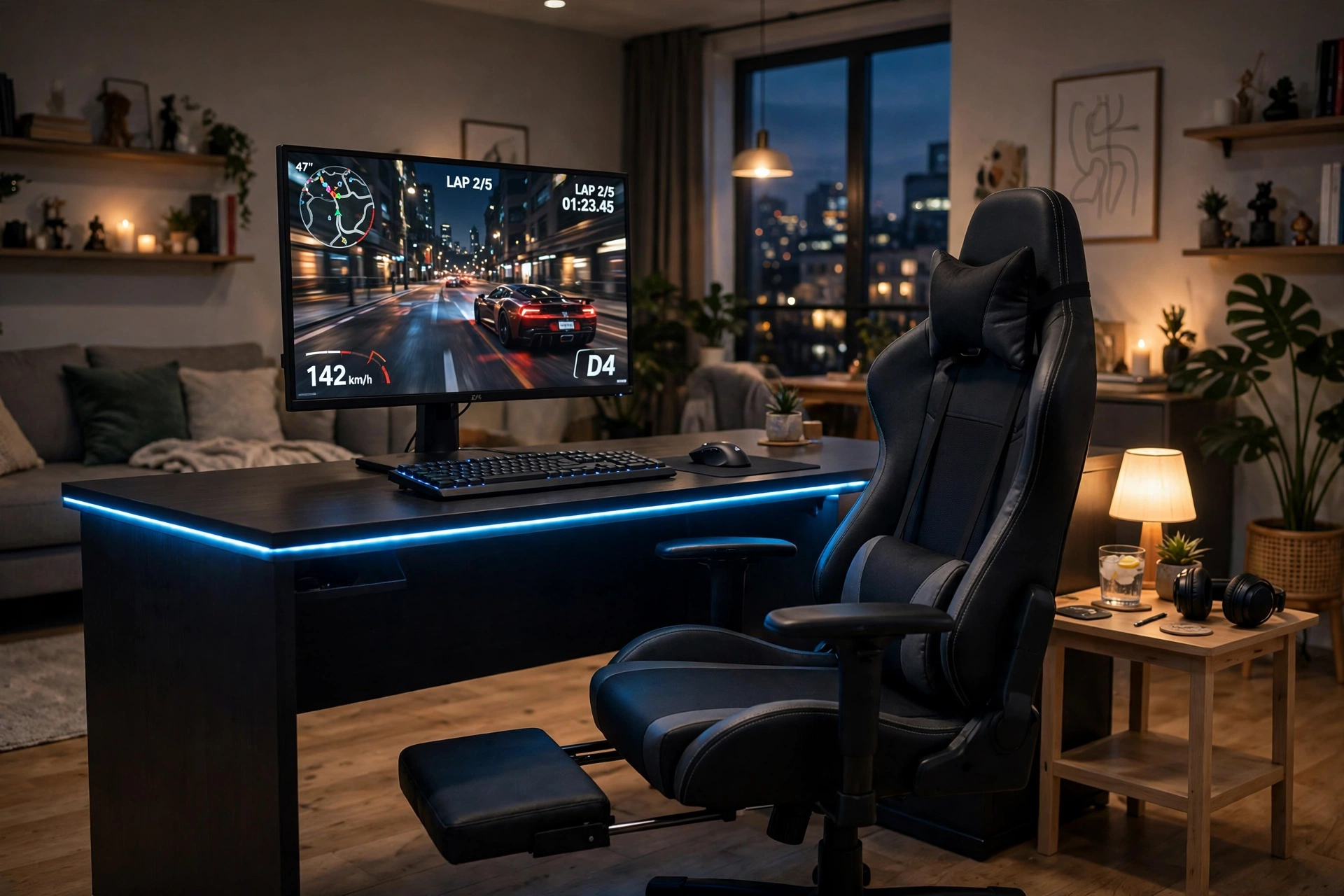
Long sessions start with the chair, not the screen. This setup pairs a gaming chair with a footrest and lumbar support with a desk that has built in power and LED light, so the whole corner is ready the moment you sit down. The screen stays at a relaxed distance, the desk edge glows softly, and a small side table holds a drink and a controller within reach.
Comfort first: set the chair height so your feet rest flat or on the footrest, and keep the screen top near eye level. A chair that lets you lean back between matches is worth more than a brighter light strip.
Keep the desk surface simple: monitor, keyboard, mouse, and one small tray for the controller. Cables run down behind the desk to the built in outlets, and the side table takes the clutter that would otherwise crowd your mouse hand. This is the setup for slow weekends, long story games, and friends who stay for one more round.
GTPLAYER Gaming Chair, Computer Chair with Footrest and Lumbar Support
Why this one: the footrest and lumbar support make long sessions comfortable, and the chair reclines for breaks without leaving the desk.
Worth knowing: a gaming chair needs floor space to roll and recline, so check the room behind the desk before you order.
Huuger 47 Inch Computer Desk with Power Outlets and LED Lights
Why this one: built in outlets and LED light cover power and mood in one compact desk, which matters most in a small apartment.
Worth knowing: a compact desk leaves less depth for a large mousepad or keyboard tray, so keep accessories slim.
8. Studio Ultrawide Station
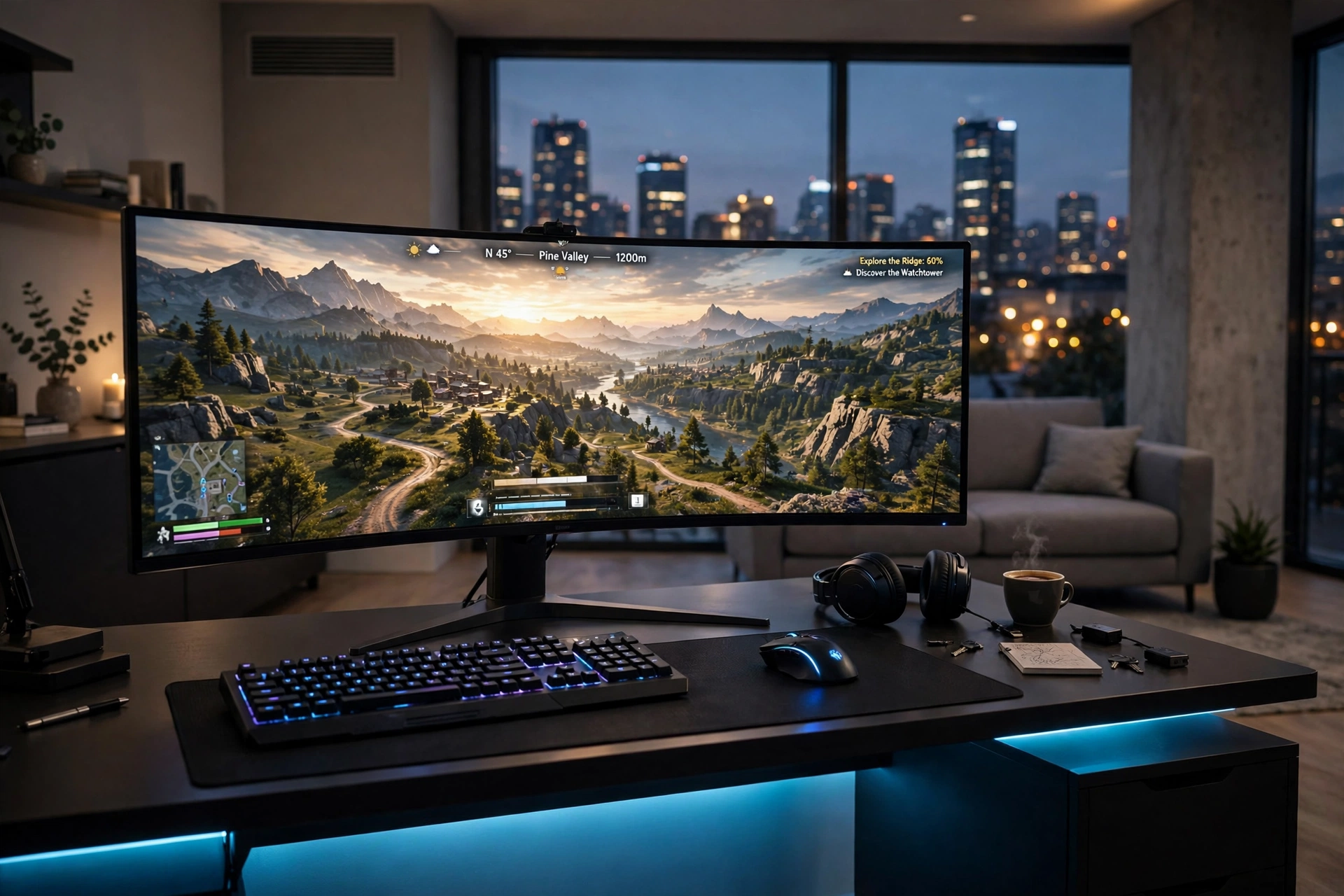
Studio flats have no spare room, so the gaming desk has to look good from the sofa too. One ultrawide screen replaces two monitors, which keeps the desk clean and the view open. A strip of light under the desk edge gives the station a soft glow at night, and a small sofa behind the desk means friends can watch without crowding your chair.
What works here: the ultrawide screen carries the game in one long view, so you skip the bezel gap of two screens. The desk faces into the room, not the wall, so the setup reads as furniture, not clutter. Keep a monitor shelf or side drawer for a controller and notebook, and run one power strip with spare sockets under the desk, since wide setups tend to grow extra gear.
Ultrawide or two screens?
Ultrawide: one clean screen, no bezel gap, looks tidy in a studio.
Two screens: better for separate jobs, like game plus chat.
For a studio flat, the ultrawide usually wins on looks and floor space.
LG 34 Inch Curved UltraWide QHD Monitor, 160Hz
Why this one: the wide curved view gives racing, sim, and open world games a panoramic feel that two small screens cannot quite match.
Worth knowing: not every game supports ultrawide ratios fully, so some titles may show black bars at the sides.
DUMOS 45 Inch Gaming Desk with LED Lights and Power Outlets
Why this one: built in power outlets cut down on extension leads, and the LED edge adds a gaming feel without extra gear on a small desk.
Worth knowing: a 45 inch desk is snug for a 34 inch ultrawide plus a keyboard, so measure the screen base and the desk depth together.
Frequently Asked Questions
Can I build a good gaming setup in a small apartment? Yes. A compact desk, one good screen, and a chair that fits the space matter far more than a big room. Start with the desk and screen, then add light and storage one piece at a time.
What size desk works best in an apartment? A desk around 40 to 47 inches wide suits most apartment walls and still holds a 27 inch monitor, keyboard, and mouse. Measure your wall and your chair space before you order, and leave room to pull the chair out.
How do I game in a rental without damaging the walls? Use adhesive light strips and panels, freestanding lamps, and furniture that stands on its own. A folding wall desk is the one exception that needs fixings, so check your lease and your wall type first.
Is one monitor enough for an apartment setup? For most players, yes. One good screen keeps the desk clean and the room calm. A second screen is a nice upgrade later, but it is never required for a setup that feels complete.
How much does an apartment gaming setup cost? A solid starter setup with a compact desk, a 27 inch screen, and a decent chair sits in a modest mid range, while adding light panels, a better chair, or an ultrawide screen moves it up a tier. Buy the desk and screen first, then add extras slowly.
How do I keep cables tidy in a small space? Route all cables behind the desk to one power strip, tie them together under the desk, and use a desk with built in outlets where you can. Tidy cables also make it easier to move the desk later without unplugging everything.
Conclusion
Apartment gaming is about choosing well, not buying more. Pick a desk that fits your wall, a screen at the right height, light that flatters the room, and a chair you can sit in for hours. Start with the setup that matches your flat, then add one piece at a time until the corner feels like yours.
If you want more small room inspiration after this, browse the Gaming Room Ideas category for the full collection.
