As an Amazon Associate I earn from qualifying purchases. Read our full affiliate disclosure for more detail.
Dark academia is the look of old libraries, leather chairs, brass lamps, and candlelight, and it turns out to suit a gaming room beautifully. A monitor glowing in a dark wood corner feels like a window into another world, and the warm wood, deep green walls, and shelves of old books make long sessions feel calm instead of frantic. You do not need a mansion or a rare book collection to pull it off. A dark desk, one warm lamp, and a few thoughtful details are enough to start.
In this guide you will find 11 complete dark academia gaming setups you can copy whole, from a book lined library corner to a candlelit green wall study, a fireplace console nook, and a moody attic under the eaves. Each one covers the desk, seat, screen, light, storage, and power, so nothing important is left out. If you love the darker side of gaming rooms in general, the ideas in 15 Dark Gaming Setup Ideas for a Moody Battlestation pair well with every setup below.
In this article
At a glance
1. The Old Library Corner
2. Candlelit Green Wall Study
3. Oxblood Leather Reading Nook
4. Brass and Wood Scholar’s Desk
5. Vintage Bookcase Battlestation
6. Dual Monitor Study in Dark Oak
7. Fireplace Glow Console Nook
8. The Professor’s Corner Desk
9. Moody Attic Study Under the Eaves
10. Warm Lamp and Leather Writing Desk
11. Dark Wood Library Desk with Brass Accents
FAQ
Conclusion
At a Glance: Pick Your Dark Academia Setup
1. The Old Library Corner
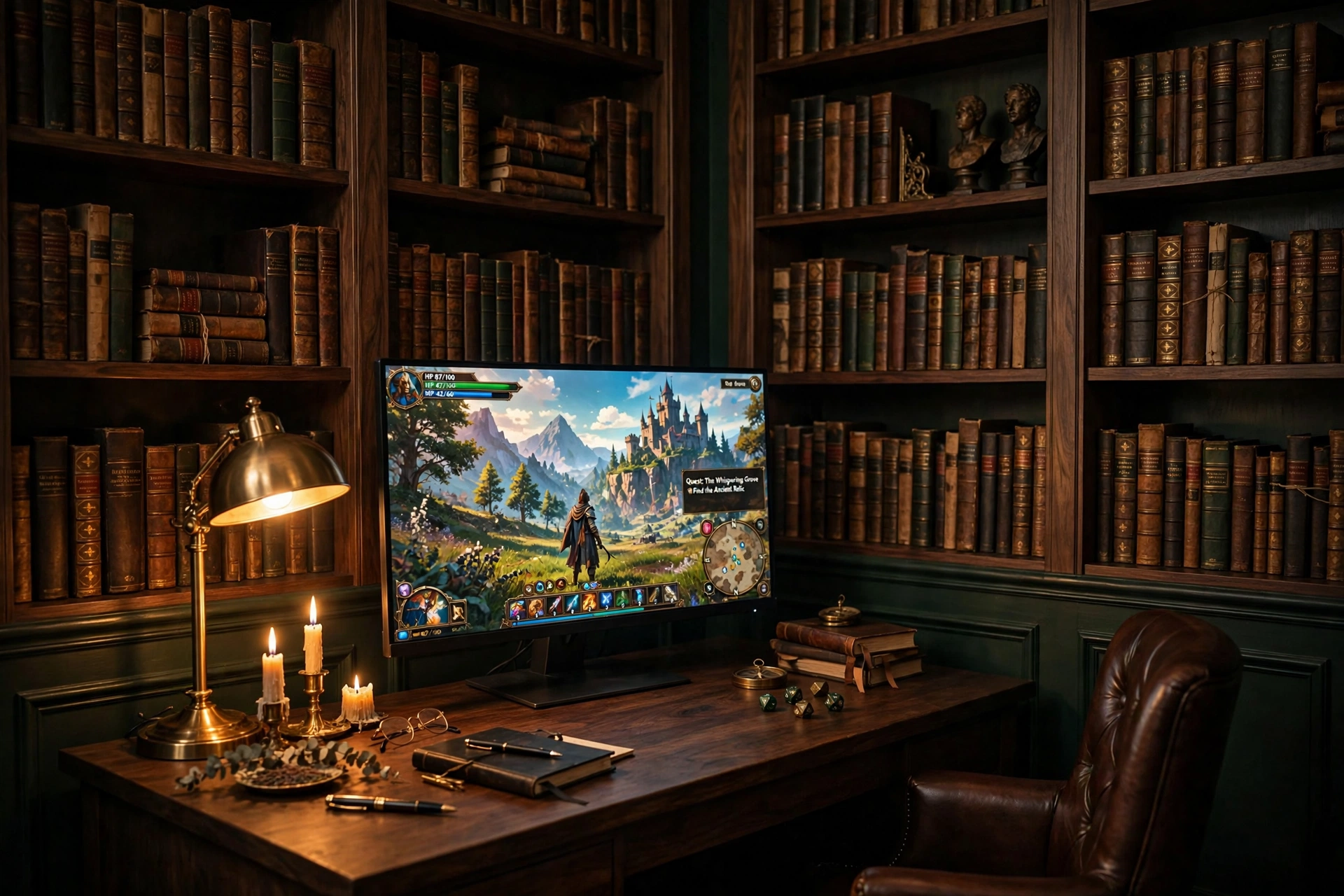
Start with the wall. A dark wood desk pushed against shelves of old books does most of the decorating for you, and the monitor becomes the one bright window in a room full of leather and paper. Keep the desk surface mostly clear so the brass lamp and a few candles can do their work, and let the books be the backdrop instead of cluttering the desk with them.
- Desk: a simple dark wood desk with room for a monitor, a notebook, and a lamp, nothing more.
- Seat: a leather chair that pulls close to the desk and swivels easily toward the shelves.
- Screen: one sharp main monitor, centered on the desk with the game front and center.
- Light: a warm brass lamp on the left, candles in brass holders on the right, nothing overhead and harsh.
- Storage: the shelves themselves, with games and a few favorite books kept at arm height.
- Power: one strip behind the desk, with the lamp and monitor on the same switch.
What to gather first:
✓ A dark wood desk that fits the wall without blocking a shelf
✓ One warm brass lamp, not a cool white one
✓ Candles in sturdy holders, kept well away from books and cables
✓ A small tray for glasses, pens, and dice
✓ A leather chair with good back support for long sessions
ASUS TUF Gaming VG27AQ 27 Inch QHD Monitor, 165Hz
Why this one: a sharp QHD screen with a fast refresh rate keeps games crisp against the dark wood, and the slim bezels suit a book lined wall without drawing attention away from it.
Worth knowing: the stand is fairly wide, so check your desk depth if you also want a large mousepad or a stack of books beside the monitor.
Sweetcrispy Small Computer Desk, 40X24 Inch Office Writing Work Study Gaming PC Table
Why this one: the compact size fits neatly into a library corner, and the plain wood top takes a lamp, candles, and a monitor without looking busy.
Worth knowing: this is a small desk, so a second monitor or a wide keyboard tray will crowd it, measure your gear before you buy.
2. Candlelit Green Wall Study
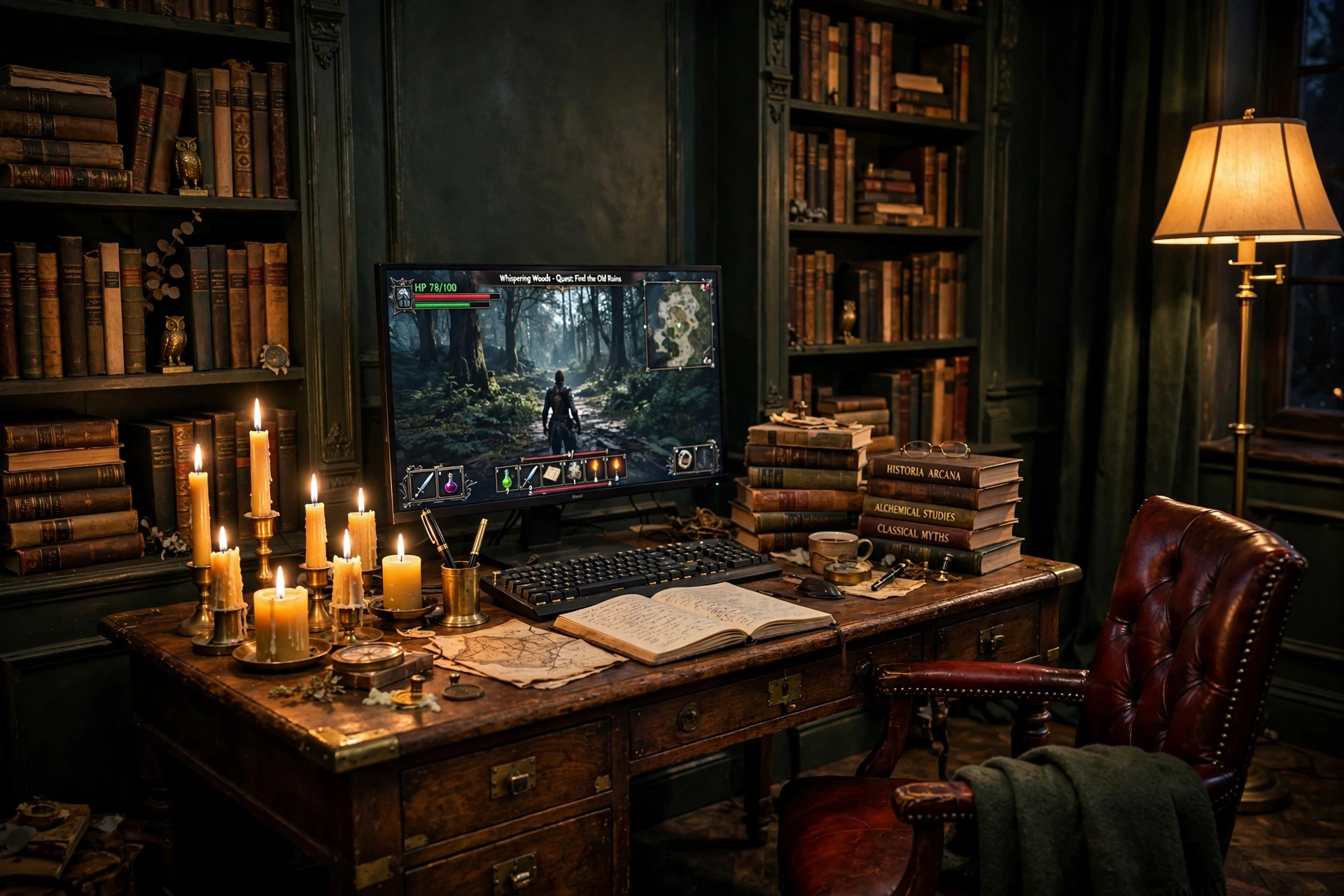
Dark green walls are the single fastest way to make a room feel scholarly. Paint one wall behind the desk, or even just the wall the monitor faces, and the whole setup gains depth. Candles add the flicker, but the real workhorse is a tall floor lamp set to a warm amber, which fills the corner with soft light and keeps the room usable after the candles are blown out.
How to set it up:
- Place the desk against the green wall, with the monitor centered and the lamp in the far corner.
- Group candles in threes on a brass tray, on the opposite side of the desk from the mouse hand.
- Stack vintage books beside the monitor as a riser for a small plant or a clock.
- Set the floor lamp to a warm amber and keep it dim, so the monitor stays the brightest thing in the room.
- Run all cables behind the desk leg and keep a small drawer for spare controllers and chargers.
Candle safety, the short version: never leave a lit candle unattended, keep flames away from books, curtains, and cables, and use a sturdy tray under every candle. Battery candles give the same flicker with none of the worry, and they are the safer choice in a room full of paper and old books.
LG UltraGear 27GP850-B 27 Inch QHD Gaming Monitor
Why this one: QHD sharpness and a fast refresh rate make it a strong main screen, and the slim frame sits quietly against a dark green wall.
Worth knowing: a bright screen in a dark room can tire your eyes, so keep the floor lamp on at a low warm setting while you play.
Govee RGBIC Floor Lamp, LED Corner Lamp
Why this one: the slim tower tucks into a corner that a normal lamp cannot use, and the warm amber setting fills a dark green wall with a soft glow that suits candlelight.
Worth knowing: the lamp is tall and light, so keep it out of the walking path where someone might knock it over in the dark.
3. Oxblood Leather Reading Nook
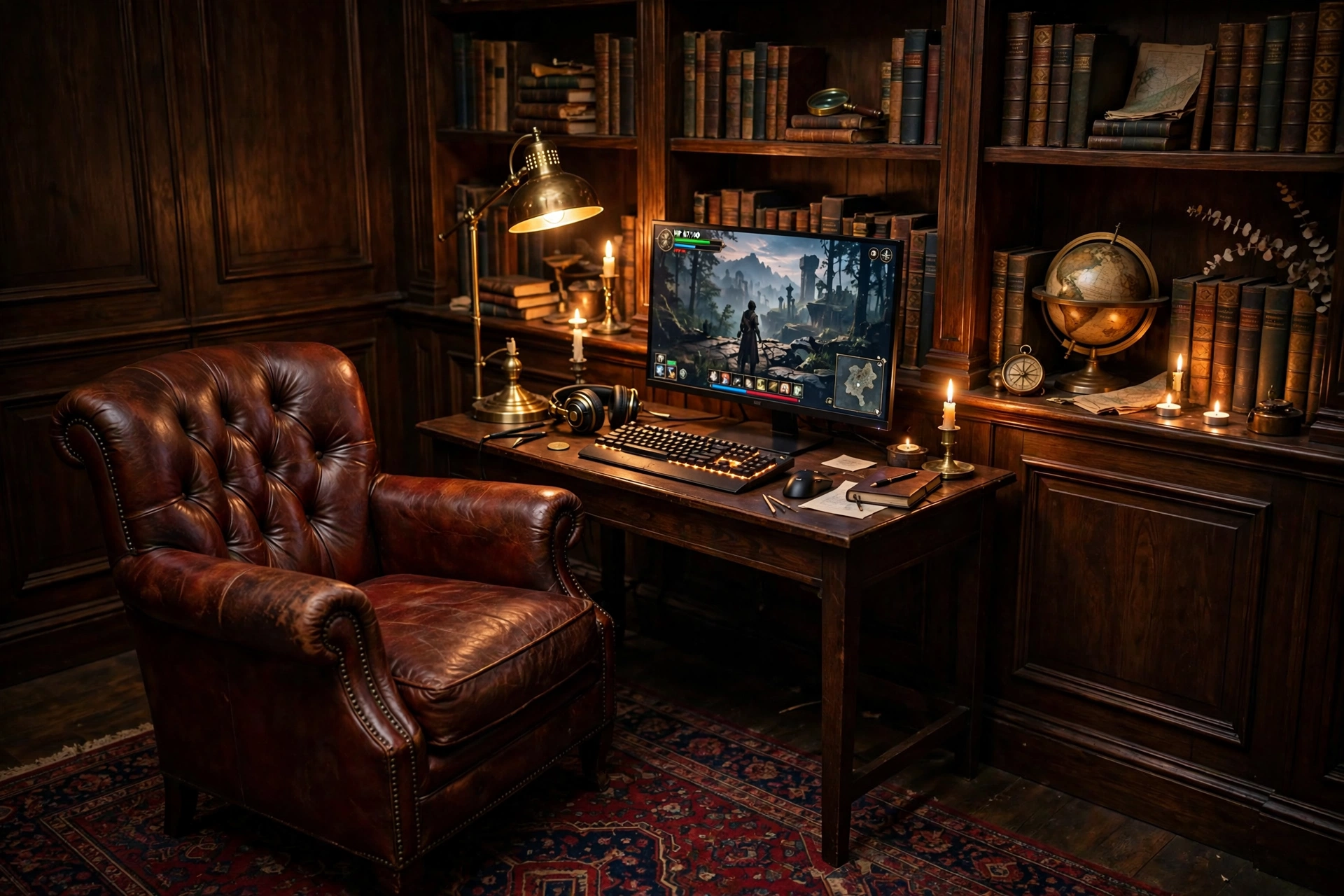
This setup is built for slow evenings, not ranked matches. A deep oxblood leather chair, a small dark wood desk, and one good monitor make a nook that invites you to settle in with a story driven game and a cup of tea. The trick is keeping the desk small and the chair generous, so the room feels like a reading corner that happens to have a screen, not an office that happens to have a chair.
What works here:
- The chair: a high back leather chair with a footrest, placed so you can lean back and still see the screen clearly.
- The screen: one monitor on a small desk, angled slightly toward the chair rather than flat against the wall.
- The light: a brass reading lamp beside the chair, plus candles on the desk for atmosphere.
- The floor: a Persian style rug under the chair and desk, which warms the room and softens footsteps.
- The extras: a globe, a stack of books, and a small side table for a drink, all within reach of the chair.
GTPLAYER Gaming Chair, Computer Chair with Footrest and Lumbar Support
Why this one: the footrest and lumbar support make it easy to lean back for slow games and reading, and the leather look fits the oxblood palette of the nook.
Worth knowing: a gaming chair reads more modern than a classic armchair, so balance it with wood, brass, and books to keep the old library feel.
Acer Nitro KG271U 27 Inch QHD Gaming Monitor, 180Hz
Why this one: QHD detail and a very fast refresh rate suit both story games and faster titles, and the screen stays bright enough to hold its own against warm lamp light.
Worth knowing: the stand takes up a fair amount of desk depth, so a monitor arm can help if your nook desk is shallow.
4. Brass and Wood Scholar’s Desk
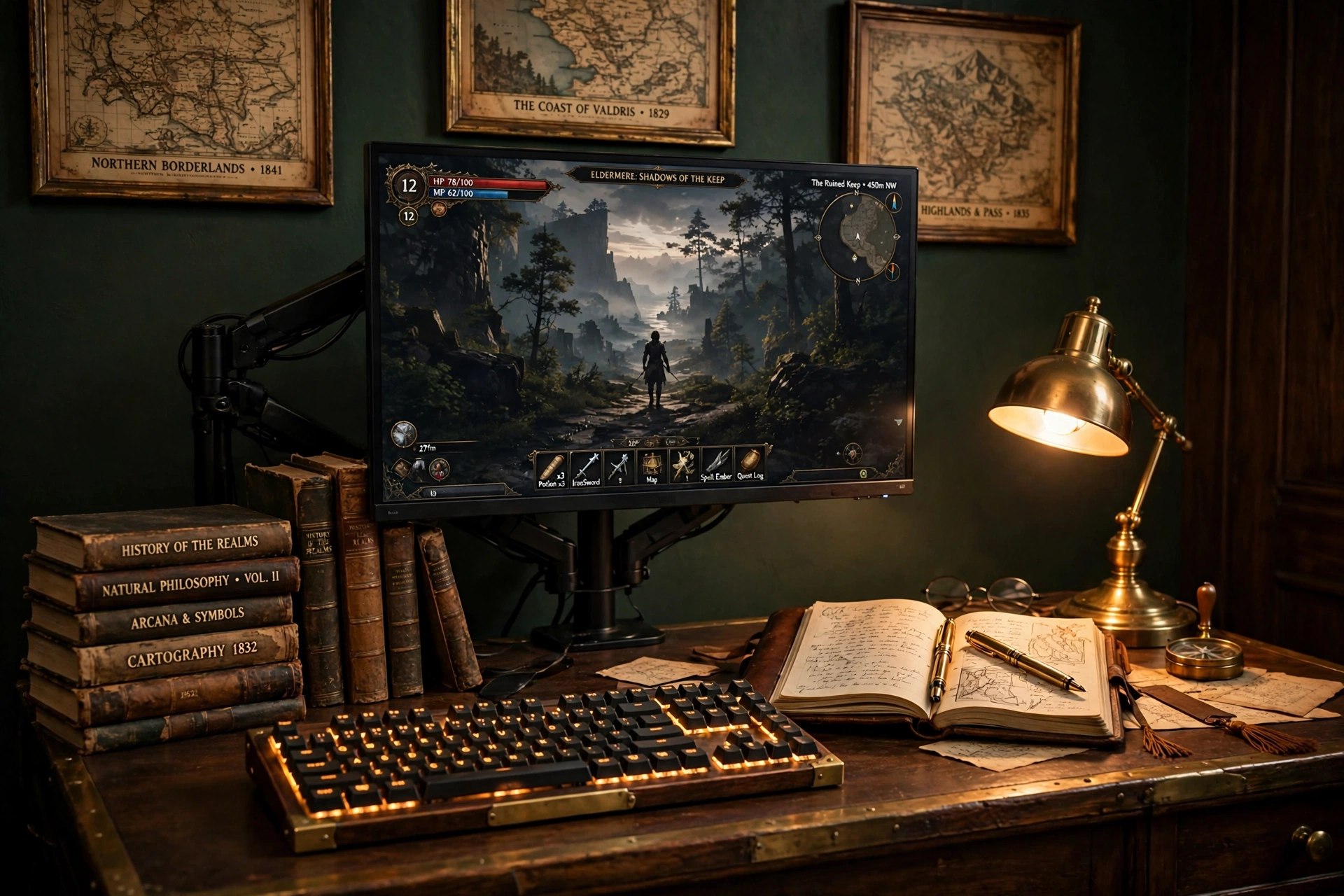
A scholar’s desk is a working desk first and a gaming desk second, and that is exactly why it works so well. The monitor floats on an arm, so the wood surface stays free for a journal, a fountain pen, and a stack of books. A mechanical keyboard with warm backlighting bridges the two uses, quiet enough for study and responsive enough for games, and a brass lamp ties the whole desk together.
- Desk: a solid wood desk with a clear center, so books and the keyboard never fight for space.
- Seat: a simple wooden chair with a cushion, or a leather chair if you sit for long hours.
- Screen: one monitor on an arm, pushed back when you write and pulled close when you play.
- Light: a brass desk lamp on the left, plus a soft lamp or candles on a shelf behind you.
- Storage: a drawer for pens and notebooks, and a shelf above the desk for the books you reach for most.
- Power: one strip under the desk, with cables clipped to the back edge so the wood stays clean.
Scholar’s desk rule: if the desk looks good with the monitor off, you have the balance right. Books, brass, and wood should carry the room on their own, and the screen should feel like a guest at the desk, not the landlord. A monitor arm is what makes that possible, because it lets the screen float above the wood instead of sitting on it.
HUANUO Dual Monitor Arm, Gas Spring
Why this one: the gas spring arm lifts the monitor off the wood and lets you swing it aside for writing, which keeps the desk usable for study as well as play.
Worth knowing: check your desk thickness and the monitor weight limit before ordering, since clamp arms need a sturdy edge to grip.
Corsair K70 CORE RGB Mechanical Gaming Keyboard
Why this one: the per key RGB lighting can be set to a warm amber that matches brass and wood, and the solid build feels steady during fast games.
Worth knowing: mechanical keyboards are louder than membrane ones, so they may not suit a shared study room late at night.
5. Vintage Bookcase Battlestation
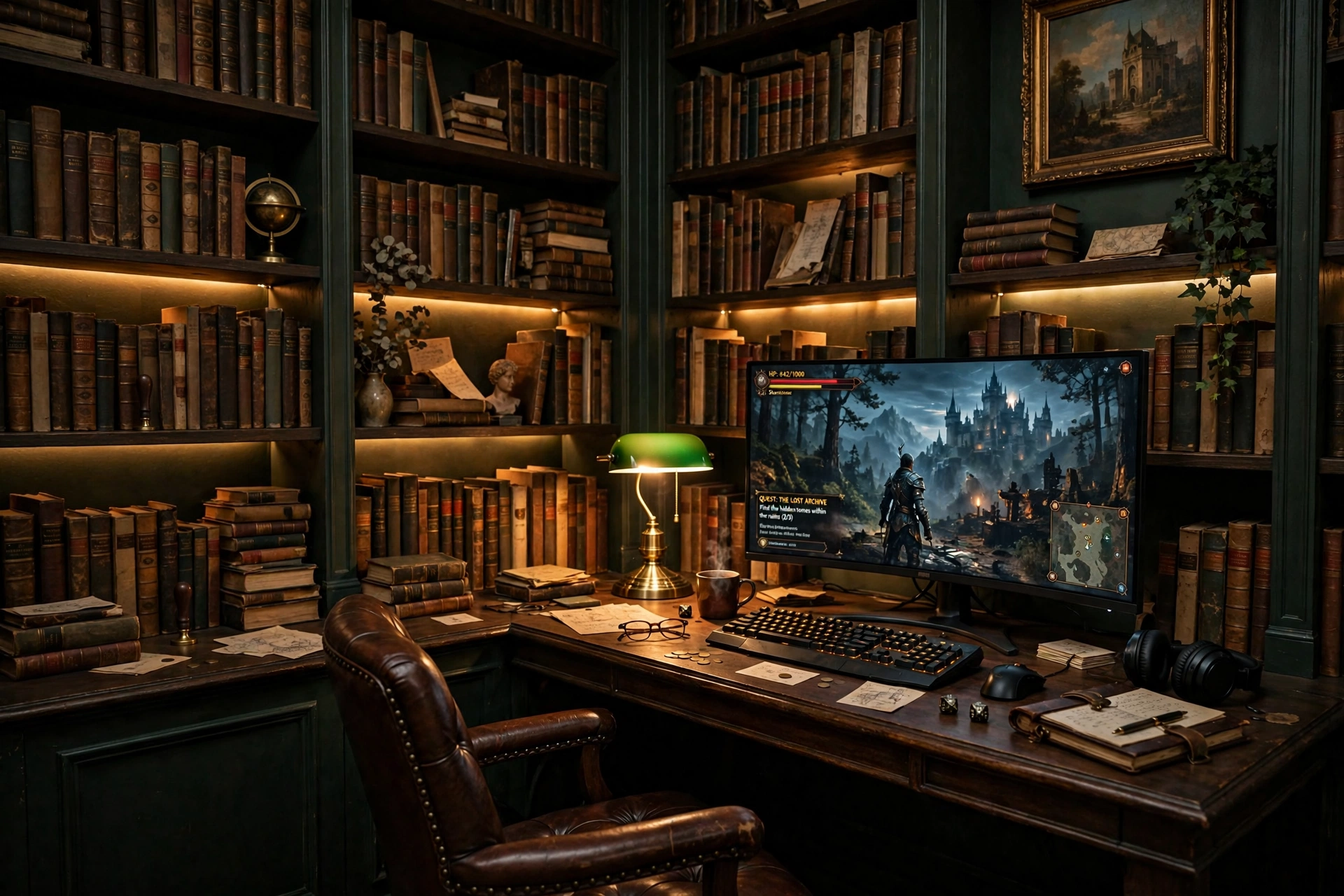
If you own a lot of books, stop hiding them and make them the feature. An L shaped desk tucked under tall shelves gives you a long work surface on one side and a display wall on the other, and a warm strip behind the shelves makes every spine glow like a shop window. The monitor sits on the long arm of the desk, the short arm holds a lamp, books, and a drink, and nothing feels crowded.
Warm white or amber, which is better? Warm white shows the true colors of book covers and game boxes, and it feels cozy in the evening. Amber is softer and more candle like, and it suits a room that is already dark. Many collectors run warm white most days and switch to amber for movie nights, which gives them both looks from the same strip. For more ways to light a whole room, the ideas in 15 LED Gaming Room Ideas That Set the Perfect Mood show how to keep the glow soft instead of garish.
Place the desk under the lowest shelf, keep a small drawer for spare controllers, and run one power strip behind the desk so the shelf lights and the monitor share one tidy cable run. A chair with good back support matters here, because you will sit and look at the shelves as much as the screen.
PRAISUN 66 Inch L Shaped Gaming Desk with LED Lights and Power Outlets
Why this one: the long L shape gives the monitor its own arm and leaves the short arm free for books and a lamp, and built in outlets cut down on extension leads.
Worth knowing: an L shaped desk needs a real corner with room on both sides, so measure the wall and the shelves before you commit.
Govee 65.6ft RGBIC LED Strip Lights
Why this one: the long length covers several shelves in one run, and the warm amber setting makes old books glow without washing out their colors.
Worth knowing: measure your shelves first, because a strip that is too long will leave a loose tail that is hard to hide neatly.
6. Dual Monitor Study in Dark Oak
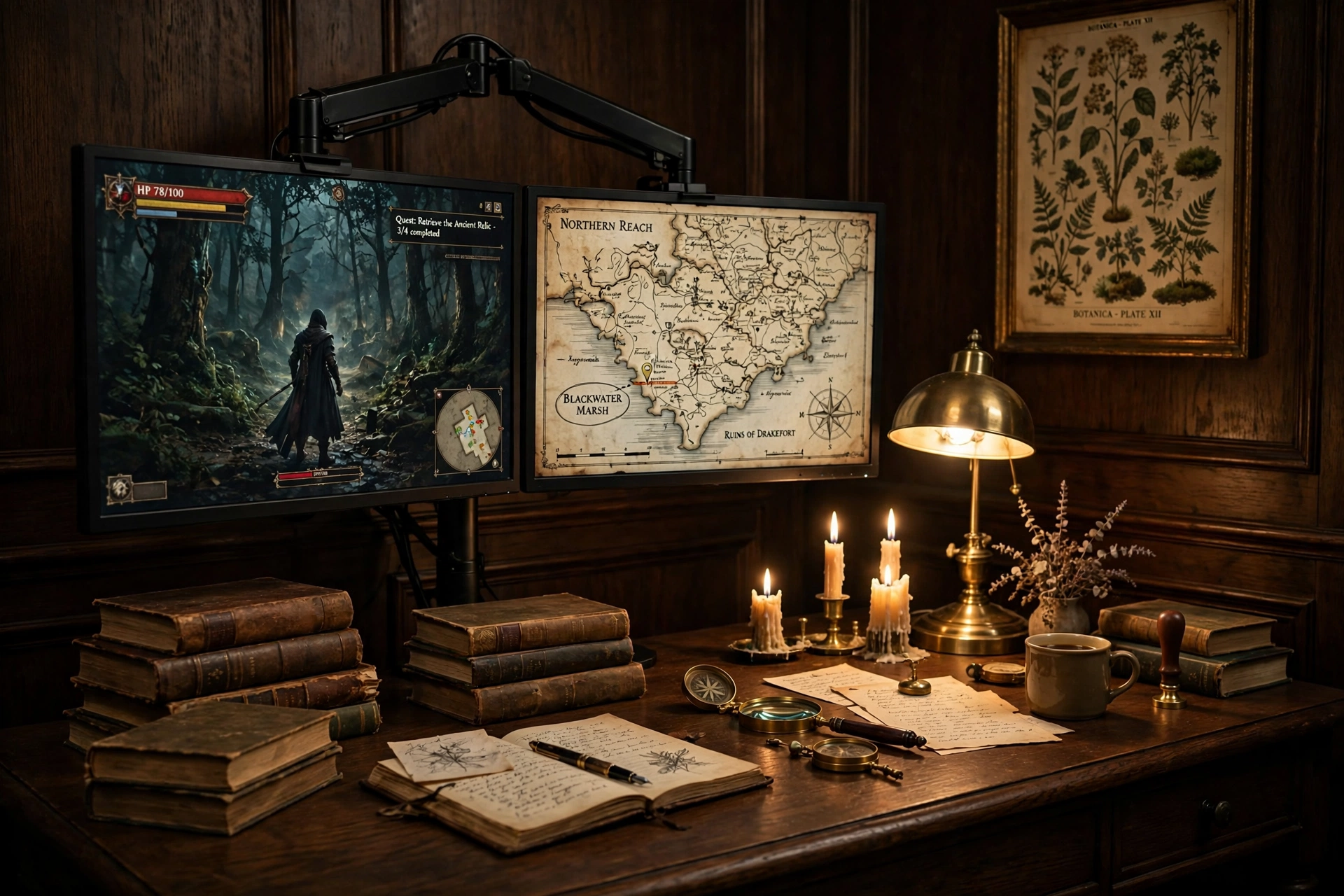
Two screens suit dark academia better than you might expect. One holds the game, the other holds a map, a guide, or your notes, and both sit on a single dark oak desk that looks like it belongs in a study. The trick is mounting both screens on one arm so the desk stays clear, and keeping the second screen dimmer than the first so the game stays the focus.
How to set it up:
- Clamp one dual arm to the center of the desk back edge, and hang both monitors at the same height.
- Angle the screens slightly inward, so both are easy to read from one chair position.
- Put the game on the main screen and guides, chat, or music on the second screen.
- Stack old books on one side of the desk and a brass lamp on the other, to frame the screens.
- Run both monitor cables down the arm and behind the desk, so the wood surface stays clean.
Two screens, one rule: the second screen is a helper, not a second star. Keep its brightness low and its content quiet, a map or a notes page, and the setup stays calm. Two bright screens at full blast will fight each other and tire your eyes fast.
HUANUO Gas Spring Dual Monitor Stand for 17 to 32 Inch Screens
Why this one: the gas spring arms hold two screens at one clean height and free the whole desk surface for books and a lamp.
Worth knowing: check the weight limit for each arm against your monitors, since a heavy screen can sag over time if it is near the limit.
CRUA 27 Inch Curved Gaming Monitor, 180Hz
Why this one: the curved panel wraps your view nicely for immersive games, and the fast refresh rate keeps motion smooth on both screens.
Worth knowing: curved screens can distort straight lines slightly, so they are less ideal if you do precise design work on the same desk.
7. Fireplace Glow Console Nook
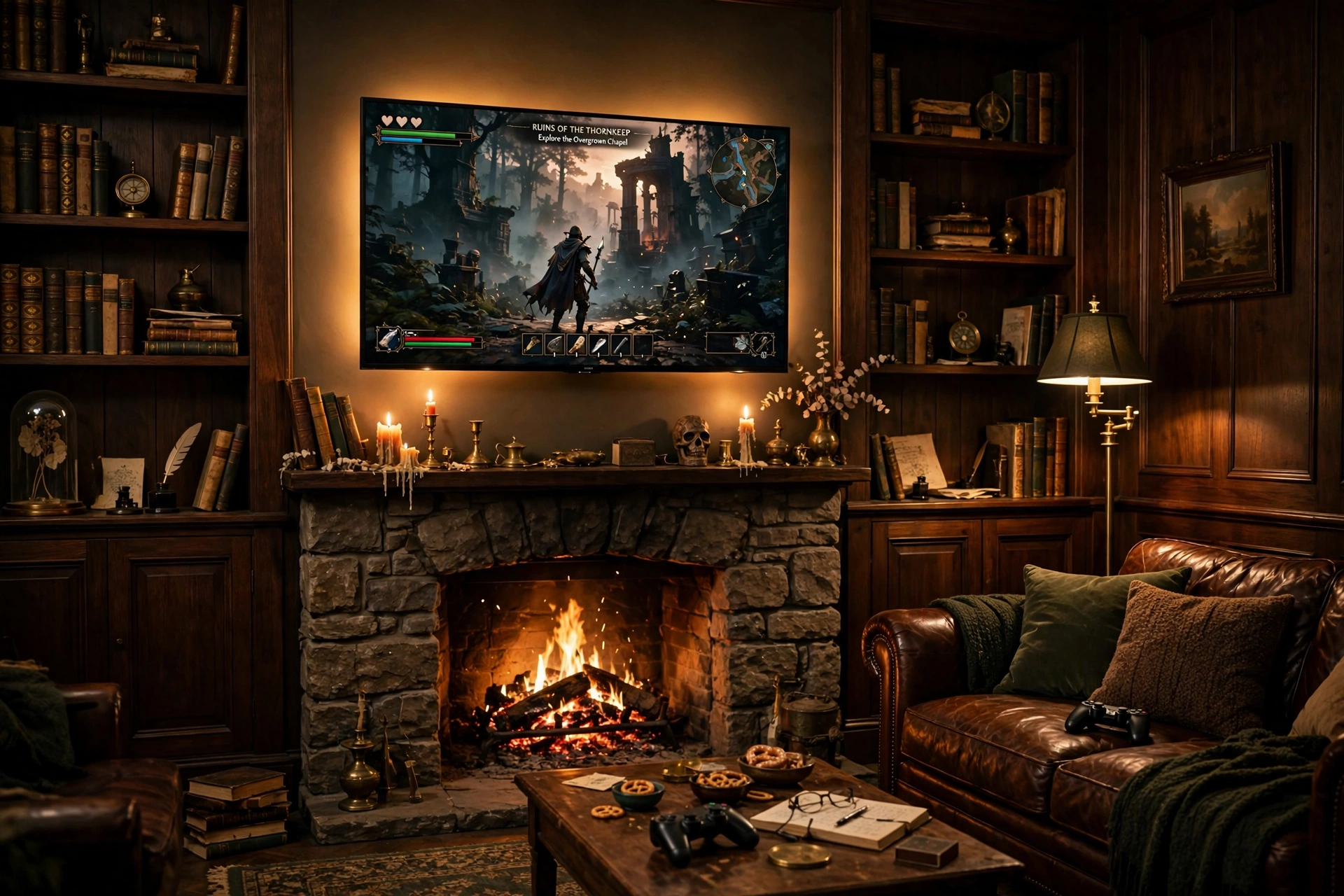
Console players get the coziest version of dark academia, because the fireplace does half the decorating. A large TV above the mantel, a leather sofa, and a warm gradient glow behind the screen turn the living room into a library lounge that happens to play games. The fire gives real flickering light, the strip behind the TV gives a soft halo, and the two together make the room feel alive on a cold evening.
Keep the console in a ventilated spot on a low media unit, and run the strip power from the same outlet as the TV so one switch controls the glow. A basket beside the sofa holds controllers and headsets, and the room stays tidy even when the fire and the screen are both at their brightest.
Philips Hue Play Gradient Light Strip, 55 Inch
Why this one: the gradient blends warm amber and orange smoothly behind the TV, which echoes firelight far better than one flat color.
Worth knowing: the strip is sized for larger screens, so check it against your TV size and the Hue app setup before you buy.
Samsung 27 Inch Odyssey G5 QHD Gaming Monitor
Why this one: the QHD curved panel is a natural second screen for a console room, giving a friend or a PC player a proper display beside the TV.
Worth knowing: curved screens can distort straight lines slightly, so they are less ideal if you do precise photo or design work on the same desk.
8. The Professor’s Corner Desk
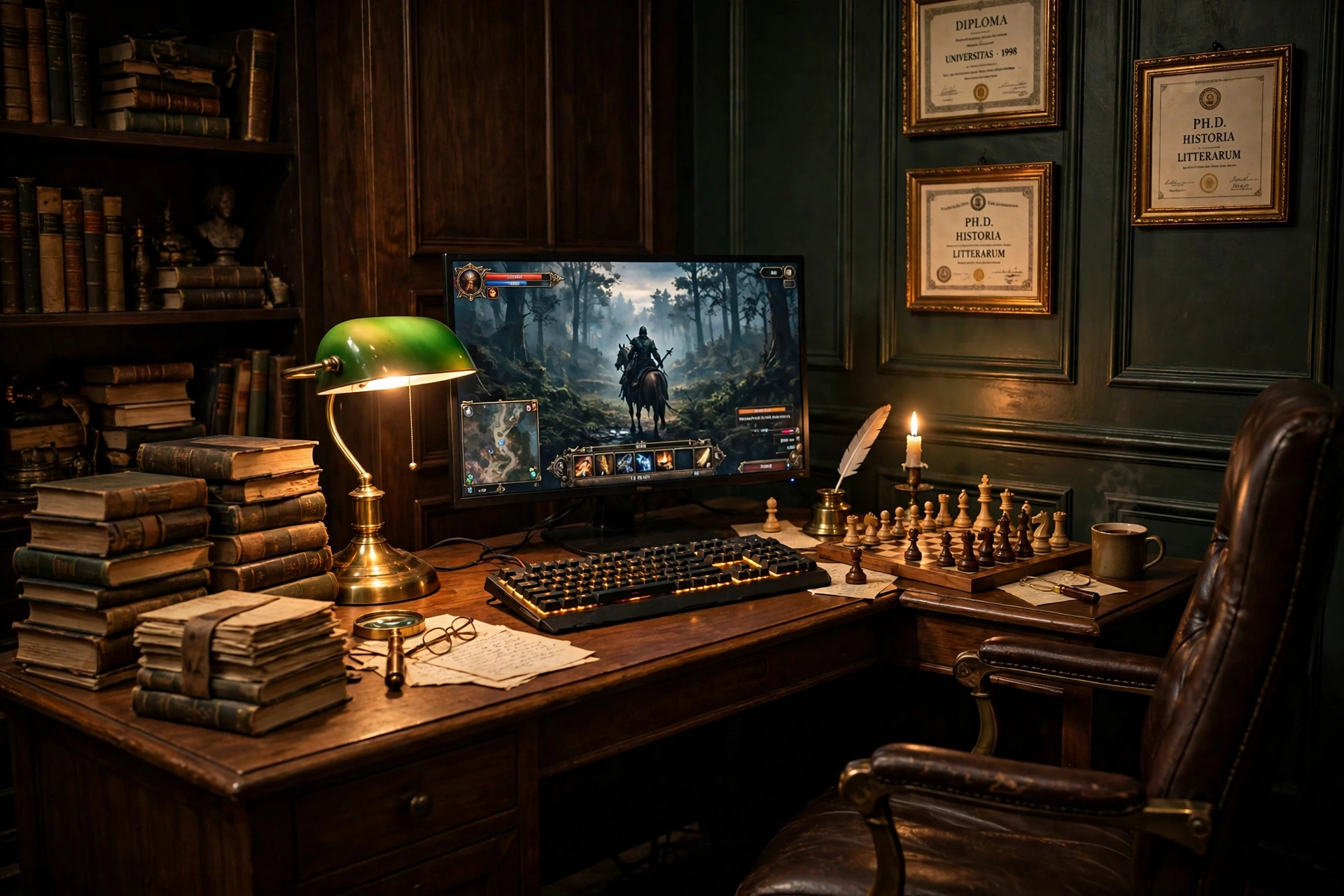
Corners are the most underused space in a gaming room, and a professor’s desk turns one into the smartest spot in the house. A wood desk with built in power sits tight in the corner, the monitor faces into the room, and tall stacks of books on both sides make the corner feel like a private study. A chess set on the desk is the finishing touch, a quiet hint that this room is for thinking as well as playing.
What works here:
- The desk: a desk with built in outlets, so the corner needs no extension lead trailing across the floor.
- The screen: one bright monitor, angled out of the corner so you face the room, not the wall.
- The light: a brass lamp on the desk plus a small strip along the ceiling edge above it.
- The walls: framed prints or diplomas on both corner walls, hung at eye level from the chair.
- The extras: a chess set, a stack of books, and a leather chair that tucks fully under the desk.
Corner tip: face out of the corner, not into it. A desk pushed into a corner with the monitor against the wall feels cramped, but the same desk turned so you look into the room feels like a study with a view. The books on the desk edges frame you instead of boxing you in.
HOMCOM 56 Inch Gaming Desk with Power Outlets and LED Lights
Why this one: built in power outlets cut down on extension leads in a tight corner, and the wide surface holds a monitor, books, and a chess set at once.
Worth knowing: the built in LED edge is a modern touch, so set it to a warm amber to keep the old study feel instead of a bright rainbow.
Corsair K70 PRO RGB Optical-Mechanical Gaming Keyboard
Why this one: optical mechanical switches feel fast and consistent, and the warm backlight setting suits brass and wood far better than a bright white glow.
Worth knowing: this is a full size keyboard, so check it fits your corner desk with room for a mousepad beside it.
9. Moody Attic Study Under the Eaves
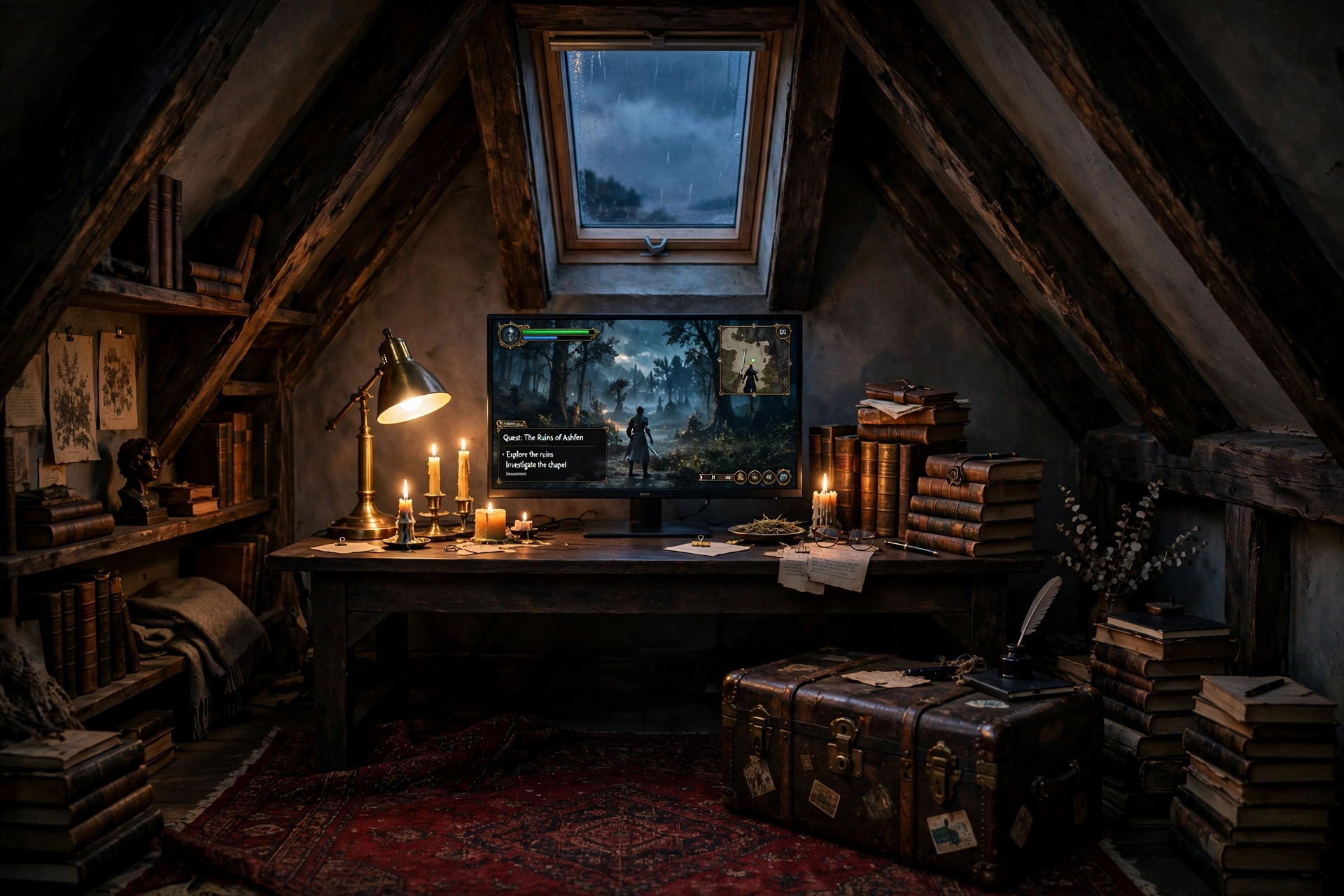
An attic already has the dark academia mood built in, with sloped ceilings, exposed beams, and one small window. The trick is working with the slope instead of fighting it. Put a low desk under the tallest part of the eaves, keep the monitor at eye level from a low chair, and let the beams frame the screen. A skylight gives soft daylight by day, and candles and a brass lamp take over at dusk.
- Desk: a low, sturdy desk that fits under the slope without blocking the skylight.
- Seat: a low chair with good back support, since you will sit close to the sloped ceiling.
- Screen: one monitor on a small stand, so it sits at eye level even from a low seat.
- Light: a brass lamp on the desk, candles on a tray, and the skylight for daytime.
- Storage: a vintage trunk for games and controllers, plus a low shelf along the shortest wall.
- Power: one strip behind the desk, with the cable run clipped along a beam.
Attic note: attics get hot in summer and cold in winter, so check the room temperature across seasons before you commit to a full setup. A small fan in summer and a warm rug under the desk in winter make the room usable all year, and both are cheaper than moving the setup downstairs.
Huuger 47 Inch Computer Desk with Power Outlets and LED Lights
Why this one: the 47 inch width fits under a sloped ceiling without crowding the room, and built in outlets keep cables off the attic floor.
Worth knowing: measure the ceiling height at the desk spot, since a tall monitor on a stand can bump into a low slope.
KTC 27 Inch Gaming Monitor, 180Hz, 1080p
Why this one: a fast 27 inch screen at a friendly tier for a first attic setup, with a size that fits neatly under the eaves without crowding them.
Worth knowing: 1080p on a 27 inch screen looks softer up close than QHD, so sit a little farther back if text looks fuzzy to you.
10. Warm Lamp and Leather Writing Desk
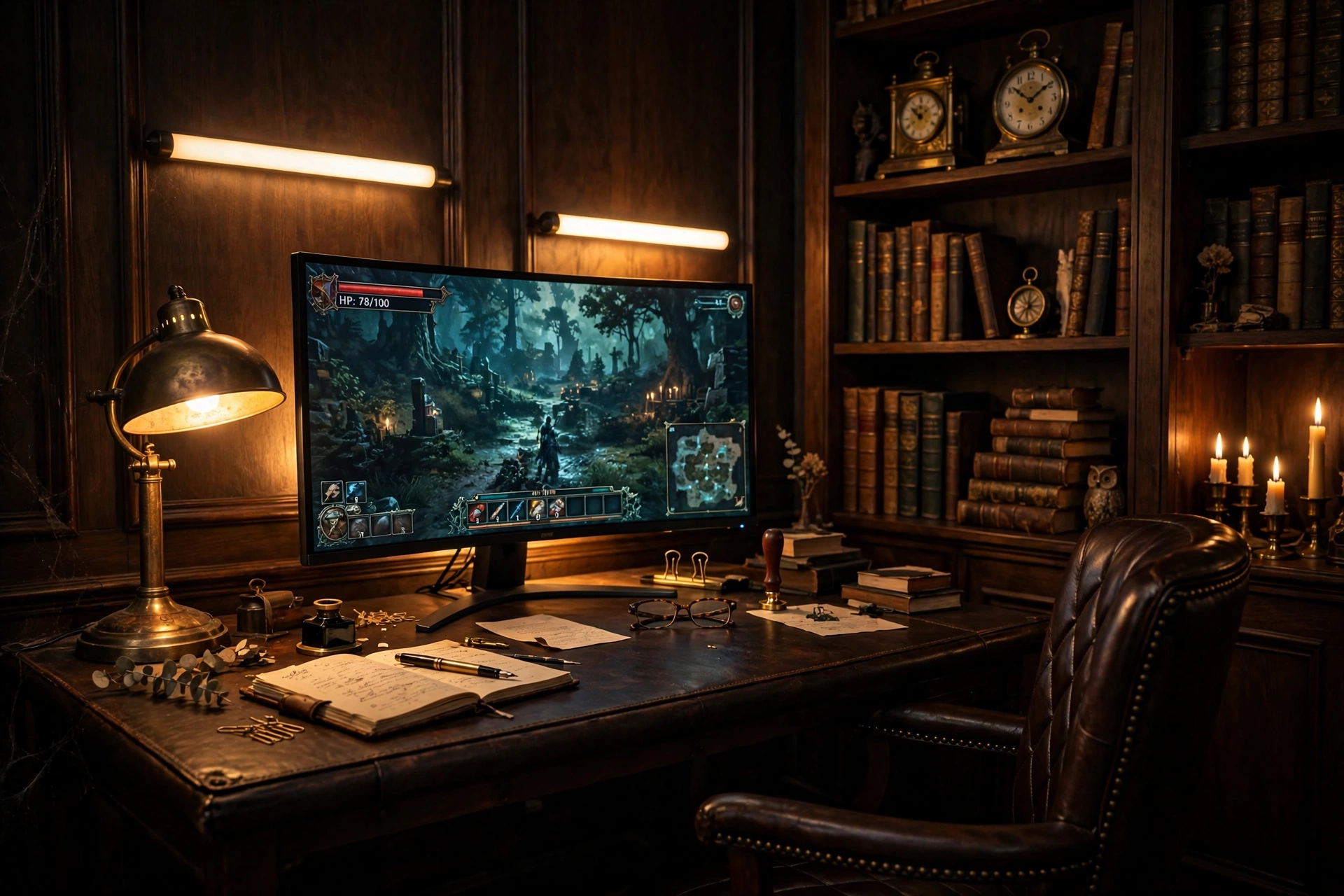
Writers who game need a desk that works for both, and a leather topped writing desk does exactly that. The curved monitor sits at the back, two warm light bars glow behind it, and the front of the desk stays clear for a notebook and a pen. When you finish a chapter, the game is right there. When you finish a quest, the notebook is right there. Nothing needs to move.
How to set it up:
- Place the curved monitor at the back center of the desk, with the light bars standing behind it.
- Set the light bars to a warm amber that matches the brass lamp on the desk.
- Keep a leather journal and a pen on the front left, and the mouse on the front right.
- Add a shelf above the desk for books and a vintage clock, so the wall stays part of the look.
- Run one power strip behind the desk leg, with a switch you can reach by foot.
Try this: use the light bars as your writing lamp. Set them low and warm while you write, then raise the brightness slightly when you switch to a game. One light doing two jobs keeps the desk clear and the mood steady across the whole evening.
Philips Hue Play Light Bar, 2 Pack
Why this one: the two bars can stand behind the monitor or mount on the wall, and their warm amber setting doubles as a writing lamp for late night pages.
Worth knowing: the full Hue setup needs a Hue bridge for the smartest features, so check what you already own before adding more Hue gear.
Dell S2721HGF 27 Inch Curved Gaming Monitor, 144Hz
Why this one: the curved screen wraps your view for immersive games and still reads clearly for writing, and the size suits a writing desk without taking it over.
Worth knowing: 144Hz is plenty for most games, but a player chasing the fastest refresh rates may want a faster panel.
11. Dark Wood Library Desk with Brass Accents
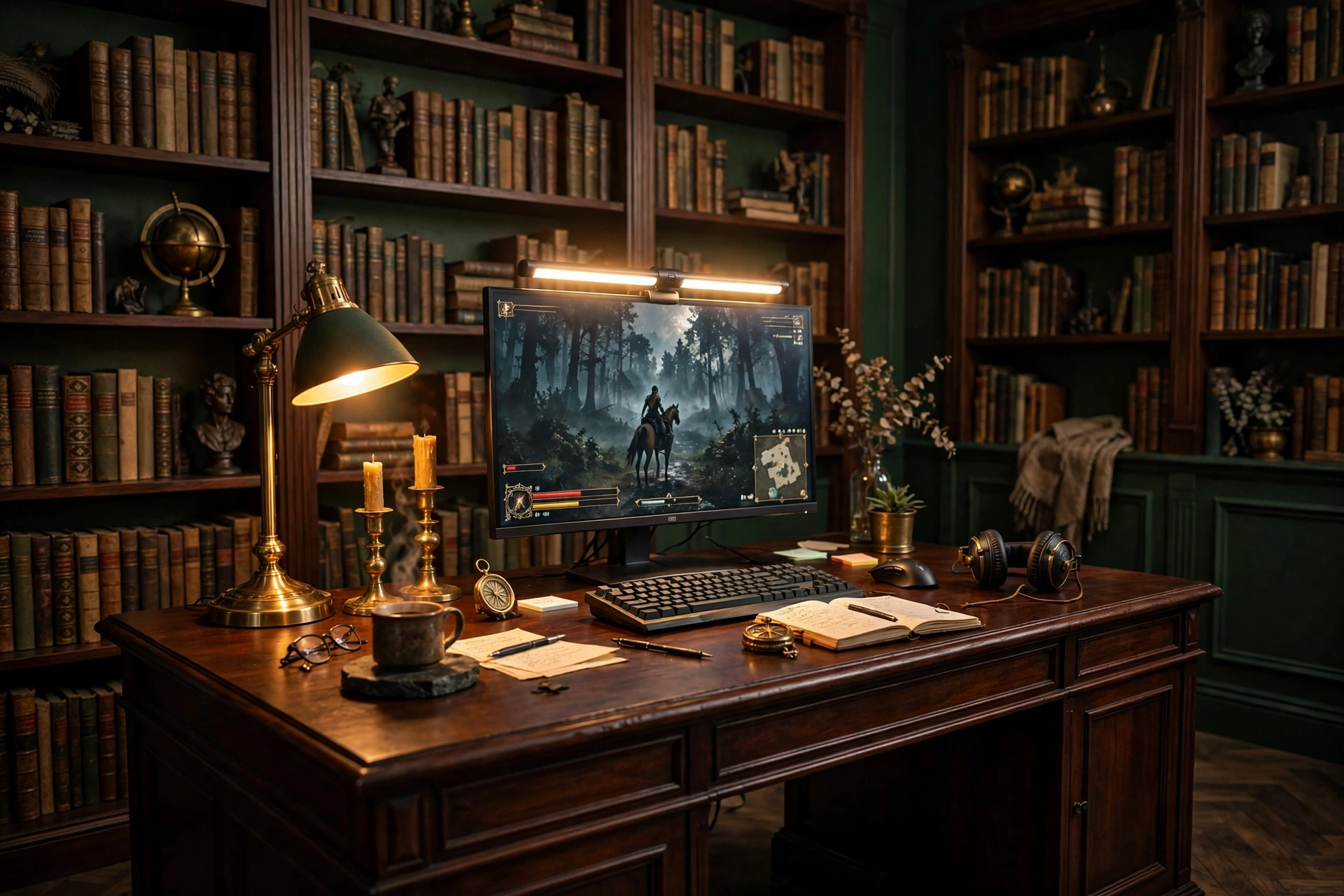
The full library look is the grandest setup in this guide, and it is simpler than it looks. A large dark mahogany desk in front of floor to ceiling shelves, a monitor light bar glowing warm above the screen, and brass everywhere: candlesticks, a desk lamp, a clock, a pen holder. The screen is the only modern thing in the room, and that contrast is what makes it work.
What works here:
- The desk: a large dark wood desk with drawers, so books and gear have a home off the surface.
- The screen: one monitor with a light bar on top, which lights the desk without a lamp in the way.
- The brass: candlesticks, a lamp, and small trays, all in the same warm brass tone so they read as a set.
- The shelves: floor to ceiling books, with a few objects like a globe or a bust to break up the rows.
- The light: the monitor bar for the desk, plus one floor lamp in the corner for the room.
Hive Vibes Monitor Light Bar with RGB Backlight
Why this one: the bar lights the desk without taking up surface space, and the warm setting keeps the brass accents glowing instead of washing them out.
Worth knowing: a light bar needs a monitor with a flat top edge to sit on, so check your screen shape before ordering.
LG UltraGear 27GS75Q-B 27 Inch Gaming Monitor
Why this one: a sharp 27 inch screen that suits a large library desk, with a slim frame that stays quiet against dark wood and brass.
Worth knowing: the stand is fairly plain, so a monitor arm can lift the screen and free more desk space for books and brass.
Frequently Asked Questions
What colors define a dark academia gaming room? Dark green, oxblood, deep brown, and charcoal, with warm wood and brass as the accents. Keep the palette to three main colors plus brass, and the room will look planned instead of dark for the sake of it.
Can dark academia work in a small room? Yes, and it often works better there, because a small room feels cozy instead of cramped when the walls are dark and the light is warm. Start with one dark wall, a small wood desk, and one warm lamp, and add books and candles as you find them.
Are real candles safe near a gaming setup? They can be, with care. Keep flames away from books, curtains, and cables, use sturdy holders on a tray, and never leave a lit candle unattended. Battery candles give the same flicker with none of the worry, and they are the safer choice in a room full of paper.
Can I mix dark academia with RGB lighting? Yes, as long as you keep the RGB warm. Set strips and light bars to amber, warm white, or a soft orange, and the room keeps its old library feel. Bright rainbow scenes will fight the palette, so save those for parties and keep warm tones for everyday play.
What is the cheapest way to start a dark academia setup? Start with what you already own. A dark wood desk, one warm lamp, and a stack of old books from a charity shop will change the room more than any single new purchase. Add the monitor light and the chair later, piece by piece, as your budget allows.
Do I need a lot of old books to pull this off? No. A shelf or two of books is enough, and charity shops and library sales are full of cheap hardcovers with the right look. Mix in a globe, a clock, or a framed print, and the shelves will look collected rather than bought all at once.
Conclusion
Dark academia is really about slowing down and letting the room do the talking. Dark wood, old books, brass, and candlelight make a gaming setup feel like a place you want to stay in, not just a desk you sit at. Start with one setup from this list, the one that matches your room and the way you play, and build it piece by piece. A lamp this week, a stack of books next week, and before long the room will feel like it has always looked this way. Your next game will feel different in a room like that, slower, warmer, and a little more like a story.
Related reading:
If you liked these dark academia ideas, try 15 Cozy Gaming Setup Ideas on a Budget for more warm and affordable rooms, and 15 Aesthetic Gaming Setup Ideas Clean and Minimal for a calmer take on the same idea.
