Affiliate disclosure: As an Amazon Associate I earn from qualifying purchases. This article contains affiliate links, and I may earn a small commission if you buy through them, at no extra cost to you. Read the full policy here: affiliate disclosure.
January is the one month when a streamer room reset feels less like a chore and more like a fresh start. The holidays are over, the desk has collected a season of clutter, and the backdrop your viewers see every stream could use a little love. A good reset does not mean buying a whole new room. It means clearing what you do not need, fixing the light, hiding the cables, and giving the space one or two upgrades that actually show up on camera.
These six ideas are complete setups you can copy one at a time, or stack into a full weekend reset. Each one starts with a clean surface and ends with a room that looks sharper, feels calmer, and streams better. If your desk is also feeling cramped, these pair well with 15 gaming desk setup ideas for small rooms, which has more ways to make a tight space work harder.
In this article
At a glance
| Reset | Best for | Hero product |
|---|---|---|
| 1. One Monitor, One Arm, Zero Clutter | Cluttered desks | ASUS TUF Gaming VG27AQ monitor |
| 2. A Fresh Lighting Reset | Flat, cold-looking streams | Govee RGBIC LED strip lights |
| 3. A Backdrop Worth Being On Camera For | Boring backgrounds | Nanoleaf Shapes triangles |
| 4. Hide Every Cable | Messy desks and floors | Huuger desk with power outlets |
| 5. A Simple Key Light Upgrade | Dark or grainy webcam video | Quntis monitor light bar |
| 6. Goals You Can See Every Day | New year planning | GTPLAYER gaming chair |
1. Start Clean: One Monitor, One Arm, Zero Clutter
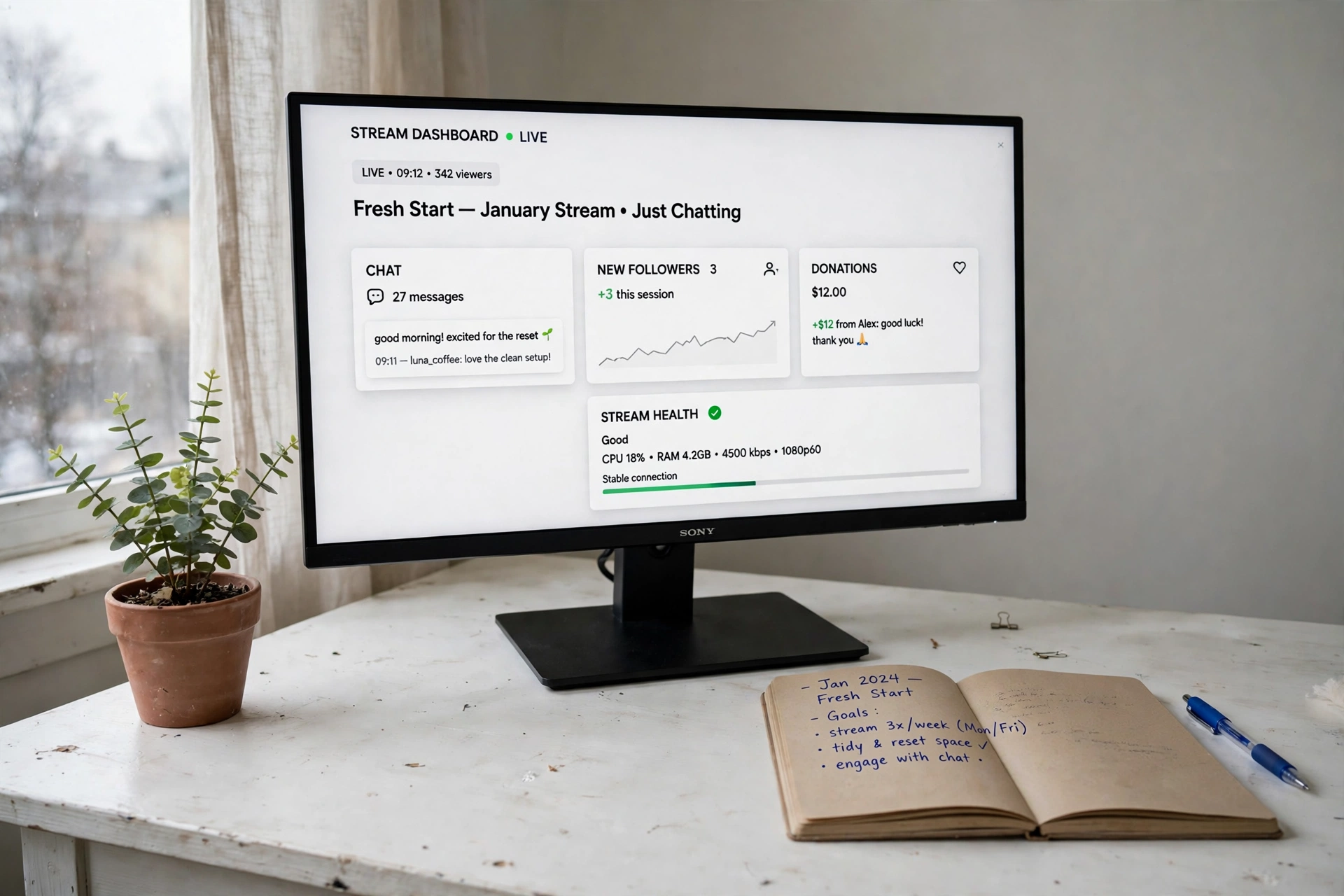
The fastest reset costs nothing at first: take everything off the desk, wipe it down, and put back only what you use every stream. One good monitor on an arm does more for a clean look than any decor, because it lifts the screen off the surface and leaves room for a keyboard, a notebook, and a plant that is actually alive.
- Clear first, buy second. If it has not been touched in a month, it lives in a drawer now.
- Float the monitor. An arm lets you pull the screen to the perfect height and angle for camera and comfort.
- Leave one empty corner. A little blank space makes the whole desk feel calm on camera.
Once the surface is clear, the setup reads as a fresh start instead of a storage shelf, and your stream backdrop instantly looks more professional.
ASUS TUF Gaming VG27AQ 27 Inch QHD Monitor, 165Hz
Why this one: Sharp QHD picture and a fast refresh rate make games and stream previews look smooth, and the 27 inch size fills a desk without crowding it.
Worth knowing: It has no built-in speakers worth relying on, so plan for headphones or separate speakers.
HUANUO Dual Monitor Arm, Gas Spring
Why this one: The gas spring arm holds the monitor steady and lets you adjust height and tilt with one hand, which is handy when you switch between gaming and chatting on camera.
Worth knowing: Check your desk thickness and edge before ordering, since clamp mounts need a solid lip to grip.
2. Warm It Up: A Fresh Lighting Reset for Late Streams
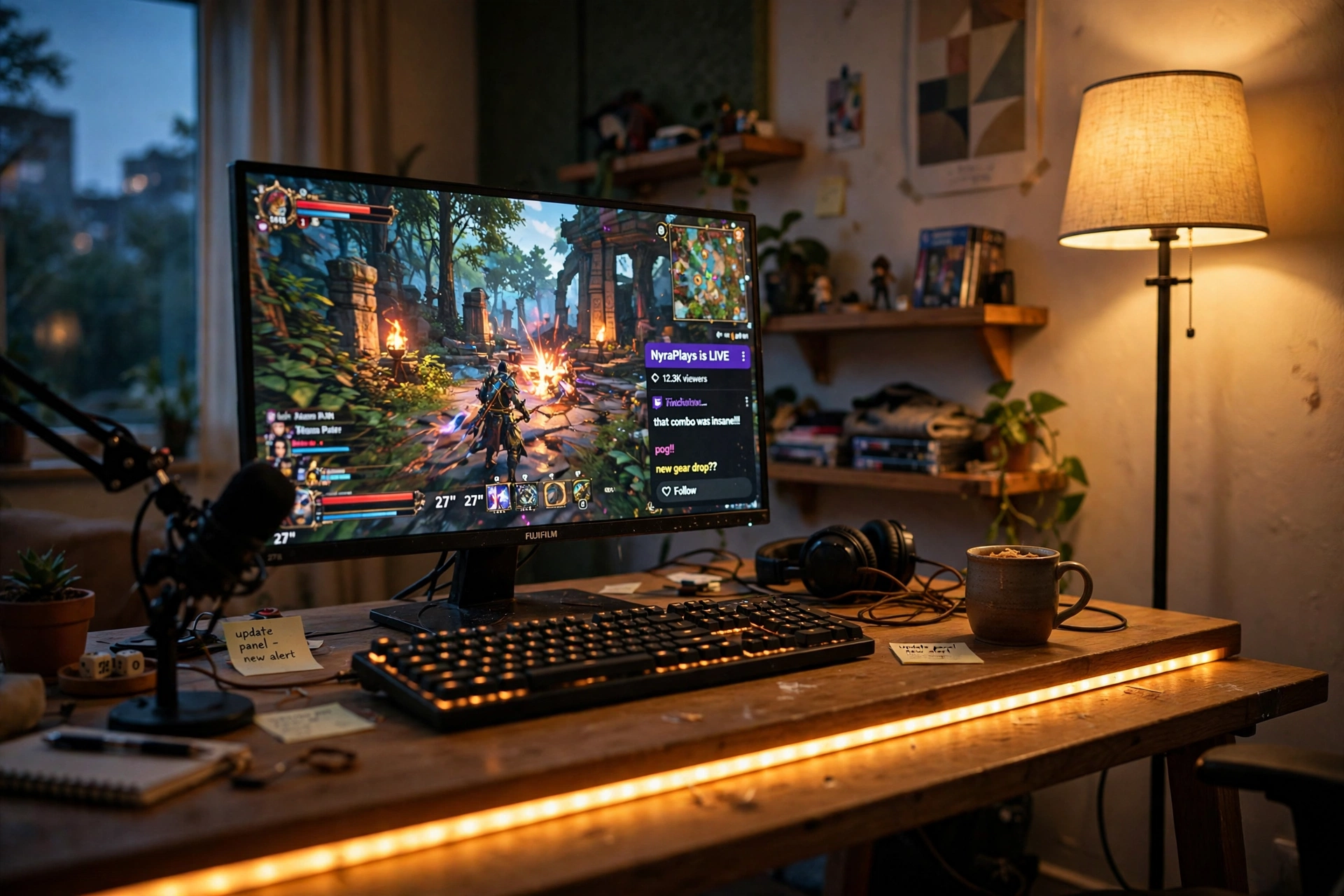
January evenings are dark early, and a single cold ceiling light is the quickest way to make a stream look tired. Warm light changes the whole mood. A strip along the back of the desk plus a soft floor lamp in the corner gives you two layers of glow, and your face and your room both look better for it.
Here is the simple order to follow:
- Turn off the overhead light and see what your room actually looks like on camera.
- Add the LED strip behind the desk first, set to a warm amber or soft white.
- Bring in the floor lamp for a second layer of light, aimed at a wall, not at you.
- Check the webcam, then nudge the colors until your skin looks natural.
Keep the colors warm and steady rather than cycling through rainbow modes. Your viewers will stay longer when the picture feels calm. For more ways to use light as a mood tool, see 15 LED gaming room ideas that set the perfect mood.
Govee 65.6ft RGBIC LED Strip Lights
Why this one: The long length covers a desk, shelves, and a wall edge in one run, and the app makes it easy to lock in one warm color for every stream.
Worth knowing: The adhesive works best on clean, smooth surfaces, so wipe the spot first and press firmly.
Govee RGBIC Floor Lamp, LED Corner Lamp
Why this one: It tucks into a corner and washes the wall with soft color, adding depth behind you without taking up desk space.
Worth knowing: It is a mood light, not a reading light, so it will not replace a desk lamp for paperwork.
3. A Backdrop Worth Being On Camera For
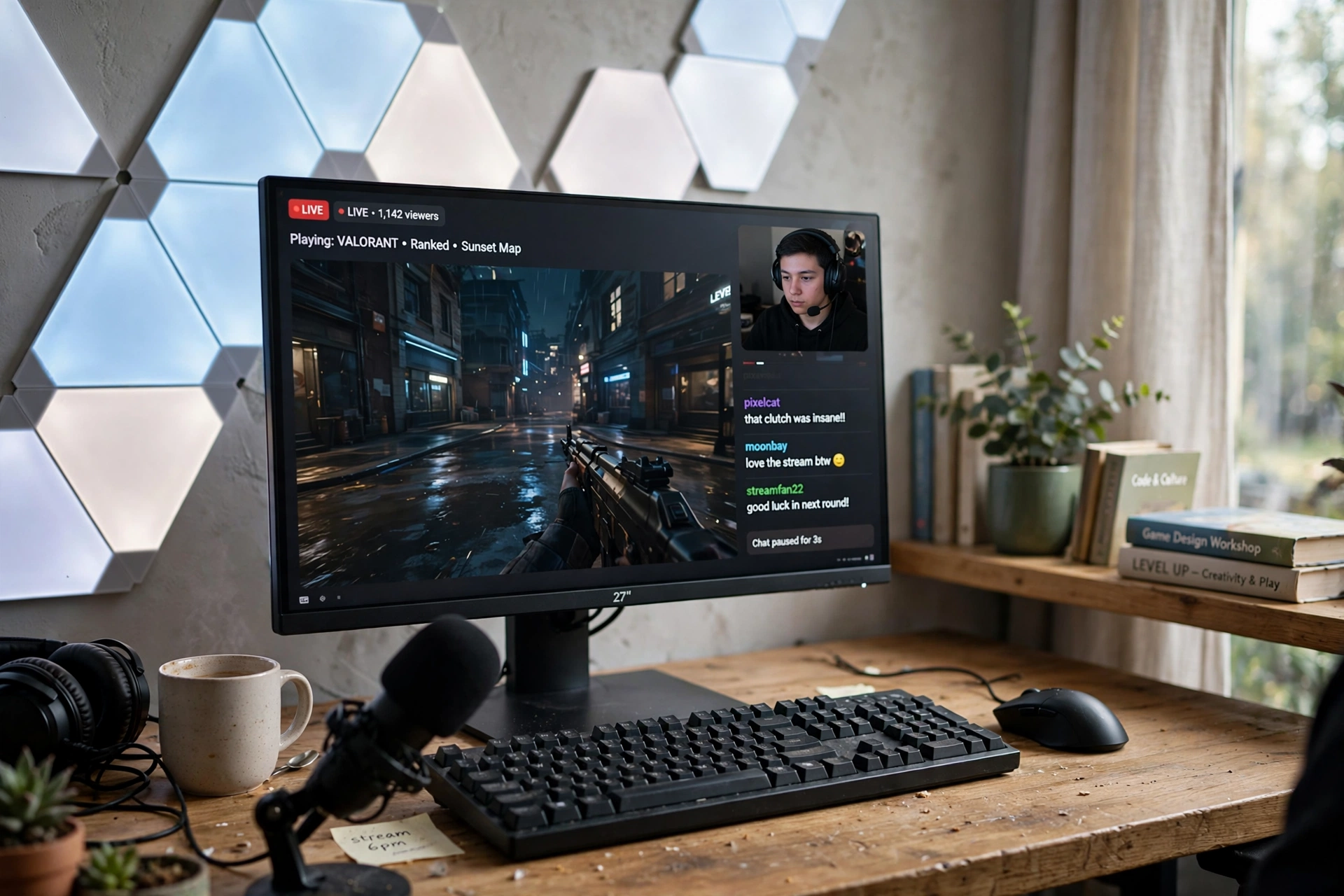
Your viewers spend hours looking at the wall behind you, so a January refresh should start there. Light panels give the backdrop shape and color, and a small shelf with a plant and a couple of books keeps it feeling like a real room instead of a studio set. The trick is restraint: pick one wall feature, one shelf, and stop.
Tip: Set the panels to one calm color that matches your stream overlay, and change it only when the season changes. A steady backdrop becomes part of your brand.
Keep cables for the panels tucked behind the shelf, and leave a little breathing room around each piece. A backdrop that looks considered, not crowded, makes the whole stream feel more professional, even before you touch any gear.
Nanoleaf Shapes Triangles Smarter Kit
Why this one: The triangle panels snap into any shape you like, so you can build a design that fits your exact wall space and matches your channel colors.
Worth knowing: Plan the layout on the floor first, since moving panels after they are stuck up can weaken the adhesive.
Philips Hue Play Light Bar, 2 Pack
Why this one: The two bars sit behind the monitor or on a shelf and add a soft wash of color that makes the backdrop glow without glaring into the camera.
Worth knowing: The full smart features need a Hue Bridge, which is sold separately, so check what you already own.
4. Hide Every Cable Before Your First Stream of the Year
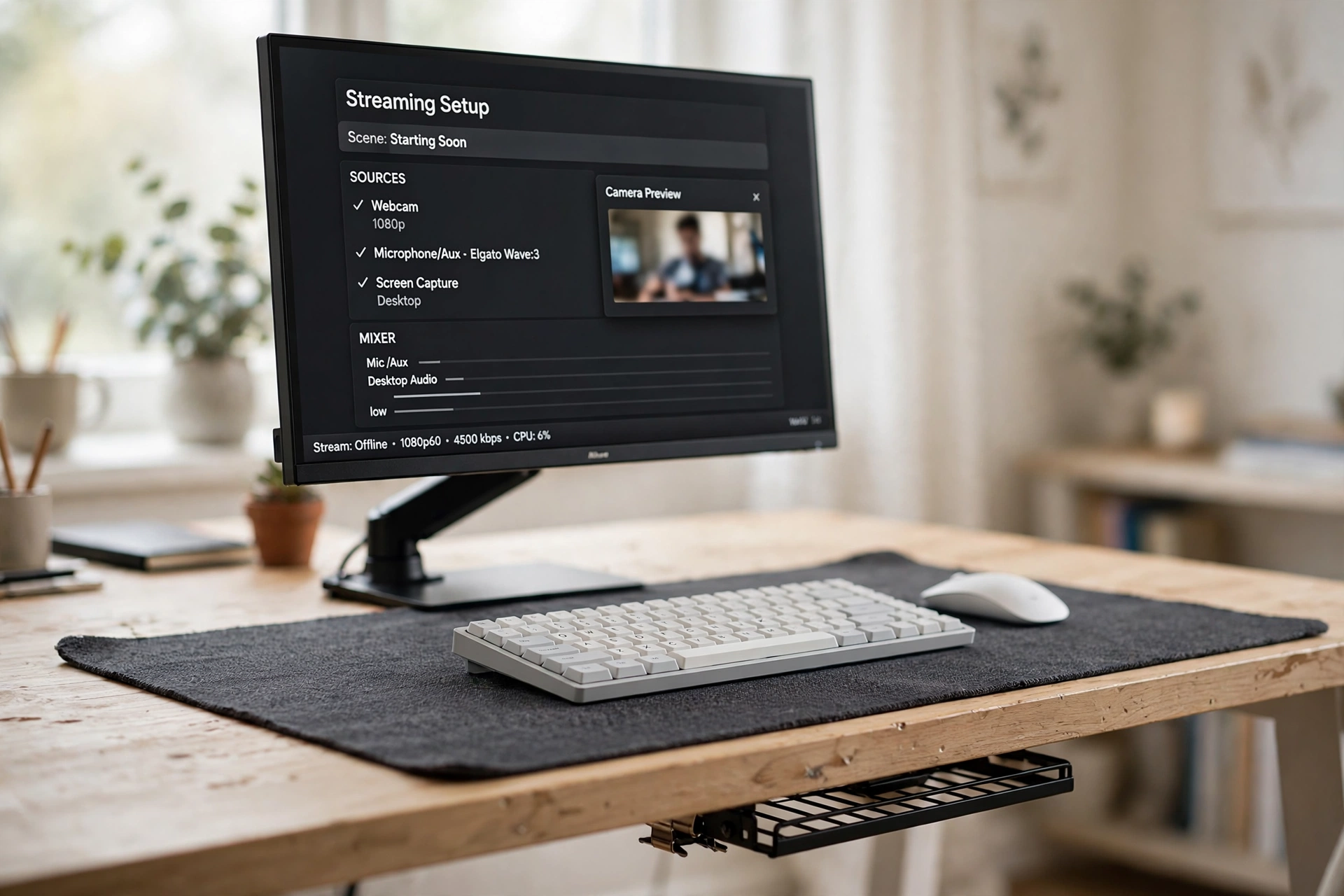
Cables are the one thing viewers notice without knowing why the room looks messy. A desk with built-in power outlets cuts the worst of it, because chargers and plugs live at the desk instead of trailing across the floor. Pair it with a big desk mat that hides the last few wires, and the surface looks intentional instead of tangled.
Two ways to tackle it, and both work:
Option A: Start at the desk
A desk with outlets and a cable tray means every plug has a home before you sit down. Best if you are replacing the desk anyway.
Option B: Fix what you have
A large mat plus a tray under the desk hides most wires for very little money. Best if your current desk is fine and only the cables bother you.
Either way, run one final check with the camera on. What the lens sees is what your audience sees, and a clean frame is worth the ten minutes it takes to tuck the last cable away.
Huuger 47 Inch Computer Desk with Power Outlets and LED Lights
Why this one: Built-in power outlets keep chargers on the desk surface instead of on the floor, and the LED strip adds a soft glow that suits a stream backdrop.
Worth knowing: At 47 inches it suits one monitor and a compact setup, so measure first if you run two screens.
JOYYE Large RGB Gaming Mouse Pad with Magnetic Wireless Charger
Why this one: The large mat covers the desk surface and hides cable runs underneath, while the built-in wireless charger means one less cord for your phone.
Worth knowing: The magnetic charger works best with compatible phones and cases, so check yours before you rely on it.
5. Look Better on Camera With a Simple Key Light Upgrade
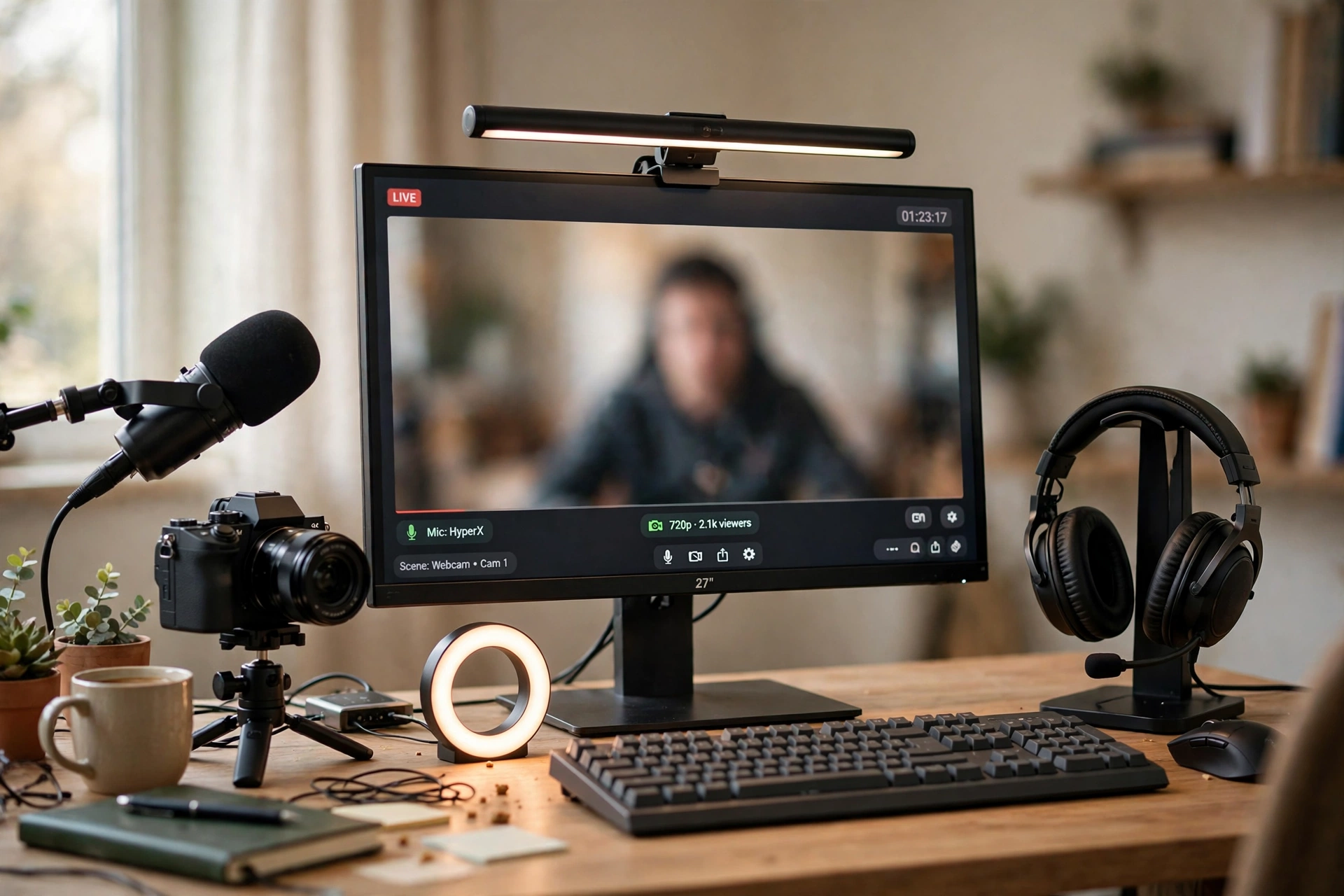
If your webcam looks grainy or your face sits in shadow, the fix is usually light, not a new camera. A monitor light bar sits right above the screen and throws soft, even light onto your face and keyboard, which is exactly where a stream camera needs it. Add a tidy headset stand to keep the desk clear, and the whole shot looks like you planned it.
What works here: the light bar gives you a clean, front-facing glow with no extra stand eating desk space. The headset stand keeps your headphones off the desk and ready to grab, and its built-in charger tops up your phone between streams. Together they solve two small daily annoyances with two small purchases, and neither one needs a complicated setup or a settings menu. Set the light to a neutral white, check the preview, and you are done.
Quntis Monitor Light Bar RGB PRO
Why this one: It clips onto the top of the monitor and lights your face and desk evenly without glare on the screen, which is the cheapest big win for webcam quality.
Worth knowing: It needs a USB port for power, so keep one free on the monitor or the desk hub.
TROND RGB Headset Stand with PD 20W USB C Charger
Why this one: The stand keeps your headset upright and visible instead of draped over the monitor, and the fast USB C charger keeps a phone topped up during long sessions.
Worth knowing: The RGB glow is subtle rather than bright, so do not expect it to light the room.
6. Set Goals Where You Can See Them Every Day
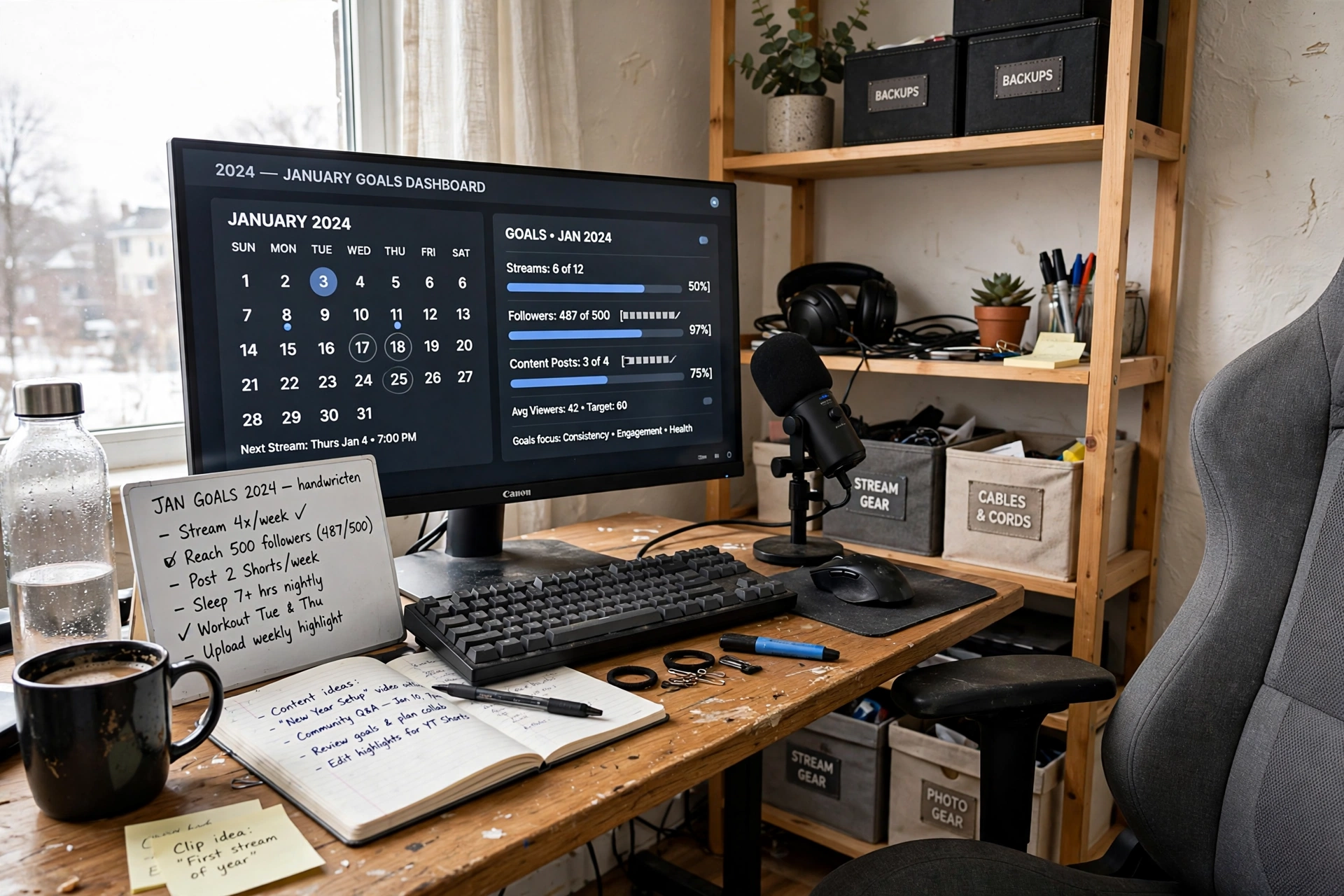
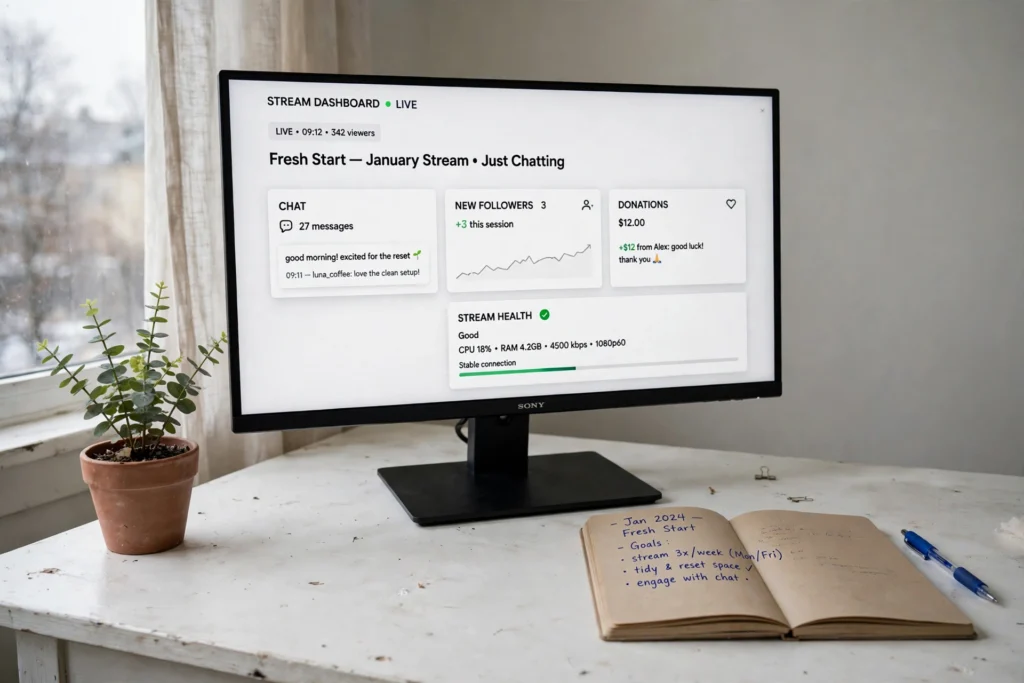
The last part of a reset is not a product at all, it is a habit. A small whiteboard or a goals dashboard on your monitor keeps your streaming plans in sight on every session, from follower targets to the series you want to start. A comfortable chair matters here too, because long planning sessions and long streams both punish a bad seat.
Make the corner work for you with a short weekly check:
- ✓ Monday: Pick one goal for the week and write it where you can see it.
- ✓ Midweek: Tidy the desk for five minutes before you go live.
- ✓ Sunday: Cross off what you finished and choose the next small upgrade.
A room that supports your goals is a room you will actually want to stream from, and that is the whole point of a new year reset.
DUMOS 45 Inch Gaming Desk with LED Lights and Power Outlets
Why this one: The compact size fits a goals corner or a small room, and the built-in outlets and LED strip keep the space tidy and warm.
Worth knowing: The 45 inch top is best for a single monitor setup, so it suits a focused streaming corner rather than a full dual-screen rig.
GTPLAYER Gaming Chair, Computer Chair with Footrest and Lumbar Support
Why this one: The lumbar support and footrest make long streams and planning sessions far more comfortable, and it looks the part on camera too.
Worth knowing: Assembly takes a little patience, so set aside thirty minutes and follow the steps in order.
Frequently asked questions
How much does a streamer room reset cost?
It can cost nothing if you start with decluttering and rearranging what you own. Most people spend a modest amount on one or two upgrades, like lighting or a monitor arm, and the biggest visual wins usually come from the cheapest changes.
What should I fix first in January?
Start with the desk surface and the light. Clear the clutter, then check how your room looks on camera with the lights you have. Those two steps change the stream more than any new gadget.
Do I need a new camera to look better on stream?
Usually not. Good front light, like a monitor light bar, fixes most grainy or shadowy webcam video. Try the light upgrade first and judge the result before spending on a camera.
How do I hide cables without drilling holes?
Use a desk with built-in outlets, a cable tray or raceway under the desk, and a large desk mat to cover the runs on the surface. Adhesive clips and velcro ties handle the rest, and nothing needs a drill.
What colors work best for a streamer backdrop?
One calm color that matches your overlay, usually a warm amber, soft blue, or clean white, works best. Avoid cycling rainbow effects during streams, since a steady backdrop looks more professional and is easier on viewers.
How long does a full room reset take?
A single idea takes about an hour, and all six fit into one relaxed weekend. Do the declutter and cable work first, then add lighting and backdrop pieces once the room is clean.
A fresh start, one setup at a time
A new year streamer room reset is really about removing friction: a clear desk, warm light, a backdrop you are proud of, cables you never see, a face the camera loves, and goals that stay in sight. You do not need to do all six at once. Pick the one that bugs you most, finish it this weekend, and let the room grow from there. Your streams will look better, and you will enjoy sitting down to them more, which is the real upgrade.
If you want a calmer, cleaner look to carry into the new year, 15 aesthetic gaming setup ideas, clean and minimal has more inspiration for simple, uncluttered rooms.
