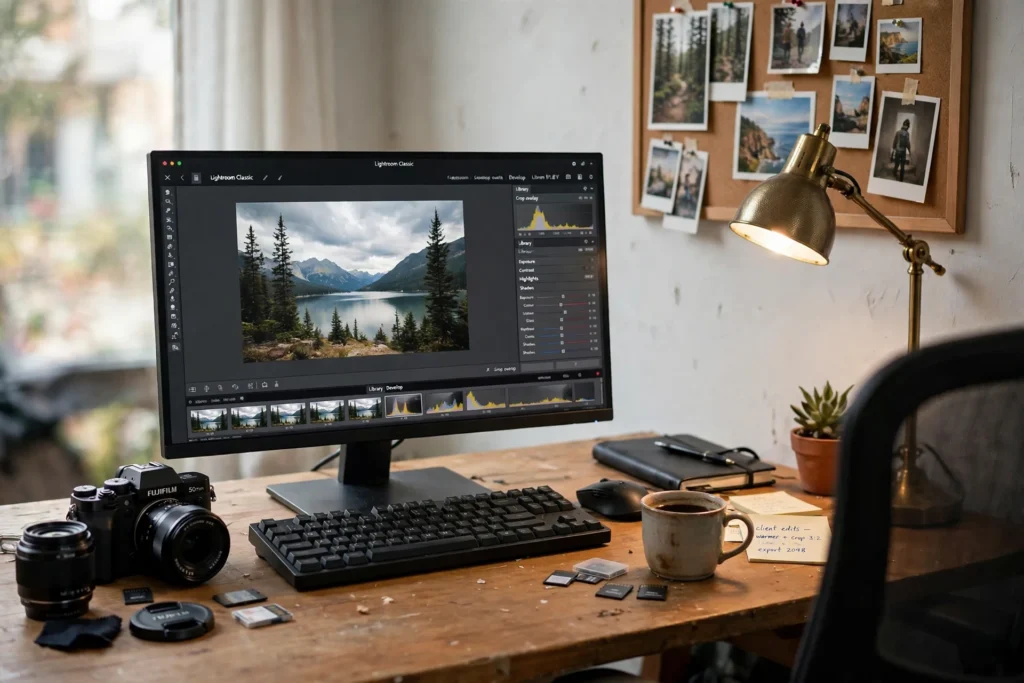
10 Home Office Ideas for Photographers
By Maya Bennett, Founder & Editor. A photographer home office is an editing room first and a gallery second. The screen shows true color, prints prove the edit, and camera gear sits ready as working tools, not decoration. Each idea below is one complete desk setup a reader can copy whole, with the desk, the seat, the screen, the light, the storage, and the power described together as one scene. For more ideas in this series, browse the Home Office Ideas category.
As an Amazon Associate I earn from qualifying purchases. Please see our affiliate disclosure for details. This article prints no prices, because prices change. Check the listing before you buy, and confirm you have the exact variant named.
In this article
- 1. The Color Accurate Editing Desk
- 2. The Print Studio Desk
- 3. The Quick Print Proof Desk
- 4. The Calibrated Screen Desk
- 5. The Card Ingest Desk
- 6. The 4K Editing Desk
- 7. The Client Review Video Desk
- 8. The Memory Card Library Desk
- 9. The Dual Screen Compare Desk
- 10. The Ultrawide Timeline Desk
- Frequently asked questions
- Conclusion
At a glance
| Setup | Key product | Best for |
|---|---|---|
| 1. The Color Accurate Editing Desk | BenQ SW270C Photo Video Editing Monitor 27 inch QHD 1440p, 99% AdobeRGB, 100% sRGB, 97% P3, IPS, Hardware Calibrated, 16 bit 3D LUT, DeltaE 2 or less, Uniformity, Pantone, AQCOLOR, Ergonomic, USB-C (60W) | True color for every edit |
| 2. The Print Studio Desk | Canon PIXMA PRO-200 Wireless Professional Inkjet Photo Printer | Gallery prints from home |
| 3. The Quick Print Proof Desk | Canon SELPHY CP1500 Wireless Compact Photo Printer (Black) | Fast 4 by 6 proofs for clients |
| 4. The Calibrated Screen Desk | Datacolor Spyder X Pro, Monitor Calibrator. Color Calibration Tool for Monitor Display. Ensures accurate color for photographic images. Ideal for first-time users | Screen color you can trust |
| 5. The Card Ingest Desk | SanDisk Professional PRO-Reader SD and microSD – High Performance Card Reader for SD and MicroSD Cards, USB 3.2 Gen 1 – SDPR5A8-0000-GBAND | Fast offloads after a shoot |
| 6. The 4K Editing Desk | BenQ PD2706UA 27-inch Ergo Arm 4K UHD Monitor | Big sharp screen for detail work |
| 7. The Client Review Video Desk | Elgato Key Light Air, Professional 1400 Lumens Desk Light for Streaming and Video Conferencing | Video calls that show the work well |
| 8. The Memory Card Library Desk | SanDisk 128GB Extreme PRO SDXC UHS-I Memory Card – C10, U3, V30, 4K UHD, SD Card – SDSDXXD-128G-GN4IN | Cards, drives, and backups in order |
| 9. The Dual Screen Compare Desk | HUANUO NITROGLIDE Dual Monitor Stand HNDS7 | Two edits side by side |
| 10. The Ultrawide Timeline Desk | AOC CU34G4V 34 Inch Frameless Curved Ultrawide Gaming Monitor, UWQHD 3440 x 1440 1500R, 21:9 Aspect Ratio, 180Hz 0.5ms MPRT, Display Port x 1, HDMI x 1, AMD FreeSync Premium, Height Adjustable, Black | Long timelines and wide panoramas |
1. The Color Accurate Editing Desk
AI-generated image
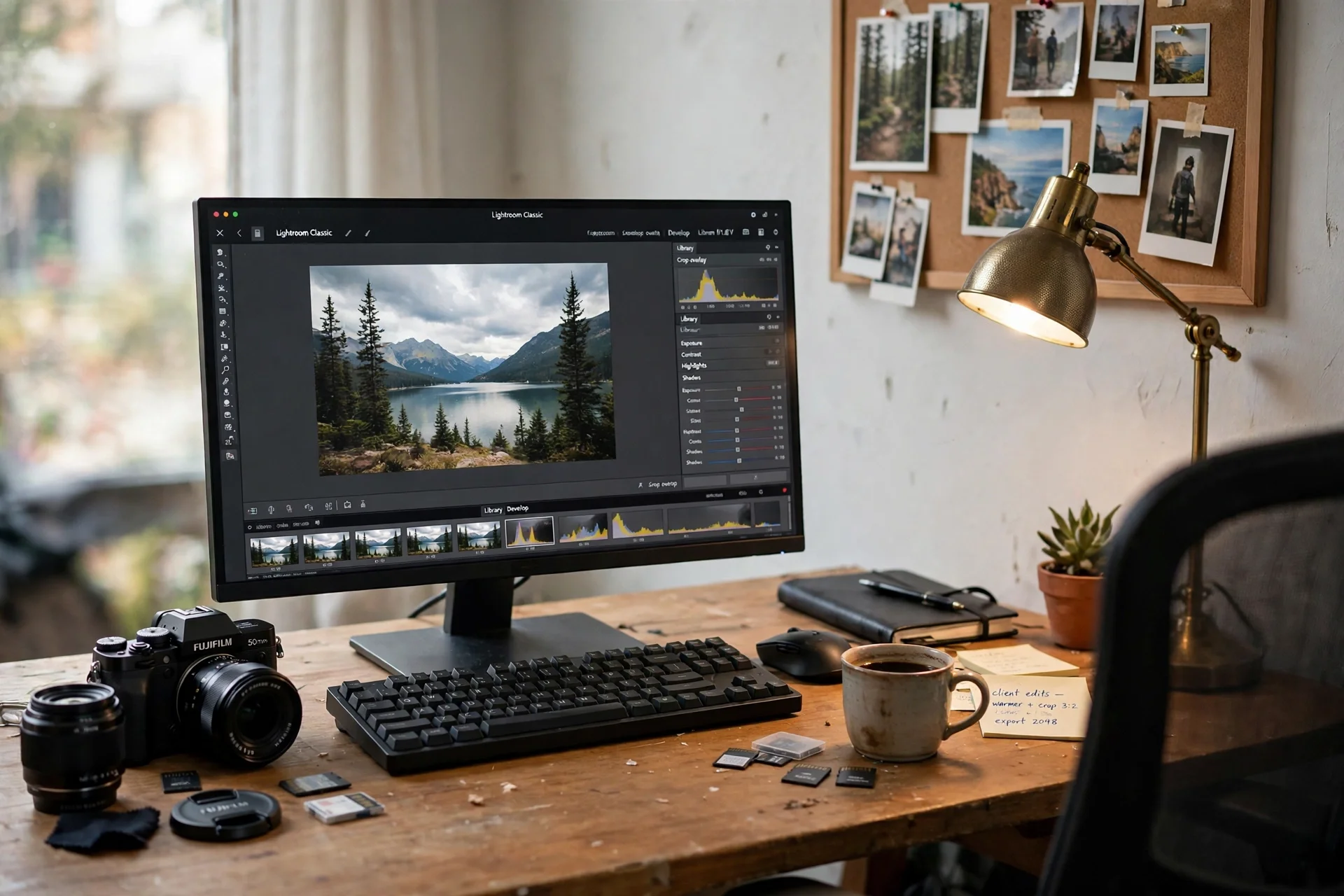
Color is the whole job here, so the monitor is the hero. A 27 inch photo editing monitor with 99 percent Adobe RGB shows the image the way it will print, and a shading hood blocks room light from the screen. The camera sits beside the keyboard as a working tool, and prints pinned on the wall show the edits in progress.
- Keep the monitor hood on during editing, so room light never shifts the color.
- Pin a fresh print beside the screen to compare screen and paper.
- Calibrate on a schedule, not when colors start to look wrong.
A monitor arm holds the screen at eye level, and a strip behind the desk leg feeds the monitor and the laptop charger. Calibrate the screen monthly, and the colors on screen stay honest to the print.
KEY PIECE
BenQ SW270C Photo Video Editing Monitor 27 inch QHD 1440p, 99% AdobeRGB, 100% sRGB, 97% P3, IPS, Hardware Calibrated, 16 bit 3D LUT, DeltaE 2 or less, Uniformity, Pantone, AQCOLOR, Ergonomic, USB-C (60W)
Why this one: A 27 inch QHD photo monitor with 99 percent Adobe RGB, a shading hood, and hardware calibration, built for photographers.
Worth knowing: It is a 1440p screen, not 4K, so very fine detail checks may want a closer zoom.
COMPLETES THE SETUP
BONTEC Monitor Arm for 15 to 34 in Screens, Gas Spring, Black
Why this one: A gas spring arm that holds a large editing monitor at eye level and frees the desk for prints.
Worth knowing: The arm is rated for one screen, so a second monitor needs its own arm.
COMPLETES THE SETUP
Tribesigns Computer Desk, 55 inch Large Office Desk Computer Table Study Writing Desk for Home Office, Black + Black Leg
Why this one: The wide 55 inch top holds a monitor, a calculator, and open ledgers side by side without stacking papers.
Worth knowing: The open frame has no drawers, so files need a cabinet or a wall organizer beside it.
2. The Print Studio Desk
AI-generated image
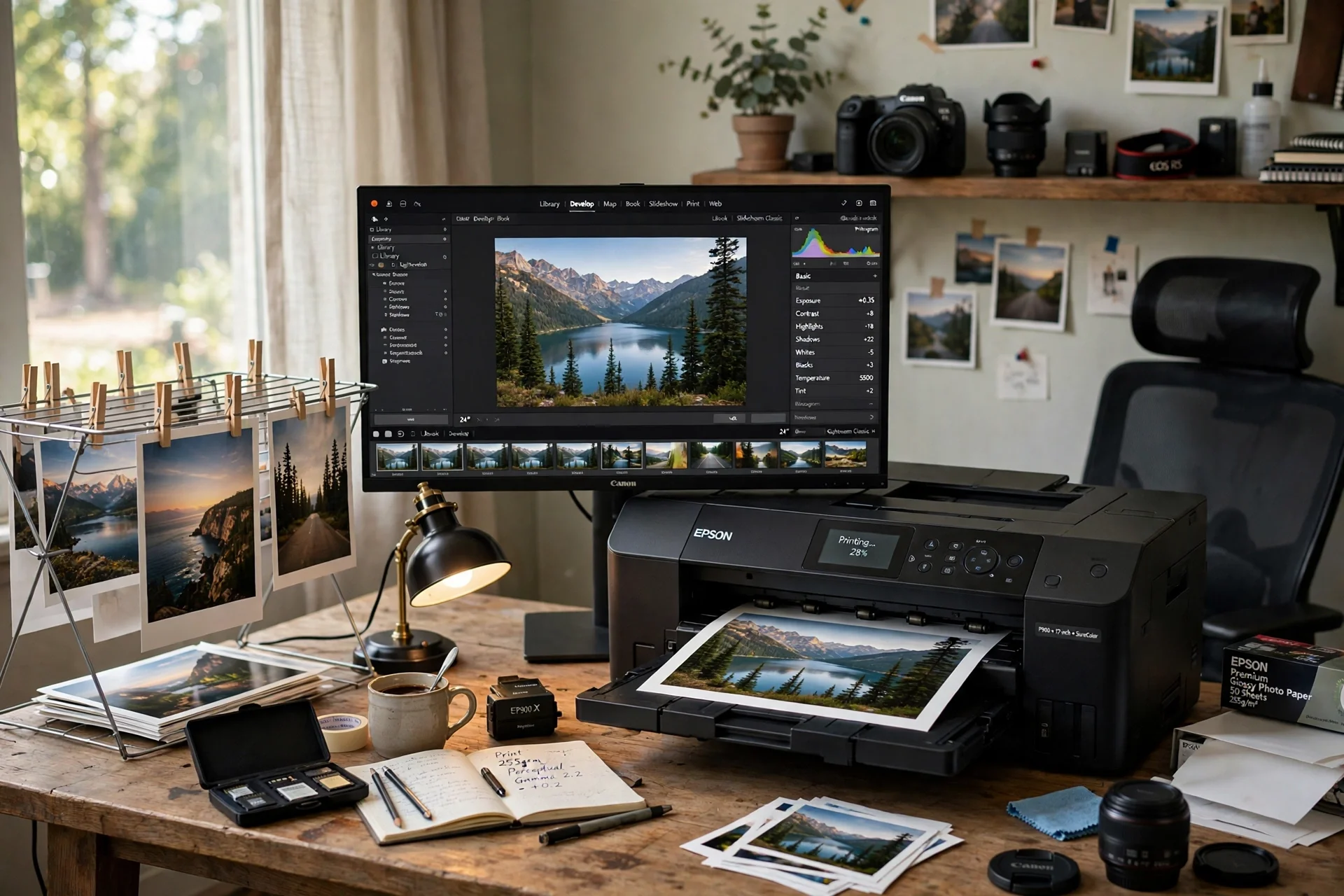
Printing at home closes the loop between shooting and showing, and this setup is built around the printer. A 13 inch wide photo printer sits on a sturdy desk with room for paper beside it, and a monitor shows the image being prepared for print. Fresh prints dry on a rack above the desk, so the desk top stays clear for the next print.
TRY THIS
Label the back of each print with the date and the paper type, so reprints match the first run.
A tower power strip behind the desk leg feeds the printer, the monitor, and the lamp. Keep the paper flat and the ink cartridges spare in the drawer, and the printer is always ready when a client asks for a print.
KEY PIECE
Canon PIXMA PRO-200 Wireless Professional Inkjet Photo Printer
Why this one: An 8 color dye ink photo printer that prints borderless up to 13 by 19 inches, built for photographers and graphic artists.
Worth knowing: It is print only, with no scanner or copier, so scanning needs a separate device.
COMPLETES THE SETUP
Amazon Basics 24-inch Full HD IPS Monitor
Why this one: A 24 inch IPS screen fits beside a laptop without crowding the desk, and the wide viewing angle stays clear from the chair.
Worth knowing: The included stand is fixed height, so a small riser may be needed to bring the screen to eye level.
COMPLETES THE SETUP
SHW Mission 55-Inch Home Office Computer Desk, Black
Why this one: A wide 55 inch desk with a clean frame that leaves room for a monitor, a calculator, and a stack of files.
Worth knowing: It has no built in storage, so pair it with a cabinet or a rolling cart.
3. The Quick Print Proof Desk
AI-generated image
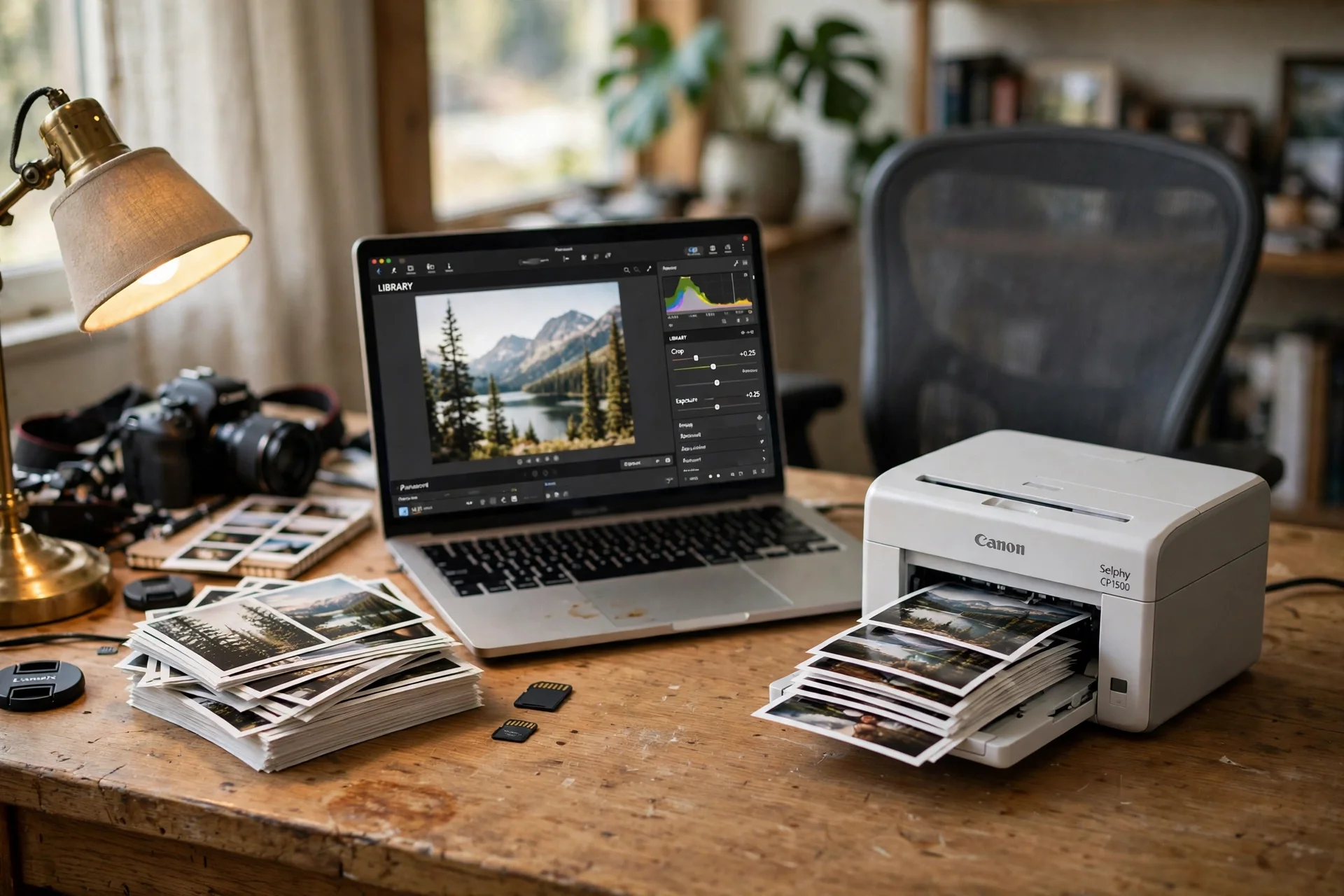
Not every print needs to be large, and a compact dye sublimation printer proves it. The small printer sits on a white desk beside the laptop, turning phone and camera shots into 4 by 6 prints in minutes. The laptop screen shows the next image while the printer works, and a stack of finished proofs waits in a tray for the client to take home.
A bamboo organizer holds the paper packs and the ink sets, and a strip with USB ports charges the phone that sent the photos. Small prints are the fastest way to show a client the work, and this desk makes them in minutes.
KEY PIECE
Canon SELPHY CP1500 Wireless Compact Photo Printer (Black)
Why this one: A compact wireless dye sublimation printer that makes lab quality 4 by 6 prints from a phone or a computer.
Worth knowing: It prints 4 by 6 only, so larger prints need the big printer in setup 2.
COMPLETES THE SETUP
Nulaxy Fully Aluminum Detachable Laptop Stand, Ergonomic Ventilated Cooling Laptop Holder Computer Riser for Desk, Anti-Slip Design Notebook Stand Compatible with All 10-16 inch Laptops
Why this one: The aluminum stand lifts a laptop for cooling and for eye level viewing.
Worth knowing: It is a fixed angle stand, so set the height once and leave it.
COMPLETES THE SETUP
Sorbus Bamboo Desk Organizer, 3-Tier Desktop Organizer with Drawers and Shelf
Why this one: Three bamboo tiers hold pens, clips, and small files on the desk without taking the whole surface.
Worth knowing: The drawers are shallow, so they suit small supplies rather than full folders.
4. The Calibrated Screen Desk
AI-generated image
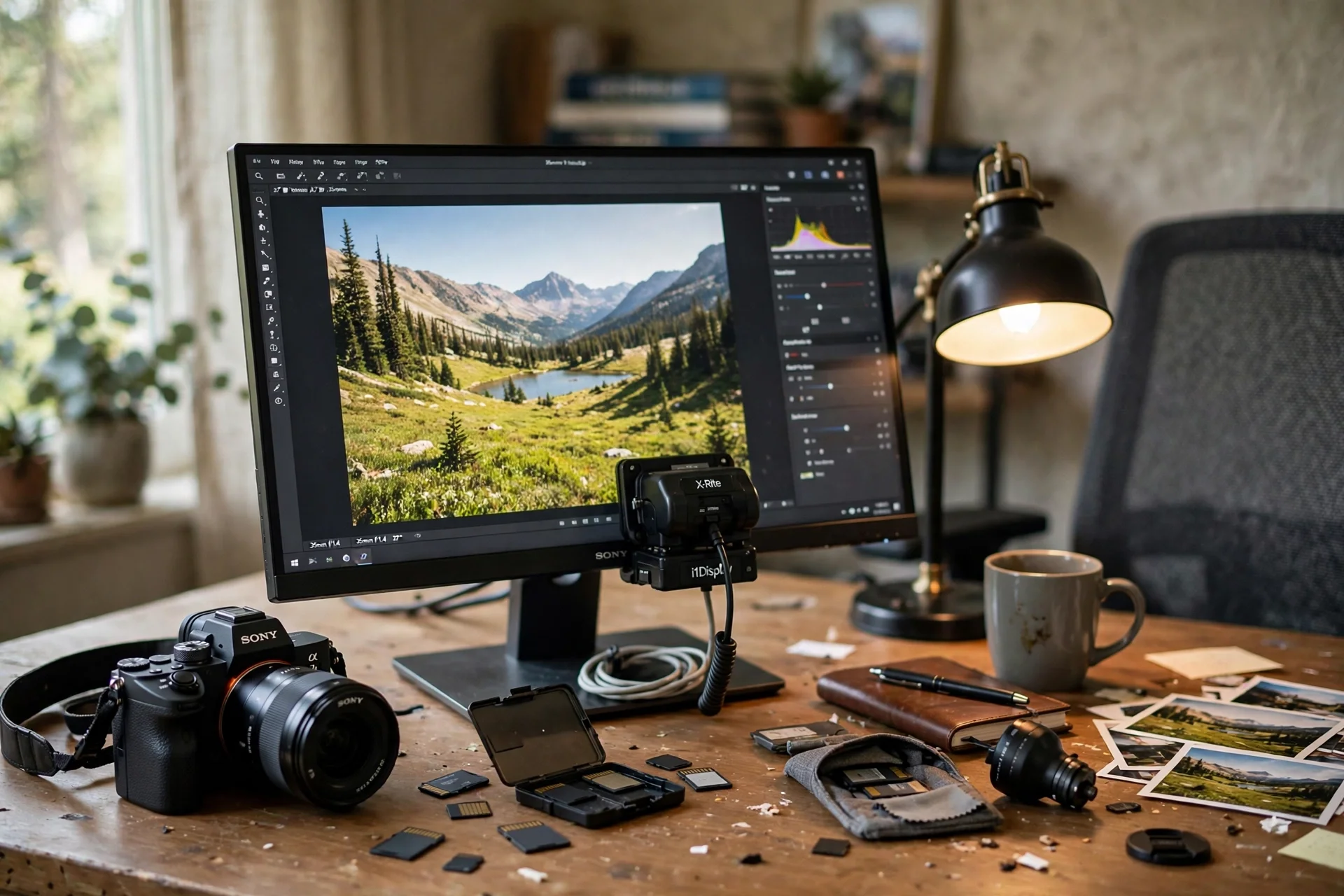
A monitor drifts over time, and a calibrator puts it right again. This desk pairs a calibrator with a 24 inch monitor, so the screen is profiled before every big edit. The camera and a stack of memory cards sit on the desk as working tools, and a desk lamp with adjustable color lights the paperwork without touching the screen.
- Calibrate before a big edit, not after the colors look wrong.
- Keep the room light steady during calibration.
- Save each profile with the date, so you can see when the screen drifts.
A docking station connects the monitor, the card reader, and the drive to the laptop with one cable. Run the calibration, save the profile, and the screen shows the same color tomorrow that it shows today.
KEY PIECE
Datacolor Spyder X Pro, Monitor Calibrator. Color Calibration Tool for Monitor Display. Ensures accurate color for photographic images. Ideal for first-time users
Why this one: A fast monitor calibrator that profiles desktop and laptop screens in about two minutes, so colors stay true.
Worth knowing: It calibrates monitors, not printers, so print color still needs a test print.
COMPLETES THE SETUP
Amazon Basics 24 Inch Monitor, FHD 1080P, Max 100Hz
Why this one: A 24 inch screen at 100Hz fits the middle of the desk and keeps scrolling through long spreadsheets smooth.
Worth knowing: The stand offers limited height adjustment, so set the desk height to bring the screen to eye level.
COMPLETES THE SETUP
Plugable USB-C Docking Station, Dual 4K 60Hz HDMI, 65W Charging
Why this one: One dock connects two monitors, a card reader, and a hard drive to the laptop with a single cable.
Worth knowing: It needs a USB-C port with video output, so check the laptop port before ordering.
5. The Card Ingest Desk
AI-generated image
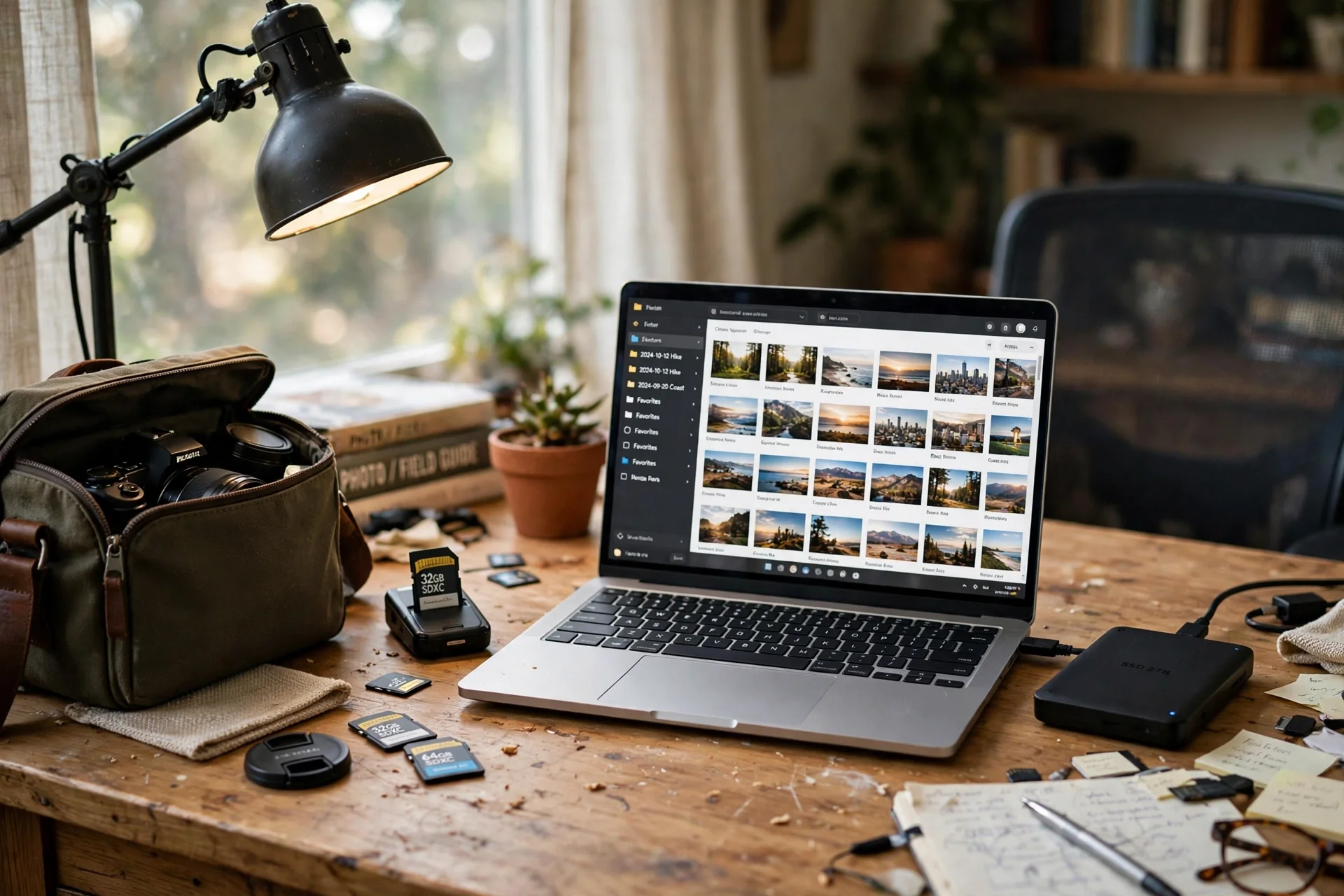
After a shoot, the first job is getting the cards onto the computer, and this desk is built for that moment. A USB-C card reader sits beside the laptop, and the laptop screen shows thumbnails as they copy across. An external drive waits for the backup, and the camera bag sits open beside the chair with the next card ready.
What works here: Card reader beside the laptop, laptop on a stand, drive for backup, strip along the baseboard.
A laptop stand lifts the screen to eye level, and a flat power strip along the baseboard feeds the laptop and the drive. Copy to two places before formatting any card, and the shoot is safe before the edit begins.
KEY PIECE
SanDisk Professional PRO-Reader SD and microSD – High Performance Card Reader for SD and MicroSD Cards, USB 3.2 Gen 1 – SDPR5A8-0000-GBAND
Why this one: A USB-C card reader with QuickFlow technology that offloads SanDisk Extreme PRO cards fast, with SD and microSD slots.
Worth knowing: Cards are sold separately, so the reader alone does not store any photos.
COMPLETES THE SETUP
SOUNDANCE Adjustable Laptop Stand for Desk, Computer Stand, Ergonomic Laptop Riser Holder Compatible with 10 to 17.3 Inches Notebook PC Computer, Aluminum Silver
Why this one: The aluminum stand lifts the laptop screen to eye level and fits laptops from 10 to 17.3 inches.
Worth knowing: The stand adjusts height only, so the laptop angle stays fixed once it is set.
COMPLETES THE SETUP
TOPREK Surge Protector Power Strip, 10 FT Flat Extension Cord
Why this one: The flat cord runs neatly along the baseboard to a distant outlet, and the strip sits where chargers can reach it.
Worth knowing: A ten foot cord needs a tidy route or it will drape, so plan the run before you plug in.
6. The 4K Editing Desk
AI-generated image
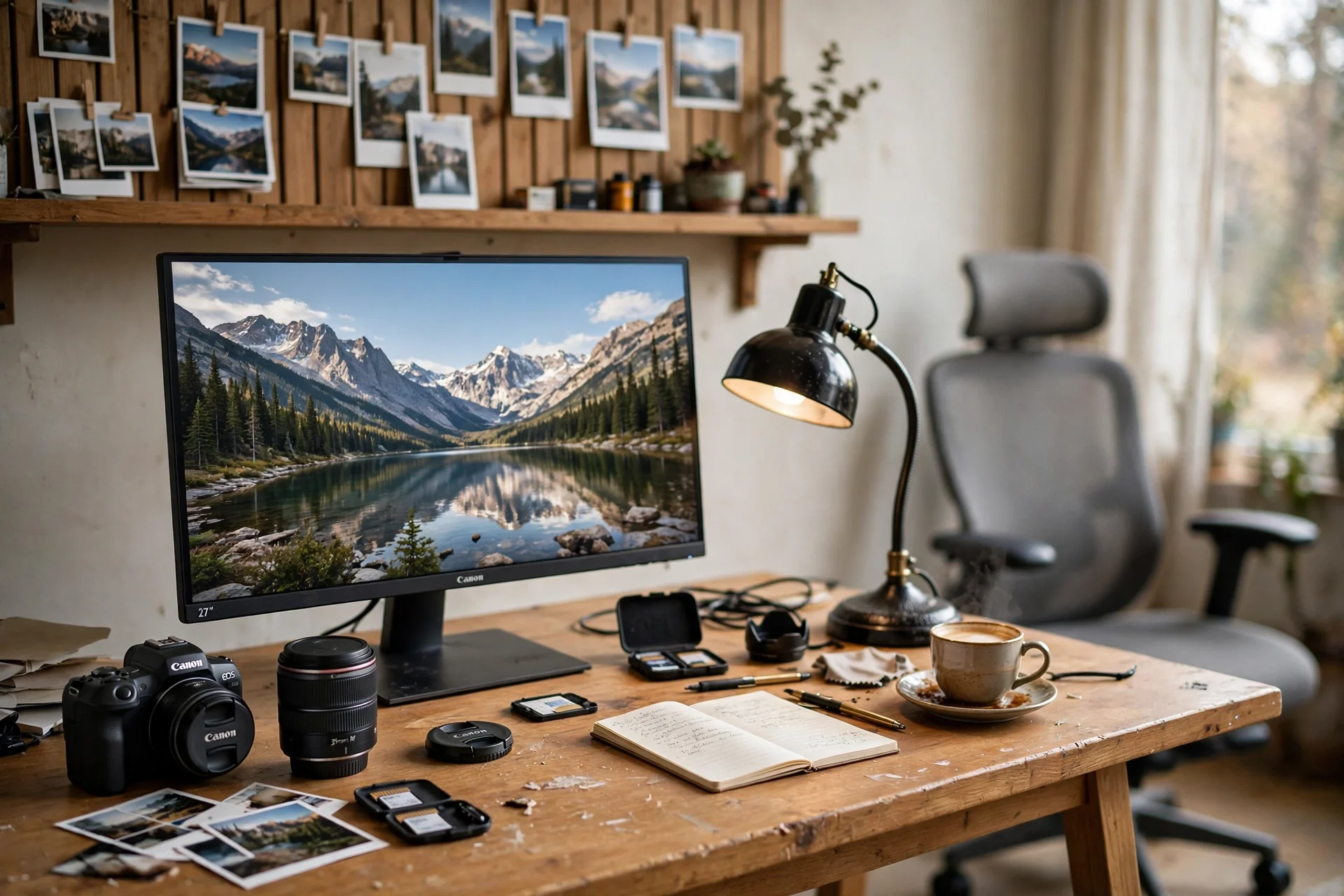
Detail work wants pixels, and a 27 inch 4K monitor gives them. The screen shows a landscape photo at full sharpness, and the camera lens on the desk reminds the eye what the real scene looked like. A full motion monitor mount swings the screen toward the client chair for review, and a white desk with drawers holds the prints and the paper.
- Check focus at 100 percent zoom before judging color.
- Swing the monitor toward the client for review, then back for editing.
- Keep the lens cap on when the lens is on the desk, not in use.
Studio headphones hang on a hook for video audio checks, and a strip with USB ports sits on the desk for charging. Zoom to 100 percent to check focus, then step back to judge the whole image, and the big screen does both well.
KEY PIECE
BenQ PD2706UA 27-inch Ergo Arm 4K UHD Monitor
Why this one: A 27 inch 4K UHD monitor on an ergo arm, built for design and photo work with sharp detail.
Worth knowing: 4K text can look small, so set the display scaling to suit your eyes.
COMPLETES THE SETUP
VIVO Premium Aluminum Full Motion Single Monitor Desk Mount Stand, Fits Screens up to 32 inches, STAND-V101BB
Why this one: A full motion aluminum mount that holds a 32 inch screen steady and swings it toward the client chair.
Worth knowing: The clamp needs a desk edge to grip, so check the desk before ordering.
COMPLETES THE SETUP
Audio-Technica ATH-M50X Professional Studio Monitor Headphones, Black, Professional Grade, Critically Acclaimed, with Detachable Cable
Why this one: Studio headphones that let a photographer check video audio accurately while editing.
Worth knowing: They are wired, so they need a headphone jack or an adapter on newer laptops.
7. The Client Review Video Desk
AI-generated image
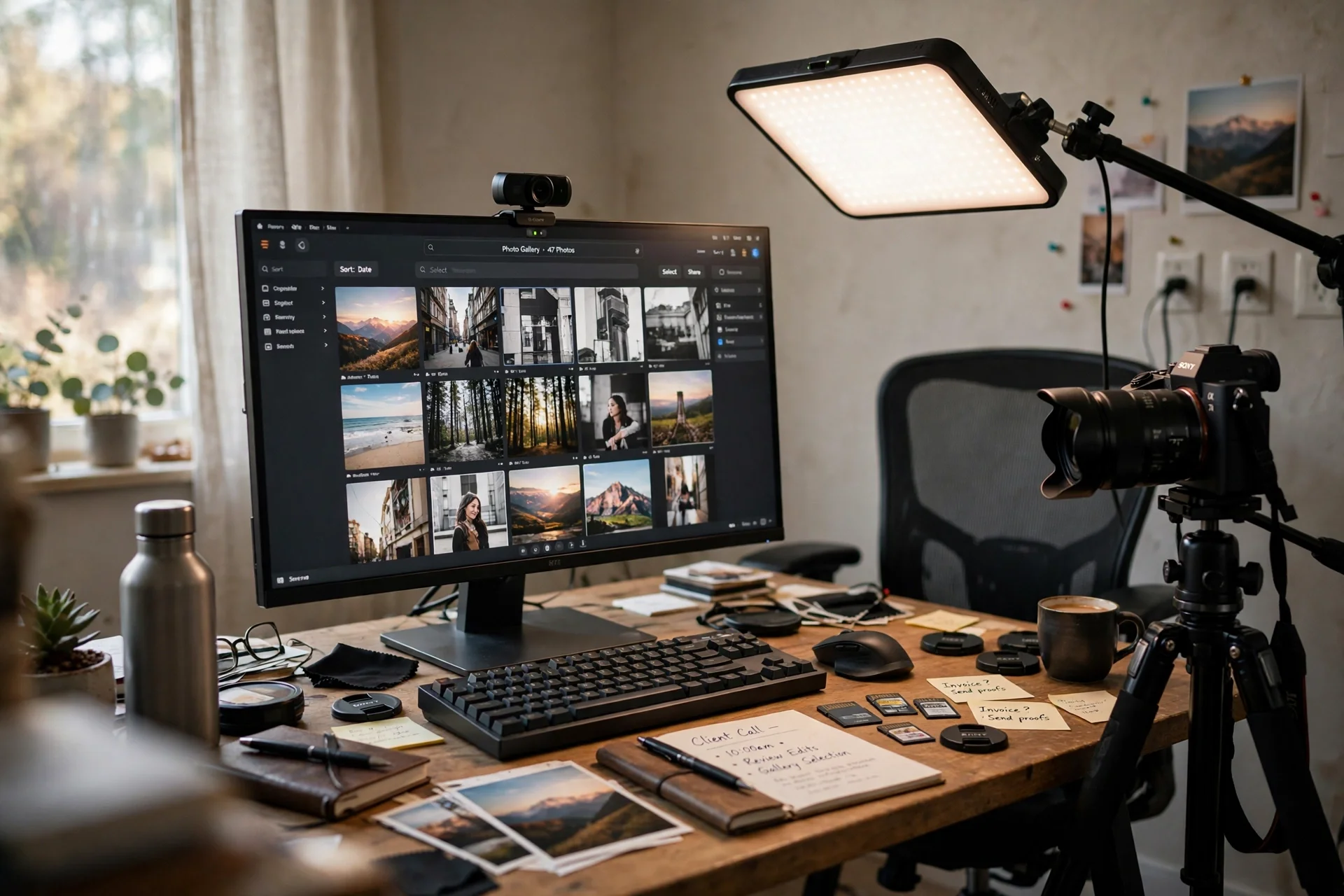
Client reviews happen on video now, and this desk is set up to look good on camera. A panel light gives clean even light on the photographer, a webcam sits on the monitor, and the screen shows the gallery the client is reviewing. A camera on a tripod stands beside the desk, ready to demonstrate a setup or to record the call.
TRY THIS
Sit a little back from the desk, so the camera sees the prints on the wall behind you.
A bamboo monitor riser lifts the screen to eye level, and a cable box hides the strip and cords under the desk. Test the light and the camera before the call, and the review feels like a studio visit, not a video call.
KEY PIECE
Elgato Key Light Air, Professional 1400 Lumens Desk Light for Streaming and Video Conferencing
Why this one: A 1400 lumen panel light that gives clean, even light for video calls and client reviews.
Worth knowing: It is a video light, not a desk lamp, so it lights the person, not the paperwork.
COMPLETES THE SETUP
Logitech HD Pro Webcam C920, Widescreen Video Calling and Recording, 1080p Camera, Desktop or Laptop Webcam
Why this one: A sharp 1080p webcam that makes client video calls look clear on a monitor top.
Worth knowing: It has no built in ring light, so face a window or a lamp for calls.
COMPLETES THE SETUP
Homerays Bamboo Monitor Stand Riser with Drawer
Why this one: The bamboo riser lifts the monitor to eye level and the drawer hides small office supplies underneath.
Worth knowing: The drawer is shallow, so it holds pens and clips rather than thick folders.
8. The Memory Card Library Desk
AI-generated image
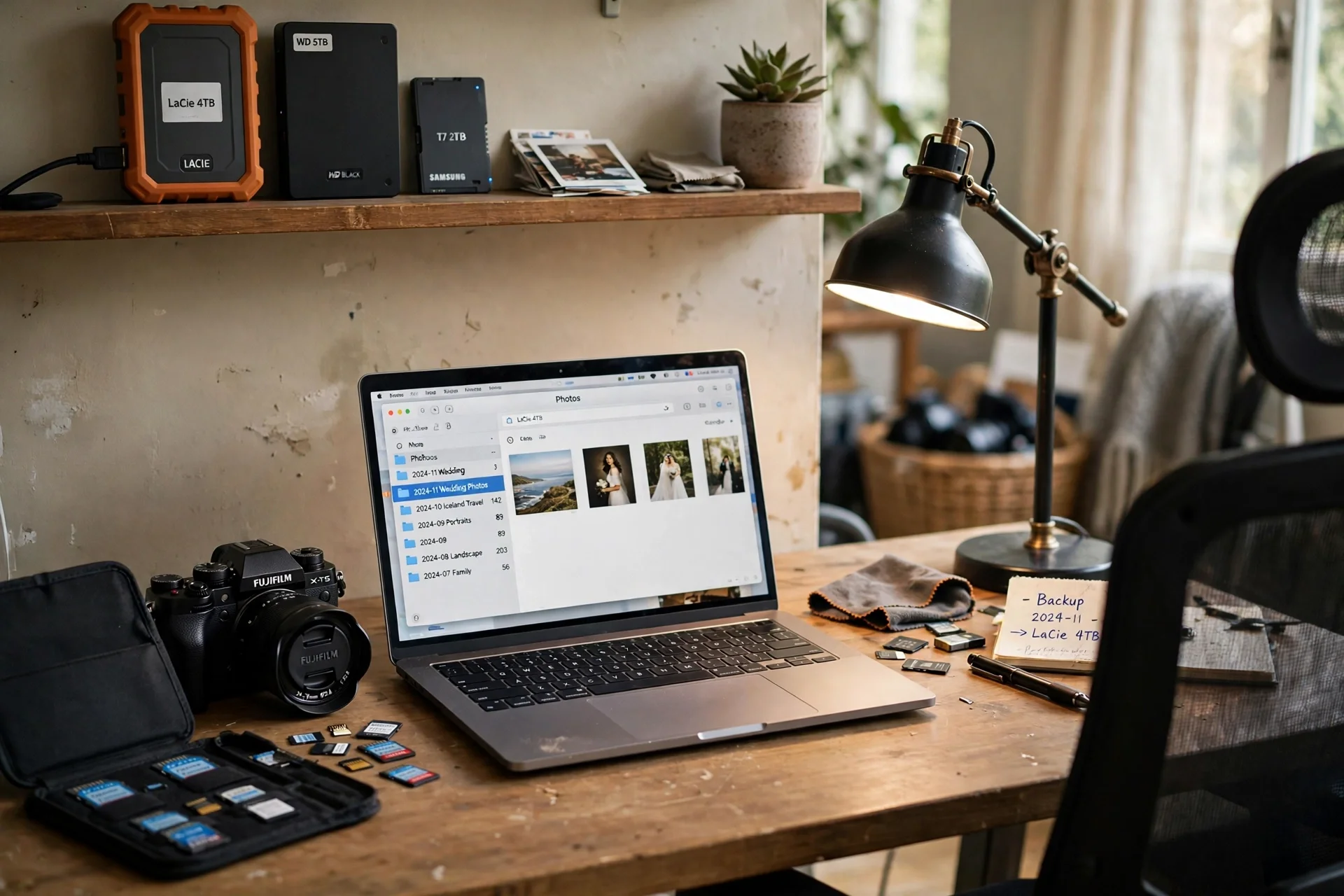
A photographer library is cards, drives, and folders, and this desk keeps all three in order. A fast 128GB memory card sits in its case beside the laptop, the laptop screen shows the folder structure, and a shelf of hard drives holds the backups. A desk lamp with a wireless charger lights the work and charges the phone that took the behind the scenes shots.
A dual monitor arm holds a second screen for comparing two shoots side by side. Label every drive with its year and its shoots, and the library answers in seconds instead of an afternoon of searching.
KEY PIECE
SanDisk 128GB Extreme PRO SDXC UHS-I Memory Card – C10, U3, V30, 4K UHD, SD Card – SDSDXXD-128G-GN4IN
Why this one: A 128GB UHS-I card with up to 200MB per second read speed, built for 4K photo and video work.
Worth knowing: It is one card, so a shoot that needs more storage wants a second card in the case.
COMPLETES THE SETUP
HUANUO 13 to 40 Inch Dual Monitor Arm, Black
Why this one: A dual arm that holds two editing screens side by side at the same height.
Worth knowing: Two large screens on one arm need a heavy desk, so check the desk weight rating.
COMPLETES THE SETUP
Furinno Basic Book Shelf, 4-Tier Bookcase with Open Shelf, Bookshelf, Cube Storage Organizer, 6 x 24 x 35, for Living Room, Bedroom, Home Office, Amber Pine
Why this one: Four open tiers in a compact 24 inch width hold a full set of binders beside the desk.
Worth knowing: The shelf is only 6.6 inches deep, so large binders may stick out past the front edge.
9. The Dual Screen Compare Desk
AI-generated image
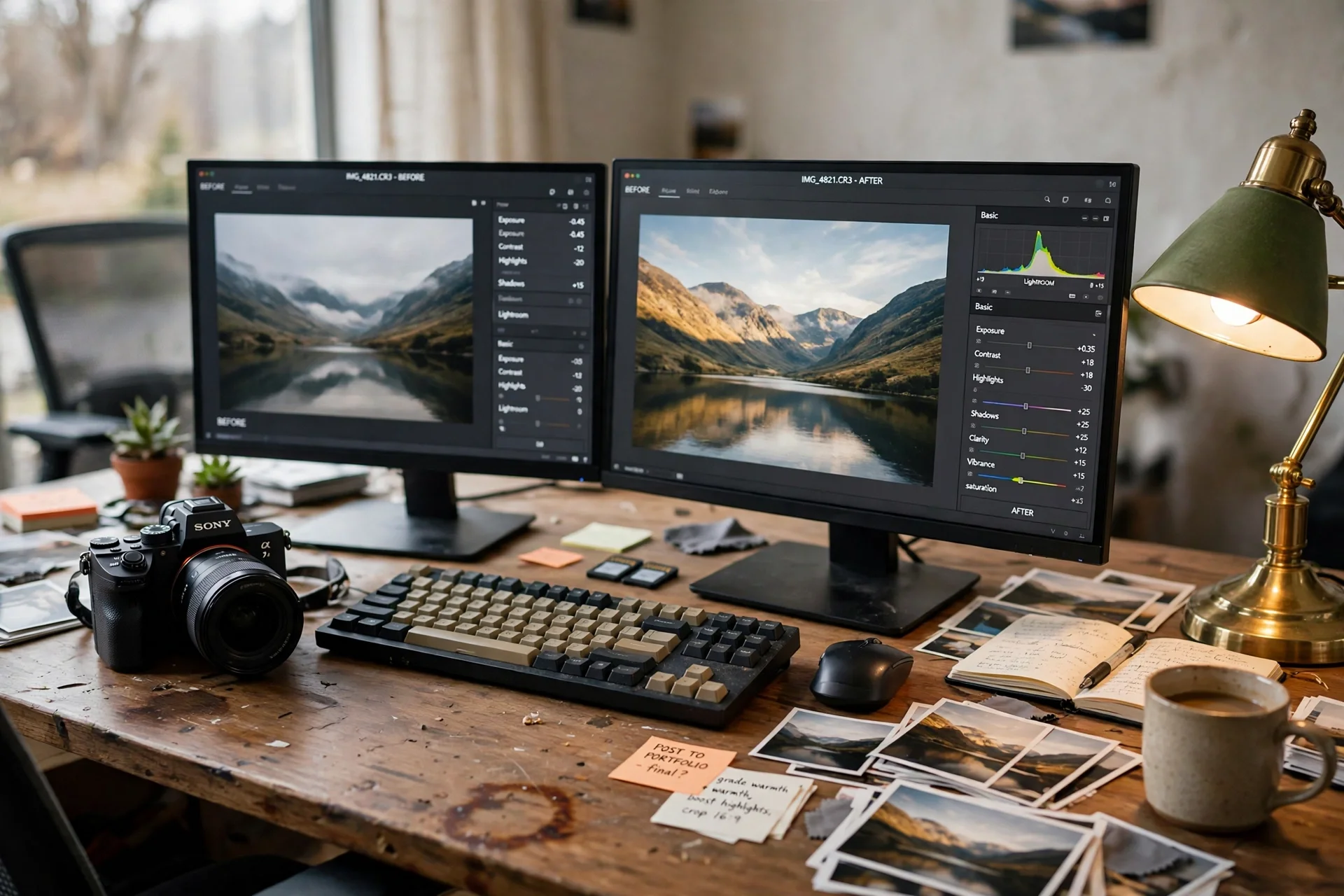
Comparing before and after is the fastest way to judge an edit, and two screens make it effortless. A dual monitor stand holds both screens at the same height above a black desk, with the original on the left and the edit on the right. The camera sits beside the keyboard, and prints on the shelf show the finished work.
- Keep the original on the left and the edit on the right, every time.
- Match the brightness of both screens before comparing.
- Print the winner, and the wall shows what good looks like.
A slim wireless keyboard switches between machines, and a monitor light bar lights the desk without glare on either screen. Edit on the right, check on the left, and the comparison never needs a window switch.
KEY PIECE
HUANUO NITROGLIDE Dual Monitor Stand HNDS7
Why this one: A dual monitor stand that holds two screens steady at eye level and frees the desk surface for prints.
Worth knowing: It needs a sturdy desk edge for the clamp, so check the desk thickness first.
COMPLETES THE SETUP
Dell 24 Monitor SE2425HM, Black
Why this one: A clean 24 inch display that shows photo edits sharply and sits neatly beside a second screen.
Worth knowing: It has no built in speakers, so add headphones or speakers for video calls.
COMPLETES THE SETUP
BenQ ScreenBar Plus e-Reading LED Computer Monitor Light Bar, Matte Silver
Why this one: A monitor light bar with a desk dial that lights the desk without glare on the editing screen.
Worth knowing: It mounts on the monitor top, so it needs a monitor with a flat top edge.
10. The Ultrawide Timeline Desk
AI-generated image
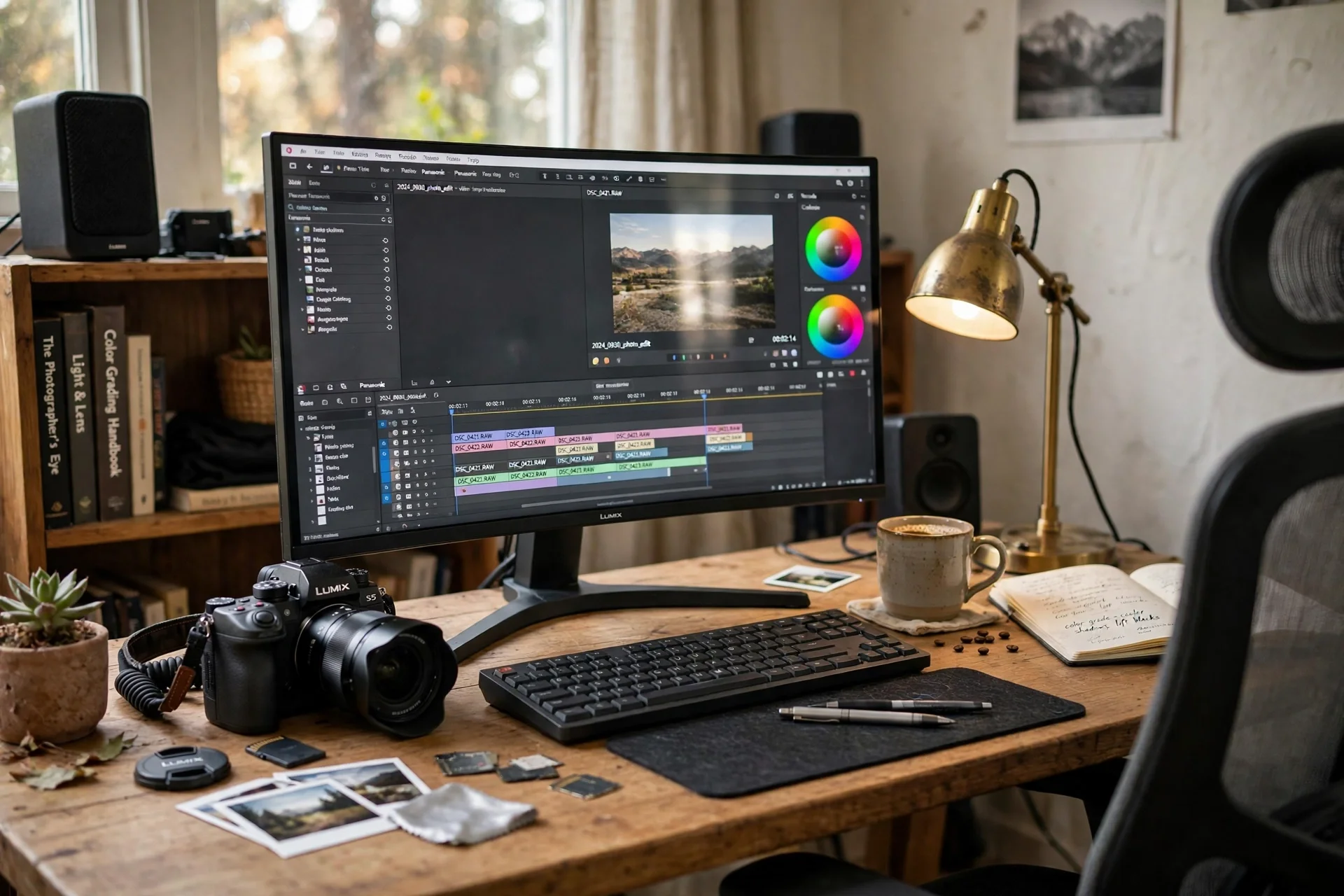
An ultrawide monitor is made for timelines and panoramas, because the whole edit fits across one screen. A 34 inch curved ultrawide shows the editing timeline stretched wide, and the camera on the desk is the tool that filled it. Bookshelf speakers give video edits full sound, and a clamp lamp throws daylight onto the desk without taking space.
What works here: Ultrawide on an arm, speakers at ear height, clamp lamp on the edge, tower strip behind the leg.
A gas spring monitor arm holds the wide screen at eye level, and a tower strip behind the desk leg feeds everything. Scrub the timeline across the wide screen, and the edit flows without scrolling sideways.
KEY PIECE
AOC CU34G4V 34 Inch Frameless Curved Ultrawide Gaming Monitor, UWQHD 3440 x 1440 1500R, 21:9 Aspect Ratio, 180Hz 0.5ms MPRT, Display Port x 1, HDMI x 1, AMD FreeSync Premium, Height Adjustable, Black
Why this one: A 34 inch curved ultrawide with a 3440 by 1440 panel that fits long timelines and wide panoramas on one screen.
Worth knowing: It is a wide screen, so it needs a deep desk and a strong arm to hold it.
COMPLETES THE SETUP
Edifier R1280T Powered Bookshelf Speakers – 2.0 Active Near Field Studio Monitor Speaker – Wooden Enclosure – 42 Watts RMS Power
Why this one: Wooden bookshelf speakers that make video edits sound full without a big studio setup.
Worth knowing: They are wired speakers, so they need a cable run to the computer.
COMPLETES THE SETUP
HUANUO Single Monitor Arm, Gas Spring Desk Mount for 17 to 32 Inch Screens
Why this one: The gas spring arm holds a monitor at eye level and frees the desk surface underneath for paperwork.
Worth knowing: The clamp needs a desk edge at least a couple of inches deep, so check the edge before ordering.
Frequently asked questions
What monitor should a photographer buy first?
A color accurate monitor with good Adobe RGB coverage, like the BenQ in setup 1, matters more than size. A 27 inch screen with a shading hood and a calibrator, as in setup 4, gives honest color for editing and for print.
Do I need a photo printer at home?
Not to start, but printing at home closes the loop between screen and paper. A compact printer for 4 by 6 proofs, as in setup 3, is a cheap start, and a 13 inch printer, as in setup 2, suits finished gallery prints.
How do I keep my photos backed up?
Copy the card to the computer, then to a second drive, before formatting the card. Setup 5 shows the ingest desk and setup 8 shows the library desk, and both follow the same rule: two copies before any card is cleared.
Why does my screen color not match my prints?
Screens drift and printers differ, so calibrate the monitor with a tool like the one in setup 4, and print a small test before the full size. A print on the wall beside the screen, as in setup 1, gives a constant paper check.
What is the best desk layout for photo editing?
Monitor at eye level, camera and card reader within reach, and prints where you can see them. A monitor arm, as in setups 1 and 6, frees the desk for prints, and a light bar, as in setup 9, lights the desk without glare.
Can a small desk work for a photographer?
Yes, if the gear is vertical. A monitor arm lifts the screen, a card reader and a compact printer sit at the back edge, and a shelf holds the drives, as in setups 3 and 5, so a small desk still edits well.
Conclusion
Start with the color accurate editing desk if color matters most, the print studio desk if prints are the product, or the card ingest desk if shoots fill the memory cards fastest. Add a calibrator so the screen stays honest, a reader so cards empty fast, and a printer so the work leaves the screen. Keep the camera ready as a working tool, and the home office becomes a studio that edits, prints, and delivers. For more setups in this series, browse the Home Office Ideas category.
