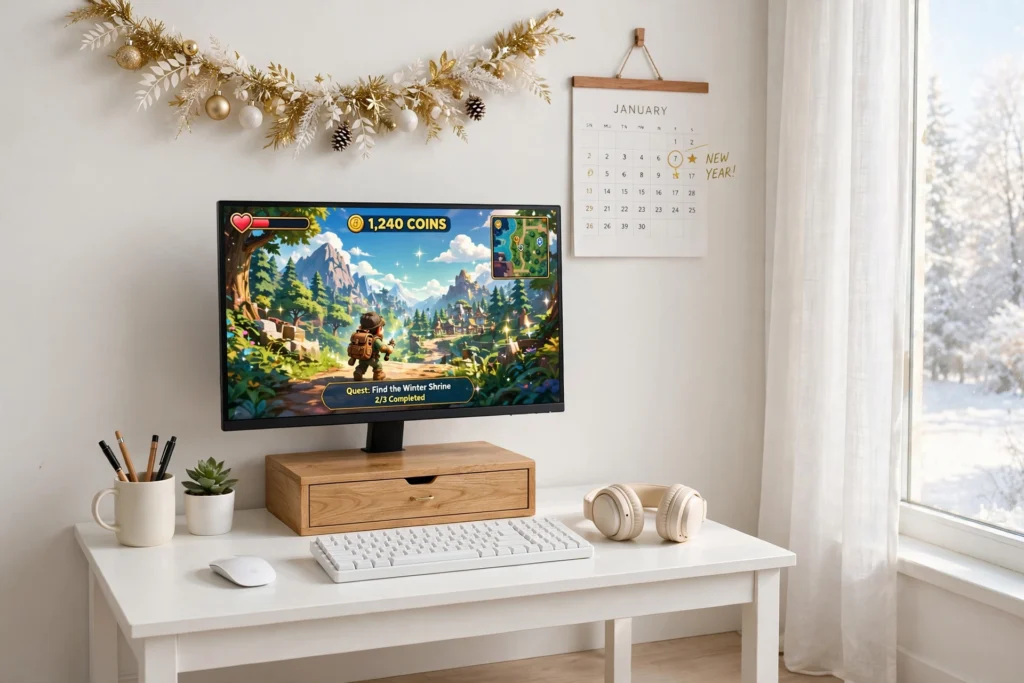
Gaming Room Ideas
January is the best month to reset your gaming desk, because a clean desk makes every game feel new again. The New Year is not about buying a whole new setup, it is about giving the one you have a proper home for everything, cables out of sight, controllers on a stand, games in a basket, and the monitor at the right height. A tidy desk is a faster desk, and it is much nicer to sit at.
As an Amazon Associate I earn from qualifying purchases. Read our full affiliate disclosure for more detail.
Every idea below is one complete setup you can copy whole, desk, seat, screen, light, storage, and power included. Pick the mess that bothers you most, start there, and work through the rest in an afternoon, because a New Year reset works best as one small project, not a whole renovation. If your room is small as well as messy, the 10 Christmas gaming room ideas for small spaces show how to keep a tiny room festive and tidy at the same time.
In This Article
At a Glance Comparison
| Setup | Desk and Seat | Screen and Light | Best For |
|---|---|---|---|
| 1. Fresh Start White Desk Reset | Small white desk, task chair | Monitor, daylight | A clean slate |
| 2. Cable Tidy New Year | Any desk, task chair | Monitor, desk lamp | Cable chaos |
| 3. Controller and Headset Home | Gaming desk, gaming chair | Monitor, RGB headset glow | Console players |
| 4. Monitor Shelf Reset | Desk with monitor shelf, task chair | Dual monitors, daylight | Two screens |
| 5. Power Strip Reset | Gaming desk, gaming chair | Monitor, desk lamp | Too many plugs |
| 6. Basket Storage Reset | Compact desk, task chair | Monitor, warm lamp | Game clutter |
| 7. Light and Focus Reset | Desk with monitor arm, task chair | Monitor, light bar | Evening focus |
1. Fresh Start White Desk Reset
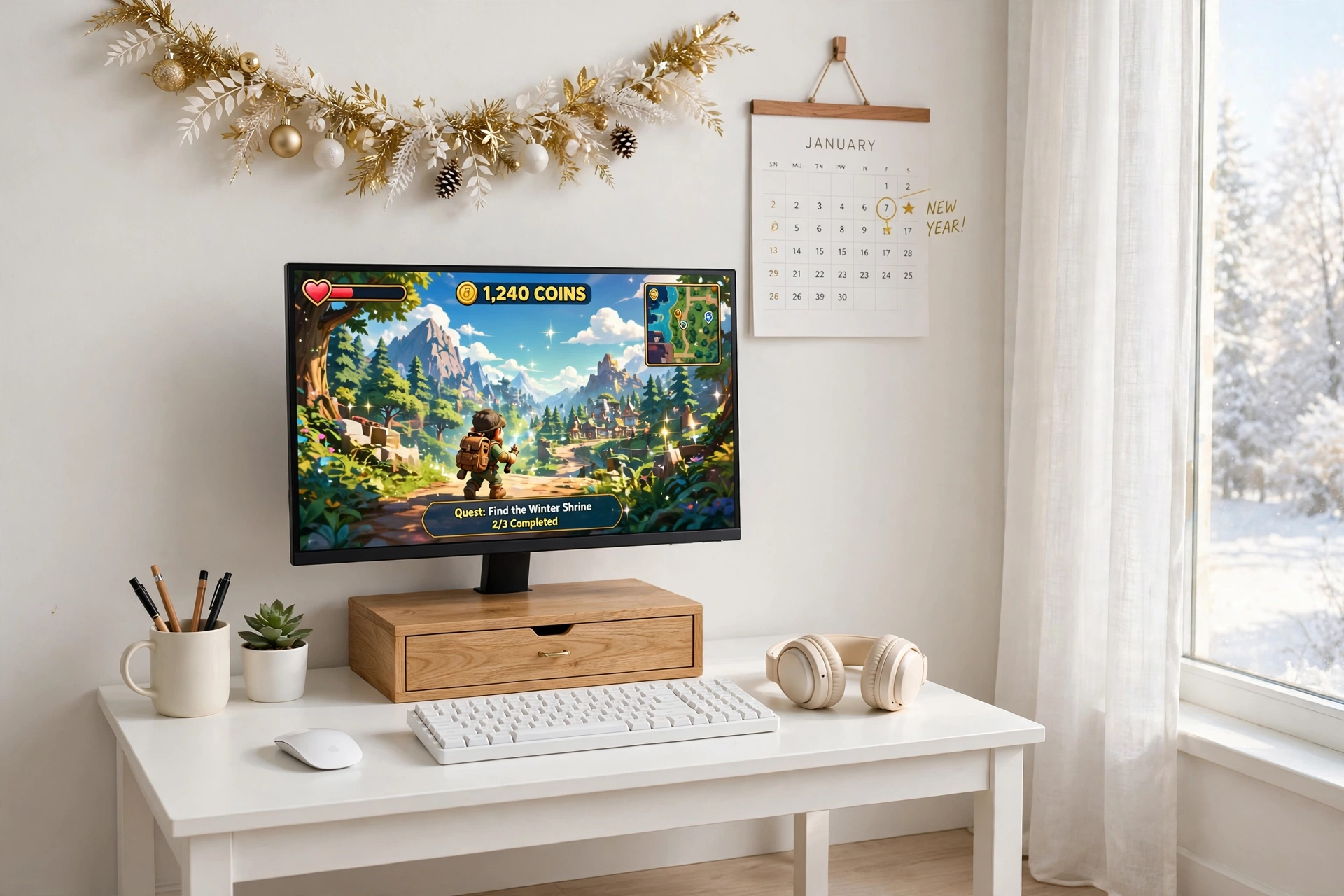
The simplest New Year reset is a white desk, because a pale surface shows every cable and crumb, which forces you to keep it clean. Start with a small white desk with two drawers, wide enough for a monitor, keyboard, and a small plant, and sit in a simple task chair that tucks right under it. Put the monitor on a wooden stand with a drawer, so it sits at eye level and the drawer holds pens, cables, and the bits that used to live on the desktop. Run a slim keyboard and a mouse on a light desk mat, and keep only the plant and a gold and white garland on the wall as decoration. Storage stays in the drawers, with games in one and chargers in the other, and power runs through a strip mounted under the desktop with cables clipped along one leg. Finish with a fresh wall calendar above the desk, and the room feels like a new year every morning.
Why this one: The compact white top and two drawers give the reset a clean base and a home for games and cables in one piece of furniture.
Worth knowing: The drawers are slim, so they suit games and small accessories better than bulky gear.
Why this one: The wooden riser lifts the monitor to eye level and adds a drawer and pen holder, which clears the desktop in one move.
Worth knowing: Measure your monitor base against the riser top, because a wide base can overhang the edges.
2. Cable Tidy New Year
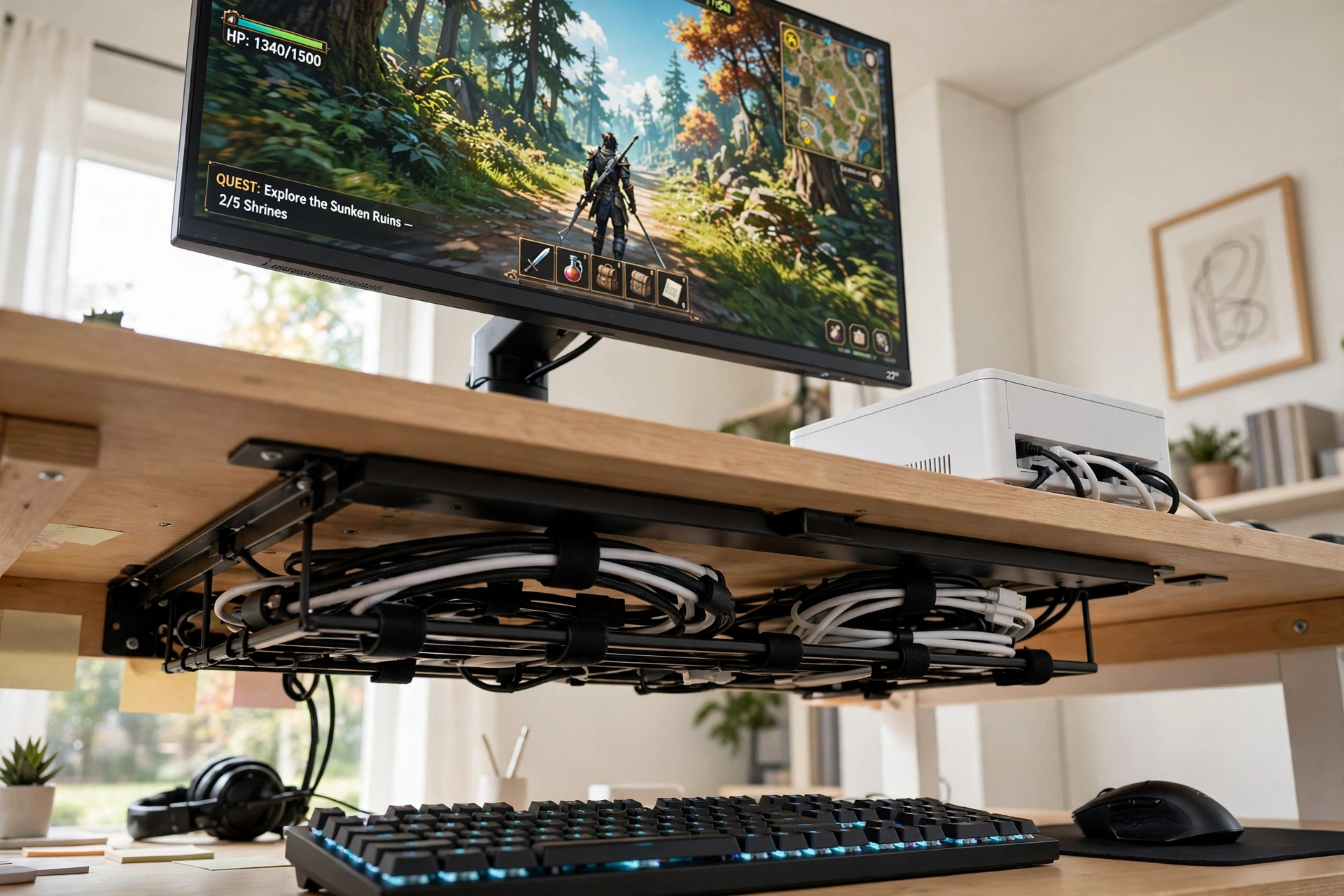
Cables are the fastest thing to fix and the thing that makes the biggest difference, because a desk with no visible wires looks twice as big. Start by unplugging everything and laying the cables out, then mount two under desk trays, one for the power cables and one for the data cables, so nothing hangs down the back of the desk. Put the monitor in the center at eye level, with the keyboard and mouse in front, and hide the power strip itself in a white cable box on the desk, with only one cord leaving it for the wall. Route the monitor, lamp, and charger cables through the trays with clips, and label the plugs with small tags so you never unplug the wrong thing again. Storage stays simple with a small drawer for spare cables and ties, and the headset hangs on a hook under the desktop. Finish by wiping the desk down and putting a small plant where the cable nest used to be, and the reset is done in an hour.
Yecaye 2 Pack Cable Management Under Desk, 31.5 in Under Desk Cable Management Tray
Why this one: The two long trays hold power and data cables separately under the desk, so nothing dangles and nothing tangles.
Worth knowing: The trays screw or stick under the desk, so check your desktop thickness and material before you fix them.
Why this one: The lidded box hides the whole power strip and its plugs, so the desk shows one tidy white box instead of a tangle of cords.
Worth knowing: It hides a strip, it does not add outlets, so make sure your strip has enough sockets first.
3. Controller and Headset Home
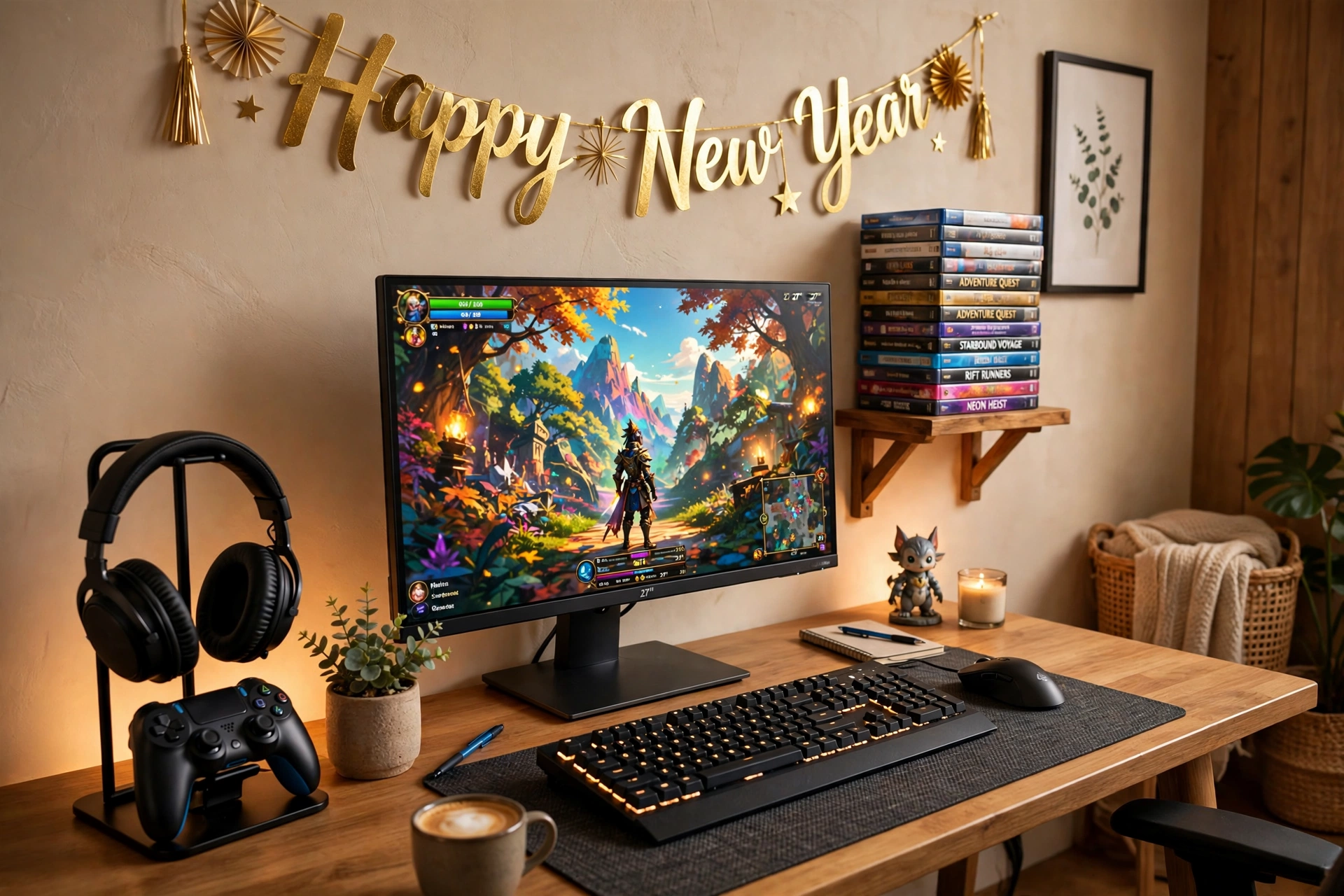
Controllers on the desk are the first thing to get knocked over, and headsets on the desk are the second, so give both a proper home. Start with a headset stand that holds the headphones on top and the controller on a hook below, and put it at the right end of the desk where your hand reaches naturally after a session. Add a second RGB headset stand on the left for a second player or a second headset, with its glow set low so it frames the desk instead of lighting it up. Put the monitor in the center at eye level, with a slim keyboard and a mouse on a plain mat, and stack game cases neatly on a small shelf above the desk, sorted by series. Storage stays on the stands and the shelf, with spare controllers in a drawer and charging cables in the cable tray. Power runs through a strip under the desk, with the RGB stand plugged into a USB port on the strip. Finish with a gold New Year banner on the wall, and every controller has a home again.
Why this one: The aluminum stand holds the headset up top and the controller on its holder, so both are off the desk and in reach.
Worth knowing: It holds one headset and one controller, so add a second stand if you play with a partner.
Why this one: The 9 light modes, rotating head, and detachable controller hook give the second headset a home with a little glow of its own.
Worth knowing: The RGB light needs a USB port, so keep one free on your power strip for it.
4. Monitor Shelf Reset
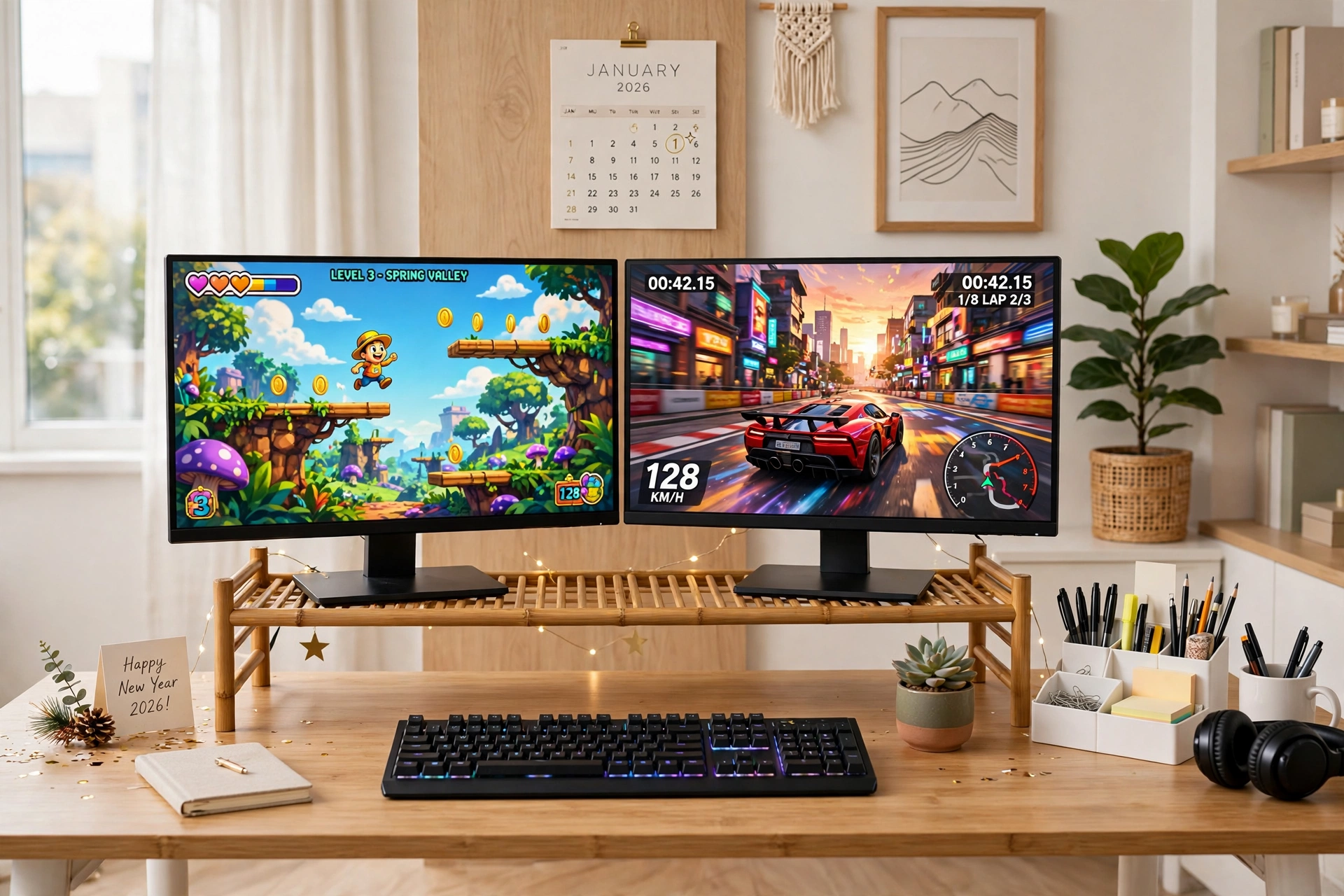
Two monitors double the mess if they sit on the desk, so lift them both onto one shelf and take the desktop back. Start with a bamboo dual monitor shelf wide enough for two screens side by side, with storage underneath for a notebook, a small tray, and the keyboard when you are not playing. Put both monitors on the shelf at eye level, angled slightly toward the middle, with the main game screen on the left and chat or a guide on the right. Run a slim keyboard and a mouse on the desk below, with a small plant at one end and nothing else on the surface. Storage lives under the shelf and in a drawer, with games stacked on the shelf end and controllers on a hook. Power runs through a strip under the desk, with both monitors and the lamp plugged in and cables clipped along the shelf back. Finish with a wipe down and a fresh desk mat, and the two screen setup finally feels organized instead of crowded.
Why this one: The wide bamboo shelf holds two monitors at eye level and frees the space underneath for the keyboard and a notebook.
Worth knowing: Measure both monitor bases against the shelf, because two wide bases can crowd the ends.
Why this one: The vented riser is a solid second shelf for a laptop or a small screen, and it keeps air moving under the gear.
Worth knowing: It is a single riser, so use it beside the dual shelf, not instead of it, for a two screen setup.
5. Power Strip Reset
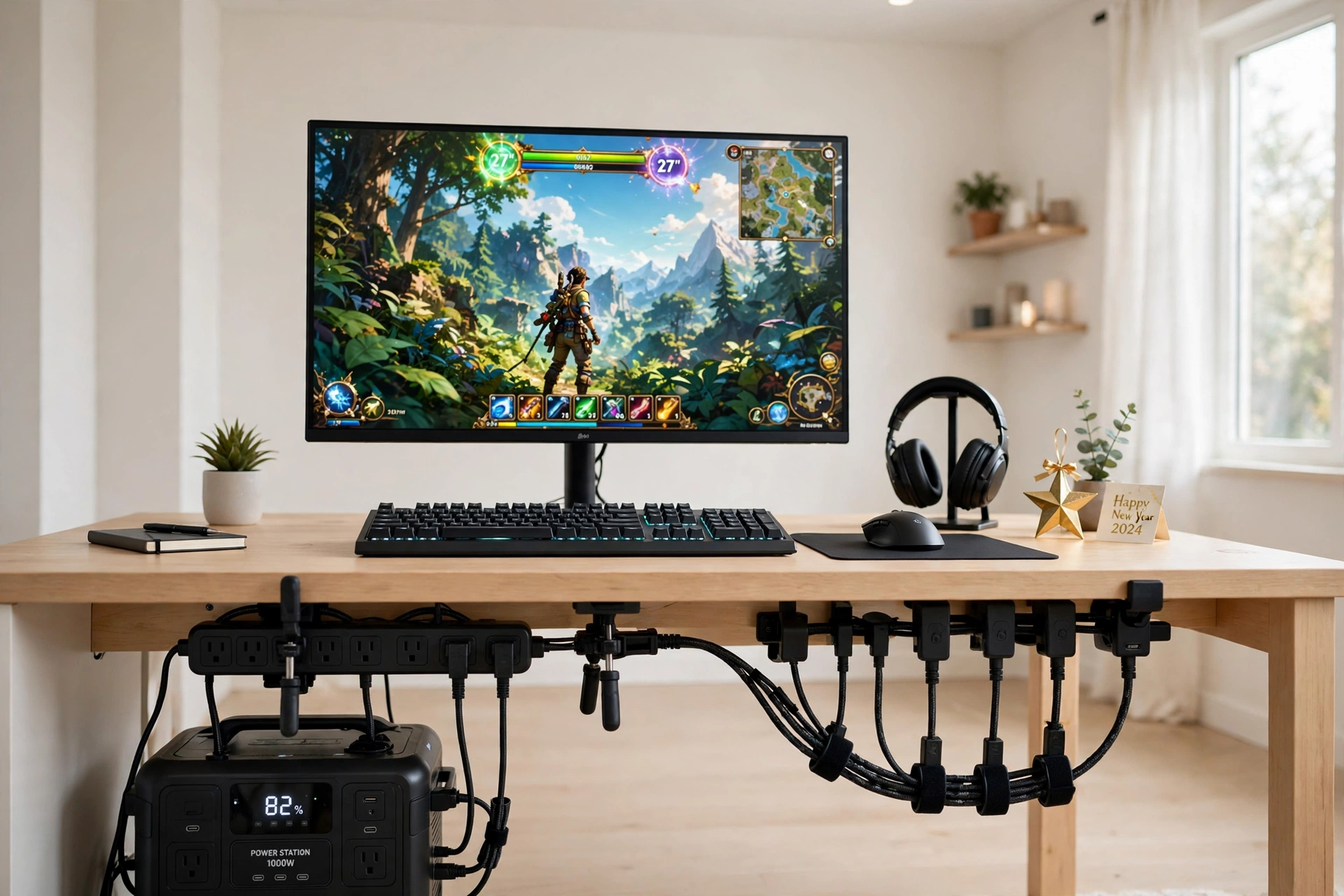
Every gaming desk ends up with too many plugs, and the New Year reset starts by counting them. List everything that needs power, the monitor, the console or PC, the lamp, the headset stand, and the phone charger, then give them one proper strip instead of three tangled ones. Clamp a dual layer strip under the desk so its outlets face down and the plugs hang neatly, and keep a second surge protected strip on the floor for the big items like the PC and the TV. Put the monitor in the center at eye level, with the keyboard and mouse in front, and route every cable from the strips up through clips so only short runs show. Storage stays simple with a small box for spare chargers and adapters, and the headset hangs on a hook under the desktop. Finish with a small gold star on the shelf as your one New Year decoration, and the desk finally has one switch that turns the whole setup off at night.
Why this one: The clamp on strip with 10 outlets and 3 USB ports powers the whole desk from underneath, out of sight and in one place.
Worth knowing: The clamp needs a desk edge to grip, so it does not suit a glass top or a very thick desktop.
Why this one: The flat plug, 5 foot cord, and surge protection make it the right second strip for the big gear on the floor.
Worth knowing: It is a floor strip, so keep it where feet and chair wheels cannot catch the cord.
6. Basket Storage Reset
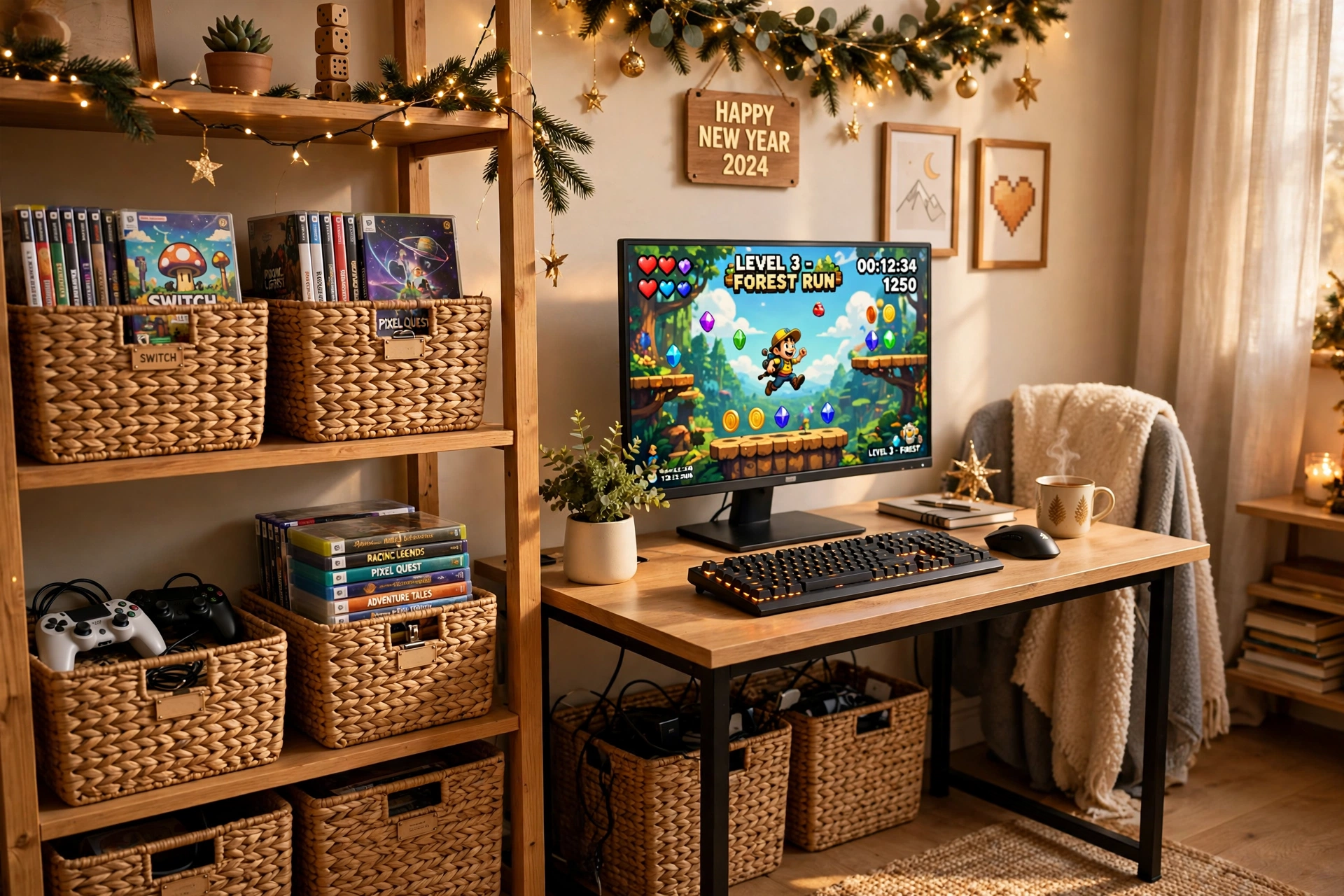
Games and controllers multiply over Christmas, and by January they are everywhere, so give each pile a basket. Start with a set of four woven cube baskets on the shelves above the desk, one for game cases, one for controllers, one for cables and chargers, and one for the bits you have not sorted yet. Add a lidded seagrass basket on the floor for the overflow, with a label on each basket so anyone can put things back in the right place. Put the monitor in the center of a compact desk at eye level, with a slim keyboard and a mouse on a plain mat, and keep the desktop to the monitor, the keyboard, and a small plant. Light comes from the monitor and a small desk lamp, with the warm baskets softening the whole corner. Power runs through a strip under the desk, with cables clipped along the back so they never reach the baskets. Finish by sorting the games by series and putting the ones you finished in the lidded basket, and the room feels twice as big.
Why this one: The set of four woven baskets sorts games, controllers, and cables into their own homes on the shelves above the desk.
Worth knowing: They are cube sized, so measure your shelves before you buy to make sure they fit.
Why this one: The lidded seagrass bins hide the overflow games and spare gear on the floor, so the sorted shelves stay sorted.
Worth knowing: The lids lift off rather than hinging, so keep the bins where you can lift them clear of the shelf.
7. Light and Focus Reset
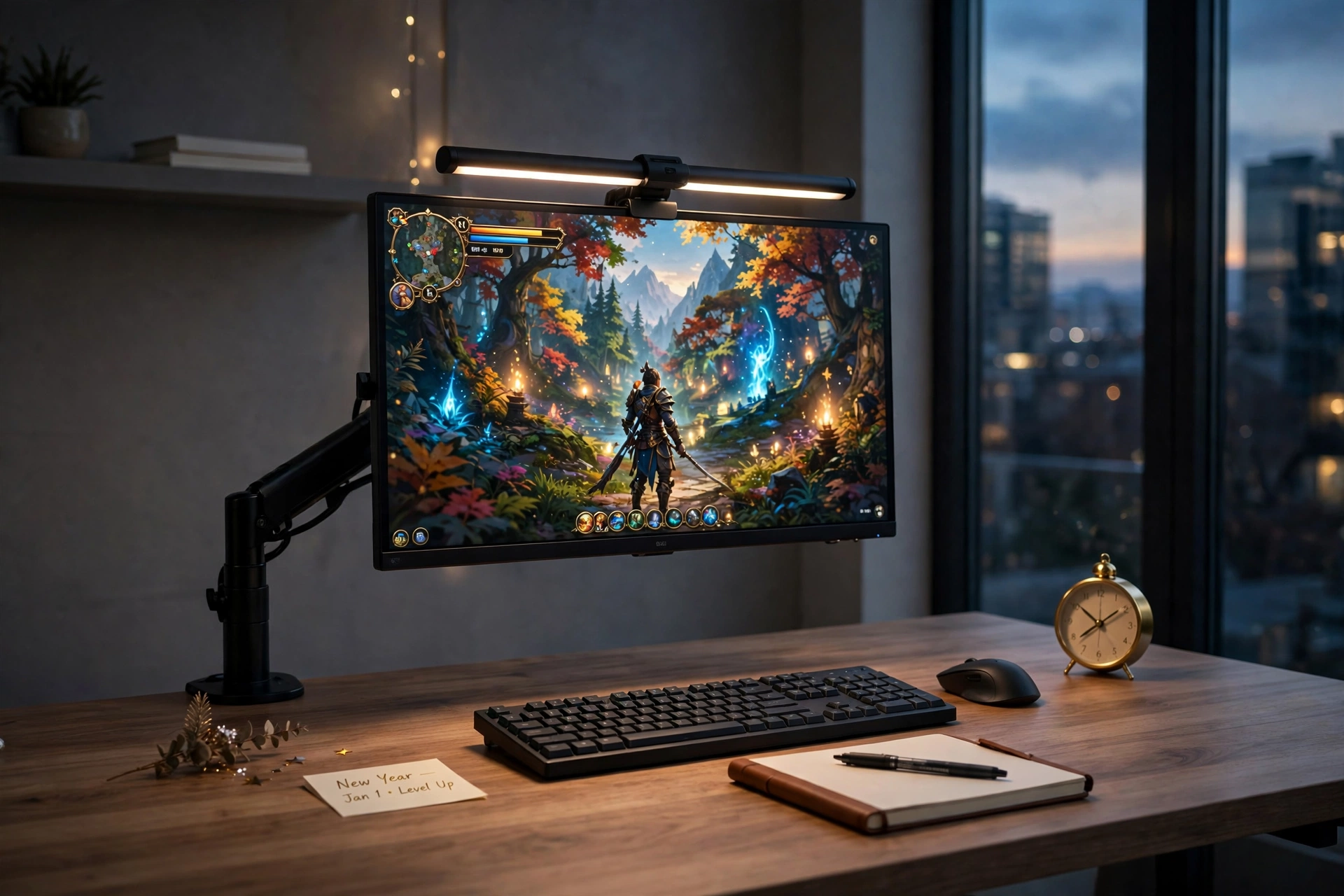
The last part of a New Year reset is the light, because a desk that is lit well is a desk you want to sit at after dark. Mount the monitor on a fully adjustable arm so you can set the height and angle exactly right, then free the desk space underneath for a notebook and a small gold clock. Add a slim monitor light bar across the top of the screen, with a remote to dim it, so the keyboard glows without any glare on the screen. Put a slim keyboard and a mouse on a dark desk mat, and keep the desktop to the notebook, the clock, and nothing else. Storage stays in a drawer, with games stacked neatly and controllers on a hook, and power runs through a strip under the desk, with the light bar on a USB port so it switches with the monitor. Finish with the room lights low and the light bar on, and the desk feels calm, focused, and ready for the year ahead. If you want more ideas for the glow itself, the 13 gaming room ideas for small bedrooms show how light can make a small room feel bigger.
Why this one: The remote controlled, auto dimming light bar lights the keyboard without glare on the screen, which is exactly what evening focus needs.
Worth knowing: It sits on top of the monitor, so check your monitor thickness and top edge before you mount it.
Why this one: The fully adjustable arm sets the screen height and angle exactly right and frees the desk space the old stand used to take.
Worth knowing: It fits screens up to 27 inches, so check your monitor size and weight before you mount it.
Frequently Asked Questions
Where do I start with a New Year gaming desk reset?
Start with the cables, because they are the fastest fix and they make the biggest visual difference. Unplug everything, mount a cable tray under the desk, hide the power strip in a box, and only then sort the games and controllers.
How do I keep my gaming desk tidy after the reset?
Give everything a home and keep the desktop to the monitor, the keyboard, and one small item. Controllers go on a stand, games go in a basket, and cables go in a tray, so putting things away takes seconds instead of a whole afternoon.
What is the best way to hide gaming cables?
Use an under desk tray for the runs, a lidded box for the power strip, and clips along the desk back for the short cords. Battery lights and USB powered gear need no wall outlet at all, which cuts the cable count further.
Do I need a monitor riser or a monitor arm?
A riser is the cheaper fix and it adds storage underneath, while an arm is the better fix if you want to adjust the height and angle often or free the whole desk surface. Both get the screen to eye level, which is the point.
How long does a full desk reset take?
Most of these setups take an afternoon, and the cable tidy alone takes about an hour. Do one setup at a time, starting with the mess that bothers you most, and the rest will follow.
Conclusion
A New Year gaming desk does not need new gear, just a proper home for the gear you already have. Pick the setup that fixes your biggest annoyance, cables, controllers, games, or light, and do it in one afternoon. A tidy desk plays better, looks better, and makes the whole room feel new, and the best part is that keeping it tidy only takes a few seconds a day once everything has a home. Start with the cables, finish with the light, and enjoy the year ahead.
