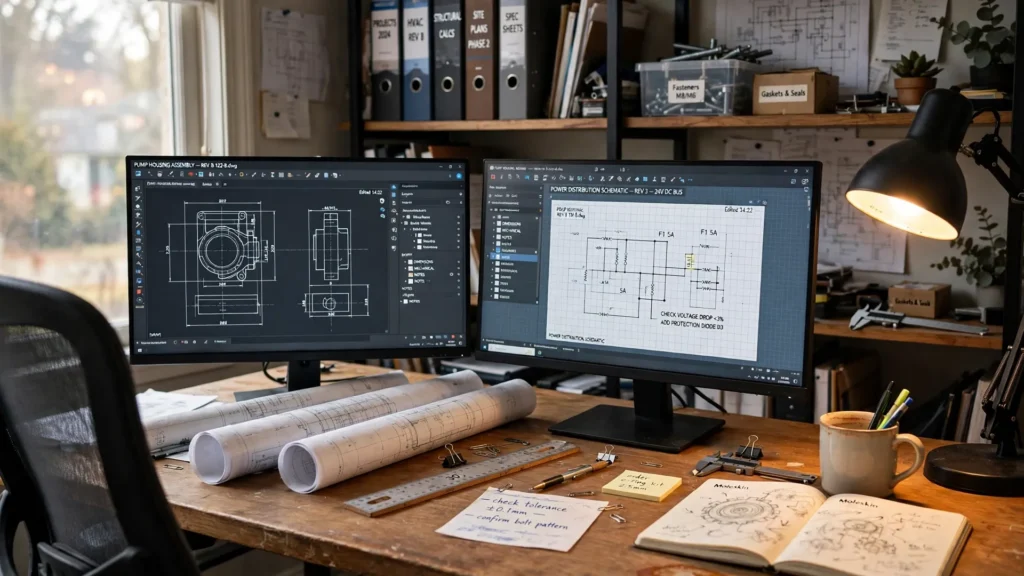
10 Home Office Ideas for Engineers
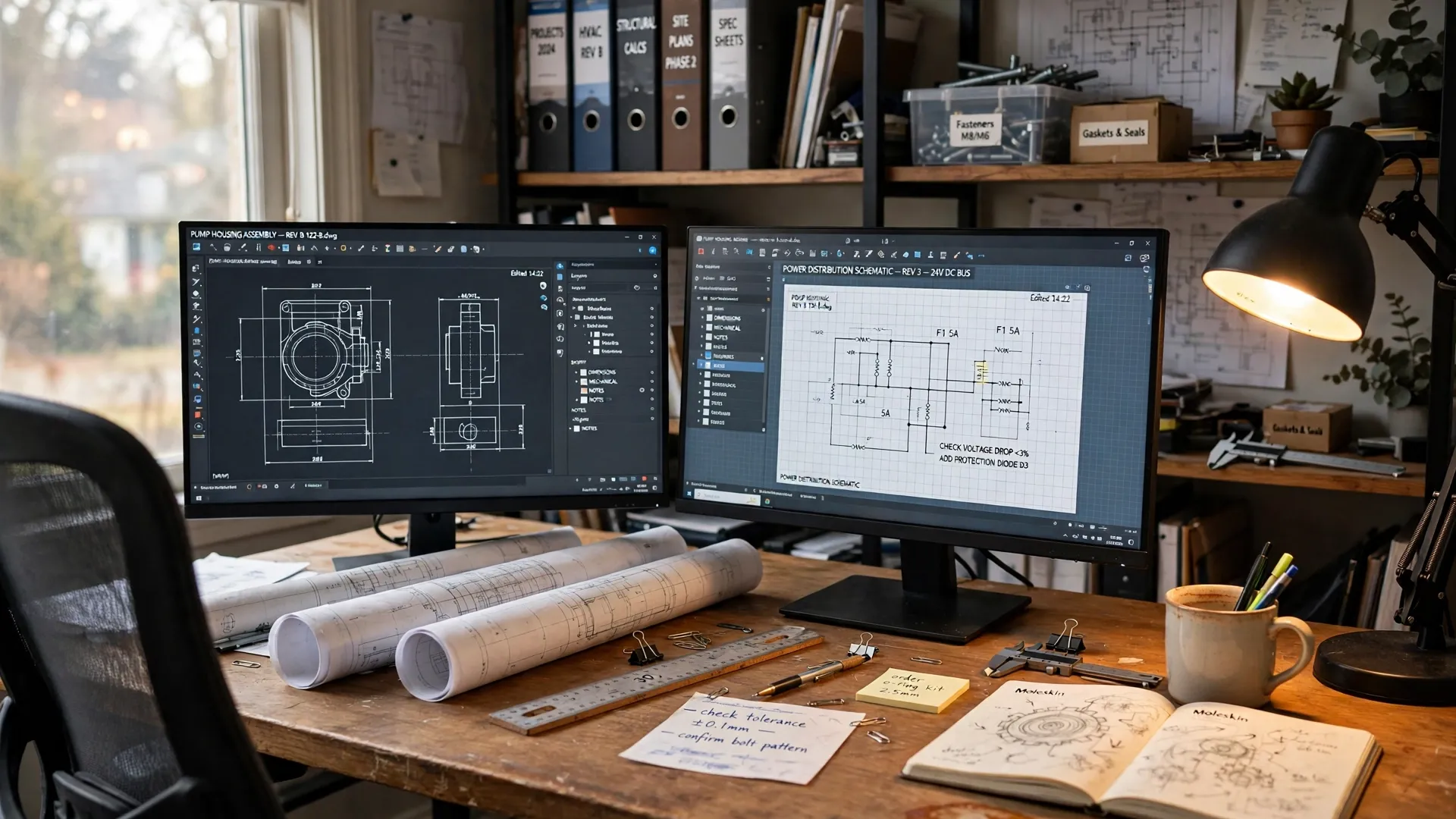
By Maya Bennett, Founder & Editor. Engineering work needs room to think in drawings, not just room to type. Every setup here shows the work itself: two screens, a plan spread out flat, a drafting table tilted up, or a stack of technical documents within reach. Each idea below is one complete desk setup a reader can copy whole, with the desk, the seat, the screen, the light, the storage, and the power described together as one scene. Code on a screen alone is not enough here. Look for the schematics, the measuring tools, and the plans. For more ideas in this series, browse the Home Office Ideas category.
As an Amazon Associate I earn from qualifying purchases. Please see our affiliate disclosure for details. This article prints no prices, because prices change. Check the listing before you buy, and confirm you have the exact variant named.
AI-generated image
In this article
- 1. The Dual Arm L Desk for Two Screens and a Plan
- 2. The Drafting Table Desk for Drawing by Hand
- 3. The Standing Desk With Two Screens for Long Reviews
- 4. The Ultrawide Plan Desk for One Big Drawing
- 5. The Executive File Desk for Drawings and Documents
- 6. The Monitor Riser Desk for a Raised Pair of Screens
- 7. The Corner Desk With an Architect Lamp for Small Rooms
- 8. The Stacked Dual Monitor Desk for a Tight Corner
- 9. The Organized Plan Desk for Paper and Screen Together
- 10. The Converter Desk for Sitting and Standing Over a Model
- Frequently asked questions
- Conclusion
At a glance
| Setup | Key product | Best for |
|---|---|---|
| 1. The Dual Arm L Desk for Two Screens and a Plan | HUANUO Dual Monitor Mount, Gas Spring, 17-32 inch, Black | Two screens plus a paper plan in a corner |
| 2. The Drafting Table Desk for Drawing by Hand | Studio Designs Vintage Rustic Oak Drafting Table, 36 x 24 Inch | Hand drawing on a tilted surface |
| 3. The Standing Desk With Two Screens for Long Reviews | SHW 48-Inch Electric Height Adjustable Standing Desk with Drawer, White | Standing through a long drawing review |
| 4. The Ultrawide Plan Desk for One Big Drawing | LG 34WN80C-B UltraWide Monitor 34 Inch 21:9 Curved WQHD IPS Display | One wide drawing instead of two screens |
| 5. The Executive File Desk for Drawings and Documents | Tribesigns 63 Inch Executive Desk with File Cabinet, L Shaped, Gray and White | Drawings, files, and documents in one place |
| 6. The Monitor Riser Desk for a Raised Pair of Screens | Aothia Large Dual Monitor Stand Riser, Solid Wood Desk Shelf | Raising two screens without arms |
| 7. The Corner Desk With an Architect Lamp for Small Rooms | Micomlan Architect Desk Lamp, Black, model FDDL09 | A small corner with focused light on paper plans |
| 8. The Stacked Dual Monitor Desk for a Tight Corner | Freelift Dual Monitor Stand, Taller Gas Spring Arms for 2 Screens up to 32 Inch, Black | Two screens stacked in a narrow corner |
| 9. The Organized Plan Desk for Paper and Screen Together | DEAYOU Bamboo Desk Organizer, 100 Percent Natural Bamboo, 3-Layer | Keeping paper plans tidy beside one screen |
| 10. The Converter Desk for Sitting and Standing Over a Model | VariDesk Pro Plus 36, Dual Monitor Standing Desk Converter | Standing up over a model without a new desk |
1. The Dual Arm L Desk for Two Screens and a Plan
AI-generated image
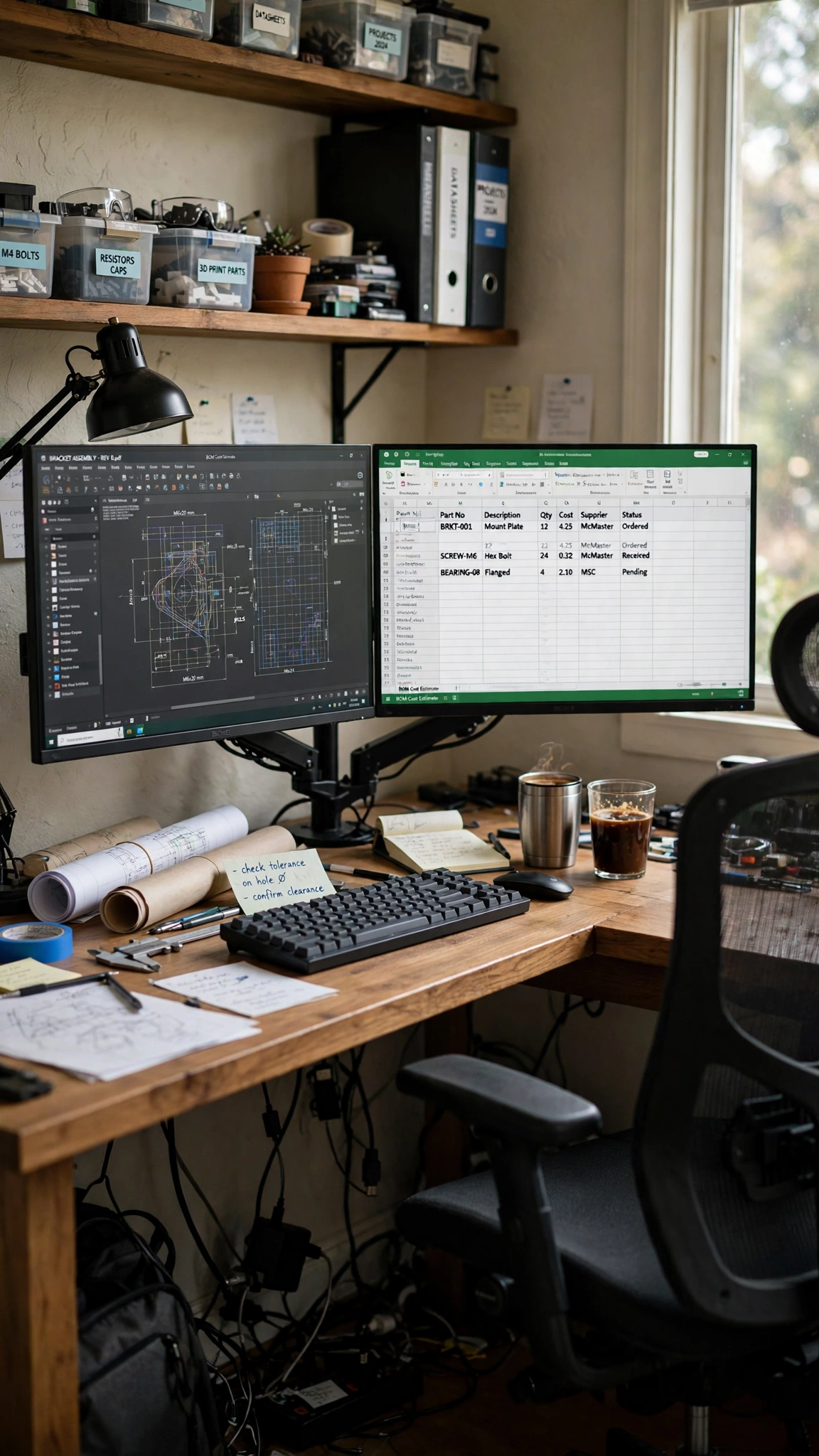
Two screens change how an engineer works, because the drawing stays open on one while the notes or the spreadsheet stay open on the other. Here a dual monitor arm holds both screens over a long L shaped desk, so the whole top stays free for a rolled plan and a notebook. The arm clamps to the back edge, the screens sit at eye level, and the corner of the L becomes the reading zone for paper.
- Put the drawing on the left screen and the notes on the right, so your eyes always know where to look.
- Keep the short arm of the L clear for paper plans, not for a second keyboard.
- Run the cables through the arm clips, so they never drag across a drawing.
An ergonomic chair sits in the corner of the L, a desk lamp lights the paper side, and the desk power outlet feeds both screens and the laptop charger. This is the setup to copy first if you work from drawings all day and your current desk feels crowded by noon.
KEY PIECE
HUANUO Dual Monitor Mount, Gas Spring, 17-32 inch, Black
Why this one: A gas spring dual mount that holds two screens from 17 to 32 inches and frees the whole desk top for plans.
Worth knowing: Check each screen weight and VESA pattern before ordering, because the arms have a weight range.
COMPLETES THE SETUP
SEDETA L Shaped Desk 94.5 Inch Convertible, Grey With Power Outlet and Pegboard
Why this one: A very long convertible L shaped desk with a power outlet and a pegboard for two work zones.
Worth knowing: At 94.5 inches it is a very long desk, so it needs a true corner with two clear walls.
COMPLETES THE SETUP
BESTFAIR High Back Ergonomic Chair, Black
Why this one: A high back ergonomic chair that suits long days switching between two screens and paper plans.
Worth knowing: Set the seat height so your eyes land on the top third of the screens, not the middle.
2. The Drafting Table Desk for Drawing by Hand
AI-generated image
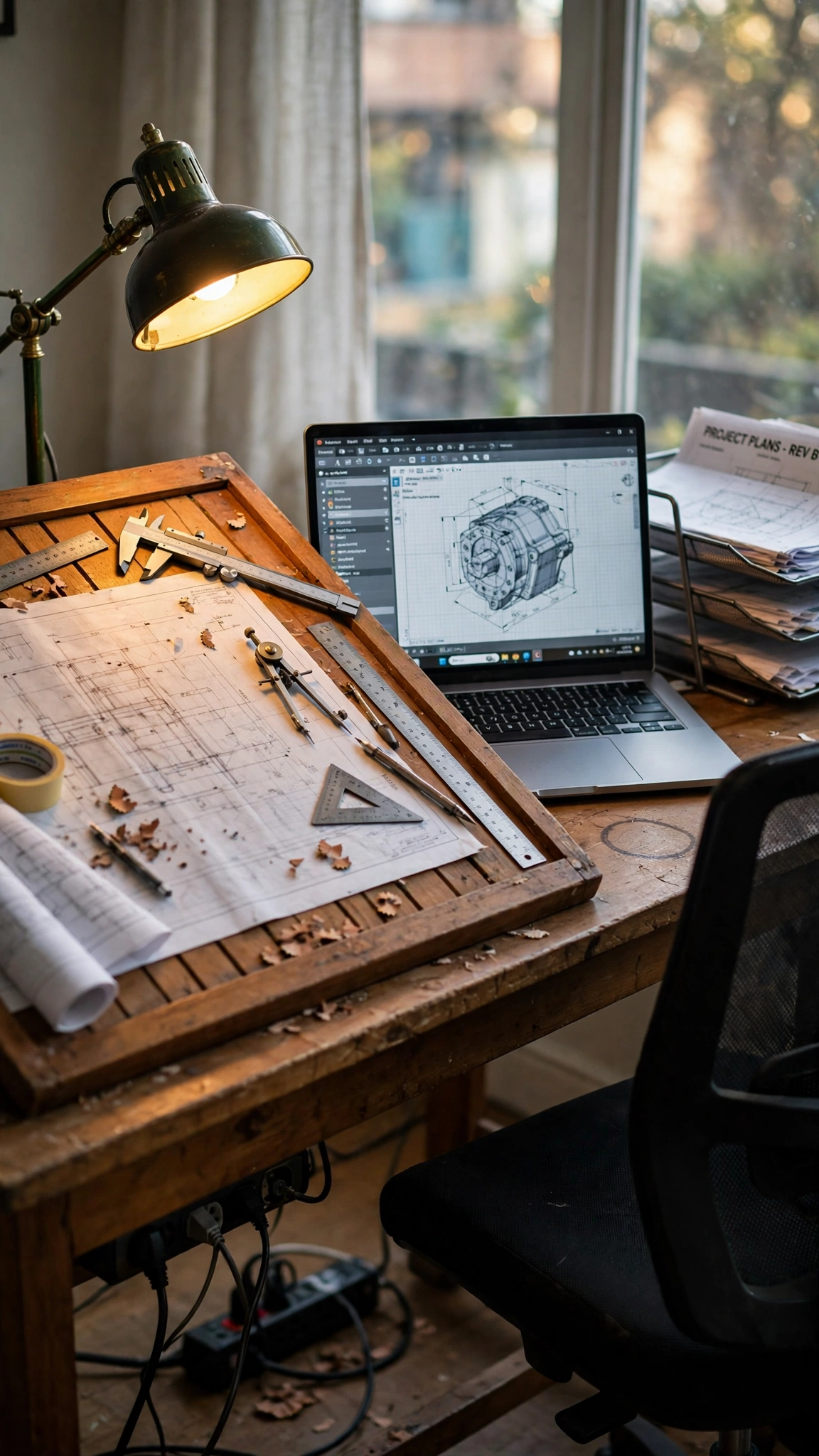
Some engineers still think best with a pencil, and a tilted drafting table is the tool for that kind of work. The wooden table tilts from flat to steep, so a large drawing sits at a comfortable angle while the pencil ledge keeps tools from sliding off. A laptop stands beside it with its screen on, showing the CAD version of the same drawing for reference.
What works here: A tilted wooden drafting table, a laptop showing the CAD drawing, an architect lamp clamped to the edge, a paper tray for plan sheets, and a power strip under the table for the laptop and the lamp.
The chair here is a simple office chair that rolls close to the tilted top. Keep the table near a window if you can, because daylight across a paper drawing shows pencil lines far better than a ceiling light alone.
KEY PIECE
Studio Designs Vintage Rustic Oak Drafting Table, 36 x 24 Inch
Why this one: A solid wood drafting table with a top that adjusts from flat to 90 degrees, with a pencil groove and ledge.
Worth knowing: The stand is not height adjustable and it has no drawers, so plan a shelf nearby for storage.
COMPLETES THE SETUP
Architect Desk Lamp with Clamp, Touch Control Dimmable LED Computer Light
Why this one: A clamp architect lamp with touch dimming that aims light straight at a tilted drawing without taking desk space.
Worth knowing: The clamp needs a desk edge to grip, so check the table edge thickness before ordering.
COMPLETES THE SETUP
DALTACK 9-Tier Paper Letter Tray Desk Organizer with Handles, Mesh File Holder Organization, Paper Sorter Desk Organizer, Black
Why this one: Nine mesh tiers that sort plan sheets and technical documents by project, with handles for moving the stack.
Worth knowing: It holds letter size paper best, so very large plan sheets still need a flat drawer or a tube.
3. The Standing Desk With Two Screens for Long Reviews
AI-generated image
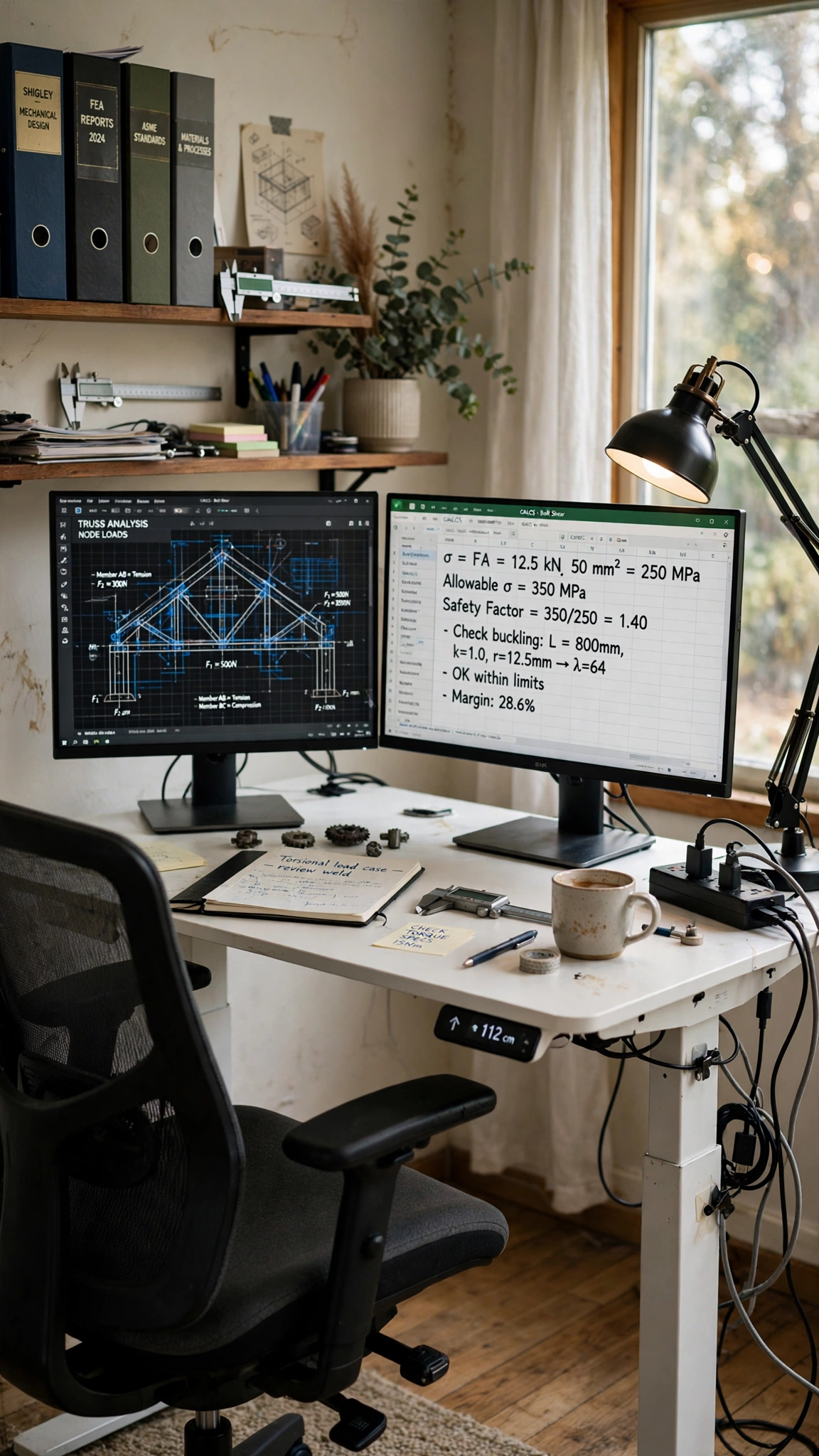
Drawing reviews run long, and sitting through all of them is the worst part of the job. This white electric standing desk rises to standing height at the touch of a button, with a drawer for pens and measuring tools and a cable tray underneath. Two monitors sit on top with their screens on, one showing the technical diagram and the other showing the calculations behind it.
- Raise the desk for the review, then lower it again for focused drafting work.
- Keep the diagram on the left screen and the numbers on the right, so you never hunt for either.
- Store the current project binders on the shelf behind, within one step of the desk.
A power strip under the desk feeds both monitors, the desk motor, and the laptop charger, while an ergonomic chair waits beside the desk for the sitting stretches. The drawer is the quiet hero here, because it keeps the small tools off the top and out of the way of the screens.
KEY PIECE
SHW 48-Inch Electric Height Adjustable Standing Desk with Drawer, Memory Preset and Cable Management Tray, White
Why this one: A 48 inch electric standing desk with a drawer, memory presets, and a cable tray, sized for two monitors.
Worth knowing: At 48 inches wide it fits two monitors, but a third screen would crowd the top.
COMPLETES THE SETUP
LG 24 inch FHD (1920 x 1080) IPS Monitor, 100Hz Refresh Rate, 99 Percent sRGB, AMD FreeSync, 3-Side Borderless, Anti Glare, Tilt Adjustable, HDMI, VESA Mountable
Why this one: A 24 inch Full HD IPS monitor with a borderless design that sits neatly beside a second screen.
Worth knowing: Buy two of these for a matched pair, because one screen alone is not the dual setup in the photo.
COMPLETES THE SETUP
AUOPLUS Power Strip, 6 Outlet and 4 USB, 10 Ft
Why this one: Six outlets plus four USB ports on a 10 foot cord, enough for two monitors, the desk, and a charger.
Worth knowing: The 10 foot cord is long, so coil the spare length in the cable tray rather than letting it pool on the floor.
4. The Ultrawide Plan Desk for One Big Drawing
AI-generated image
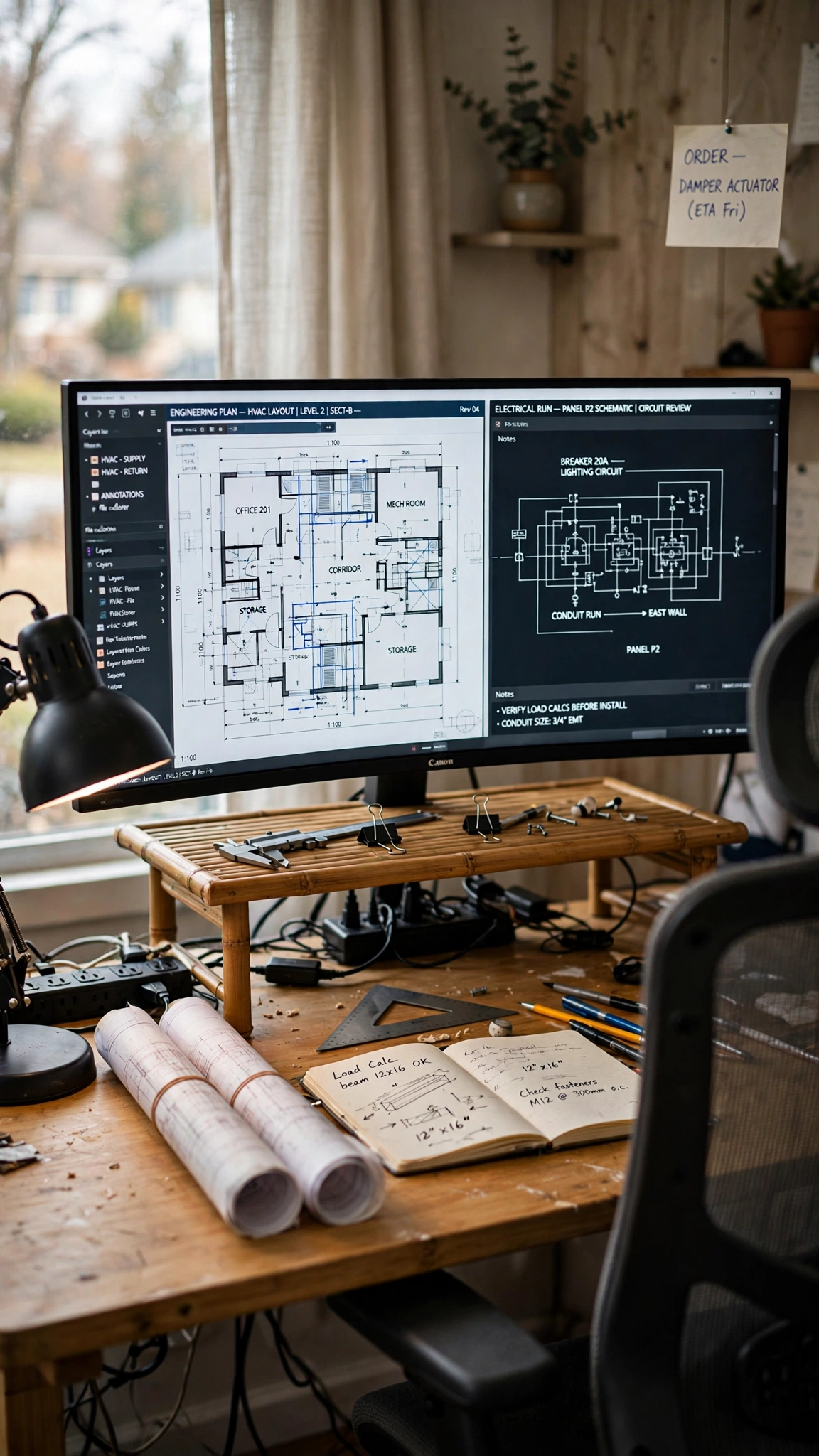
Two screens have a seam in the middle, and that seam always lands on the part of the drawing you need to see. One wide curved ultrawide monitor fixes that, because a whole plan fits across it in one view. Here the 34 inch screen sits on a bamboo standing desk, split into two windows side by side, with the drawing on one side and the parts list on the other.
TRY THIS
Use the monitor split screen feature to keep the drawing and the specification open together, then save that layout so it opens the same way every morning.
A bamboo monitor riser lifts the screen a little higher and stores notebooks underneath, while rolled drawings lean in the corner and an ergonomic chair sits ready behind the desk. A desk lamp lights the paper side, and a power strip under the desk feeds the monitor and the laptop. If your drawings are wide and your desk is narrow, this is the screen to start with.
KEY PIECE
LG 34WN80C-B UltraWide Monitor 34 Inch 21:9 Curved WQHD (3440 x 1440) IPS Display, USB Type-C (60W PD), sRGB 99 Percent Color Gamut, 3-Side Virtually Borderless Design, Tilt and Height Adjustable Stand, Black
Why this one: A 34 inch curved ultrawide with USB Type-C that shows a whole wide drawing in one view and charges a laptop over one cable.
Worth knowing: It is a 60Hz screen, so it suits drawing and documents better than fast gaming.
COMPLETES THE SETUP
FlexiSpot E6 Bamboo 3-Stage Dual Motor Electric Standing Desk 55 x 28, Solid Bamboo Desktop and White Frame
Why this one: A 55 by 28 inch bamboo standing desk with dual motors and a wide top that suits a 34 inch ultrawide.
Worth knowing: The bamboo top is a natural material, so expect some variation in the grain from desk to desk.
COMPLETES THE SETUP
Homerays Bamboo Monitor Stand Riser with Drawer, No Assembly Required, Exquisite Monitor Stand with Drawer, Ergonomic Height Wood Monitor Stand
Why this one: A bamboo monitor riser with a drawer that lifts the ultrawide to eye level and hides small tools underneath.
Worth knowing: Check the riser width against the monitor stand, because a wide ultrawide needs a wide riser.
5. The Executive File Desk for Drawings and Documents
AI-generated image
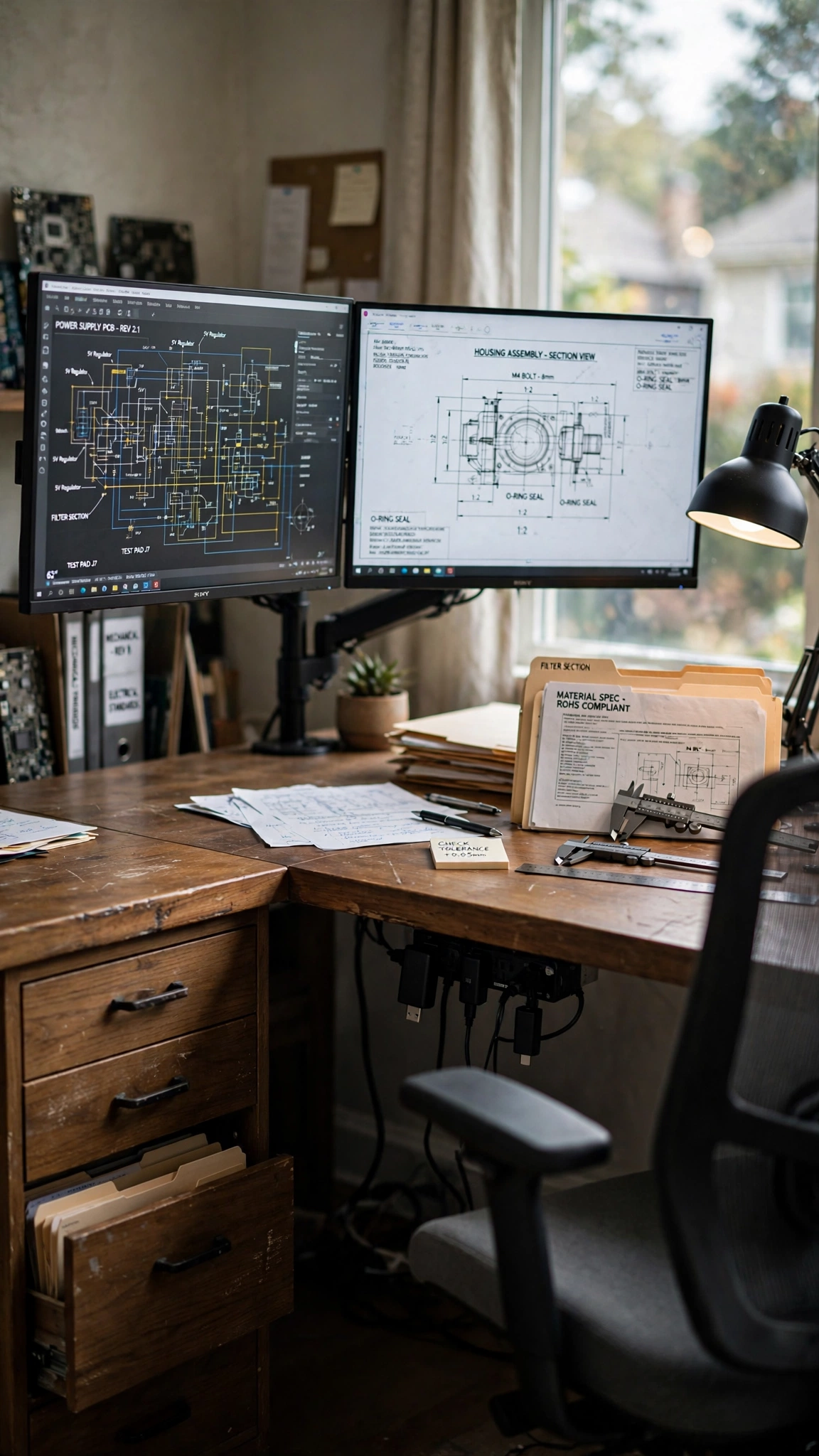
Engineering projects leave a paper trail, and this setup is built to hold it. A 63 inch L shaped executive desk comes with its own file cabinet and drawers, so letter and A4 files, folders, and supplies all live within arm’s reach. Two monitors on a single arm sit on the long side with their screens on, one showing the schematic and the other showing the document that goes with it.
- File the current project in the cabinet drawer, and archive finished projects on the shelves.
- Keep the short side of the L for paper review, so the screens never share space with a stack of folders.
- Roll the extra mobile cabinet beside the desk for plan folders, and park it under the desk when the project ends.
An ergonomic chair sits at the long side, a desk lamp lights the paper side, and a power strip under the desk feeds the monitors and the charger. For more storage ideas that keep a desk clear, see the Desk Setup and Organization category. This is the setup for an engineer who signs off drawings and keeps the records to prove it.
KEY PIECE
Tribesigns 63 Inch Executive Desk with File Cabinet, L Shaped Office Desk with Drawers and Storage Shelves, Business Furniture Set Workstation for Home Office, Gray and White
Why this one: A 63 inch L shaped executive desk with a file cabinet, drawers, and shelves for drawings and documents in one workstation.
Worth knowing: The desk and cabinet ship in two separate parcels, so they may not arrive on the same day.
COMPLETES THE SETUP
DEVAISE 3-Drawer Wood File Cabinet with Lock, Mobile Lateral Filing Cabinet, Printer Stand with Open Storage Shelves for Home Office, Black
Why this one: A mobile three drawer file cabinet with a lock that rolls beside the desk for plan folders and doubles as a printer stand.
Worth knowing: Confirm the black variant on the listing, because this cabinet family sells in other colours.
COMPLETES THE SETUP
Amazon Basics Gas Spring Single Computer Monitor Arm, Black
Why this one: A gas spring single monitor arm that lifts one screen off the desk top and leaves room for folders.
Worth knowing: It holds screens up to 27 inches, so a larger screen needs a heavier arm.
6. The Monitor Riser Desk for a Raised Pair of Screens
AI-generated image
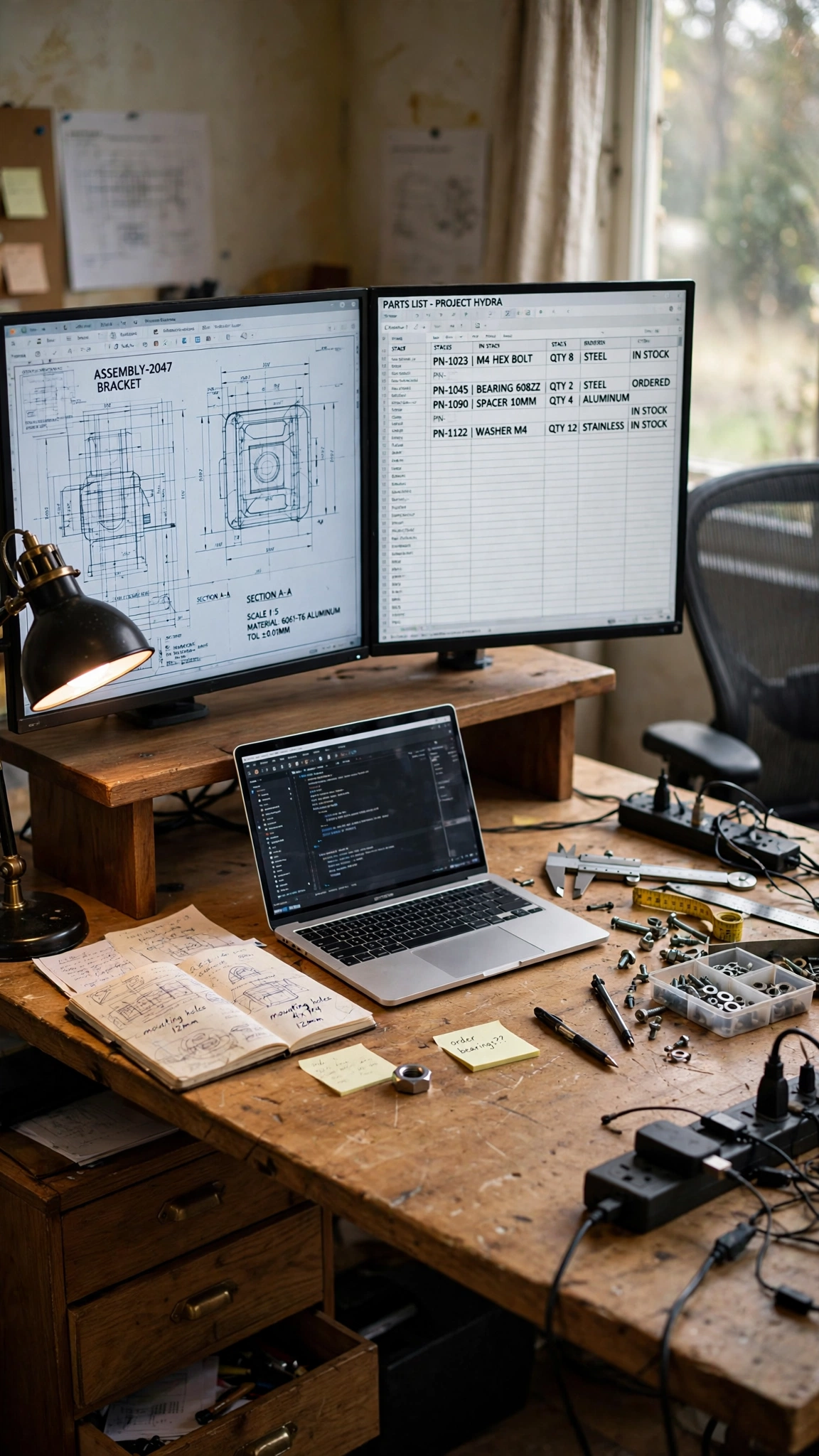
Not every engineer wants monitor arms clamped to the desk. A solid wood dual monitor riser does the same job with less hardware: both screens sit on one wide shelf at eye level, and the space underneath holds a laptop, notebooks, and measuring tools. The riser has cork legs that grip the desk, and the shelf itself is wide enough for two screens side by side.
What works here: A wide wooden riser for two screens, a 51 inch desk with drawers for tools and cables, a power strip for the screens and the laptop, a desk lamp for paper work, and a chair that rolls close to the riser.
Keep the blueprint on the left screen and the parts list on the right, and keep the paper plan flat on the desk in front of you. The drawers take the pens, the rulers, and the chargers, so the only things on the top are the screens, the lamp, and the current drawing.
KEY PIECE
Aothia Large Dual Monitor Stand Riser, Solid Wood Desk Shelf with Eco Cork Legs for Laptop Computer, TV, PC, Printers, Perfect Desktop Stands Organizer with Underneath Storage for Office Accessories
Why this one: A large solid wood riser with cork legs that holds two monitors at eye level with storage space underneath.
Worth knowing: Measure the riser against your screens, because two wide monitors need the full width of the shelf.
COMPLETES THE SETUP
GreenForest Computer Desk with Drawers and Monitor Stand, 51 inch, Walnut
Why this one: A 51 inch walnut desk with drawers, a monitor stand, and power outlets for a two screen setup.
Worth knowing: The desk already includes a monitor stand, so use the riser as the main shelf and the built in stand for a laptop.
COMPLETES THE SETUP
BN-LINK 6-Outlet Power Strip Surge Protector, 4-Foot Extension Cord, White
Why this one: Six outlets with surge protection on a short 4 foot cord that fits neatly under a desk.
Worth knowing: The cord is only 4 feet long, so the wall socket needs to be close to the desk.
7. The Corner Desk With an Architect Lamp for Small Rooms
AI-generated image
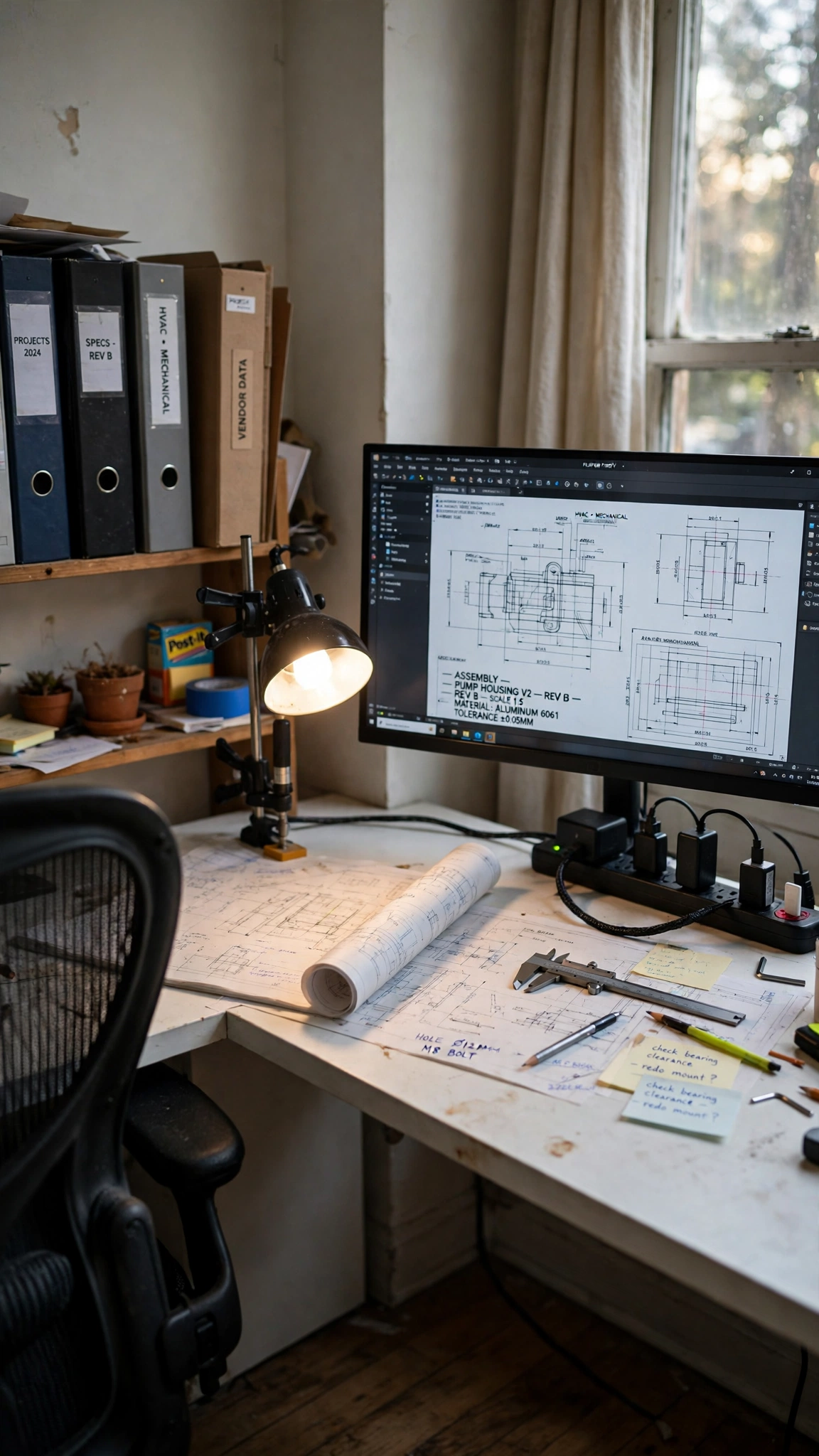
Small rooms still need real engineering space, and a 40 inch L shaped desk in a corner is enough when every inch has a job. The monitor sits on one arm with its screen on, showing the technical drawing, while the other arm holds the paper plans flat. An architect lamp clamps to the desk edge and bends over the paper, so the light lands exactly where the pencil work happens.
- Put the monitor on the arm you face, and the paper plans on the arm to your side.
- Clamp the lamp on the paper side, so it never shines into the screen.
- Use the desk drawers for rulers and pens, so the small top stays clear for the current sheet.
An ergonomic chair with a headrest fits the corner without crowding it, and the desk built in power outlet feeds the monitor and the lamp. A filing shelf beside the desk holds the binders, so the small desk never has to store everything at once.
KEY PIECE
Micomlan Architect Desk Lamp, Black, model FDDL09
Why this one: An architect desk lamp that clamps to the desk and aims focused light at paper plans without taking desk space.
Worth knowing: Confirm the black FDDL09 model on the listing, because this lamp family sells in other colours and models.
COMPLETES THE SETUP
DLisiting Small White L Shaped Desk with Drawers, 40 Inch, with Power Outlet
Why this one: A small 40 inch white L shaped desk with drawers and a built in power outlet for a tight corner.
Worth knowing: At 40 inches it is a small desk, so it suits one monitor and paper plans better than two large screens.
COMPLETES THE SETUP
FelixKing Ergonomic Chair with Headrest, Black
Why this one: An ergonomic chair with a headrest that supports long sessions in a small corner desk setup.
Worth knowing: Check the chair footprint against the corner, because a wide chair can crowd a 40 inch desk.
8. The Stacked Dual Monitor Desk for a Tight Corner
AI-generated image
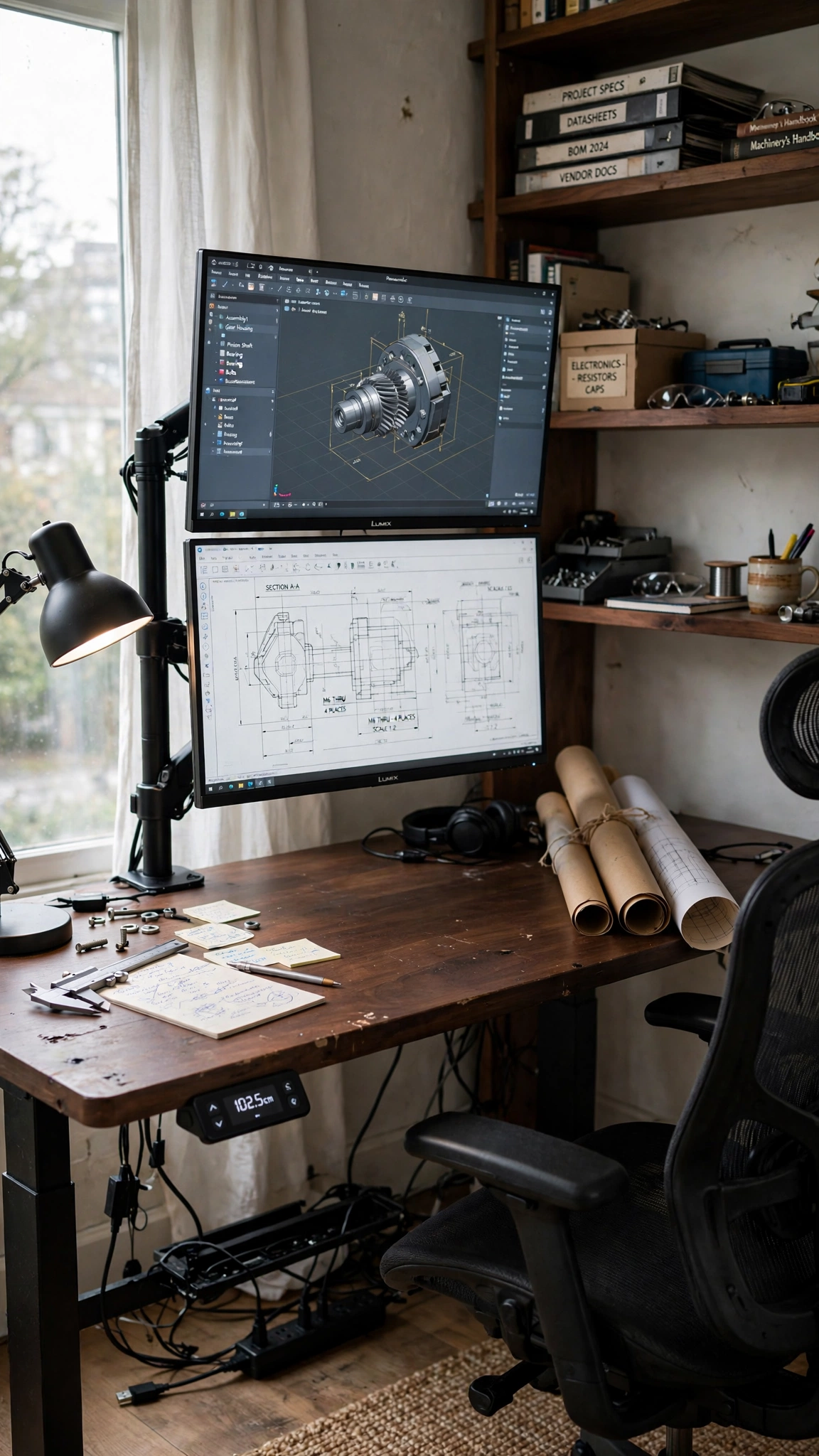
Side by side screens need width, and some corners simply do not have it. Stacking solves that: two monitors sit one above the other on tall gas spring arms, so the drawing fills the lower screen and the software fills the upper one. The dark walnut L shaped electric standing desk below them rises and falls, which means the stacked screens work just as well standing as sitting.
TRY THIS
Put the drawing you are actively marking up on the lower screen at eye level, and keep the reference material on the upper screen, so you only glance up when you need it.
Rolled plans lean beside the desk, an ergonomic chair sits in the corner, and a power strip under the desk feeds both monitors and the desk motor. A desk lamp lights the paper side of the L, and the shelves hold the binders for the current project. If your corner is narrow but your work is wide, stack the screens and let the height do the work.
KEY PIECE
Freelift Dual Monitor Stand, Taller Gas Spring Arms for 2 Screens up to 32 Inch, Black
Why this one: Taller gas spring arms that stack two screens up to 32 inches, made for tight corners where side by side will not fit.
Worth knowing: Check each screen weight, because the arms hold up to 22 pounds per screen.
COMPLETES THE SETUP
RedLemon 60 Inch L Shaped Electric Standing Desk, Dark Walnut
Why this one: A 60 inch L shaped electric standing desk in dark walnut that fills a corner and rises for standing work.
Worth knowing: Confirm the dark walnut variant on the listing, because this desk family sells in other finishes.
COMPLETES THE SETUP
Addtam Power Strip 6 AC + 3 USB, 5 Ft, Black
Why this one: Six AC outlets plus three USB ports on a 5 foot cord for two monitors, the desk motor, and a phone charger.
Worth knowing: The USB ports are USB-A only, so a USB-C device needs its own charger.
9. The Organized Plan Desk for Paper and Screen Together
AI-generated image
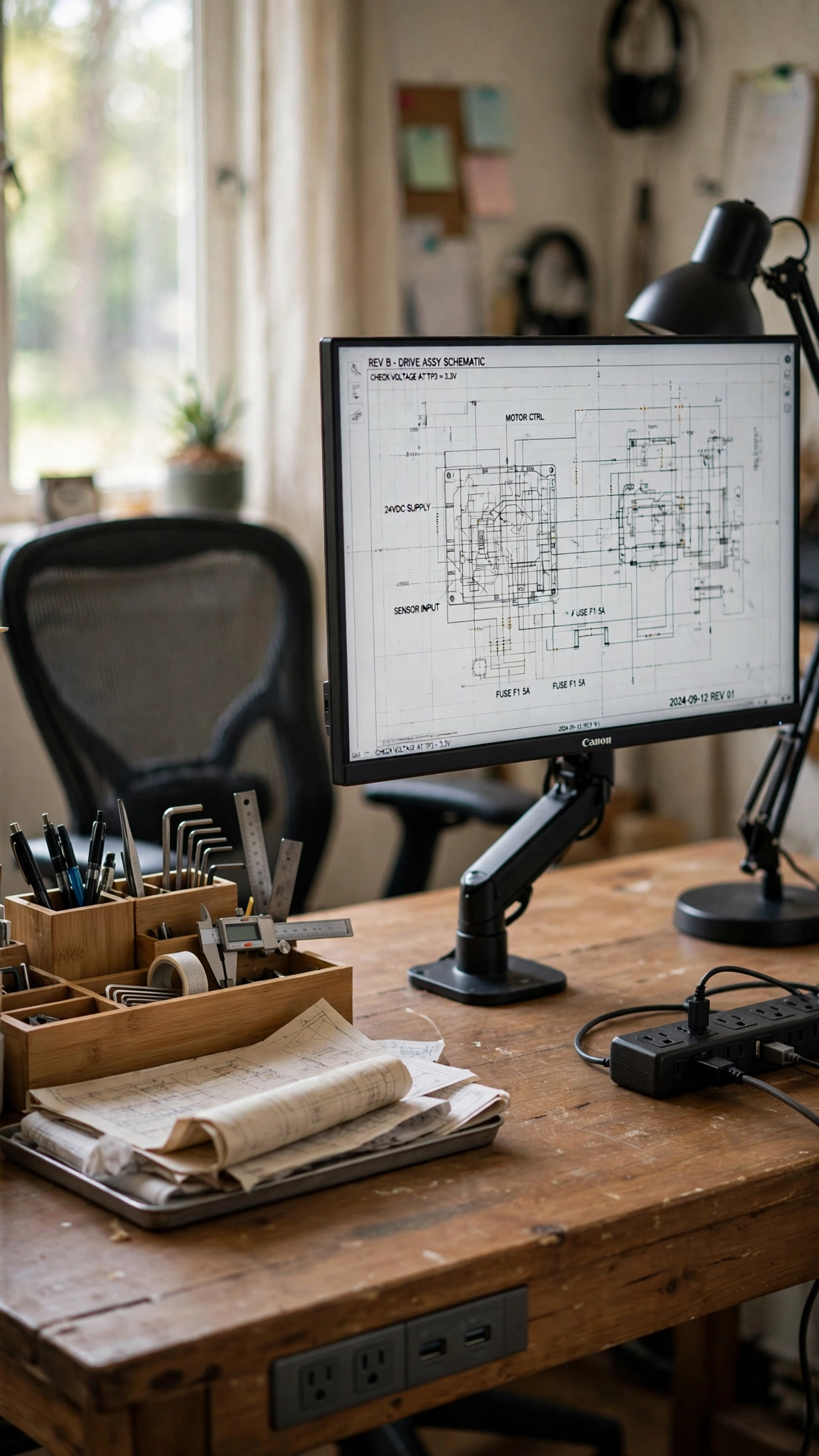
Paper plans and a screen can share one desk without fighting, as long as each has its own zone. Here the monitor floats on a single gas spring arm, which leaves the whole desk top open. A three layer bamboo organizer sits to one side with pens, rulers, and small tools in its drawers, and a tray holds the current plan sheets flat and ready.
- Give the screen the centre, the organizer the right side, and the paper plans the left side.
- File each finished sheet in the tray the same day, so the pile never grows into a second desk.
- Keep the measuring tools in the organizer drawers, not loose on the desk where they roll.
The desk itself has built in power outlets, so the monitor, the lamp, and the laptop charger all plug in at the top instead of trailing to the wall. An ergonomic chair sits behind the desk, and a power strip under the desk takes the extra plugs. This is the quietest setup in the list, and for many engineers it is the one that actually gets built.
KEY PIECE
DEAYOU Bamboo Desk Organizer, 100 Percent Natural Bamboo Desktop Drawer Organizer, 3-Layer, Fully Assembled
Why this one: A three layer bamboo organizer with drawers that arrives fully assembled and keeps pens and tools in one place.
Worth knowing: It is a desktop organizer, so large plan sheets still need a flat tray or drawer of their own.
COMPLETES THE SETUP
GreenForest 47 Inch Computer Desk with Power Outlets, Oak
Why this one: A 47 inch oak desk with built in power outlets and a monitor stand, sized for one screen and paper plans.
Worth knowing: The desk top is oak, so the bamboo organizer and the paper plans carry the warm wood look here.
COMPLETES THE SETUP
MOUNTUP Single Monitor Desk Mount, Adjustable Gas Spring Monitor Arm, up to 32 inch, Black
Why this one: A gas spring single monitor arm up to 32 inches that lifts one screen off the desk and frees the top for paper.
Worth knowing: It fits screens from 4.4 to 17.6 pounds, so check your monitor weight before ordering.
10. The Converter Desk for Sitting and Standing Over a Model
AI-generated image
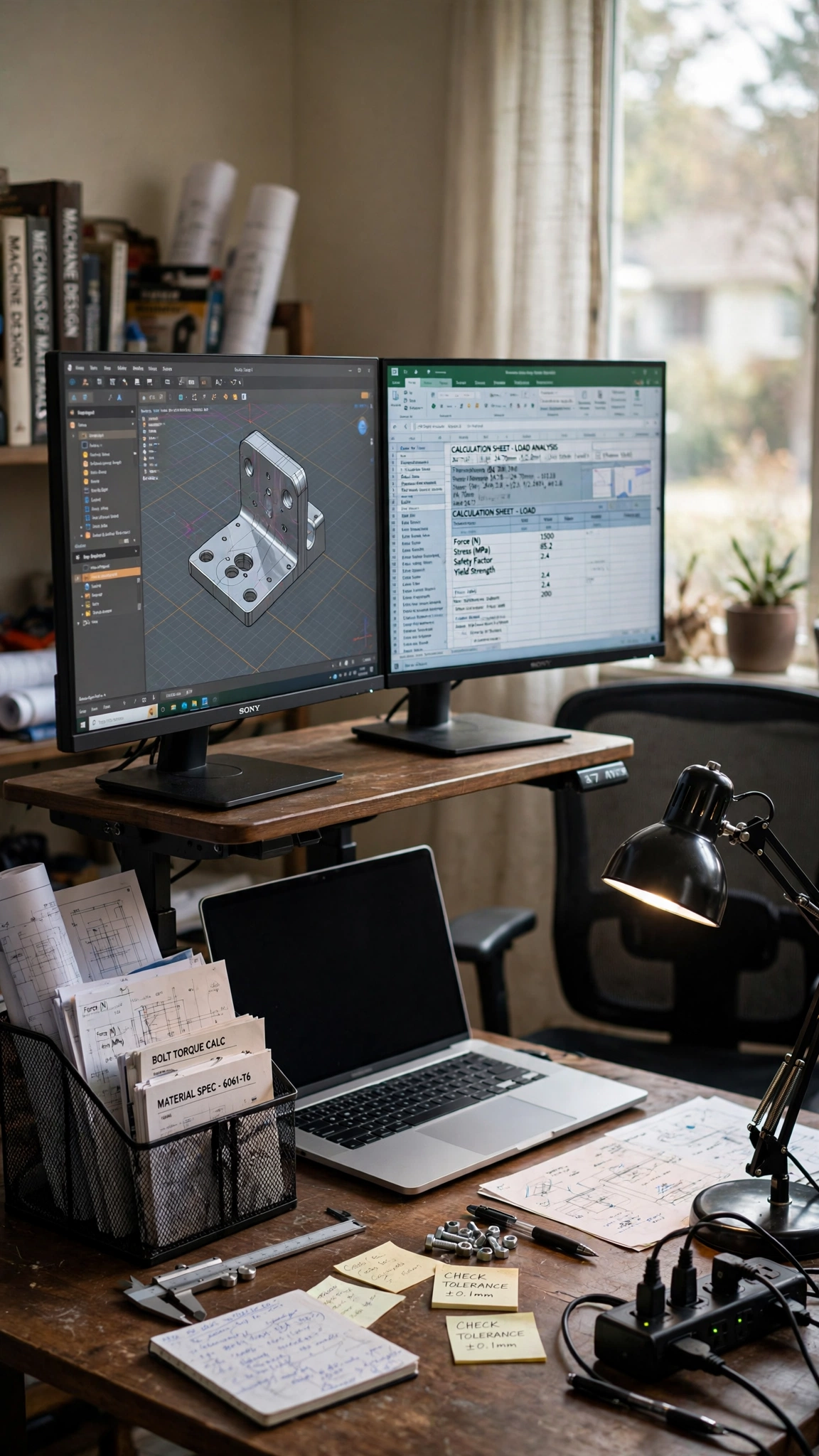
A new standing desk is a big purchase, and a converter is the smaller step that still changes the workday. This dual monitor desk riser sits on your existing desk and lifts both screens up to standing height, with a keyboard tray below and room for a laptop underneath. One screen shows the CAD model, the other shows the calculation sheet, and the mesh organizer beside them holds the technical documents.
What works here: A converter that lifts two screens without replacing the desk, a 24 inch monitor for the model view, a mesh organizer for documents, a desk lamp for paper work, and a power strip for the screens and the laptop.
Lower the converter when you want to sit and sketch, raise it when you want to stand over the model and talk it through. The existing desk keeps its drawers and storage, so nothing about the room has to change except the height of the screens.
KEY PIECE
VariDesk Pro Plus 36, Dual Monitor Standing Desk Converter, Adjustable Desk Riser with 11 Height Settings, Stand Up Home Office Workstation, Rising Desk with Spring Loaded Lift, Black
Why this one: A 36 inch dual monitor converter with 11 height settings and a spring loaded lift that turns a sitting desk into a standing one.
Worth knowing: It sits on top of your desk, so measure the desk depth first to leave room for the keyboard tray.
COMPLETES THE SETUP
Amazon Basics 24-inch Full HD IPS Monitor, 75 Hz, 1080P, HDMI, Display Port and VGA Input, Adjustable Stand, VESA Compatible, Built-in Speakers for Office and Home, Black
Why this one: A 24 inch Full HD IPS monitor with built in speakers that works as one half of a converter dual screen setup.
Worth knowing: Buy two for a matched pair, because one monitor alone is not the dual screen setup in the photo.
COMPLETES THE SETUP
Simple Houseware Mesh Desk Organizer with Sliding Drawer, Double Tray and 5 Upright Sections, Black
Why this one: A mesh organizer with a sliding drawer, double tray, and five upright sections for technical documents and folders.
Worth knowing: It is open mesh, so small items can slip through the upright sections if they are not filed upright.
Frequently asked questions
Do engineers really need two screens at home?
Most do, because the drawing and the notes behind it rarely fit on one screen. Two screens, or one ultrawide like setup 4, keep both visible without constant switching.
What is the best desk size for engineering work?
Look for at least 48 inches wide, or an L shaped desk if you work from paper plans as well as screens. The plan needs a flat zone of its own, separate from the keyboard.
Is a drafting table still worth it when CAD exists?
Yes, for hand sketching and early thinking, which is where setup 2 earns its place. Keep the laptop beside it for the CAD version, so paper and screen work together.
How do I store large plan sheets at home?
Flat in a file cabinet drawer, rolled in a tube beside the desk, or sorted in a tiered tray for letter size sheets. Large sheets do not belong in a small desk organizer.
Can I build one of these setups in a small room?
Yes. Setup 7 is the small room answer: a 40 inch L shaped desk in a corner, one monitor, and an architect lamp over the paper. Start there and add a second screen later.
Do I need a standing desk to work as an engineer?
No. A standing desk or a converter helps during long reviews, as in setups 3, 4, 8, and 10, but a good chair and two screens at the right height matter more for everyday work.
Conclusion
An engineer home office is not a generic desk with a laptop on it. It is a place where drawings stay visible, plans stay flat, and the tools stay within reach. Start with the screen setup that fits your room, dual screens on an arm, one ultrawide, or two stacked in a corner, then give the paper plans a zone of their own. Add the lamp, the storage, and the power last, and the setup will hold together through a long project, not just a tidy photo.
Related reading
Browse more setups in the Home Office Ideas category and the Desk Setup and Organization category for storage and cable ideas that pair with any setup above.
