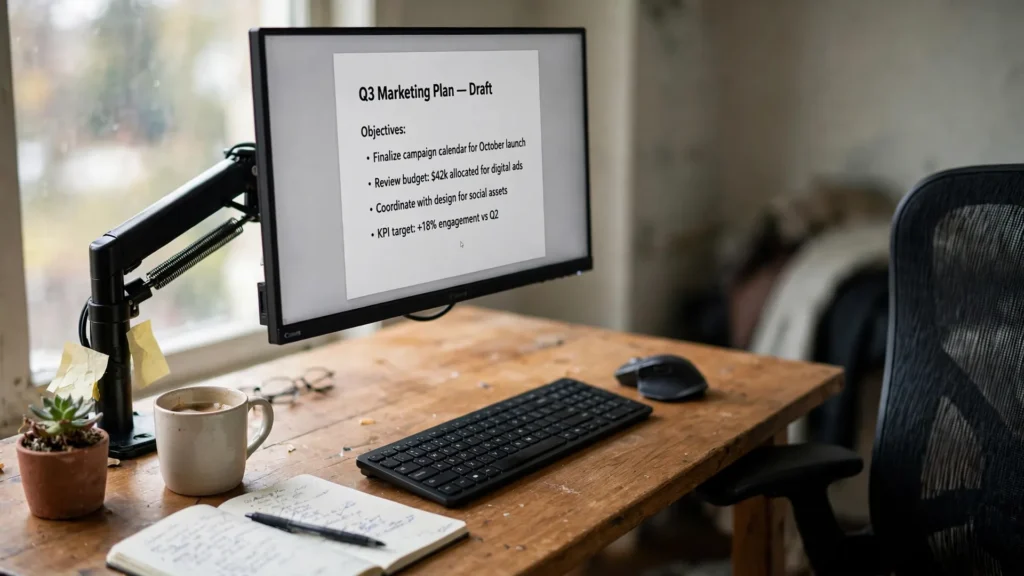
Do You Really Need a Monitor Arm?
By Maya Bennett, Founder & Editor. A monitor arm looks like a small upgrade, and every tidy desk photo seems to have one, so it is easy to assume you need one too. The honest answer depends on your desk, your screen, and how you sit, not on the photos. This article gives the short answer up front, then who actually needs an arm, who can skip it, and a verdict you can act on. For more ideas in this series, browse the Home Office Ideas category.
As an Amazon Associate I earn from qualifying purchases. Please see our affiliate disclosure for details. This article prints no prices, because prices change. Check the listing before you buy, and confirm you have the exact variant named.
AI-generated image
In this article
At a glance
| Question | Short answer |
|---|---|
| Do you need a monitor arm? | Only if your screen sits too low, too far back, or your desk is short on space |
| Who needs one? | Shallow desks, low screens, and two-monitor setups |
| Who can skip it? | One monitor at eye level with room to spare, laptop-first workers, and glass or thin desks |
| What does it fix? | Screen height, viewing distance, and free desk space, not screen size or screen count |
| Verdict | Buy a budget gas spring arm for a real desk problem, skip it if the factory stand already works |
The short answer

AI-generated image
Probably not, unless your monitor sits too low, too far back, or eats desk space you need for something else. A monitor arm is a mount, not a second screen, and it changes where your screen sits, not what you can see on it. The factory stand that came in the box already holds the screen up, so the arm has to earn its place by fixing a real problem.
Here is the quick test. Sit in your chair, look straight ahead, and check where the top of your screen sits. If it is roughly at eye level and you have room for your keyboard, notebook, and coffee, you already have what an arm would give you. If you crane your neck down, push the keyboard into your lap, or keep clearing space around the stand base, an arm will help.
So the short answer is this: most people with one monitor and a desk deep enough for its stand do not need one. People with a shallow desk, a low screen, or a second monitor on the way will feel the difference on day one.
Who actually needs one

AI-generated image
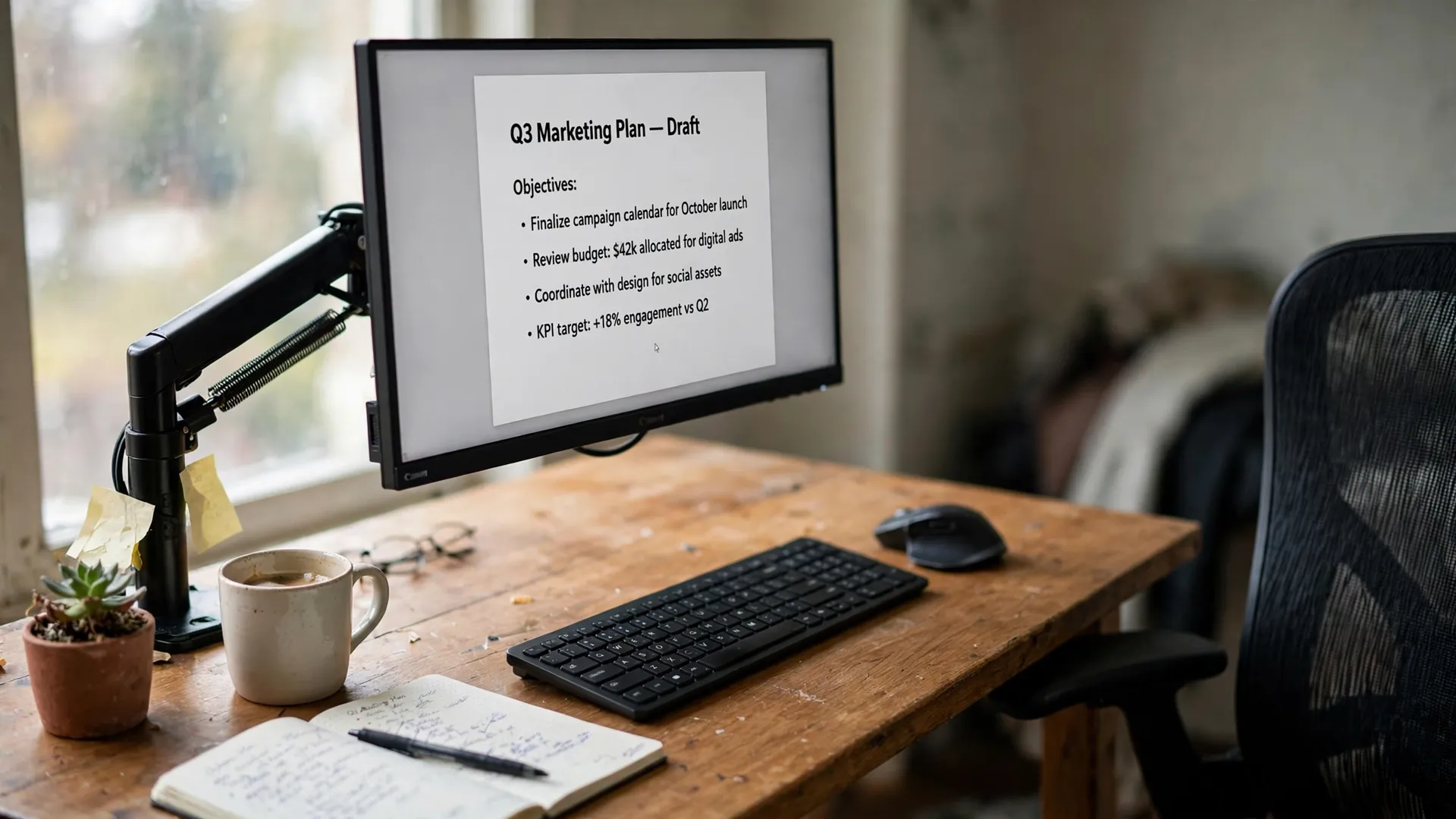
You need one when your desk is shallow and the factory stand eats the space where your hands should be. A monitor on an arm floats above the desk, so the keyboard slides underneath and papers, a notebook, and a phone all get their space back. The same goes for a screen that sits too low: an arm lifts it to eye level, and you stop looking down all day. If your desk is up against a wall and the stand pushes the screen too close to your face, an arm pulls it back to a comfortable distance without moving the desk.
Dual screens are the other clear case, and this is where the arm earns its money. Two monitors on factory stands need a wide desk and leave a gap of plastic bases in the middle. On arms, the screens sit side by side at the same height, with no bases in the way. Gamers and editors who want one screen angled in also benefit, since a gas spring arm tilts, swivels, and rotates while a fixed stand stays put. If any of this sounds like your desk, the budget arm below is a sensible first buy.
RECOMMENDED
Amazon Basics Gas Spring Single Computer Monitor Arm Desk Mount, Adjustable, Holds up to 27 inch Monitors, Black
Why this one: A budget gas spring arm for 15 to 27 inch monitors from 4.4 to 15.4 lb, with clamp and grommet mount included, and full motion tilt, swivel, and rotation.
Worth knowing: The joints feel stiff out of the box, and the gas spring tension must be set to the monitor weight or the screen drifts or sags, and the 15.4 lb limit rules out heavy monitors.
Who can skip it

AI-generated image
Skip the arm if your monitor already sits at eye level on its factory stand and your desk still has room to spare. Plenty of desks are deep enough that the stand base is no problem, and a wooden riser lifts a low screen for less money. The same applies if you work mostly on a laptop: a laptop screen moves with you, and a monitor arm has nothing to hold. One monitor, one stand, and a desk with space is a setup that already works, and buying an arm would only add a clamp, a joint to tighten, and a cable to route.
Also skip it if your desk cannot take a clamp. Glass tops, thin plastic tops, and desks with a thick edge or a modesty panel leave nowhere to grip, and a clamp on the wrong desk can crack the surface or slip. A grommet hole helps, but only if your desk has one and you are willing to use it. And if you move your desk often, or share it with someone who likes a different screen height, the fixed stand is simpler: it goes where the monitor goes, with nothing to adjust.
Verdict

AI-generated image
Buy the arm when your desk is shallow, your screen sits too low, or you run two monitors. Those are the three cases where it pays for itself, and a budget gas spring arm covers all three for one screen. Skip it when your stand already puts the screen at eye level and your desk has room, because the arm then adds fuss without fixing anything. If you do buy, set the gas spring tension to your monitor weight on day one, or the screen will drift and sag, and route the cables through the arm so they do not dangle.
For two screens, the dual arm below is the better pick, with tall arms that lift both screens to eye level and hold up to 26.4 lb each. One arm, one decision: buy it to fix a real desk problem, not because every setup photo has one. Your desk, your screen height, and your space decide, and if the factory stand already does the job, keep your money.
RECOMMENDED
HUANUO Dual Monitor Stand, Adjustable Gaming Monitor Mount for Two 13 to 40 Inch Screens, Long Height Range, Sturdy VESA Mount with Clamp and Grommet Base, Each Arm Supports up to 26.4 lbs
Why this one: Holds two screens up to 40 inch and 26.4 lb each, with tall arms that raise screens to eye level.
Worth knowing: Needs a wooden desk, not glass or plastic, and it is heavy and needs a sturdy desk edge.
Frequently asked questions
Will a monitor arm help my posture?
It can put the screen at eye level, which stops you looking down all day, but posture depends on your chair, your habits, and how you sit. An arm fixes screen position only, so pair it with a chair that supports you and with breaks that get you moving.
Do monitor arms fit any monitor?
No. Check the VESA pattern, the screen size, and the weight limit before you buy. The budget arm in this article suits 15 to 27 inch monitors up to 15.4 lb, so heavier screens need a stronger arm.
Will a monitor arm damage my desk?
A clamp can mark or crack a thin, glass, or plastic top, so check your desk first. Use a grommet mount if your desk has a hole, and pick an arm rated for your desk thickness.
Is a dual monitor arm worth it for two screens?
Yes, if you run two screens every day. Two factory stands eat a wide desk, while one dual arm holds both at the same height and frees the space below. For one screen, a single arm costs less and does the same job.
Can I use a monitor arm with a laptop?
Not directly. Arms hold VESA monitors, not laptops. If your laptop is your main screen, a laptop stand does the same job, and an arm only helps once you add a separate monitor.
Conclusion
A monitor arm is worth it when it fixes a real problem: a low screen, a shallow desk, or two monitors fighting for space. For everyone else, the factory stand is already doing the job, and the money is better spent elsewhere. Check your screen height, check your desk, and buy the arm only if the answer points to it. Browse the Home Office Ideas category for more setups to compare.
