
How to Create a Focus Routine in Your Home Office
A focus routine is a small set of steps you repeat at the same time each day, so your brain learns that sitting down means it is time to work. It does not need willpower or a new app. It needs a clear start, a short list of tasks, timed work blocks and a proper break. This guide builds that routine step by step. Browse more room ideas in the Home Office Ideas collection on desk and glow.
As an Amazon Associate I earn from qualifying purchases. Read our affiliate disclosure for details.
In this guide
1. Pick a start time
2. Clear the desk
3. Write three tasks
4. Work in timed blocks
5. Take a real break
6. Review and reset
7. Close the day
FAQ
Conclusion
At a glance
| Step | What it does |
|---|---|
| 1. Pick a start time | Gives the day a fixed beginning |
| 2. Clear the desk | Removes the first distractions |
| 3. Write three tasks | Chooses what the morning is for |
| 4. Work in timed blocks | Keeps work in short, timed stretches |
| 5. Take a real break | Steps away from the desk properly |
| 6. Review and reset | Checks progress and tidies for the next block |
| 7. Close the day | Ends work cleanly and plans tomorrow |
Step 1. Pick a start time

Pick one start time and keep it for two weeks. It does not need to be early, it needs to be the same every workday. A fixed start removes the daily debate about when to begin, and it tells the rest of the house when you are working. Set an alarm, lay out what you need the night before, and sit down at that time even if the first task is small. The first few days will feel forced, and then the time will start to feel normal. If the time you picked keeps slipping, move it by half an hour rather than giving it up.
Step 2. Clear the desk
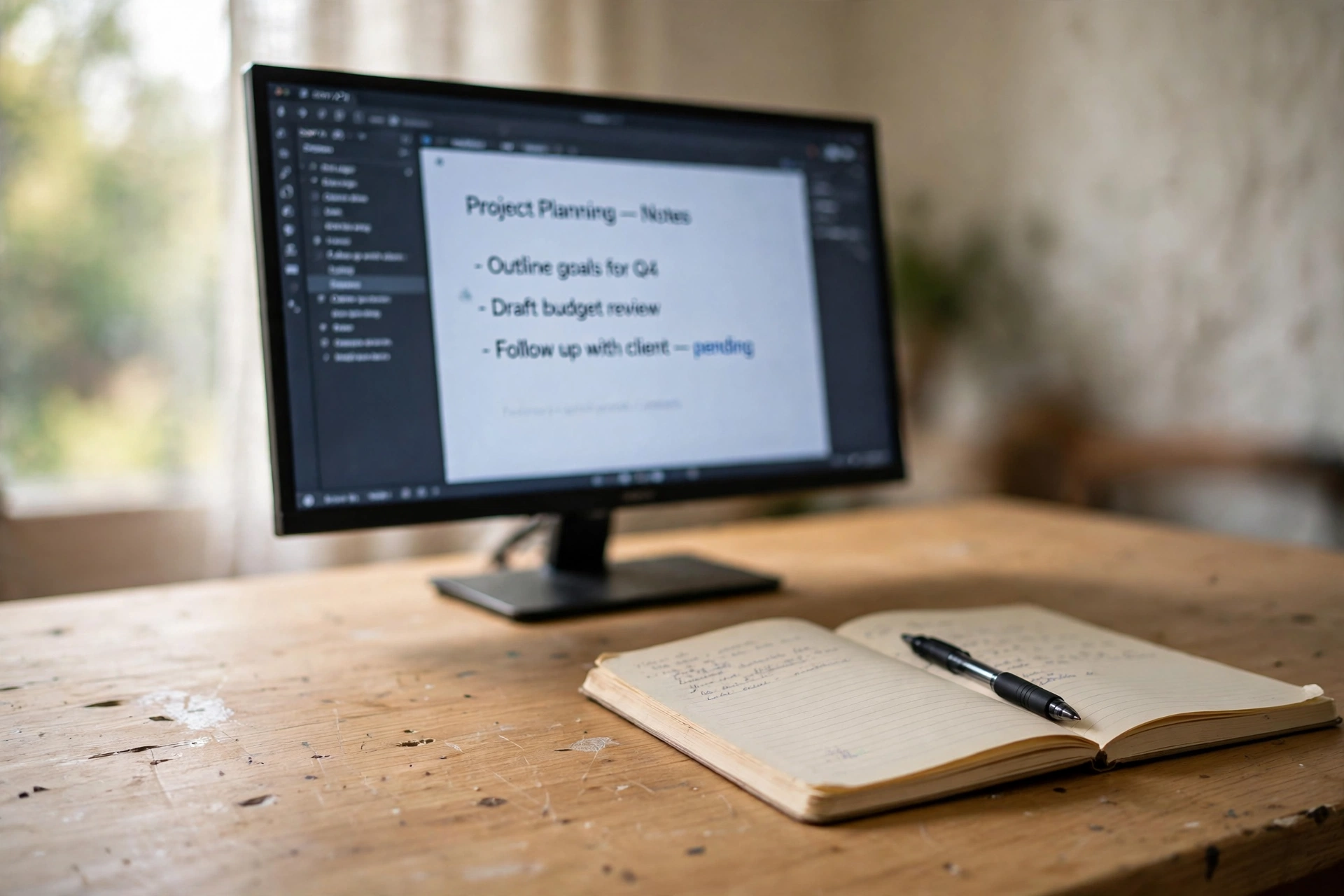
Spend two minutes clearing the desk before you start. Put yesterday’s papers in a tray, move mugs to the kitchen, and close any tabs or apps you do not need for the first task. A clear desk is a signal that work is starting, and it removes the small choices that eat the first half hour. Keep a small box or drawer for things that drift onto the desk, so clearing it is quick. This step works best when it is the same every day, in the same order, so you do it without thinking about it.
- Papers into the tray, not into a new pile.
- Mugs and plates out of the room.
- Phone face down or in a drawer.
- Only the first task open on the screen.
Step 3. Write three tasks

Write down three tasks for the morning, on paper, in plain words. One should be the hardest or most important, one should be a steady piece of work, and one should be small enough to finish quickly. Three is enough to fill a morning without overwhelming it, and a short list is easier to trust than a long one. Put the list where you can see it, cross each task off as you finish it, and do not add new tasks until the three are done or the morning is over. A paper list also keeps you off the phone, which is where most lists live and die.
Try this: Write the three tasks the night before, so the morning starts with work instead of planning.
Step 4. Work in timed blocks
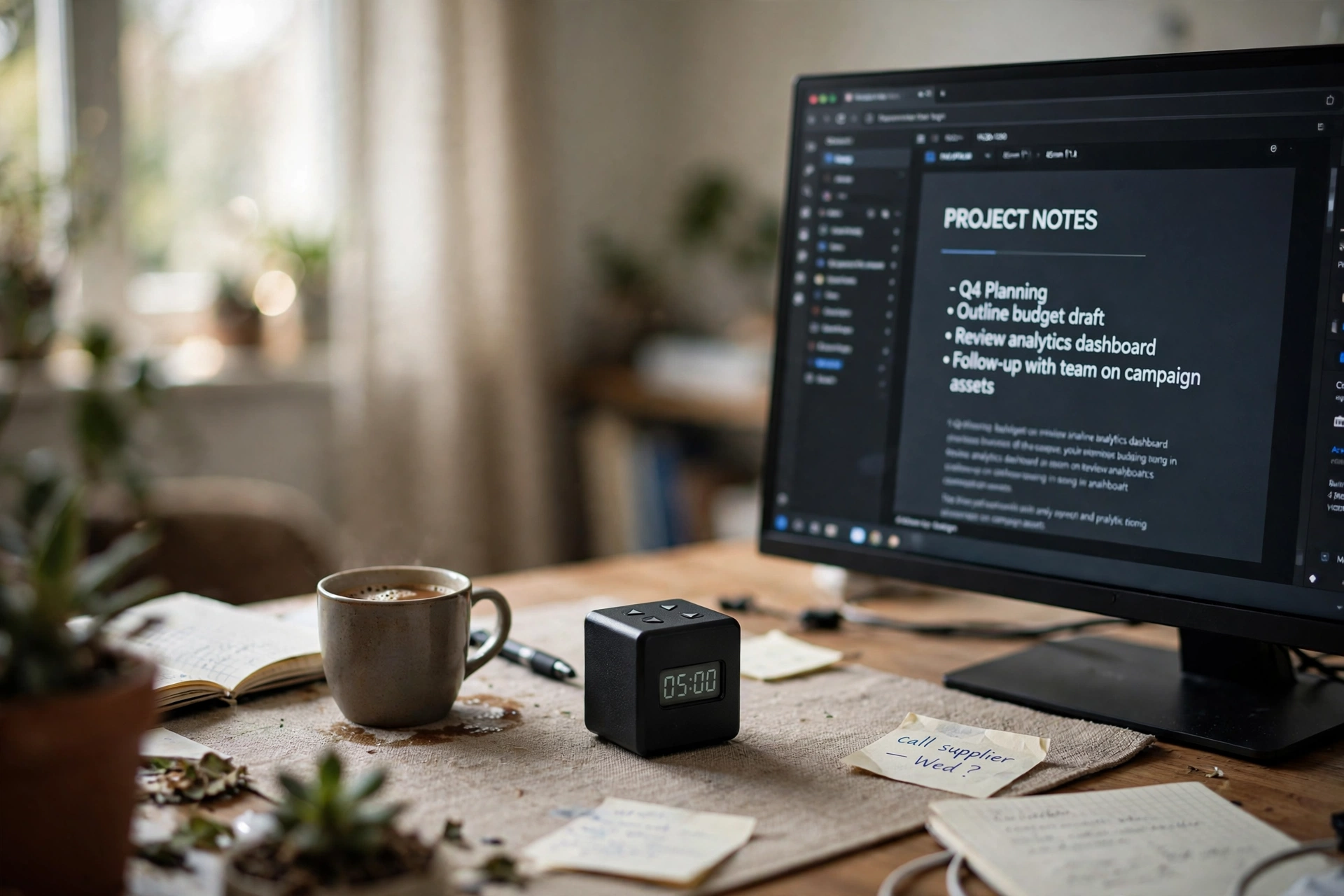
Work in timed blocks with a clear end. A common pattern is 25 minutes of work followed by a 5 minute break, repeated four times, then a longer break. Set a timer you can see, start it, and work on one task until it rings. When it rings, stop, even if you are in the middle of a sentence, and note where you stopped. The timer does two jobs: it gives you a reason to start, and it gives you permission to stop. If 25 minutes feels too long, start with shorter blocks and build up over a week.
- Pick one task from your list of three.
- Set the timer and start work.
- Stop when it rings and note your place.
- Take a short break, then start the next block.
Our pick: TK3 Pomodoro Timer Cube, Desk Productivity Timer, White
Why this one: Flip the cube to start a timed block, with presets for 5, 10, 30 and 60 minutes, so the timer stays visible on the desk.
Worth knowing: The charging base has no power supply included, so use your own USB-C adapter with the included cable.
Step 5. Take a real break

A break only works if you leave the desk. Stand up, walk to another room, make a drink, or step outside for a few minutes. Scrolling at the same desk is not a break, it is the same screen with different content. Keep breaks short between work blocks and longer after a set of four, and use the longer break for lunch or a walk. When the break ends, return to the desk and start the next timed block straight away, without checking messages first. The routine holds together when the break and the return are both clear.
What works here: water, a short walk, fresh air, and a change of room. What to skip: staying in the chair and opening another tab.
Step 6. Review and reset

At midday, take five minutes to review the morning. Cross off what you finished, move what is left to the afternoon list, and note one thing that slowed you down. Then reset the desk: clear it, close extra tabs, and set up the next task so you can start it without a delay. This short review stops the afternoon from drifting, because you know exactly what is left and what comes first. Keep the review short and honest, and do not use it to plan the whole week, just the rest of today.
- Cross off finished tasks.
- Move unfinished tasks to the afternoon.
- Note one thing that slowed you down.
- Set up the next task before you stop.
Step 7. Close the day

End the day with a closing step that takes five minutes. Write down what you finished, write the three tasks for tomorrow, clear the desk, and close the laptop. A clear end matters as much as a clear start, because it stops work from spilling into the evening and it makes the next morning easier. If a task is unfinished, write down where you stopped, so tomorrow starts with work instead of remembering. Then leave the room, and let the office wait until the next start time.
Frequently asked questions
How long should a work block be?
A common pattern is 25 minutes of work and a 5 minute break. Start there, and use shorter blocks if 25 minutes feels too long at first.
How many tasks should I plan each morning?
Three is a good number: one important task, one steady piece of work, and one small task you can finish quickly.
What if I get interrupted?
Note where you stopped, deal with the interruption, then return to the same task and restart the timer. Do not start a new task in the middle of a block.
Do I need a timer?
No, a phone timer works, but a small desk timer keeps the time visible without opening another app or picking up your phone.
What if my routine falls apart for a day?
Start again the next day at the same time. One missed day does not end a routine, and changing the start time by half an hour is better than giving up.
Conclusion
A focus routine is built from small, repeatable steps: a fixed start time, a clear desk, three written tasks, timed work blocks, real breaks, a midday review and a clean close to the day. Repeat it for two weeks and the steps will start to run themselves. For more ideas to shape the rest of your workspace, browse the Home Office Ideas collection.
