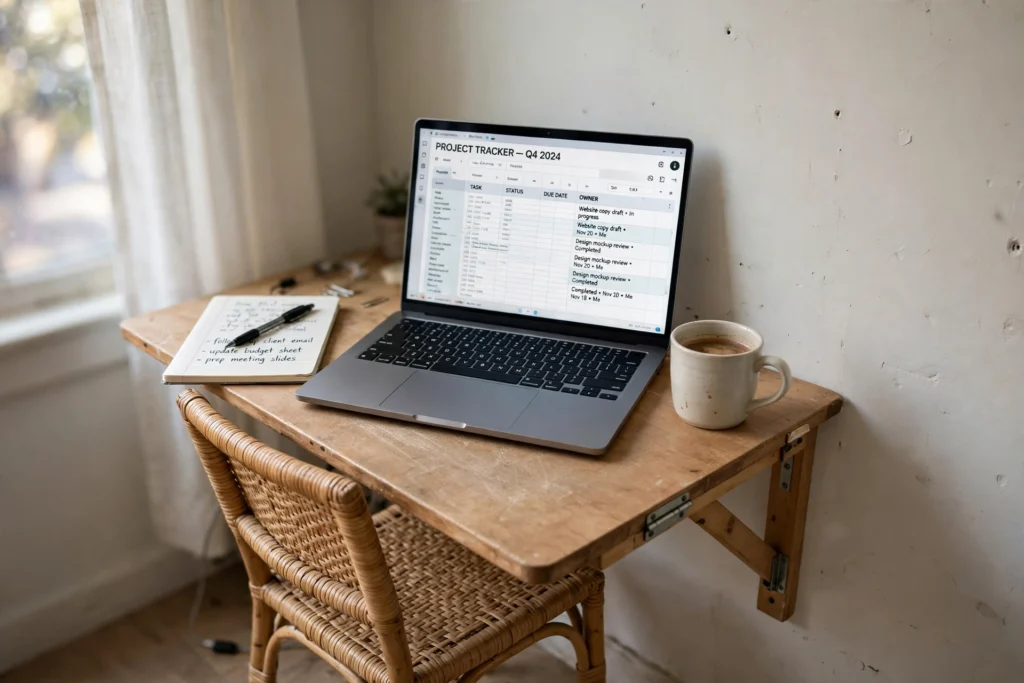
How to Set Up a Home Office with No Spare Room
By Maya Bennett, Founder & Editor. No spare room does not mean no home office. It means the office has to share a room you already use, and it has to pack away when the workday ends. These seven steps build a real workspace in a corner, a hallway nook, or the end of a living room, without a renovation and without taking over the house. For more ideas in this series, browse the Home Office Ideas category.
As an Amazon Associate I earn from qualifying purchases. Please see our affiliate disclosure for details. This article prints no prices, because prices change. Check the listing before you buy, and confirm you have the exact variant named.
In this article
At a glance
| Step | What it does |
|---|---|
| 1. Claim the best corner you already have | Finds the spot with the best light and the least foot traffic |
| 2. Put the desk on the wall, not the floor | Gives you a real desk that folds away when work ends |
| 3. Lift the laptop to eye level | Stops neck strain on a small desk with one simple lift |
| 4. Store up, not out | Uses wall height so the desk stays clear for work |
| 5. Light the corner without a big lamp | Adds task light that takes no desk space at all |
| 6. Give the corner its own power | Keeps chargers in one place and cables off the floor |
| 7. Close the office every night | Ends the workday with a short routine that reclaims the room |
1. Claim the best corner you already have
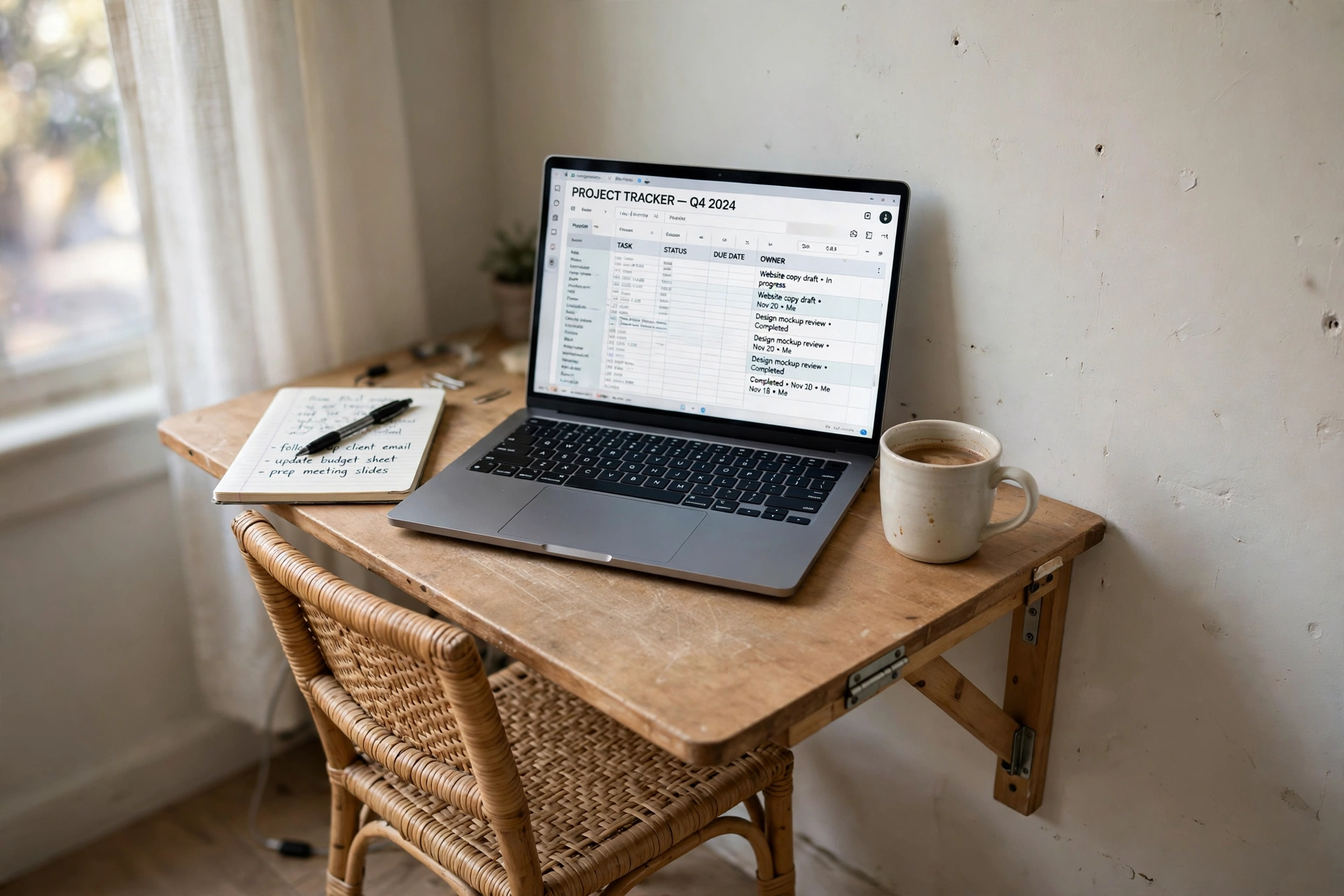
Walk through your home at the times you actually work and watch where the light falls and where people walk. The best corner is rarely the biggest one. It is the one near a window, near a power outlet, and out of the main path between rooms. A corner behind a door or beside a sofa often beats a spot in the middle of the room, because it feels separate even when it is not.
Measure the corner before you buy anything. You need room for the desk, the chair, and your knees, plus a little space to push the chair back. Write the width and depth on a card and keep it in your pocket while you shop, so a desk that looks small in a store does not turn out too big at home.
- Near a window for daylight, and near an outlet for power
- Out of the main walkway, so nobody bumps your chair
- Big enough for desk, chair, and a small shelf above
AI-generated image
2. Put the desk on the wall, not the floor
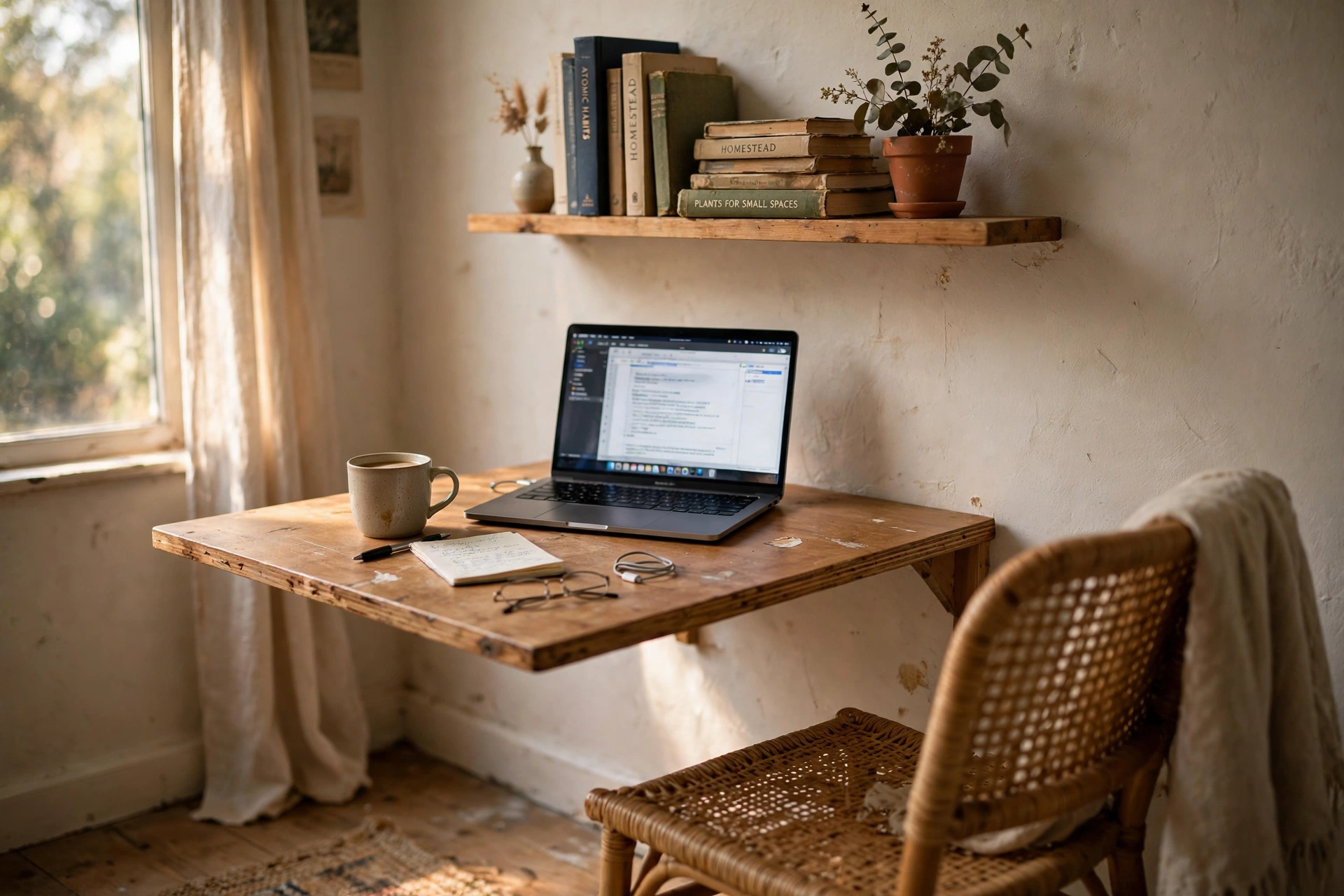
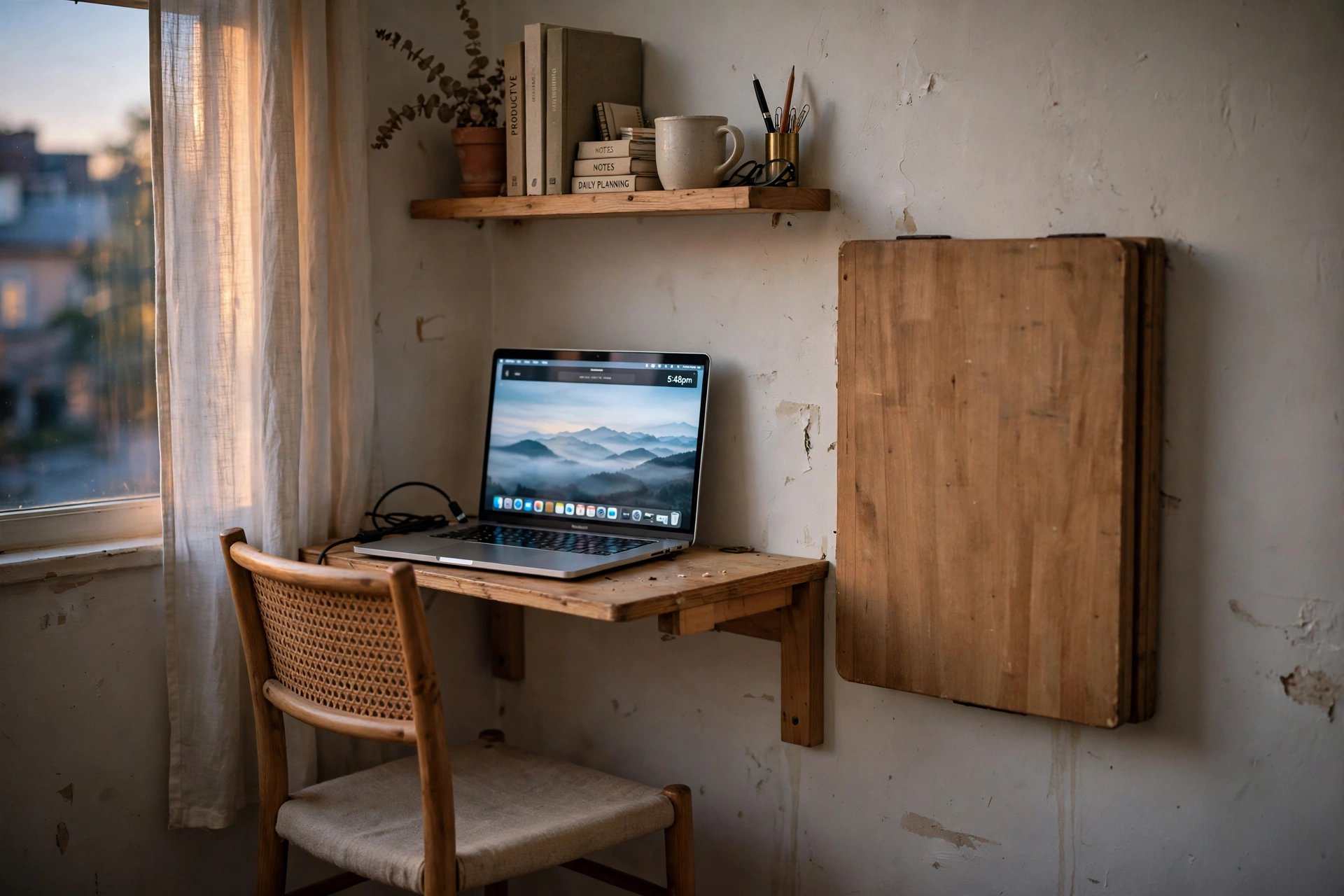
A fold out wall desk is the simplest answer when floor space is short. It gives you a full work surface at desk height, then folds flat against the wall when you close it. Your living room stays a living room, and your work stays in one place instead of spreading across the dining table.
Fix it at the height that suits your chair, not at the height that looks right on the wall. Sit in your chair, rest your forearms flat, and mark that height. Check the wall is solid enough for the fixings, and leave a small shelf above for the things you reach for every day.
AI-generated image
Why this one: It folds flat against the wall when work ends, so the room goes back to being a living room, and the built-in outlet means the laptop charger has a home.
Worth knowing: It is a single fixed size, so measure your wall and your chair clearance before you order, and it needs solid wall fixings to feel steady.
3. Lift the laptop to eye level
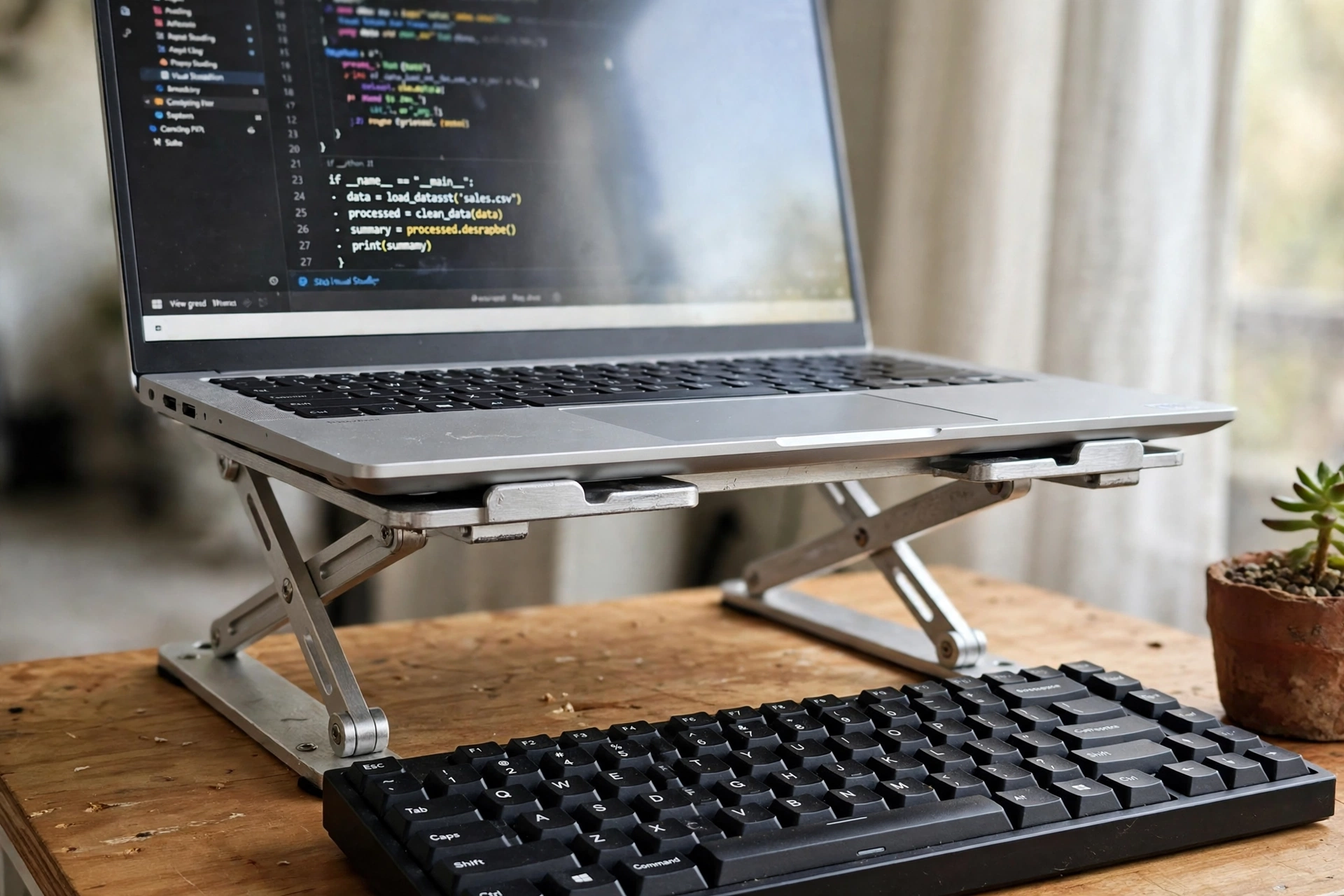
A laptop on a flat desk forces your head down all day, and a sore neck follows within a week. A stand lifts the screen to eye level, which is the single cheapest comfort upgrade in a small office. It also lets air flow under the laptop, so the fan works less and the machine runs cooler.
Pair the stand with a separate keyboard and mouse, because a raised laptop puts its own keyboard out of reach. The keyboard can sit flat on the desk while the screen sits high, and your wrists stay straight. When work ends, the stand folds flat and the whole setup slides into a drawer.
- Set the stand so the top of the screen sits near eye level
- Place the keyboard flat, with your wrists straight and relaxed
- Check the laptop stays steady when you type at full speed
AI-generated image
Why this one: It lifts the screen to eye level on a small desk, folds flat for storage, and the aluminum frame holds heavier laptops without wobble.
Worth knowing: It raises the laptop only, so you still need a separate keyboard and mouse for a comfortable typing height.
4. Store up, not out
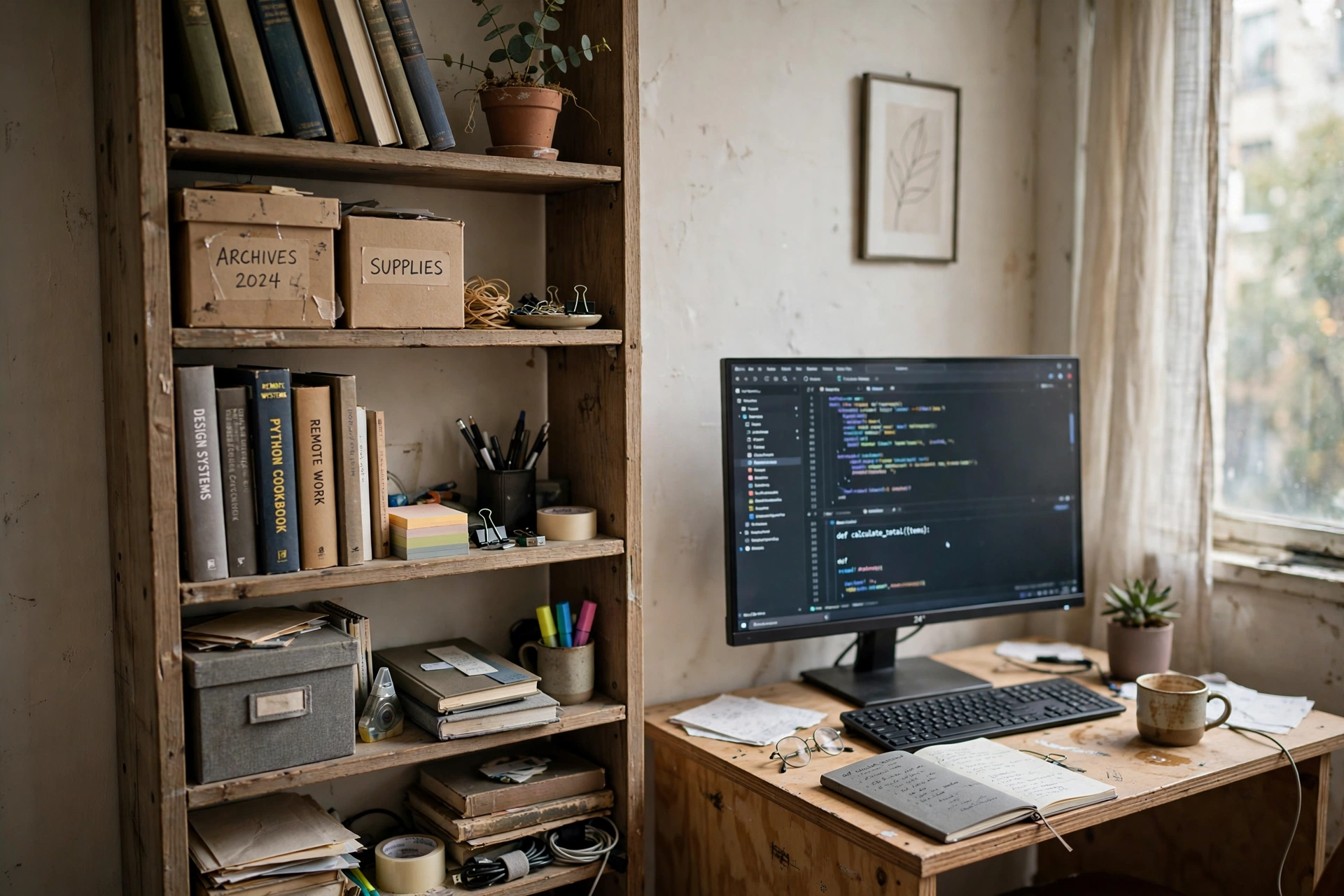
Small rooms run out of floor long before they run out of wall. A tall narrow shelf above or beside the desk holds books, chargers, and papers in the same footprint as a single stack of books. Keep the things you use every day at arm height, and push the things you use once a month to the top shelf.
Give every item a home and keep the desk surface for work only. A small tray holds pens and cables, a box holds paper, and a hook holds headphones. When everything has a place, clearing the desk at the end of the day takes two minutes instead of twenty, and starting work the next morning feels easy.
- Daily items at arm height, weekly items higher up
- One tray for pens and cables, one box for paper
- Nothing lives on the desk except the work in progress
AI-generated image
5. Light the corner without a big lamp
A corner desk rarely gets the best light in the room, and a big table lamp eats the space you need for work. A light that clips to the monitor or clamps to the desk edge solves both problems at once. It throws light down onto the keyboard and the page, keeps glare off the screen, and leaves the whole desk free.
Choose a light with a dimmer and a warm to cool range, so you can match the daylight in the morning and warm the light in the evening. Test it at the hour you actually work, not at noon, because a light that looks fine at midday can feel harsh or dim at dusk.

AI-generated image
Why this one: It clips to the top of the monitor, lights the keyboard and the desk, and leaves no footprint on a small desk.
Worth knowing: It fits monitors up to a set thickness, so check your monitor edge first, and it adds no light to the wall behind you.
6. Give the corner its own power
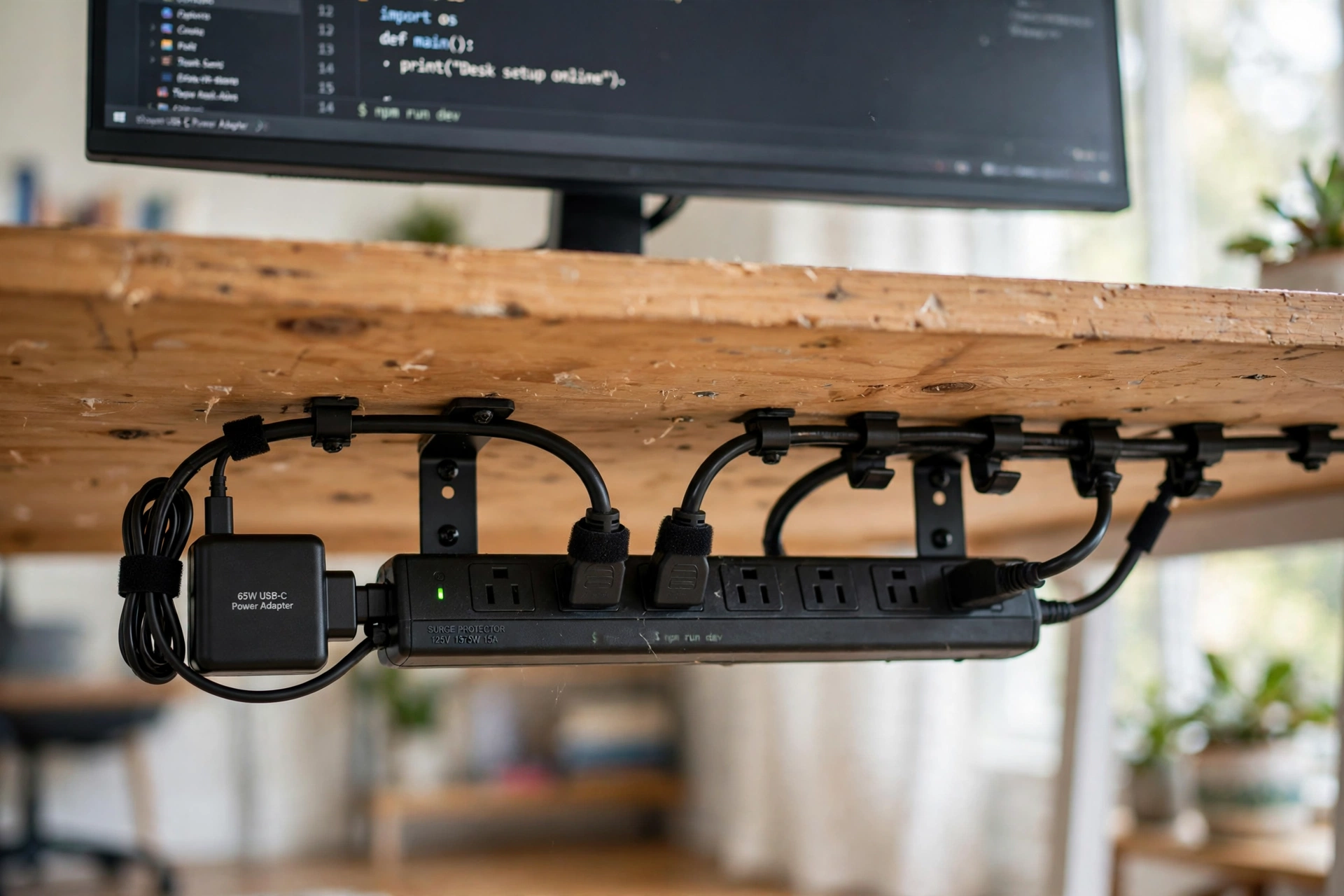
A home office in a shared room usually has one wall outlet, and it is never in the right place. A single power strip with a long cord fixes that, and it keeps the laptop charger, the monitor, the lamp, and the phone in one place. Mount it under the desk or on the wall, so it never sits on the floor where feet and vacuum cleaners find it.
Route the cables once and leave them routed. A short cable tray or a few clips under the desk keeps every cord off the floor and out of sight, and it makes cleaning the corner a quick job. Label the plugs if more than one person uses the strip, so nobody unplugs your monitor by mistake.
- Plug the strip into the wall outlet and mount it under the desk
- Connect the laptop, monitor, and lamp, then clip the cables in place
- Leave one spare outlet for a phone charger or a headset
AI-generated image
Why this one: One strip with a long flat-plug cord reaches the wall outlet from almost any corner, and the USB ports charge a phone without a separate brick.
Worth knowing: The strip itself takes up desk or floor space, so plan a mount or a tray for it, and the USB ports charge slowly compared with a dedicated charger.
7. Close the office every night
A home office with no spare room only works if it disappears at night. A short closing routine does that, and it also tells your brain that work is over. Fold the desk, put the laptop away, clear the papers into their tray, and push the chair in. The room is a living room again, and you can relax in it without staring at unfinished work.
Write tomorrow’s first task on a small card before you close up, so the morning starts without a search through emails. Then switch the lamp off and walk away. The routine takes five minutes, and it is the habit that keeps a shared room feeling like home instead of feeling like an office that never closes.
- Fold the desk and put the laptop away
- Clear papers into their tray and push the chair in
- Write tomorrow’s first task on a card for the morning
AI-generated image
Frequently asked questions
Can I work from a dining table instead of a desk?
Yes, for short days, but a dining table shared with meals makes it hard to leave work set up. A fold out wall desk or a small corner desk works better, because your work has a home and the table stays free for eating.
How much space do I really need for a home office?
A desk about the width of your laptop plus a keyboard, a chair you can push back, and a little shelf above is enough. Measure the corner first, and buy the desk to fit the space, not the other way round.
What if my only corner has no window?
Use a good task light and a light colored wall behind the desk, and keep the screen brightness comfortable. A window helps, but a well lit corner with a screen at eye level works fine for most people.
How do I keep work papers out of the living room?
Give papers one tray and one shelf, and clear the desk every night. When the tray fills up, file or recycle the oldest papers before you add new ones, so the pile never grows.
Is a fold out desk strong enough for a monitor?
Most fold out desks hold a laptop and a small monitor easily, but check the weight limit on the listing before you buy. A heavy dual monitor setup belongs on a fixed desk with a solid frame.
Conclusion
A home office with no spare room is a corner with a job, a desk that folds away, a screen at eye level, and a closing routine that gives the room back every night. Build it in that order, keep the storage smaller than the room, and the smallest corner in the house can carry a full workday. For more ideas, browse the Home Office Ideas category.
