Mistakes to Avoid in Your First Home Office Setup
By Maya Bennett, Founder and Editor. Your first home office is exciting, and it is also where small mistakes quietly add up. A desk that blocks the door, a chair that leaves you stiff by lunch, a screen that sits too low: none of these feel like big decisions on day one, and all of them shape how you work every day after. This guide walks through seven common first setup mistakes and the simple fix for each one, so you can set up once and enjoy the room. For more ideas in this series, browse the Home Office Ideas category.
As an Amazon Associate I earn from qualifying purchases. Please see our affiliate disclosure for details. This article prints no prices, because prices change. Check the listing before you buy, and confirm you have the exact variant named.
In this guide
Step 1: Skipping the Measure First Step
Step 2: Picking a Desk That Fights the Room
Step 3: Working All Day in a Dining Chair
Step 4: Letting the Screen Sit Too Low
Step 5: Ignoring Light Until Your Eyes Complain
Step 6: Buying Storage Last, or Not at All
Step 7: Letting Cables Take Over the Floor
Frequently asked questions
Conclusion
At a glance
| Step | What it does |
|---|---|
| Step 1: Skipping the Measure First Step | Measure the room before you buy anything |
| Step 2: Picking a Desk That Fights the Room | Match the desk footprint to the room, not the wish list |
| Step 3: Working All Day in a Dining Chair | Choose a chair with height adjustment and back support |
| Step 4: Letting the Screen Sit Too Low | Raise the screen so the top sits near eye level |
| Step 5: Ignoring Light Until Your Eyes Complain | Place the desk and lamp to avoid glare and dim corners |
| Step 6: Buying Storage Last, or Not at All | Plan a home for papers and supplies from day one |
| Step 7: Letting Cables Take Over the Floor | Route cables into a tray on day one, not month three |
Step 1: Skipping the Measure First Step
AI-generated image
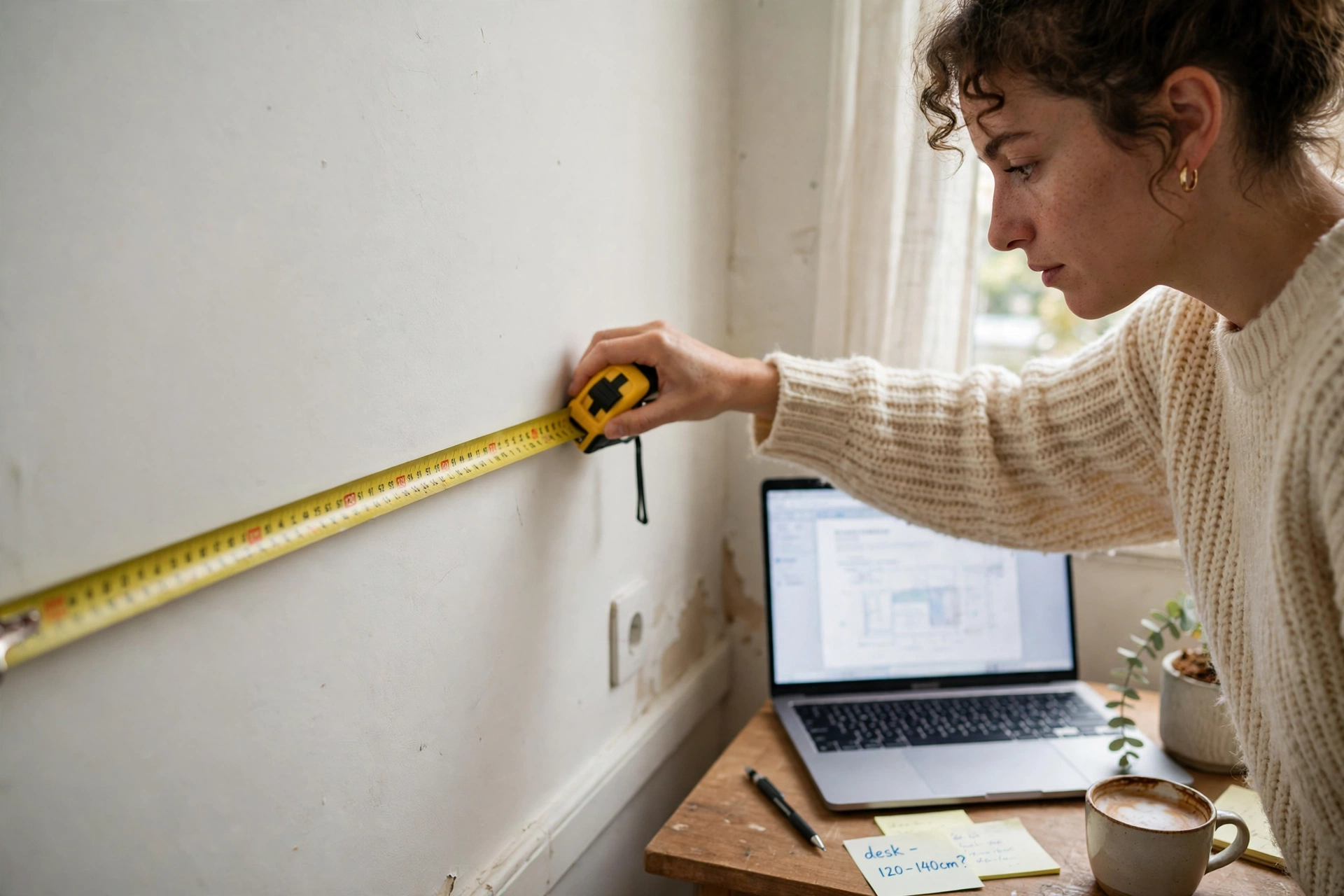
The most common first mistake is buying furniture before measuring the room. A desk that looks compact online can block a door, crowd a walkway, or leave no space for the chair to roll back. Measure the wall, the door swing, and the path you walk through the room, then write the numbers down and keep them with you while you shop.
- Measure wall width, depth from the wall, and ceiling height near the desk spot.
- Mark the chair zone with tape on the floor and sit in it before you order.
- Check the route for deliveries, so a flat pack box can actually reach the room.
Ten minutes with a tape measure saves a return, a restocking hassle, and a desk that never quite fits.
Step 2: Picking a Desk That Fights the Room
AI-generated image
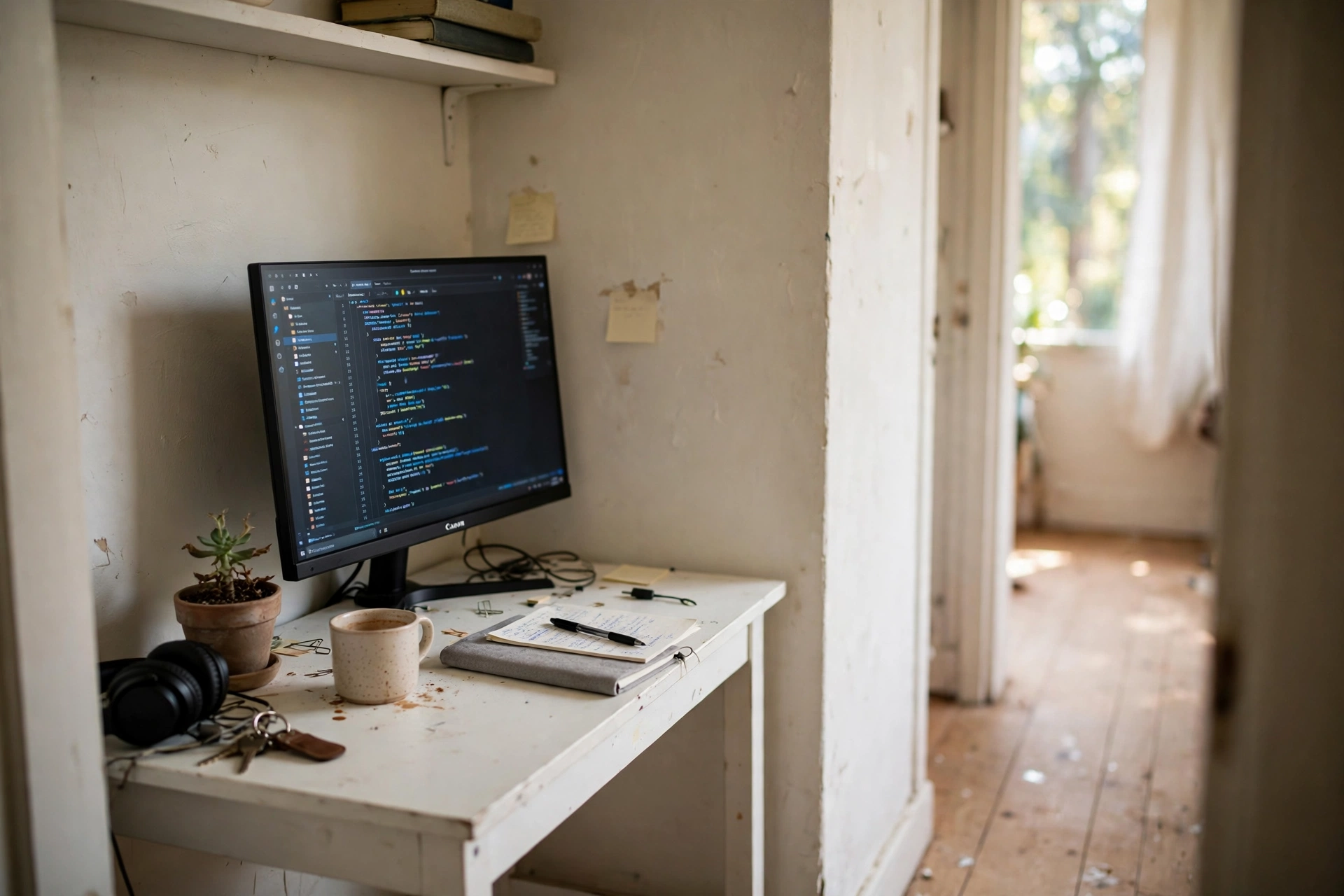
A desk that is too big turns a small room into a storage corridor, and a desk that is too small leaves your monitor, notebook, and coffee cup fighting for the same corner. The fix is to match the desk to the room and to the work you actually do. A laptop and a notebook need far less top than dual monitors and a printer.
Start with the compact end of the range if your room is tight. A 32 inch desk with drawers keeps the essentials close and the floor clear, and you can add a shelf later if you need more surface. If the room allows a wider desk, that extra width is best spent on elbow room, not on more clutter.
Our pick: ODK Small Desk with Fabric Drawers, 32 Inch Modern Work Writing Study Table, White
Why this one: its compact 32 inch top fits small rooms, and the fabric drawers keep supplies out of sight.
Worth knowing: the fabric drawers hold light items only, so heavy books belong on a shelf.
Step 3: Working All Day in a Dining Chair
AI-generated image
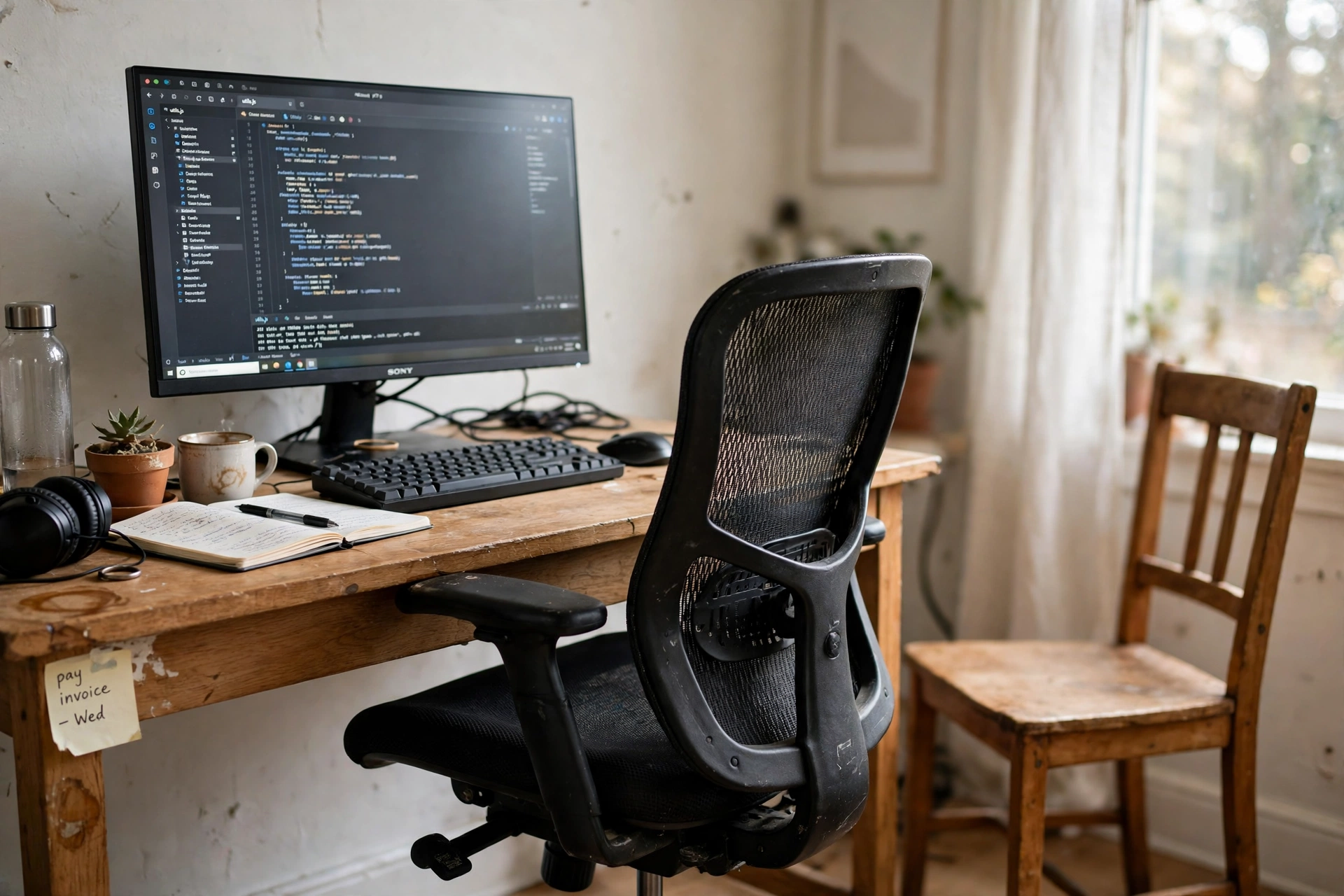
A dining chair works for dinner. For eight hours of desk work it usually means a seat that is too low or too high, a back with no support, and legs that dangle or press into the seat edge. The fix does not need a luxury chair. It needs height adjustment, a back that supports your lower back, and armrests that clear the desk.
- Set the seat so your feet rest flat on the floor.
- Raise or lower the chair until your elbows sit near desk height.
- Check that the backrest meets your lower back when you sit upright.
If the chair you have cannot adjust, add a cushion and a footrest as a short term fix, and plan the chair upgrade early.
Why this one: the breathable mesh back and adjustable height cover the basics well, and the flip up armrests slide under most desks.
Worth knowing: the armrests are fixed in height, so check the fit against your desk before you commit.
Step 4: Letting the Screen Sit Too Low

AI-generated image
When the screen sits flat on the desk, most people tilt their head down all day. That small tilt adds up to a stiff neck and tired eyes by the afternoon. The fix is simple: raise the screen so the top of the display sits near eye level and about an arm’s length away.
Quick tip: stack books under the monitor as a test. If your neck feels better after a day, a proper riser or arm is worth it.
A monitor arm also frees desk space underneath, which is a welcome bonus in a first setup where every inch counts.
Why this one: the gas spring arm moves smoothly up, down, and side to side, so eye level stays easy to reach.
Worth knowing: it fits monitors up to 27 inches, so check your monitor size and weight first.
Step 5: Ignoring Light Until Your Eyes Complain

AI-generated image
Light is easy to forget and hard to work without. A desk facing a bright window can wash out the screen, while a desk in a dark corner forces your eyes to work harder all day. Before you fix the desk position, watch the room at the times you actually work.
Side light from a window usually beats light from directly behind or in front of the screen. A small desk lamp fills the gap on cloudy days and in the evening, and it lets you keep the overhead light low. If you see reflections on the screen, shift the desk a few inches or angle the monitor slightly and test again.
Step 6: Buying Storage Last, or Not at All
AI-generated image
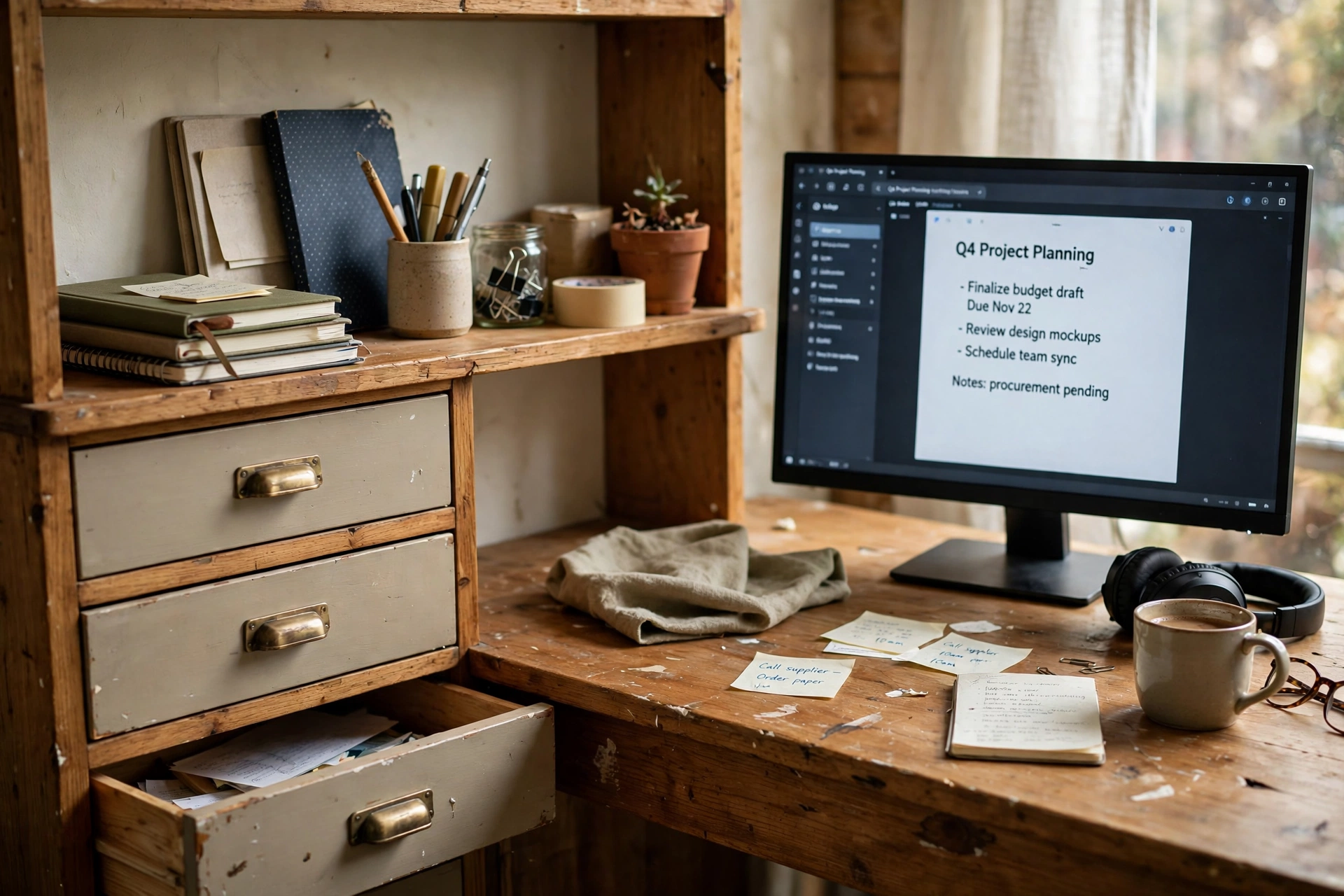
Without a storage plan, every paper, cable, and spare charger lands on the desk top, and the desk stops being a work surface. The fix is to give every category a home before the clutter arrives. Drawers for papers, a tray for pens, and a shelf for books are enough for most first setups.
- Keep daily tools within arm’s reach and archive the rest.
- Use one drawer or box as the landing spot for loose papers.
- Empty that landing spot once a week so it never overflows.
A desk with drawers built in is a kind first choice, because storage is part of the furniture instead of an afterthought.
Why this one: the drawers, keyboard tray, and hutch give a first setup real storage without a second piece of furniture.
Worth knowing: the hutch adds height, so measure your wall space before you order.
Step 7: Letting Cables Take Over the Floor
AI-generated image
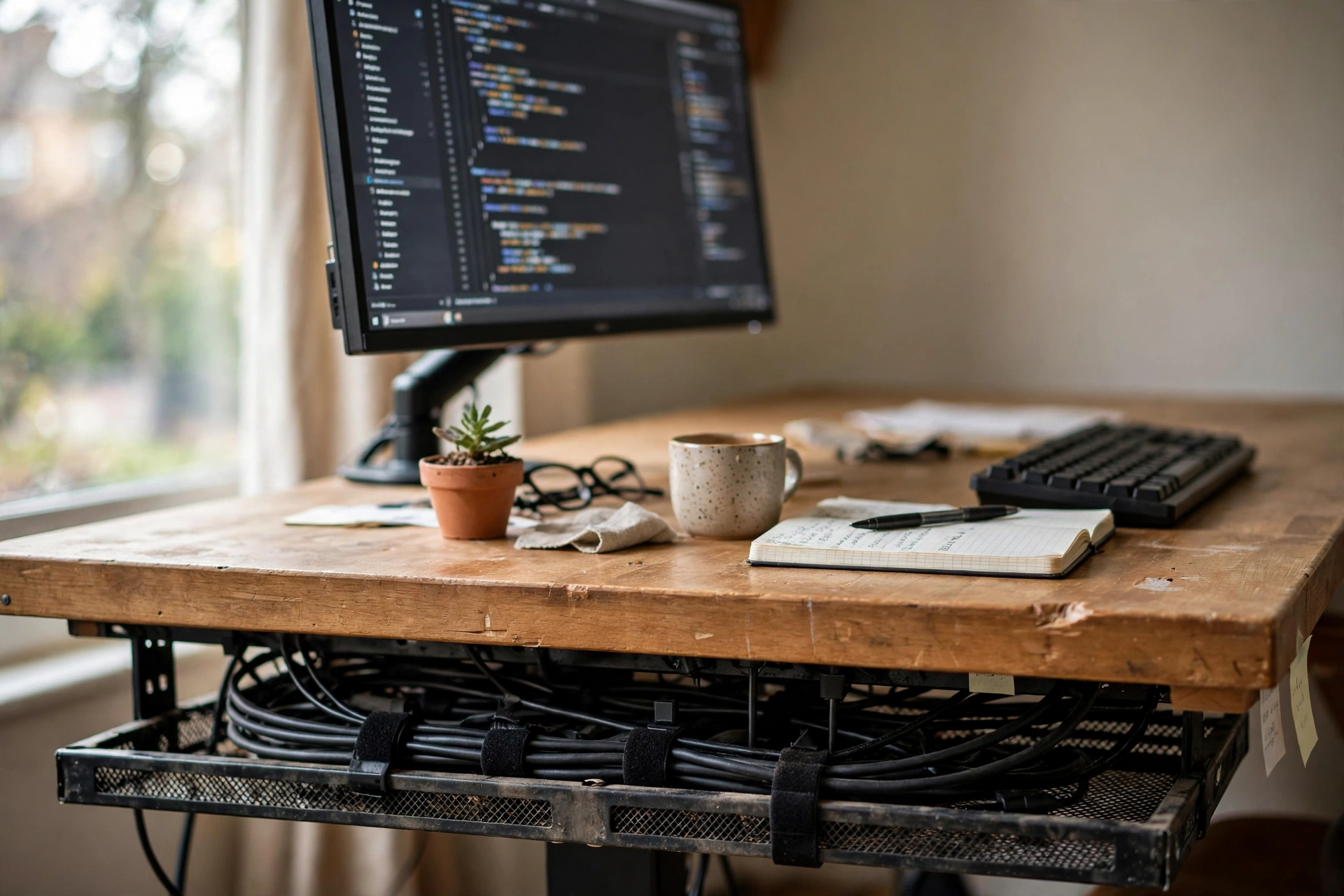
Cables multiply fast: laptop charger, monitor cable, lamp, phone charger, and a power strip. Left loose, they tangle, collect dust, and catch your feet. The fix takes twenty minutes on setup day and almost no effort after that.
Mount a tray under the desk, lay the power strip inside it, and route each cable through the tray to the device it serves. Leave a little slack at each end so you can move things without unplugging everything. Label the plugs you touch often, and coil the spares in a small box instead of leaving them on the floor.
Why this one: the clamp mount needs no drilling, and two trays join into one long run under most desks.
Worth knowing: the clamp fits desks within a set thickness range, so measure your desktop edge first.
Frequently asked questions
What is the biggest mistake in a first home office setup?
Buying furniture before measuring the room. A desk or chair that does not fit the space causes daily friction, and it is the hardest mistake to fix after delivery.
Do I need an ergonomic chair for a first home office?
You need a chair that adjusts to your body. Height adjustment and lower back support matter more than a brand name, and a basic adjustable chair covers both.
How high should my monitor sit?
The top of the screen should sit near eye level, about an arm’s length away. A riser, a stack of books for testing, or a monitor arm all get you there.
How much should I spend on my first setup?
Spend most on the desk and the chair, since you touch them all day. Start simple on decor and accessories, and add pieces only when a real need appears.
Can I set up a home office in a small room?
Yes. A compact desk, a chair that tucks under it, and wall storage keep a small room workable. Measure first and keep the walkway clear.
Conclusion
A good first home office is not about buying everything at once. It is about measuring first, choosing a desk and chair that fit the room and your body, raising the screen, planning light and storage, and taming the cables on day one. Fix these seven mistakes and the room will work for you instead of against you. For your next step, browse the Home Office Ideas category for setups you can copy whole.
