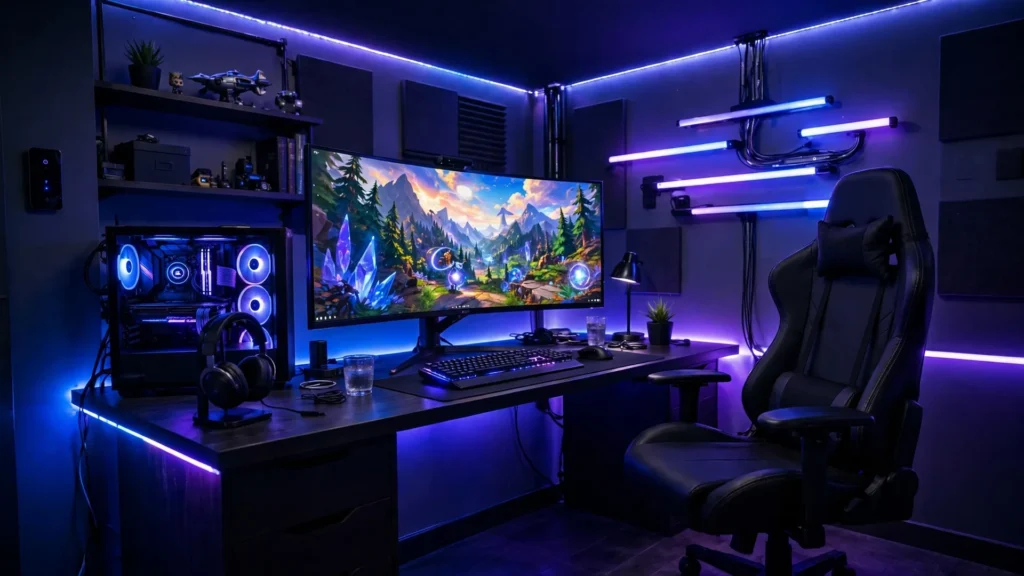
Gaming Room Ideas
Smart lighting automation turns a gaming room from a desk with a lamp into a room that reacts to what you play. Lights can follow the colors on your screen, dim when a movie starts, switch to a calm scene when you stop playing, and turn on with a single voice command when you walk in. These ten setups show how to automate each part of the room, from a simple voice controlled strip to a full screen sync system, so you can copy the level of automation that fits your budget and your gear.
As an Amazon Associate I earn from qualifying purchases. Read our full affiliate disclosure for more detail.
Every idea below is one complete setup you can copy whole, desk, seat, screen, light, storage, and power included. Start with one automated light and add more once you like how it behaves, since a room full of smart lights is only fun when every scene works the first time. If your room is tight overall, the 13 gaming room ideas for small bedrooms will help you fit the rest of the room around your new lighting.
In This Article
- 1. Voice Controlled RGB Strip Room
- 2. Screen Sync Monitor Backlight
- 3. HDMI Sync Box Cinema Wall
- 4. Hue Play Bar Corner Glow
- 5. Hexagon Panel Scene Wall
- 6. Neon Rope Desk Edge
- 7. Motion Sensor Night Path
- 8. Scheduled Sunrise Wake Up Desk
- 9. TV Backlight Movie Mode
- 10. App Controlled Whole Room Scenes
- At a Glance Comparison
- Frequently Asked Questions
- Conclusion
At a Glance Comparison
| Setup | Desk and Seat | Screen and Light | Best For |
|---|---|---|---|
| 1. Voice RGB Strips | Black gaming desk, gaming chair | Single monitor, voice RGB strips | Hands free light control |
| 2. Screen Sync Backlight | Gaming desk, ergonomic chair | Monitor, screen sync backlight | Colors that follow the game |
| 3. HDMI Sync Cinema | Low media console, sofa | Large TV, HDMI sync lights | Big screen movies and games |
| 4. Hue Play Bars | Wooden desk, beige chair | Monitor, Hue Play bars | Warm premium ambient light |
| 5. Hexagon Scene Wall | Modern desk, modern chair | Monitor, hexagon panels | A wall of changeable art |
| 6. Neon Rope Edge | Black desk, black chair | Monitor, neon rope glow | A bold neon outline |
| 7. Night Path Lights | Small desk, task chair | Monitor, warm night lamps | Late night trips without glare |
| 8. Sunrise Wake Desk | Cream desk, cream chair | Monitor, warm desk lamps | Morning sessions and routines |
| 9. TV Movie Mode | Low console, sofa | Large TV, movie backlight | Movie nights and couch co-op |
| 10. Whole Room Scenes | Gaming desk, gaming chair | Monitor, whole room scenes | One tap changes everything |
1. Voice Controlled RGB Strip Room
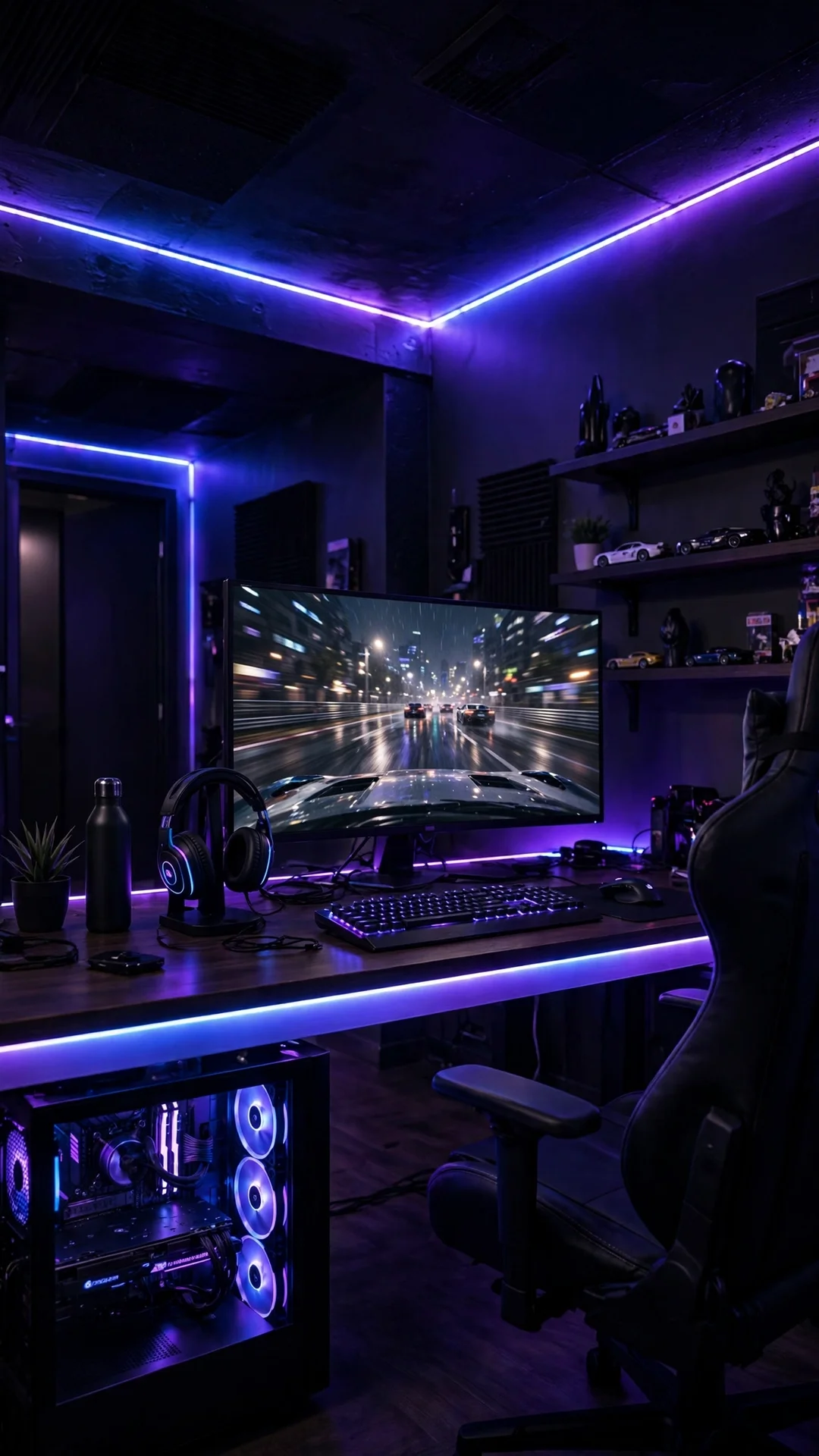
Start with the simplest automation of all, LED strips you can control with your voice. Run one strip along the back of the desk and one along the ceiling edge, link them to your voice assistant, and you can change the whole room color without touching a switch. A black gaming desk and a gaming chair keep the focus on the glow, while a single monitor sits in the middle of it.
Set a few scenes in the app, one for gaming, one for movies, and one dim warm scene for late night, then call them by name. Store controllers in the desk drawer and the headset on a stand, and run power through one surge protected strip under the desk with the strip controllers tucked beside it. Say the scene name when you sit down, and the room sets itself up for the game.
Govee 16.4ft RGBIC LED Strip Lights, Work with Alexa and Google Assistant
Why this one: The 16.4 foot strip works with Alexa and Google Assistant, so voice control works from the first setup.
Worth knowing: The strip needs a nearby outlet, and the adhesive can loosen on textured walls over time.
Why this one: The 65.6 foot length covers a whole room in one run, with app control and music sync built in.
Worth knowing: It is a long strip, so measure your room first to avoid a lot of leftover length.
2. Screen Sync Monitor Backlight
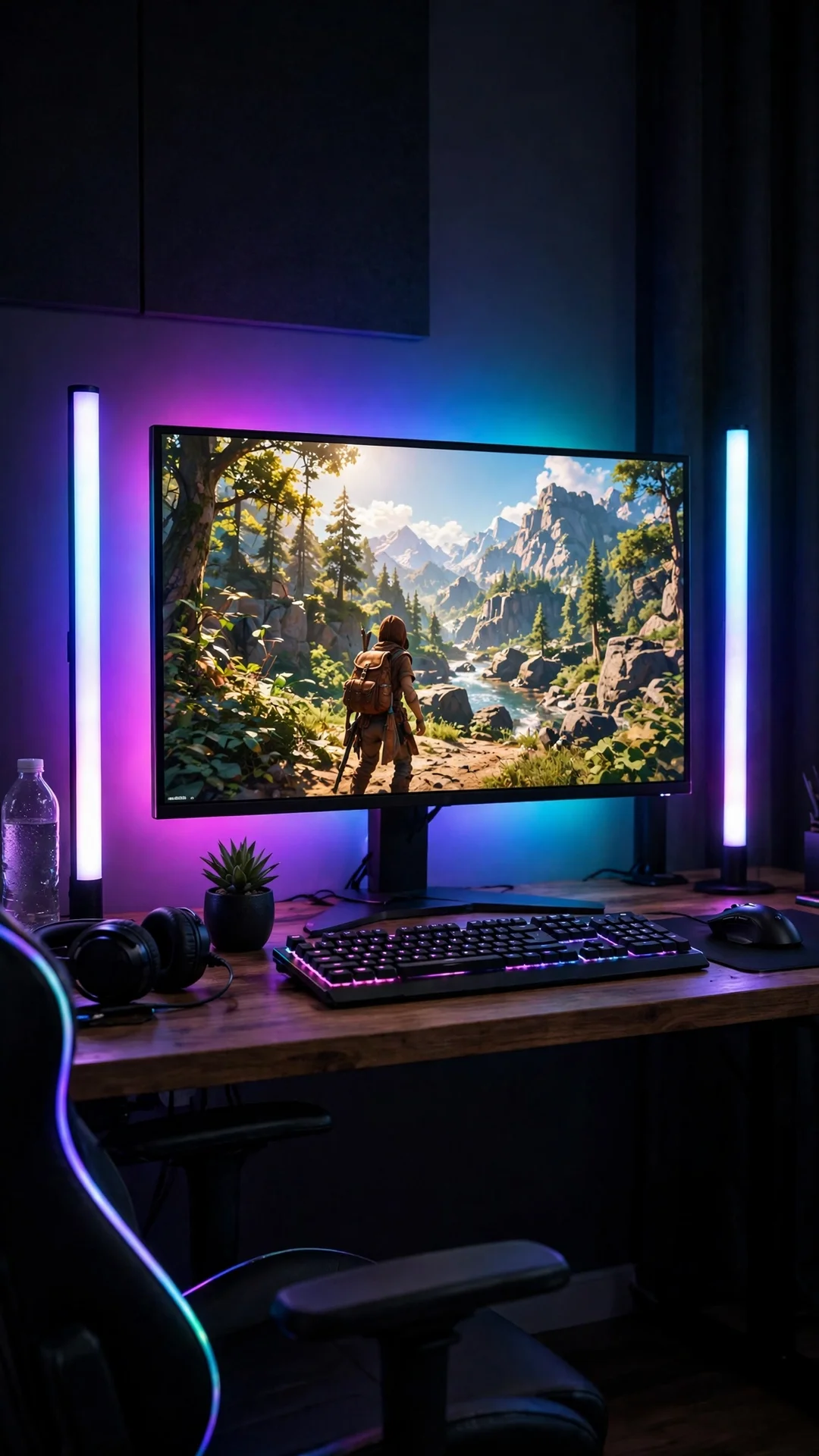
Put a camera based backlight behind your monitor and the wall behind the screen changes color with the game you are playing. Explosions turn the wall orange, underwater levels turn it blue, and the screen feels bigger because the color spills past its edges. Add a pair of light bars on the desk for a second layer of synced color.
Keep the desk simple so the light is the star, with a keyboard, a mouse, and a headset stand as the only desktop items. Store games in a drawer unit beside the desk, and run power through a strip mounted under the desk with the sync box and camera cables clipped along the back. Calibrate the camera once in good light, then the backlight will track your games on its own.
Why this one: The DreamView kit pairs a monitor backlight with light bars and a camera, so the wall follows the game in four play modes.
Worth knowing: It suits monitors from 24 to 32 inches, so check your screen size before you buy.
Why this one: The G1 backlight fits 27 to 34 inch monitors, including curved screens, with 123 scene modes to choose from.
Worth knowing: It needs the app for the full scene list, so keep your phone handy for setup.
3. HDMI Sync Box Cinema Wall
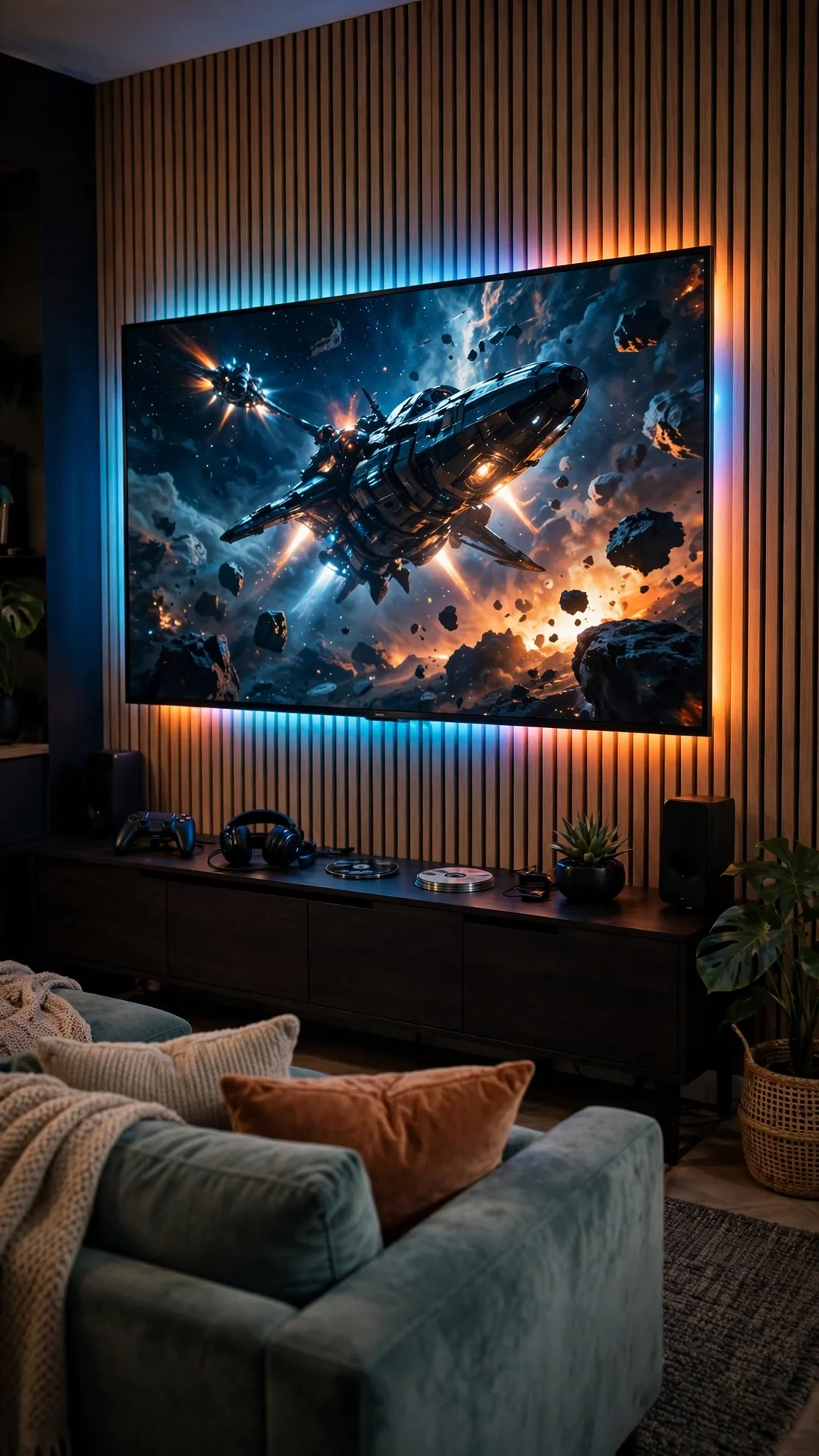
Run your console through an HDMI sync box and the lights behind the TV will match whatever is on screen, with no camera needed. The sync box reads the signal directly, so the colors are fast and accurate, and the whole wall becomes part of the movie or the game. A low media console holds the console and the sync box, with a sofa facing the TV.
Add a TV backlight strip behind the screen for a wider glow, and keep controllers on a wall holder beside the TV. Power everything from one strip hidden in the console, with the sync box cables routed behind it so the wall stays clean. Set the sync box to a gentle mode for movies and a vivid mode for games, and the room will change with whatever you watch.
Why this one: The HDMI 2.1 sync box kit supports 8K at 60Hz and 4K at 144Hz, so it keeps up with modern consoles and PCs.
Worth knowing: It works best with a compatible TV backlight, so plan the pair together.
Why this one: The Envisual T2 backlight for 55 to 65 inch TVs uses dual cameras to match the screen colors closely.
Worth knowing: It needs a clear view of the screen from the top, so keep the top of the TV clear.
4. Hue Play Bar Corner Glow
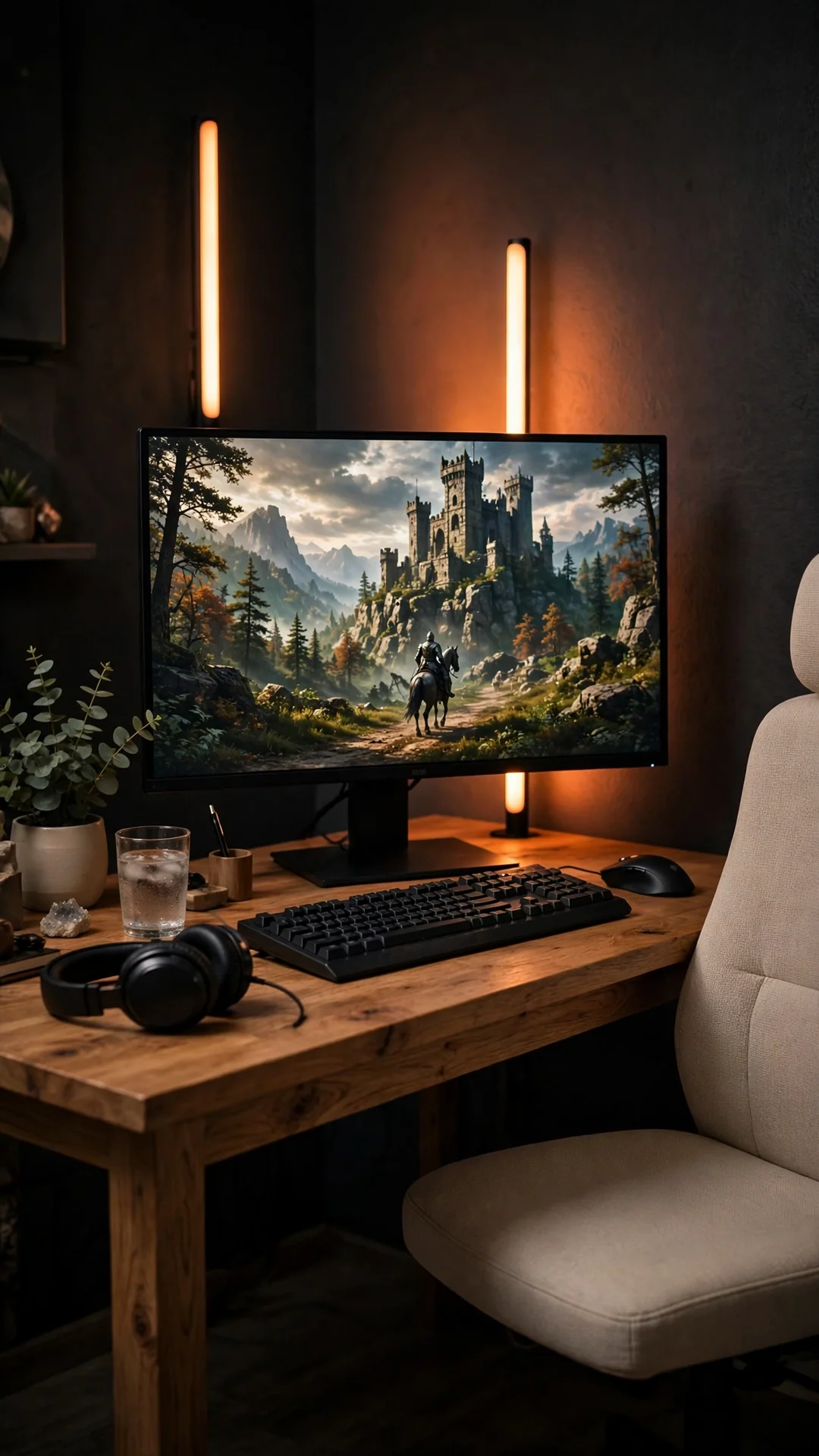
Place a pair of Hue Play light bars behind your monitor and they wash the wall with rich color that you can tune to any shade. Mount them flat on the wall or stand them on the desk, and link them to a Hue Bridge so they join scenes with the rest of the room. A wooden desk and a beige chair keep the corner warm and calm.
Add a Hue sync box later if you want the bars to follow the screen, since the same bars work with or without it. Store the headset on a walnut stand and games in a small drawer unit, and run power through a strip under the desk with the bridge tucked beside the router. Build one scene for gaming and one for reading, and the corner will feel different with a single tap.
Why this one: The two pack of black Play light bars gives smooth color changing light that mounts on the wall or stands on the desk.
Worth knowing: They need a Hue Bridge to unlock scenes and voice control, which is sold separately.
Why this one: The Hue sync box links your lights to the screen for movies and games, with support for Dolby Vision and 4K.
Worth knowing: It also needs a Hue Bridge, so budget for the pair if you are starting from scratch.
5. Hexagon Panel Scene Wall
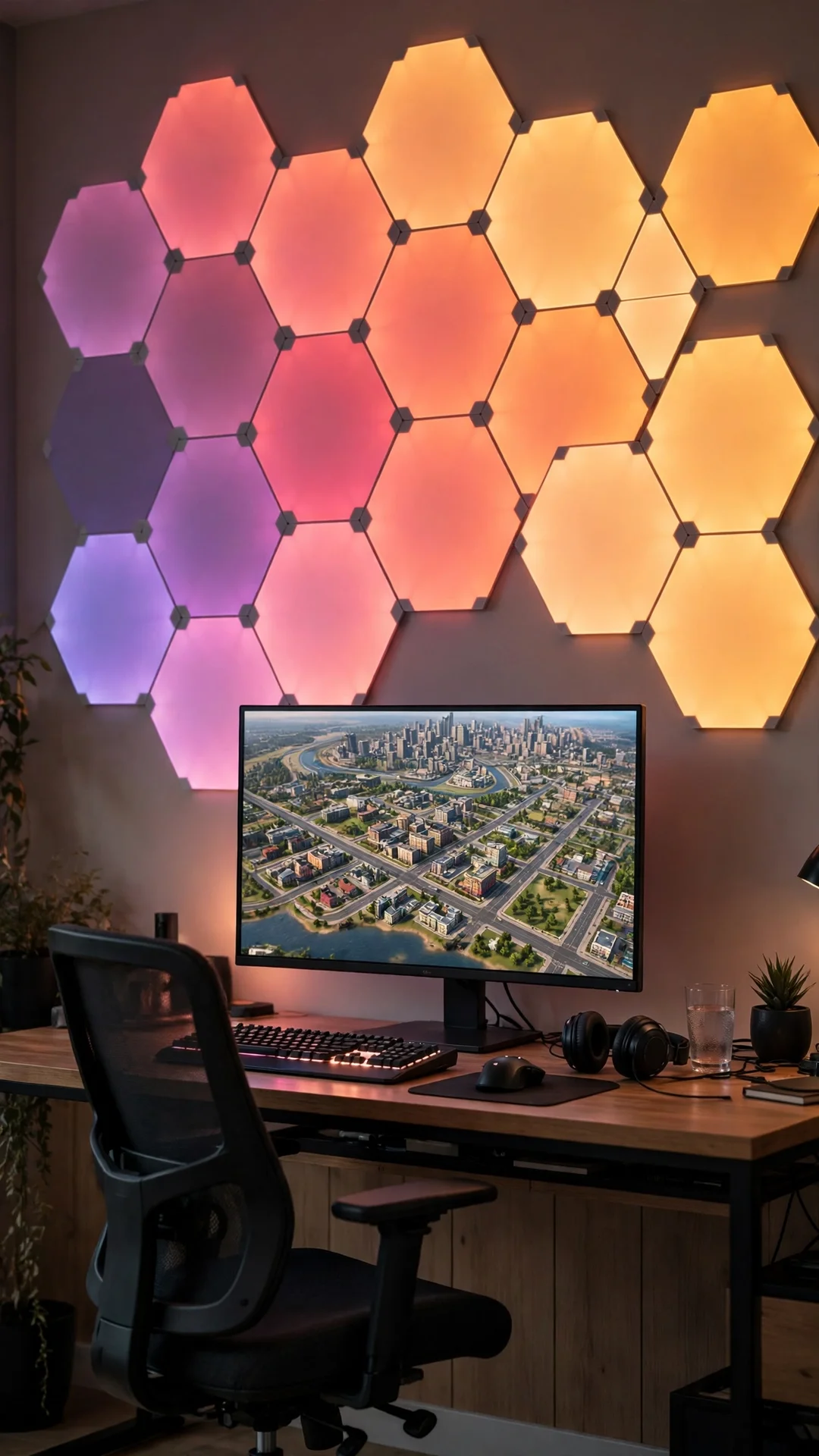
Arrange hexagon light panels into a shape on the wall behind your desk and you get a piece of light art that changes with a tap. Each panel can show its own color, so you can build gradients, patterns, and game themed scenes, then save them in the app and call them up by name. A modern desk and chair keep the setup clean so the wall stays the focus.
Pair the panels with a strip along the desk edge in a matching color to tie the desk to the wall. Keep the headset on a stand and controllers in a drawer, and run power through a strip behind the desk with the panel cables in a slim channel down the wall. Design one calm scene for work and one bold scene for gaming, and the wall will set the mood before you even sit down.
Govee Glide Hexa Pro Light Panels, RGBIC 3D Hexagon Wall Lights
Why this one: The Hexa Pro panels snap together in any shape and sync color across the wall, with scenes you can save and name.
Worth knowing: They need a flat smooth wall and a nearby outlet, and the set covers only a modest area on its own.
Why this one: The Nanoleaf Lines kit adds angled light bars that join the same kind of scenes, with 16 million colors to choose from.
Worth knowing: It is a nine line starter kit, so a large wall needs extra lines to fill it.
6. Neon Rope Desk Edge
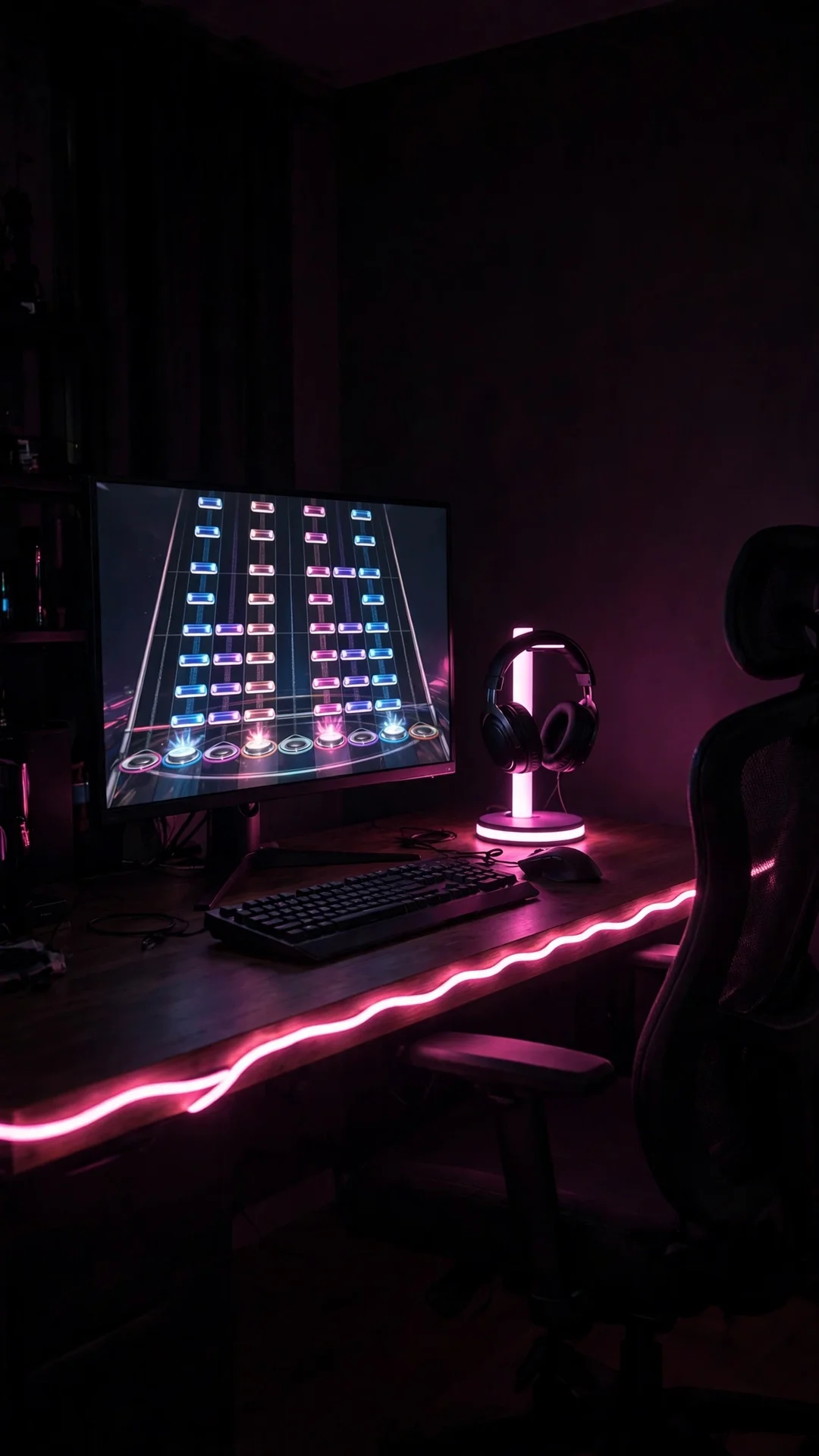
Run a soft neon rope light along the front edge of your desk and the whole desk glows like a sign. The rope bends around corners and sticks to the desk edge, so you can outline the desk, the monitor shelf, and even the wall behind it in one run. A black desk and chair make the neon color pop, especially in a dark room.
Add a pair of smart light bars on the desk to echo the rope color on the wall behind the monitor. Keep the headset on an RGB stand that matches the rope, and store controllers in a drawer unit. Power the rope and the bars from one strip under the desk, and set the rope to a slow color cycle for a room that always feels alive.
Govee RGBIC Gaming Lights, 10ft Neon Rope Lights Soft Lighting for Gaming Desks
Why this one: The 10 foot neon rope light is soft and bendable, so it follows the desk edge and glows evenly all along it.
Worth knowing: It needs a USB port for power, so plan one spare port on your strip.
Why this one: The 16 inch light bars give triple sided RGBIC light with music sync and more than 60 scene modes.
Worth knowing: They take up desk space, so measure the desk before you place both bars.
7. Motion Sensor Night Path
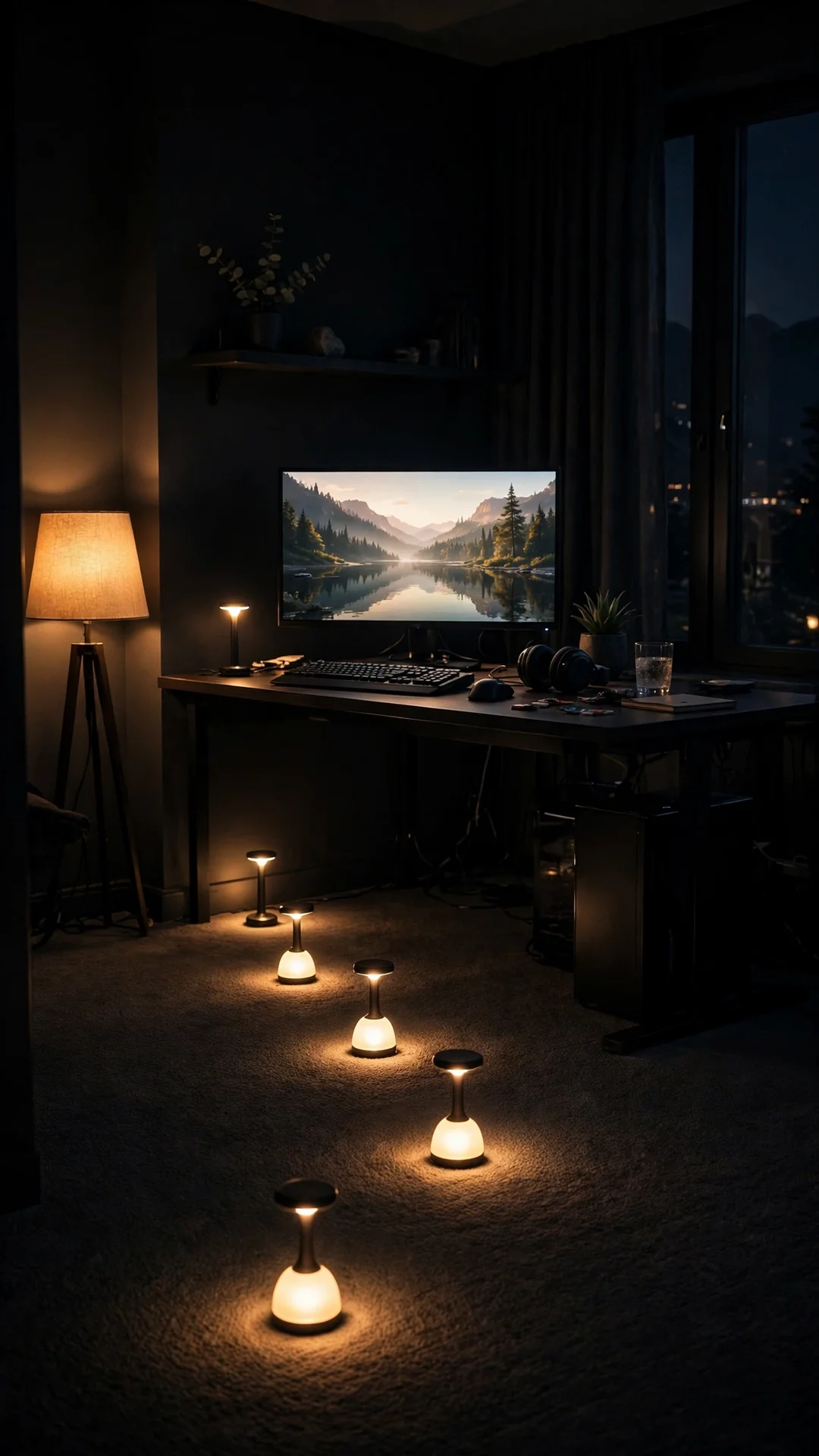
Use small cordless lamps with touch controls as a night path, so you can walk to the desk and back without switching on a bright overhead light. Place one on the desk, one on a shelf by the door, and one on the floor beside the bed, and the room stays softly lit at ankle and desk height. A small desk and a task chair keep the setup simple for late sessions.
Add a tall floor lamp in the corner on a low dim setting for a second layer of warm light. Keep the headset on a hook and the controllers in a basket by the desk, and run the monitor and the lamp charger from one strip under the desk. Charge the cordless lamps during the day, and the night path will be ready whenever you play after dark.
Why this one: The two pack of cordless lamps runs up to 15 hours on a charge, with touch dimming and three color temperatures.
Worth knowing: They need regular charging, so keep the charger in the same spot every day.
Why this one: The tall floor lamp gives warm corner light with a classic shade, and it fits a small room without crowding it.
Worth knowing: It needs a floor outlet nearby, since the cord is not very long.
8. Scheduled Sunrise Wake Up Desk
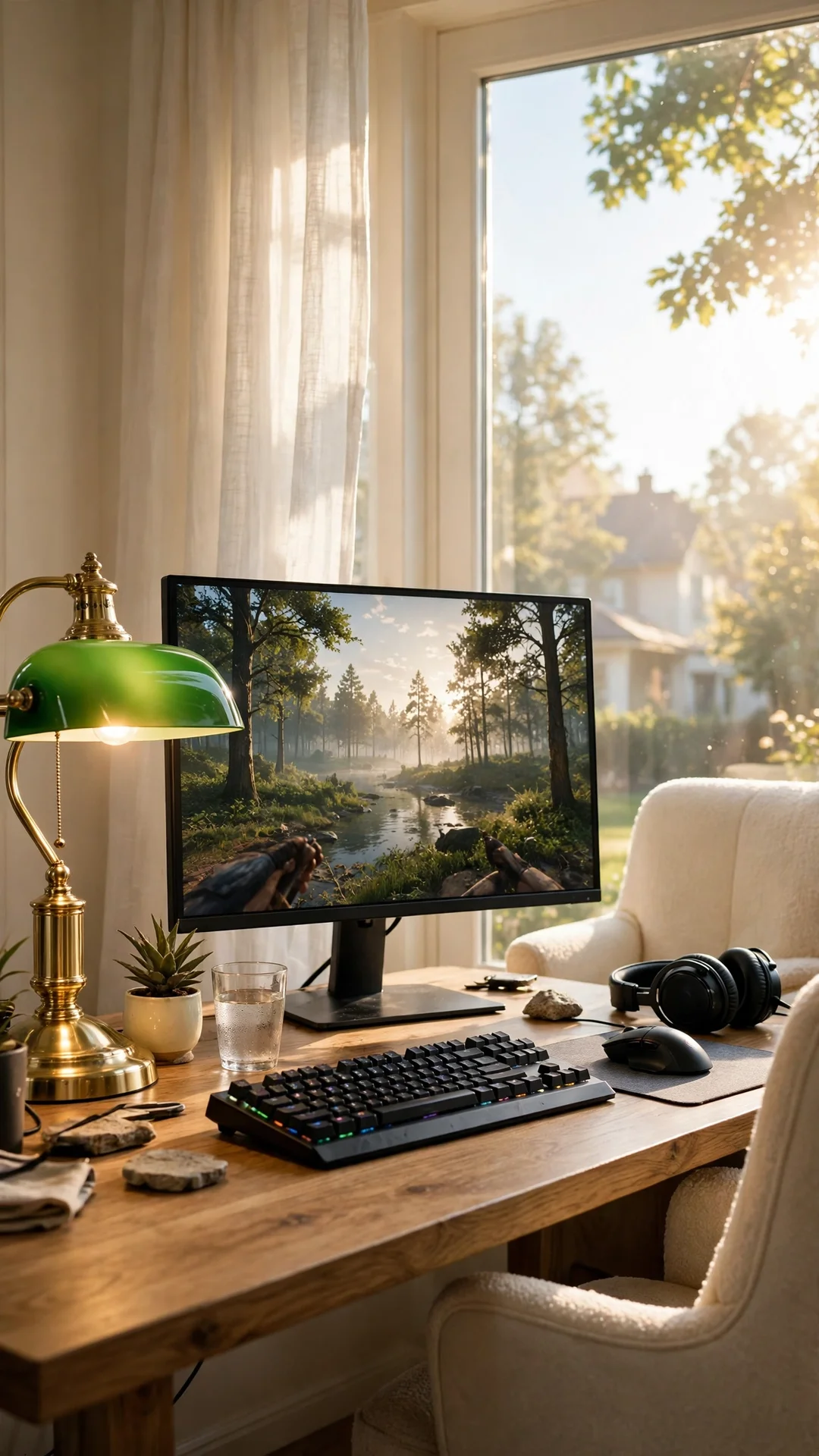
Set your desk lamps on a schedule so the room wakes up with you. A pair of touch control table lamps on the desk and a classic bankers lamp beside the monitor give you warm light that turns on before your first game, and the schedule means you never sit down in a dark room. A cream desk and chair keep the morning light soft and bright.
Add a key light on the desk for video calls and streaming in the morning, when the room light is still low. Keep the headset on a stand and the day’s games in a small basket, and run power through a strip under the desk with the lamp plugs labeled. Set the lamps to turn off at night on the same schedule, and the room will run its own routine while you play.
Why this one: The set of two crystal table lamps has touch control and built in USB ports, so they charge your phone while they light the desk.
Worth knowing: They are tall at 26 inches, so check they fit under your shelves before you place them.
Why this one: The vintage bankers lamp gives a warm green glass glow that suits a classic desk and is easy on the eyes.
Worth knowing: It uses a pull chain switch, so it suits a manual on and off rather than a smart plug timer.
9. TV Backlight Movie Mode
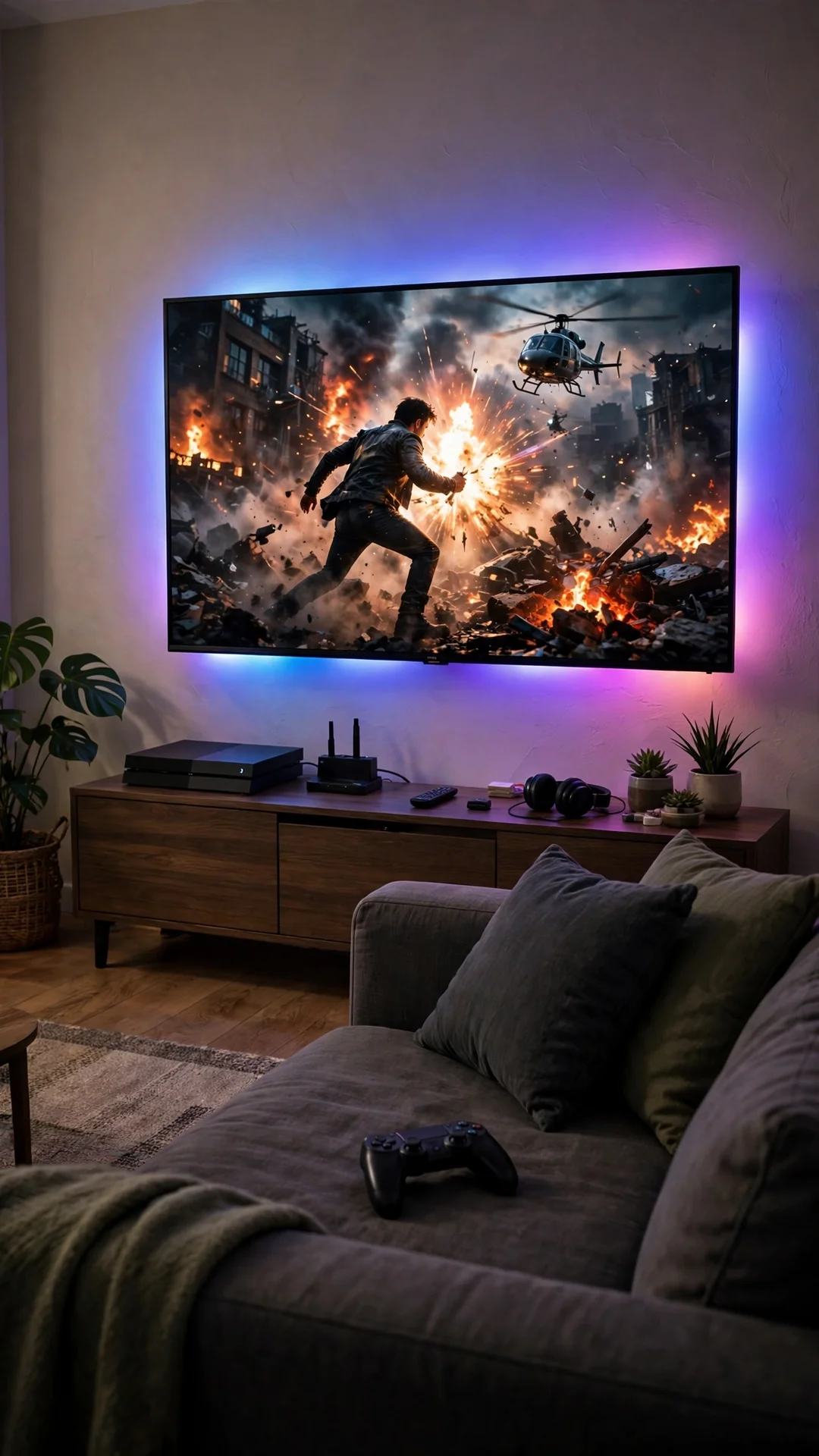
Give your TV a backlight that knows the difference between a movie and a game, and movie night gets a cinema feel without leaving the couch. A wide backlight strip behind a large TV spreads the screen colors onto the wall, and a sync box reads the HDMI signal so the glow follows the action. A low console holds the console and the sync box, with a sofa facing the screen.
Keep a second scene for gaming with brighter, faster color changes, and switch between the two in the app. Store extra controllers in the console drawers and keep one on a wall holder by the sofa. Power everything from a strip inside the console, and dim the room lights to let the backlight do the work. The wall will glow with the movie, and the room will feel bigger than it is.
Why this one: The Envisual T2 backlight for 75 to 85 inch TVs uses dual cameras and double light beads for a wide even glow.
Worth knowing: It is sized for large TVs, so measure your screen before you buy.
Why this one: The HDMI sync box for large TVs supports 8K at 60Hz and 4K at 144Hz, with a light strip included for 75 to 85 inch screens.
Worth knowing: It needs a spare HDMI port between your console and the TV, so check your port count first.
10. App Controlled Whole Room Scenes
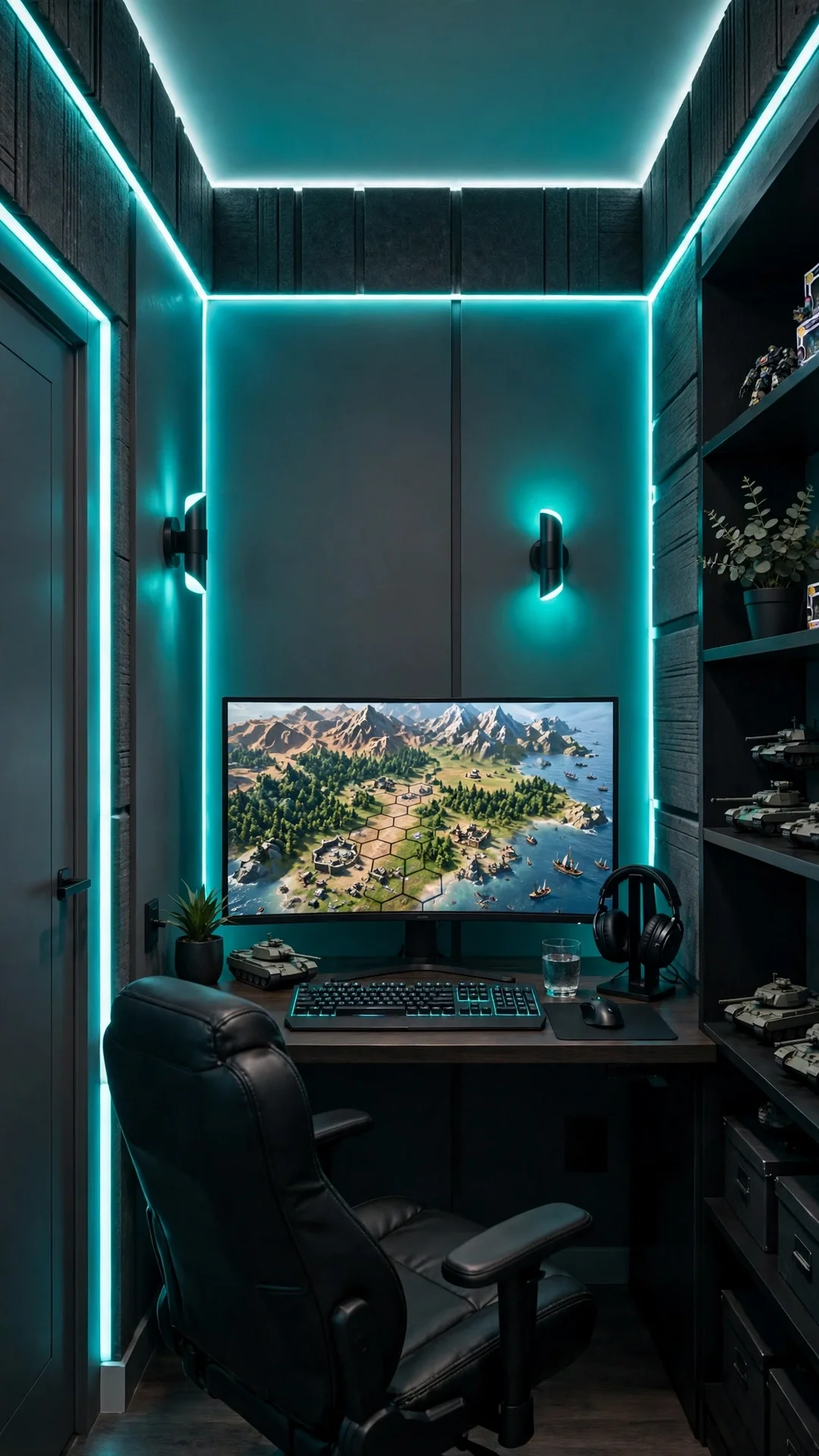
Tie every light in the room to one app and a single tap can change the whole room. Strips with diffuser covers run along the walls for a soft even glow, wall sconces add color beside the desk, and the monitor backlight follows the game, all from the same scene list. A gaming desk and chair sit in the middle of it, with the monitor as the centerpiece.
Build three scenes and stop there, one for gaming, one for movies, and one warm dim scene for winding down, since too many scenes means you never use any of them. Store the headset on an RGB stand and the controllers in a drawer, and run power through two strips, one behind the desk and one behind the TV unit, so no single strip is overloaded. Open the app, tap the scene, and the room is ready before the game loads.
Why this one: The strip kit with diffuser covers gives a smooth professional glow with no visible dots, and it works with Alexa and Google Assistant.
Worth knowing: The covers need a flat surface to mount on, so they suit straight wall runs best.
Govee Glide RGBIC LED Wall Lights, Smart RGBIC Wall Sconces for Gaming TV Bedroom Streaming
Why this one: The Glide wall sconces add smart color beside the desk and react to music and games in the same app.
Worth knowing: They need the app to set scenes, so keep your phone handy for the first setup.
Frequently Asked Questions
Do smart lights work without a hub or bridge?
Many do. The Govee strips and panels in setups 1, 5, and 10 connect over WiFi and work with voice assistants on their own. Philips Hue lights in setup 4 need a Hue Bridge for scenes and voice control, so check the box before you buy if you want a hub free setup.
Will screen sync lights lag behind the game?
A good sync system keeps up with fast games. Camera based kits in setup 2 and HDMI sync boxes in setups 3 and 9 read the picture quickly, so the wall color changes within a fraction of a second. Set the sync to a gentle mode if fast changes distract you.
Can I automate lights to turn off when I stop playing?
Yes, with schedules and routines. Set a timer in the light app to dim the room at a set hour, or link the lights to a smart plug on your console so they switch off when the console sleeps. Setup 8 uses a lamp schedule, and setup 10 uses app scenes you can trigger with one tap.
Are smart LED strips safe to leave on all day?
Yes, LED strips run cool and use little power, but give them airflow and do not cover them with fabric. Mount them on a clean surface, keep the power supply out in the open, and use a surge protected strip like the ones in these setups for the whole desk.
How many smart lights should I start with?
Start with one strip and one scene, as in setup 1, then add more once you like how it behaves. A room full of smart lights is only fun when every scene works the first time, so grow the system one light at a time rather than buying everything at once.
Conclusion
Smart lighting automation works best when it is simple enough to use every day. Start with a voice controlled strip if you want the easiest win, a screen sync backlight if you want the wall to follow your game, or a whole room scene system if you want one tap to set the mood. Build a few scenes you actually use, keep the power tidy behind the desk, and let the lights do the work while you play. For more ideas on shaping the light in your room, see the 12 RGB lighting ideas for gaming rooms, and for a wall that shows off your lights, the 7 gaming room soundproofing ideas will help you keep the sound in while the light does its thing.
