Good gaming setups do not have to cost a fortune. The best cheap finds are the pieces that look smart, feel solid, and do more than one job, and this guide is full of them. Every setup below is a complete room you can copy whole, built around affordable gear that actually works together.
You will find 12 complete cheap gaming setups, from a single budget monitor that starts the whole room to a folding wall desk for the tiniest corner. Each one covers the desk, seat, screen, light, storage, and power, so nothing important is left out. If you want more ideas that stretch a small budget, 15 Budget Gaming Setup Ideas That Look Expensive pairs well with every find below.
In this article
At a glance
1. Budget Monitor Starter
2. Small Desk, Big Energy
3. LED Desk Decorator
4. Glow Mousepad and Mouse
5. Premium Feel Keyboard
6. Tidy Headset Home
7. Curved Console Nights
8. Corner Desk for Less
9. Wall of Light
10. Back Saving Chair
11. Pink Pop for Less
12. Folding Wall Desk
FAQ
Conclusion
At a Glance: Pick Your Cheap Gaming Find
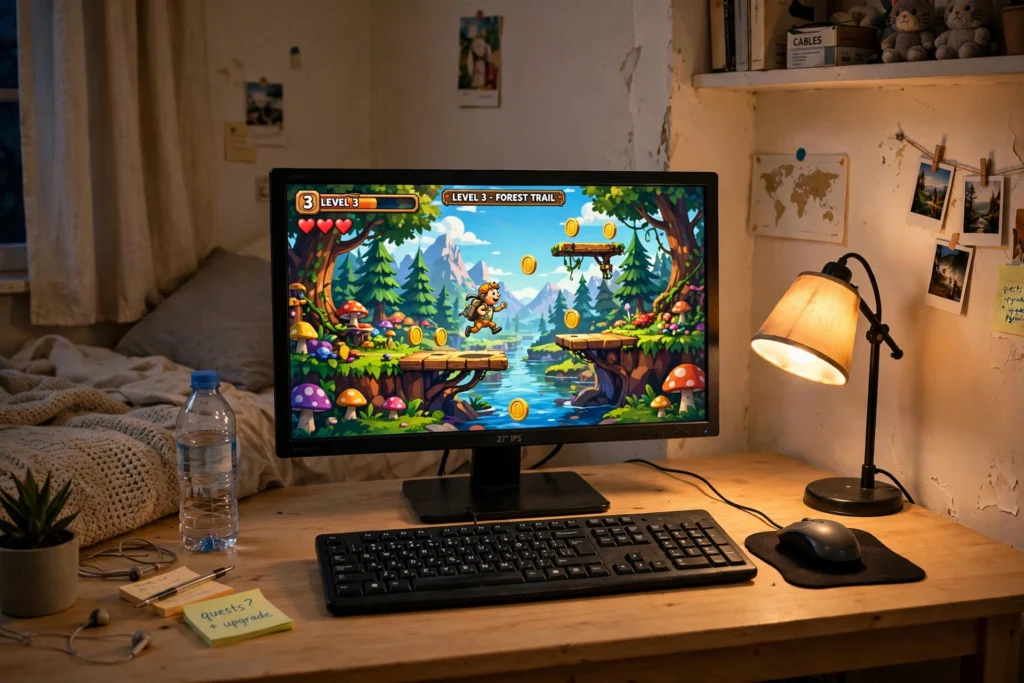
1. A 27 Inch Budget Monitor That Starts the Room
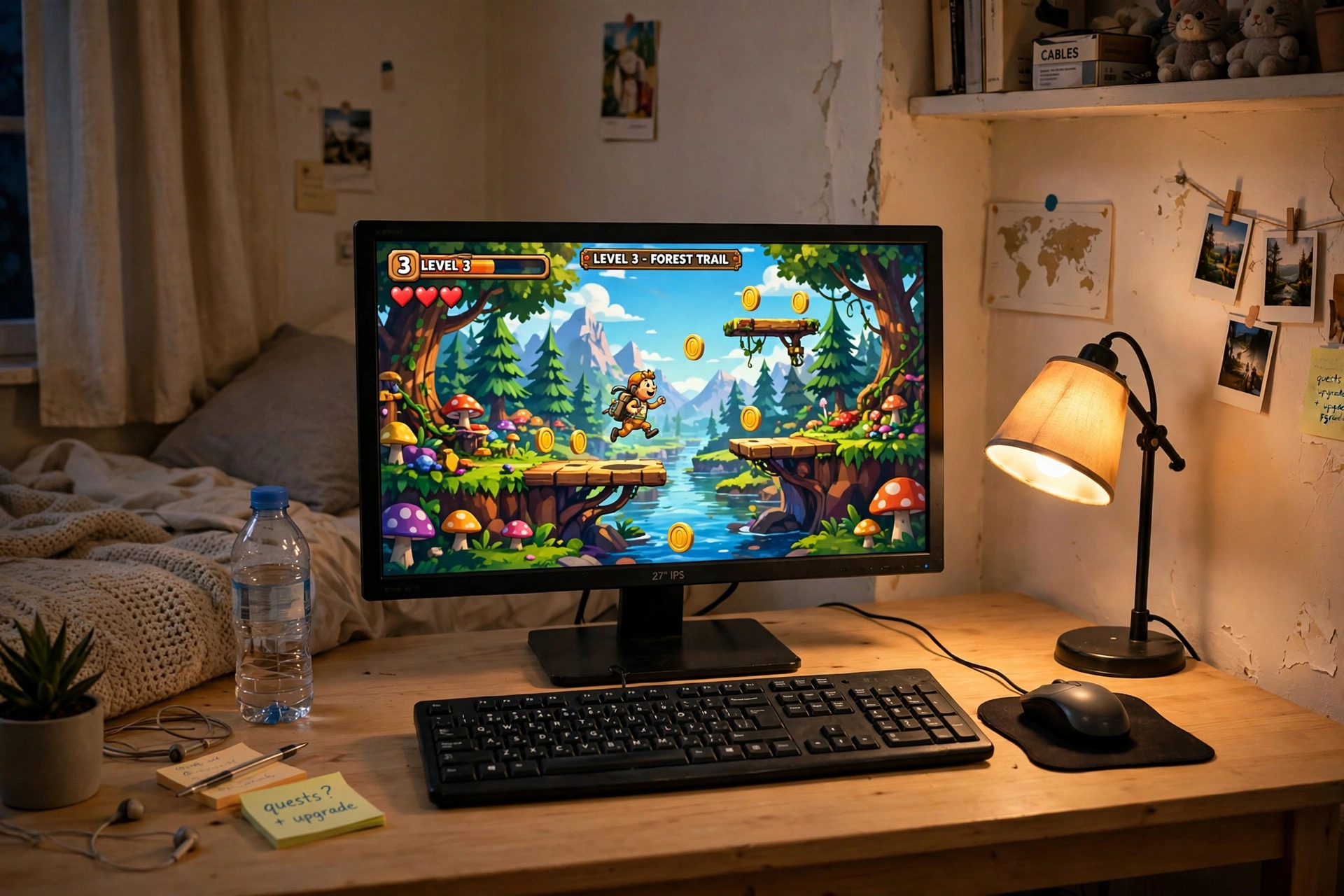
Start with the screen, because everything else in the room builds around it. A fast 27 inch monitor gives you a big, smooth view without the price of a flagship panel, and it instantly makes even a plain desk feel like a real gaming spot.
- Desk: any sturdy straight desk with room for the monitor stand and a full size keyboard.
- Seat: sit centered on the screen, about an arm length away, so text stays sharp.
- Light: a small desk lamp to the side keeps the room warm without washing out the screen.
- Storage: a single shelf or drawer for controllers and a headset.
- Power: one strip behind the desk, with the monitor and PC cables routed down together.
Money saver: buy one good monitor now and add a second matching screen later. A single strong screen beats two weak ones, and your desk will thank you for the extra space while you save.
KTC 27 Inch Gaming Monitor, 180Hz, 1080p
Why this one: a fast 27 inch screen at a friendly tier for a first setup, with a size that fits most desks and most games.
Worth knowing: 1080p on a 27 inch screen looks softer up close than QHD, so sit a little farther back if text looks fuzzy to you.
HUANUO Dual Monitor Stand for 13 to 40 Inch Screens
Why this one: one stand holds your screen at the right height and frees the desk space a factory stand would eat up, and it is ready when you add a second screen.
Worth knowing: check the weight limit and VESA pattern for your monitor, since heavier screens need a sturdier arm.
2. A Small Desk With Big Gaming Energy
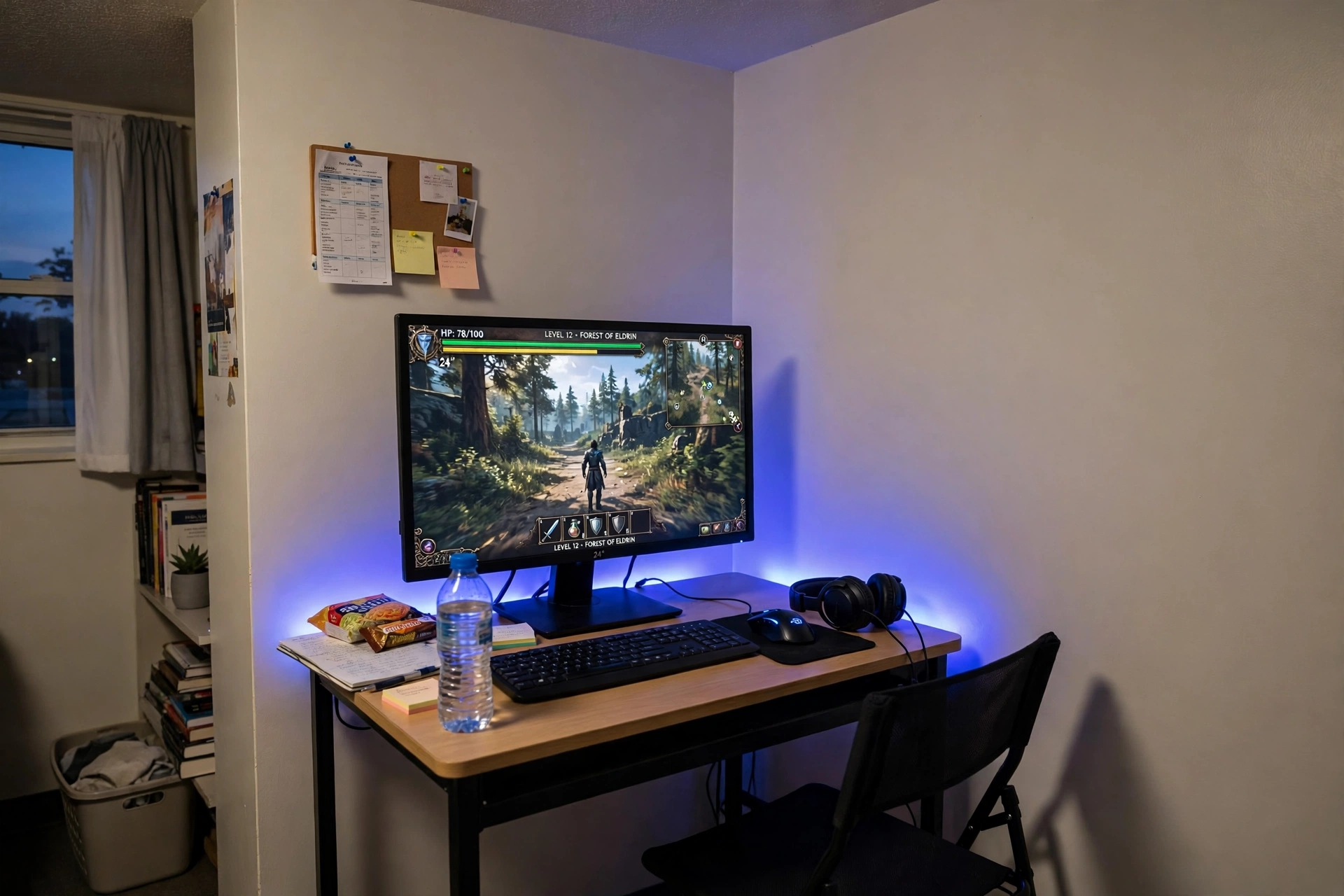
Small desks can still feel like proper battlestations when every piece earns its place. This setup uses a compact desk, one good screen, and a strip of light behind it, which is the cheapest way to make a plain corner look planned.
Set it up in four steps:
- Push the desk against the wall and center the monitor on it.
- Stick the LED strip along the back edge of the desk for a soft glow.
- Put the keyboard and mouse on a slim pad so they stay in one zone.
- Add a small shelf above the desk for games, so the desk surface stays clear.
Small desk checklist
✓ Desk depth fits the monitor stand plus keyboard
✓ Chair tucks fully under the desk when you are done
✓ One power strip, routed behind the desk leg
✓ Light comes from the strip, not a bulky lamp
Sweetcrispy Small Computer Desk, 40X24 Inch Office Writing Work Study Gaming PC Table
Why this one: a compact footprint that still holds a monitor, keyboard, and mouse comfortably, which is exactly what a dorm or small bedroom needs.
Worth knowing: a small desk leaves little room for extras, so keep accessories slim and move storage to the wall.
Govee RGBIC LED Strip Lights, 16.4ft
Why this one: a strip behind the desk adds color without a second lamp, and it makes a small setup feel like a planned gaming corner.
Worth knowing: strip adhesive can weaken on textured walls, so clean the surface first and press firmly along the whole run.
3. An LED Desk That Does the Decorating
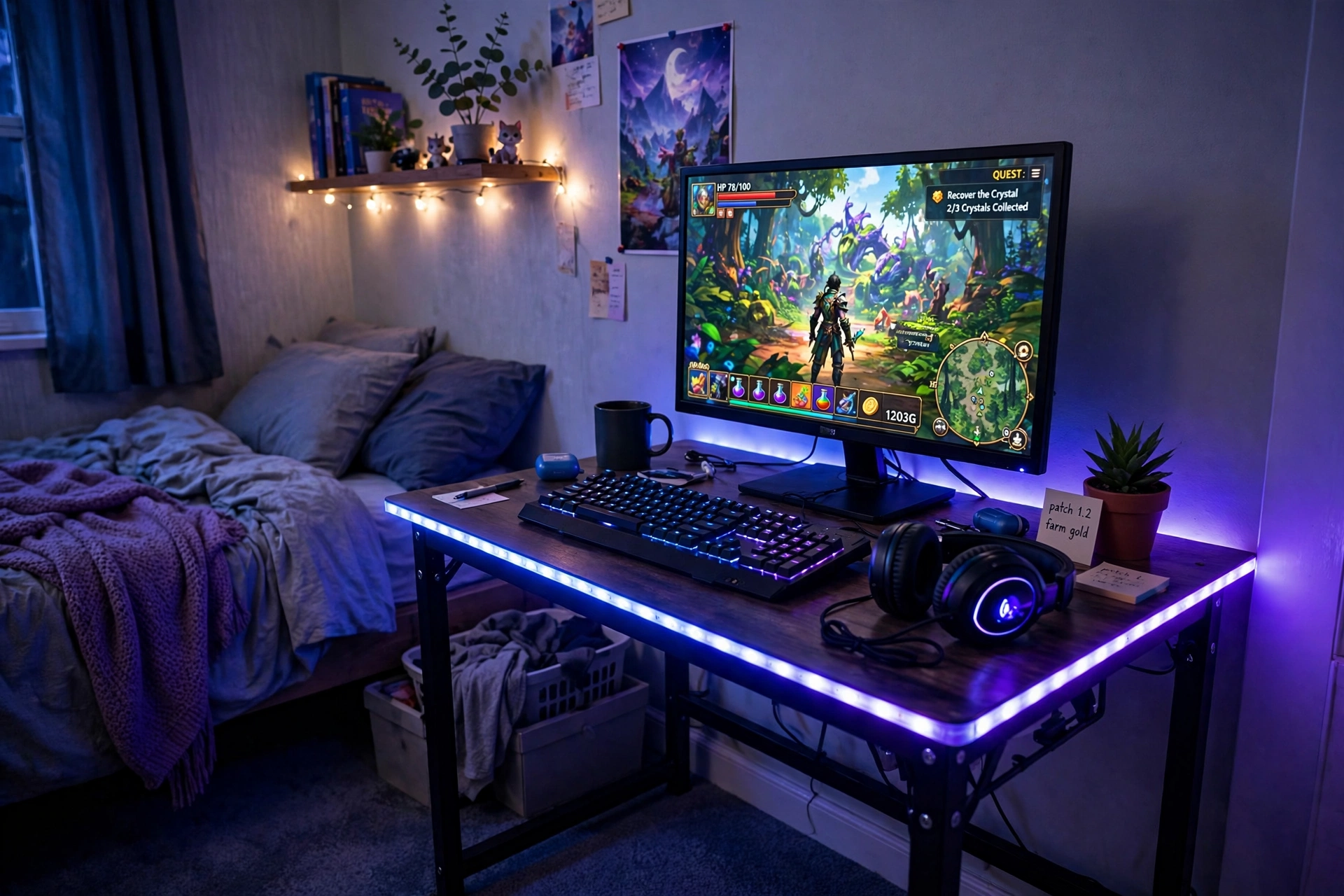
Here is the laziest decorating trick in this whole guide: let the desk do it. A gaming desk with built in LED edges and power outlets gives you light, mood, and plug points in one purchase, so you do not need to buy lamps, strips, and extension leads separately.
Cheap find tip: pick one LED color and stick with it for the whole room. A single calm blue or purple looks far more expensive than five colors fighting each other, and it costs nothing extra.
Set the monitor in the center, keep the keyboard on a slim pad, and let the desk edge glow do the talking at night. A headset hook on the side and a small drawer for cables finish the setup, and the built in outlets mean your power strip can stay in the drawer instead of on the floor.
DUMOS 45 Inch Gaming Desk with LED Lights and Power Outlets
Why this one: built in power outlets cut down on extension leads, and the LED edge adds a gaming feel without extra gear.
Worth knowing: a 45 inch desk is snug for two large screens, so measure your screens and stands before ordering.
Govee 65.6ft RGBIC LED Strip Lights
Why this one: a very long strip covers the desk, the shelf, and the wall behind it from one box, so the whole corner glows in one matching color.
Worth knowing: a long strip is easy to cut in the wrong place, so measure twice and cut only at the marked points.
4. A Glow Up Mousepad and Mouse Combo
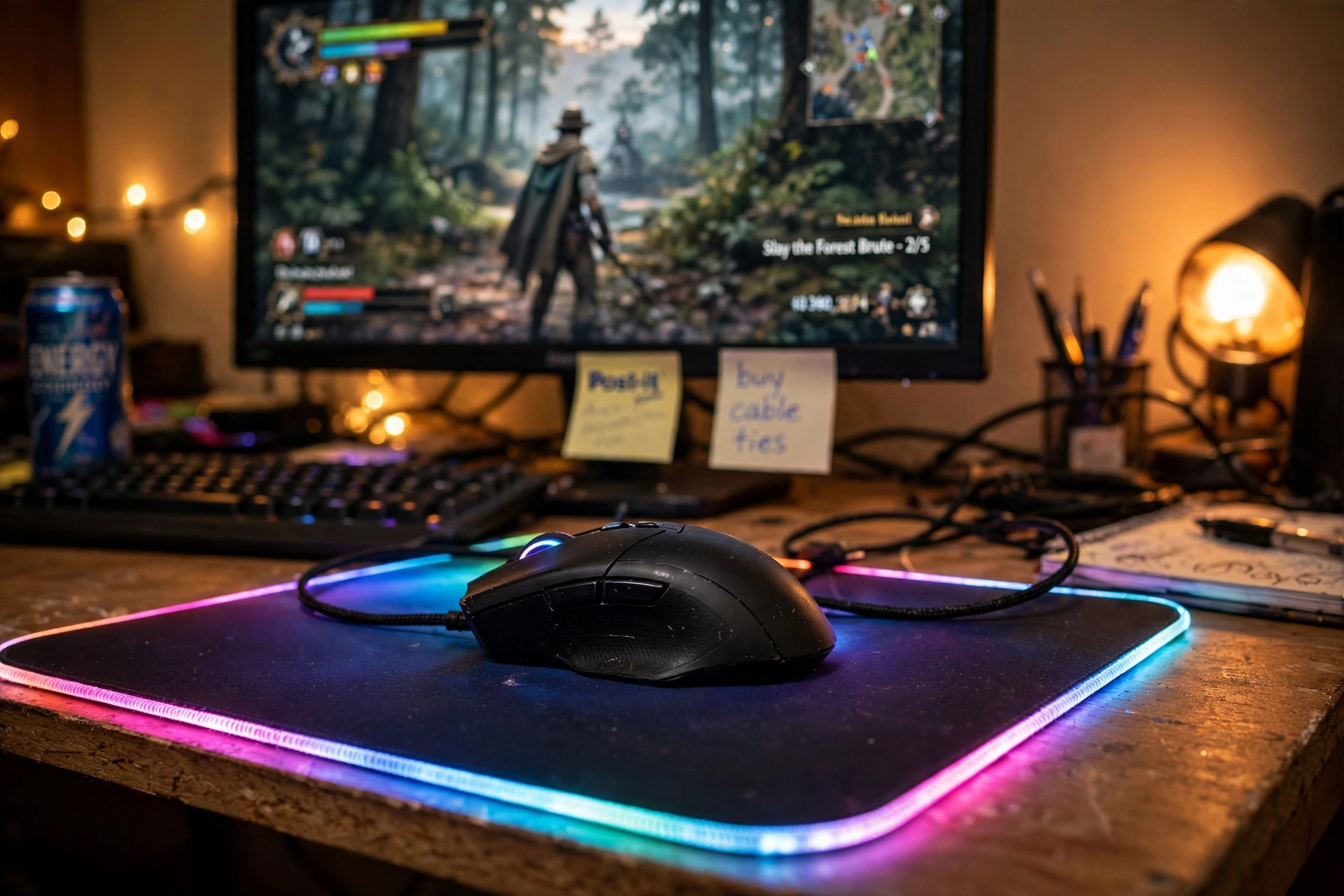
Sometimes the cheapest upgrade is the one you touch every day. A big glowing mousepad plus a solid mouse changes how the whole desk feels, and it costs far less than a new screen or chair. The pad covers the desk, hides scratches, and gives the mouse a smooth surface, while the glow ties the desk together at night.
Two ways to spend here: a charging mousepad that also powers your phone, or a plain oversized RGB pad that leaves more money for the mouse itself. The charging pad suits a desk that already has a phone in reach all day, while the plain pad suits a player who wants the biggest glow for the smallest spend. Either way, match the pad color to your room light so the desk reads as one calm setup, not a pile of gadgets.
Quick win: a large pad also protects the desk from coffee rings and keyboard scratches, so it saves the desk you already own while it makes the setup prettier.
JOYYE Large RGB Gaming Mouse Pad with Magnetic Wireless Charger
Why this one: a large glowing surface plus a built in wireless charger means the pad does two jobs, so your phone charges while you play.
Worth knowing: the charger only works with phones that support wireless charging, so check your phone before you count on it.
Logitech G502 HERO Wired Gaming Mouse
Why this one: a proven shape with adjustable weights and extra buttons, so it suits both fast shooters and everyday browsing.
Worth knowing: it is a wired mouse, so route the cable with a little slack or it can drag on the pad edge.
5. A Mechanical Keyboard That Feels Premium for Less
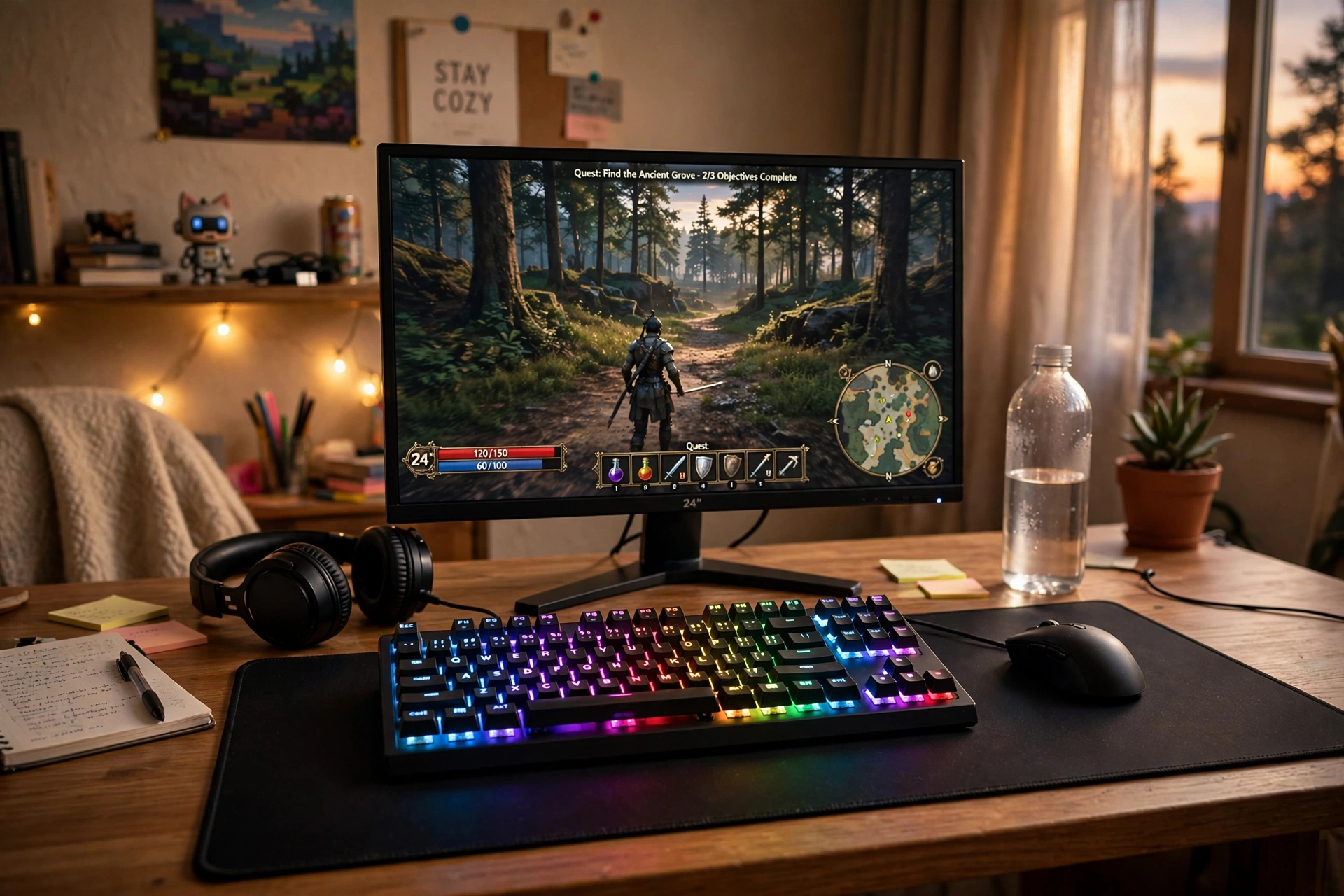
A keyboard is the piece you feel in every single game, so it is a smart place to spend a little more of a small budget. A mechanical board with bright backlighting feels solid under your fingers, sounds satisfying, and looks great in photos, which is a lot of value for one purchase.
Keyboard buyer checklist:
- Backlit keys you can read in a dark room, without a desk lamp on.
- A full size layout if you use number keys, or a compact one if desk space is tight.
- A wrist rest or a soft pad, since long sessions punish bare wrists.
- A large mousepad underneath, so the keyboard and mouse share one clean zone.
Feel test: if you can, try the key feel before you buy. Some players love a loud click, others want a quiet tap, and the right feel matters more than the brand name on the box.
Corsair K70 CORE RGB Mechanical Gaming Keyboard
Why this one: a solid mechanical board with bright RGB lighting and a comfortable feel that suits both gaming and long typing sessions.
Worth knowing: full size boards take up real desk width, so measure your desk before ordering if space is tight.
XXL RGB Gaming Mouse Pad, Large LED Mouse Pad
Why this one: an oversized glowing pad gives the keyboard and mouse one smooth shared surface, and the light edge matches the keyboard glow.
Worth knowing: a very large pad can hang over a small desk edge, so check the pad size against your desk depth.
6. A Headset Home That Keeps the Desk Tidy
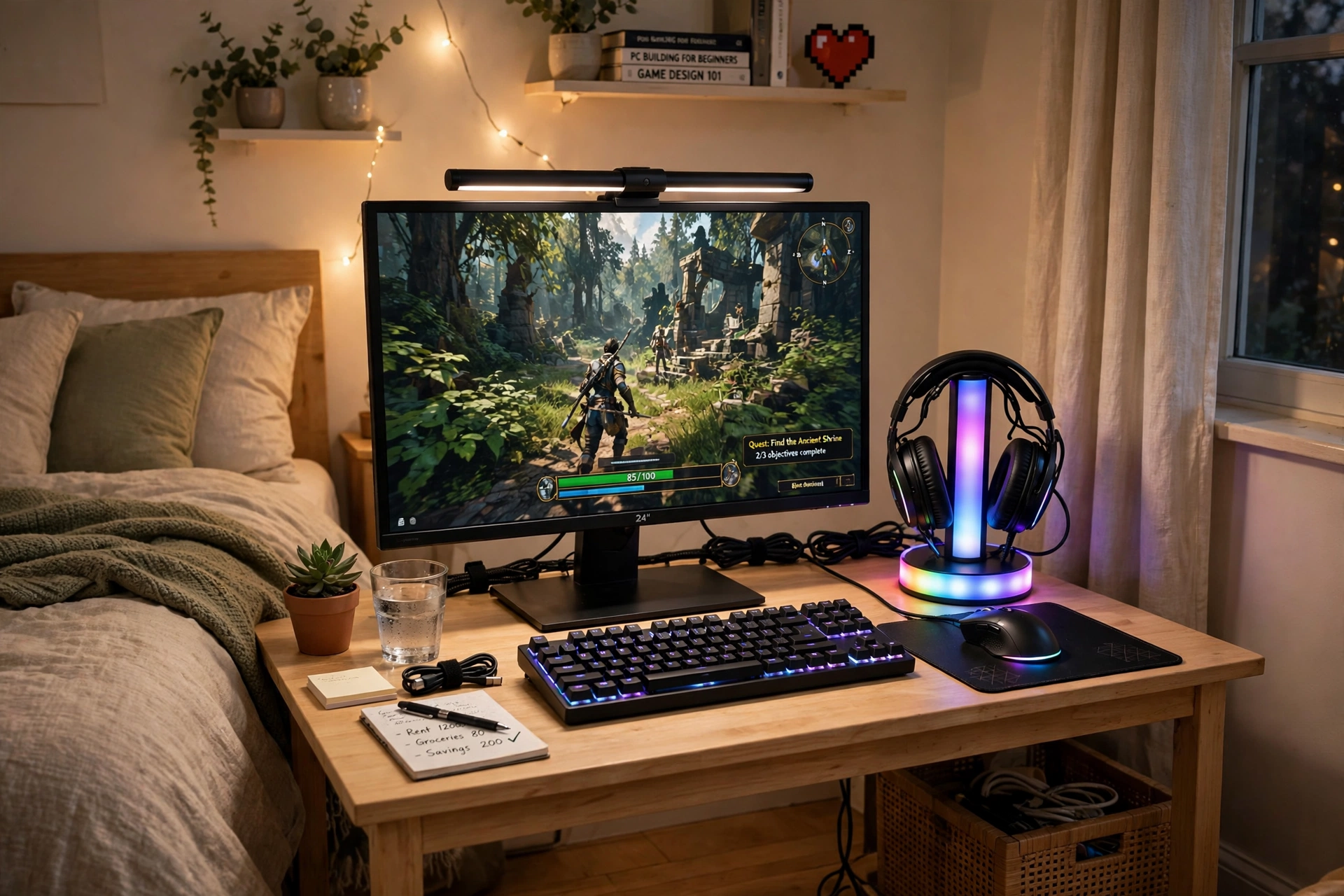
A headset left on the desk takes up space, tangles its cable, and slowly gets knocked over. Give it a home instead. A glowing headset stand lifts it off the desk, keeps the cable tidy, and adds a small light that makes the whole corner feel finished.
How to keep the desk clear:
- Put the stand at the back corner of the desk, not in the middle.
- Hang the headset there after every session, so it becomes a habit.
- Route the headset cable down the stand and behind the desk.
- Add a monitor light bar so the desk stays bright without a lamp taking up space.
- Keep a small tray for the controller, so nothing sits loose on the desk.
For more warm and welcoming ideas that suit a tidy desk, see 15 Cozy Gaming Setup Ideas on a Budget, which shows how soft light can make a small gaming corner feel calm rather than cluttered.
TROND RGB Headset Stand with PD 20W USB C Charger
Why this one: a glowing stand that holds the headset and charges a phone at the same time, so one small piece clears the desk and adds light.
Worth knowing: the charger needs a USB C cable of its own, so keep one spare nearby if you plan to use it daily.
Hive Vibes Monitor Light Bar with RGB Backlight
Why this one: light falls on the desk, not into your eyes, and the RGB back glow adds color behind the screen without a separate strip.
Worth knowing: light bars clip best on flat top monitors, so check your screen edge shape before ordering.
7. A Curved Screen for Console Nights
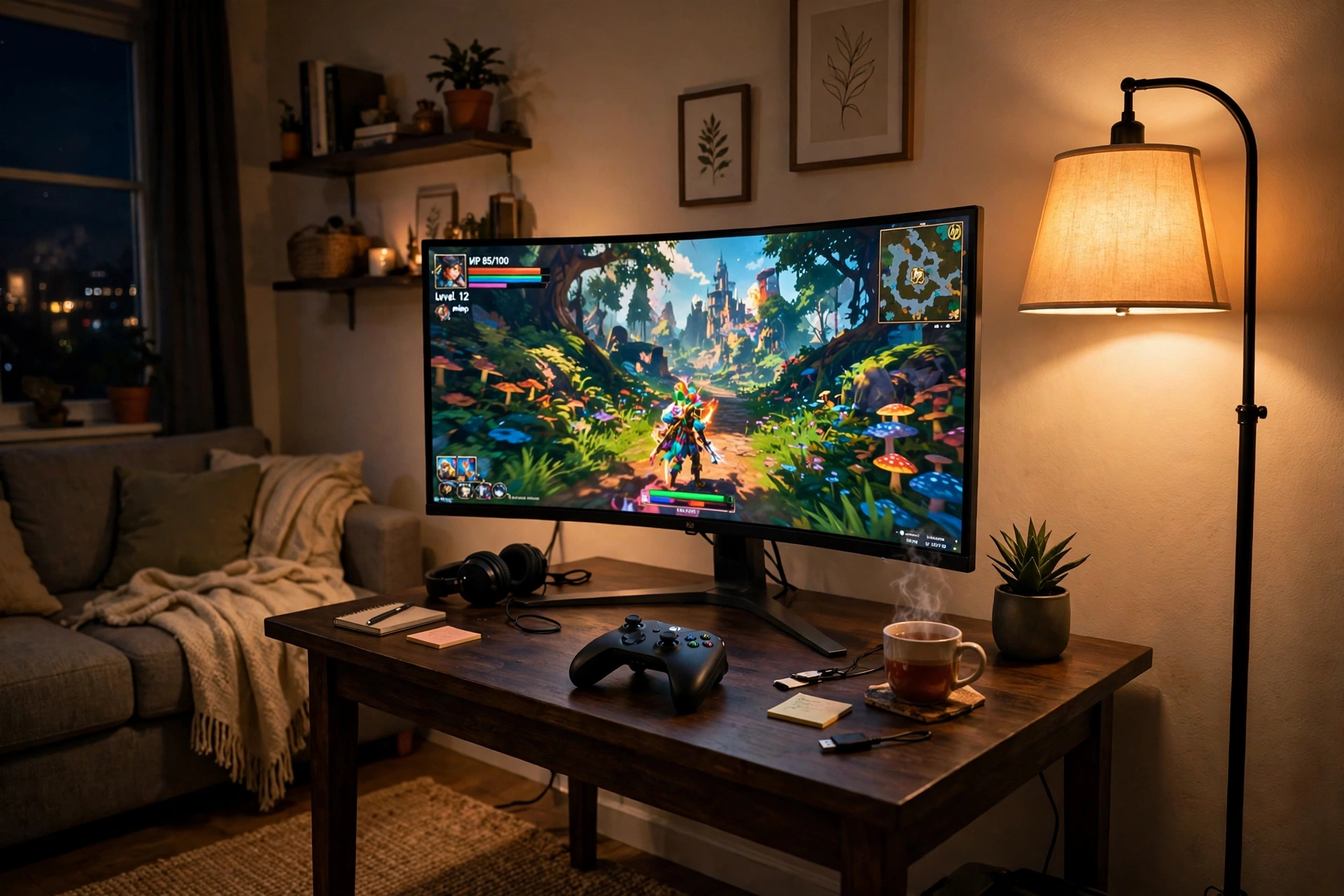
Console nights deserve a screen that feels like a treat, and a curved monitor does that without a big TV price. The curve wraps the game around you a little, which suits racing games, story games, and couch style sessions from a chair.
What works here:
- Screen: a curved monitor at eye level, with the console tucked on a shelf below for airflow.
- Seat: a chair or small sofa placed a little farther back than a PC desk seat, so the curve reads well.
- Light: a tall corner floor lamp with a warm glow, so the room feels cozy instead of dark.
- Storage: a small tray or hooks for controllers, so they never slide off the desk edge.
- Power: one strip with a switch for the console, screen, and lamp, so the whole corner shuts down together.
Console tip: give the console its own shelf with air around it. Consoles run hot in a closed cabinet, and a little airflow saves you trouble later.
CRUA 27 Inch Curved Gaming Monitor, 180Hz
Why this one: a curved screen softens the view from a chair and makes console games feel wider, while staying a sensible size for a desk.
Worth knowing: curved screens need a little viewing distance, so a very tight room may feel too close.
Govee RGBIC Floor Lamp, LED Corner Lamp
Why this one: a slim corner lamp adds warm color without taking desk space, and it fills the dark corner behind a console setup.
Worth knowing: a tall lamp needs a clear corner, so keep cables and bags away from its base.
8. A Corner Desk That Costs Less Than You Think
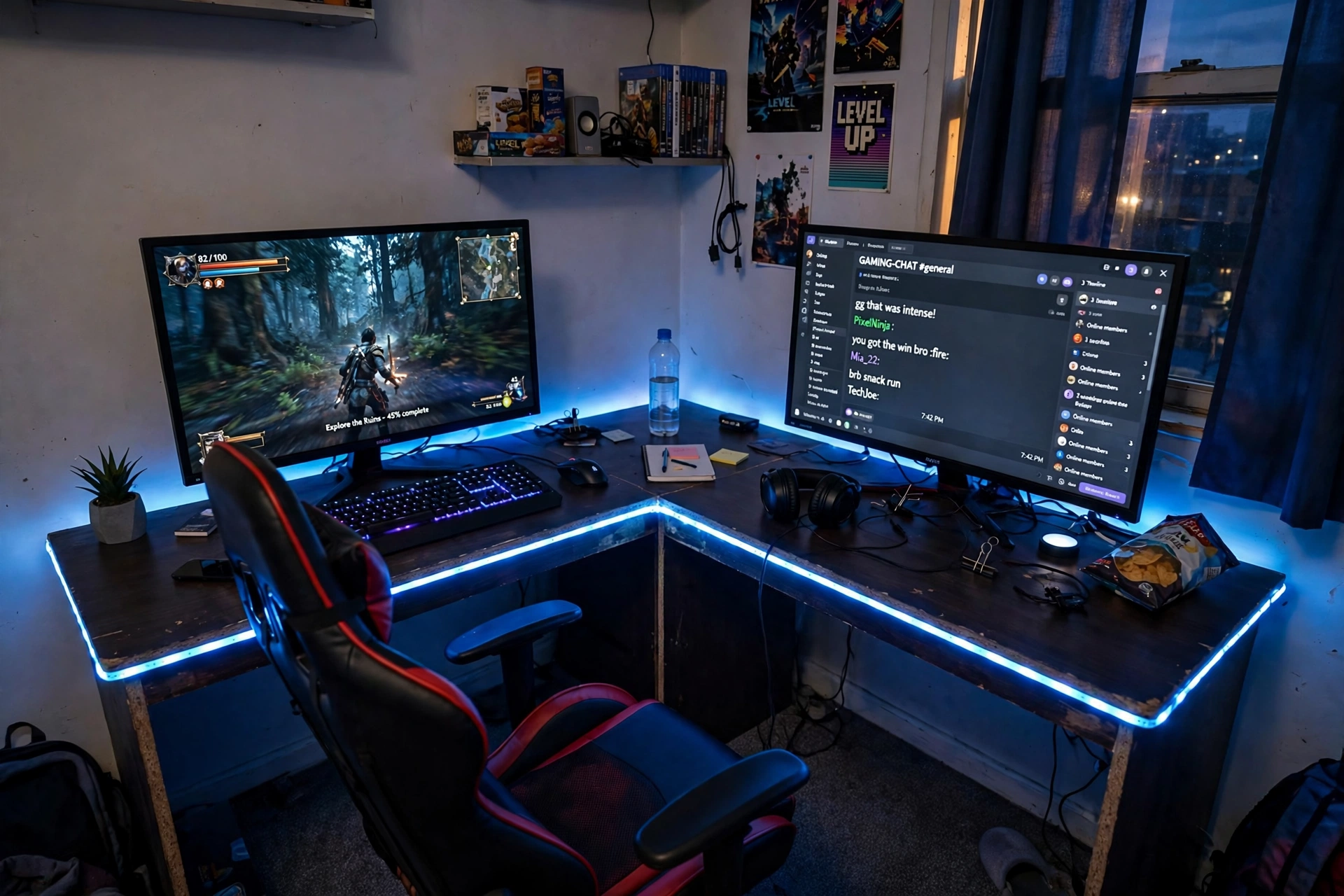
Corners are wasted space in many rooms, and an L desk turns that space into a proper gaming corner for less than most people expect. One screen faces you for gaming, the second side holds chat, homework, or a second player watching along.
How to set up the corner:
- Measure both walls and the corner angle before you order anything.
- Put the main screen on the longer desk side, centered on your chair.
- Use the return side for the second screen, a headset, and a console.
- Run a strip along the back edge to tie both sides together at night.
- Route cables along the back of both sections to one strip in the corner.
Corner setup checklist
✓ Both walls measured, corner angle checked
✓ Chair sits at the corner join, turning slightly to the main screen
✓ Power strip placed in the corner, easy to reach
✓ Light strip runs along both desk sides
PRAISUN 66 Inch L Shaped Gaming Desk with LED Lights and Power Outlets
Why this one: the L shape, built in power, and LED edge cover the three things a corner setup needs most: space, power, and light.
Worth knowing: measure both walls and the corner angle, since an L desk is harder to return than a straight desk if it does not fit.
Quntis Monitor Light Bar RGB PRO
Why this one: light falls on the desk, not into your eyes or onto the screens, which helps late sessions feel easier on the eyes.
Worth knowing: a light bar adds a small glow behind the screens too, so it may not suit a room where you want total darkness.
9. A Wall of Light on a Small Budget
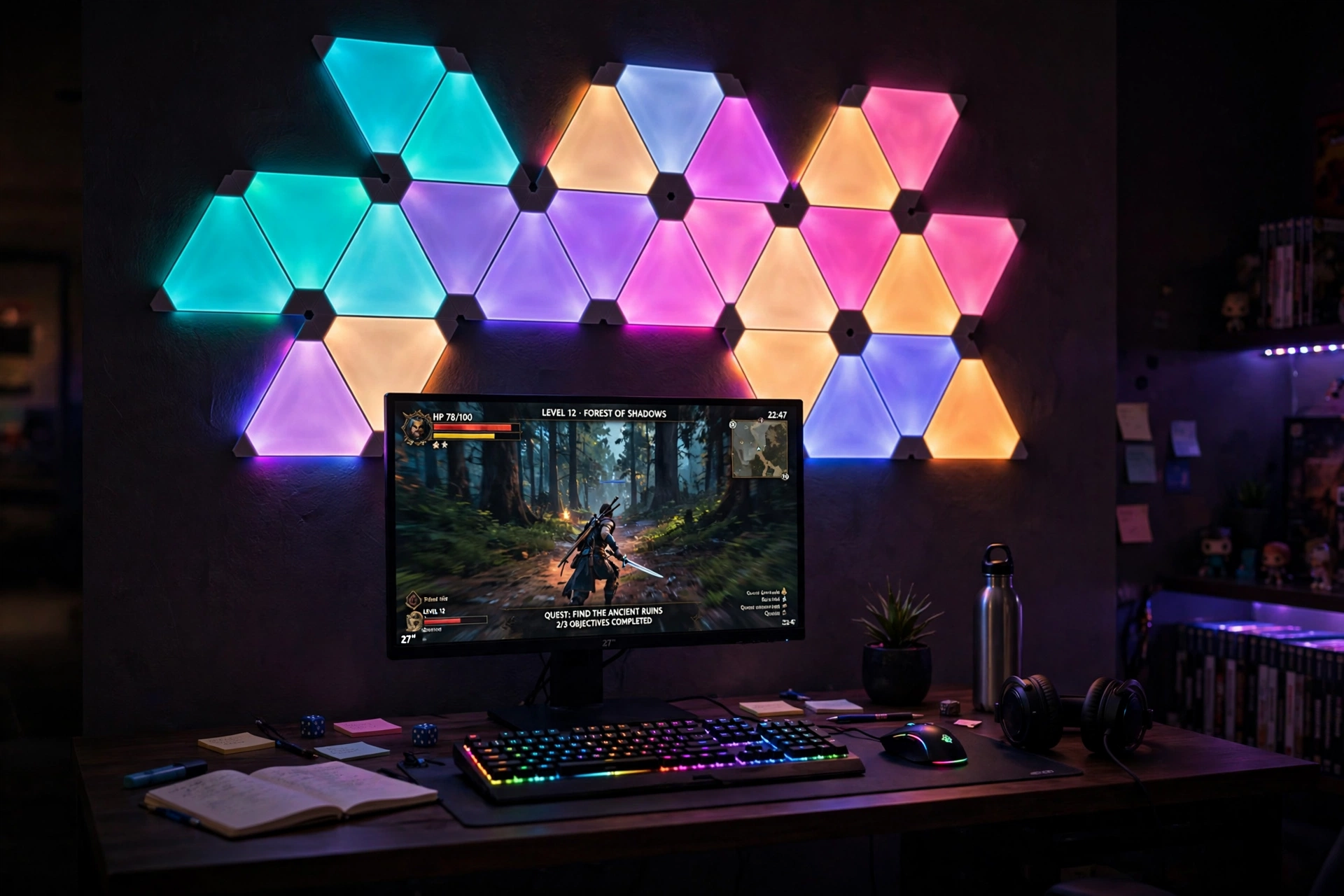
Wall light panels are the fastest way to make a plain wall look like a gaming room, and a small set does the job just as well as a full wall. Two or three panels above the desk give you a glow that shows up in photos, on streams, and every time you walk into the room.
Two panel styles, two moods: slim bar style panels give a clean, modern line of light that suits a tidy desk, while triangle panels give a playful geometric pattern that suits a cozy, personal room. Bar panels are easier to place in a straight row, triangles are easier to arrange into a fun shape. Pick the style that matches your room, then keep the colors calm, since one or two colors always look more expensive than a rainbow.
Govee Glide Wall Lights, 2 Panels Set
Why this one: a small two panel set gives you a real wall glow for very little money, and you can add more panels later if you love the look.
Worth knowing: a small set covers a modest area, so plan the layout on paper first to avoid gaps.
Nanoleaf Shapes Triangles Smarter Kit
Why this one: triangle panels snap into shapes you design yourself, so the wall becomes a piece of art, not just a light.
Worth knowing: the adhesive mounts need a clean, smooth wall, so textured paint can make them harder to stick well.
10. A Chair That Saves Your Back Without Breaking the Bank
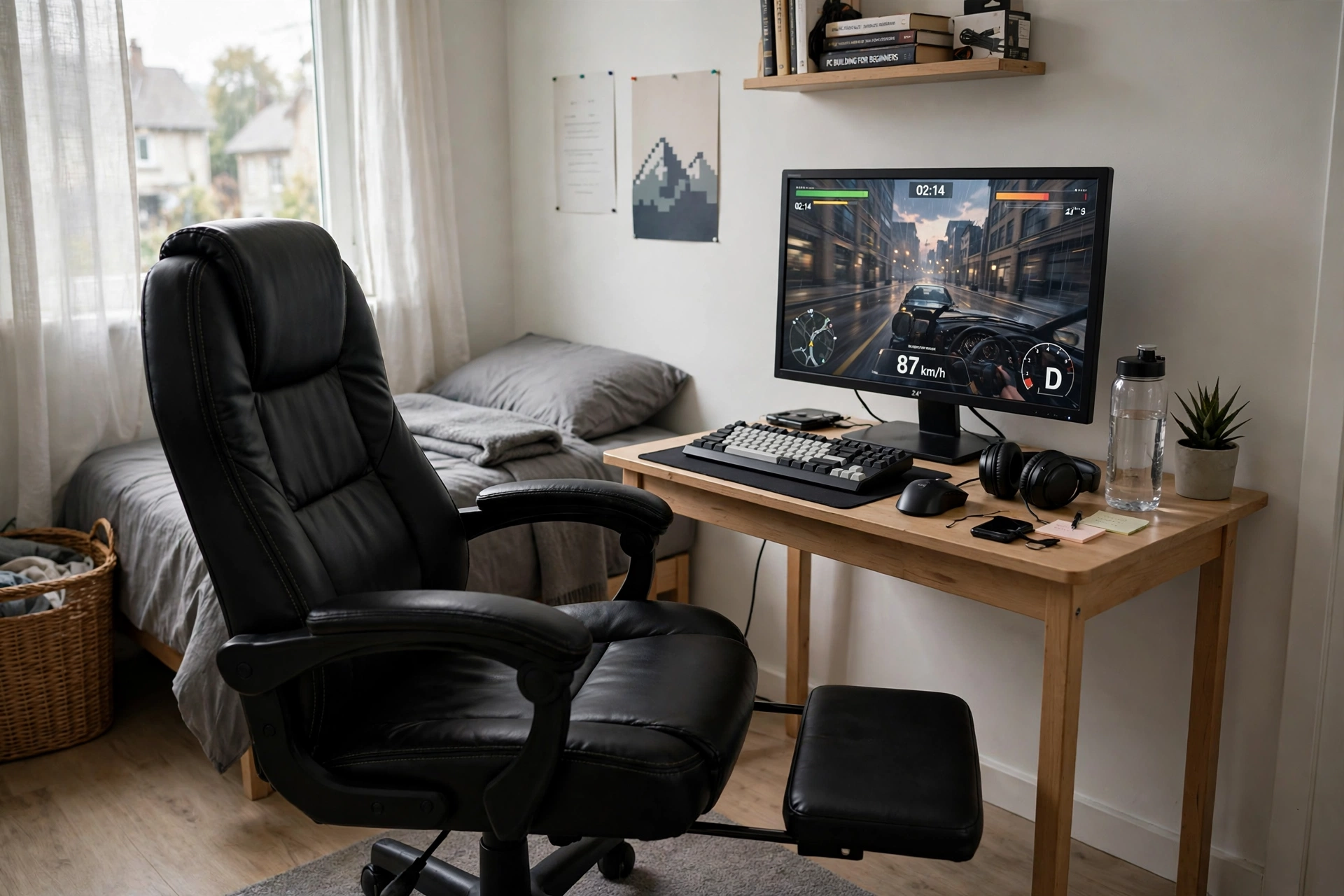
Long sessions punish a bad chair faster than any other piece of gear, so a decent gaming chair is one of the smartest cheap finds you can buy. Look for lumbar support, a footrest for breaks, and a seat that adjusts, since those three things decide whether your back feels fine after two hours.
Comfort tip: set the chair so your feet rest flat and your eyes meet the top third of the screen. A chair at the wrong height causes more aches than a cheap chair ever will, so adjust first and blame the chair second.
Pair the chair with a compact desk that has a monitor stand built in, so the screen sits at the right height without an extra riser. A small lamp keeps the room warm, a drawer holds cables, and one power strip behind the desk keeps the floor clear for the chair to roll.
GTPLAYER Gaming Chair, Computer Chair with Footrest and Lumbar Support
Why this one: lumbar support plus a footrest covers the two comfort features that matter most, at a tier that leaves money for the rest of the setup.
Worth knowing: the footrest suits breaks and casual play more than long ranked sessions, so tuck it away when you need to sit upright.
KKL 40 Inch Small Computer Desk with Adjustable Monitor Stand
Why this one: an adjustable monitor stand built into a compact desk lifts the screen to eye level, which pairs perfectly with a chair that adjusts too.
Worth knowing: a 40 inch desk is cozy for a full keyboard and mouse, so keep the desk surface clear of clutter.
11. A Pink Pop of Color for Less
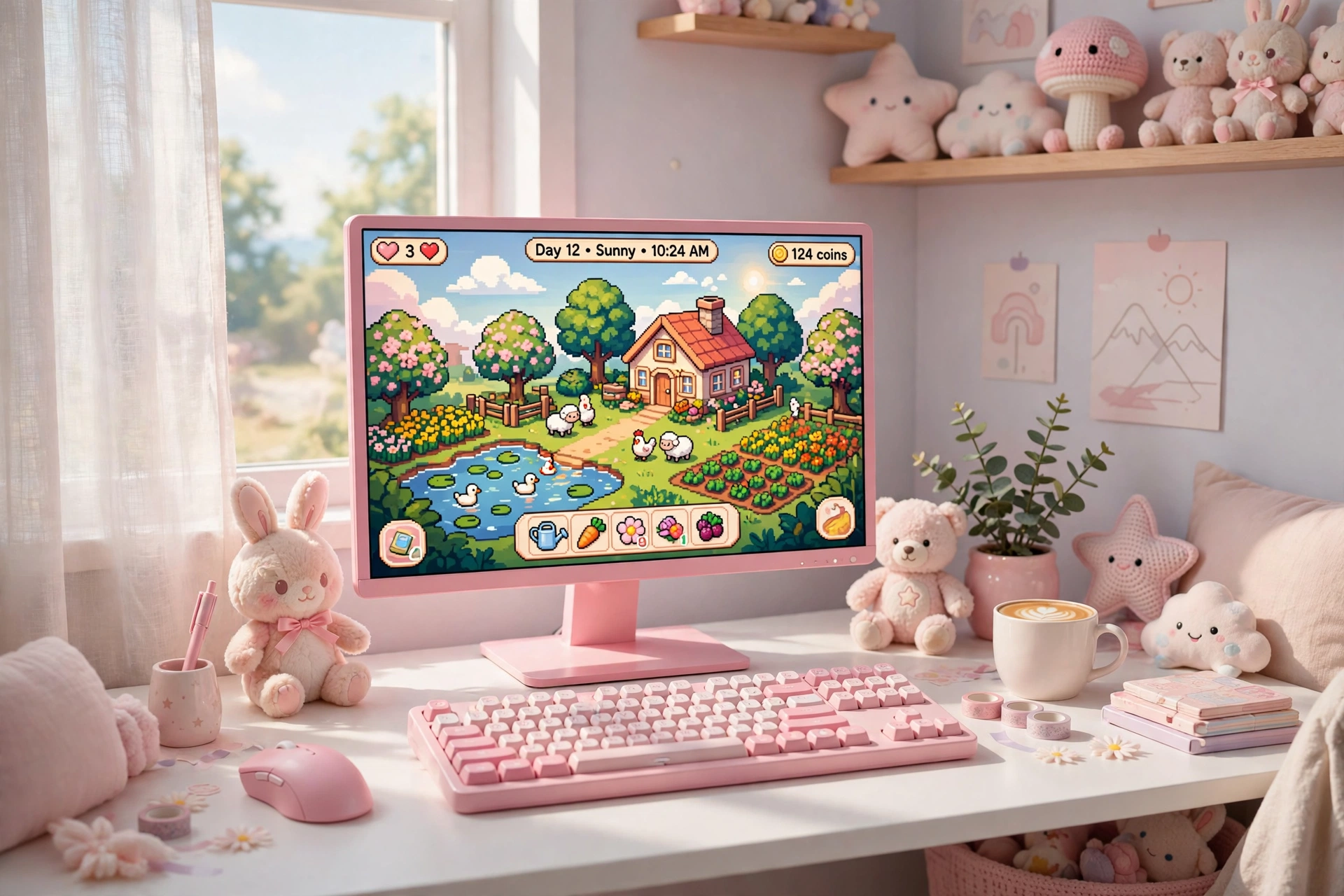
Soft does not mean less serious, and a pink setup can be a real gaming room. This one pairs a pink hero screen with a white desk and a pink keyboard, so cozy games, editing, and streaming all feel at home in the same room.
- Desk: a white desk keeps the pink from feeling heavy and makes the color pop.
- Seat: a light colored chair that tucks under the desk when you are done.
- Light: a warm lamp for evening streams, plus a soft glow behind the screen.
- Storage: a small shelf for a camera, a mic, and a plush toy or two.
- Power: one strip behind the desk, with cables routed down together.
Pink room checklist
✓ One pink hero piece, the rest white or neutral
✓ Warm light, not harsh white light
✓ A soft mousepad to tie the colors together
✓ A small shelf to keep the desk clear
Pixio PX279 Wave Pink 27 Inch Gaming Monitor, 240Hz
Why this one: the pink finish is the style statement of the room, and the fast refresh rate keeps it a real gaming screen, not just a pretty one.
Worth knowing: a bold color limits future matching, so pair it with white or neutral gear if you like to change themes often.
RGB Mousepad, Large LED Mouse Pad
Why this one: a large glowing pad ties the pink screen and keyboard together and gives the mouse a smooth surface to glide on.
Worth knowing: bright RGB edges can clash with soft pastel rooms if set to full color, so pick a gentle pink or white glow.
12. A Folding Wall Desk for the Tiniest Rooms
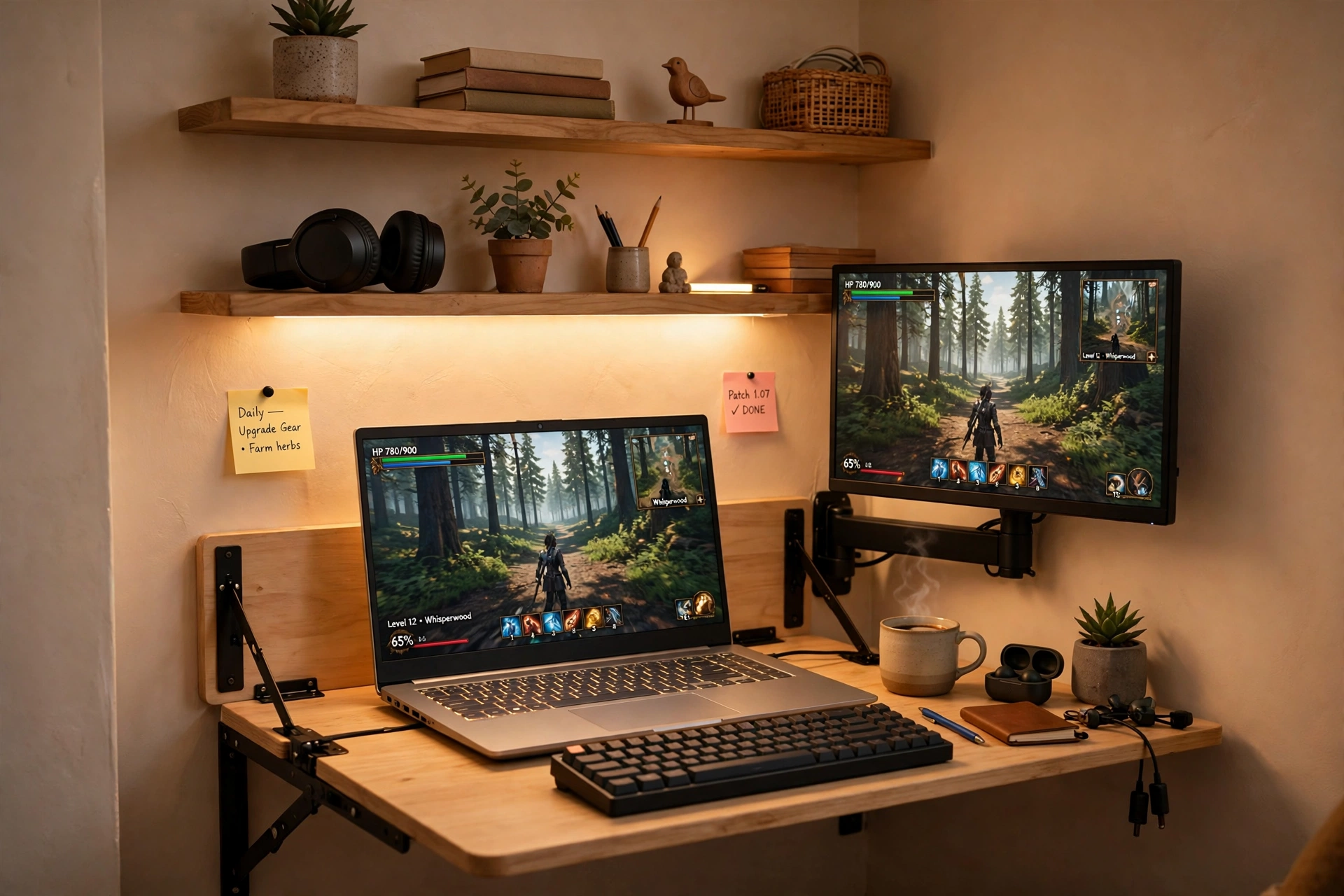
Some rooms barely have space for a chair, let alone a desk, and that is where a folding wall desk earns its keep. It folds down when you play and folds away when you are done, so the room stays a bedroom, a study, or a living room the rest of the day.
Make it work in a tiny room:
- Mount the desk at a height that suits your chair, and test it before you fix it in place.
- Use a laptop or a small monitor on an arm, so the screen lifts off the desk surface.
- Put shelves above the desk for games and a headset, since floor storage does not exist here.
- Keep the power strip on the wall beside the desk, so cables never dangle.
- Fold the desk up after every session, so the habit keeps the room usable.
IFANNY Folding Wall Desk, Wood Wall Mounted Desk with Storage Drawer and Shelves
Why this one: a folding desk with a drawer and shelves gives you a full workspace that disappears when you are done, which is ideal for the smallest rooms.
Worth knowing: a wall desk needs solid wall fixings, so check your wall type and use the right anchors.
HUANUO Gas Spring Dual Monitor Stand for 17 to 32 Inch Screens
Why this one: gas spring arms let you lift the screen up and out of the way, which matters more on a tiny folding desk than anywhere else.
Worth knowing: gas arms need the tension adjusted to the screen weight, or a heavier screen may slowly droop.
Frequently Asked Questions
What is the cheapest way to start a gaming setup? Start with one good monitor and a desk you already own. Add a keyboard and a mousepad next, then light and storage later. A full starter setup can land in the low hundreds if you buy the big pieces first and the decorations last.
Do cheap gaming monitors look bad? Not usually. Budget monitors have improved a lot, and a 27 inch screen with a fast refresh rate looks great for most games. Sit a little farther back if the picture looks soft, and check the refresh rate settings on your PC so you actually get the speed you paid for.
Should I buy a gaming desk or a regular desk? A gaming desk helps because it often includes LED light and power outlets, which saves you buying those separately. A regular desk works fine too if it is sturdy and wide enough, so pick the one that fits your room and your budget.
How do I make a cheap setup look expensive? Pick one light color and use it everywhere, hide the cables behind the desk, and keep the desk surface clear. A tidy desk with one calm glow always looks better than a cluttered desk with five colors fighting each other.
What should I buy first if I can only buy one thing? The monitor, every time. It is the piece you look at in every game, and a good screen improves every session. A chair comes second if you play for long hours, since comfort affects how long you can enjoy the setup.
Can I build a good setup in a tiny room? Yes. Use a small or folding desk, mount the screen on an arm, store things on the wall, and keep the light to one strip or lamp. Small rooms reward simple choices, and a folding desk means the room stays usable for other things too.
Conclusion
Cheap gaming finds work best when each piece earns its place. Start with the screen, add a desk that fits your room, then build up light, comfort, and storage one piece at a time. You do not need to buy everything at once, and you do not need the most expensive version of anything to end up with a room you love.
Pick the setup above that matches your room and your budget, copy it whole, and add your own touches slowly. A gaming room grows best when it grows with you.
