As an Amazon Associate I earn from qualifying purchases. Read our full affiliate disclosure for more detail.
A console gaming room is the easiest kind of gaming room to love. There is no tower to hide, no tangle of PC cables to manage, just a screen, a console, a seat, and good light. The trick is treating the console corner like a real setup instead of an afterthought, with a proper place for controllers, a screen at the right height, and light that makes evening sessions feel special.
In this guide you will find 12 complete console gaming room ideas you can copy whole, from a classic living room TV wall to a small bedroom corner, a two player sofa night, a dark moody den, and a bright airy corner. Each setup covers the screen, seat, storage, light, and power, so nothing important is left out. If your console is a PlayStation, start with our 15 PS5 Gaming Setup Ideas for Console Players for even more console-first inspiration.
In this article
At a glance
1. Classic Living Room TV Wall
2. Small Bedroom Console Corner
3. Budget Console Corner
4. Sleek Modern Console Wall
5. Two Player Game Night Sofa
6. Dark Moody Console Den
7. Bright Airy Console Corner
8. Console and Desk Monitor Combo
9. Retro Console Den
10. Family Console Living Room
11. Ambient Glow Console Room
12. Compact Corner Console Nook
FAQ
Conclusion
At a Glance: Pick Your Console Gaming Room
| Setup | Best for | Hero product |
|---|---|---|
| Classic Living Room TV Wall | Everyday console play | Govee RGBIC LED strip lights |
| Small Bedroom Console Corner | Bedrooms and dorms | Govee RGBIC LED strip lights, 16.4ft |
| Budget Console Corner | A first console setup | KTC 27 inch gaming monitor |
| Sleek Modern Console Wall | Clean, modern living rooms | Philips Hue Play gradient light strip |
| Two Player Game Night Sofa | Couples and game nights | GTPLAYER gaming chair |
| Dark Moody Console Den | Late night story games | Nanoleaf Shapes ultra black triangles |
| Bright Airy Console Corner | Daytime players | Samsung Essential S3 curved monitor |
| Console and Desk Monitor Combo | Console plus PC players | CRUA 27 inch curved gaming monitor |
| Retro Console Den | Retro collectors | Pixio PX279 Wave Pink monitor |
| Family Console Living Room | Families and kids | LG UltraGear 27GS75Q-B monitor |
| Ambient Glow Console Room | Cinematic evening play | Govee RGBIC floor lamp |
| Compact Corner Console Nook | Tiny rooms and corners | Acer Nitro KG271U monitor |
1. Classic Living Room TV Wall
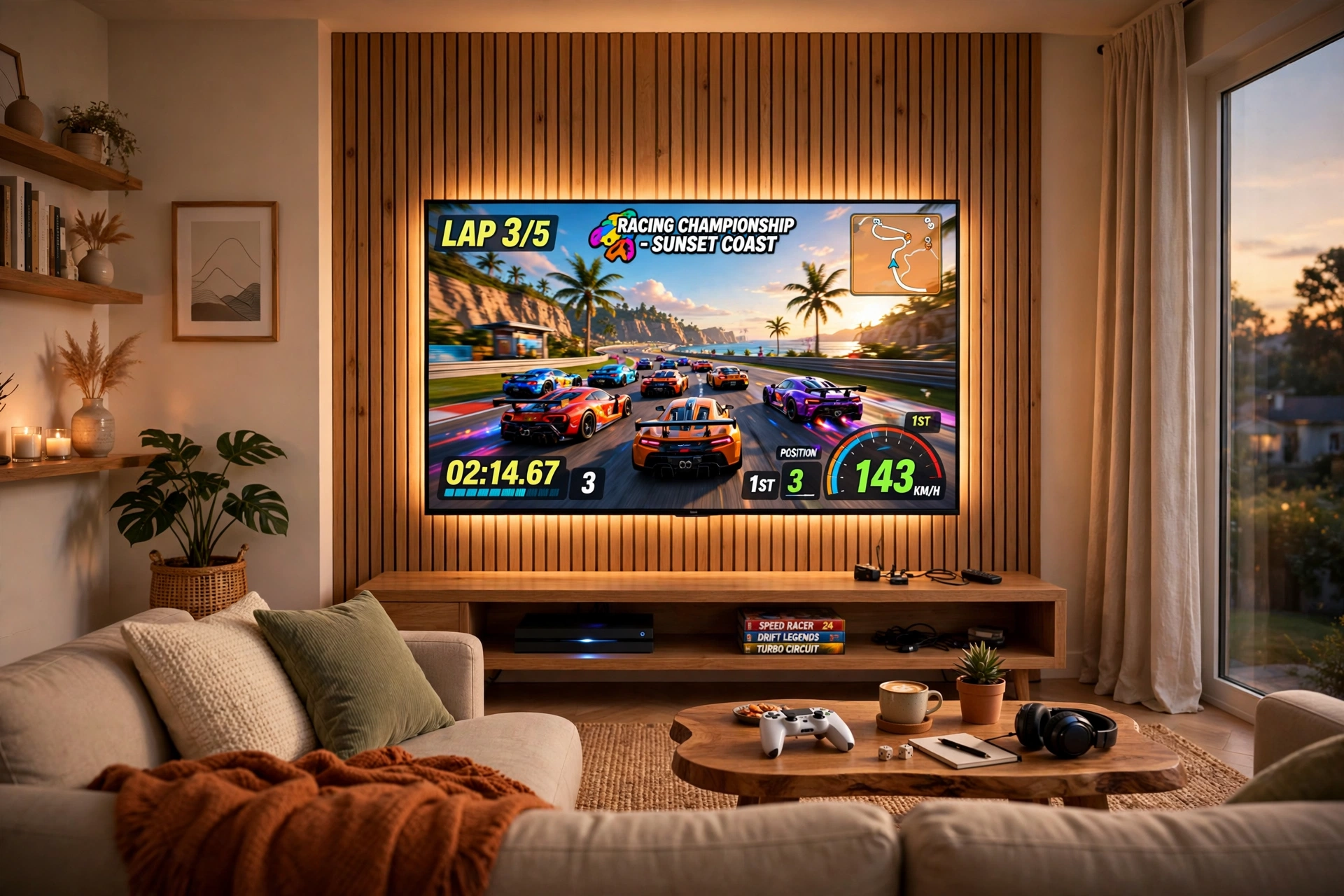
This is the setup most console players picture first, and it earns that spot. A big TV on the wall, the console on a low stand below it, and a sofa at just the right distance. Nothing fancy, nothing fragile, just a room that is ready to play the moment you sit down.
What works here:
- Screen: wall mount the TV at eye level from your sofa, so your neck stays relaxed during long sessions.
- Seat: a sofa with a low back works best, since it keeps your view of the TV clear from any spot.
- Light: a strip behind the TV softens the contrast between the bright screen and a dark room.
- Storage: the media stand holds the console, controllers, and a small row of games.
- Power: one strip behind the stand feeds the TV, console, and lights together.
Govee 65.6ft RGBIC LED Strip Lights
Why this one: the long run covers a big TV and still leaves length for the media stand, and the color segments let you set a warm glow for movies and a bold color for games.
Worth knowing: measure the back of your TV and stand before ordering, since a strip that is too long leaves a messy coil to hide.
Philips Hue Play Light Bar, 2 Pack
Why this one: two light bars stand behind or beside the TV and wash the wall with color, which makes the whole wall feel designed rather than just mounted.
Worth knowing: the full color sync features need a Hue bridge, so check what you already own before expecting every effect.
2. Small Bedroom Console Corner
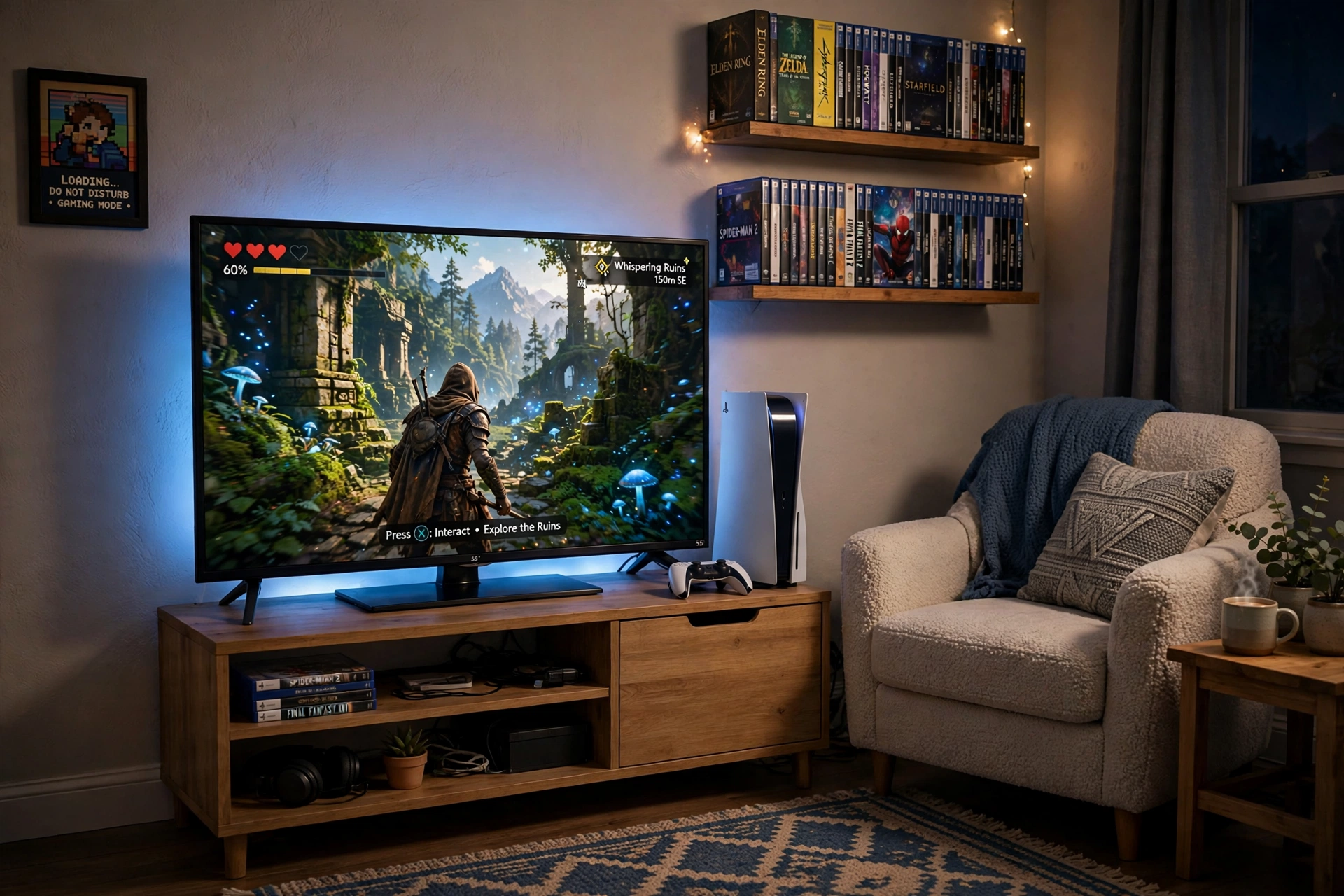
A bedroom console corner works when everything earns its place. One TV, one console, one good chair, and light that makes the corner feel separate from the bed. Keep the stand small, the cables short, and the games on a wall shelf instead of the floor, and a tiny corner plays like a much bigger room.
How to set it up:
- Push the media stand into the corner so the TV faces the chair at a slight angle.
- Mount two small shelves above the stand for games and a headset.
- Run a short LED strip behind the TV for evening glow without a floor lamp.
- Keep a power strip behind the stand and route cables straight down.
- Leave the chair free to pull out, since a fixed chair makes a small room feel cramped.
Govee RGBIC LED Strip Lights, 16.4ft
Why this one: the shorter length suits a bedroom TV without waste, and the color segments give a soft blue or warm glow that reads well in a small space.
Worth knowing: the adhesive can struggle on dusty or textured walls, so wipe the surface first and press along the whole strip.
DUMOS 45 Inch Gaming Desk with LED Lights and Power Outlets
Why this one: built in power outlets and LED light cover two bedroom needs in one compact piece, and it can hold a monitor or a small TV for desk play.
Worth knowing: a 45 inch desk is snug for a TV plus a console, so measure both before you commit to this size.
3. Budget Console Corner
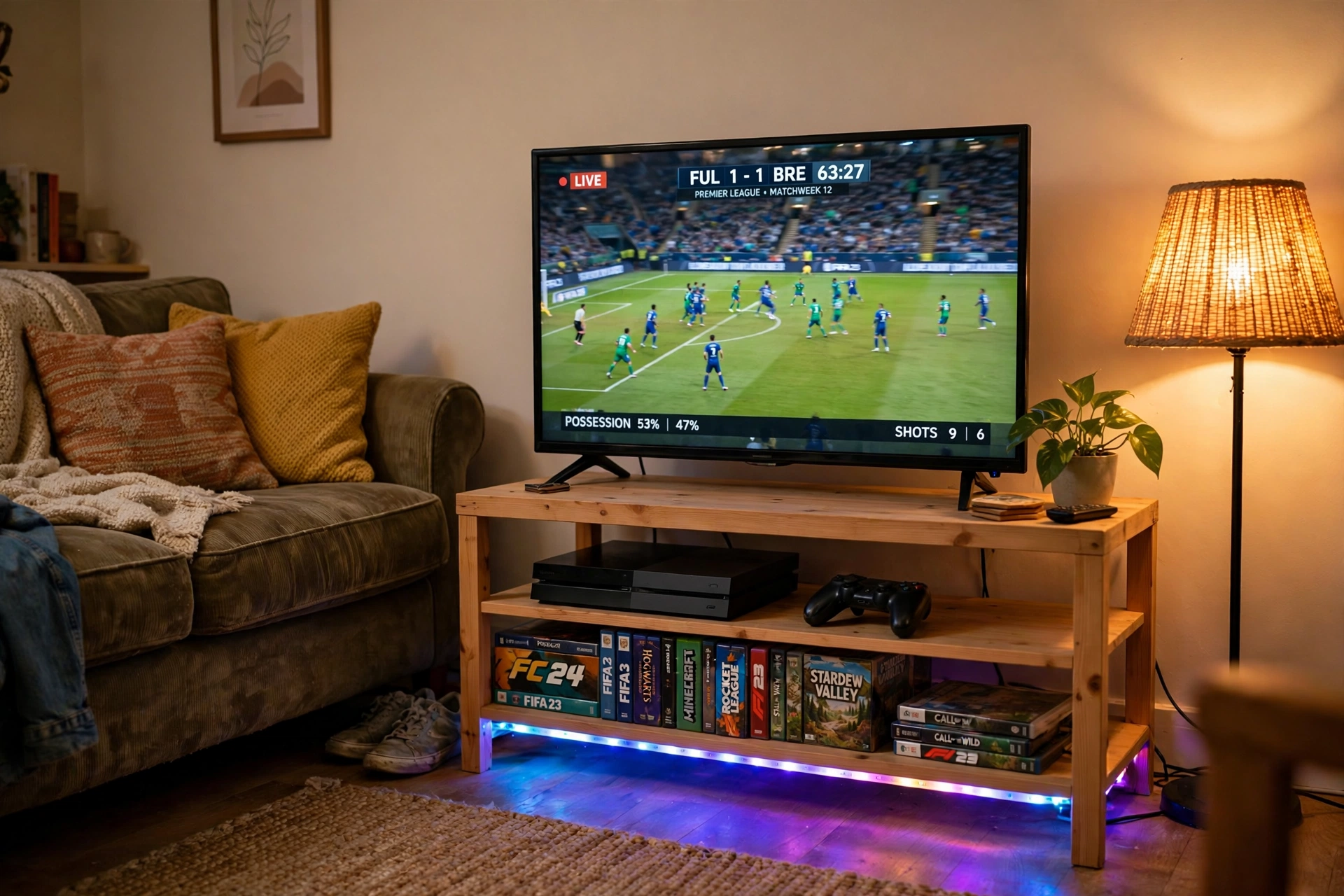
You do not need a big budget to build a console room that feels good to sit in. Spend on the screen and the seat first, then add light last, since a strip or a lamp costs little and changes the mood more than any extra shelf. This setup uses a simple stand, a warm lamp, and a monitor style screen for desk play, which keeps the whole corner affordable.
Budget tip: buy the screen and the seat before any decoration. A decent screen and a chair you can sit in for two hours matter far more than wall art, and you can add glow pieces one at a time as money allows.
Keep the stand low so the screen sits at eye level from the sofa, put controllers in a small basket beside the stand, and run one power strip behind everything. The room will look tidy and feel finished, even though the total spend stays modest.
KTC 27 Inch Gaming Monitor, 180Hz, 1080p
Why this one: a fast 27 inch screen at a friendly tier gives console desk play a smooth feel, and it pairs well with a small stand in a tight corner.
Worth knowing: 1080p on a 27 inch screen looks softer up close than higher resolutions, so sit a little farther back if text looks fuzzy.
RGB Mousepad, Large LED Mouse Pad
Why this one: a large lit mousepad defines the desk area for console and PC play, protects the desk surface, and adds color for very little spend.
Worth knowing: the LED edge needs a USB port, so keep one free on the console or a nearby hub.
4. Sleek Modern Console Wall
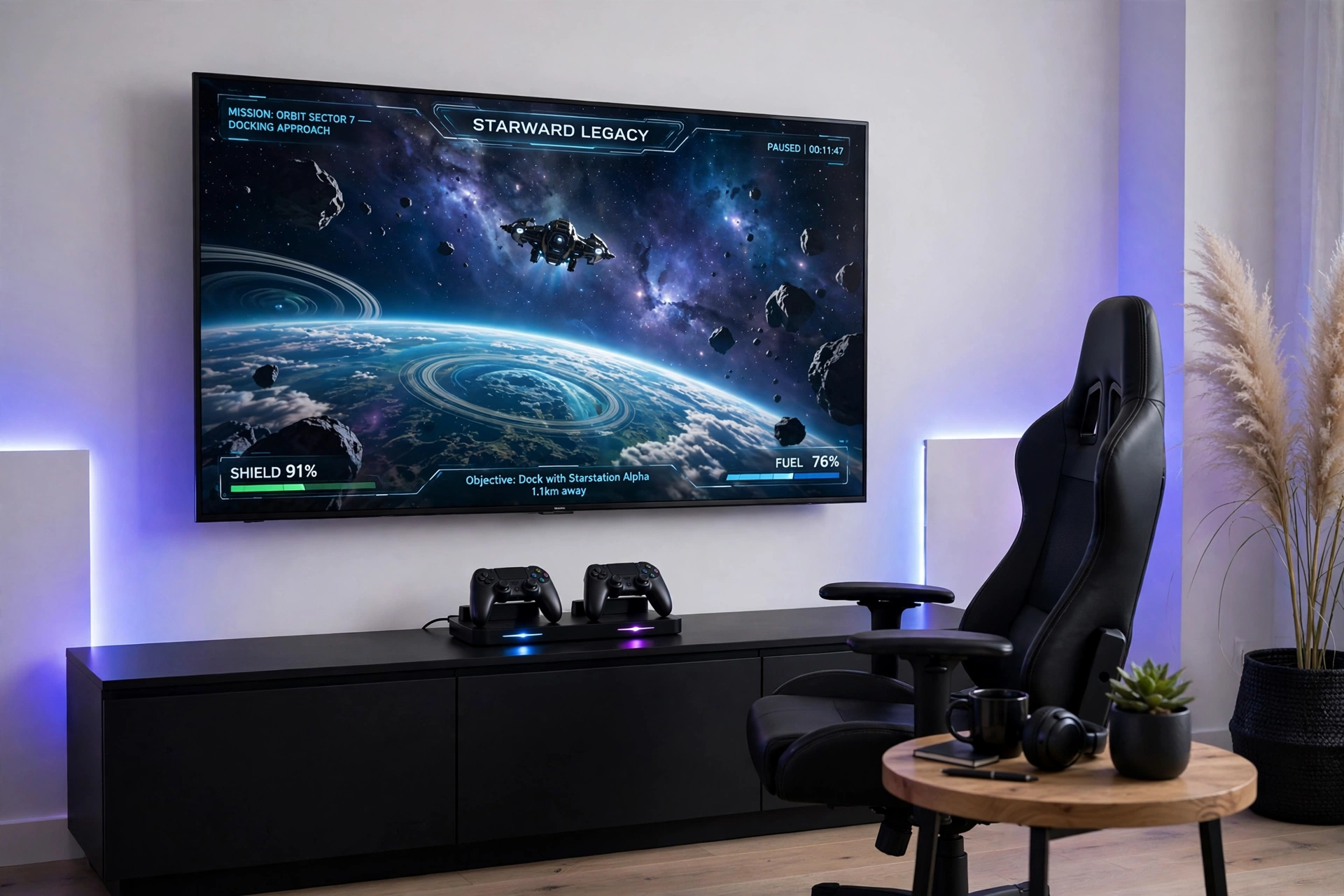
Modern does not have to mean cold. This wall pairs a clean black media console with soft color on the wall behind the TV, so the room looks tidy by day and glows gently by night. Hide the console cables inside the unit, keep only two controllers visible on a dock, and let the light do the decorating.
| Choice | Pick it if you want |
|---|---|
| Gradient strip behind the TV | Color that follows the game on screen |
| Wall light panels beside the TV | A bold shape on the wall by day too |
Finish the wall with a low console that has doors, so games and cables stay out of sight. A small side table holds drinks, and the sofa faces the TV straight on, which keeps the modern lines of the room feeling calm instead of cluttered.
Philips Hue Play Gradient Light Strip, 55 Inch
Why this one: the gradient strip mounts behind the TV and blends several colors along its length, which gives a modern wall a soft halo instead of one flat color.
Worth knowing: the 55 inch size suits mid to large TVs, so check your TV width before ordering a strip that may be too short.
Nanoleaf Shapes Triangles Smarter Kit
Why this one: triangle panels build a clean geometric shape beside the TV, and they double as wall art when the game is off.
Worth knowing: the panels stick to the wall with adhesive, so plan the layout on the floor first, since moving them later is a chore.
5. Two Player Game Night Sofa
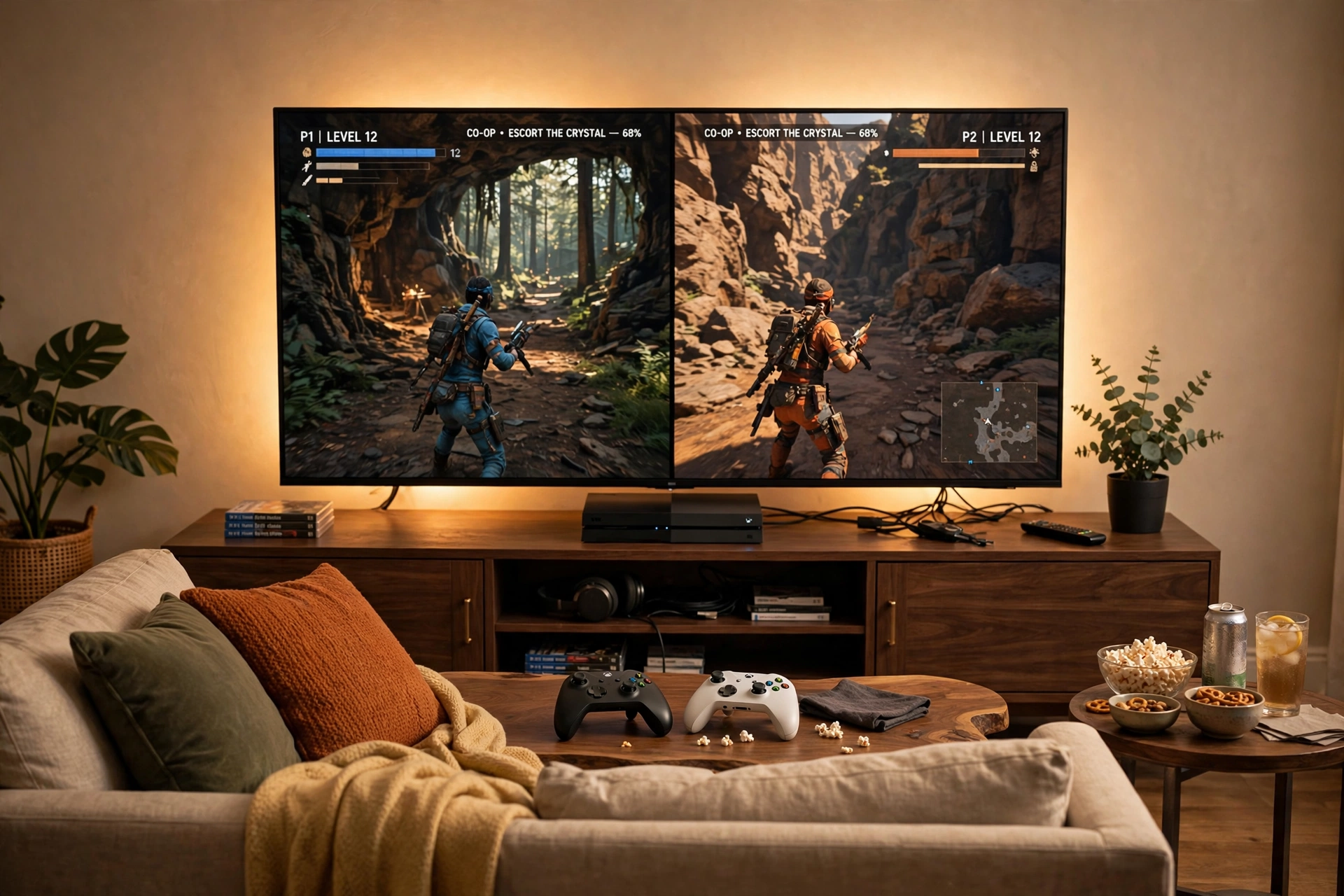
Game night lives or dies on the sofa. Two players need equal space, equal view, and a coffee table close enough for controllers and snacks. Put the TV straight in front of the sofa, not off to one side, so nobody twists their neck, and keep a second controller charged and ready so the night never pauses for a dead battery.
Game night checklist:
- ☑ A wide sofa with room for two players and a cushion each
- ☑ A coffee table within easy reach of both seats
- ☑ Two controllers, with a charging dock or spare batteries nearby
- ☑ A warm LED glow behind the TV for evening sessions
- ☑ A small side table for drinks, so spills stay off the controllers
GTPLAYER Gaming Chair, Computer Chair with Footrest and Lumbar Support
Why this one: a chair with a footrest and lumbar support gives the second player a proper seat when the sofa is full, and it folds away neatly after game night.
Worth knowing: the footrest suits relaxed play, not upright competitive sessions, so use the sofa for serious matches.
Govee Glide Wall Light, 6 Pcs + 1 Corner
Why this one: the wall bars build a glowing shape above or beside the TV, which sets a party mood for game night without a single extra lamp.
Worth knowing: plan the bar layout before sticking them up, since the adhesive mounts are meant to stay put.
6. Dark Moody Console Den
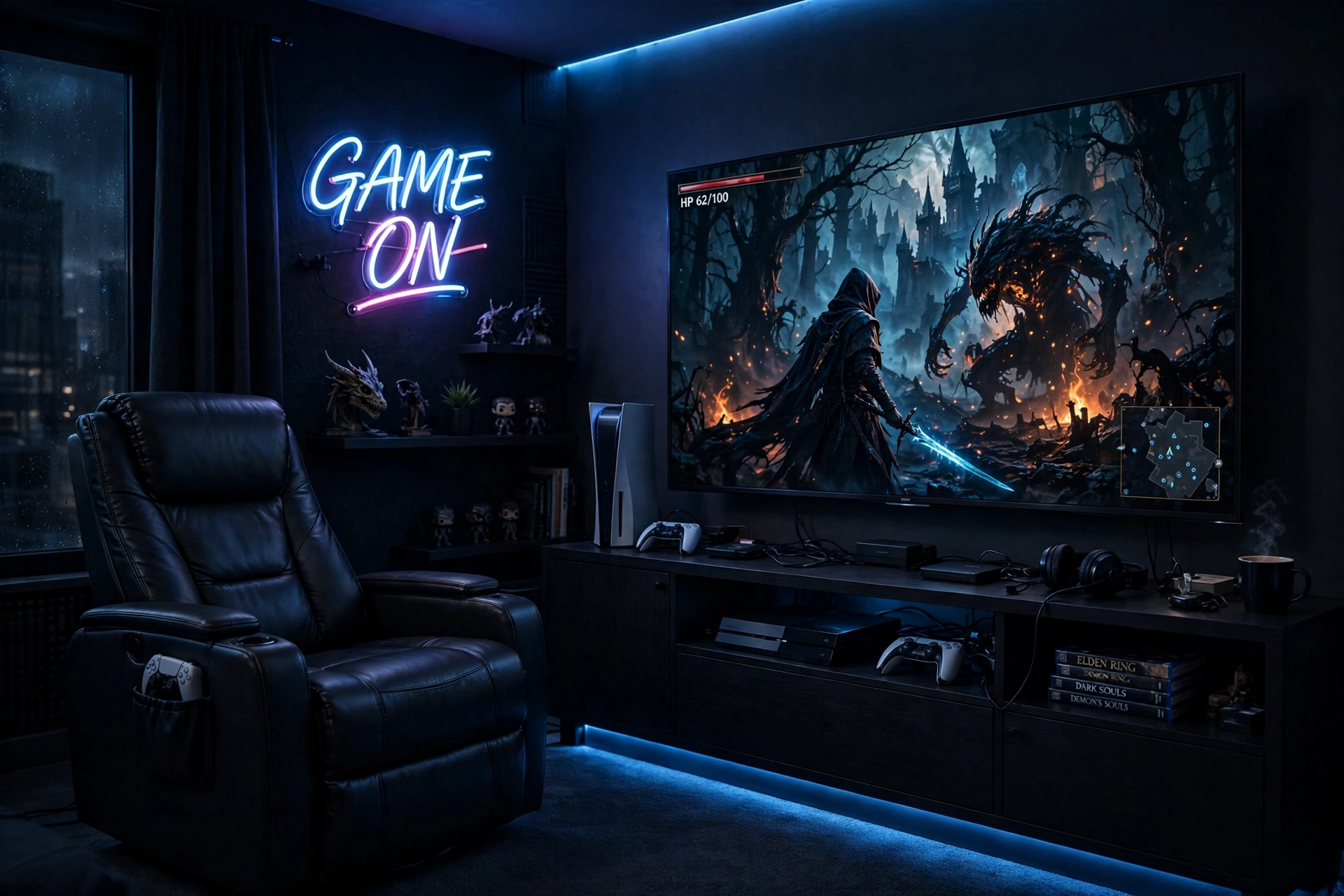
Some games deserve the lights down. This den uses dark furniture, a leather recliner, and a single blue glow behind the TV to make story games feel like a cinema. The room stays simple on purpose, because a moody room works best when nothing bright competes with the screen.
Screen: keep the TV as the brightest thing in the room, and dim every other light, so your eyes settle on the game.
Seat: a recliner beats a sofa here, since you play alone and lean back for hours.
Light: one cool blue strip behind the TV is enough. More light would spoil the mood.
Storage: a black media unit with closed doors hides games and keeps the dark palette clean.
Power: route all cables behind the unit to one strip, so no glowing plugs break the darkness.
For more ways to shape the glow in a dark room, see our 15 LED Gaming Room Ideas That Set the Perfect Mood, which covers the strip and bias light tricks that suit this den best.
Nanoleaf Shapes Ultra Black Triangles Smarter Kit, 15 Pack
Why this one: the black panels blend into a dark wall by day and glow in deep colors at night, which is exactly the look a moody den needs.
Worth knowing: fifteen panels cover a large wall area, so measure your wall first or the set may look too small or too crowded.
Hive Vibes Monitor Light Bar with RGB Backlight
Why this one: the light bar sits on top of a monitor or small screen and throws light down onto the desk, which helps when the den doubles as a desk setup.
Worth knowing: a light bar is made for monitors, so it will not fit a large TV, and it suits desk play more than sofa play.
7. Bright Airy Console Corner
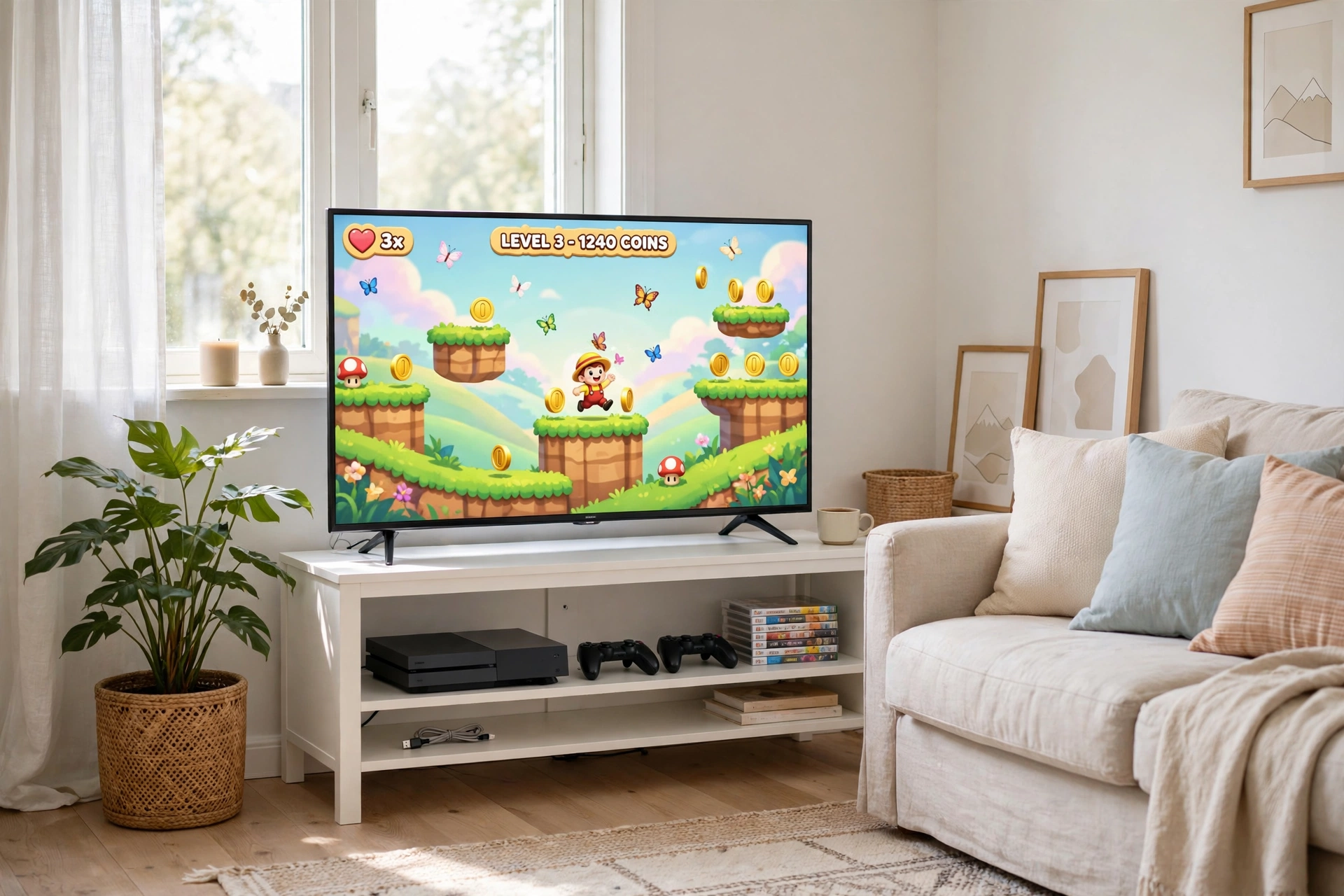
Not every console room needs to be dark. This bright corner uses white furniture, soft daylight, and a cheerful game on screen, which makes it a lovely room for daytime play and for rooms that double as a living space. A plant beside the stand and a light fabric sofa keep the corner feeling fresh instead of tech heavy.
Daylight tip: keep the TV out of direct sun, since glare ruins a bright screen fast. A sheer curtain or a slight angle toward the window solves it without darkening the room.
Choose a white or pale wood stand, keep cables in a small basket, and pick a screen size that fits the wall without dominating it. The room should feel like a living room first and a gaming room second, which is exactly why guests love sitting in it.
Samsung Essential S3 S36GD 27 Inch Curved Monitor
Why this one: the gentle curve suits a bright desk corner for console play, and the slim design looks neat against white furniture.
Worth knowing: this is a simpler monitor without high refresh gaming extras, so it suits casual console play more than fast competitive games.
Huuger 47 Inch Computer Desk with Power Outlets and LED Lights
Why this one: built in outlets and a soft LED edge cover power and evening light in one compact desk, which fits a bright corner without crowding it.
Worth knowing: a compact desk leaves less depth for a large keyboard and mousepad together, so keep desk accessories slim.
8. Console and Desk Monitor Combo
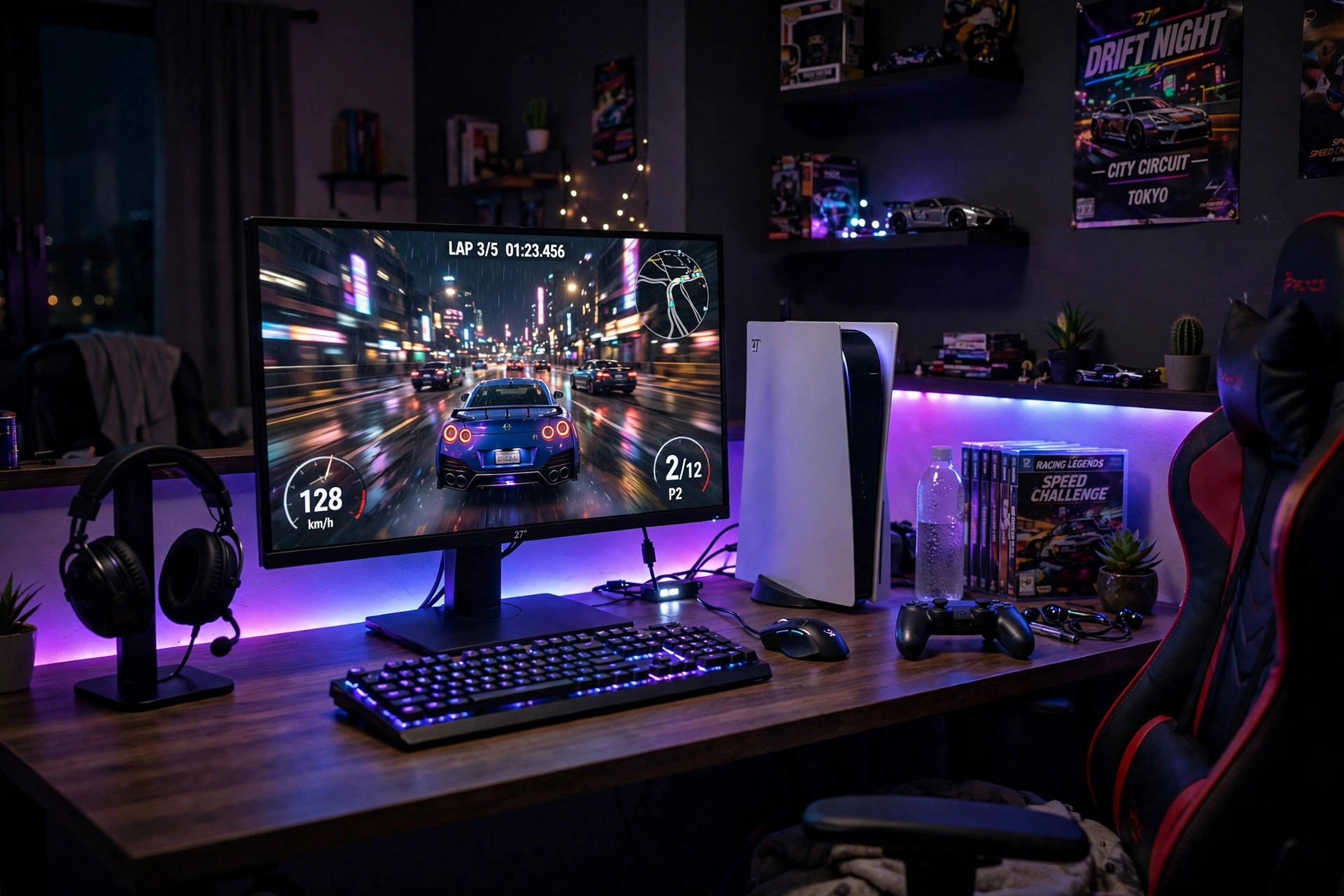
Some players want both worlds: a console for the sofa and a monitor at the desk for closer play. This combo puts the console beside a monitor on a gaming desk, so you can switch from couch sessions to desk sessions without moving a single cable. It is the best setup for small rooms where one desk has to serve every kind of play.
Set it up in five steps:
- Place the monitor centered on the desk and the console to one side with airflow around it.
- Connect the console to the monitor with a short cable, and label it so guests never unplug the wrong one.
- Hang the headset on a stand at the desk edge, within easy reach of the chair.
- Run a strip behind the desk to tie the monitor and console together visually.
- Keep one power strip under the desk with a switch, so the whole station shuts down at night.
CRUA 27 Inch Curved Gaming Monitor, 180Hz
Why this one: the curved screen wraps your view nicely from a desk chair, and the fast refresh keeps console games feeling smooth.
Worth knowing: curved screens need a little viewing distance, so a very shallow desk may feel too close.
Corsair K70 CORE RGB Mechanical Gaming Keyboard
Why this one: a solid mechanical keyboard rounds out the desk side of the combo, so the station also works for PC games and typing between sessions.
Worth knowing: mechanical keys are louder than membrane keys, so they may not suit a shared bedroom late at night.
9. Retro Console Den
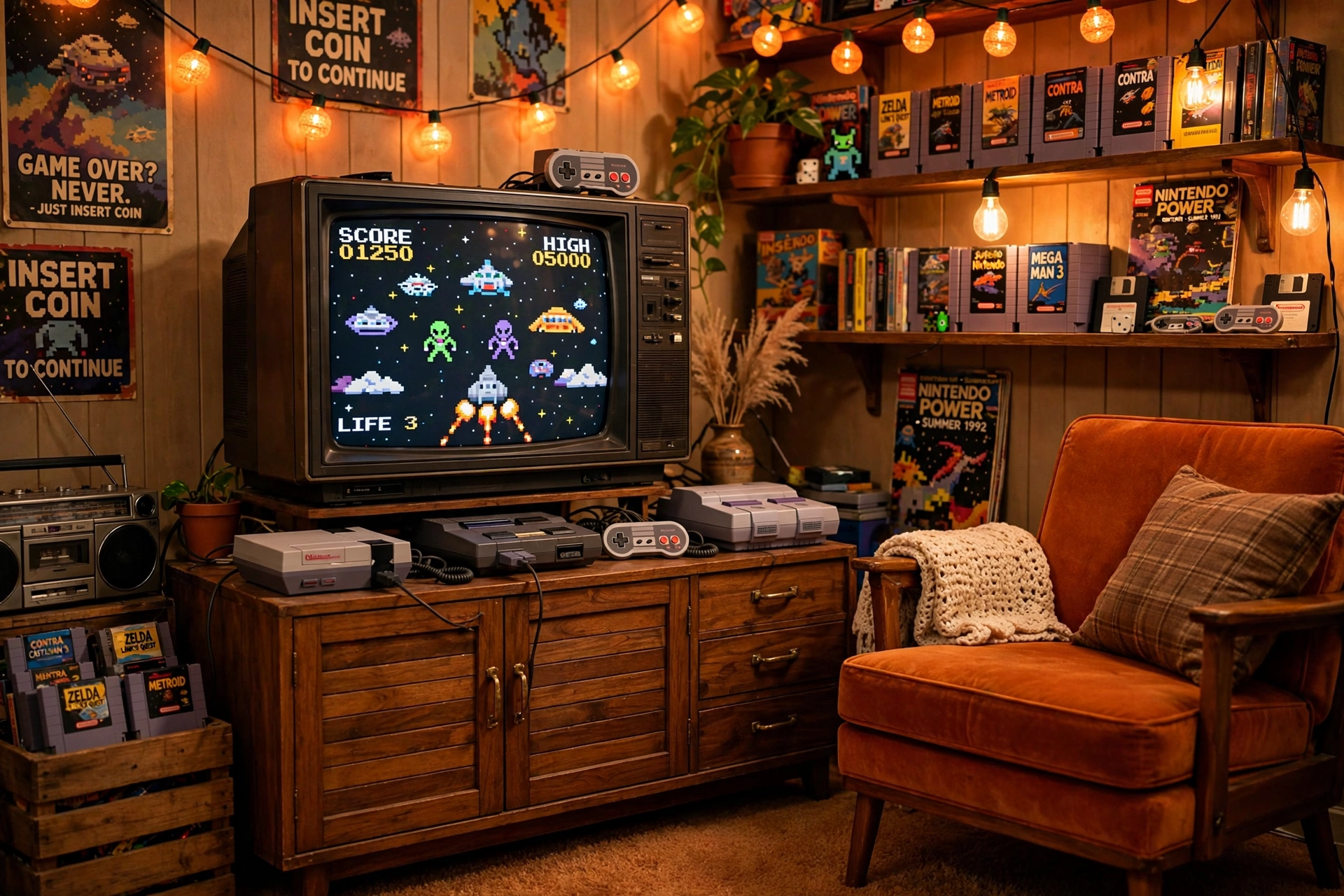
Retro rooms are part museum, part playground. A wooden cabinet holds the TV, shelves display old consoles and cartridges, and warm string lights give the whole den a nostalgic glow. The trick is keeping the collection visible without letting it turn into clutter: one shelf per system, one controller per console, and the rest stored away.
| Display idea | Why it works |
|---|---|
| One shelf per console | Each system gets its own story |
| Cartridges in a row | Colorful spines act like wall art |
| Warm string lights | Soft light suits old games best |
Add a comfy armchair facing the TV, keep the current console on the cabinet top for easy play, and run one power strip behind the cabinet for all the old systems. The den will feel like a trip back in time, with a modern screen that still plays everything beautifully.
Pixio PX279 Wave Pink 27 Inch Gaming Monitor, 240Hz
Why this one: the pink finish adds a playful retro pop to the den, and the fast refresh rate keeps it a serious screen for modern games too.
Worth knowing: a bold color limits future matching, so pair it with white or neutral gear if you like to change themes often.
FancyMay RGB Headphone Stand with Music Rhythm Light
Why this one: the stand keeps your headset off the cabinet and adds a small rhythm light that suits the playful retro mood.
Worth knowing: the rhythm light reacts to sound, so it may flash during quiet scenes and can be turned off if you prefer still light.
10. Family Console Living Room
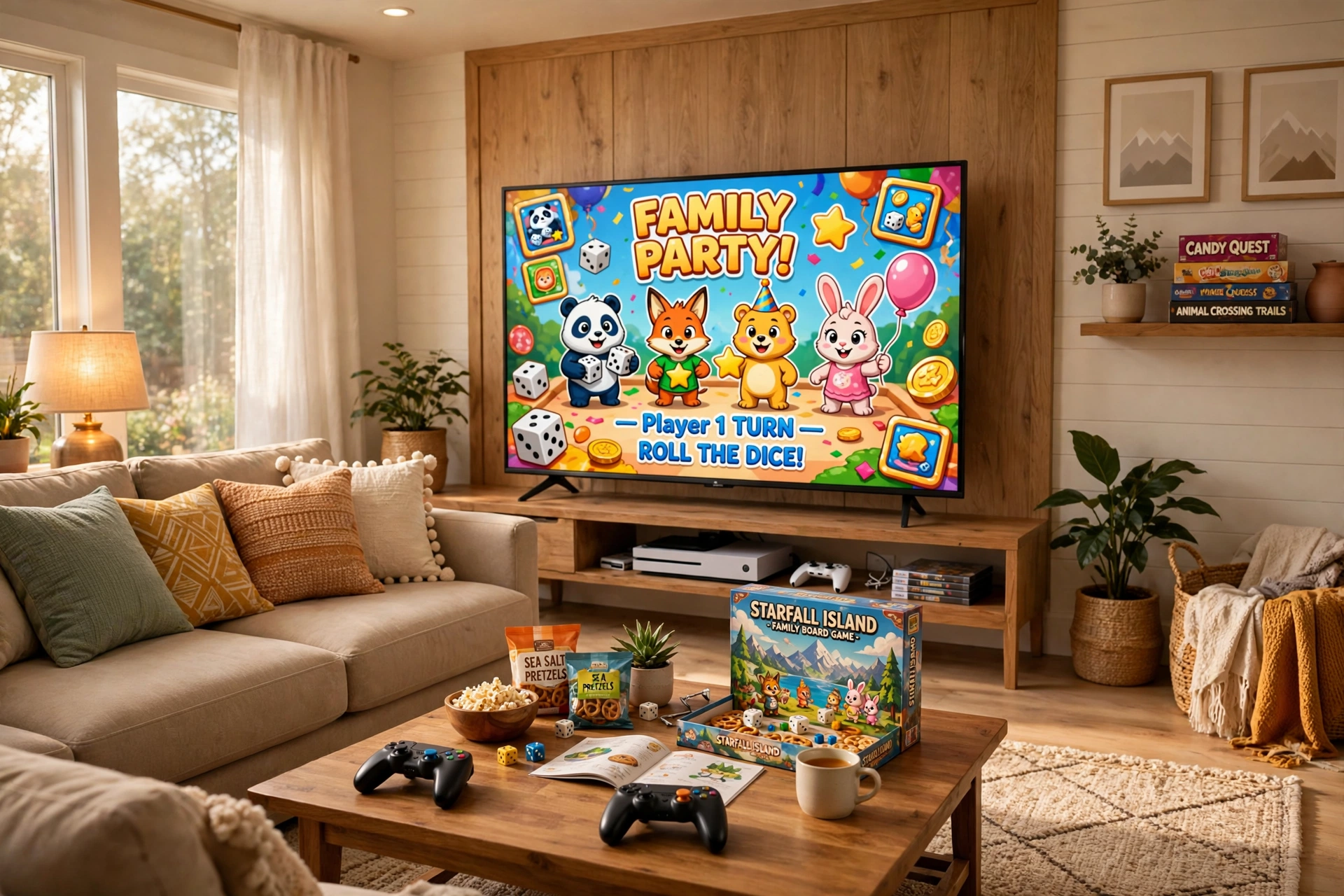
A family console room has to survive kids, snacks, and movie night too. Use a big sectional sofa so everyone fits, a low media stand with doors so controllers and games stay tidy, and a bright screen that works for party games and films alike. Keep the rules simple: controllers live on the coffee table, drinks stay on coasters, and the console stays ventilated.
Family room essentials:
- Sectional sofa: seats the whole family without anyone perching on an armrest.
- Low stand with doors: hides games and cables from small hands.
- Bright, warm light: keeps the room friendly for kids and comfortable for adults.
- Controller basket: one basket by the sofa ends the daily controller hunt.
- One power strip: behind the stand, out of reach and out of sight.
LG UltraGear 27GS75Q-B 27 Inch Gaming Monitor
Why this one: a clear 27 inch screen suits a family desk corner for console play and homework alike, and it pairs well with a shared living room desk.
Worth knowing: a single monitor is smaller than a living room TV, so this pick suits desk play, not sofa play from across the room.
TROND RGB Headset Stand with PD 20W USB C Charger
Why this one: the stand keeps the family headset in one known spot, and the built in charger tops up a controller or phone while you play.
Worth knowing: the charger needs its own cable for each device, so keep a spare USB C cable in the stand drawer.
11. Ambient Glow Console Room
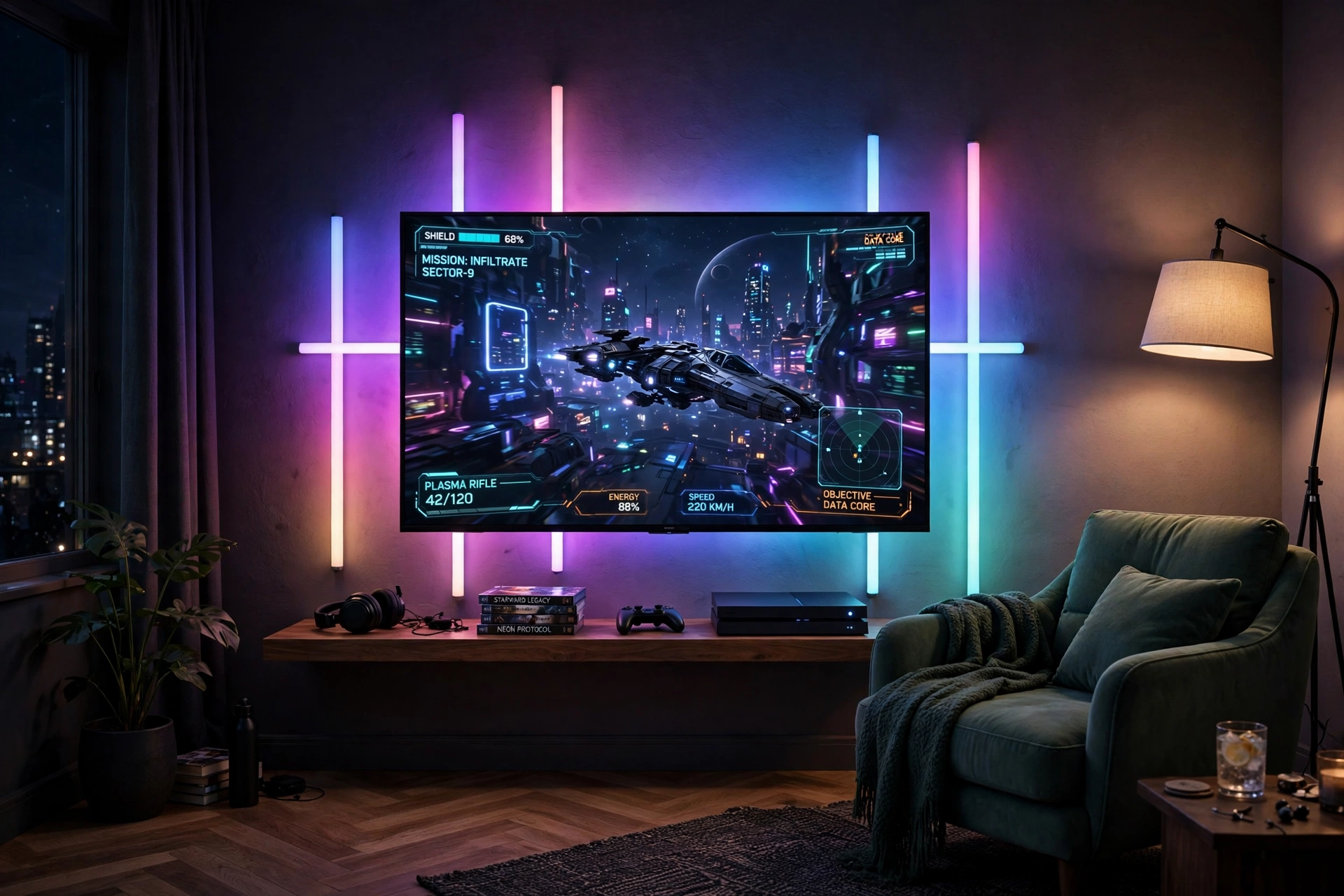
This room is all about the glow. Gradient light bars behind the TV paint the wall in color that shifts with the game, a floor lamp fills the far corner, and a single lounge chair faces the screen like a cinema seat. It is the most cinematic setup in this guide, and it costs less than most people expect, since two light pieces carry the whole effect.
Glow tip: pick one color family for the whole room, such as blue and purple, and let the bars shift inside that range. Mixed random colors look busy, while one family looks designed.
Mount the console on a floating shelf so the wall stays clean, keep the chair centered on the TV, and run one power strip behind the media shelf for the lights and console together. Dim the ceiling light completely, and the room becomes a small private cinema every evening.
Govee RGBIC Floor Lamp, LED Corner Lamp
Why this one: a corner floor lamp fills the far side of the room with color, which balances the TV glow and stops one side of the room feeling dark.
Worth knowing: the lamp needs a free corner with a nearby outlet, so check the corner space and plug before ordering.
Quntis Monitor Light Bar RGB PRO
Why this one: the light bar adds a soft glow above a desk monitor when the room doubles as a desk setup, and the RGB backlight adds color behind the screen.
Worth knowing: a light bar is made for monitors, so it suits the desk side of this room, not the main TV wall.
12. Compact Corner Console Nook
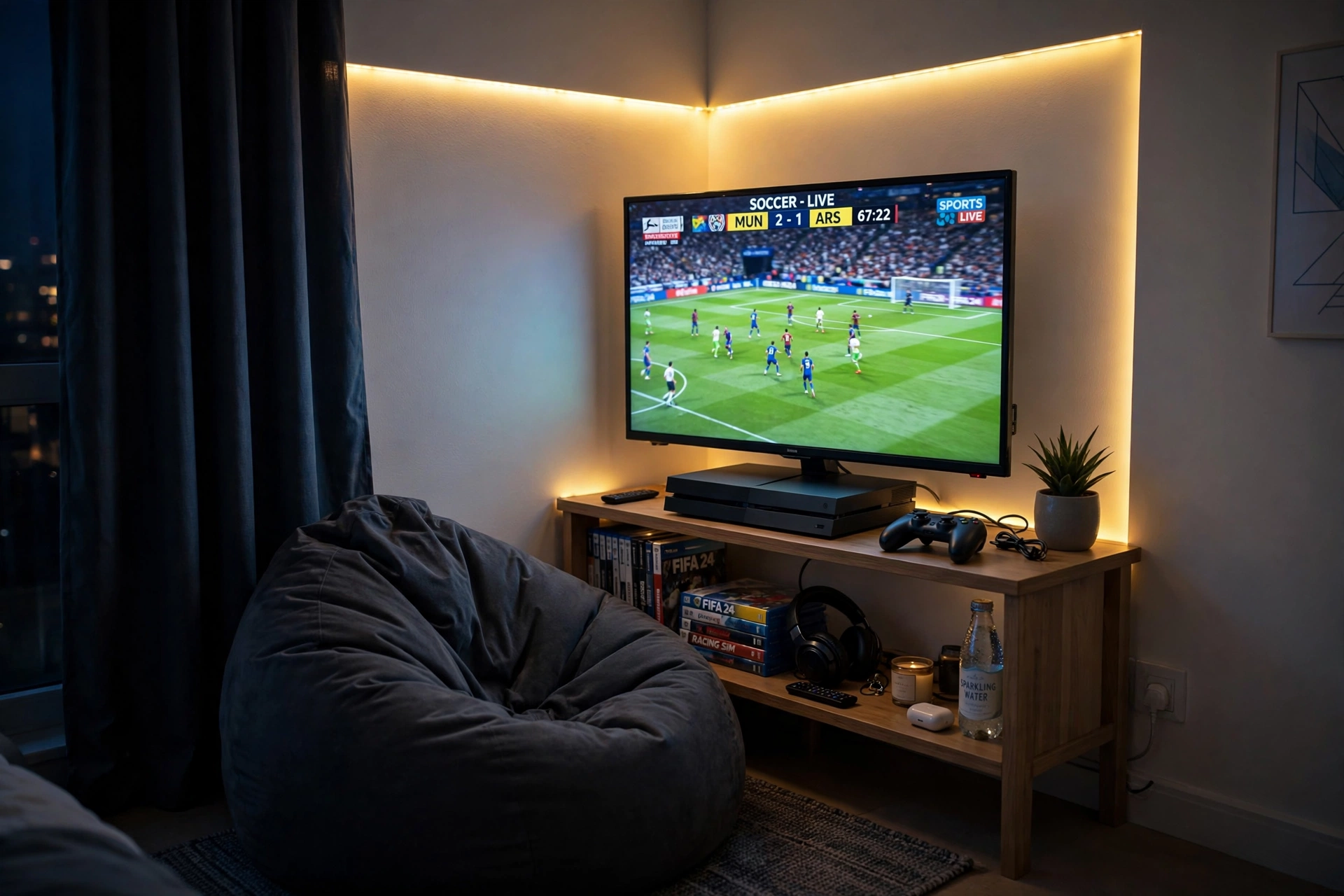
The smallest setup in this guide proves that a corner is enough. A small corner stand holds the TV, the console tucks onto the shelf below, and a bean bag chair faces the screen. A strip along the wall edge marks the nook as its own little room, even though it shares the bedroom with everything else.
Screen: a modest TV or monitor on a corner stand, angled toward the chair, keeps the nook comfortable without eating the room.
Seat: a bean bag chair is the smart pick here, since it folds away when the nook is not in use.
Light: one strip along the wall edge is all the light this nook needs.
Storage: the stand shelf holds the console and two controllers, and nothing else.
Power: a single short strip behind the stand feeds the screen, console, and lights.
Acer Nitro KG271U 27 Inch QHD Gaming Monitor, 180Hz
Why this one: QHD sharpness in a standard 27 inch size gives a small nook a clear screen without needing an oversized panel.
Worth knowing: check the corner stand width against the monitor stand, since a wide screen base can overhang a small stand.
Miroddi RGB Headset Stand with Wireless Charger, 8 in 1 Charging Station
Why this one: the stand holds the headset and charges a controller or phone in one small footprint, which matters most in a tiny nook.
Worth knowing: the wireless charger needs a phone that supports wireless charging, so check your phone before relying on that feature.
Frequently Asked Questions
Do I need a TV or a monitor for console gaming? Either works. A TV suits sofa play and shared rooms, while a monitor suits desk play and faster competitive games. Pick the screen that matches where you sit, not the one that looks best in photos.
How far should I sit from the TV? A simple rule is about one and a half times the screen width away, but comfort matters more than a formula. Sit where the whole screen fits in your view without turning your head, and move the seat closer or farther until it feels right.
Where should I put the console? On an open shelf or stand with airflow on all sides, never inside a closed cabinet while it is running. Consoles get hot, and trapped heat shortens their life, so keep the vents clear.
Do LED lights behind the TV help? Yes, a soft glow behind the screen reduces the contrast between a bright TV and a dark room, which feels easier on the eyes during long sessions. Keep the glow dim and warm for the best effect.
Can I build a console room on a small budget? Yes. Spend on the screen and seat first, add one light strip next, and build storage slowly. Most setups in this guide started with just three pieces: a screen, a seat, and a stand.
How do I keep controllers from getting lost? Give them one home, such as a basket, a dock, or a stand by the sofa, and return them there after every session. A charging dock is the best home, since it also keeps them ready to play.
Conclusion
A great console gaming room is not about owning the most gear. It is about a screen at the right height, a seat you can relax in, a home for every controller, and light that makes the evening feel special. Pick the setup that matches your room, start with the screen and the seat, and add the glow and storage one piece at a time.
If you want more room inspiration after this, browse the Gaming Room Ideas category for the full collection.
