As an Amazon Associate I earn from qualifying purchases. Read our full affiliate disclosure for more detail.
Corners are the most underused spots in a gaming room. That empty angle where two walls meet can hold a full desk, two screens, a chair, and a glow that makes the whole room feel planned. You do not need a big room, just a layout that uses the corner instead of fighting it.
In this guide you will find 12 complete corner gaming setups you can copy whole, from a classic L desk command center to a small bedroom corner, a console corner with a big screen, and a pink cozy corner for creators. Each setup covers the desk, seat, screens, light, storage, and power, so nothing important is left out. If your corner is also short on space, the ideas in 15 Gaming Desk Setup Ideas for Small Rooms will help you squeeze even more from a tight wall.
In this article
At a glance
1. Classic L Desk Corner
2. Compact Small Bedroom Corner
3. Dual Screen Corner
4. Console Corner
5. Work and Play Corner
6. RGB Glow Corner
7. Ultrawide Corner
8. Budget Corner Starter
9. Soft Pink Corner
10. Curved Focus Corner
11. Creator Corner
12. Laptop Plus Monitor Corner
FAQ
Conclusion
At a Glance: Pick Your Corner Setup
| Setup | Best for | Hero product |
|---|---|---|
| Classic L Desk Corner | Everyday gaming | PRAISUN L shaped gaming desk |
| Compact Small Bedroom Corner | Bedrooms and dorms | KKL small computer desk |
| Dual Screen Corner | Gaming plus chat | HUANUO dual monitor arm |
| Console Corner | Console players | Samsung Odyssey G5 monitor |
| Work and Play Corner | Gaming plus study | Huuger computer desk |
| RGB Glow Corner | Night sessions | Govee RGBIC LED strip lights |
| Ultrawide Corner | Immersive games | LG 34 inch UltraWide monitor |
| Budget Corner Starter | A first setup | Sweetcrispy small computer desk |
| Soft Pink Corner | Cozy creators | Pixio PX279 Wave Pink monitor |
| Curved Focus Corner | Story and racing games | Dell curved gaming monitor |
| Creator Corner | Streaming and editing | Acer Nitro VG272U V3 monitor |
| Laptop Plus Monitor Corner | Laptop gamers | CRUA curved gaming monitor |
1. Classic L Desk Corner Command Center
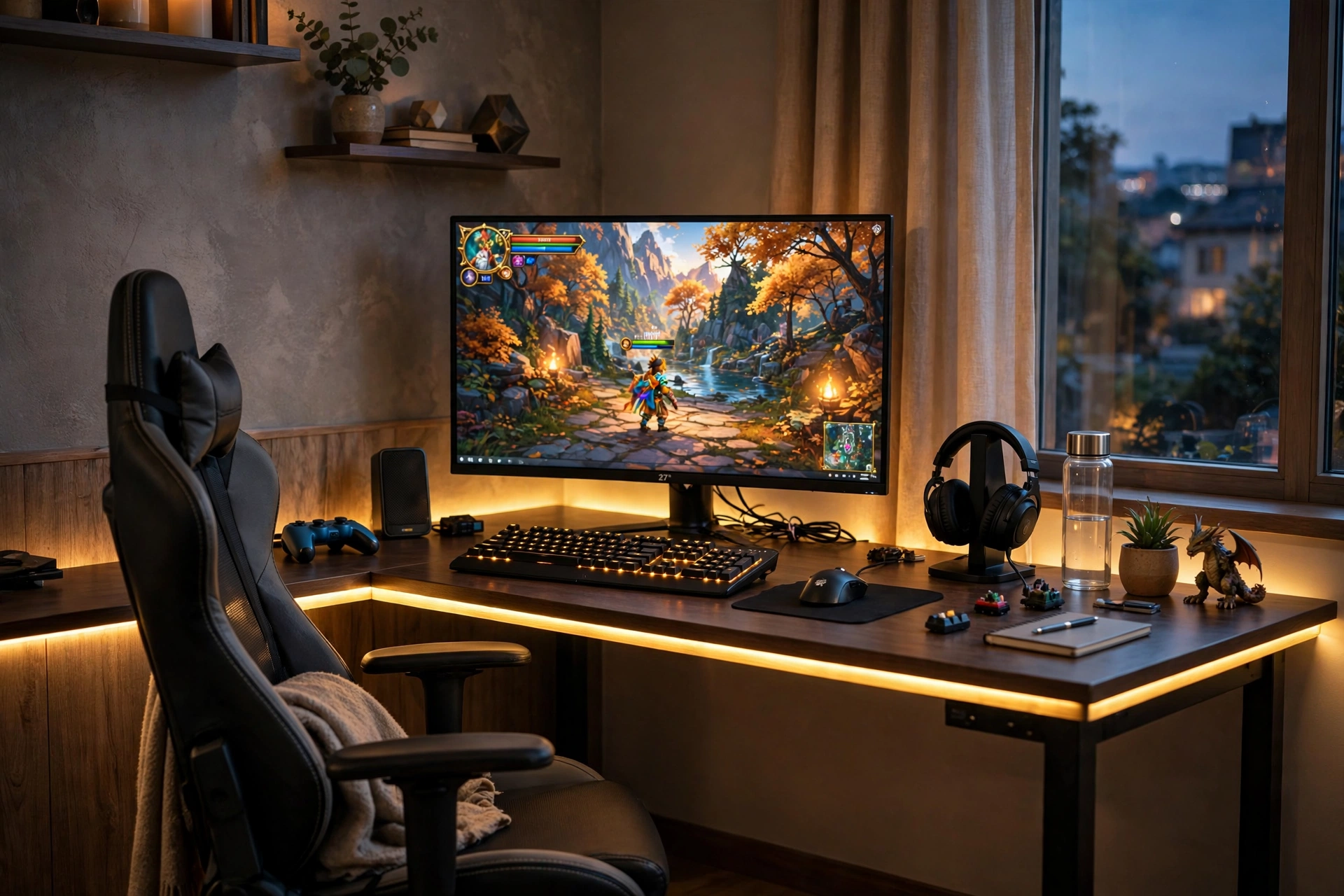
Start with the setup that makes corners feel made for gaming. An L desk fills both walls, so your main screen sits straight ahead and the return side holds chat, a notebook, or a second player watching along. Sit at the join of the L and turn slightly toward your main screen, and the corner stops feeling tight.
- Desk: an L shaped desk with built in power and an LED edge, pushed tight into the corner.
- Seat: a chair that swivels easily, since you will turn between the two desk sides.
- Light: the LED desk edge plus a soft room light, so the corner never feels dark.
- Storage: a shelf on the return side for games, a headset, and a controller.
- Power: one strip tucked in the corner behind the desk, with cables routed along the back edge.
PRAISUN 66 Inch L Shaped Gaming Desk with LED Lights and Power Outlets
Why this one: the L shape, built in power outlets, and LED edge cover the three things a corner setup needs most, which are space, power, and light in one piece.
Worth knowing: measure both walls and the corner angle first, since an L desk is harder to return than a straight desk if it does not fit.
ASUS TUF Gaming VG27AQ 27 Inch QHD Monitor, 165Hz
Why this one: QHD sharpness and a fast refresh rate make it a strong main screen for a corner command center that also handles study or work.
Worth knowing: higher refresh rates need the right cable and settings, so check that your PC is actually running the screen at full speed.
2. Compact Corner for Small Bedrooms
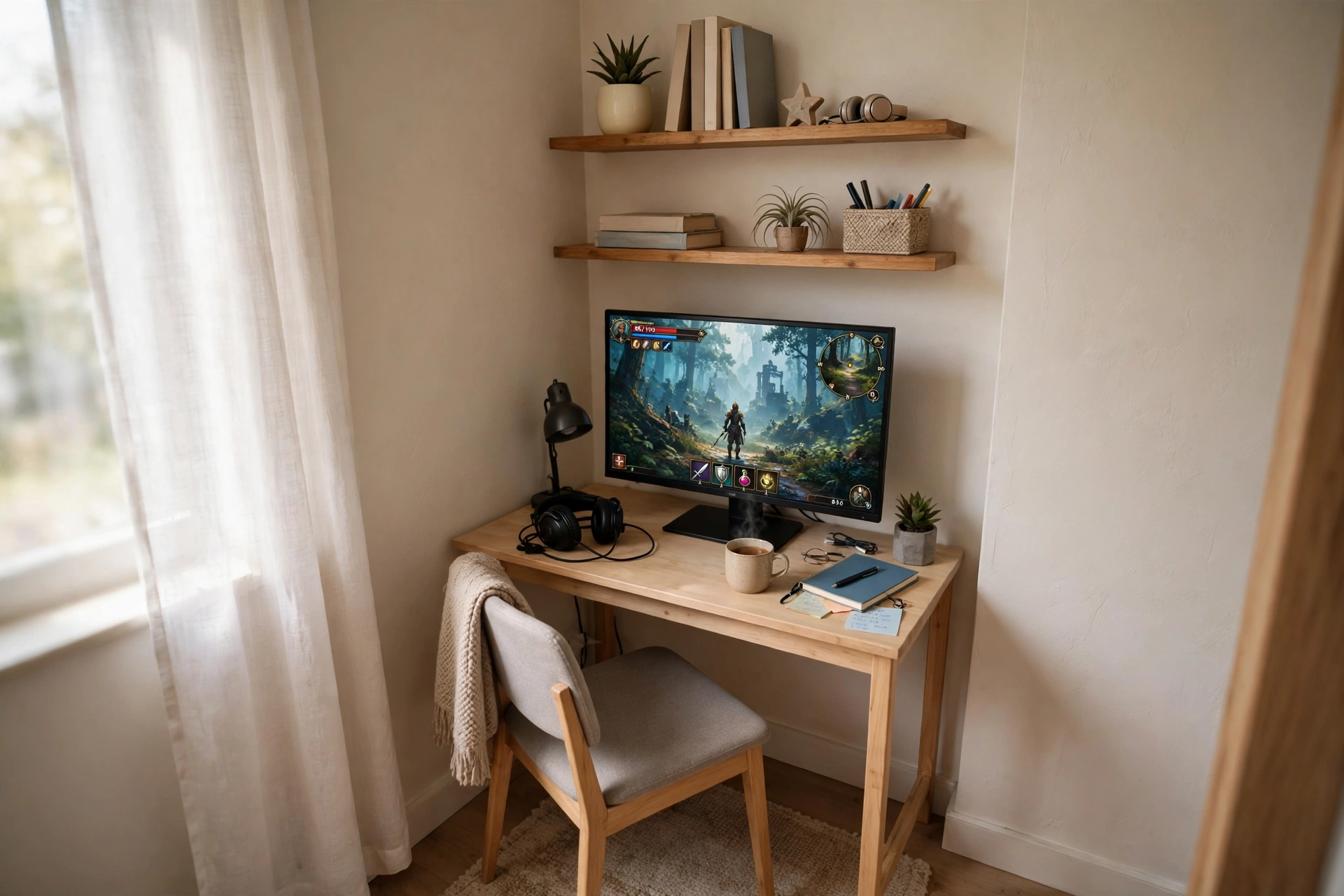
Small bedrooms reward simple choices. A compact desk in the corner leaves the rest of the room free for a bed and a wardrobe, and a monitor stand lifts the screen so the keyboard and a notebook still fit. Wall shelves above the screen hold games and a headset, which keeps the desk surface clear without adding floor furniture.
How to set it up:
- Push the desk tight into the corner and check the chair still pulls out freely.
- Raise the monitor on its stand so your eyes sit level with the top third of the screen.
- Add one wall shelf above the screen for games and a headset hook.
- Run cables straight down behind the desk to a single power strip.
- Use a small lamp instead of a floor lamp, so no floor space is lost.
KKL 40 Inch Small Computer Desk with Adjustable Monitor Stand
Why this one: the small footprint suits a bedroom corner, and the adjustable monitor stand lifts the screen to a comfortable height without a separate riser.
Worth knowing: a 40 inch desk leaves little room for a second screen, so plan this as a one screen setup with a laptop beside it if needed.
Acer Nitro KG271U 27 Inch QHD Gaming Monitor, 180Hz
Why this one: QHD sharpness in a standard 27 inch size gives a small corner two clear jobs, gaming and homework, without needing an oversized panel.
Worth knowing: check the desk depth as well as the width, since a deep screen stand can push the keyboard too close to the edge.
3. Dual Screen Corner for Work and Play
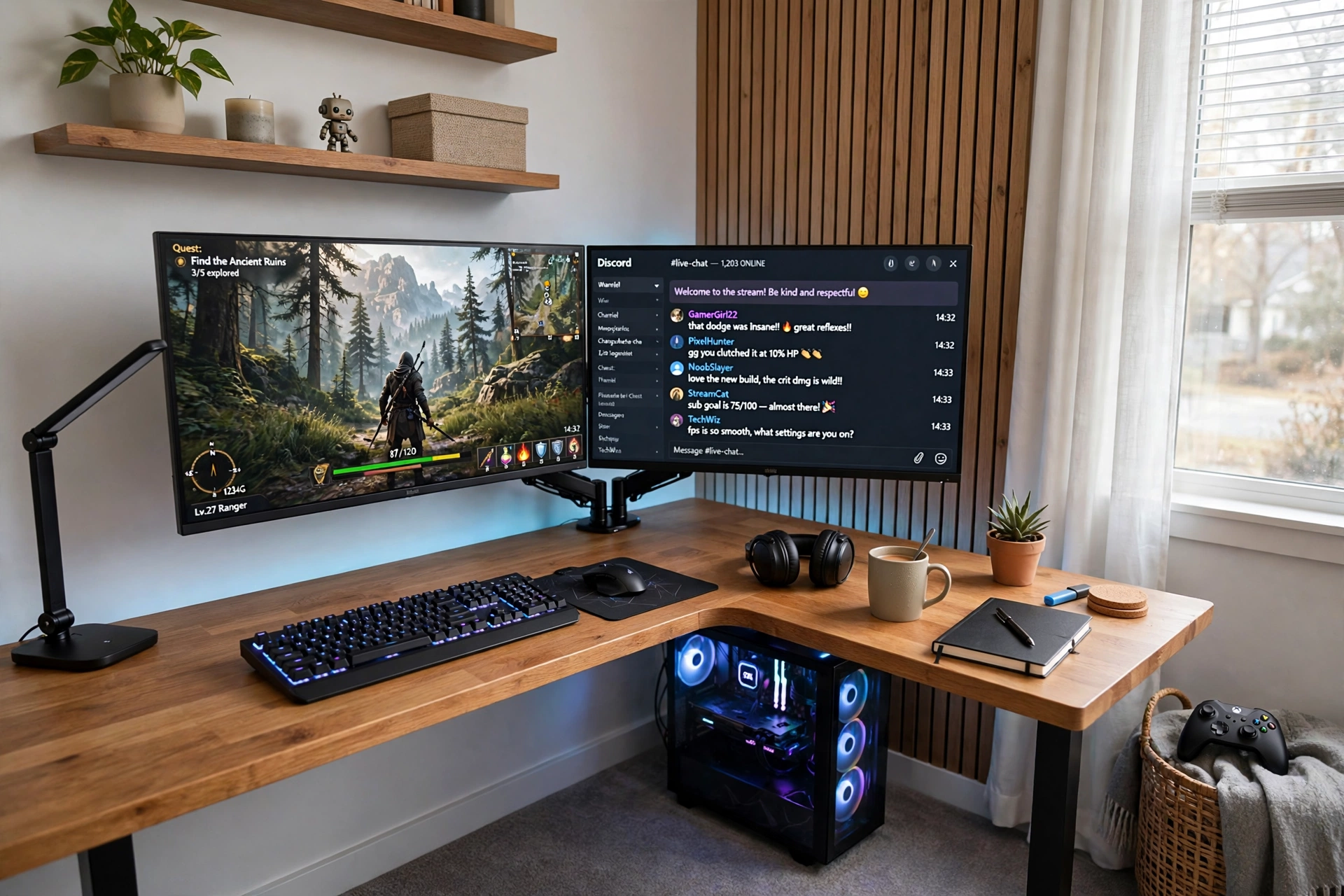
Two screens in a corner sound crowded, but a dual arm changes that completely. The arm lifts both screens off the desk, so the keyboard, a notebook, and a drink all still fit. Put the game on the screen straight ahead and chat or a guide on the angled screen, and your eyes learn one simple habit.
Corner tip: angle the second screen toward your chair, not flat against the wall. A screen that faces you slightly is easier to read and stops you twisting your neck during long sessions.
Add a small shelf for a mic or camera, a drawer for cables, and one power strip behind the desk. The corner walls hide the cables well, so a quick tidy pass with ties under the desk is usually enough to keep the whole setup looking clean.
HUANUO Dual Monitor Arm, Gas Spring
Why this one: gas spring arms let you set each screen at its own height and angle, which matters more in a corner where the two screens face slightly different directions.
Worth knowing: check the weight limit and VESA pattern for your monitors, since heavier screens need the arm tension adjusted to hold steady.
LG UltraGear 27GS75Q-B 27 Inch Gaming Monitor
Why this one: a clear 27 inch screen works well as a main game screen, and a matching second screen keeps colors and height consistent across the pair.
Worth knowing: two screens need two video outputs from your PC, so check your graphics card ports before you buy a second monitor.
4. Console Corner with a Big Screen Glow
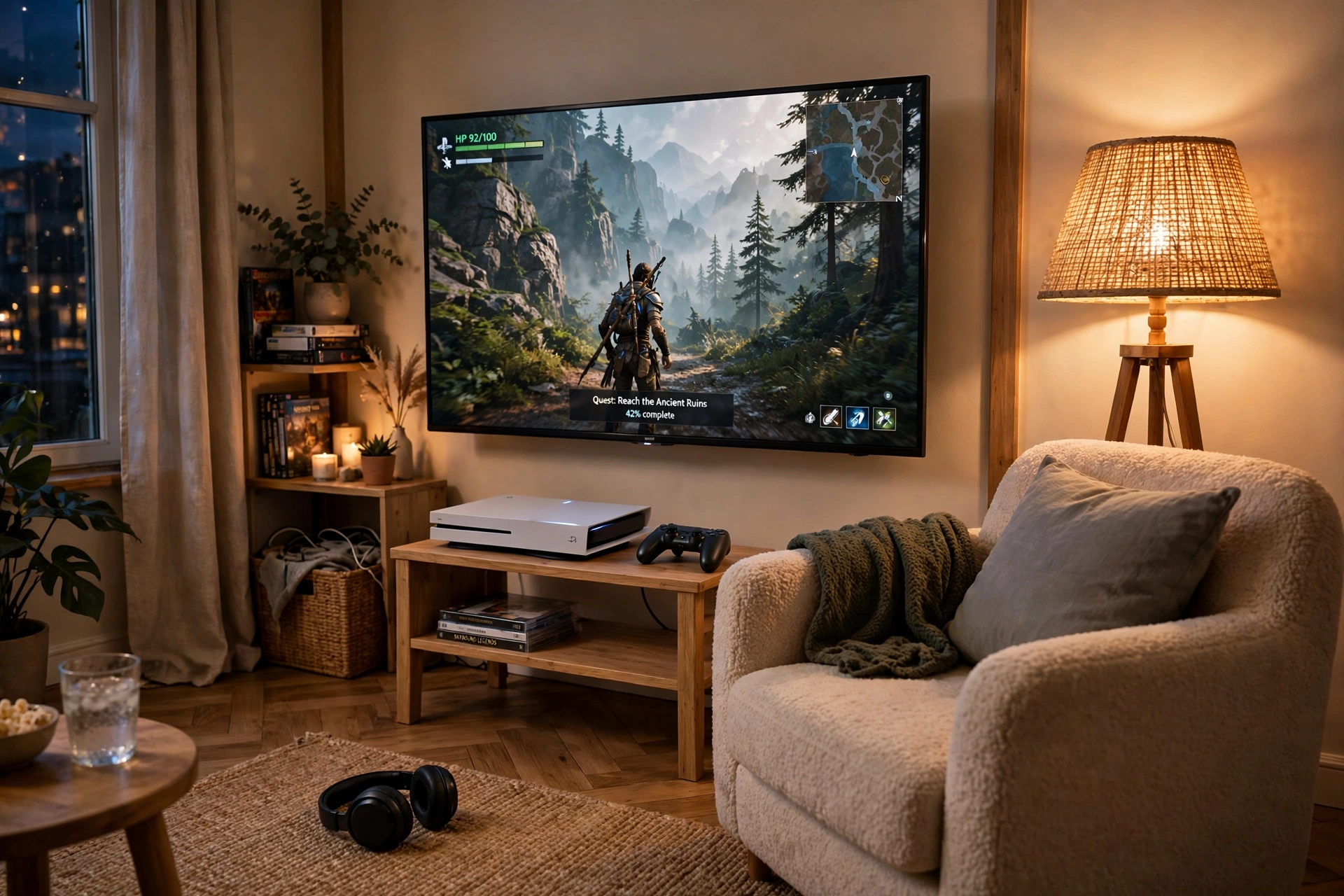
Not every corner needs a PC. A console corner uses a big screen, a low stand, and a chair you can sink into, and the corner walls make the screen feel bigger than it is. A floor lamp in the corner adds warm light without glare on the screen, and the setup is ready in minutes, not hours.
Console corner checklist
Screen at eye level from your chair, console with airflow on all sides, controllers on a tray or hooks, one power strip behind the stand, and a lamp that lights the room without shining on the screen.
Keep a small side table for snacks and a phone, and store extra controllers in a basket beside the chair. The corner keeps everything within reach, so game night feels cozy instead of spread across the room.
Samsung 27 Inch Odyssey G5 QHD Gaming Monitor
Why this one: the QHD curved panel gives console play a wide, wrapped view from a chair, and it also works well if a PC joins the corner later.
Worth knowing: curved screens need a little viewing distance, so a very tight corner may feel too close for comfort.
Govee RGBIC Floor Lamp, LED Corner Lamp
Why this one: a slim corner lamp fills the exact spot a desk lamp cannot reach, and the color glow makes a plain corner feel like a planned gaming nook.
Worth knowing: a tall lamp needs a stable base spot away from foot traffic, so keep it tight against the wall behind the chair.
5. Corner Desk with Built In Power and Light
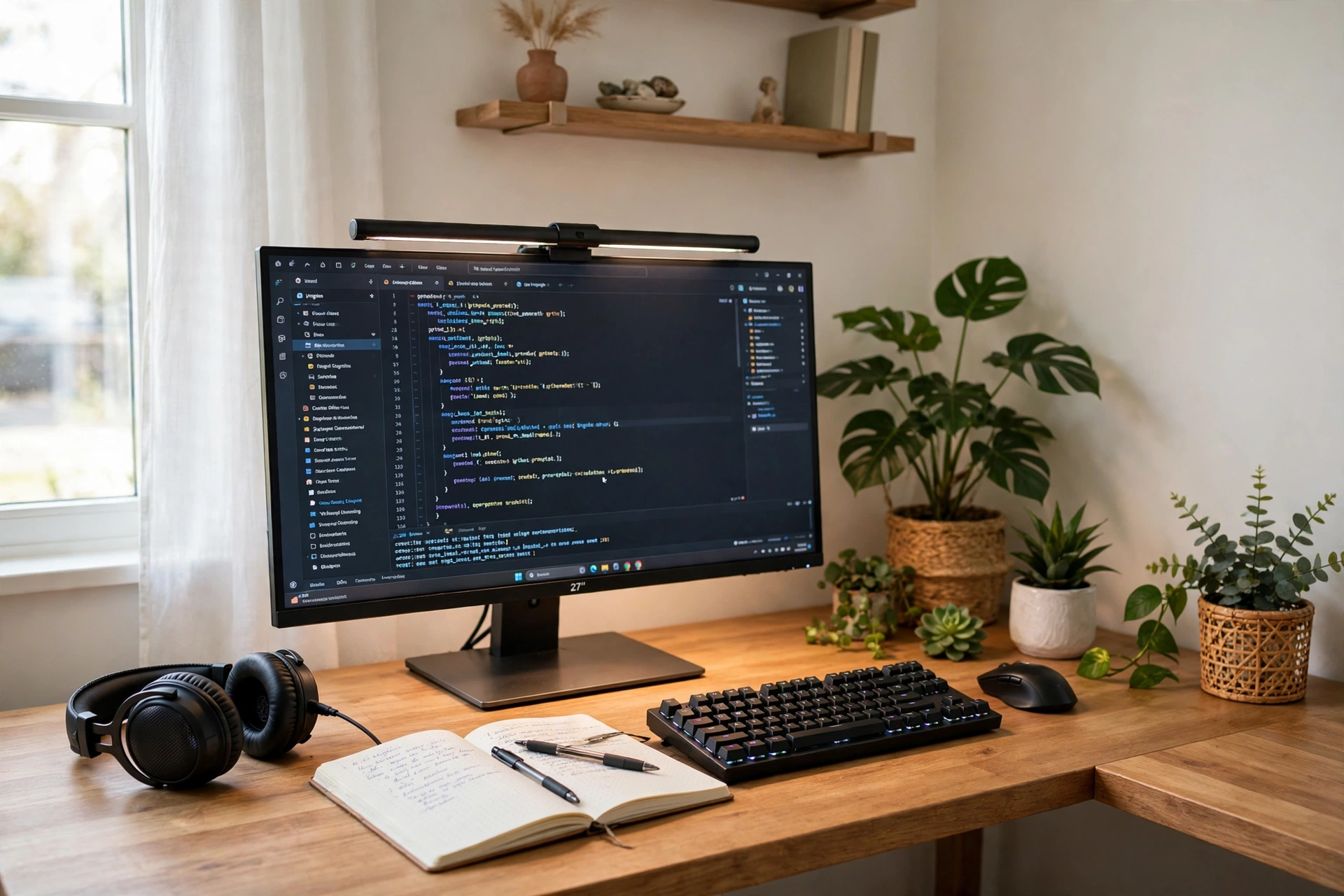
Some corners have to do two jobs. In the day this desk holds homework, calls, and a notebook, and at night it holds a game and a friend group chat. A desk with built in power outlets removes the tangle of extension leads, and a monitor light bar keeps late sessions easy on the eyes.
| Time of day | What the corner does |
|---|---|
| Daytime | Study desk with a bright screen, notebook, and daylight |
| Evening | Gaming desk with a light bar, headset, and soft glow |
Keep papers in one drawer and gaming gear in another, so the switch from work to play takes a minute, not a full tidy up. One power strip with a switch lets you shut the whole corner down at night.
Huuger 47 Inch Computer Desk with Power Outlets and LED Lights
Why this one: built in outlets and LED light cover power and mood in one compact desk, which matters most when a corner has only one wall socket nearby.
Worth knowing: a compact desk leaves less depth for a large mousepad, so keep accessories slim and use a shelf for extras.
Quntis Monitor Light Bar RGB PRO
Why this one: light falls on the desk, not into your eyes or onto the screen, which helps late study and gaming sessions feel easier.
Worth knowing: a light bar adds a small glow behind the screen too, so it may not suit a room where you want total darkness.
6. RGB Corner That Glows After Dark
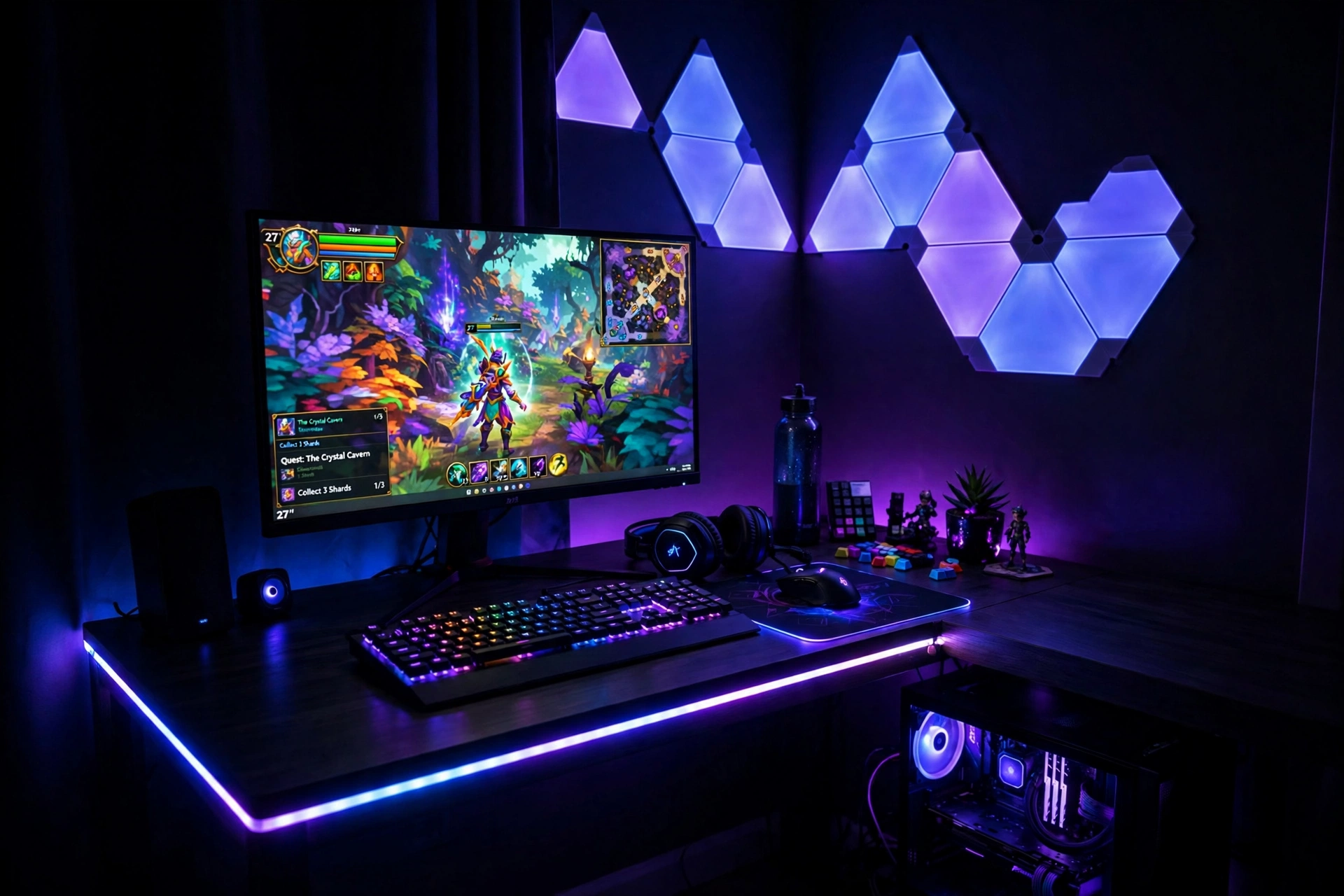
Corners love RGB light, because two walls catch the glow and bounce it back. A strip along the back edge of the desk plus a few wall panels turns a plain corner into the brightest spot in the room. Pick one main color and one accent, and let the rest of the room stay calm, so the glow feels planned rather than random.
How to layer the glow: start with a strip behind the desk, add wall panels above it, and finish with a soft lamp in the corner itself. Three small layers beat one very bright light, and you can dim any layer when a game needs a darker room. For more color ideas, see 15 LED Gaming Room Ideas That Set the Perfect Mood, which pairs well with almost every corner below.
Govee 65.6ft RGBIC LED Strip Lights
Why this one: the long length covers a desk edge plus a wall run in a corner, and the multi color sections let you blend two colors along the same strip.
Worth knowing: strip adhesive can weaken on textured walls, so clean the surface first and press firmly along the whole run.
Govee Glide Wall Light, 6 Pcs + 1 Corner
Why this one: the included corner piece is made for exactly this spot, so the wall light turns the corner itself into a feature instead of a gap.
Worth knowing: plan the panel layout on the floor first, since moving stuck panels can damage paint.
7. Ultrawide Corner for Immersive Play
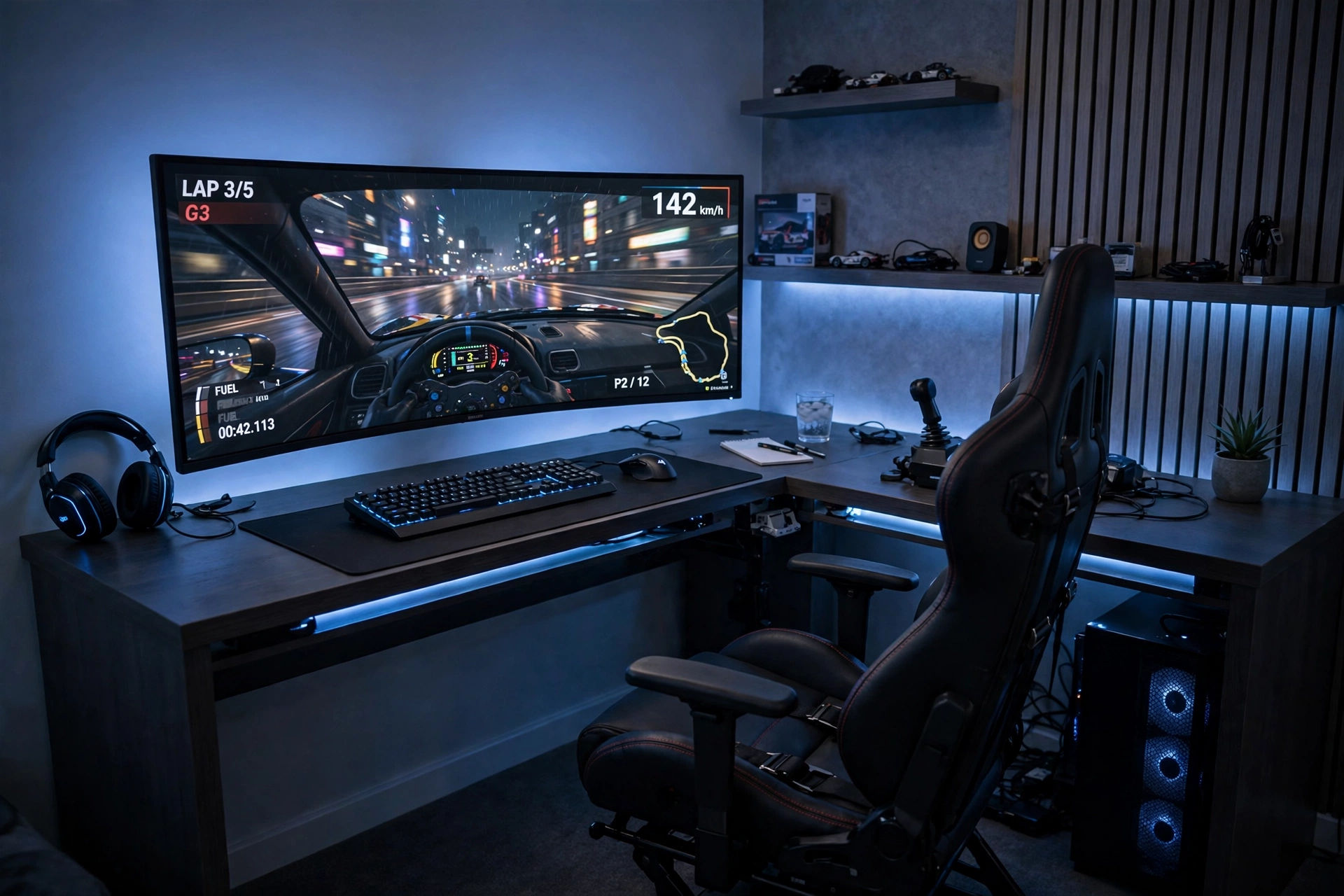
Think of this as a main stage in a corner. One ultrawide screen fills your view with a long panoramic game world, and the corner walls wrap the light around you, so racing and open world games feel bigger than they would on a flat wall. Sit centered on the screen, not at the join of the desk, and let the return side hold a controller and a notebook.
- Desk: a wide, sturdy desk, since an ultrawide screen plus a second device is a lot of width.
- Seat: sit centered on the ultrawide, with the chair pulled back a little farther than usual.
- Light: soft blue ambient light behind the screen, so the wide view feels deep at night.
- Storage: a monitor shelf or side drawer for a controller, headset, and game cases.
- Power: one strip with spare sockets, since wide setups tend to grow extra gear over time.
LG 34 Inch Curved UltraWide QHD Monitor, 160Hz
Why this one: the wide curved view gives racing, sim, and open world games a panoramic feel that two small screens cannot quite match.
Worth knowing: not every game supports ultrawide ratios fully, so some titles may show black bars at the sides.
HUANUO Dual Monitor Stand for 13 to 40 Inch Screens
Why this one: one stand holds the wide screen steady and frees the desk space that a large factory stand would eat up.
Worth knowing: check the weight limit and VESA pattern for your monitor, since heavier wide screens need a sturdier stand.
8. Budget Corner Starter
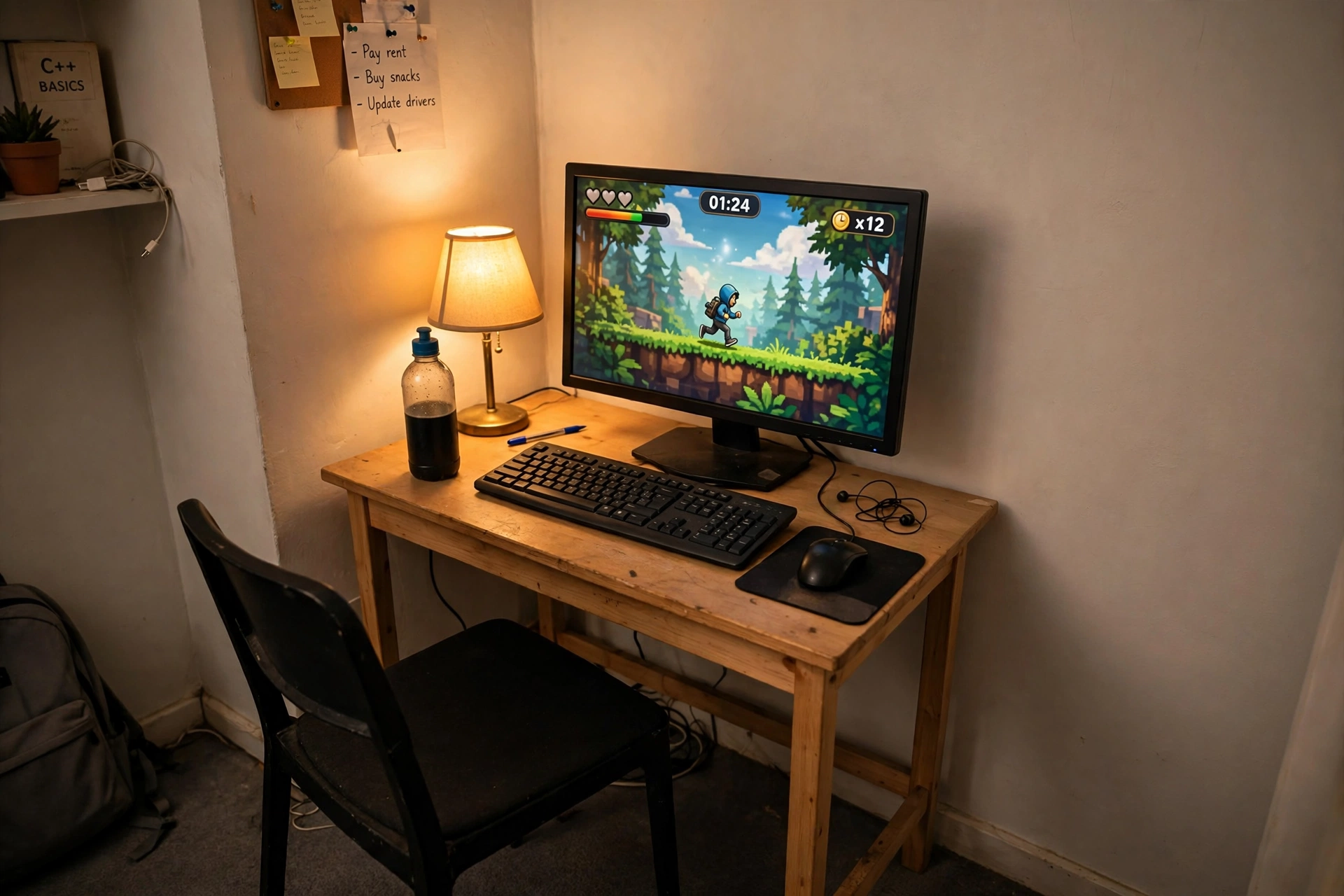
You do not need a huge budget to claim a corner. This setup keeps the desk compact, the screen sensible, and the extras simple, which leaves room for a decent chair and a headset that you will notice every day. The corner itself does half the decorating work, because two walls frame the screen and make even a simple desk look planned.
How to keep it cheap:
- Buy the desk and screen first, and add light later from one strip.
- Use a wall shelf instead of a floor drawer for games and a headset.
- Pick one screen size and stick to it, so a second screen later still matches.
- Route cables with cheap ties under the desk before you add anything else.
Sweetcrispy Small Computer Desk, 40X24 Inch Office Writing Work Study Gaming PC Table
Why this one: the simple 40 inch size fits a tight corner without crowding the room, and it still leaves space for a keyboard, a mouse, and a notebook.
Worth knowing: a plain desk has no built in power or cable holes, so plan a power strip and cable ties from the start.
KTC 27 Inch Gaming Monitor, 180Hz, 1080p
Why this one: a fast 27 inch screen at a friendly tier for a first corner setup, with a size that pairs well with most small desks.
Worth knowing: 1080p on a 27 inch screen looks softer up close than QHD, so sit a little farther back if text looks fuzzy to you.
9. Soft Pink Corner for Cozy Creators
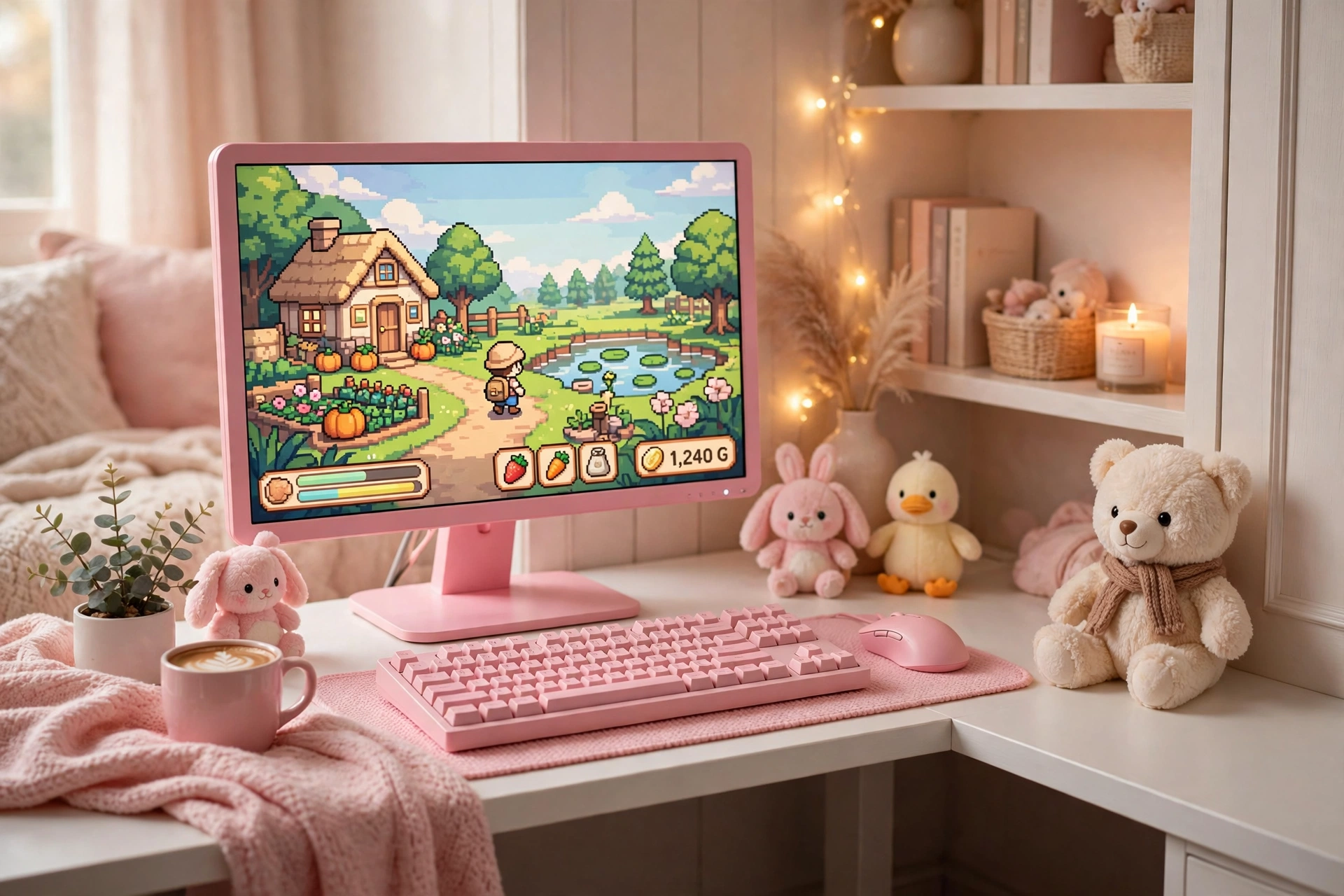
Soft does not mean less serious. This corner pairs a pink hero screen with white furniture, so cozy games, editing, and streaming all feel at home in the same small angle. A plush toy or two makes the desk feel personal rather than staged, and warm light keeps the pink from feeling cold on camera.
What works here:
- Desk: a white corner desk, so the pink screen stays the star of the room.
- Seat: a light colored chair that tucks fully under the desk when you are done.
- Light: a warm lamp plus a soft strip, not harsh white light that washes out pink.
- Storage: a small shelf for a camera, a mic, and a few favorite games.
- Power: cables routed straight down behind the desk to one tidy strip.
Pixio PX279 Wave Pink 27 Inch Gaming Monitor, 240Hz
Why this one: the pink finish is the style statement of the room, and the fast refresh rate keeps it a real gaming screen, not just a pretty one.
Worth knowing: a bold color limits future matching, so pair it with white or neutral gear if you like to change themes often.
Razer BlackWidow V3 Mechanical Gaming Keyboard, Quartz Pink
Why this one: the pink keys and clear key feel tie the whole corner together, and a mechanical keyboard makes long typing and gaming sessions feel better.
Worth knowing: mechanical keyboards can be loud, so test the key feel if you share the room or stream with an open mic.
10. Curved Corner for Deep Focus Gaming
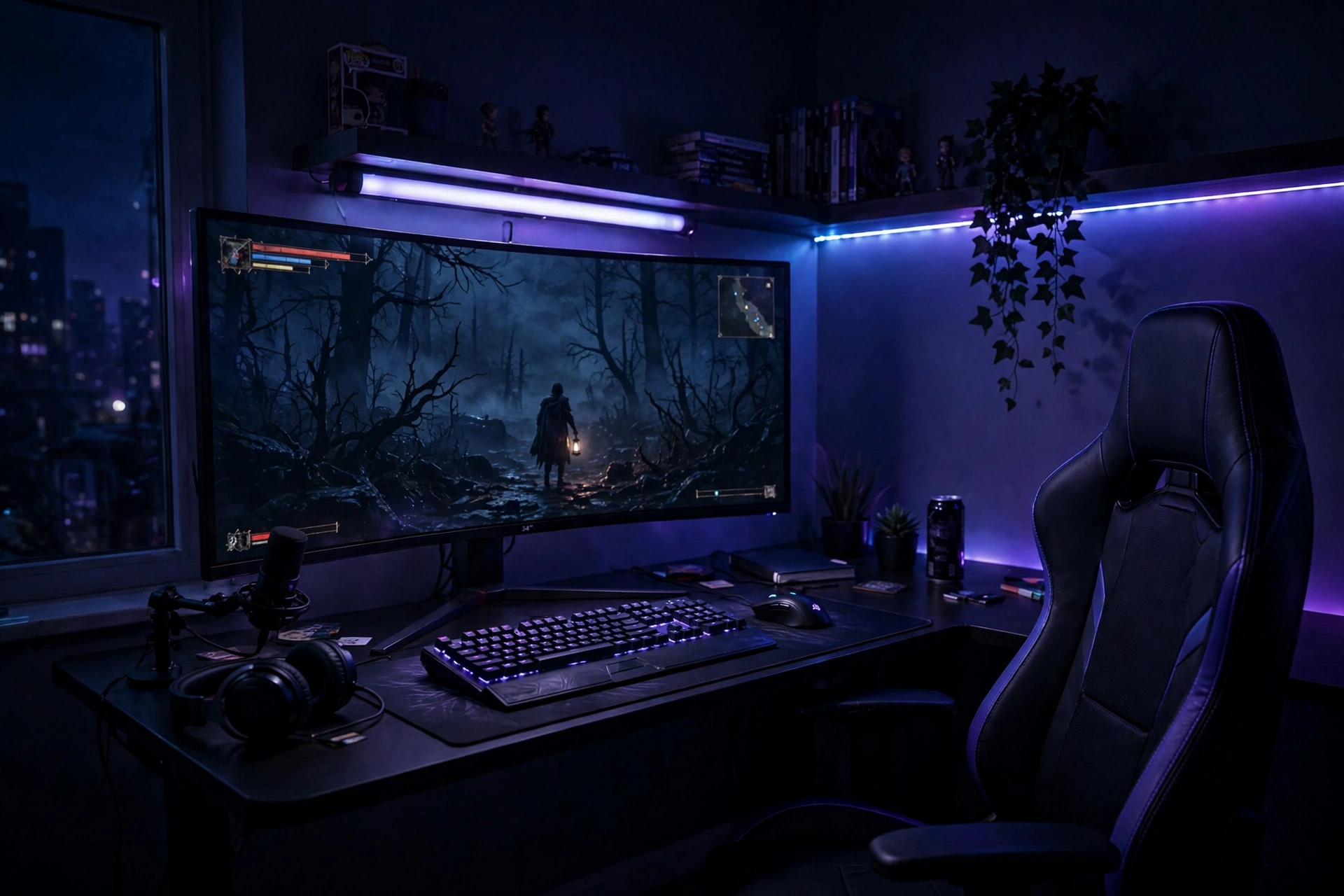
If you love getting pulled into a game, curve the screen around you. A curved monitor in a corner feels wider than it looks, and the walls catch the light bar glow behind it, so the room fades away and the game takes over. This is a lovely pick for racing games, flight games, and long story sessions where atmosphere matters most.
| Choice | Why it fits a corner |
|---|---|
| Curved screen | Wraps the view around a corner seat |
| Light bar | Glows on two walls at once for depth |
Keep a controller and headset within reach, since this setup invites longer sessions, and add a small shelf for drinks so nothing spills near the keyboard. Dim the room light and let the screen and light bar do the work.
Dell S2721HGF 27 Inch Curved Gaming Monitor, 144Hz
Why this one: the curved screen suits play from a corner chair, and the fast refresh keeps motion smooth in racing and action games.
Worth knowing: curved screens can distort straight lines slightly, so they are less ideal if you do precise photo or design work on the same desk.
Philips Hue Play Light Bar, 2 Pack
Why this one: two small bars wash both corner walls with color, which adds depth behind a curved screen without a large lamp.
Worth knowing: smart light bars need a hub or app setup, so check what else you need before you buy.
11. Corner Creator and Streamer Setup
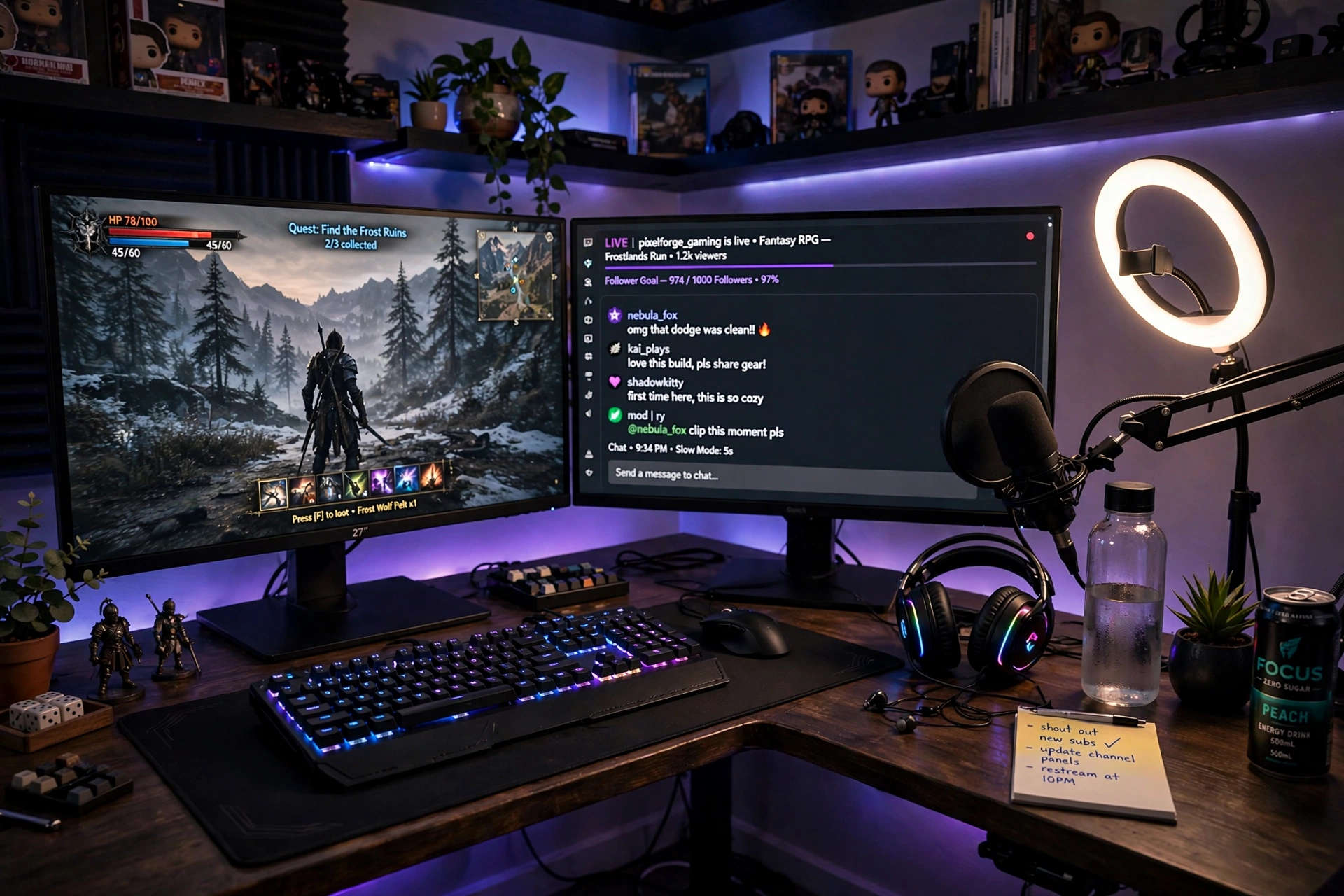
This is the streamer favorite, and corners suit it well. The game stays on the main screen, chat and comments live on the second screen, and the corner walls bounce a ring light back onto your face, so you look good on camera without a big studio setup. A mic on a boom arm keeps the desk clear and your voice close.
Streamer tip: put your game on the screen that faces the camera best, and keep chat on the angled screen. That split keeps your main view clean while viewers stay visible at a glance.
Add a small shelf for a camera or stream deck, a drawer for cables, and a warm lamp for evening streams. The second screen can stay dimmer than the main screen, so your face lighting stays flattering on camera.
Acer Nitro VG272U V3 27 Inch QHD Gaming Monitor, 180Hz
Why this one: a fast QHD screen works well as the main game screen, and a second matching screen still reads chat text crisply at a glance.
Worth knowing: some games and apps do not scale neatly at very high refresh rates, so test your favorite streaming app before you commit.
Corsair K70 CORE RGB Mechanical Gaming Keyboard
Why this one: a solid mechanical keyboard with RGB light looks great on camera and feels reliable for long gaming and typing sessions.
Worth knowing: mechanical keyboards can be loud on stream, so check the key sound with your mic setup first.
12. Laptop Plus Monitor Corner
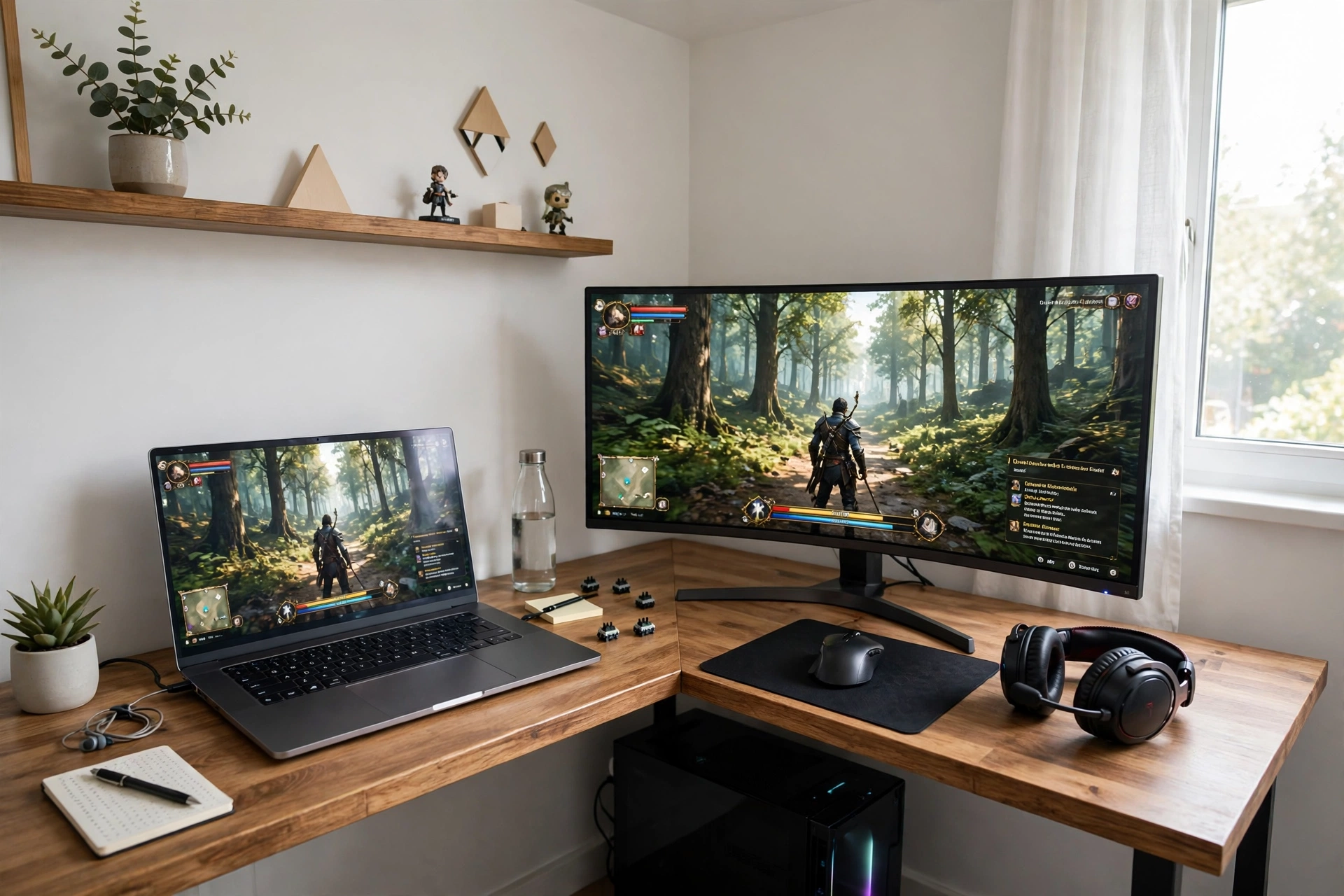
Laptop gamers, this corner is for you. A curved monitor beside your laptop gives you a big game view while the laptop screen holds chat, music, or a guide, and the corner desk gives both devices a stable home. Use a laptop stand to lift the laptop screen level with the monitor, and the pair feels like a proper dual setup.
How to set it up:
- Put the big monitor straight ahead and the laptop on the return side of the corner.
- Raise the laptop on a stand so both screens sit at a similar height.
- Use one keyboard and mouse for both screens, and keep the laptop keyboard free.
- Route the laptop charger and monitor cable together behind the desk.
- Add a small shelf for a headset and a notebook, so the desk stays clear.
CRUA 27 Inch Curved Gaming Monitor, 180Hz
Why this one: a curved screen softens the corner angle and makes the main gaming view feel wider from a corner seat beside a laptop.
Worth knowing: check that your laptop has the right video output for the monitor, since some laptops need an adapter for a second screen.
Logitech G502 HERO Wired Gaming Mouse
Why this one: a reliable wired mouse with adjustable weight suits both fast games and everyday laptop work without charging worries.
Worth knowing: the wired cable needs a little slack and routing, or it can tug when you move the mouse quickly.
Frequently Asked Questions
What desk shape works best in a corner? An L shaped desk usually wins, because it fills both walls and gives each screen its own side. A straight desk also works if the corner is wide, but you lose the return side that makes corners so useful.
Can I fit two monitors in a corner? Yes, and a corner often fits two screens better than a flat wall, because the second screen can angle toward you. A dual monitor arm helps a lot, since it lifts both screens off the desk and frees space below.
How do I light a corner gaming setup? Layer three small lights: a strip behind the desk, a wall light or lamp in the corner, and a monitor light bar or small lamp on the desk. Three dim layers look better than one very bright light.
Where should I sit in a corner setup? Sit at the join of the desk and turn slightly toward your main screen, or sit centered on the main screen if you use one ultrawide. Your eyes should sit level with the top third of the screen, and your neck should stay straight.
How do I hide cables in a corner? Route cables along the back edge of the desk to one power strip tucked in the corner itself. The walls hide most of the run, and a few ties or a tray under the desk finish the job.
Is a corner setup good for a small bedroom? Yes, it is one of the best choices for a small room, because it uses space that is often wasted. A compact desk, wall shelves, and one screen can turn a dead corner into a full gaming spot without taking over the room.
Conclusion
Corners reward a little planning. Pick the desk shape that fits your walls, give each screen a clear job, and add light in small layers instead of one bright lamp. Start with the setup that matches your room and your main way of playing, then add storage and glow slowly, one piece at a time.
If your corner is also tight on space, the ideas in 15 Small Gaming Room Ideas for Tight Spaces show more ways to make a small angle feel like a full room.
