As an Amazon Associate I earn from qualifying purchases. Read our full affiliate disclosure for more detail.
Red is the boldest color you can put in a gaming room, and it works best when you commit to it. A little red here and there can look accidental, but a full red setup feels deliberate, warm, and full of energy. The trick is layering it: a glowing wall, a chair with red stitching, a keyboard that lights up red, and a desk that carries the theme without shouting.
In this guide you will find 10 complete red gaming setups you can copy whole, from a crimson wall glow command center to a cozy red corner nook, a console lounge, and a PC build that shows off its red fans. Each setup covers the desk, seat, screen, light, storage, and power, so nothing important is left out. If you want more glow ideas to pair with these, the ideas in 15 LED Gaming Room Ideas That Set the Perfect Mood work beautifully with almost every setup below.
In this article
At a glance
1. Crimson Wall Glow Command Center
2. Red Racing Chair Hero Setup
3. Red Backlit Keyboard Battlestation
4. Console Lounge With a Red TV Glow
5. Red LED Desk That Does the Work
6. Red and Black Dual Monitor Wall
7. Red PC Build on Display
8. Red Hexagon Wall Art Setup
9. Red Headset Station and Keyboard Glow
10. Cozy Red Corner Nook
FAQ
Conclusion
At a glance: 10 red gaming setups
| Setup | Best for | Hero product |
|---|---|---|
| 1. Crimson Wall Glow Command Center | Big red impact on one wall | ASUS TUF Gaming monitor |
| 2. Red Racing Chair Hero Setup | Long sessions in comfort | GTPLAYER gaming chair |
| 3. Red Backlit Keyboard Battlestation | Fast typing and fast games | Corsair K70 CORE keyboard |
| 4. Console Lounge With a Red TV Glow | Console players and movie nights | Philips Hue gradient light strip |
| 5. Red LED Desk That Does the Work | A desk with power built in | DUMOS LED gaming desk |
| 6. Red and Black Dual Monitor Wall | Two screens, zero desk clutter | HUANUO dual monitor arm |
| 7. Red PC Build on Display | Showing off a red PC build | GAMDIAS tempered glass case |
| 8. Red Hexagon Wall Art Setup | Wall art that doubles as light | Nanoleaf Shapes triangles |
| 9. Red Headset Station and Keyboard Glow | Tidy gear with a red accent | Miroddi RGB headset stand |
| 10. Cozy Red Corner Nook | Small spaces and late nights | Huuger computer desk with LED lights |
1. Crimson Wall Glow Command Center
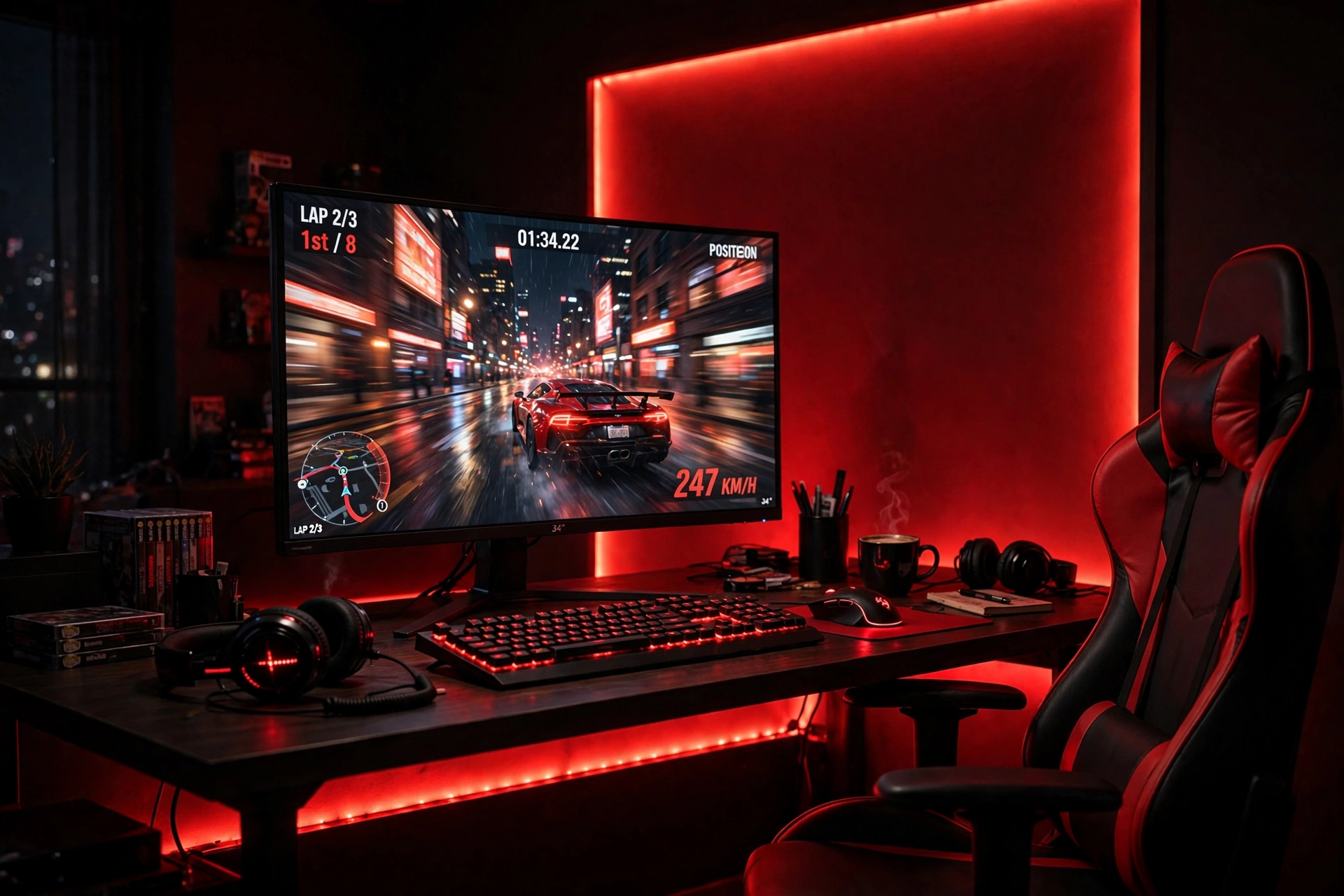
Start with the wall. A deep red glow behind your desk sets the whole mood before you even sit down, and it makes a single monitor feel like a command center.
- Run a long red LED strip along the back edge of the desk and up the wall behind the monitor.
- Keep the desk black so the red light has something dark to bounce off.
- Match the keyboard backlight to the strip, so the whole desk reads as one color story.
- Add a small shelf above the monitor for a plant or a game case, and keep cables in a tray under the desk.
The monitor carries the setup during the day, when the lights are off, so pick a fast QHD screen with a high refresh rate. Power comes from a strip tucked behind the desk leg, and a headset hook on the desk edge keeps the surface clear.
Quick check: dim the room lights and look at the wall. If the red glow is even from edge to edge, the strip is placed right. Bright spots mean it sits too close to the wall.
2. Red Racing Chair Hero Setup
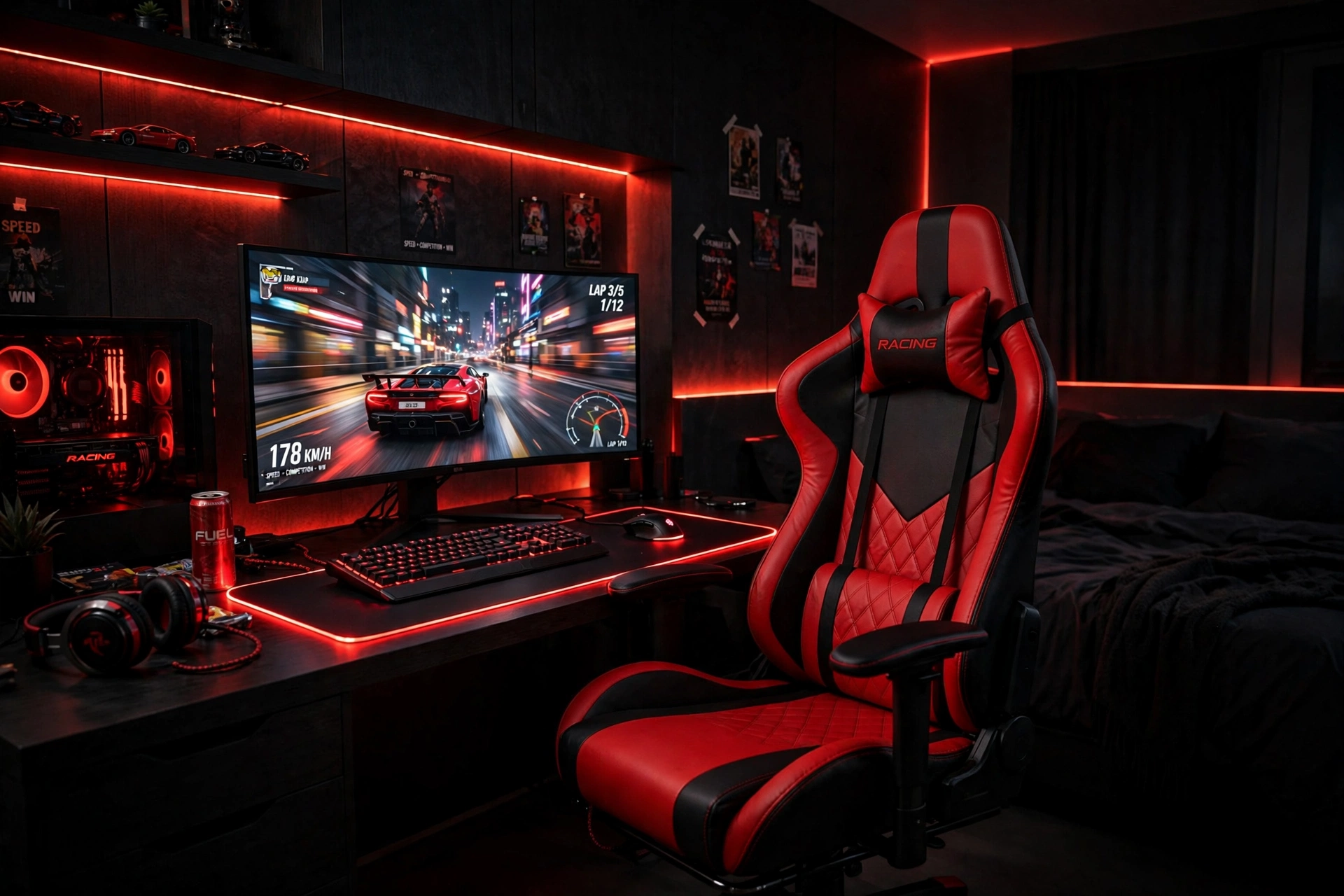
Some setups are built around the screen. This one is built around the chair, and it shows. A red and black racing chair with a footrest turns a plain desk into a cockpit, and it is the first thing anyone notices when they walk into the room.
The desk stays simple on purpose: a wide monitor showing the game, a large red LED mouse pad that ties the chair color to the desk surface, and a small drawer unit beside the desk for controllers and chargers. The chair does the visual work, so the rest of the room can stay calm.
- Place the chair where its red back faces the door, so it reads as the hero piece.
- Set the mouse pad to a steady red glow, not a flashing mode, to keep the desk calm.
- Pull the footrest out for long sessions, and fold it away when you stand up to play.
- Keep a throw blanket in the chair color on the bed nearby to echo the red across the room.
3. Red Backlit Keyboard Battlestation
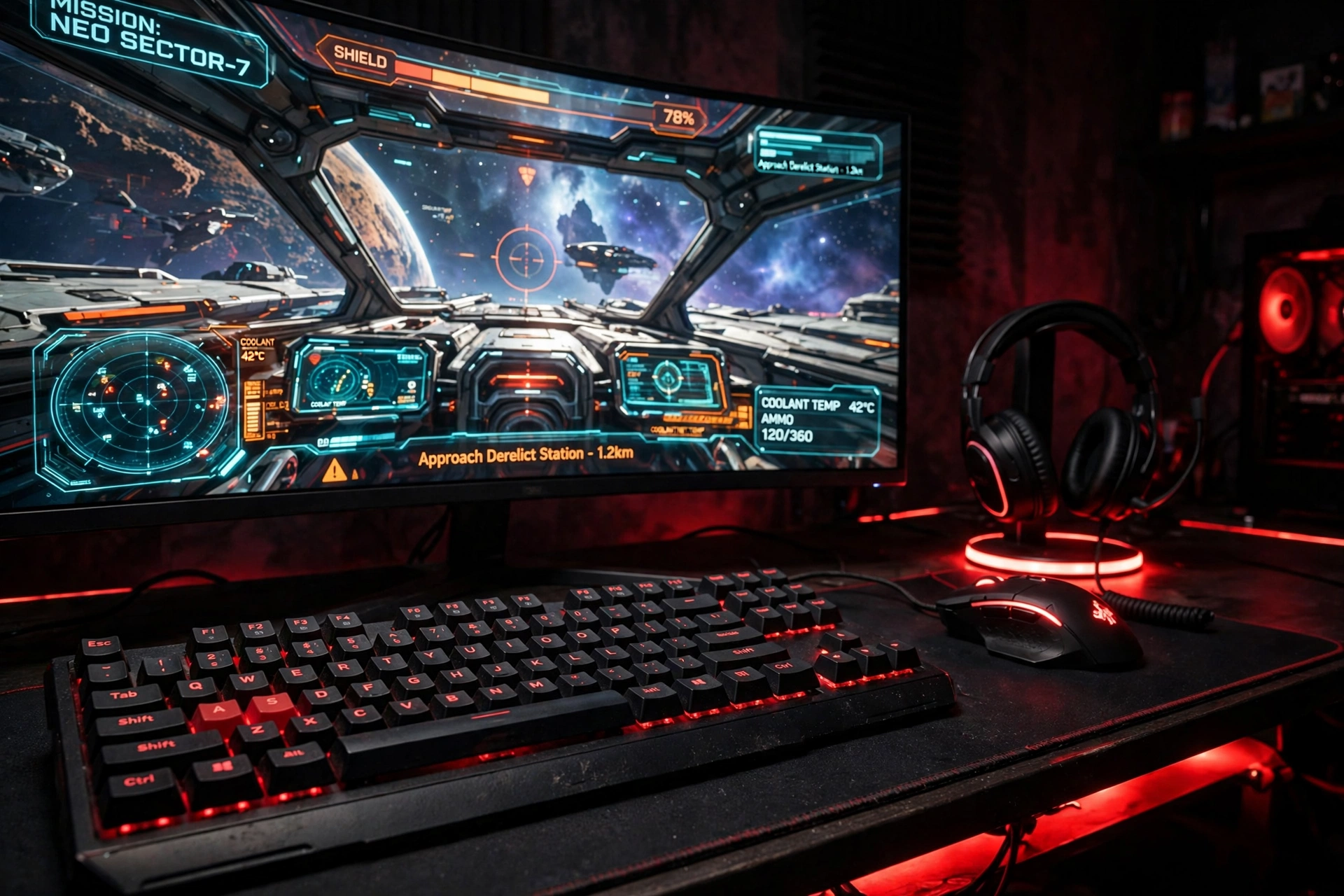
If your hands live on the keyboard, make the keyboard the star. A red backlit mechanical keyboard on a dark desk looks sharp in daylight and glows like a control panel at night, and it pairs naturally with a curved monitor and a precise mouse.
Tip: set the keyboard to a single steady red instead of a rainbow wave. One color looks more expensive, and it matches the rest of the setup without fighting it.
The curved monitor pulls you into the game, while a headset stand on the right keeps the headset off the desk and adds a second small glow. Cables run through a tray under the desk, and a power strip with a switch sits within reach so you can kill the whole setup with one tap when you are done.
4. Console Lounge With a Red TV Glow
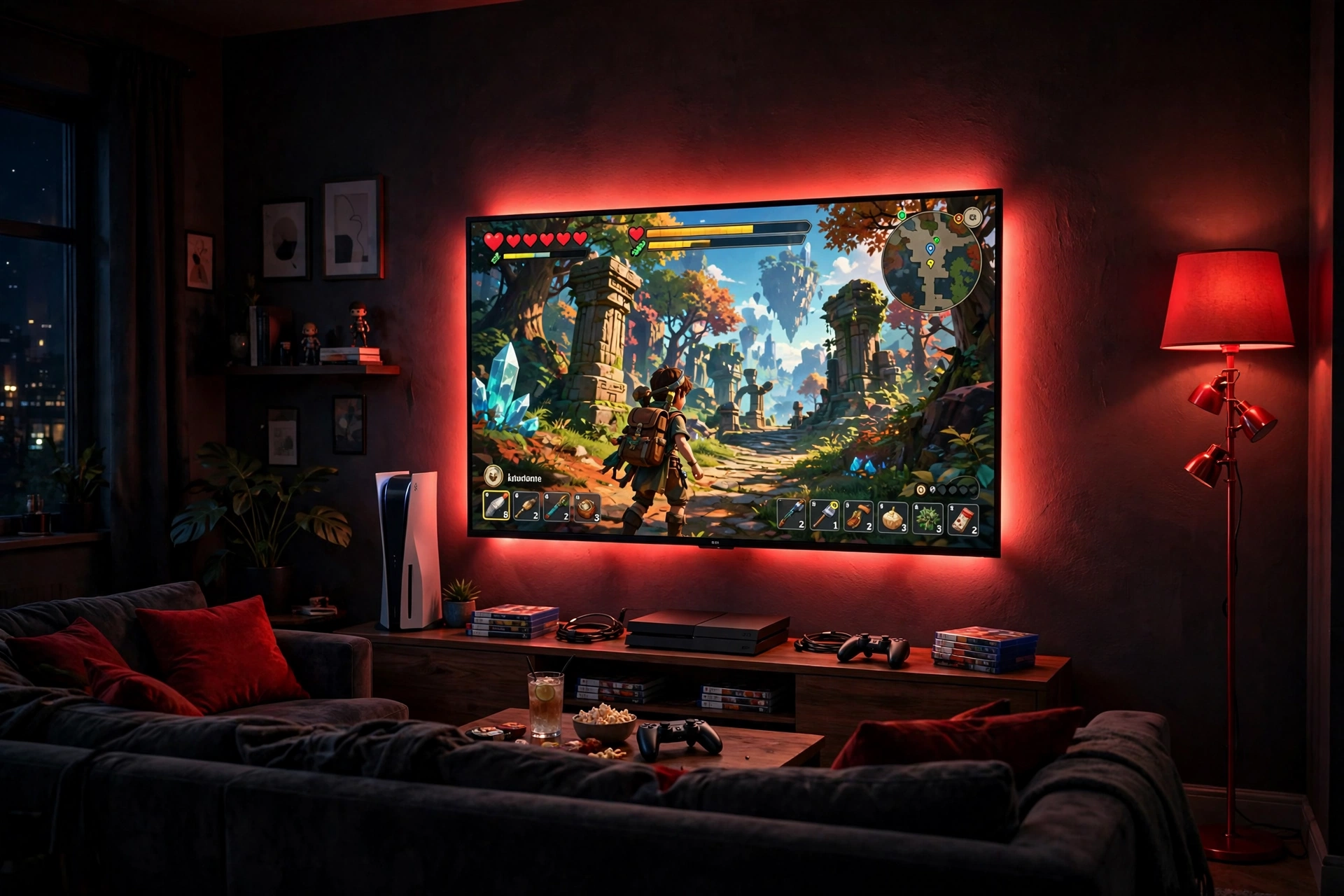
Not every red setup needs a desk. A console lounge trades the chair for a sofa, and the red glow comes from the wall behind the TV instead of a strip on a desk. It is the most relaxed setup in this list, and the easiest to share with friends.
Two light sources do the work here, and they play different roles. A gradient strip behind the TV throws a soft red halo that makes the screen feel bigger, while a tall corner floor lamp fills the far side of the room so the sofa is not sitting in total darkness. Together they make the room feel like a small cinema.
| Light source | What it does | Best for |
|---|---|---|
| Gradient strip behind TV | Soft red halo around the screen | Game nights and movies |
| Corner floor lamp | Fills the room with warm red light | Reading the room, finding controllers |
Keep controllers in a small basket by the sofa, add red cushions to tie the sofa to the wall glow, and run the console cables behind the TV stand so nothing dangles. A low media unit under the TV holds games and a headset, and the whole room stays tidy enough for guests.
5. Red LED Desk That Does the Work
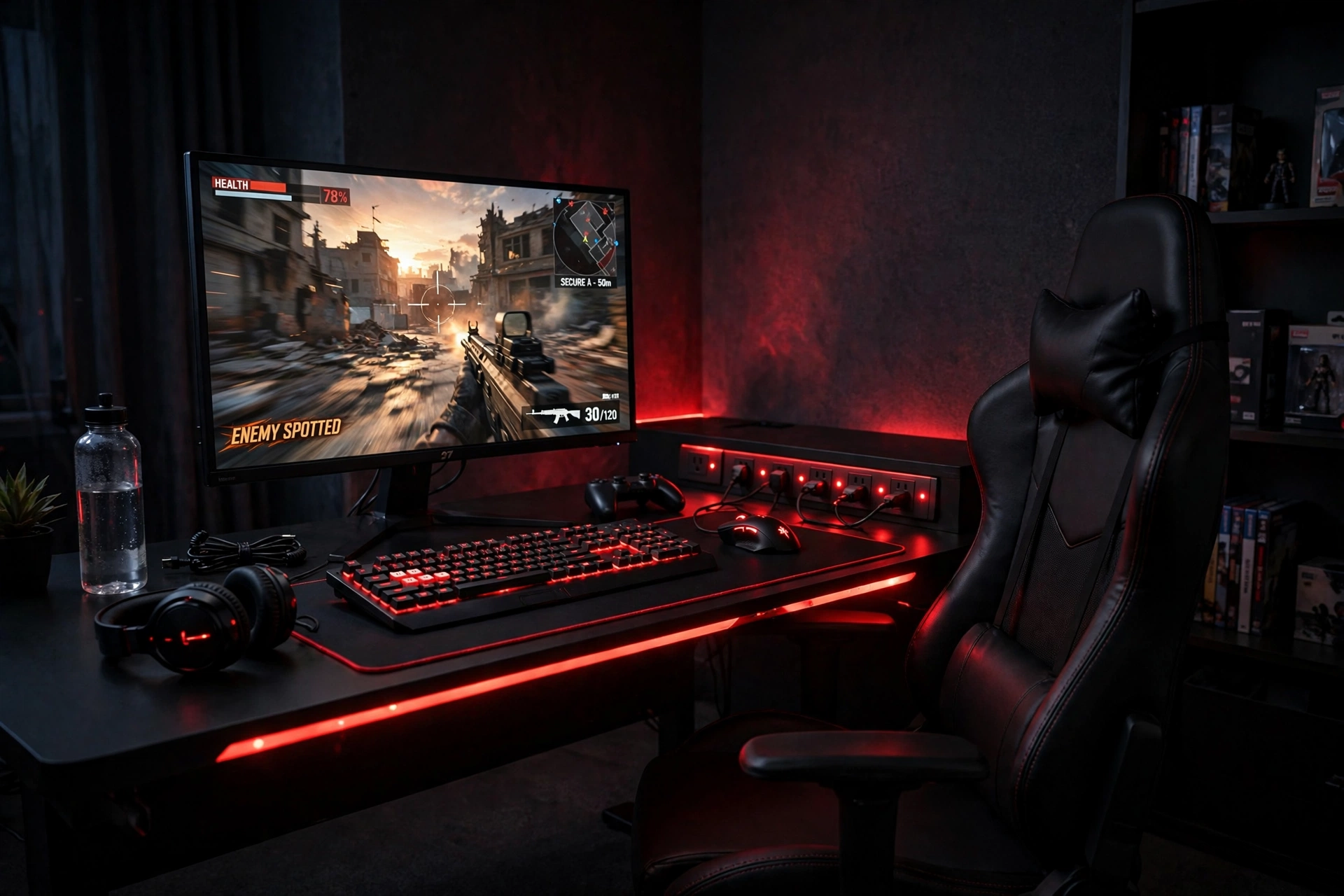
Here is what works in this setup. The desk itself is the red feature, with LED lights built into the frame, so you get the glow without sticking strips everywhere. That frees you to keep the rest of the desk clean and simple.
The desk: built in LED lights and power outlets mean your monitor, phone charger, and lamp all plug in at the desk instead of across the room. The screen: a fast QHD monitor sits at eye level on the desk, with the game front and center. The seat: a plain black chair keeps the focus on the red desk edge. The extras: a cable tray under the desk hides the power bricks, and a small shelf holds a headset and a controller.
What makes this one easy to live with is that the red is built in, not added on. You switch it on with the desk, you switch it off with the desk, and there is no extra remote or app to remember. If the room is small, this single piece does the work of three separate lights.
Why it works: one piece of furniture carries the color, the light, and the power. Everything else in the room can stay neutral, and the setup still reads as red.
6. Red and Black Dual Monitor Wall
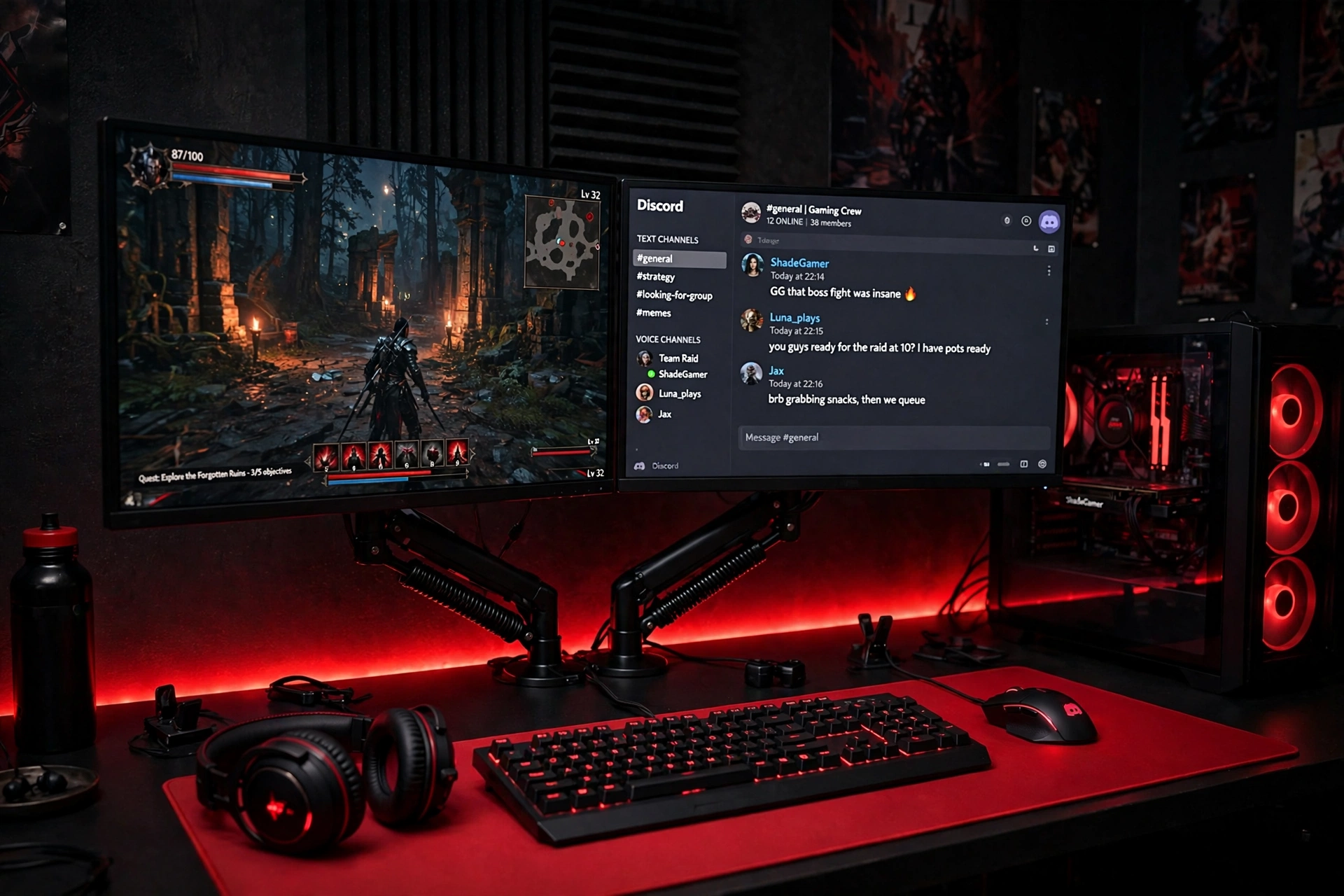
Two monitors on a single arm change a desk completely. The screens float, the desk surface clears up, and the red strip behind them turns the whole wall into a backdrop. One screen holds the game, the other holds chat, a guide, or a stream, and you stop alt tabbing every few minutes.
Mount both screens on one gas spring arm so you can slide them to the same height and angle, then run the red strip along the wall behind the monitors so the glow frames them like a picture. Keep the keyboard and mouse centered under the main screen, and put the PC on the floor to the side so the desk stays open.
If you love a darker, moodier version of this look, the ideas in 15 Dark Gaming Setup Ideas for a Moody Battlestation show how to deepen the blacks while keeping the red glow as the star.
Dual monitor checklist
- Both screens at the same height, top edge at eye level
- Main screen centered, second screen angled slightly in
- Cables clipped to the arm so nothing hangs behind the desk
- Red strip set to one steady shade, not a flashing pattern
7. Red PC Build on Display
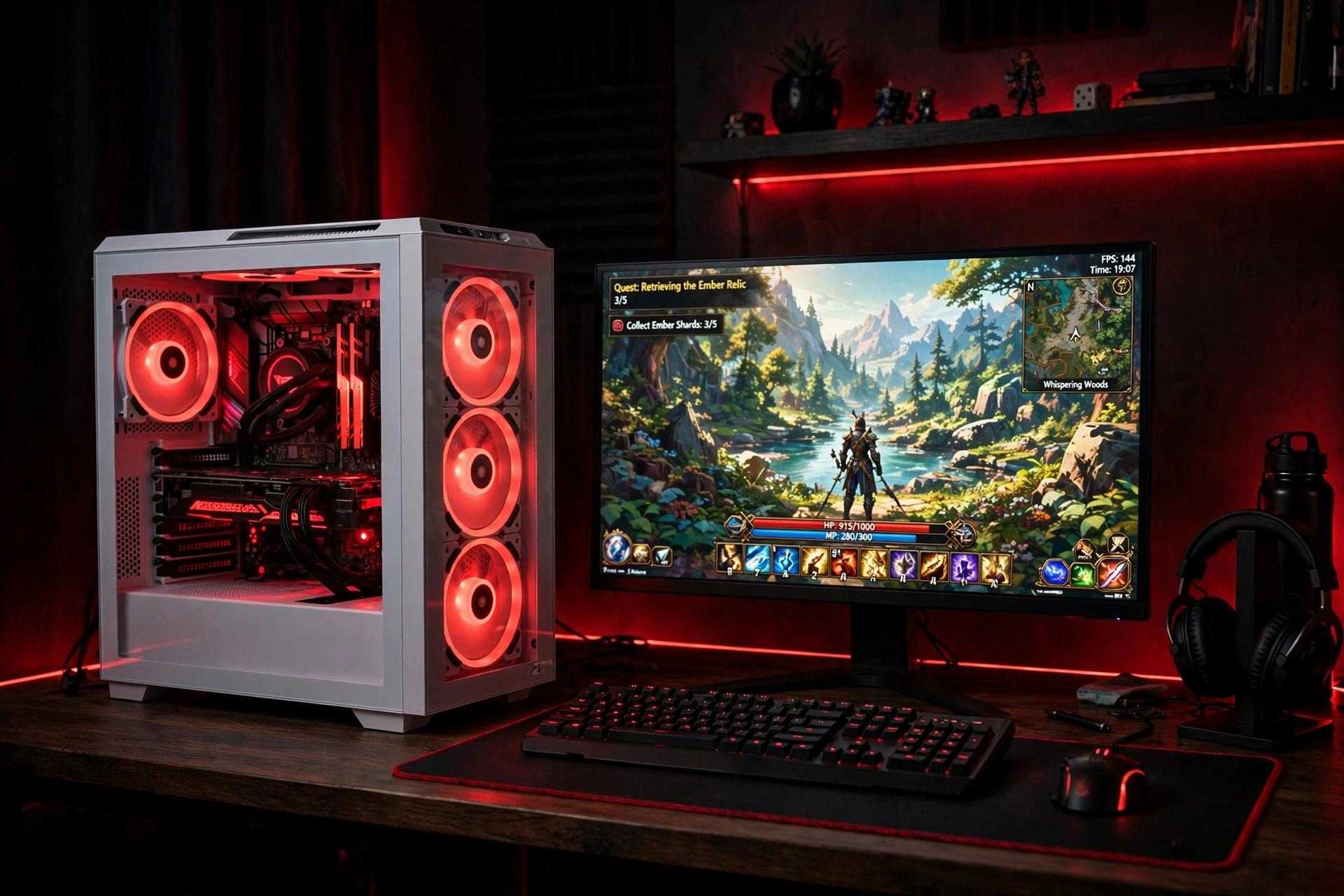
Put the PC where everyone can see it. A tempered glass case with red fans turns the computer itself into the decoration, and a white case makes the red glow pop even harder against the dark room.
- Set the case on the desk, not the floor, so the glass side faces the room.
- Match all the fans to the same red so the glow inside the case looks planned.
- Keep the monitor to the left of the case, with the keyboard centered in front of it.
- Run one short red strip under the desk edge to echo the fans without overdoing it.
The rest of the setup stays quiet on purpose: a black keyboard, a plain mouse pad, and a headset on a hook. When the PC is this loud visually, everything around it should whisper. A power strip behind the desk leg keeps the case, monitor, and lights on one switch.
Quick check: look at the case from the doorway. If the red fans are the brightest thing in the room, the balance is right. If the desk clutter competes with them, clear the desk first.
8. Red Hexagon Wall Art Setup
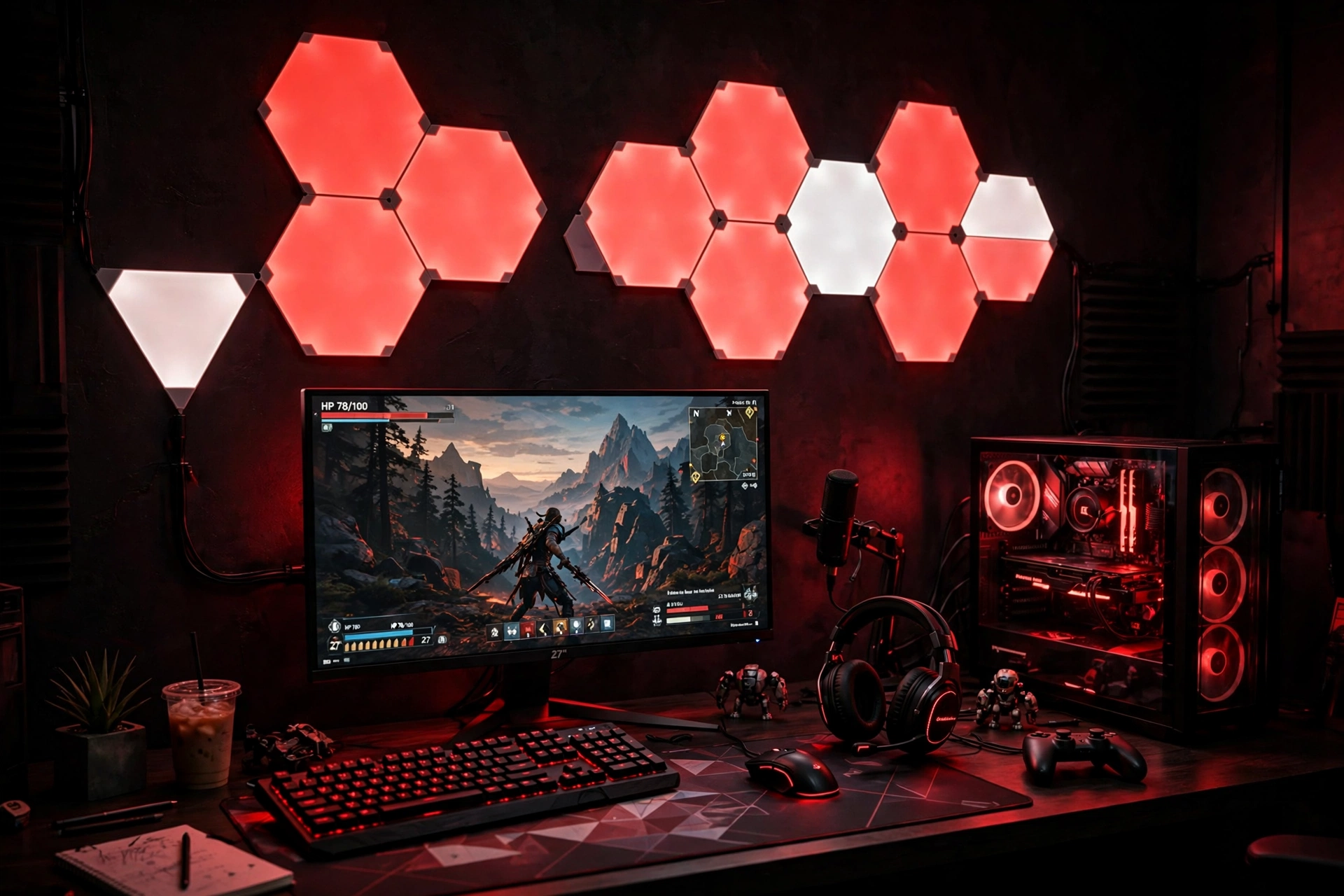
Wall panels are the easiest way to make a red setup look designed instead of decorated. A cluster of glowing red hexagons above the desk acts as art, light, and backdrop all at once, and it gives the room a focal point even when the monitor is off.
The trick is to keep the panel layout simple and let the desk stay simple too. A black desk, one monitor, and a small plant are enough, because the wall is doing the talking. Add a second, smaller light on the desk, like a glowing wall light strip, to connect the wall color to the desk surface.
- Sketch the hexagon layout on paper first, then stick the panels in that shape.
- Center the cluster above the monitor, not above the whole desk.
- Set the panels to a deep red and dim them slightly so they glow instead of glare.
- Hide the power cable behind the desk with a small clip, so it does not cross the wall.
9. Red Headset Station and Keyboard Glow
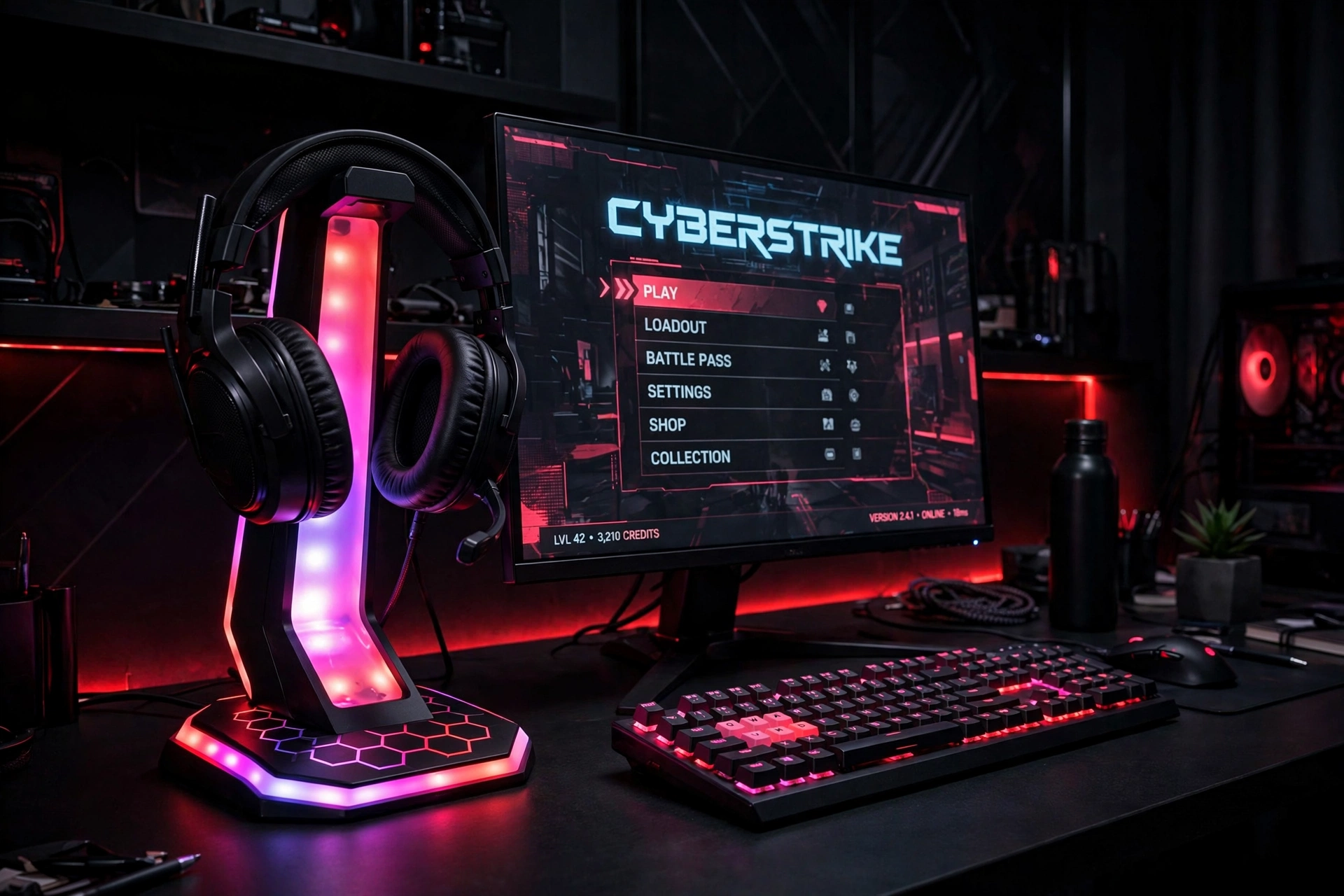
Small red accents can carry a whole setup when they are placed well. A glowing headset stand on the right side of the desk and a red backlit keyboard in the center give you two points of red, and the eye connects them into a theme without any wall strips at all.
Tip: keep the headset stand glow and the keyboard backlight on the same red. Two different reds side by side look off, but one matched red looks intentional.
The monitor sits centered, the headset rests on its stand when you are not playing, and a small drawer under the desk holds spare cables and a controller. A desk mat in dark grey softens the black desk and gives the mouse a smooth surface, and the whole setup packs away neatly when the day is done.
10. Cozy Red Corner Nook
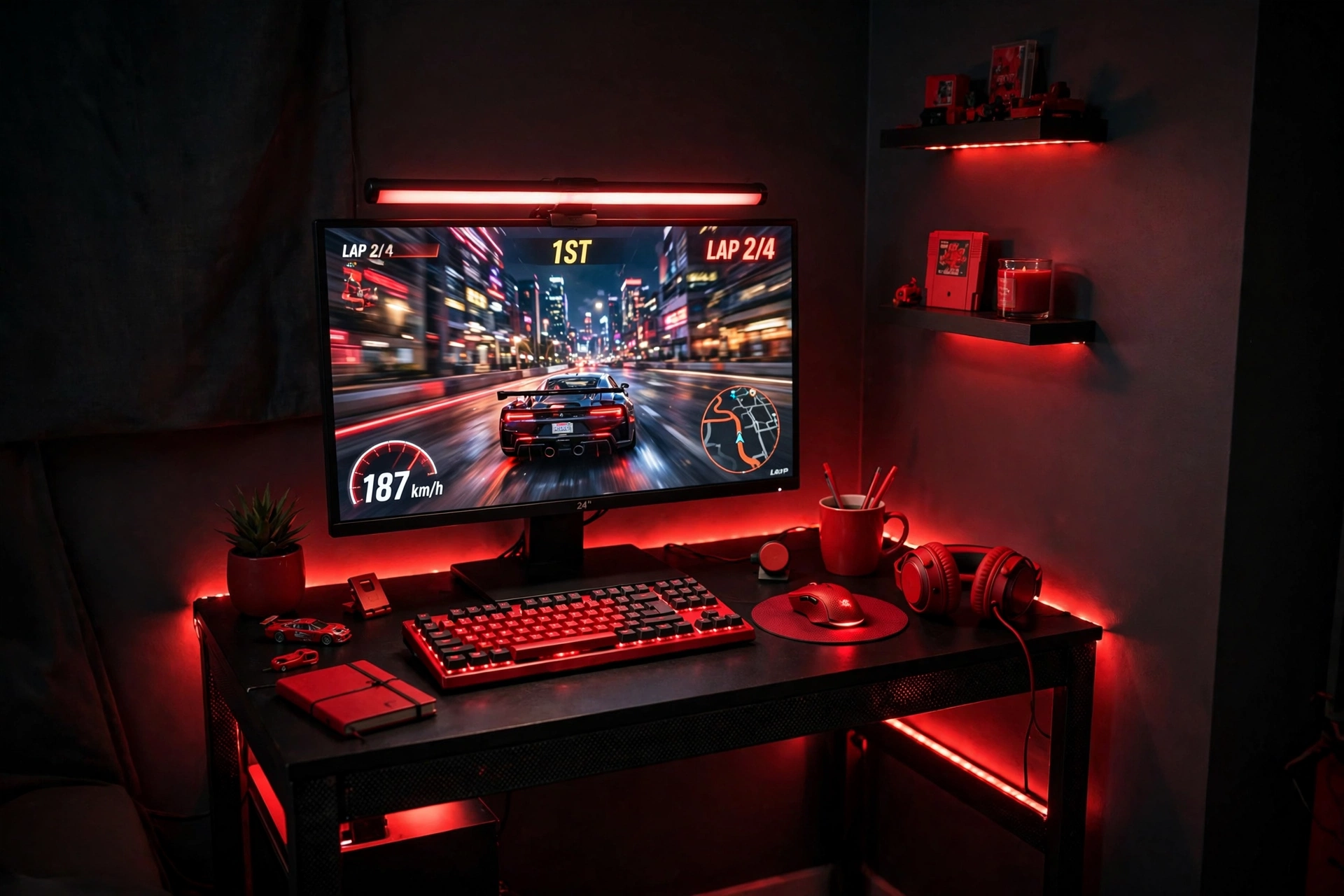
Here is what works in this setup. A corner is the hardest spot in a room to light, and red does it better than white, because it makes the corner feel warm instead of dark. A compact desk with LED lights, one monitor, and a light bar above the screen are all this nook needs.
The desk: a small computer desk with built in LED lights and outlets fits the corner without crowding it. The screen: a single monitor at eye level, with a light bar on top that washes red light down onto the keyboard. The seat: a simple chair that tucks fully under the desk when you are done. The extras: a wall hook for the headset, a small shelf for two or three games, and a cable clip that keeps the power cord along the wall.
What makes this nook cozy is that everything is within reach and nothing is wasted. You sit down, the red glow wraps around you, and the rest of the room can stay dark and quiet. It is the best setup in this list for a bedroom corner or a shared room where space is tight.
Why it works: the corner does half the decorating for you. Two walls catch the red light and bounce it back, so a little glow goes a long way.
Frequently asked questions
Is a red gaming setup too much for a small room?
Not if you keep it to one or two red light sources. A single strip or a glowing desk is enough in a small room, and the rest of the room can stay black, grey, or white so the red has room to breathe.
What is the cheapest way to start a red setup?
Start with light, not furniture. A red LED strip behind the desk and a red mouse pad change the look of a setup you already own, and you can add a chair or a keyboard later when the budget allows.
Does red lighting hurt your eyes during long sessions?
Red is gentler than bright white light at night, but any strong color can tire your eyes if it is too bright. Dim the red to a soft glow, keep a light bar on the desk, and take a short break every hour.
Can I mix red with another color?
Yes, red pairs well with black, white, and grey, and it also works with a little warm orange. Avoid mixing red with bright green or blue in the same setup, since the colors will fight each other.
Do I need a new monitor for a red setup?
No, the red comes from the lighting and the accessories, not the screen. If your current monitor works well, spend on a strip light, a keyboard backlight, or a chair first, and upgrade the screen only when you want a faster panel.
Conclusion
Red works in a gaming room because it is honest about what it is: bold, warm, and full of energy. Whether you go all in with a crimson wall glow, build around a red racing chair, or keep it small with a headset stand and a keyboard backlight, the same rule holds. Pick one or two red light sources, match them to each other, and let the rest of the room stay calm.
Start with the setup that fits your room today. A corner nook needs very little to feel complete, a console lounge needs even less, and a full battlestation can grow one piece at a time. Add the red in layers, check how it looks with the lights off, and adjust until the room feels like yours.
Related reading
If you want more ideas for your setup, read 15 Budget Gaming Setup Ideas That Look Expensive for ways to get a high end look without a high end spend, and browse the Gaming Room Ideas category for the full collection.
