As an Amazon Associate I earn from qualifying purchases. Read our full affiliate disclosure for more detail.
A dollar store run will not build a gaming room on its own, but the spirit of one will. Cheap LED strips, small storage bins, wall hooks, cable ties, and a poster or two can change a plain corner into a setup that looks planned, and the whole trick is picking the few cheap finds that do the most work. This guide takes that budget mindset and pairs each idea with real, affordable Amazon equivalents you can order today, so every look below is one you can copy whole.
You will find 7 complete setups here, from a glowing strip behind the desk to a tidy light bar desk and a playful wall of triangle panels. Each one covers the desk, seat, screen, light, storage, and power, so nothing important is left out. If you like the budget angle, 15 Budget Gaming Setup Ideas That Look Expensive has more ways to make a cheap room look like a big spend.
In this article
At a glance
1. Behind the Desk Glow on a Shoestring
2. Ceiling Edge Rainbow
3. Keyboard and Mousepad Upgrade
4. Cozy Corner Lamp and Chair
5. Wall Panels That Look Planned
6. Light Bar and Mouse Tidy Desk
7. Headset Stand and Triangle Art
FAQ
Conclusion
At a Glance: Pick Your Budget Find
1. Behind the Desk Glow on a Shoestring
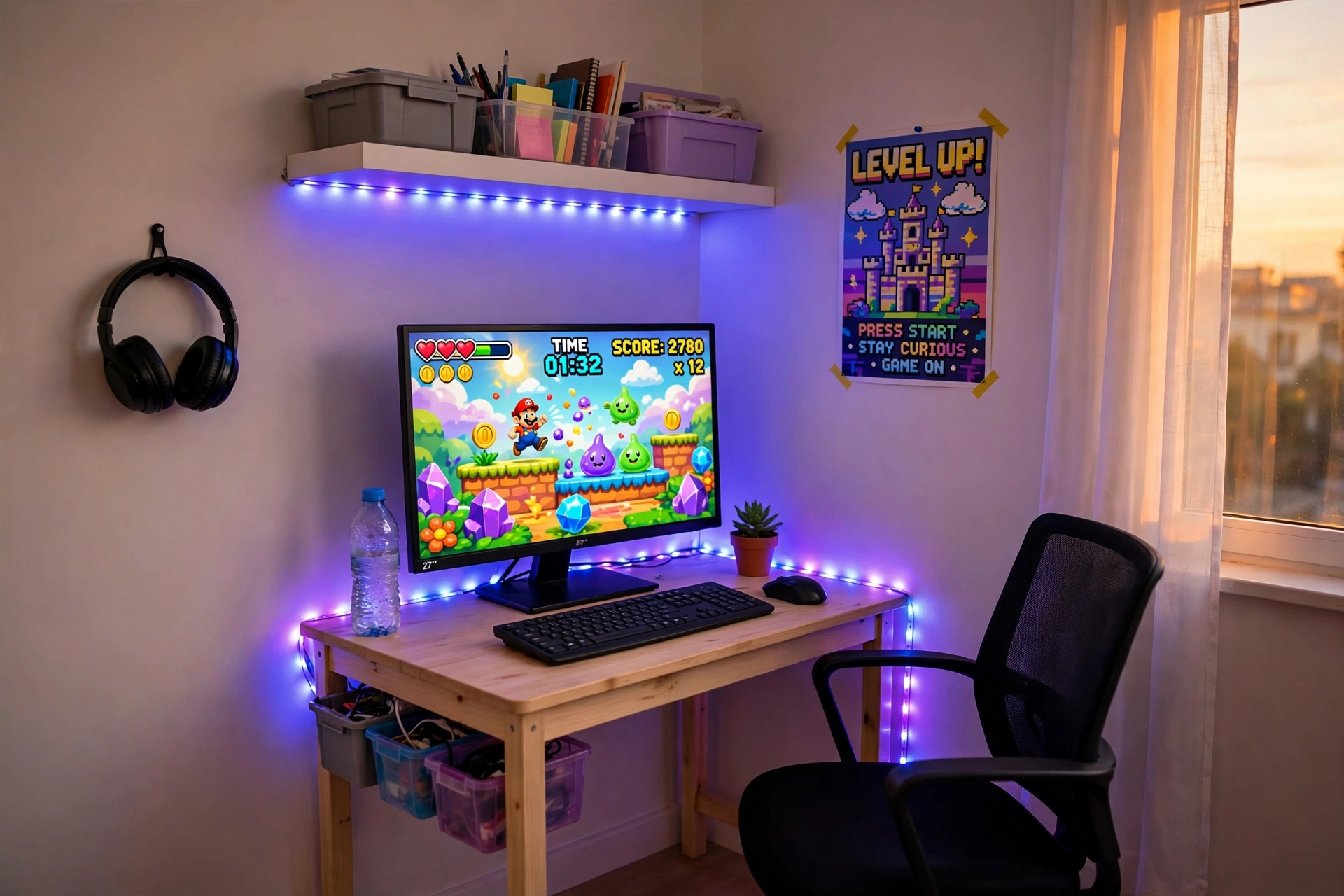
One short strip of light is the single best cheap find in this whole guide. Run it along the back edge of the desk and up the wall, and a plain corner suddenly looks like a real gaming room. The glow lands on the wall behind the monitor instead of shining in your eyes, which keeps the screen easy to read for long sessions.
- Desk: a small straight desk pushed close to the wall, with the strip hidden along its back edge.
- Seat: a basic chair centered on the monitor, so the glow frames you evenly.
- Screen: one sharp main monitor, with the game front and center.
- Light: a short RGBIC strip set to one calm color, plus a small lamp for reading.
- Storage: cheap bins under the desk for controllers and cables, and a poster above it all.
- Power: one strip behind the desk, with the controller in easy reach.
BUDGET FIND Govee RGBIC LED Strip Lights, 16.4ft
Why this one: the shorter length is just right for one desk and one wall, and the app control makes it easy to dim the glow for late night play.
Worth knowing: check the cut marks before trimming, because cutting in the wrong spot can stop part of the strip from lighting up.
BUDGET FIND KTC 27 Inch Gaming Monitor, 180Hz, 1080p
Why this one: a fast 180Hz screen at a budget friendly size, so games feel smooth without taking over a small desk.
Worth knowing: the stand takes up a fair bit of desk depth, so measure before adding a large mousepad in front of it.
2. Ceiling Edge Rainbow
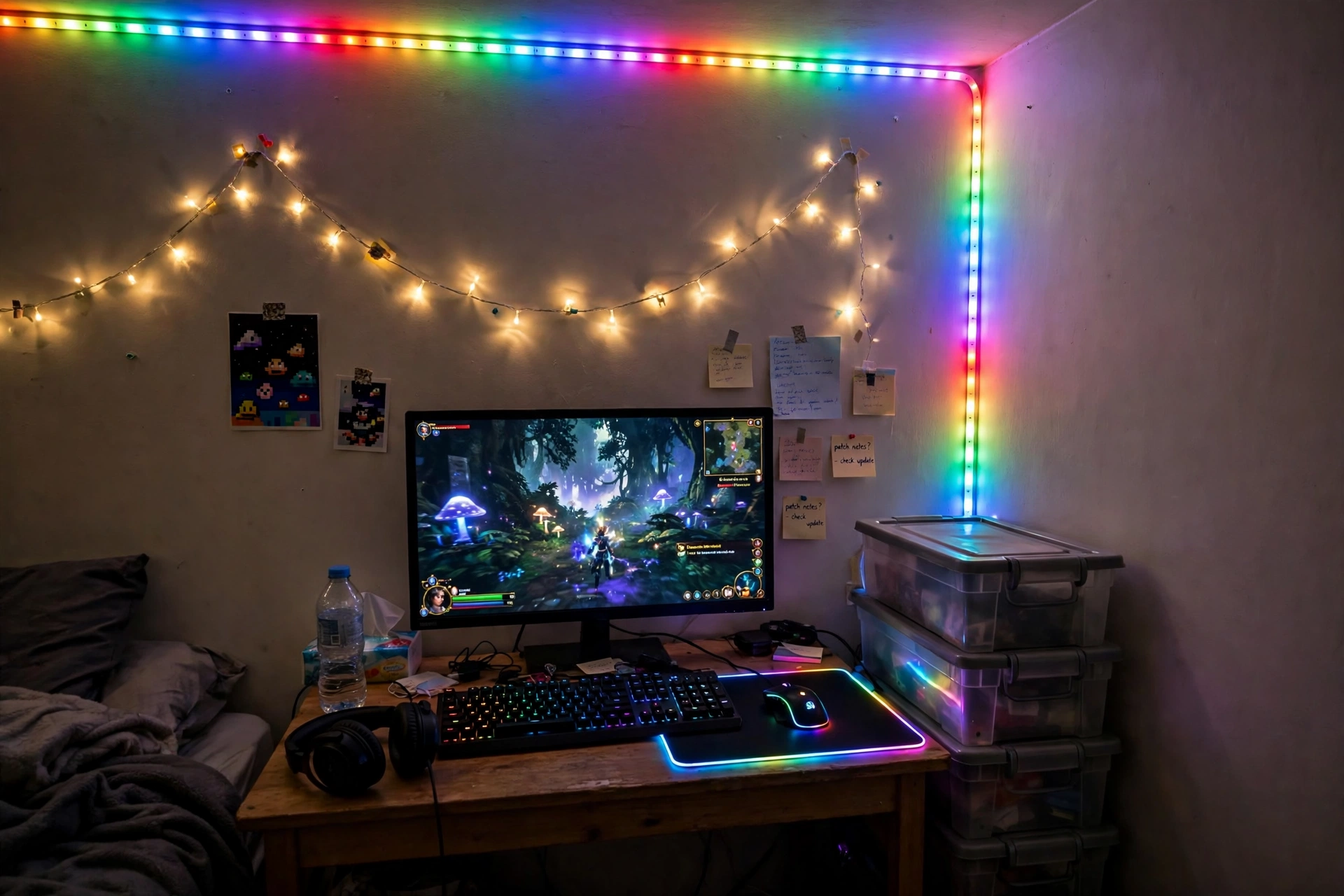
When the room is small, send the light up high. A long strip along the ceiling edge washes the whole room in color without taking up a single inch of desk or floor, and it makes a tiny bedroom feel like a place built for gaming. Pair it with a glowing mousepad, and the desk joins in without any extra lamps.
How to set it up:
- Run the strip along the ceiling edge above the desk first, then down one corner.
- Keep the cable tight to the corner with small adhesive clips so it stays out of sight.
- Place the glowing mousepad under the keyboard and mouse so the desk glows too.
- Add fairy lights on the wall for soft light when the strip is off.
- Stack cheap storage boxes beside the desk for games and spare cables.
Small room note: one calm color at low brightness looks tidier than a fast rainbow in a small room. Save the rainbow for movie nights, and use a soft blue or warm white for everyday play.
BUDGET FIND Govee 65.6ft RGBIC LED Strip Lights
Why this one: the long length covers a desk, a wall, and a ceiling edge in one run, and the RGBIC segments let different parts show different colors at once.
Worth knowing: measure your ceiling and desk first, because a strip that is too long leaves a loose tail that is hard to hide neatly.
BUDGET FIND JOYYE Large RGB Gaming Mouse Pad with Magnetic Wireless Charger
Why this one: the glowing edge lights the whole desk surface, and the built in wireless charger keeps a phone topped up without another cable.
Worth knowing: the charger only works with phones that support wireless charging, so check your phone first.
3. Keyboard and Mousepad Upgrade That Feels Brand New
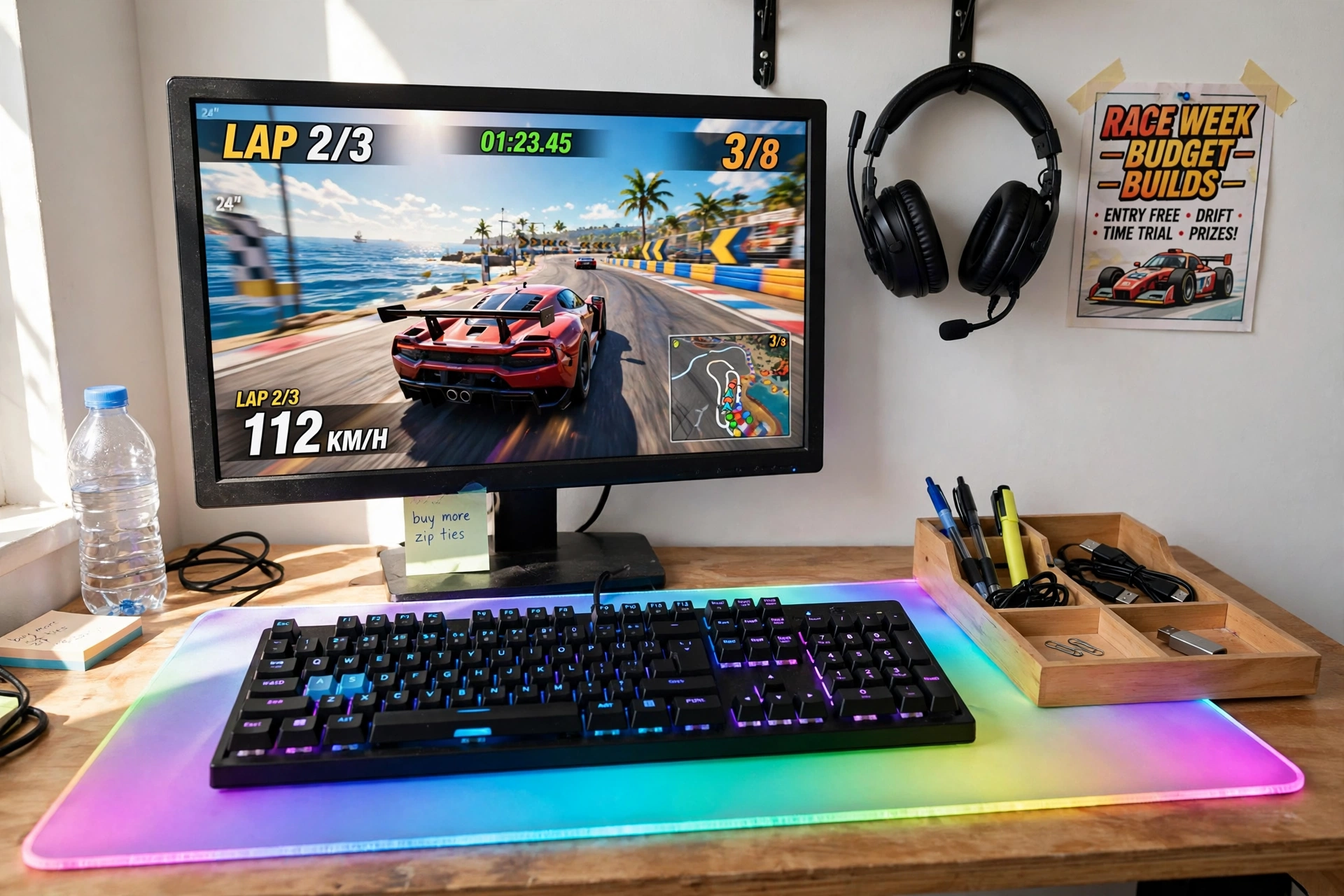
You do not need a new desk to feel like you got one. A backlit keyboard and a big glowing mousepad change how the whole desk looks and feels, and they cost far less than new furniture. This is the setup to pick when your monitor and chair are fine, but the desk itself looks tired.
Try this: match the keyboard backlight and the mousepad glow to one color, and keep the rest of the desk plain. One color used twice looks deliberate, while three or four colors at once looks messy.
Finish the desk with a small organizer tray for pens and cables, wall hooks for the headset, and a cheap poster above the monitor. Run one power strip behind the desk leg, and keep the keyboard cable clipped to the desk edge so it never drags across the mousepad. If you want more light ideas for the whole room, the ideas in 15 LED Gaming Room Ideas That Set the Perfect Mood pair well with this desk.
BUDGET FIND Corsair K70 CORE RGB Mechanical Gaming Keyboard
Why this one: solid mechanical keys with per key RGB lighting, so the keyboard itself becomes the light show on the desk.
Worth knowing: mechanical keyboards are louder than membrane ones, so keep that in mind if you share a room or play late at night.
BUDGET FIND XXL RGB Gaming Mouse Pad, Large LED Mouse Pad
Why this one: the extra large size covers the keyboard and mouse in one smooth surface, and the glowing edge ties the whole desk together.
Worth knowing: the large size needs a clear desk, so move small clutter into a drawer or tray before you lay it down.
4. A Cozy Corner Lamp and Chair Combo
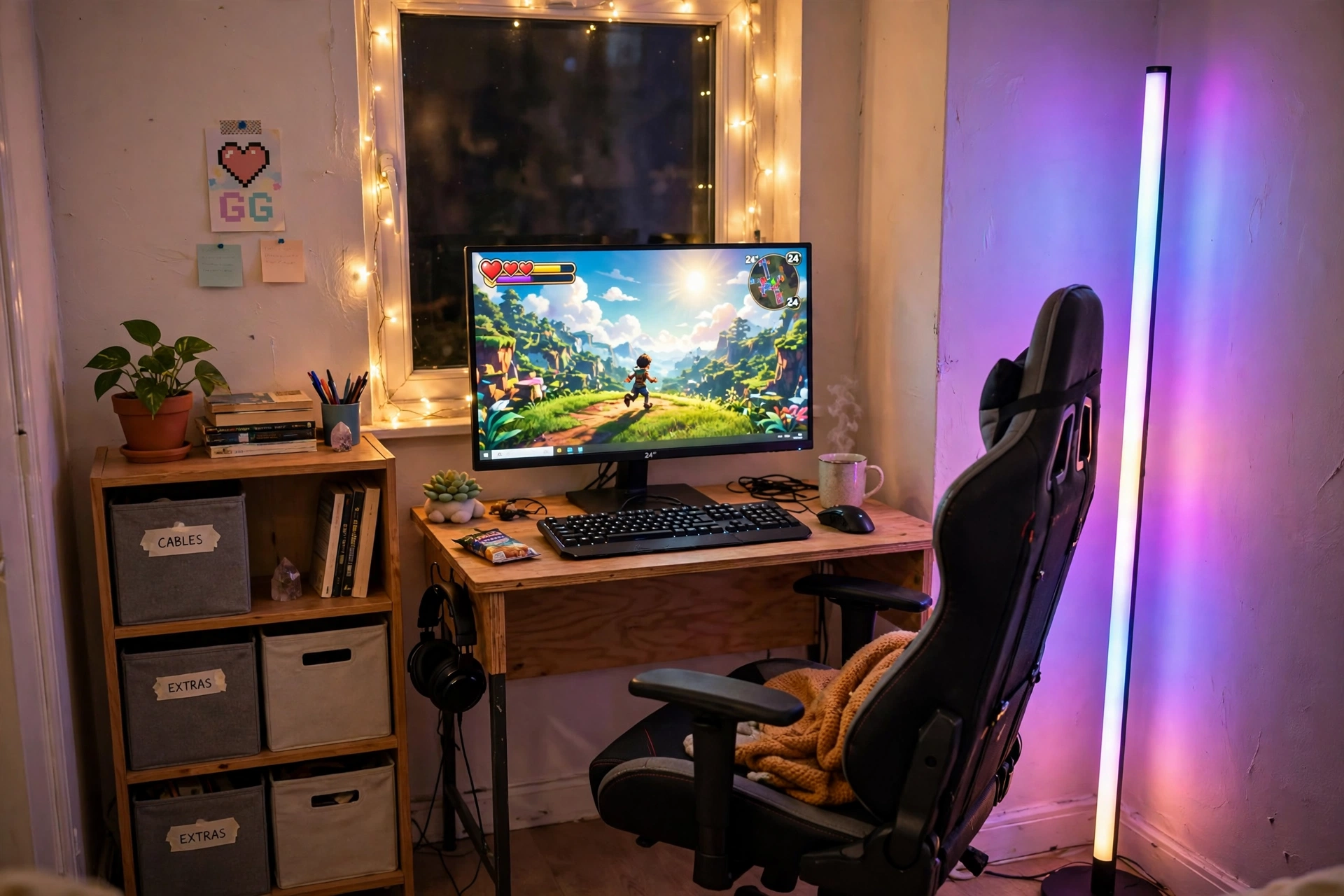
Dark corners make a room feel smaller than it is. One tall corner lamp fixes that in minutes, and a comfortable chair with a footrest turns the corner into the place you actually want to sit. This setup is for long evenings, when comfort matters more than flash.
- Desk: a compact desk tucked into the corner, with the lamp standing just behind it.
- Seat: a padded chair with lumbar support and a footrest, angled slightly toward the lamp glow.
- Screen: one monitor on a small riser, so the lamp light does not reflect on the screen.
- Light: a tall RGB floor lamp set to a warm color, plus fairy lights around the window.
- Storage: a small bookshelf with cheap bins for games, and a plant on top for color.
- Power: one power strip behind the desk, with the lamp and monitor on the same switch.
BUDGET FIND Govee RGBIC Floor Lamp, LED Corner Lamp
Why this one: the tall slim shape fits a corner that nothing else fits, and the RGBIC colors blend smoothly instead of flashing in blocks.
Worth knowing: the lamp needs a wall nearby to bounce its light off, so it works best in a real corner rather than in the middle of a room.
BUDGET FIND GTPLAYER Gaming Chair, Computer Chair with Footrest and Lumbar Support
Why this one: the footrest and lumbar pillow make long sessions far more comfortable, and the chair folds the footrest away when you need the space.
Worth knowing: assembly takes a little time and a second pair of hands helps, so set aside an evening for the build.
5. Wall Panels That Make a Plain Wall Look Planned
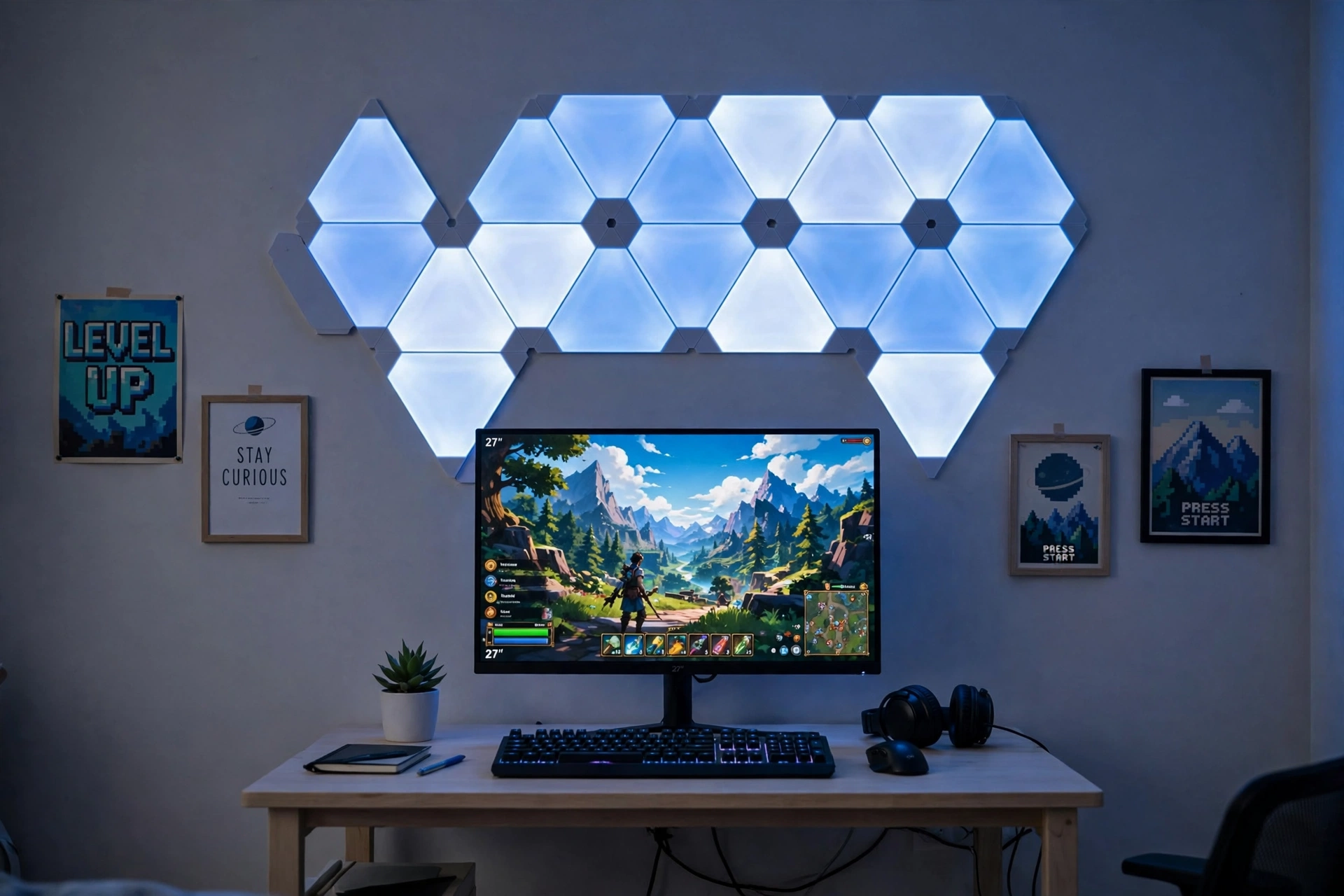
A blank wall is the biggest missed chance in most budget rooms. A few glowing wall bars arranged in a simple line or corner shape give the wall a clear focal point, and the whole desk below it looks more expensive at once. Keep the shape simple, a straight line or an L, and let the light do the work.
What works here:
- A straight row of light bars above the monitor, centered on the desk.
- Cheap framed posters on either side, so the wall feels balanced.
- A small plant and a tidy keyboard on the desk, so the glow has a clean surface to land on.
- One power strip behind the desk, with the wall lights and monitor sharing one cable run.
BUDGET FIND Govee Glide Wall Light, 6 Pcs + 1 Corner
Why this one: the bar shape fits neatly above a desk and along wall edges, and the pieces join into lines or corners to match your wall.
Worth knowing: plan the layout on the wall first with painter tape, because moving the bars after they are stuck on can weaken the adhesive.
BUDGET FIND Samsung 27 Inch Odyssey G5 QHD Gaming Monitor
Why this one: a sharp QHD screen with a curved panel that suits the glow of the wall bars, and the size fits most desks.
Worth knowing: a curved screen needs a little more desk depth than a flat one, so check your desk before you order.
6. Light Bar and Mouse: The Tidy Desk Duo
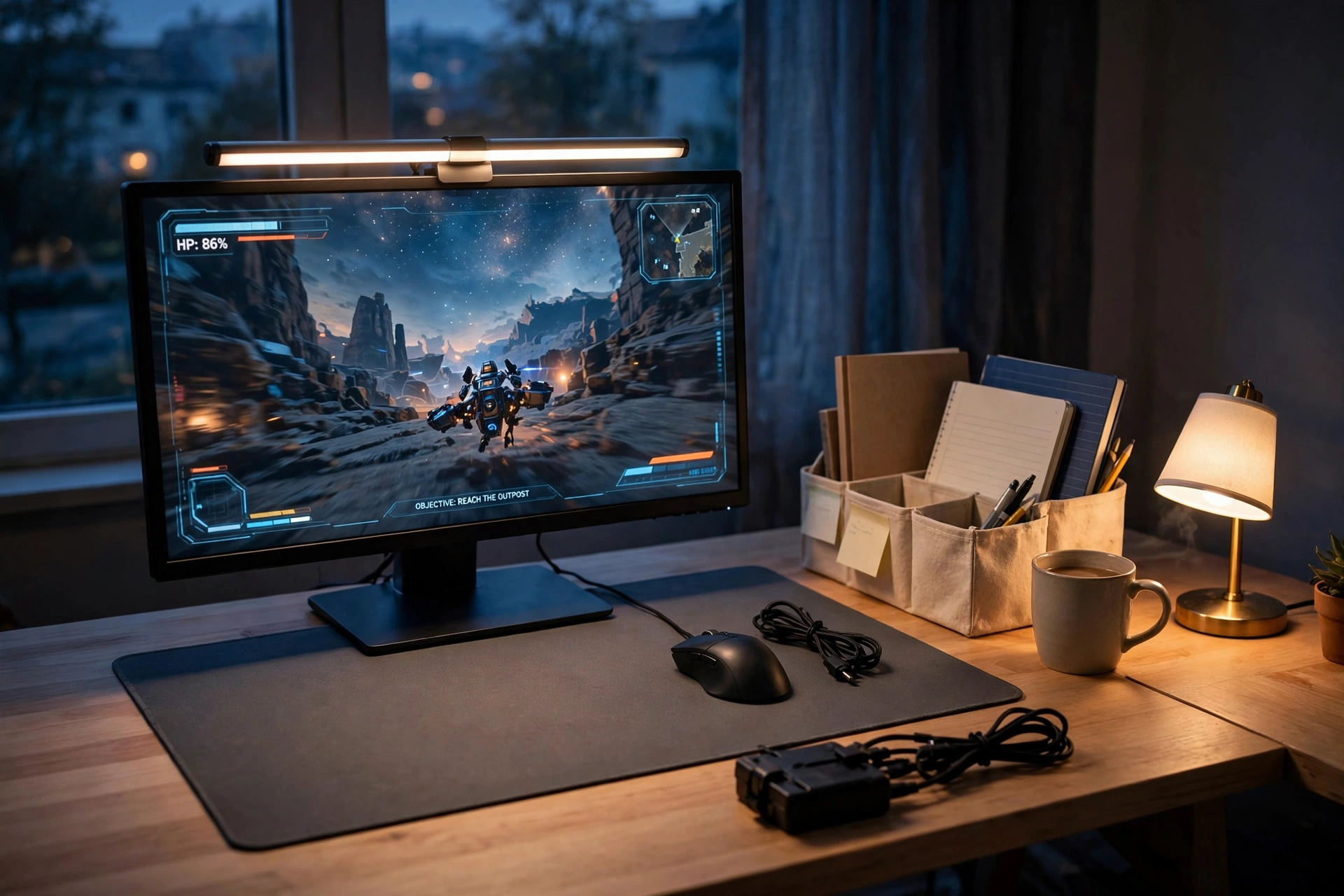
Cable ties and a small cable box are the cheapest finds in this guide, and they do the most for how tidy a desk looks. Add a monitor light bar that lights the desk without a lamp taking up space, and a reliable mouse, and you have a desk that looks calm and ready to play. This is the setup for anyone who hates clutter.
How to set it up:
- Clip the light bar to the top of the monitor and angle it down toward the keyboard.
- Bundle the monitor, light bar, and charger cables with ties, then hide the bundle in a small cable box.
- Place the desk organizer at the back corner, with notebooks and spare cables inside.
- Keep only the mouse, keyboard, and a mug on the desk surface.
- Run one power strip behind the desk leg, with a switch you can reach by foot.
Tidy desk note: a light bar beats a desk lamp in a small room, because it lights the keyboard and the desk without taking up any surface at all. If your desk is narrow, start here before buying anything else.
BUDGET FIND Quntis Monitor Light Bar RGB PRO
Why this one: it lights the desk evenly with no screen glare, and the RGB back glow adds color to the wall behind the monitor.
Worth knowing: check the clip fits your monitor thickness, because very thin or very thick screens can make the bar sit unevenly.
BUDGET FIND Logitech G502 HERO Wired Gaming Mouse
Why this one: a proven sensor and comfortable shape that suits long sessions, with buttons you can set up for the games you play most.
Worth knowing: it is a wired mouse, so route the cable with a clip or tie if a loose cable bothers you.
7. Headset Stand and Triangle Art for a Playful Finish
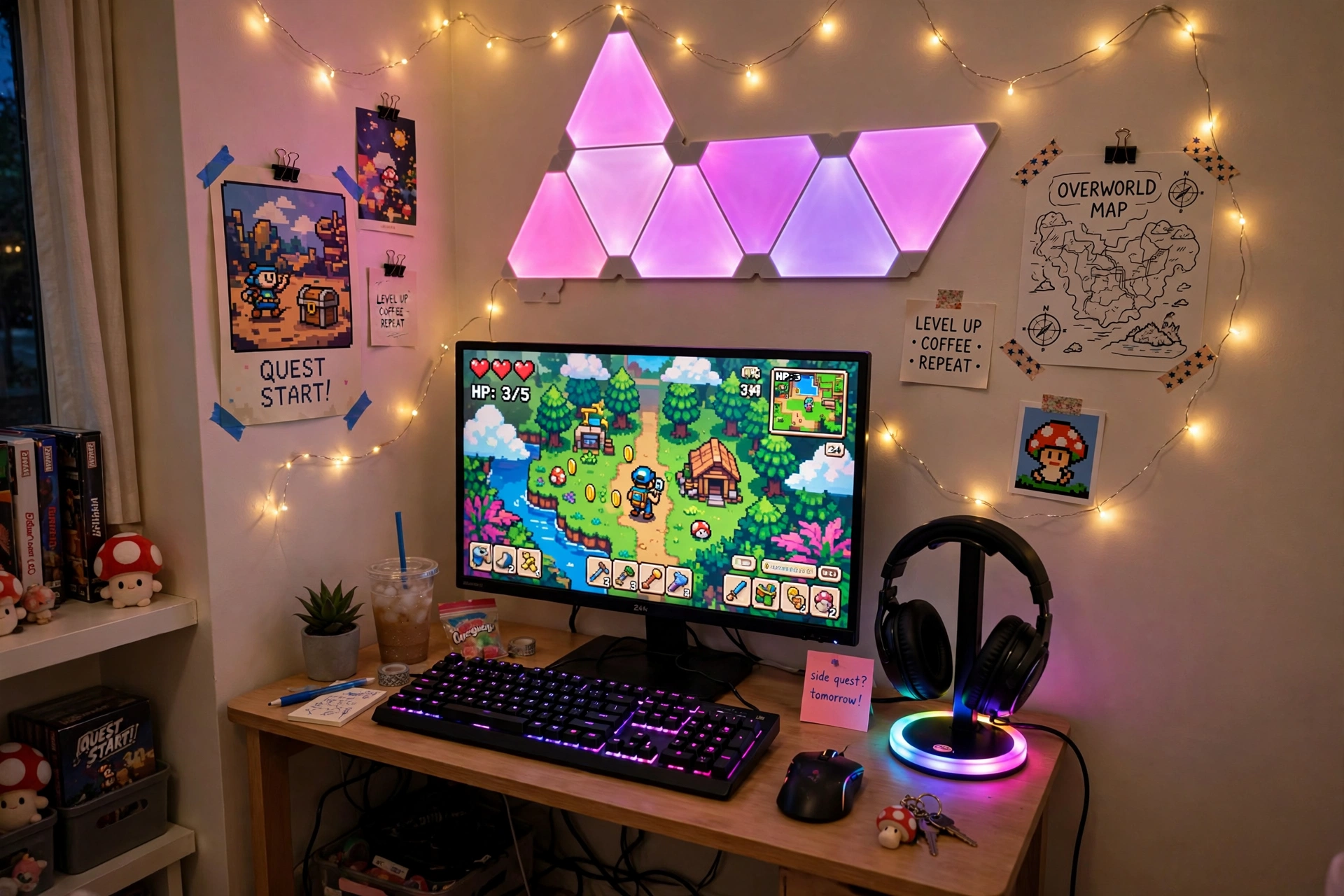
The last find is the fun one. Triangle wall panels in pink and purple turn a plain wall into art, and a small RGB headset stand keeps the headset off the desk while adding its own glow. Together they give the room a playful finish that costs far less than it looks.
Try this: keep the triangle panels to one side of the monitor, not all the way around it. A small cluster looks like art, while a full frame around the screen can distract you during play.
Finish the desk with a compact keyboard, a small plant, and cheap poster prints on the wall beside the panels. Fairy lights along the top of the wall tie the pink and purple together, and a small drawer under the desk holds spare cables and controllers. If your room is tight, 15 Small Gaming Room Ideas for Tight Spaces has more ways to fit a playful setup into a small corner.
BUDGET FIND FancyMay RGB Headphone Stand with Music Rhythm Light
Why this one: the stand keeps the headset safe and off the desk, and the rhythm light pulses gently with your music or game audio.
Worth knowing: the light reacts to sound, so turn the rhythm mode off if you want a steady color while you work.
BUDGET FIND Nanoleaf Shapes Triangles Smarter Kit
Why this one: the triangle panels turn a plain wall into a feature, and you can rearrange the shapes whenever you want a new look.
Worth knowing: plan the shape on the floor first, because the panels stick firmly and moving them later can mark the wall.
Frequently Asked Questions
Can I really build a gaming room on a dollar store budget?
Yes, if you focus on the finds that change the look most: light, storage, and cable control. A strip of LED light, a few bins, and some cable ties will change a room more than one big purchase, and you can add the bigger pieces over time.
What should I buy first if I can only pick one thing?
Start with light. One LED strip behind the desk changes the whole mood of the room for very little money, and every other find looks better once the light is in place.
Do I need a big room for these ideas?
No. Every setup here was built for small rooms and corners, and the ceiling strip, corner lamp, and light bar ideas were made for tight spaces where a big lamp or a second desk would not fit.
Are the products in this guide actually from a dollar store?
No, and that matters. The ideas follow a dollar store mindset, cheap and clever, but every product linked here is a real Amazon listing you can check and order, so you know exactly what you are getting.
How do I keep cables tidy on a budget?
Bundle cables with cheap ties, run them down one desk leg, and hide the join in a small cable box or behind a bin. One tidy cable run looks far better than a drawer full of loose wires.
Will LED strips damage my walls?
Most strips use adhesive that peels off cleanly from painted walls, but test a small corner first, especially on rented walls. Warm the strip gently with a hair dryer on low before peeling it off, and it usually comes away without marks.
Conclusion
A great gaming room is not about how much you spend, it is about how well the few things you buy work together. Start with one strip of light, add a bin or two for storage, tidy the cables, and pick one piece that makes you smile every time you sit down. The rest can wait, and the room will still feel like yours. If you want to keep the budget going, 15 Cozy Gaming Setup Ideas on a Budget has more low cost setups to copy next.
