As an Amazon Associate I earn from qualifying purchases. Read our full affiliate disclosure for more detail.
A blank wall is the biggest missed chance in most gaming rooms. The desk gets all the attention, the chair gets picked with care, and then the wall behind the monitor stays plain white. Wall panels fix that in one move. They add color, texture, light, and even better sound, and most of them go up with adhesive strips instead of drills.
In this guide you will find 12 complete gaming wall panel setups you can copy whole, from glowing hexagon panels and warm wood slats to acoustic foam, pegboards, and light bars. Each one covers the desk, seat, screen, light, storage, and power, so nothing important is left out. If you want more mood ideas for the whole room, the ideas in 15 LED Gaming Room Ideas That Set the Perfect Mood pair well with every setup below.
In this article
At a glance
1. Hexagon Glow Panel Wall
2. Warm Wood Slat Wall
3. Acoustic Panel Wall for Streamers
4. Pegboard Gear Wall
5. Glide Light Bar Wall
6. Black Triangle Statement Wall
7. Slat Wall With Floating Shelves
8. Monitor Light Bar Panel Wall
9. Console TV Feature Wall
10. Minimal White Panel Wall
11. Corner Lamp and Panel Glow
12. Small Room Pegboard and Strip Wall
FAQ
Conclusion
At a Glance: Pick Your Wall Panel Setup
1. Hexagon Glow Panel Wall
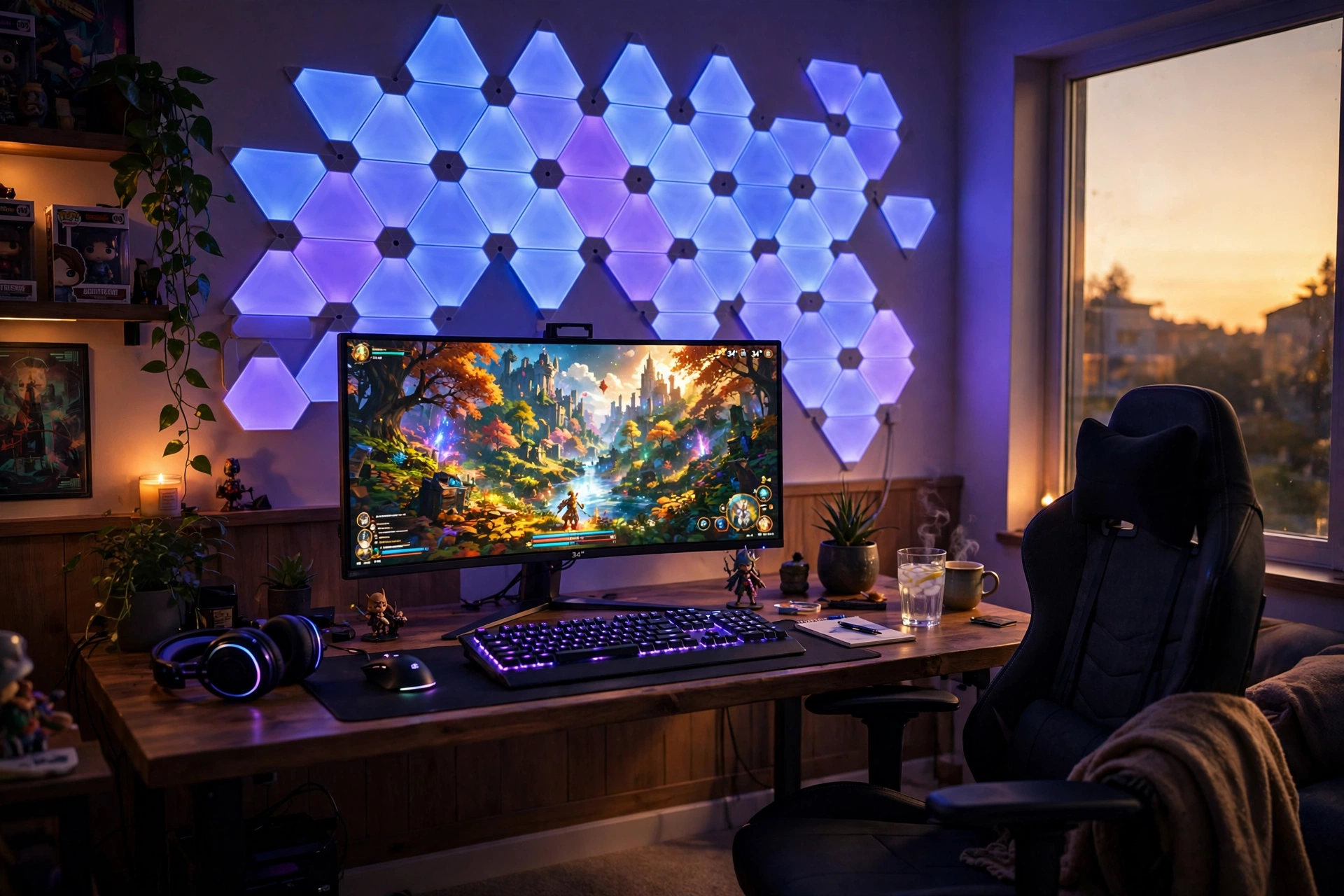
Hexagon light panels are the classic gaming wall for a reason. They turn a flat wall into glowing art, and you can snap them into any shape that fits your desk. Start with a cluster above the monitor, then let the shape spread out to the sides. A slow color flow keeps the room lively without pulling your eyes away from the game.
- Desk: a straight desk centered under the panel cluster, with the monitor right below the brightest panels.
- Seat: a comfortable chair with good back support for long sessions.
- Screen: one sharp main monitor, big enough to hold its own against the glowing wall.
- Light: the hexagon panels as the main light, plus a small desk lamp for reading.
- Storage: a shelf to one side for games, kept clear of the panel layout.
- Power: one strip behind the desk for the monitor, panels, and lamp.
2. Warm Wood Slat Wall
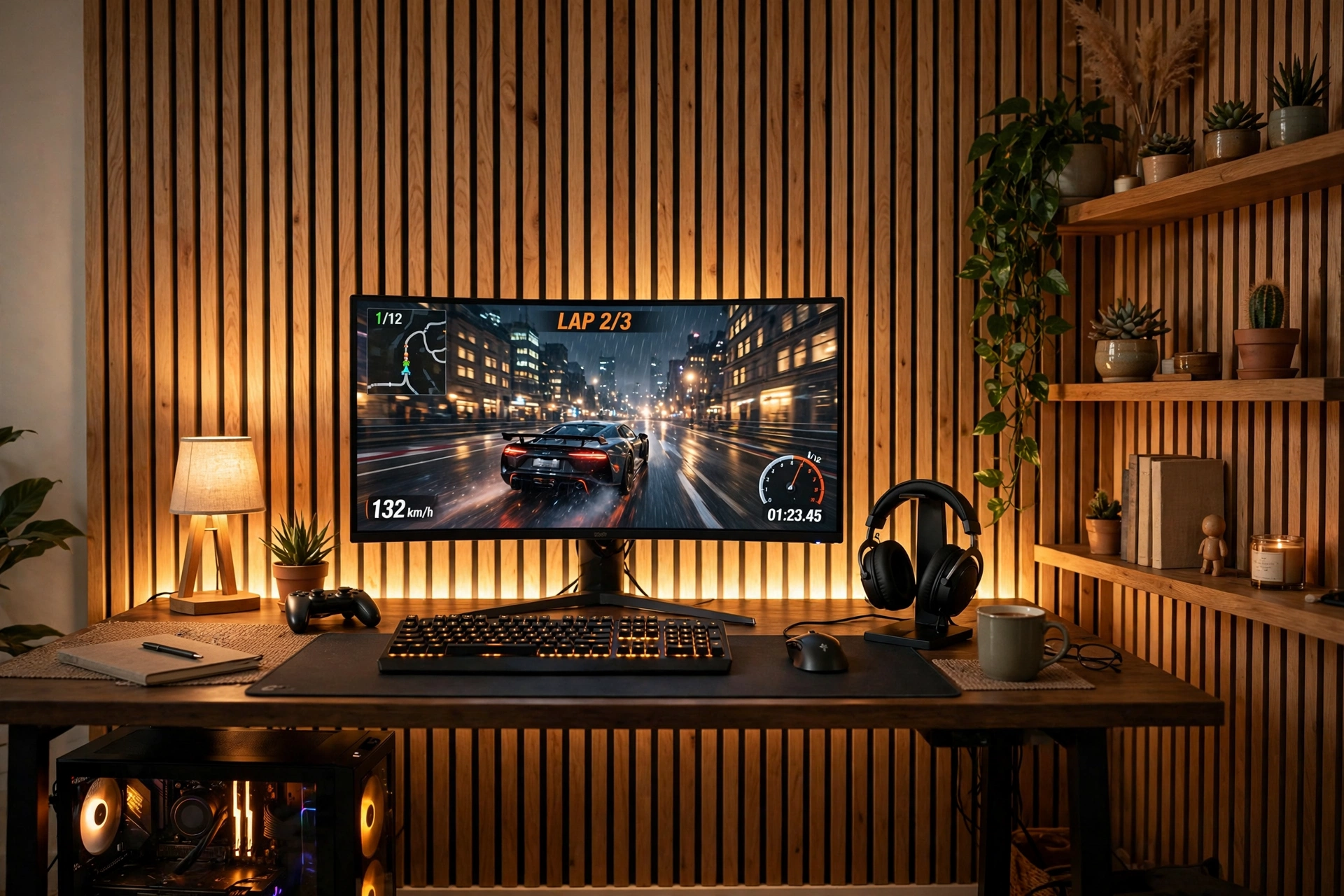
Wood slats bring warmth that glowing panels alone cannot. The vertical lines make a low ceiling feel taller, and the gaps between slats hide a strip of LED light beautifully. Run the strip behind the slats or along the back edge of the desk, and the whole wall glows in soft color while the wood stays the star.
How to set it up:
- Mount the slat panels on the wall behind the desk, centered on the monitor.
- Hide a long LED strip behind the desk edge so the light washes up the slats.
- Place a curved monitor on the desk so the screen echoes the warm curve of the room.
- Add a wooden shelf with a plant for a natural touch.
- Keep cables in a tray under the desk so the slats stay the clean focus.
3. Acoustic Panel Wall for Streamers
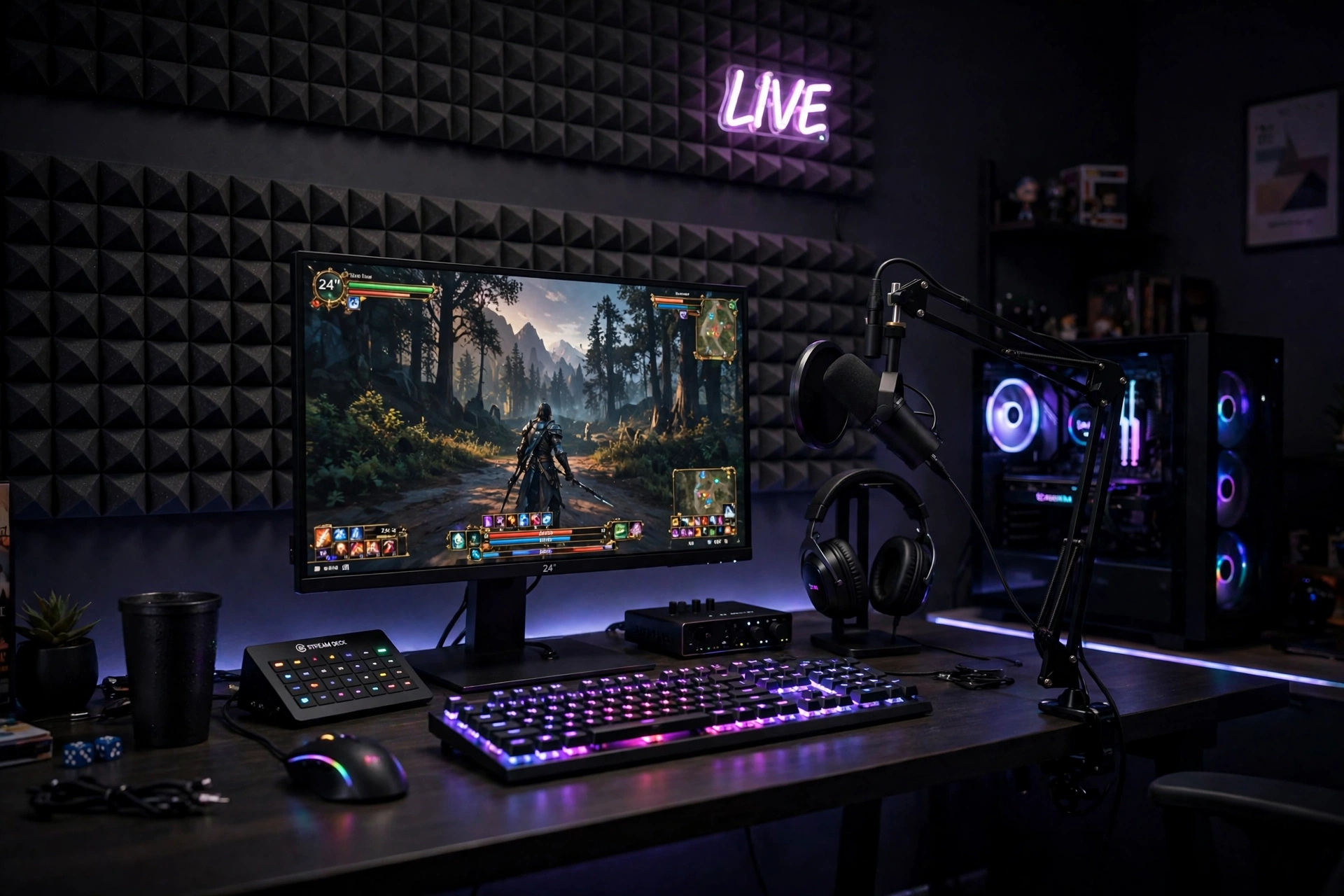
If you stream, record, or call friends on voice chat, the wall behind you matters as much as the screen in front of you. Acoustic foam panels cut echo and make your voice sound cleaner, and they look like a proper studio wall too. Arrange them in a neat grid or a scattered pattern, and keep the desk tidy so the camera sees a clean, professional setup.
Streamer note: put the thickest panel coverage on the wall your microphone faces, not the wall behind the camera. That is where echo starts, and fixing it there does more for your audio than covering every wall in the room.
Pair the panels with a fast monitor, a mechanical keyboard with soft backlighting, and a microphone on a boom arm. A drawer for cables and a headset hook finish the setup, and one power strip behind the desk runs everything so a single switch ends the stream.
4. Pegboard Gear Wall
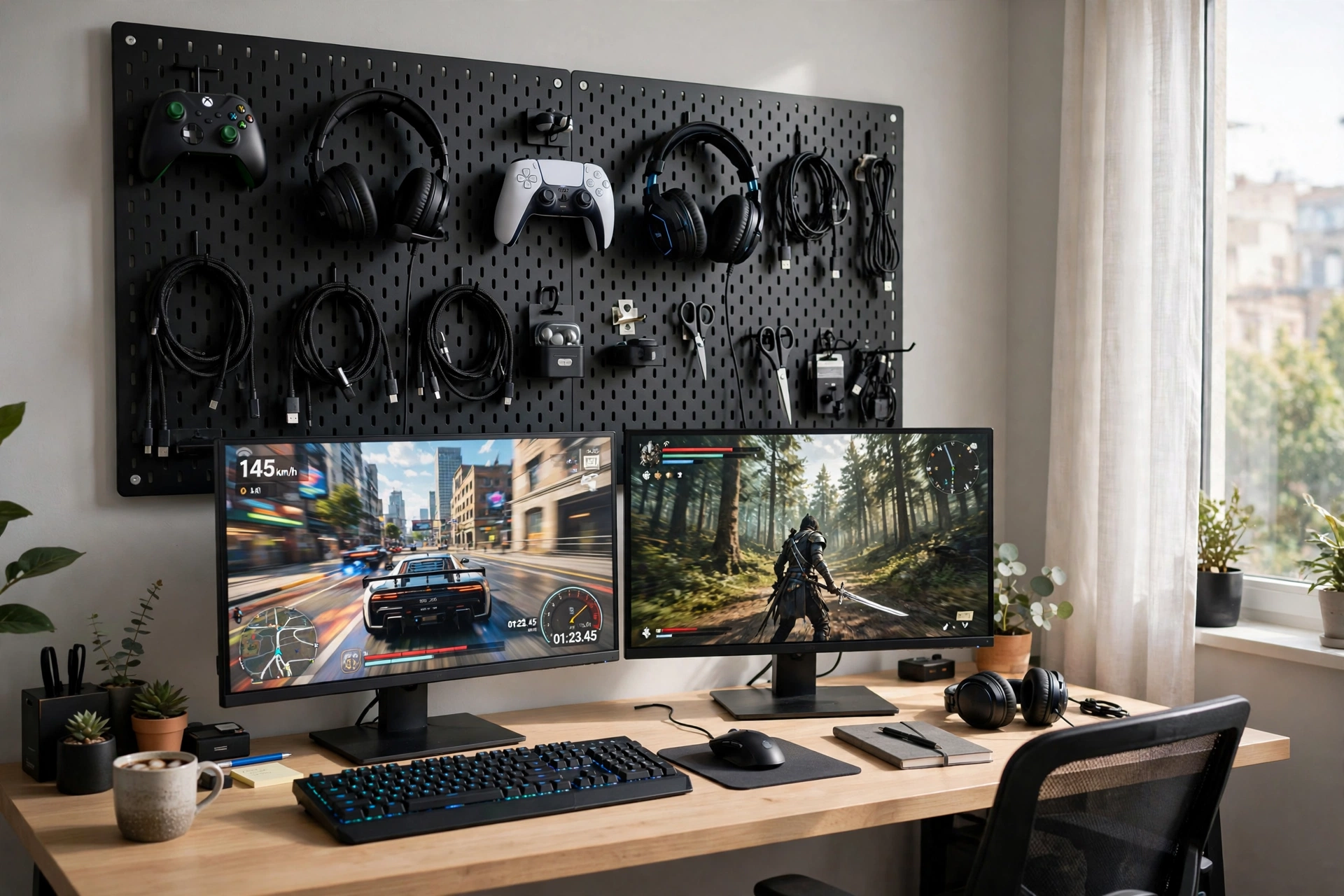
A pegboard is the most practical wall panel you can buy. Controllers, headsets, cables, and small shelves all hang on hooks you can move in seconds, so the wall changes whenever your gear does. Mount the board above the desk, keep the most used items at arm height, and use the top rows for display pieces you want to show off.
What works here:
- Pegboard: one large board above the desk, with hooks, baskets, and a small shelf.
- Desk: a wide desk with room for two monitors, since the board frees up desk space.
- Screens: dual monitors on one arm, so the desk stays clear underneath.
- Seat: a chair that rolls easily, since you will reach up to the board often.
- Light: a strip along the top of the board to wash light down over your gear.
- Power: a strip behind the desk with spare sockets for charging controllers.
5. Glide Light Bar Wall
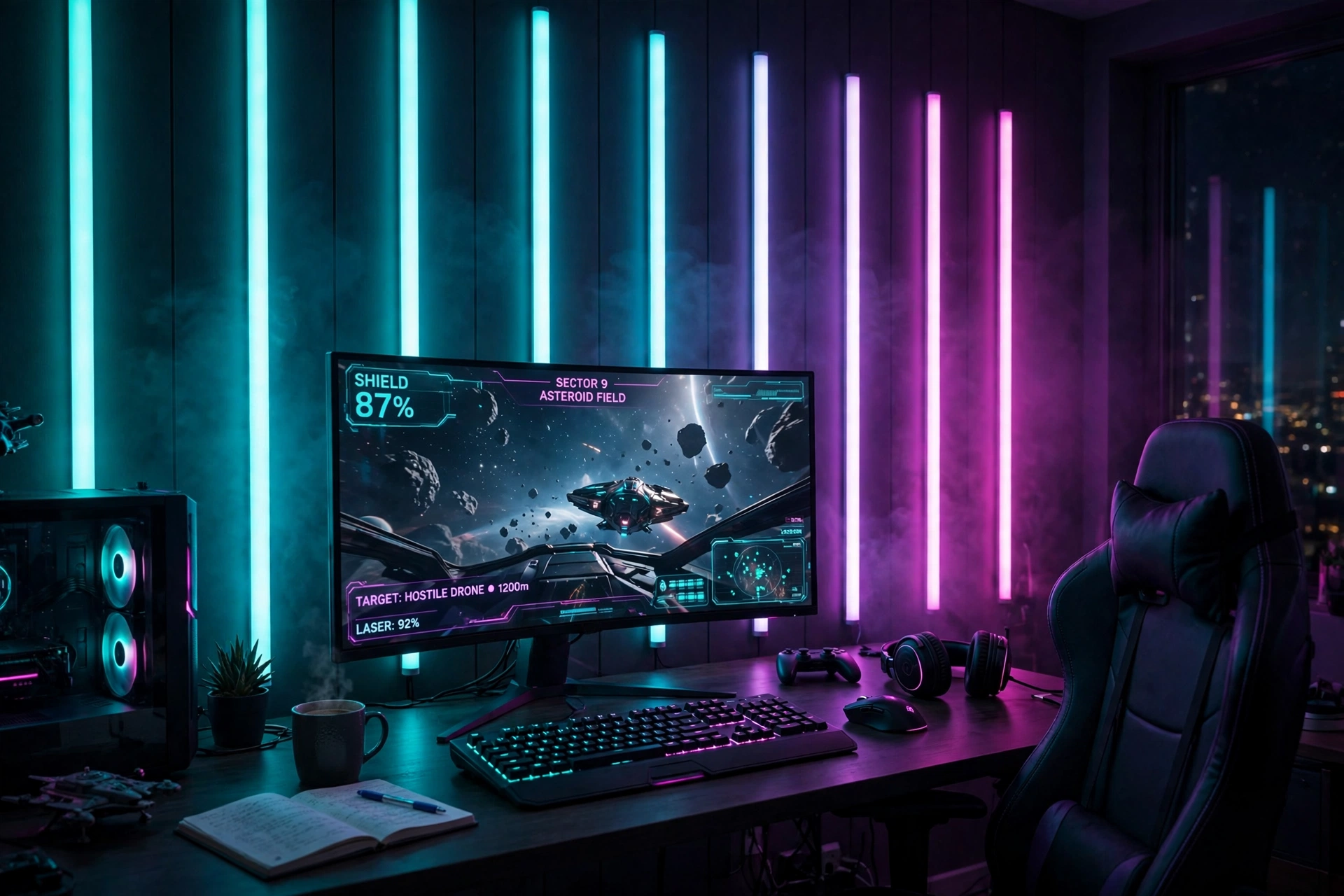
Light bars give you the glow of panels with the clean lines of a strip. Run them vertically beside the monitor, horizontally above it, or in a corner shape that frames the desk. Two or three bars are enough to change the whole wall, and they join together so you can extend the shape later without starting over.
If you love a moody room, the ideas in 15 Dark Gaming Setup Ideas for a Moody Battlestation show how to keep the rest of the room dark enough for the light bars to shine.
Layout tip: draw the bar layout on the wall with painter tape first. A vertical pair flanking the monitor looks tidy, a single horizontal bar above the screen looks calm, and a corner shape looks playful. Tape lets you test all three before anything sticks.
Keep the desk dark and simple so the bars stand out, add a backlit keyboard that matches the bar color, and run one power strip behind the desk for the bars and the monitor. A chair with a high back suits this setup, since the bars light the wall you lean toward.
6. Black Triangle Statement Wall
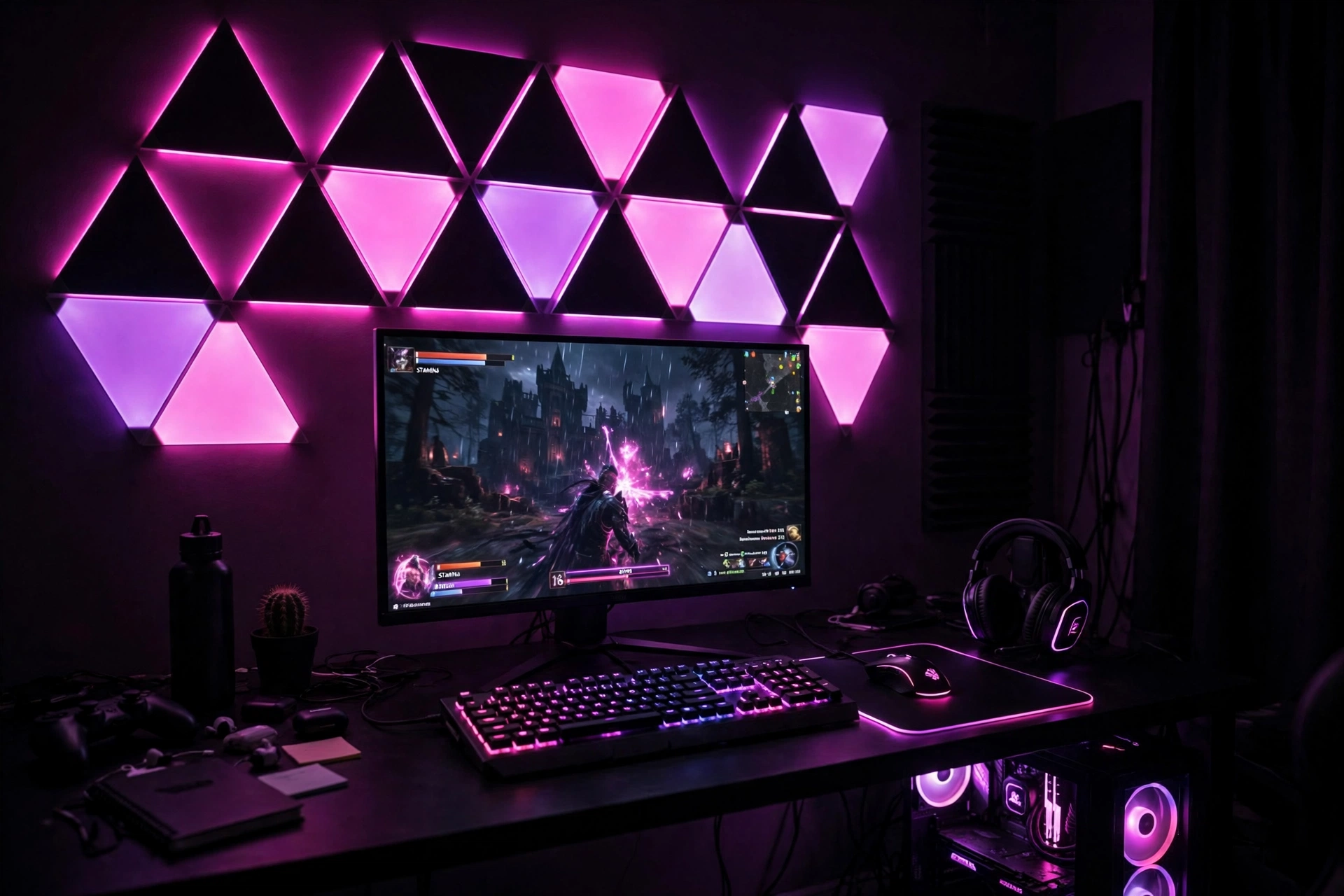
Black panels make color glow harder. On a dark wall, the triangle shapes read as bold geometry by day and as pure color by night, which suits a moody gaming room perfectly. Keep the desk black too, pick one lead color like pink or purple, and let the panels do the decorating so the rest of the room can stay simple.
Dim the panels to about half brightness for evening play, since full brightness on black panels can feel harsh in a small room. A small drawer keeps cables out of sight, and one power strip behind the desk runs the panels and the monitor together.
7. Slat Wall With Floating Shelves
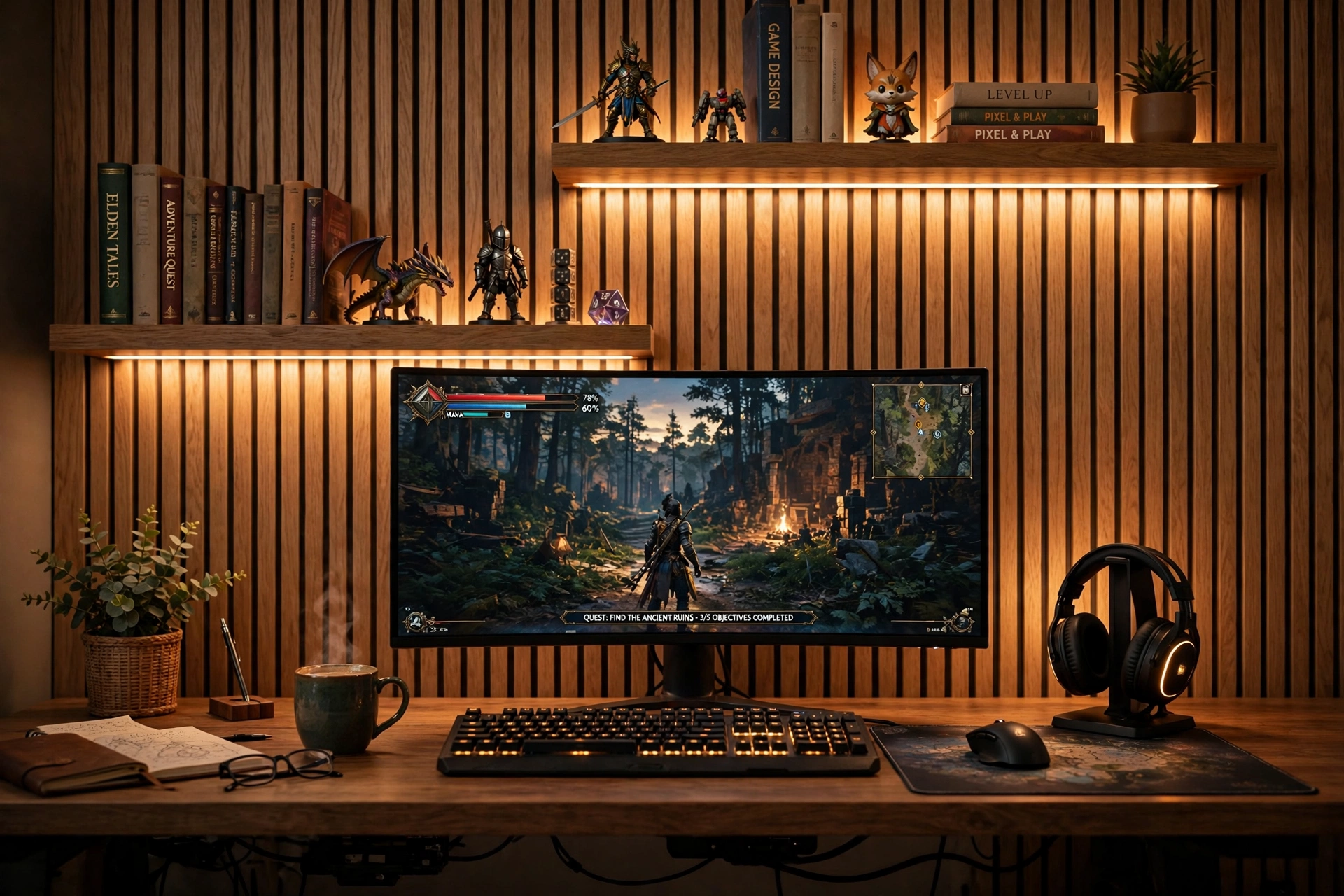
Slats and shelves are a natural pair. The slats give the wall texture, the shelves give you a place for figures, games, and books, and a pair of light bars ties the two together with a warm glow. Mount the shelves on the slats themselves where you can, so the whole wall reads as one designed unit instead of separate pieces.
How to set it up:
- Mount the slat panels behind the desk, leaving space for two shelves above the monitor.
- Fix the shelves through the slats into the wall, so they hold weight safely.
- Place two light bars vertically beside the shelves for a warm frame of light.
- Put heavier items like books on the lower shelf and light figures on the upper one.
- Keep the curved monitor centered below the shelves, with the keyboard and mouse clear.
8. Monitor Light Bar Panel Wall
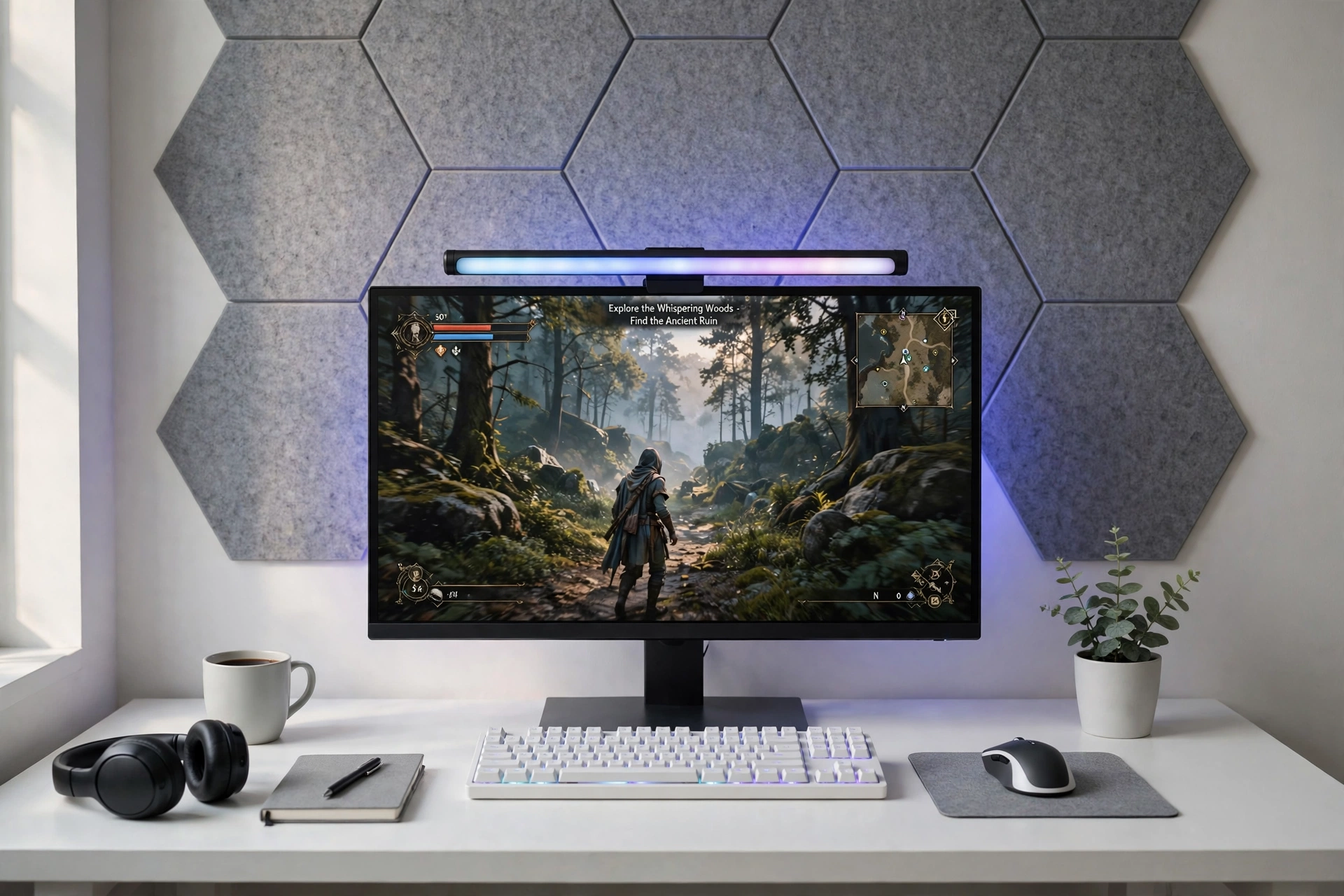
This is the quietest wall in the guide, and your eyes will thank you for it. A monitor light bar sits on top of the screen and washes the desk in soft light, while grey acoustic panels on the wall behind soften echo and give the room a calm, studio feel. No bright colors fight the screen, so the game stays the focus.
Late night checklist:
✓ Light bar set to warm white at low brightness
✓ Acoustic panels behind the monitor to cut echo
✓ Keyboard backlight dimmed to match the bar
✓ One power strip behind the desk for a single switch off
✓ A small drawer for cables and spare chargers
Choose a white desk and a light chair to keep the room feeling airy, and add a plant on the windowsill for a natural touch. The panels and the light bar do most of the work here, so the rest of the room can stay plain and the setup still looks finished.
9. Console TV Feature Wall
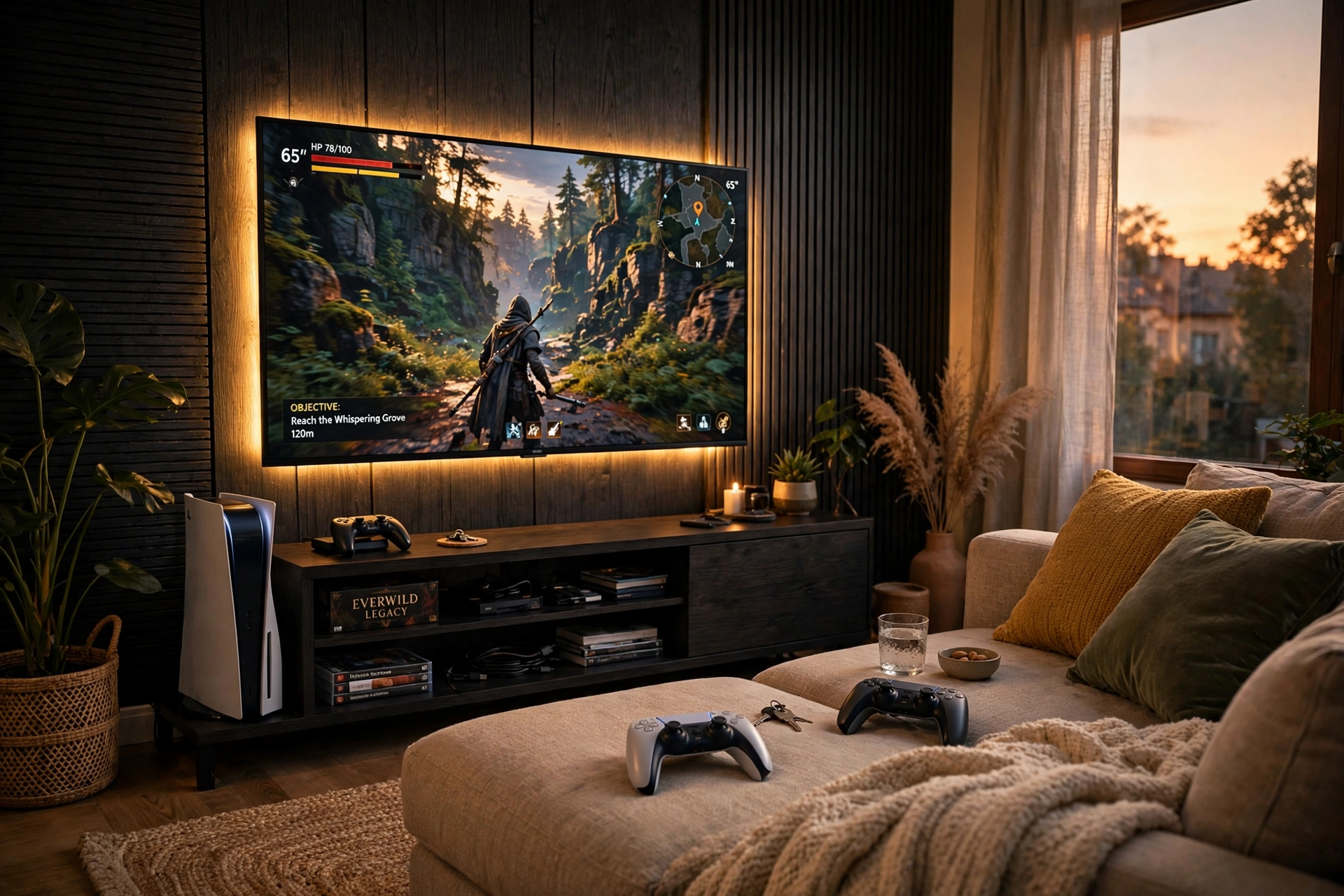
Console players do not need a desk at all. A gradient strip behind the TV turns the living room wall into a feature wall that follows the colors of the game, and a media console underneath holds the console, games, and controllers. The TV is the main screen, the sofa is the seat, and a small side desk holds a curved monitor for a second player or for PC games when you want them.
- TV wall: dark panels or paint behind the TV, with a gradient strip around its back edge.
- Media console: a low unit with a short strip underneath for a soft floor glow.
- Side desk: a compact desk with a curved monitor for a second player.
- Seating: a sofa with a small table for controllers and snacks.
- Storage: a basket beside the sofa for headsets and charging cables.
- Power: the strip and the TV share one outlet, so one switch controls the glow.
If you want more console ideas for the whole room, the ideas in 15 PS5 Gaming Setup Ideas for Console Players pair well with this feature wall.
10. Minimal White Panel Wall
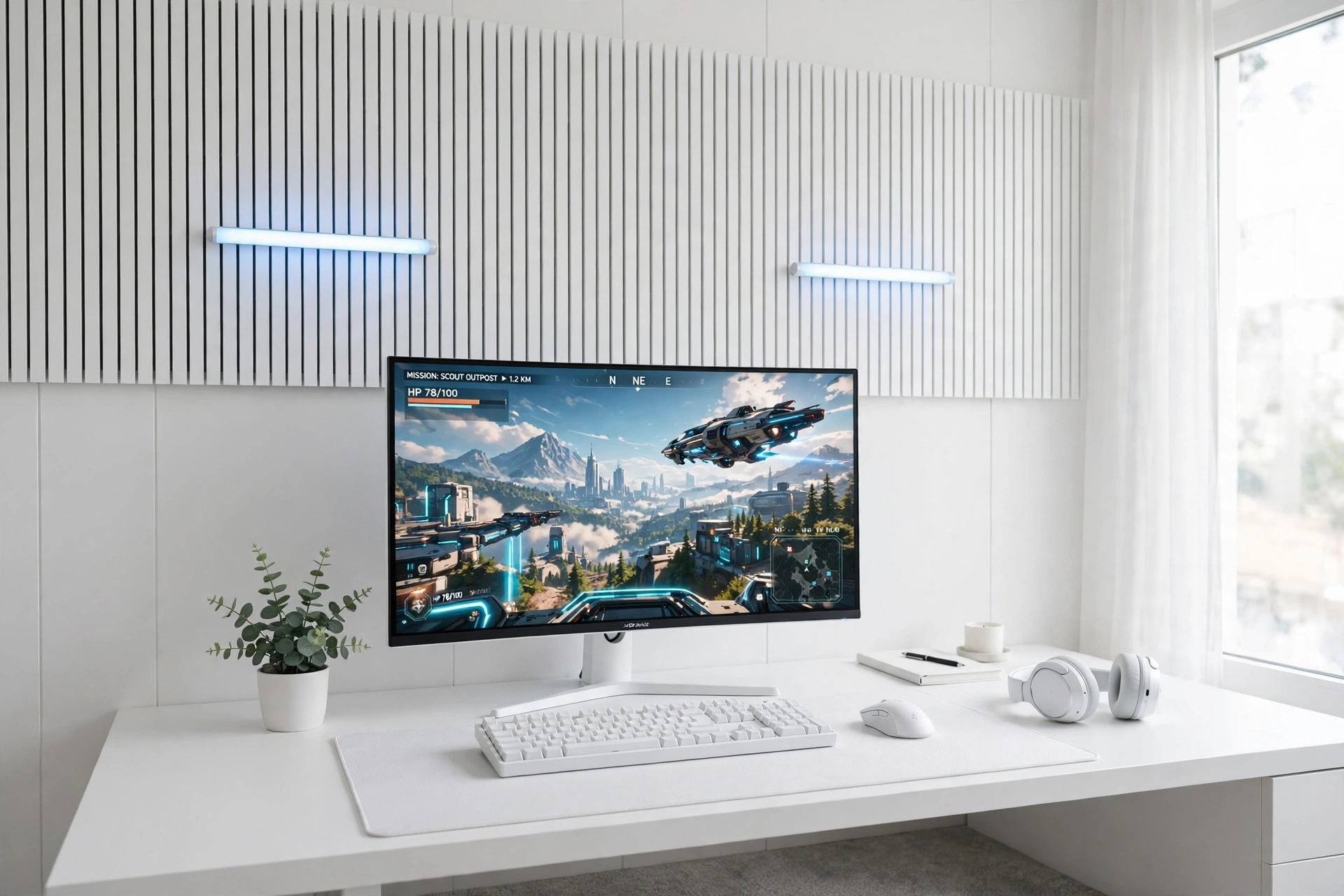
Not every gaming wall needs to shout. White panels, a white desk, and two small light bars in soft blue give you a bright, calm room that still feels like a gaming setup. The panels add texture without color, the light bars add a gentle glow, and the ultrawide monitor fills the desk with one wide, clean screen.
What works here:
- Panels: white 3D wall panels in a simple repeating pattern behind the desk.
- Light bars: two small bars mounted vertically, set to soft blue or warm white.
- Screen: one ultrawide monitor that holds a game plus chat side by side.
- Desk: a white desk with a slim drawer for cables and small gear.
- Seat: a light grey chair that keeps the room feeling airy.
- Power: a white power strip behind the desk leg, out of sight.
11. Corner Lamp and Panel Glow
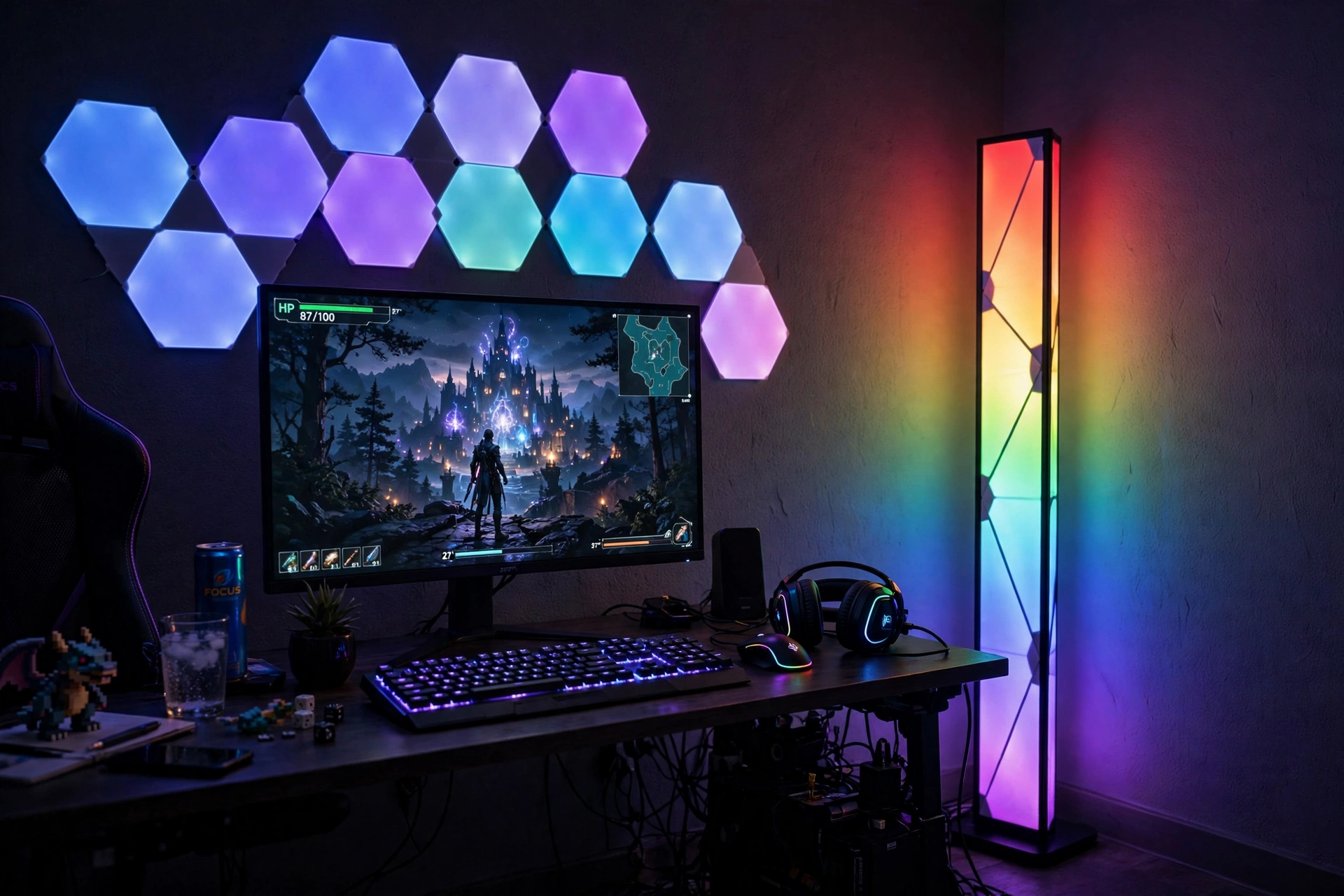
Corners are the most wasted space in a gaming room, and this setup uses two kinds of light to fix that. A tall corner lamp throws color up both walls, while a small cluster of hexagon panels on the main wall adds shape and depth. Together they make one tall column of glow that makes the whole room feel bigger, with no drilling and no adhesive on the corner itself.
Corner note: keep the lamp behind the desk corner, not beside your chair. Light from behind the desk washes the wall evenly, while a lamp right next to you can shine into your eyes during a long session.
Place the desk at a right angle to the corner, keep a shelf on the side wall for games, and run the lamp and the panels from the same power strip behind the desk. A chair with a high back suits this setup, since the lamp lights the corner you lean toward.
12. Small Room Pegboard and Strip Wall
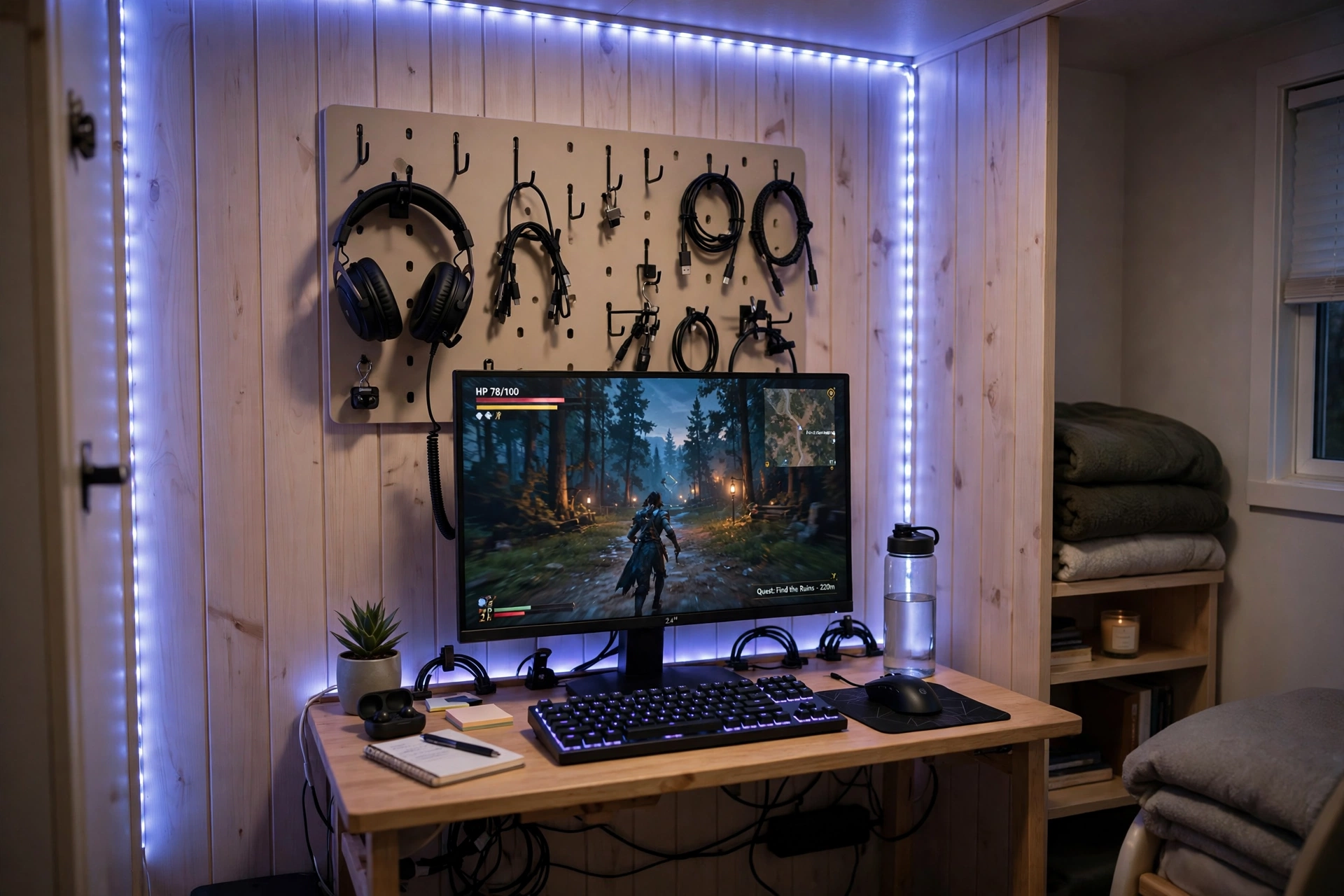
When the room is small, the wall has to do the work of a whole storage unit. A pegboard above a compact desk holds the headset, controllers, and cables, while a short strip along the top of the board washes the wall in color. Nothing sits on the floor, nothing crowds the desk, and the whole setup fits in a corner of a bedroom or a dorm.
How to set it up:
- Mount one pegboard above the desk, sized to the desk width so it looks planned.
- Hang the headset and controllers on hooks at arm height, and put a small basket on the board for cables.
- Run a short strip along the top edge of the board, facing up so the light washes the wall.
- Place the monitor on a small riser so the glow has room to spread underneath.
- Choose a compact chair that tucks fully under the desk when you are done.
Frequently Asked Questions
Do gaming wall panels damage the wall? Most light panels and foam panels use adhesive strips that peel off cleanly from smooth painted walls, but textured walls and fresh paint can be trickier. Test a small piece first, and use proper anchors for heavy items like pegboards and shelves.
Which wall panels are best for a rented room? Adhesive light panels, foam acoustic panels, and LED strips are the most renter friendly choices, since they need no holes. Pegboards and wood slats usually need screws, so check with your landlord before you mount them.
How many light panels do I need for one wall? A small cluster of 7 to 9 panels is enough above a single monitor. Start with a starter kit, lay the shape on the floor first, and add more panels only if the wall still looks empty.
Do acoustic panels really help with streaming? Yes, they cut echo in the room, which makes your voice sound cleaner on stream and on calls. They help most on the wall your microphone faces, so cover that wall first.
Can I mix different panel types on one wall? Yes, and it often looks better than one type alone. Try wood slats with light bars, or foam panels with a strip along the top edge. Keep one lead color across the whole wall so the mix looks planned.
What color should I pick for wall panels? A soft blue or purple suits most games and feels calm for long sessions. Warm white is best for reading and work, and a slow rainbow is fun for parties. Try one color for a week before you settle on a favorite.
Conclusion
Your wall is the biggest surface in your gaming room, and panels turn it from empty space into the best part of the setup. Whether you pick glowing hexagons, warm wood slats, quiet acoustic foam, or a practical pegboard, the rule is the same: start with one wall, one shape, and one color, and let the rest of the room follow. Pick the setup from this list that matches your room and the way you play, put it up this weekend, and enjoy a gaming room that finally looks finished from every angle.
Related reading:
If you liked these wall ideas, try 15 Neon Gaming Room Ideas With Signs That Pop for a brighter wall look, and 15 Small Gaming Room Ideas for Tight Spaces for more ways to make a compact room feel planned.
