As an Amazon Associate I earn from qualifying purchases. Read our full affiliate disclosure for more detail.
Streaming on a budget is less about buying the fanciest gear and more about buying the right three or four pieces first. A clear mic, a face light, and a screen that shows your game and your chat will carry your first hundred streams. Everything else can wait until your channel pays for it.
In this guide you will find 11 complete budget streamer setups you can copy whole, from a tiny USB mic corner to a dual monitor desk, a ring light face cam corner, and a console sofa stream. Each one covers the desk, seat, screen, light, storage, and power, so nothing important is left out. If you are building your first room from scratch, the ideas in 15 Budget Gaming Setup Ideas That Look Expensive pair well with every setup below.
In this article
At a glance
1. Tiny Mic Stream Corner
2. Two Screens, One Small Budget
3. Ring Light Face Cam Corner
4. Boom Arm Broadcast Corner
5. Bedroom Glow Stream
6. Clean Key Light Desk
7. Clicky Keyboard Control Desk
8. All In One Stream Room
9. Tidy Night Stream Desk
10. Console Stream Sofa Corner
11. Vertical Chat Stream Desk
FAQ
Conclusion
At a Glance: Pick Your Budget Stream Setup
1. The Tiny Mic That Starts Your Stream
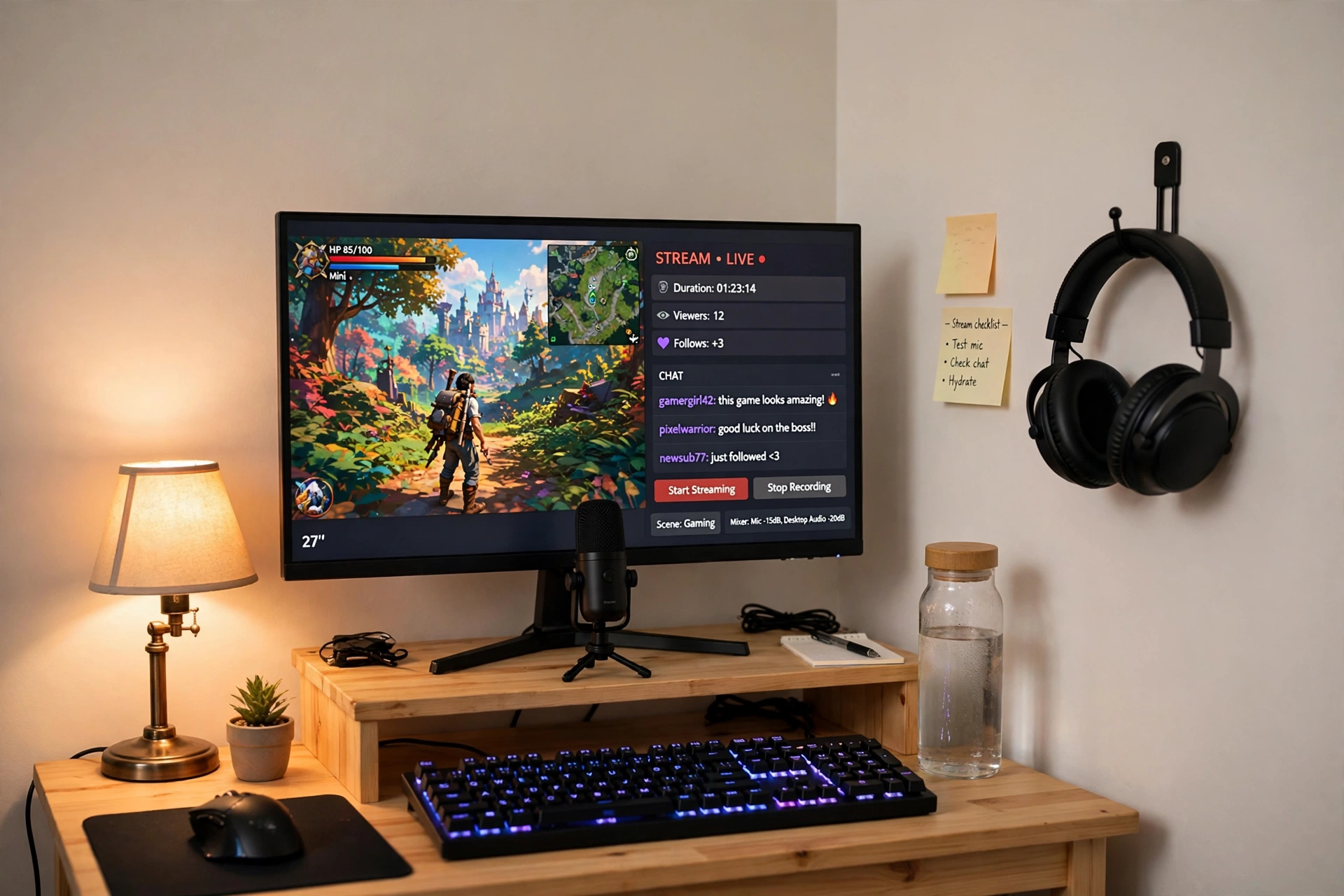
Your first stream does not need a studio. It needs a mic that makes your voice clear, a screen you can read at a glance, and a desk that stays tidy while you play. A small USB mic on a short stand does the job without eating your desk, and a fast 27 inch screen holds the game and your stream dashboard side by side.
First stream checklist:
✓ Mic on a small stand, close to your mouth and away from the keyboard
✓ Monitor at eye level, with chat on one side of the screen
✓ One warm lamp so your face is not in shadow
✓ Headphones on a wall hook, not on the desk
✓ Water bottle in reach, because talking dries your throat fast
Keep the desk simple: a wooden riser lifts the monitor, the keyboard sits below it, and a small plant and a notepad fill the corners. Run one power strip behind the desk so the monitor, mic, and lamp switch off together when you are done.
2. Two Screens, One Small Budget
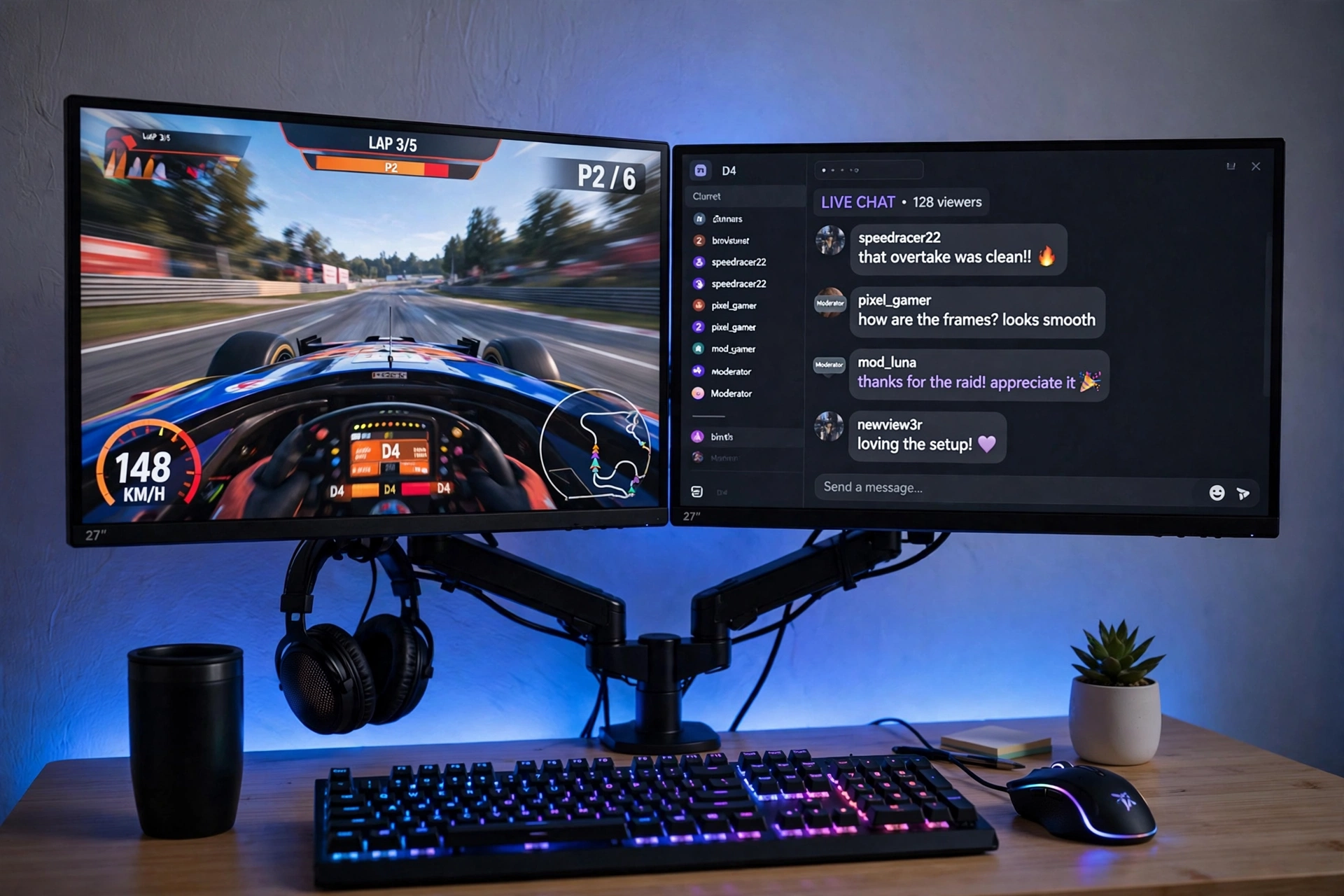
Two screens change streaming more than any single upgrade. The game stays full screen on one monitor while chat, alerts, and your stream software live on the other, so you never alt tab mid match to read a message. A dual monitor arm makes this work on a small desk, because it lifts both screens off the surface and frees the whole desk for your keyboard, mic, and notes.
How to set it up:
- Clamp the dual arm to the back center of the desk and level both screens at eye height.
- Put the game on the screen straight ahead of you and chat on the side screen.
- Keep the mic between the two screens, angled toward your mouth.
- Run both monitor cables down the arm and behind the desk in one bundle.
- Leave a small clear patch on the desk for a notepad with your stream notes.
If you are still picking your first PC parts, the guide in 15 PC Gaming Setup Ideas for Beginners shows how a dual screen desk fits into a full beginner build.
3. The Ring Light Face Cam Corner
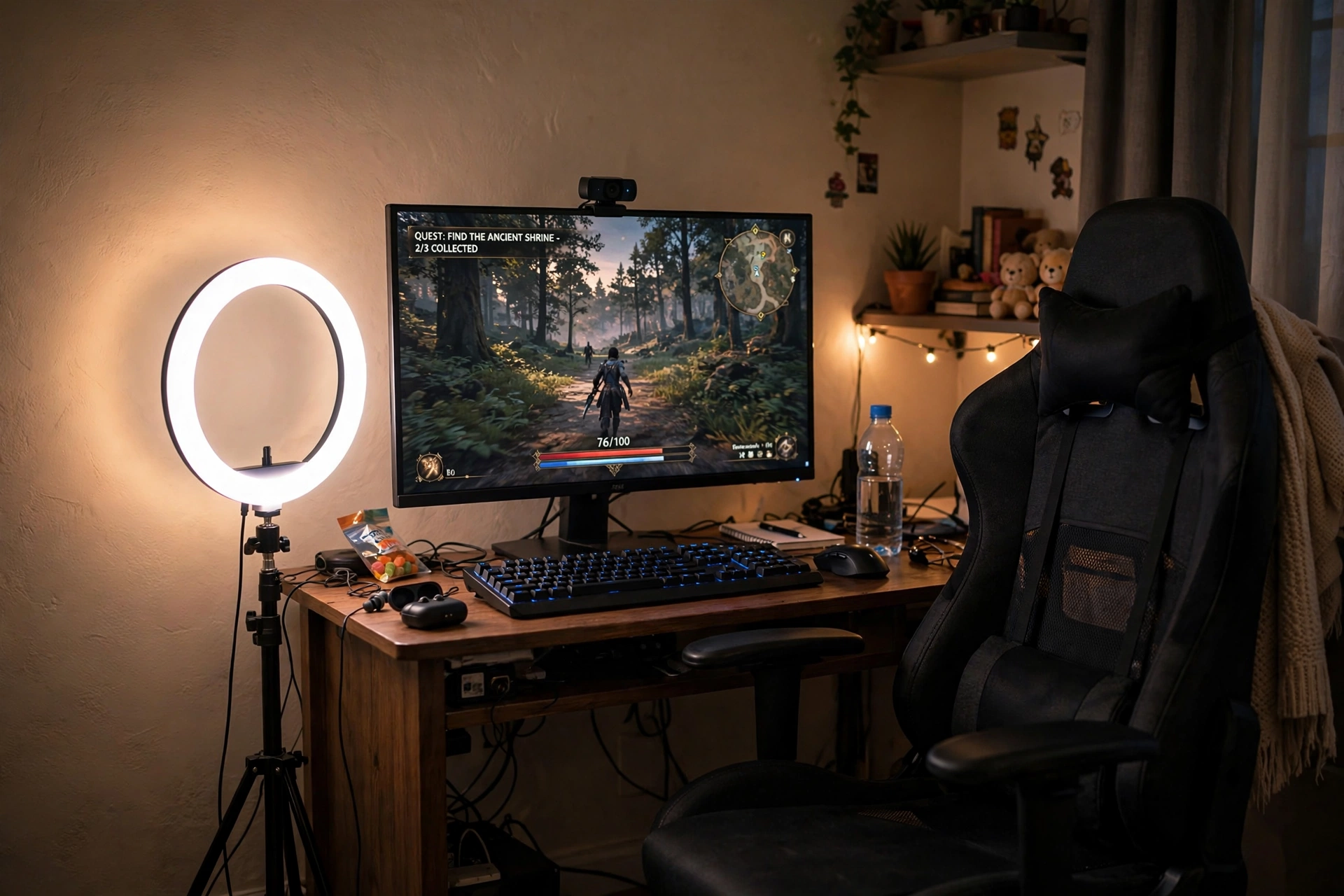
Viewers forgive a plain background, but they notice a dark, grainy face cam straight away. A ring light fixes that for very little money: it wraps your face in soft, even light, takes the shadows out of your eyes, and makes even a basic webcam look far better. Put the ring light just off to one side of the monitor, with the webcam clipped on top, and your face cam will look like it cost three times what it did.
Face cam tip: set the ring light to warm white and about half brightness for evening streams. Full brightness can wash your face out and leave a bright ring reflected in your glasses, while a softer warm glow looks natural on camera.
Keep the chair centered on the camera, not on the monitor, so you look straight at your viewers when you talk. A shelf with a few books and a small plant behind you gives the background something to look at without stealing attention from the game.
4. The Boom Arm Broadcast Corner
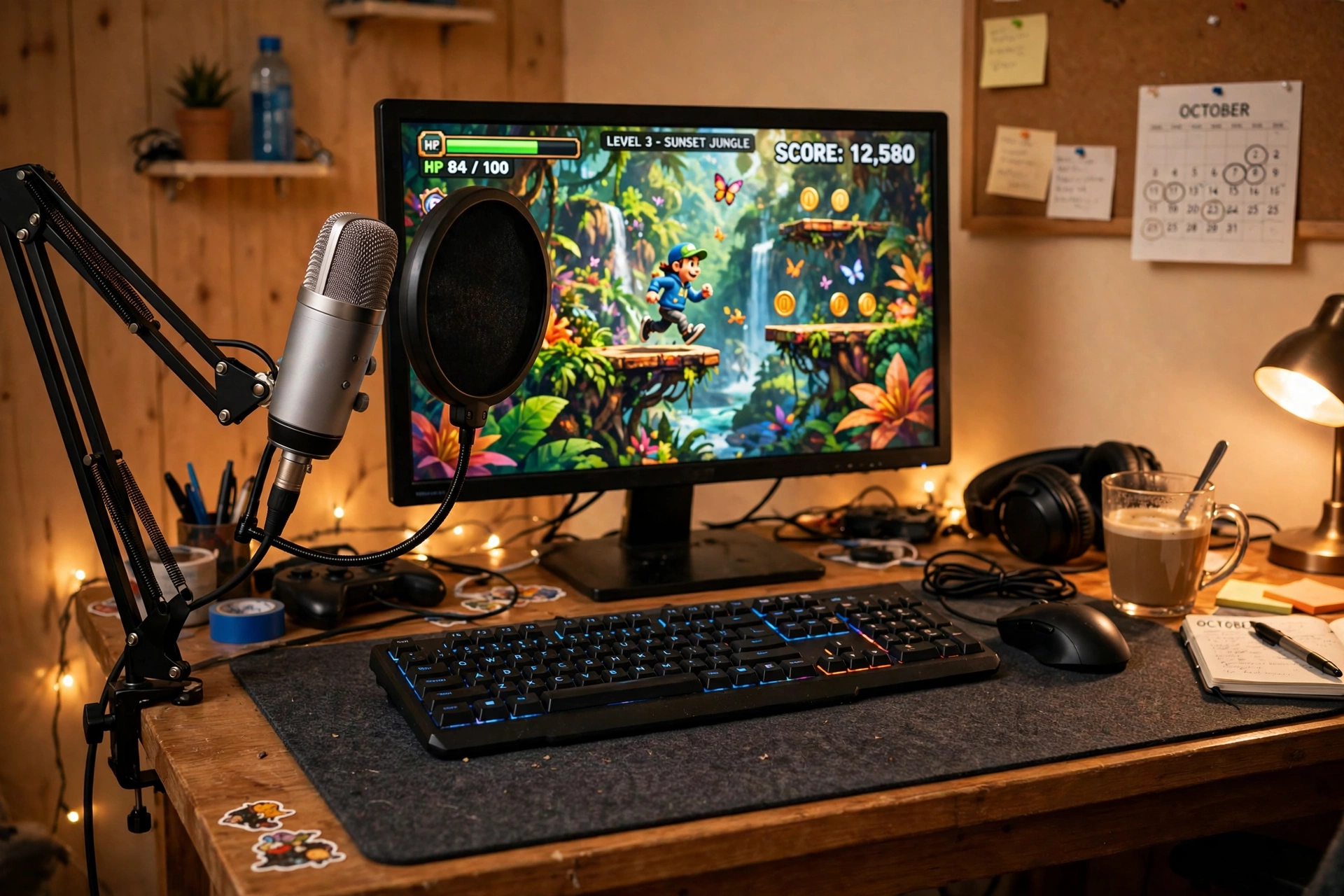
A boom arm is the upgrade that makes a stream sound like a broadcast. It lifts the mic off the desk, so keyboard taps and desk bumps never reach it, and it swings the mic to your mouth and away again in one motion. Paired with a classic multi pattern USB mic, this setup gives you studio style sound without a studio budget.
What works here:
- Mic: a large USB mic on the boom arm, with a pop filter between you and the mic to soften harsh sounds.
- Screen: one bright monitor behind the mic, with the game front and center.
- Desk: a dark desk mat under the keyboard and mouse, with cables tucked behind.
- Light: a warm desk lamp on the side, so your face is lit without glare on the screen.
- Power: one strip behind the desk for the monitor, lamp, and mic, so one switch ends the stream.
Set the mic to cardioid mode, which picks up your voice and ignores the room behind you. That one setting does more for your sound than any fancy filter.
5. The Bedroom Glow Stream
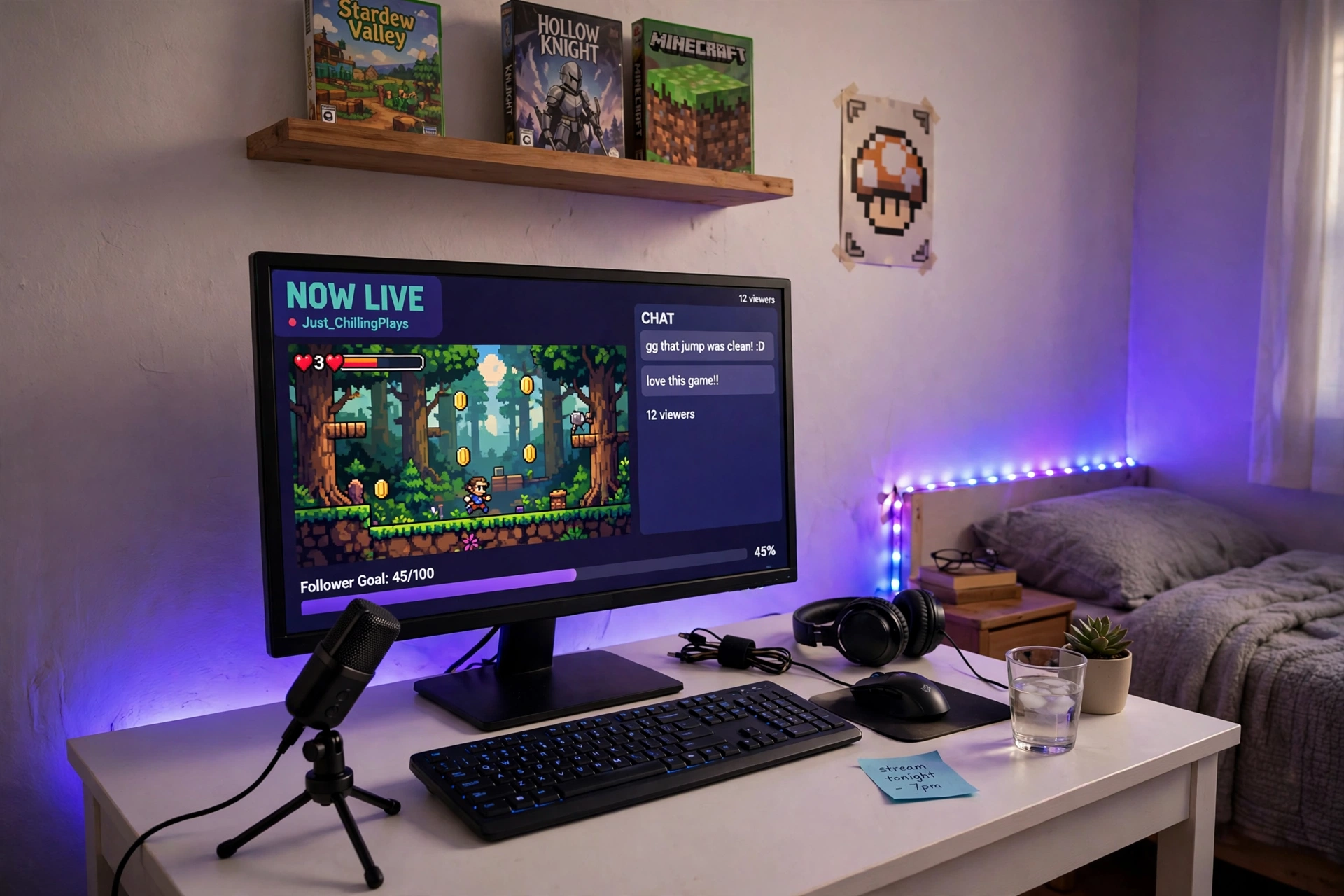
Small bedrooms and dorms are where most streamers start, and a strip of LED light is the cheapest way to make that small room look like a real stream set. Run one strip along the wall behind the desk, set it to a calm purple or blue, and the whole background glows while your face stays clear on camera. Add a compact USB mic on its tripod stand, and you have a stream corner that fits in a room barely bigger than the desk.
Keep the strip color steady during a stream. A slow rainbow looks fun in a photo, but on a live camera it can make your background flicker and distract viewers from the game.
6. The Clean Key Light Desk
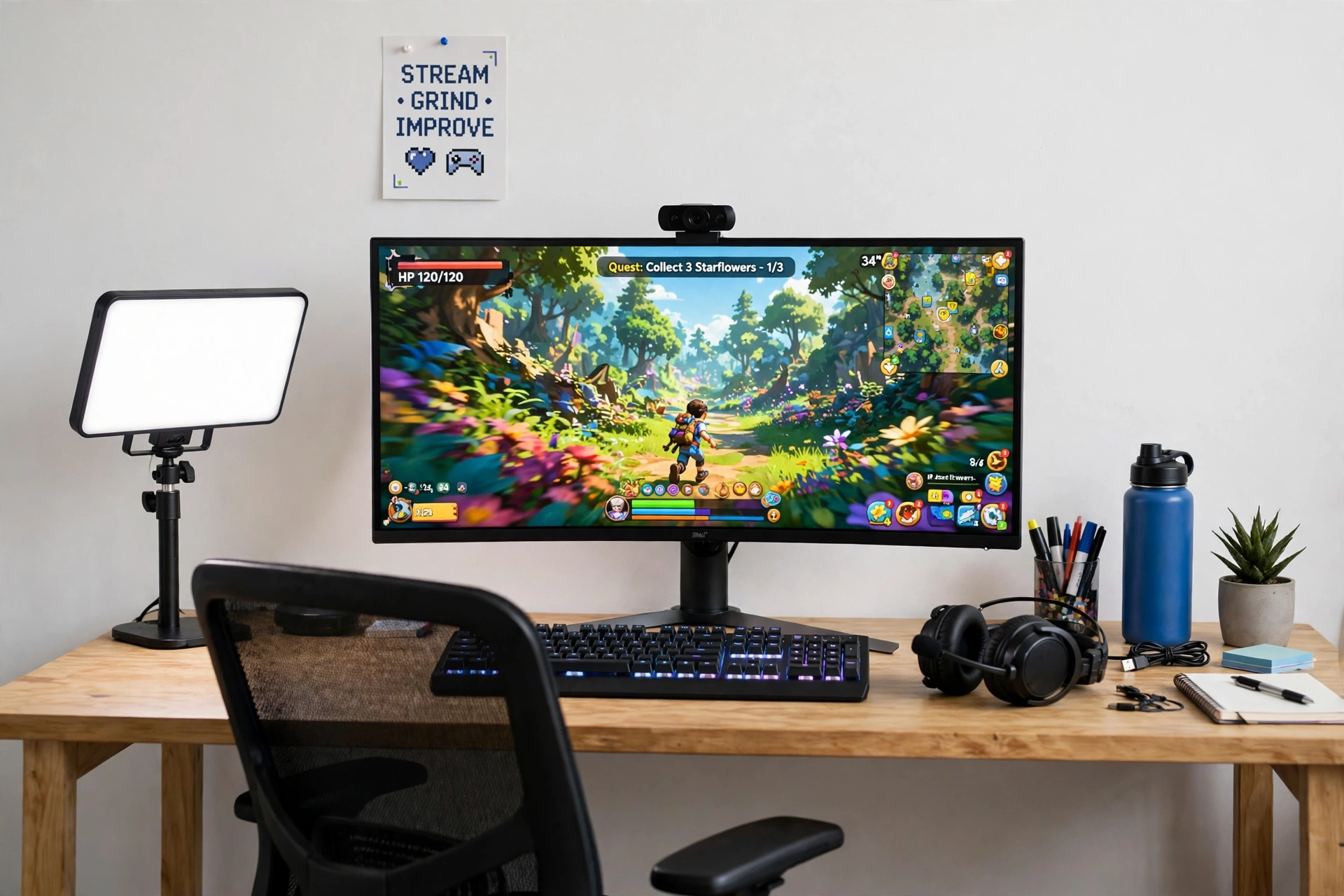
A key light is what separates a stream that looks like a webcam call from one that looks like a show. A slim LED panel beside the monitor throws soft, even light across your face, with no harsh shadows and no glare on the screen. Pair it with a curved monitor that wraps the game around you, and your desk looks clean, bright, and professional on camera.
Key light or ring light, which is better? A ring light is cheaper and simpler, and it works well in a small room. A key light panel gives softer, more even light across your whole face, and it sits beside the monitor instead of in front of you, so it never blocks your view. If you stream face cam every day, the panel is the better long term pick.
Place the panel on the same side as your main light source, angle it slightly toward you, and set the color temperature to match the room. A white wall and a small poster keep the background calm, so the light and the game do the talking.
7. The Clicky Keyboard Control Desk
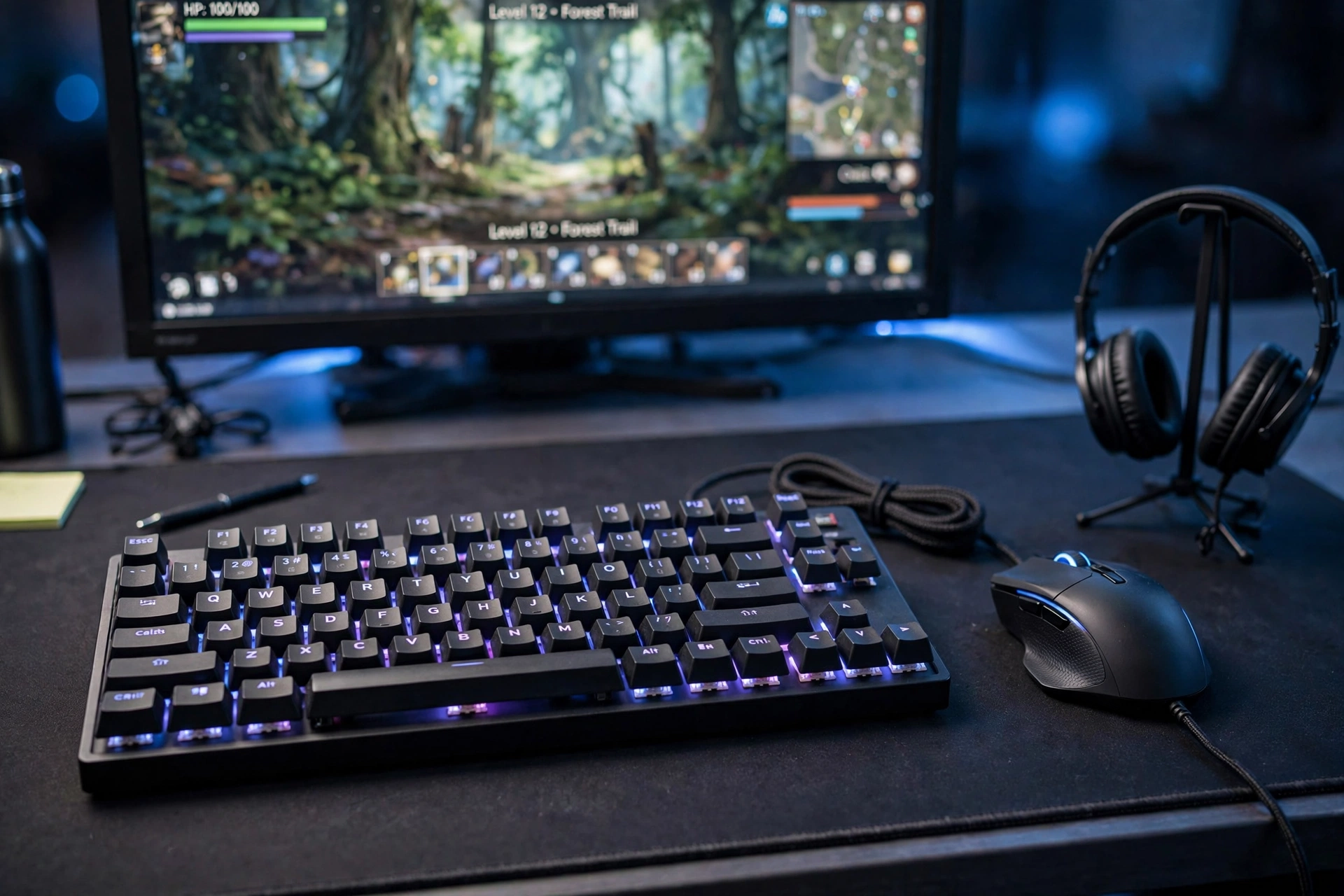
Some streams live or die on hotkeys. Scene switches, mute buttons, clips, and emotes all need to be one key press away, and a good mechanical keyboard with a reliable mouse makes that feel effortless. This desk is built around control: a solid RGB keyboard, a precise wired mouse, and a big desk mat that gives both of them room to move.
Control desk checklist:
✓ Hotkeys set for mute, scene switch, and clip
✓ Keyboard backlight set to match the desk glow
✓ Mouse on a large mat, with room for wide sweeps
✓ Headset on a stand at the side, not on the keyboard
✓ One power strip behind the desk for the monitor and lights
Keep the monitor on a slim stand so the mat has room to breathe, and set your stream software hotkeys before you go live, not during. A calm blue glow across the desk looks great on camera and keeps the room feeling focused instead of frantic.
8. The All In One Stream Room
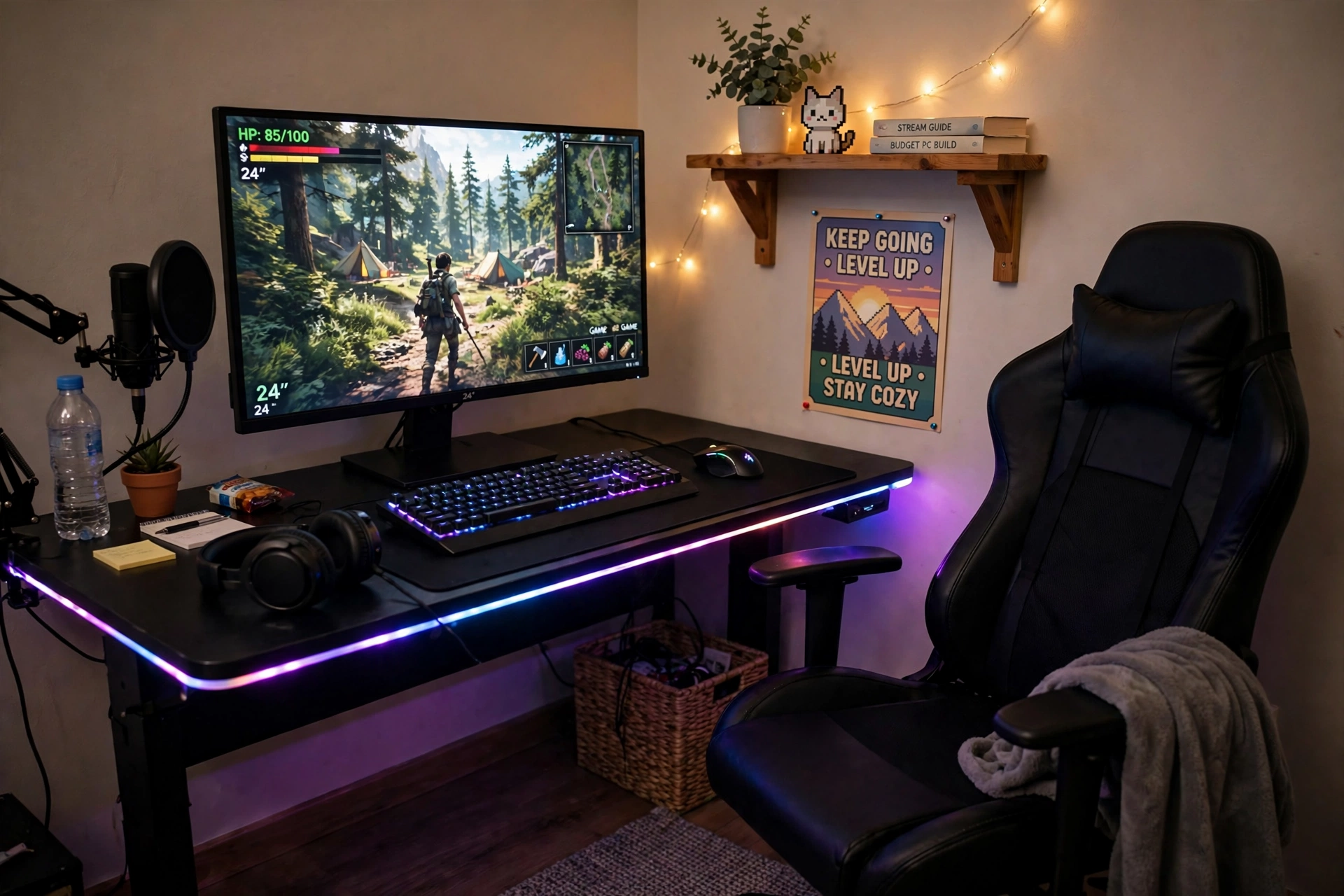
If you would rather buy the room in one go than piece it together over months, start with the desk and the chair. A gaming desk with built in LED edges and power outlets removes the need for extra strips and extension leads, and a proper gaming chair keeps you comfortable through a four hour stream. Once those two are in place, the monitor, mic, and lights slot in around them.
How to build it in order:
- Place the desk against the wall with the best background for your camera.
- Set the chair height so your eyes sit level with the top third of the monitor.
- Add the monitor, then the mic, then the light, in that order.
- Plug everything into the desk outlets, then run one cable to the wall.
- Hang one poster or shelf on the wall behind you, and stop there.
A room that looks finished on day one keeps you streaming, because you are not waiting on the next delivery to go live. Add the fancy extras later, once the channel earns them.
9. The Tidy Night Stream Desk
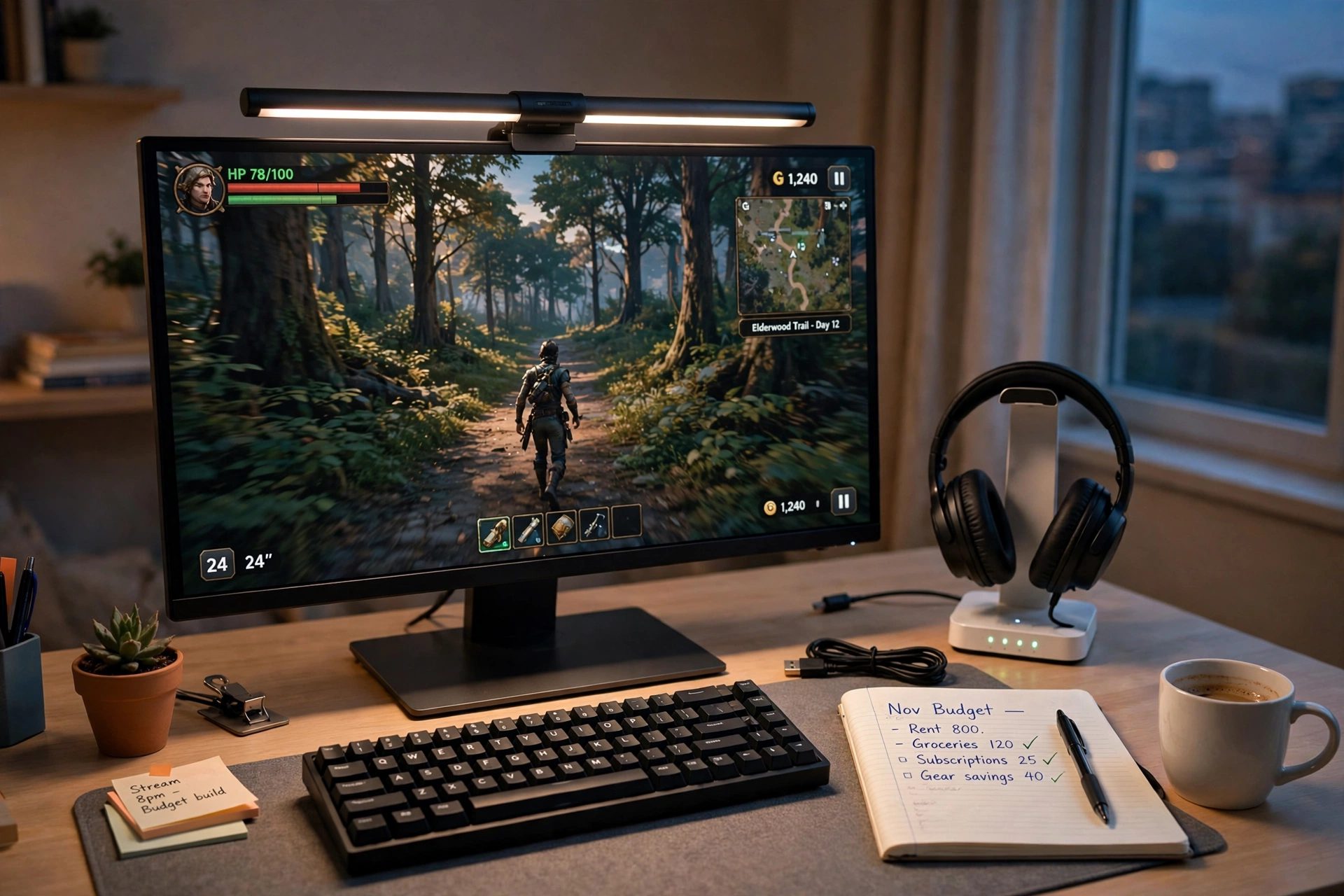
Late night streams need a different kind of light. A monitor light bar sits on top of the screen and washes the desk in warm light without shining into your eyes or into the camera, so you can play for hours in a dark room without eye strain. Add a headset stand that also charges your phone, and the desk stays tidy enough that nothing distracts you mid game.
Try this: set the light bar to a warm color and low brightness for the last hour of a night stream. Your eyes will feel less tired, and your face cam will look softer and more natural than under a bright white light.
Keep a notebook on the desk for stream ideas that pop up mid game, and run one power strip behind the desk so the monitor, light bar, and headset stand all switch off together. A tidy desk is a calm mind, and a calm mind streams better.
10. The Console Stream Sofa Corner
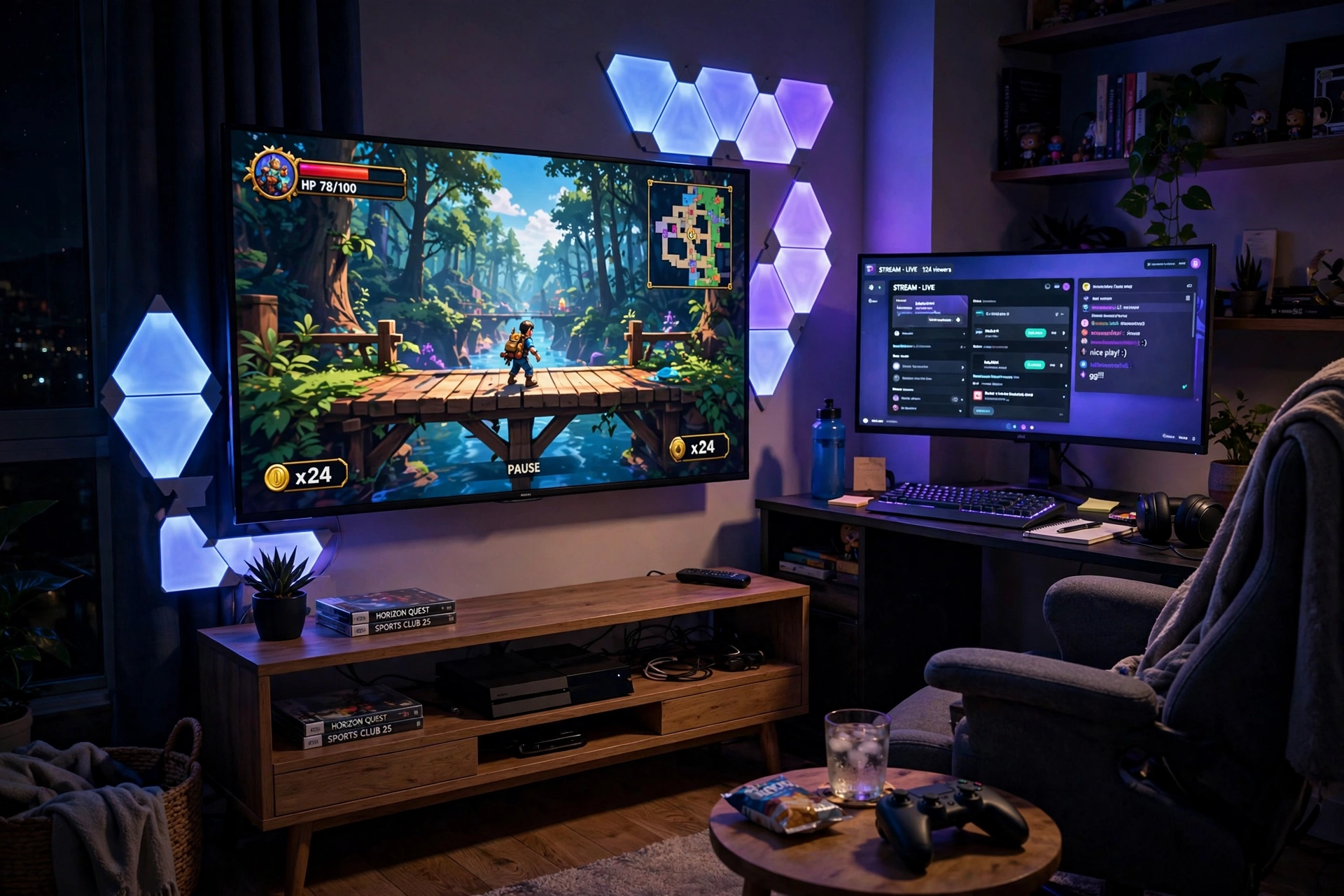
Console streamers do not need a desk at all. The TV is the main screen, the sofa is the seat, and a small side desk with a second monitor holds the stream dashboard and chat. Wall light bars beside the TV give the room a glow that looks great on camera, and the whole corner doubles as a living room when you are not live.
What works here:
- TV: the big screen for the game, with the console tucked in the media unit below.
- Side desk: a curved monitor for chat, alerts, and stream controls, close enough to reach from the sofa.
- Light: wall bars in blue and purple beside the TV, set to one steady color during a stream.
- Seat: a comfy chair with a small side table for a controller, a drink, and snacks.
- Power: one strip behind the media unit for the TV, console, and lights.
Keep the console in a ventilated spot, and run the side monitor from the same power strip so one switch ends the whole stream. A basket beside the sofa holds controllers and headsets, and the room stays tidy even when the lights are doing their brightest work.
11. The Vertical Chat Stream Desk
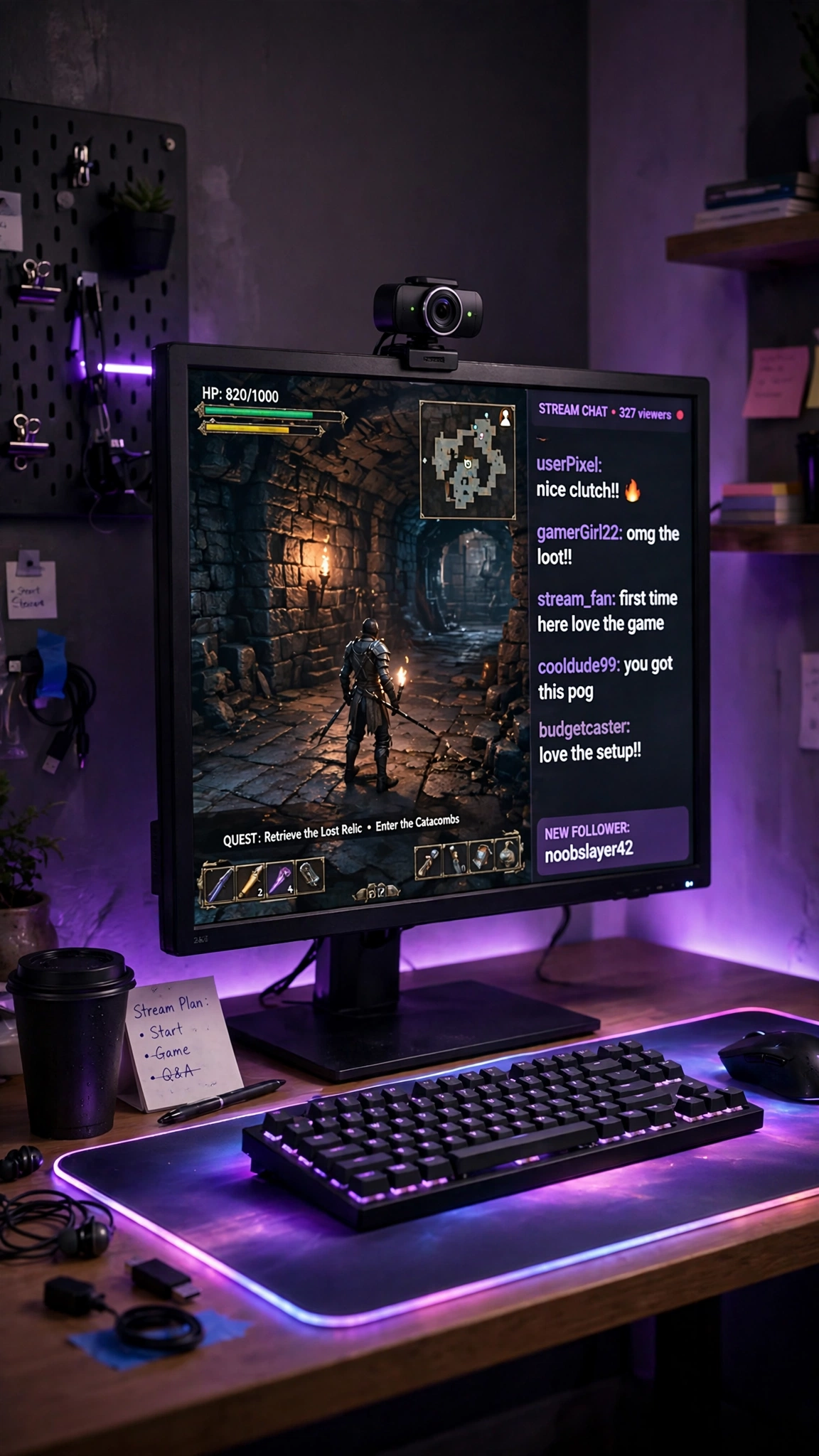
Some streams are all about chat. Just chatting, community nights, and viewer games need the chat window front and center, not hidden in a corner. This desk puts a tall chat column beside the game on one screen, with a 60fps webcam on top of the monitor that keeps your face smooth even when you lean in to read a message.
How to set it up:
- Split the monitor into two zones: game on the left, a tall chat column on the right.
- Mount the webcam on top of the monitor, centered on your chair.
- Spread the glowing mousepad across the desk so the keyboard and mouse have one smooth surface.
- Set the mousepad to one calm color that matches your stream overlay.
- Keep a glass of water and a notepad on the side, because chat heavy streams mean a lot of talking.
A glowing mousepad is not just decoration here. It lights the keyboard from below, so your hands stay visible on camera even in a dim room, and it ties the whole desk together in one color.
Frequently Asked Questions
What do I need to start streaming on a budget?
A clear USB mic, a decent webcam or face light, and a screen that shows your game and chat. A mic and a light matter more than a second monitor, so buy those first and add screens later.
Is one monitor enough for streaming?
Yes, one monitor is enough to start. You can run the game full screen and keep chat on a phone or a laptop beside you. A second monitor is a comfort upgrade, not a requirement, and many streamers add it as their second or third purchase.
Do I need a ring light or a key light?
You need some kind of face light, but either type works. A ring light is cheaper and simpler, while a key light panel gives softer, more even light. Start with a ring light, and move to a key light when face cam becomes a daily habit.
What is the best budget microphone for streaming?
A small USB condenser mic like the SoloCast or the FIFINE K669B is the best starting point for most people. They plug straight into your PC, need no extra gear, and sound far better than a headset mic. Move to a boom arm mic like the Blue Yeti when you want more control over your sound.
Can I stream from a console on a budget?
Yes. A console, a TV, and a phone or laptop for chat are enough to start, and a capture card or a second monitor for your dashboard is the next step when you are ready. The console sofa setup in this guide shows how the whole corner fits together.
How much does a budget streaming setup cost?
A basic starter corner with a USB mic, a webcam, and a ring light can be put together for a modest amount, often less than one new game console. Prices change often, so check the current price on each product page before you buy, and add one piece at a time instead of buying everything at once.
Conclusion
Streaming on a budget is a series of small, smart choices, not one big purchase. Start with a clear mic and a face light, add a second screen when chat starts moving fast, and let the room grow with your channel. Pick the setup from this list that matches your room and the way you play, set it up this weekend, and go live. Your first viewers will care far more about a clear voice and a bright face cam than about how much the desk cost.
Related reading:
If you liked these streamer setups, try 15 Cozy Gaming Setup Ideas on a Budget for more warm, low cost room ideas, and 15 LED Gaming Room Ideas That Set the Perfect Mood for more ways to light your stream background.
