As an Amazon Associate I earn from qualifying purchases. Read our full affiliate disclosure for more detail.
A winter wonderland gaming room is really about contrast. Cool whites, icy blues, and a touch of frost on the walls, balanced by one warm lamp, a soft throw, and a screen that glows like a fireplace. When the cold colors do the decorating and the warm colors do the comforting, the room feels calm, bright, and ready for a long session.
In this guide you will find 8 complete winter wonderland setups you can copy whole, from a frosty white desk with an icy blue wall glow to a snowy console lounge, a frosted window nook, and a bright snow desk with a light bar. Each one covers the desk, seat, screen, light, storage, and power, so nothing important is left out. If you want more mood ideas first, the setups in 15 LED Gaming Room Ideas That Set the Perfect Mood pair well with the icy blues used below.
In this article
At a glance
1. Frosty White Desk, Icy Blue Wall
2. Snowflake Panel Wall
3. Warm Cabin Corner
4. Dual Monitor Snowstorm
5. Snowy Console Lounge
6. Frosted Window Nook
7. Glacier Ultrawide Setup
8. Bright Snow Desk, Light Bar
FAQ
Conclusion
At a Glance: Pick Your Winter Setup
1. Frosty White Desk, Icy Blue Wall
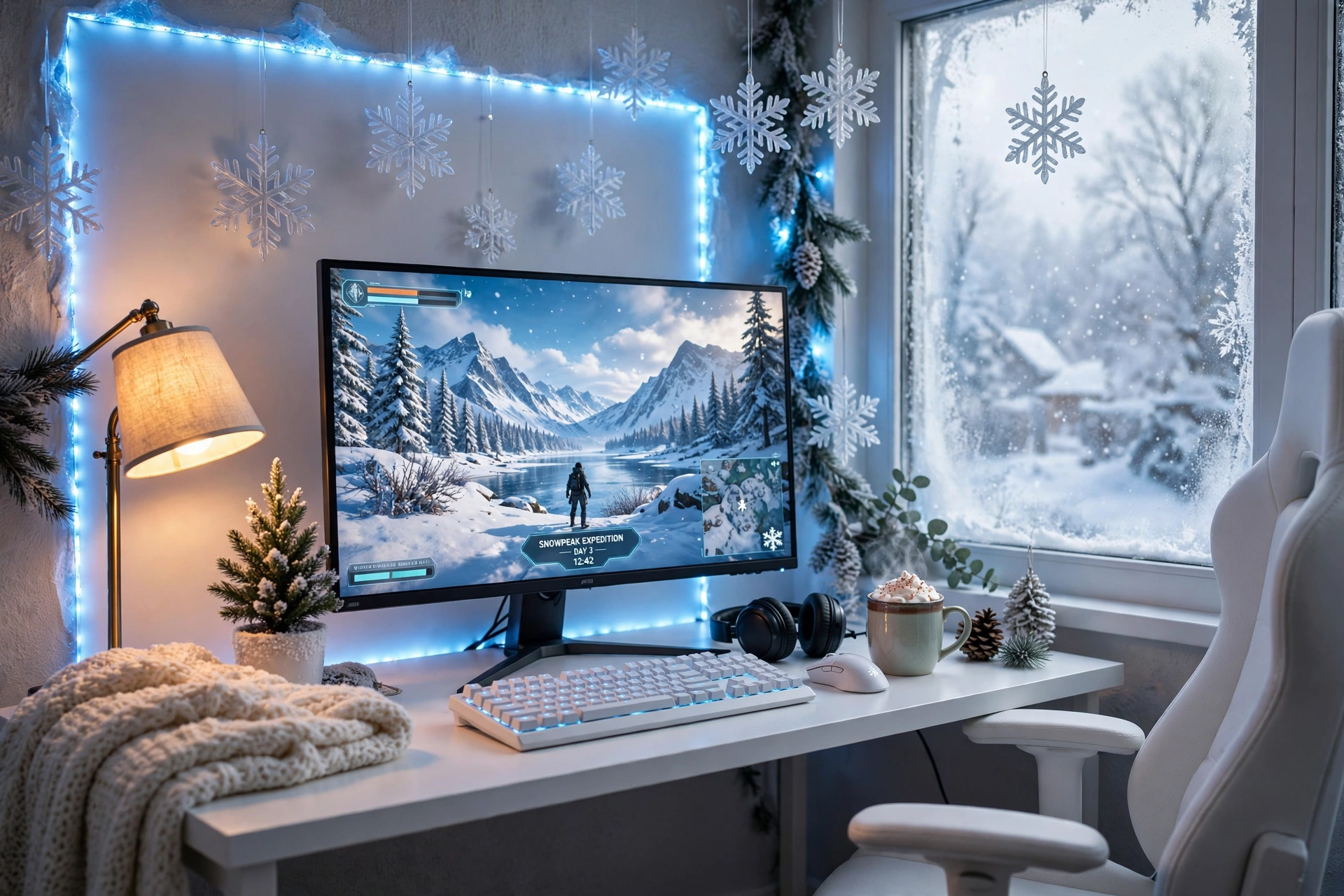
Start with white, then let icy blue do the work. A white desk, a white chair, and a pale wall make the room feel like fresh snow, and one long icy blue strip behind the desk adds the winter glow without any clutter. The monitor stays the warmest bright spot in the room, which keeps your eyes on the game instead of the wall.
- Desk: a straight white desk pushed close to the wall, with the strip hidden along its back edge.
- Seat: a white chair centered on the monitor, with a soft throw folded over the back for warmth.
- Screen: one sharp main monitor, showing a bright winter game scene.
- Light: a long icy blue strip behind the desk, plus a small warm lamp for reading.
- Storage: a shelf above the desk for games, with a few snowflake decorations on the edge.
- Power: one strip behind the desk, with the controller in easy reach.
Govee 65.6ft RGBIC LED Strip Lights
Why this one: the long length covers a desk, a wall, and a shelf in one run, and the RGBIC segments let different parts of the strip show different shades of blue at once.
Worth knowing: measure your wall and desk first, because a strip that is too long will leave a loose tail that is hard to hide neatly.
ASUS TUF Gaming VG27AQ 27 Inch QHD Monitor, 165Hz
Why this one: a sharp QHD screen with fast refresh keeps the game crisp against the icy wall, and the size suits most desks.
Worth knowing: the stand is fairly wide, so check your desk depth if you also want a large mousepad in front of it.
2. Snowflake Panel Wall
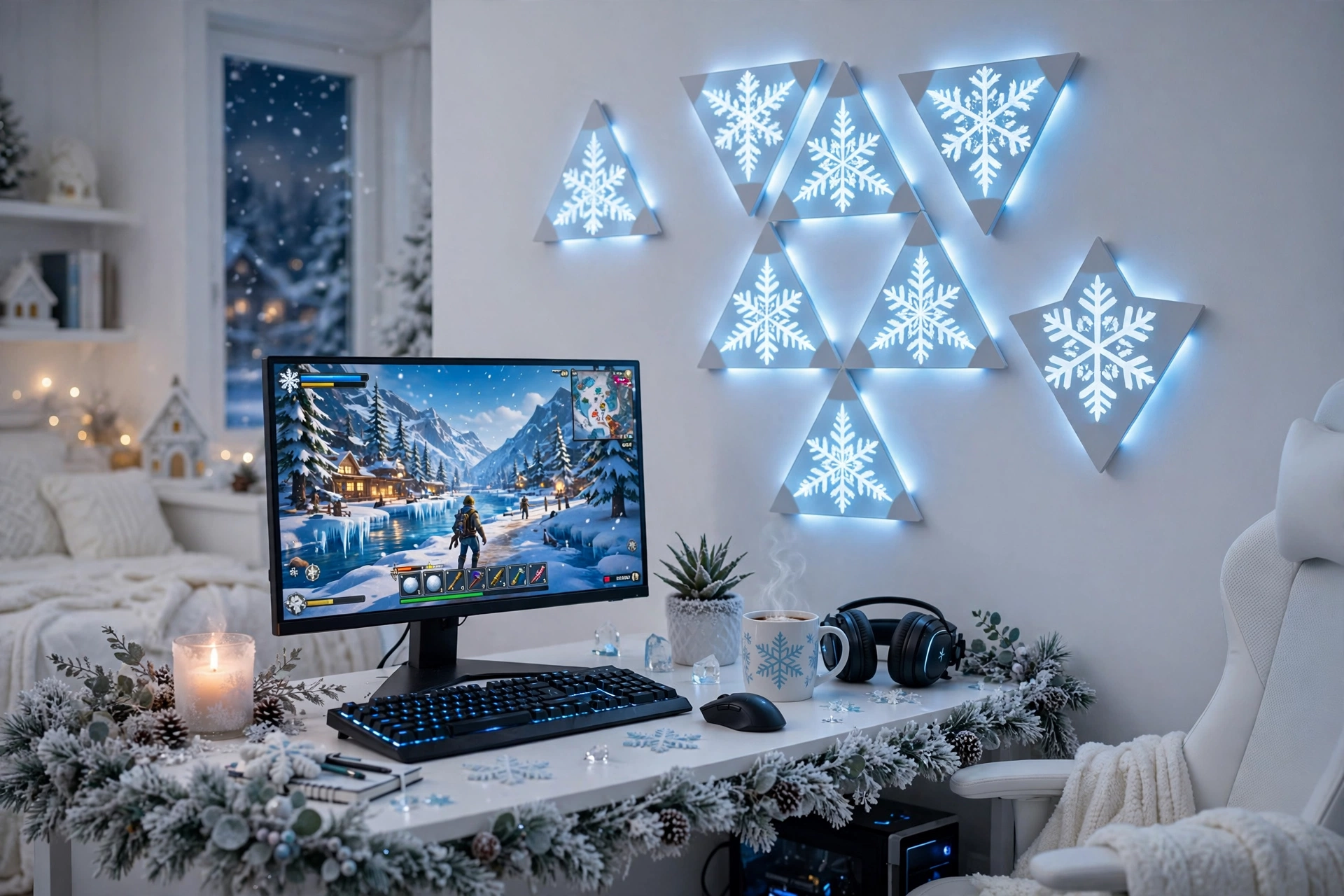
Some winter walls need shapes, not just color. Triangle light panels arranged like a snowflake above the monitor turn a blank wall into the main decoration, and a soft strip along the desk edge ties the wall to the desk below. Keep the panels icy blue and white in the day, then switch them to a slow blue flow at night.
How to set it up:
- Sketch the snowflake shape on paper first, or lay the panels on the floor to test it.
- Place the biggest shape above the monitor, so it reads as one feature wall.
- Run a short strip along the back edge of the desk to tie the wall and desk together.
- Set the panels to a slow color flow, and keep the strip on one matching blue.
- Leave a little blank wall around the panels, so the shape has room to breathe.
Nanoleaf Shapes Triangles Smarter Kit
Why this one: the triangle panels snap into any shape you design, and they respond to touch and music, which makes the wall feel alive during a game.
Worth knowing: the panels need a flat, clean wall to stick well, so textured walls may need extra mounting care.
Acer Nitro VG272U V3 27 Inch QHD Gaming Monitor, 180Hz
Why this one: QHD detail and a very fast refresh rate suit fast winter games, and the screen stays bright enough to hold its own under a glowing wall.
Worth knowing: check the stand depth on a shallow desk, since a wide stand can crowd the keyboard area.
3. Warm Cabin Corner
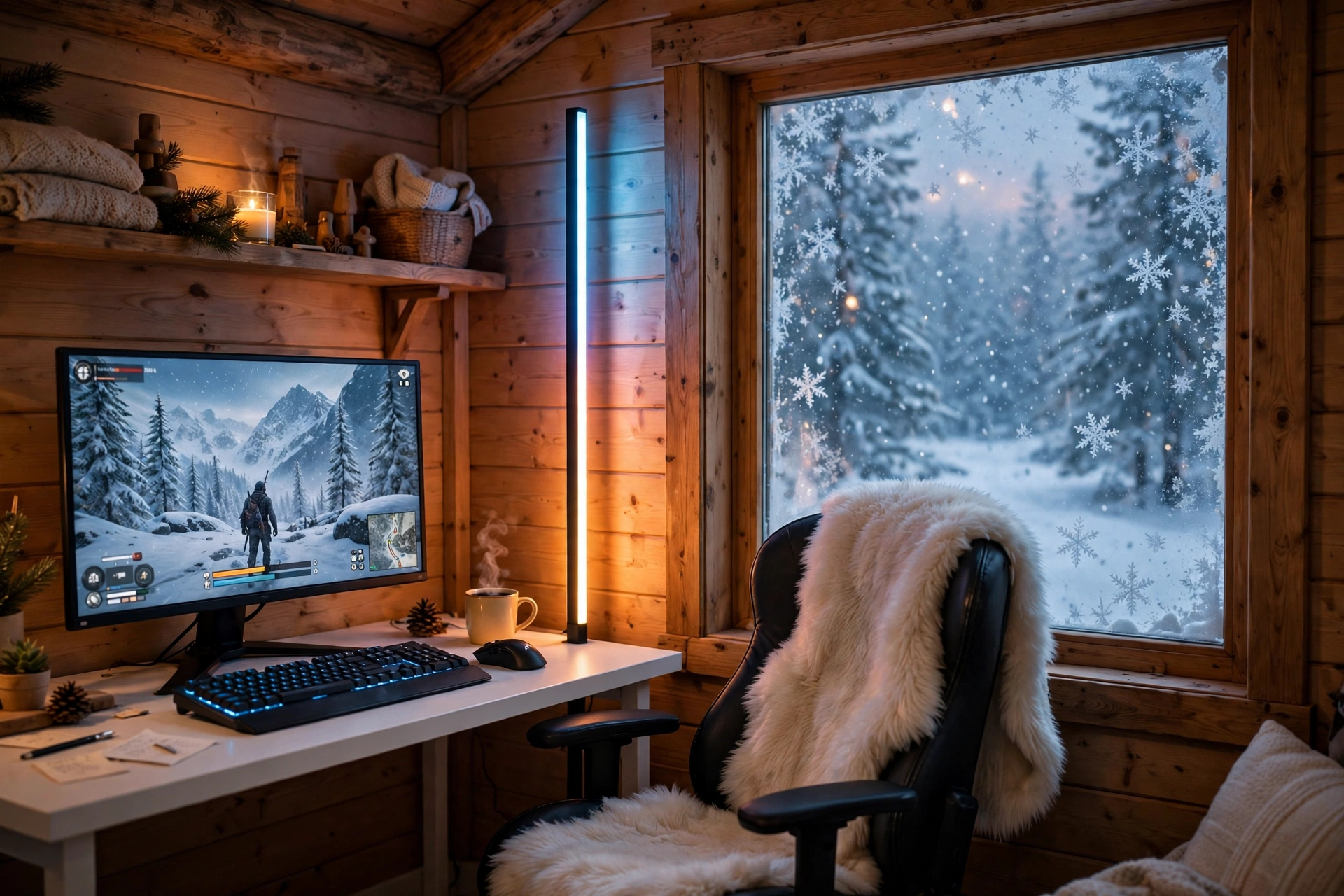
This is the setup for cold evenings when you want the room to feel like a cabin, not a freezer. A tall corner lamp in warm amber sits beside a white desk, while the monitor and a cool blue accent keep the winter theme alive. Add a faux fur throw, a warm wood shelf, and snowflakes on the window, and the corner feels snug without losing its gaming edge.
Cabin balance: keep warm light low and close to your seat, and cool light high and on the wall. That way the warm glow feels like a fire and the cool glow feels like snow outside, instead of the two colors fighting each other.
Place the desk at a right angle to the corner so the lamp glow falls across the wall behind it. Keep a small shelf on the side wall for games, a drawer for controllers, and one power strip behind the desk leg so the lamp and the monitor share one tidy switch. A chair you can lean back in matters here, because this setup invites long, slow sessions.
Govee RGBIC Floor Lamp, LED Corner Lamp
Why this one: the slim tower fits into a corner that a normal lamp cannot use, and the RGBIC segments show more than one color at once for a richer glow.
Worth knowing: the lamp is tall and light, so keep it out of the path where someone might knock it over in the dark.
GTPLAYER Gaming Chair, Computer Chair with Footrest and Lumbar Support
Why this one: the footrest and lumbar support make long cozy sessions easy, and the chair folds the comfort of a lounge seat into a proper gaming setup.
Worth knowing: check the chair size against your desk height, since a tall chair with a footrest needs room to recline safely.
4. Dual Monitor Snowstorm
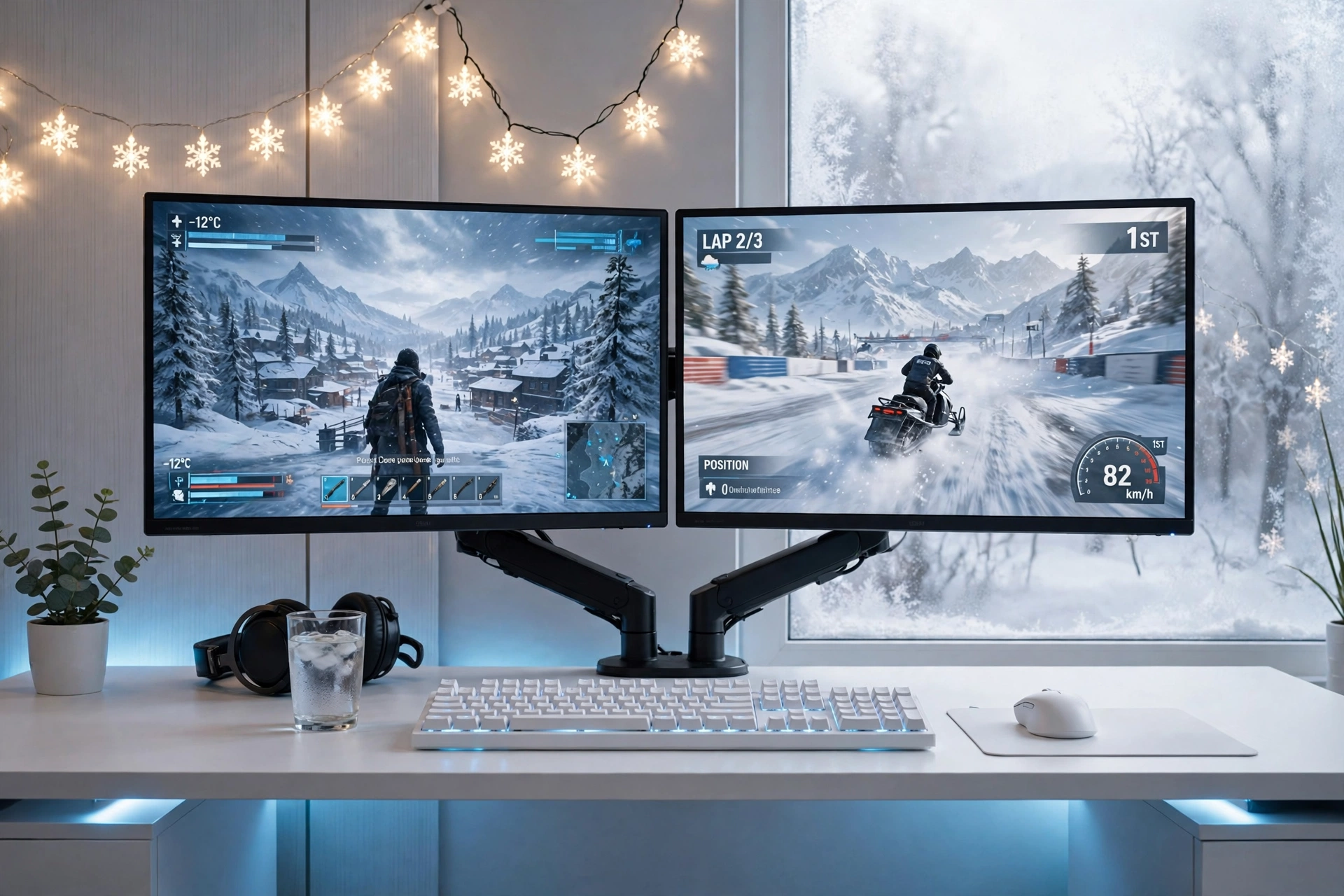
Two screens suit winter best, because one can hold the game and the other can hold chat, a guide, or a snowy video while you play. Mount both monitors on one arm above a white desk, and the desk surface stays clear for a keyboard, a mouse, and a mug of something warm. Snowflake string lights on the wall add the season without adding clutter.
What works here:
- Monitors: two matching screens on one arm, with the game screen straight ahead and the second screen angled slightly toward you.
- Desk: a wide white desk with a large mousepad, so both screens have room below them.
- Seat: a chair centered between the screens, not just on one of them.
- Light: an icy blue strip behind the desk, plus snowflake string lights on the wall.
- Storage: a small drawer unit under the desk for cables, controllers, and spare gear.
- Power: one strip behind the desk for both monitors, the lights, and the PC.
HUANUO Dual Monitor Arm, Gas Spring
Why this one: the gas spring arm lifts both screens off the desk and lets you adjust height and angle in seconds, which frees the whole desk surface.
Worth knowing: check the weight and size limits for your monitors before mounting, since two heavy screens need a firm desk edge to clamp to.
Acer Nitro KG271U 27 Inch QHD Gaming Monitor, 180Hz
Why this one: QHD detail and a very fast refresh rate suit competitive games, and the screen stays bright enough to hold its own against the blue glow.
Worth knowing: the stand takes up a fair amount of desk depth if you do not use an arm, so an arm helps most on a shallow desk.
5. Snowy Console Lounge
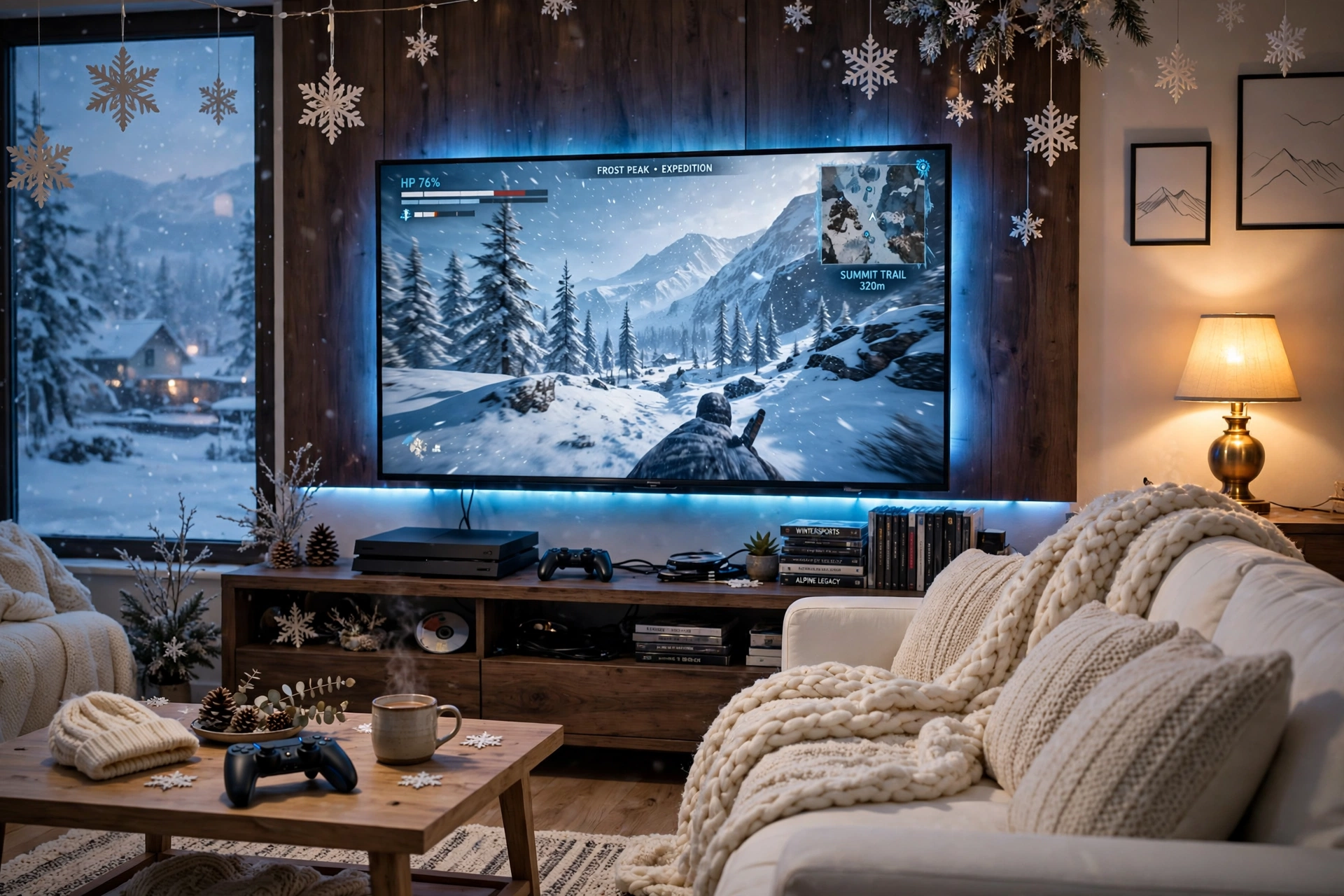
Console players do not need a desk at all. A gradient strip behind the TV gives the living room the same winter glow as a gaming desk, and it makes movie nights look better too. The TV is the main screen, the sofa is the seat, and a small side desk holds a curved monitor for a second player or for PC games when you want them.
Keep the console in a ventilated spot on the media unit, and run the strip power from the same outlet as the TV so one switch controls the glow. A basket beside the sofa holds controllers and headsets, and the room stays tidy even when the lights are doing their brightest work. If you want more console ideas, the setups in 15 PS5 Gaming Setup Ideas for Console Players show how to build around a console first.
Philips Hue Play Gradient Light Strip, 55 Inch
Why this one: the gradient blends several cool colors smoothly behind the screen, which looks far more natural than one flat color, and it pairs with other Hue lights in the room.
Worth knowing: the strip is sized for larger screens, so check it against your TV size and the Hue app setup before you buy.
Dell S2721HGF 27 Inch Curved Gaming Monitor, 144Hz
Why this one: the curved screen is a natural second display for a console room, giving a friend or a PC player a proper screen instead of a shared TV.
Worth knowing: 144Hz is plenty for console play, but a PC player chasing the fastest refresh rates may want a faster panel.
6. Frosted Window Nook
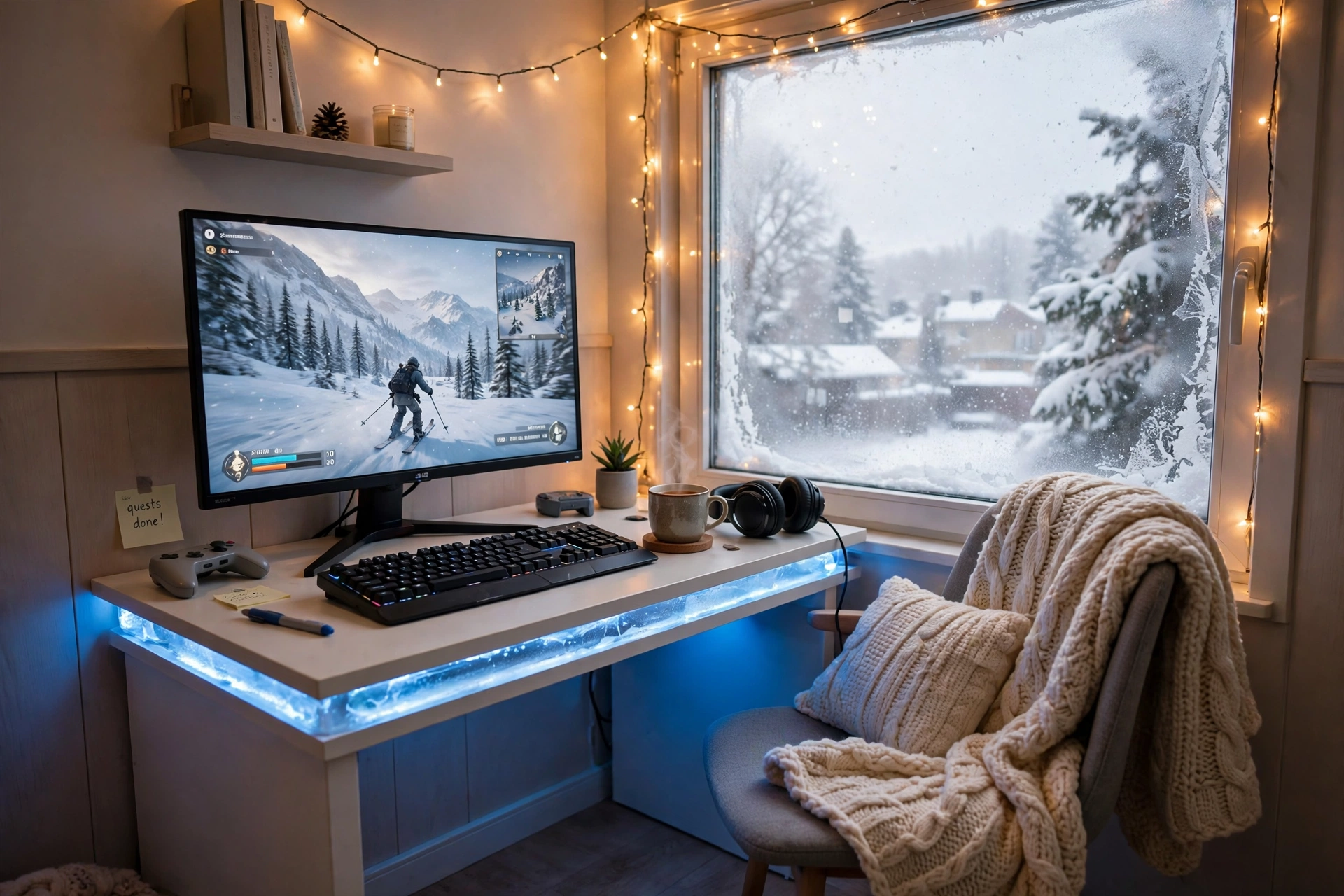
When the room is small, a strip under the desk edge does more than a strip on the wall. It washes the floor and the wall behind the desk in icy blue without taking up any space at all, and it makes a compact desk look like it floats. Put the desk by a frosted window, add warm fairy lights, and the nook feels like a winter cabin in one corner of the bedroom.
Frosted window nook checklist:
✓ Desk fits by the window with room to open it
✓ Strip under the desk edge, set to soft icy blue
✓ Warm fairy lights above the desk for contrast
✓ A chair that tucks fully under the desk when you are done
✓ One power strip behind the desk leg, with a switch you can reach
Keep the monitor on a small riser so the glow has room to spread, and keep storage simple with one shelf and a small drawer. A knitted blanket on the chair adds the warm contrast that makes the cool blue light feel cozy instead of cold. For more small room ideas, the guide to 15 Small Gaming Room Ideas for Tight Spaces is a good next read.
Govee RGBIC LED Strip Lights, 16.4ft
Why this one: the shorter length is just right for one desk edge, and the app control makes it easy to dim the glow for late night work.
Worth knowing: the strip cannot be cut to any length you like without care, so check the cut marks before trimming it to fit a small desk.
DUMOS 45 Inch Gaming Desk with LED Lights and Power Outlets
Why this one: built in power outlets cut down on extension leads, and the LED edge gives the desk a gaming feel before you add any extra strips.
Worth knowing: a 45 inch desk is snug for a monitor plus a second screen, so measure your screens before adding a second display.
7. Glacier Ultrawide Setup
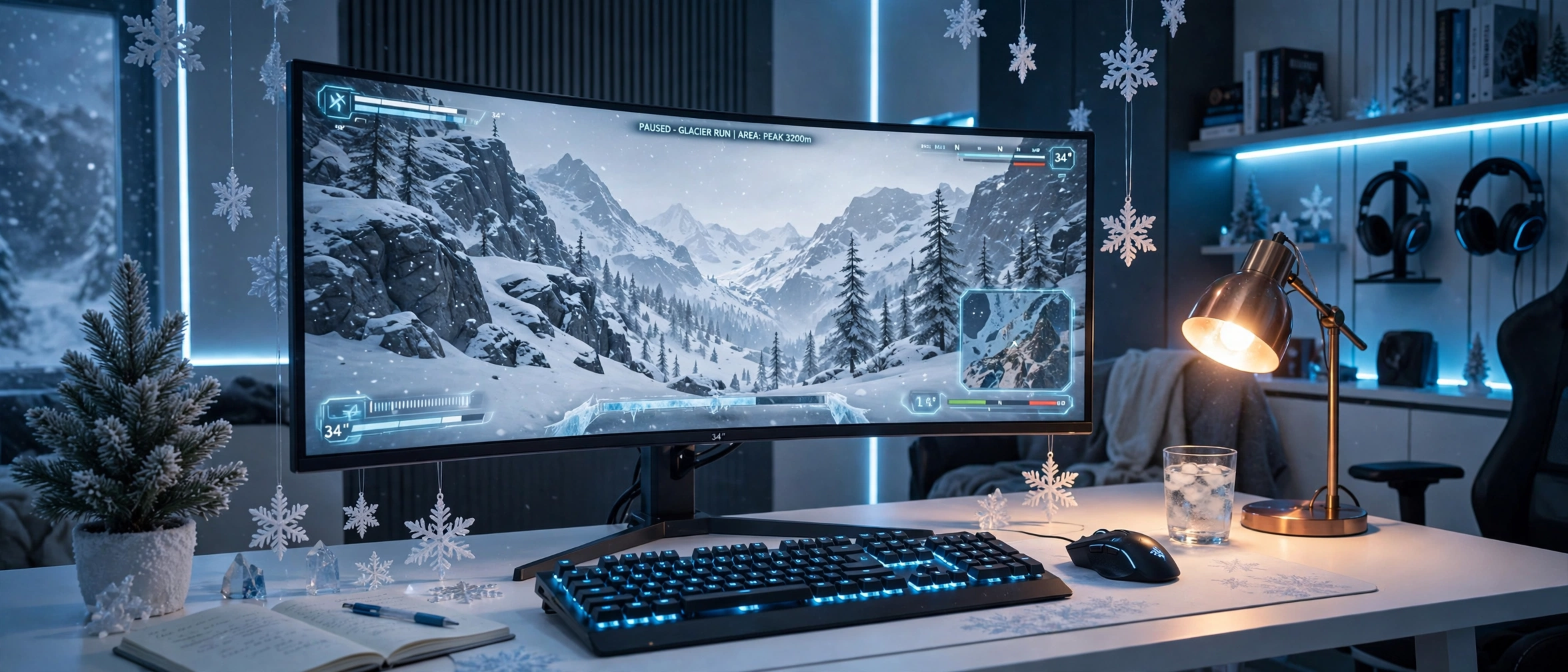
An ultrawide screen suits a winter game best, because a snowy mountain landscape fills the whole wide view and pulls you into the scene. Pair the curved screen with a backlit keyboard in icy blue, a warm desk lamp for contrast, and frosted garland along the shelf, and the desk feels like a glacier cabin with a view.
Warm light or cool light, which leads? Cool light should lead here, because the ultrawide screen and the blue keyboard already set the winter mood. Warm light works best as one small accent, a lamp on the side of the desk, so your hands and your notes stay easy to see without washing out the cool glow. If the room starts to feel cold, turn the lamp up and the blue down, not the other way round.
Choose a deep white desk so the ultrawide screen has room to sit back from the edge, add a headset hook to the side, and keep one drawer for spare cables. One power strip behind the desk runs the monitor, the keyboard, and the lamp, so you can shut the whole glow down with one switch.
LG 34 Inch Curved UltraWide QHD Monitor, 160Hz
Why this one: the ultrawide curved screen fills the desk, and the extra width holds a game plus chat side by side.
Worth knowing: an ultrawide screen needs a deep desk and a strong arm or stand, so check your desk size before you buy.
Corsair K70 CORE RGB Mechanical Gaming Keyboard
Why this one: the per key RGB lighting matches the icy blue theme, and the solid build feels steady during fast games.
Worth knowing: mechanical keyboards are louder than membrane ones, so they may not suit a shared bedroom late at night.
8. Bright Snow Desk, Light Bar
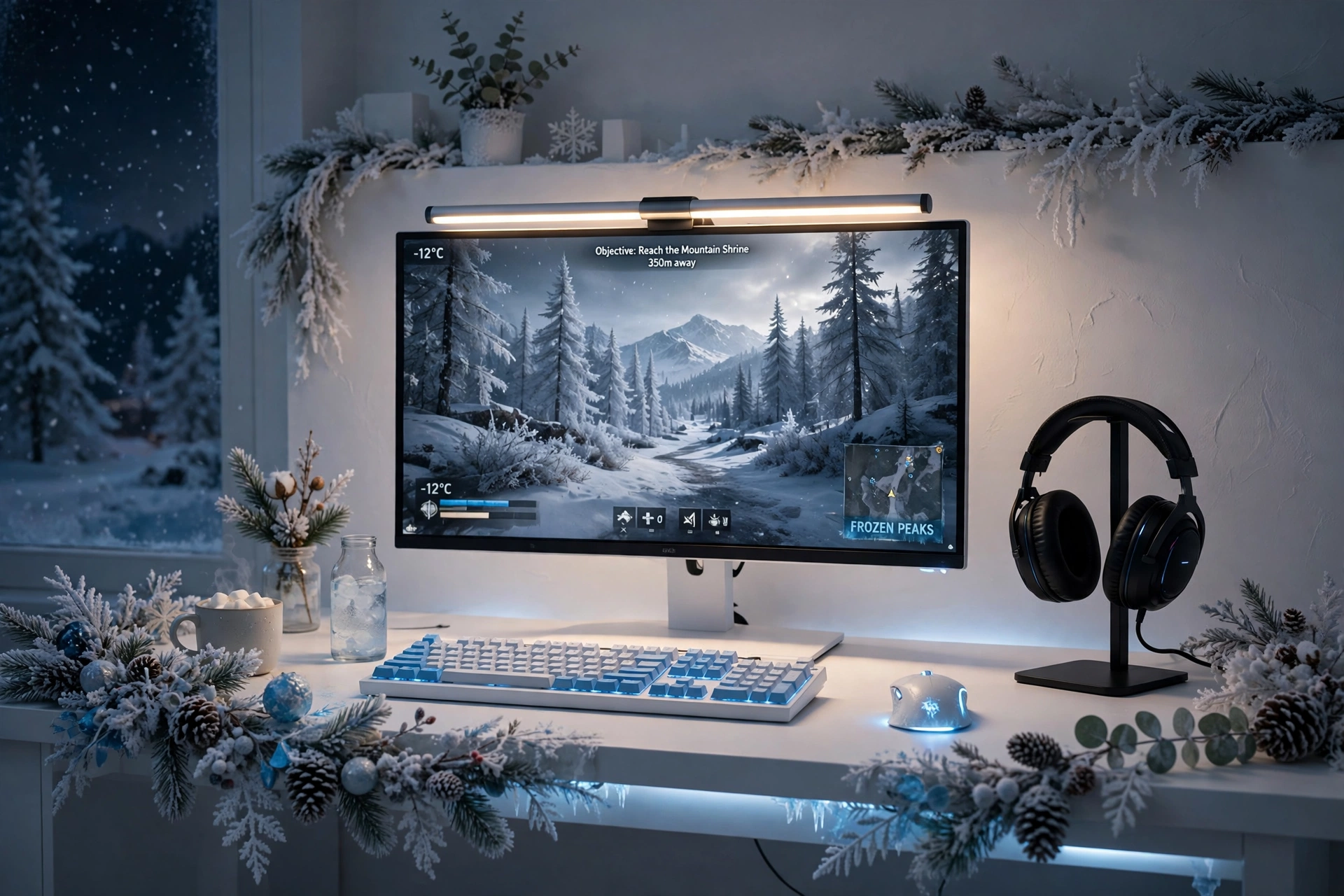
Bias light is the quietest trick in this guide, and it is the one your eyes will thank you for. A slim light bar on top of the monitor throws a soft warm glow down onto the desk, which cuts the harsh contrast between a bright screen and a dark winter room. Your eyes relax, the screen looks richer, and the room still feels snowy instead of washed out.
Try this: set the light bar to warm white for reading and work, then switch it to icy blue for gaming. Changing the color takes seconds, and it changes the whole mood of the desk.
Keep the desk tidy so the glow has a clean surface to land on. A headset on a small stand, a keyboard with soft backlighting, and a drawer for cables finish the setup without adding clutter. Run the light bar power from the same outlet as the monitor, so one switch turns the whole desk off at night. Frosted garland along the shelf adds the last winter touch.
Samsung 27 Inch Odyssey G5 QHD Gaming Monitor
Why this one: the QHD curved panel gives a wide, wrapped view that suits immersive games in a dark winter room, while staying a sensible size for a desk.
Worth knowing: curved screens can distort straight lines slightly, so they are less ideal if you do precise photo or design work on the same desk.
Quntis Monitor Light Bar RGB PRO
Why this one: the slim bar sits on top of the monitor and lights the desk without glare on the screen, and the RGB backlight adds a soft winter glow to the wall behind it.
Worth knowing: check the bar fits your monitor thickness and curve, since a very thick or sharply curved top edge can make it sit unevenly.
Frequently Asked Questions
How do I make a gaming room feel wintry without making it feel cold? Use cool colors for light and decor, and warm colors for things you touch. Icy blue strips, white furniture, and snowflake decor set the theme, while a warm lamp, a soft throw, and a knit blanket keep the seat cozy.
What colors work best for a winter wonderland gaming room? White, icy blue, and silver are the core colors. Add one warm accent, like amber or soft gold, so the room does not feel flat. Keep bright red or green for small decor only, so the winter palette stays calm.
Can I do a winter theme in a small bedroom? Yes, a small room suits it well. One strip under the desk edge, a few snowflake lights, and a white desk are enough. Keep the decor light and the desk clear, so the room feels bright instead of crowded.
Do I need to repaint the room white? No, you do not. White bedding, a white desk mat, pale curtains, and icy blue light can give a plain wall a winter feel without paint. If you do paint, a soft cool white is enough.
How much does a winter gaming room cost to set up? It depends on what you already own. If you have a desk and a monitor, a strip, a few snowflake lights, and a throw can change the whole room for a modest amount. Start with light and decor, then add furniture only if you need it.
Can I keep the winter theme after the season ends? Yes, just turn the blue down and the warm light up. Remove the snowflakes and garland, keep the white desk and the clean light, and the room still looks fresh in spring.
Conclusion
A winter wonderland gaming room does not need snow outside or a big budget. It needs cool light, white surfaces, a few frosted touches, and one warm place to sit. Start with one setup from this list, the one that matches your room and the way you play, and let the contrast between icy blue and warm amber do the rest. Your gaming room can feel like a snowy cabin and a proper battlestation at the same time.
If you want a cozier version of the same idea, the setups in 15 Cozy Gaming Setup Ideas on a Budget show how to keep the warmth without losing the winter look.
Related reading:
If you liked these winter ideas, try 15 Dark Gaming Setup Ideas for a Moody Battlestation for a moodier winter night look, and 15 Small Gaming Room Ideas for Tight Spaces for more ways to fit a full setup into a small room.
