As an Amazon Associate I earn from qualifying purchases. This article contains affiliate links, which means I may earn a small commission if you buy through them, at no extra cost to you. Read the full affiliate disclosure.
A loft gives you something most gaming rooms never get: height. Tall ceilings, open floor plans, brick walls, steel beams, and windows that stretch to the roof. The trick is turning all that raw space into a setup that feels cozy instead of echoey. These nine ideas do exactly that, from a mezzanine command post to a skylight nook and a full racing rig under exposed ductwork. If your space is small but tall, the small gaming room ideas for tight spaces will help you borrow a few more tricks too.
In this article
At a Glance
| Setup | Best for | Hero product |
|---|---|---|
| Mezzanine Ultrawide Command Post | PC gamers who want one big screen | LG 34 Inch Curved UltraWide Monitor |
| Brick Wall Console Lounge | Console players and movie nights | Govee RGBIC Floor Lamp |
| Window Wall Dual Monitor Loft | Multitaskers and work plus play | Acer Nitro 27 Inch QHD Monitor |
| Skylight Sloped Ceiling Nook | Small lofts and attic style spaces | KKL 40 Inch Small Computer Desk |
| Sleep Above, Play Below | Studio lofts with a mezzanine bed | DUMOS 45 Inch Gaming Desk |
| Steel Loft Racing Rig | Racing fans with room to spare | GTPLAYER Gaming Chair |
| Minimal White Loft Setup | Clean, calm, clutter free gamers | ASUS TUF Gaming 27 Inch Monitor |
| Warehouse Stream Studio | Streamers and content creators | LG UltraGear 27GP850-B Monitor |
| Dusk Lounge Corner | Evening players who love warm light | CRUA 27 Inch Curved Gaming Monitor |
1. Mezzanine Ultrawide Command Post
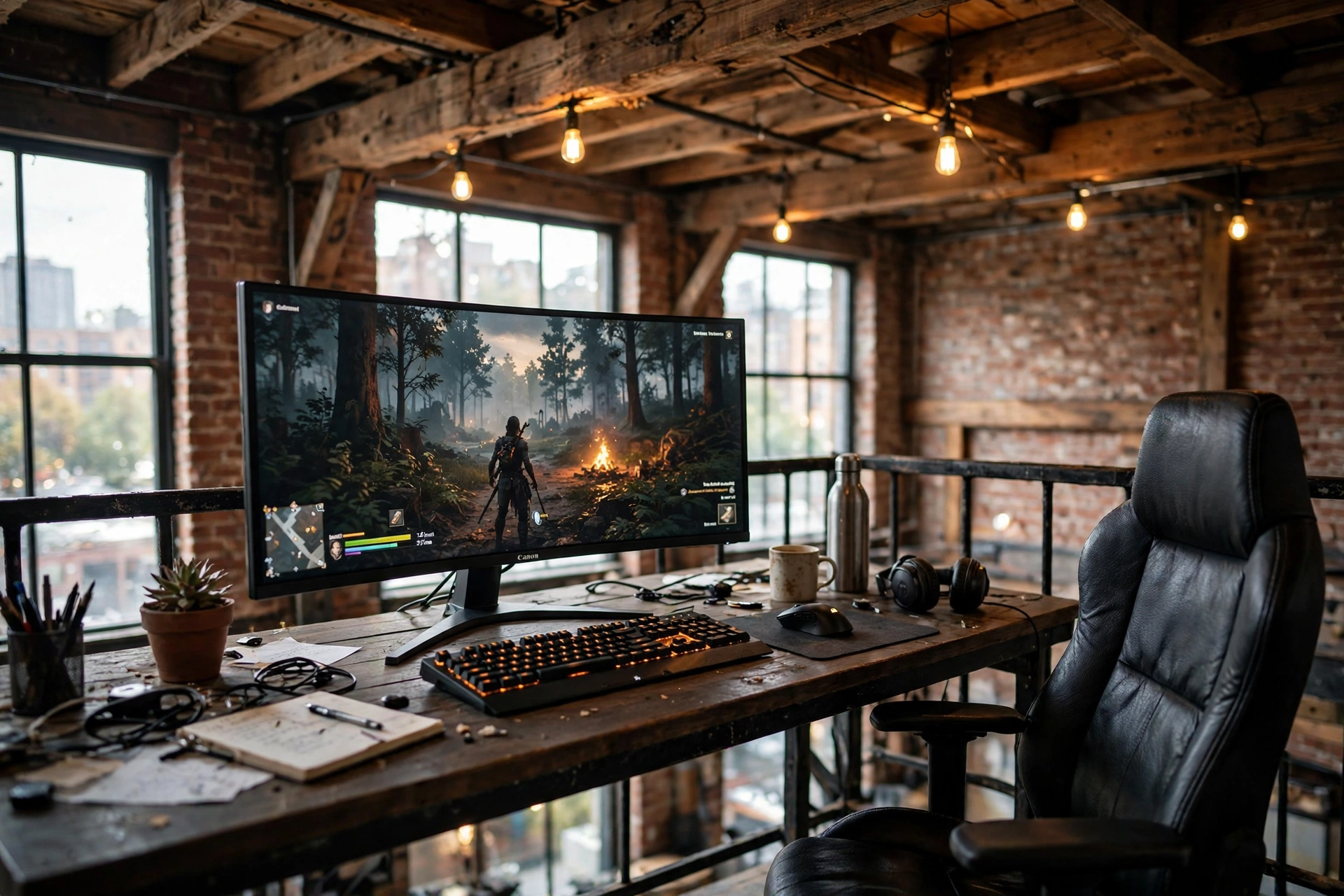
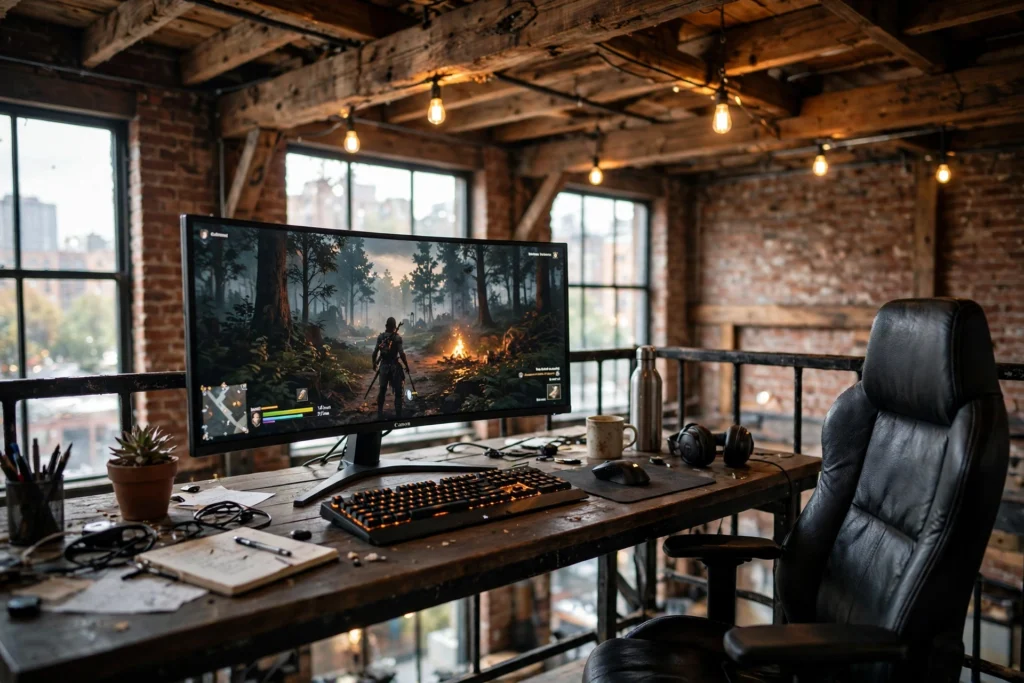
The mezzanine is the best seat in a loft, so put your setup there. A wide desk sits under the exposed beams, an ultrawide monitor fills the view, and the whole room drops away below you like a control room. Warm Edison bulbs soften the industrial edges, and a rug under the chair keeps the wood floor from echoing every footstep.
- Anchor the desk to the railing side so the screen faces into the room, not the wall.
- One wide screen beats two narrow ones up here, because the railing limits desk depth.
- Add a small shelf on the beam for controllers and a headset, keeping the desk clear.
Keep cables short and tidy, since a mezzanine shows everything from below. A monitor arm lifts the screen off the desk and frees the surface for a keyboard, a drink, and nothing else.
LG 34 Inch Curved UltraWide QHD Monitor, 160Hz
Why this one: The wide curved panel wraps your view and replaces a dual monitor pair on a shallow mezzanine desk.
Worth knowing: At 34 inches wide it needs a sturdy desk, so measure your depth before ordering.
HUANUO Dual Monitor Arm, Gas Spring
Why this one: The gas spring arm floats the ultrawide at eye level and lets you tilt it for late night sessions.
Worth knowing: Heavy ultrawide panels push the weight limit, so tighten the tension fully during setup.
2. Brick Wall Console Lounge
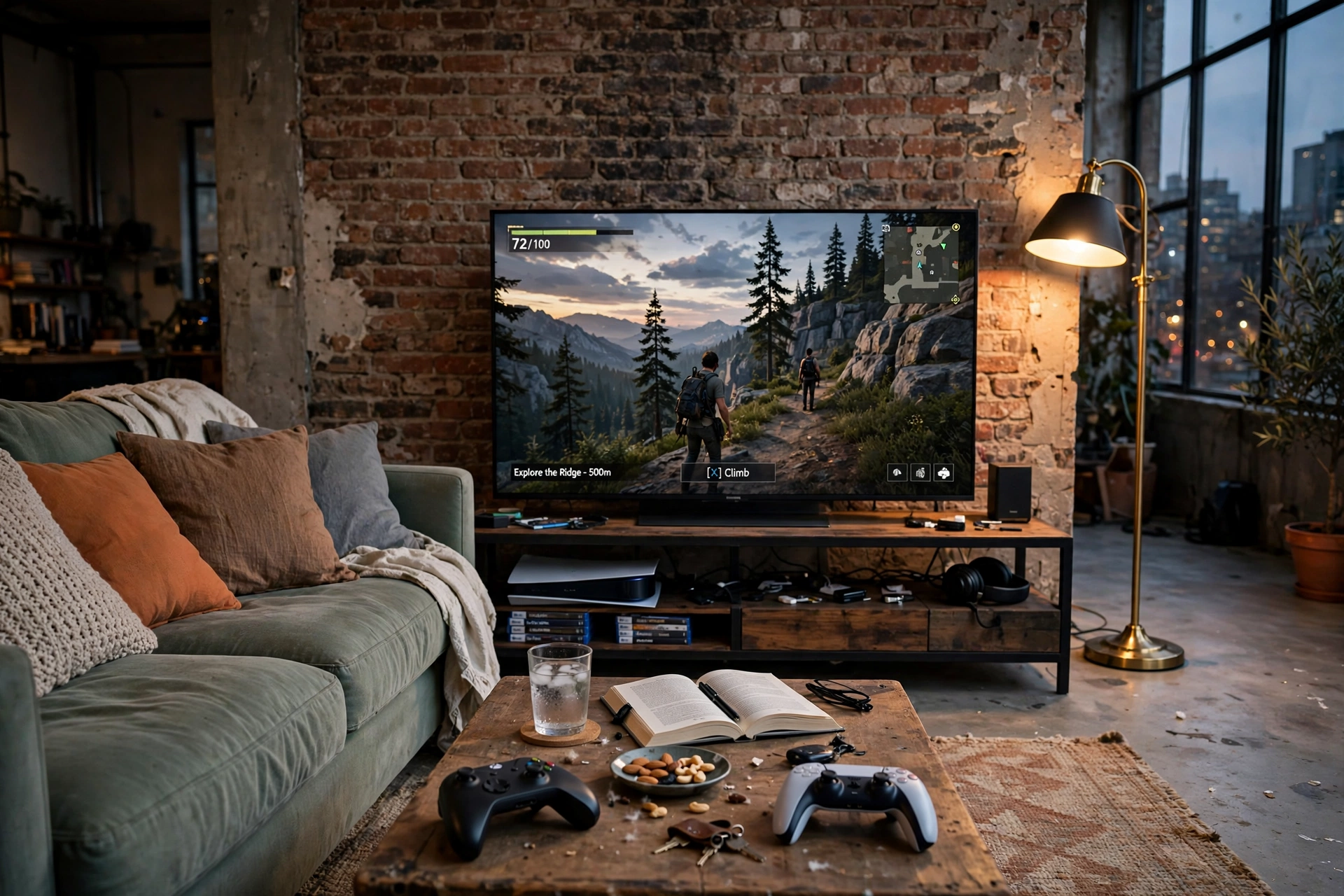
Some lofts are made for the sofa, not the desk. A brick wall, a big TV on a low console, and a deep couch turn the open floor into a console lounge that doubles as your living room. The concrete floor and tall windows do the decorating for you, so the setup itself can stay simple.
What works here: warm light against cool brick. A corner floor lamp washes the wall with a soft glow, and a long LED strip behind the TV keeps the screen from glaring in a dark room. Controllers live in a basket by the coffee table, and a thick rug defines the play zone so the rest of the loft still feels like a home.
Keep the console low and wide. Loft ceilings pull the eye upward, and a tall TV stand fights that feeling. Low furniture lets the brick and the windows own the room.
Govee RGBIC Floor Lamp, LED Corner Lamp
Why this one: It throws warm color up a brick wall without drilling a single hole, which matters in a rental loft.
Worth knowing: The app has a lot of modes to scroll through, so save one favorite scene and stick with it.
Govee 65.6ft RGBIC LED Strip Lights
Why this one: One long strip runs behind the TV and along the console, giving the whole lounge a soft bias glow.
Worth knowing: The adhesive struggles on rough brick, so plan the run along smooth trim or the console edge.
3. Window Wall Dual Monitor Loft
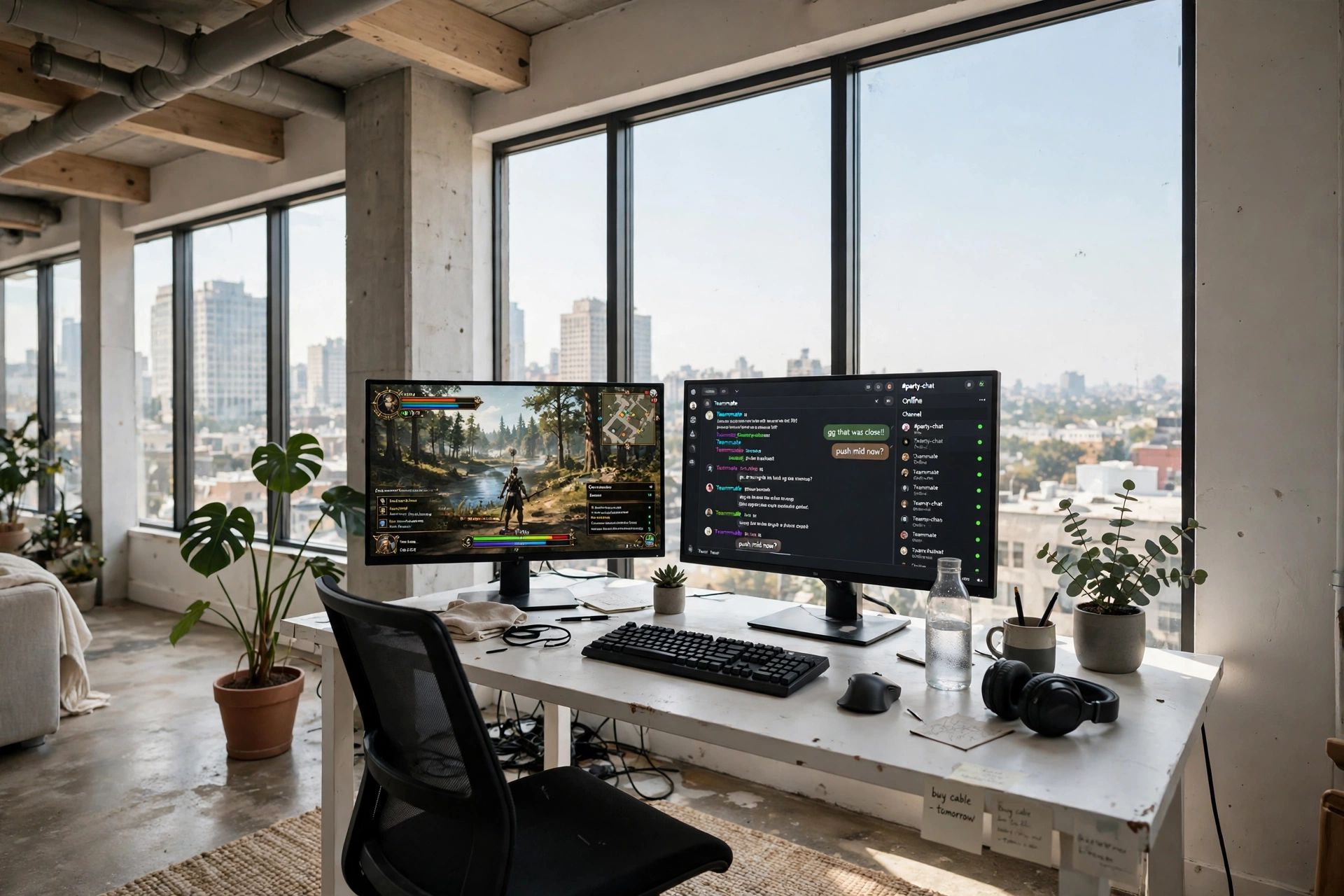
Floor to ceiling windows are a loft’s best feature and its biggest glare problem. The fix is simple: put the desk at a right angle to the glass, not facing it and not with your back to it. Daylight floods the room, the screens stay readable, and you still get the view when you look up.
One monitor runs the game, the other runs chat, music, or a walkthrough. A white desk and a pale chair keep the corner feeling light, while a couple of plants soften the hard lines of the window frames. For more ways to use light as decor, the LED gaming room ideas that set the perfect mood pair well with a bright loft like this one.
Quick check before you commit to the window wall
Sit at the desk at midday and at sunset. If you can read the screen at both times without squinting, the angle is right. If not, shift the desk a few inches at a time until the glare drops off.
Acer Nitro KG271U 27 Inch QHD Gaming Monitor, 180Hz
Why this one: The bright QHD panel holds up against daylight from the windows, and 180Hz keeps fast games smooth.
Worth knowing: The stand is basic, so a monitor arm helps if you want the screen angled away from the glass.
Corsair K70 CORE RGB Mechanical Gaming Keyboard
Why this one: A solid mechanical board with a palm rest suits long sessions at a desk that doubles as a workspace.
Worth knowing: The keycaps pick up fingerprints in bright daylight, so keep a cloth nearby.
4. Skylight Sloped Ceiling Nook
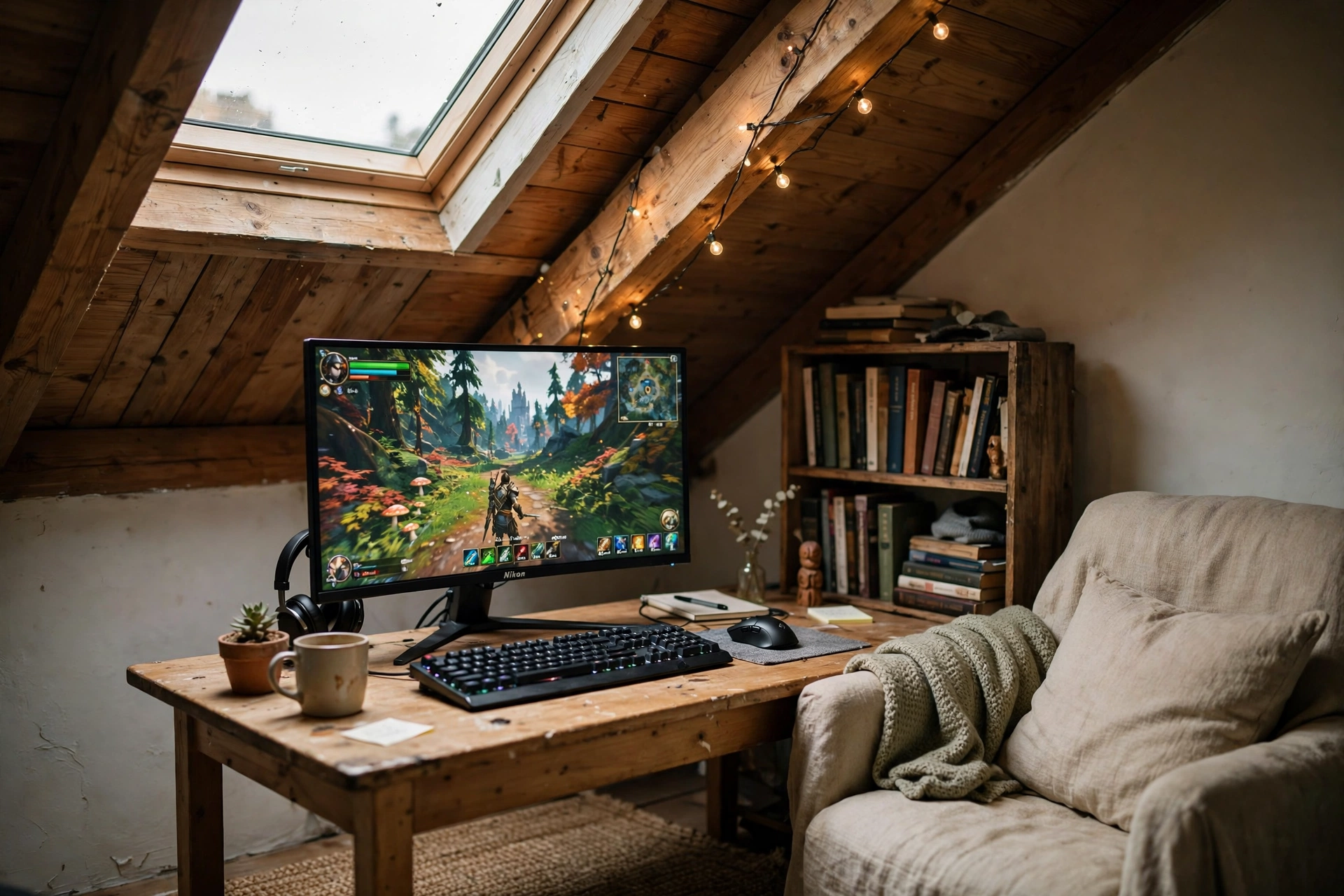
That awkward triangle under a sloped roof is wasted space in most lofts, but it is perfect for a gaming nook. A compact desk slides right into the low end, a skylight above gives you natural light all day, and string lights along the beam make it feel like a cabin at night.
- Measure the slope first. Sit at the desk and check you can sit upright without ducking.
- Keep the desk narrow. A 40 inch desk fits the nook and still leaves room for a chair to roll back.
- Use the wall. A small shelf on the tall side holds games and a headset where the ceiling is too low for furniture.
A curved monitor helps here, because it pulls the image toward you and makes the small desk feel bigger. Add a cushion on the chair and the nook becomes the spot everyone in the house wants.
KKL 40 Inch Small Computer Desk with Adjustable Monitor Stand
Why this one: The compact footprint and built in monitor stand fit a sloped ceiling nook without crowding it.
Worth knowing: The surface is snug, so a compact keyboard and a small mouse pad work better than full size gear.
Logitech G502 HERO Wired Gaming Mouse
Why this one: A precise, comfortable mouse that does not need a huge pad, which is exactly what a small desk wants.
Worth knowing: It is wired, so route the cable along the desk edge to keep the nook tidy.
5. Sleep Above, Play Below
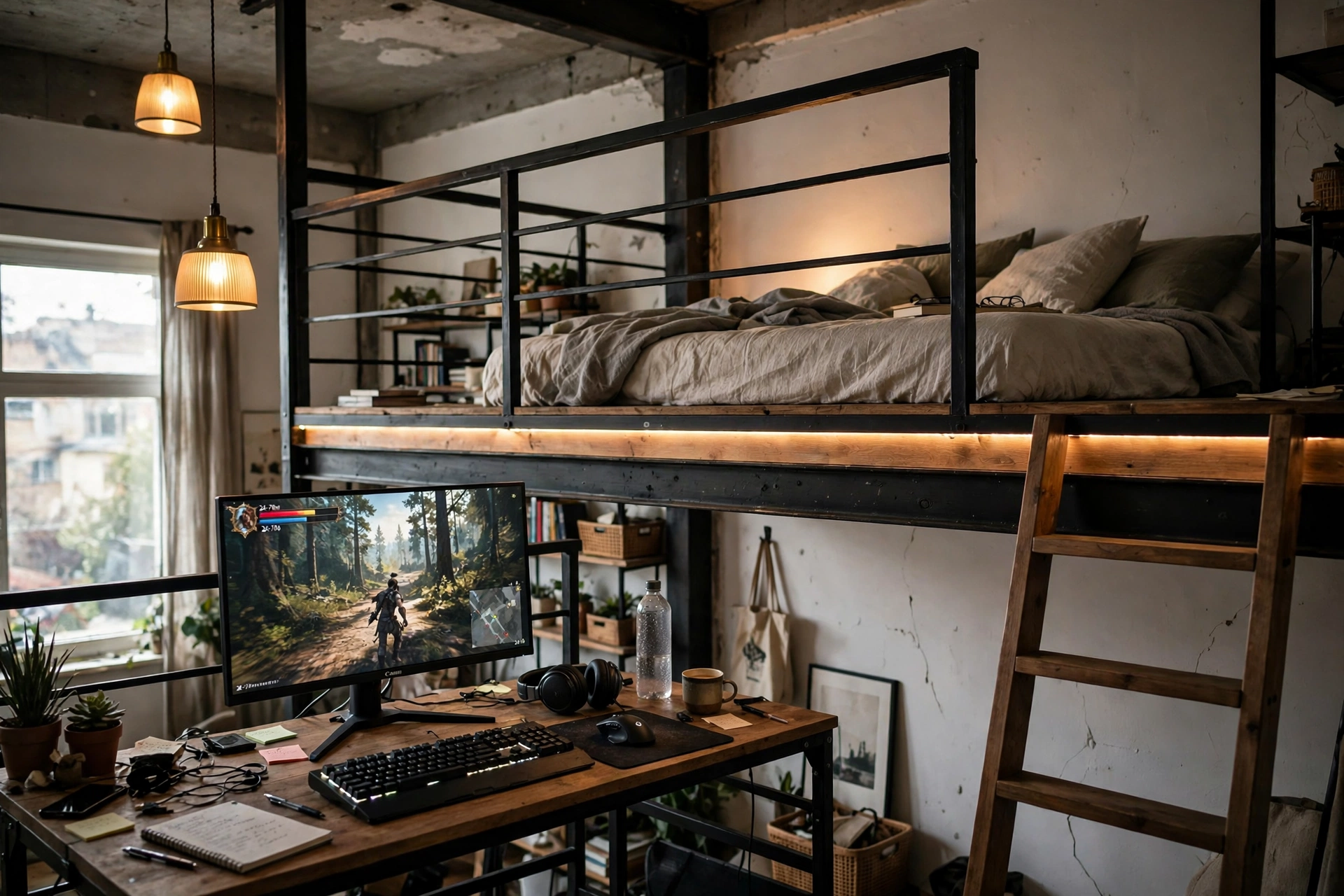
In a studio loft, the bed goes up and the fun stays down. A mezzanine sleeping platform frees the whole ground floor, and the space underneath it becomes a natural gaming zone with its own ceiling, its own light, and a cozy tucked in feeling.
The desk sits against the wall under the mezzanine edge, with an LED strip tracing the platform above it. Pendant lights hang low over the desk, and a ladder or slim staircase leads up to the bed. The trick is sound: a rug under the desk and soft furnishings around it keep game audio from bouncing off the hard loft surfaces and waking anyone upstairs.
| Zone | What goes there |
|---|---|
| Under the mezzanine | Desk, monitor, chair, LED strip |
| Open floor | Rug, small sofa, console or bookshelf |
| Mezzanine | Bed, reading light, storage boxes |
DUMOS 45 Inch Gaming Desk with LED Lights and Power Outlets
Why this one: Built in LED lights and power outlets mean fewer cables snaking up to the mezzanine for a plug.
Worth knowing: The LED strip is fixed to the desk, so pick your glow color before you push it against the wall.
Govee RGBIC LED Strip Lights, 16.4ft
Why this one: A short strip runs neatly along the mezzanine edge and frames the gaming zone without lighting the whole loft.
Worth knowing: Measure the mezzanine edge first, since the strip cannot be cut and rejoined easily.
6. Steel Loft Racing Rig
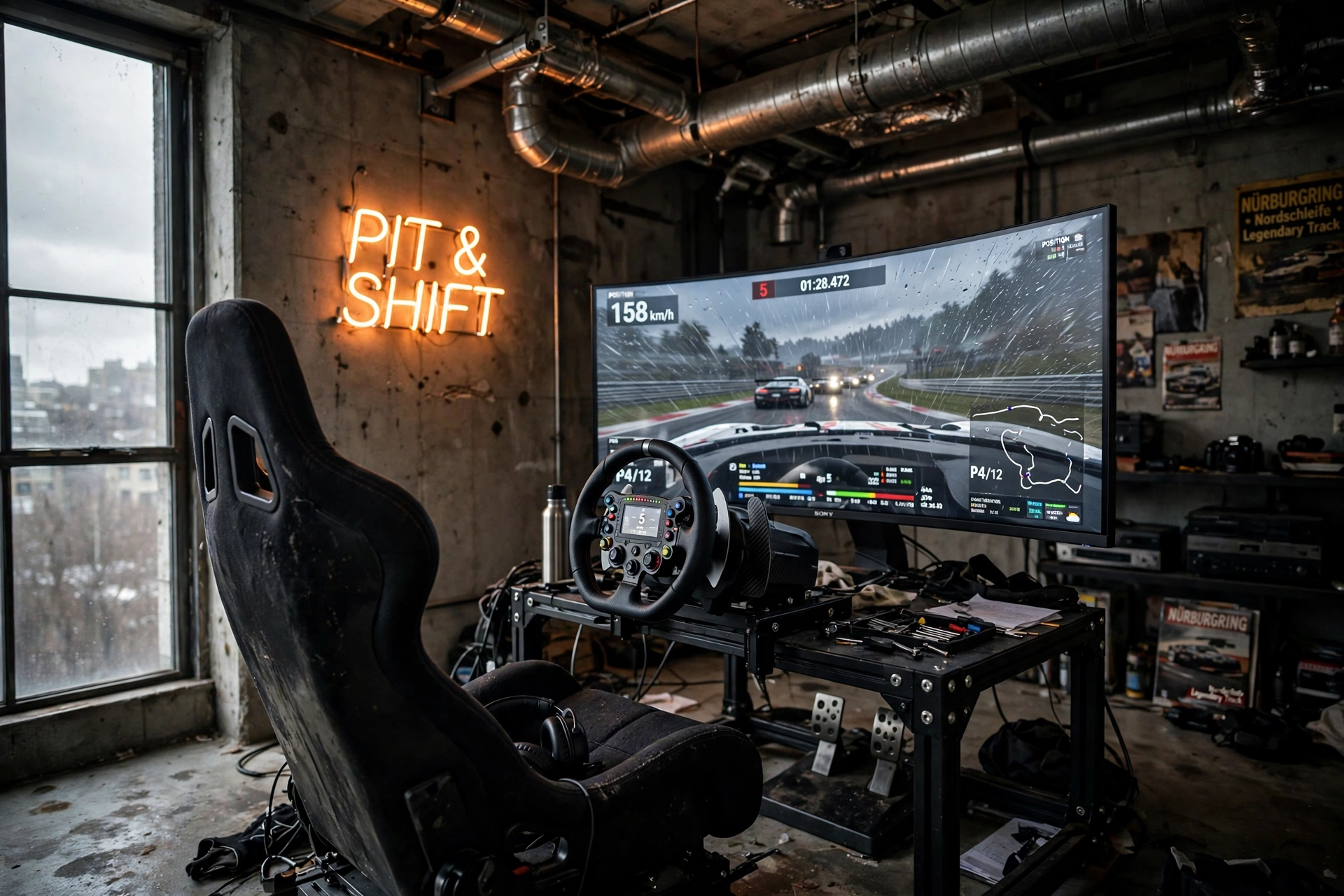
A loft with exposed ductwork and concrete floors is already halfway to a race garage, so lean into it. A racing rig in the corner, a wide monitor showing the track, a neon sign on the wall, and you have a setup that looks like it belongs in the building.
What works here: contrast. The cold steel and concrete get warmed up by a single amber lamp and the glow of the screen, while a dark rug under the rig stops the chair from sliding on the smooth floor. Keep the rig near a wall so the wheel and pedals have something solid behind them, and leave the middle of the floor open. Lofts feel best when you can walk through them without squeezing past furniture.
GTPLAYER Gaming Chair, Computer Chair with Footrest and Lumbar Support
Why this one: The recline, footrest, and lumbar support make long racing sessions comfortable without a dedicated rig seat.
Worth knowing: The wheels roll fast on concrete, so lock them or use a rug to keep the chair in place mid race.
AsiaHorse COSMIQ 120mm RGB Fans, 3 Pack
Why this one: Three quiet RGB fans keep the PC cool during long races and add a glow that matches the neon sign.
Worth knowing: Check your case has three spare fan mounts before ordering, since the pack has no spares.
7. Minimal White Loft Setup
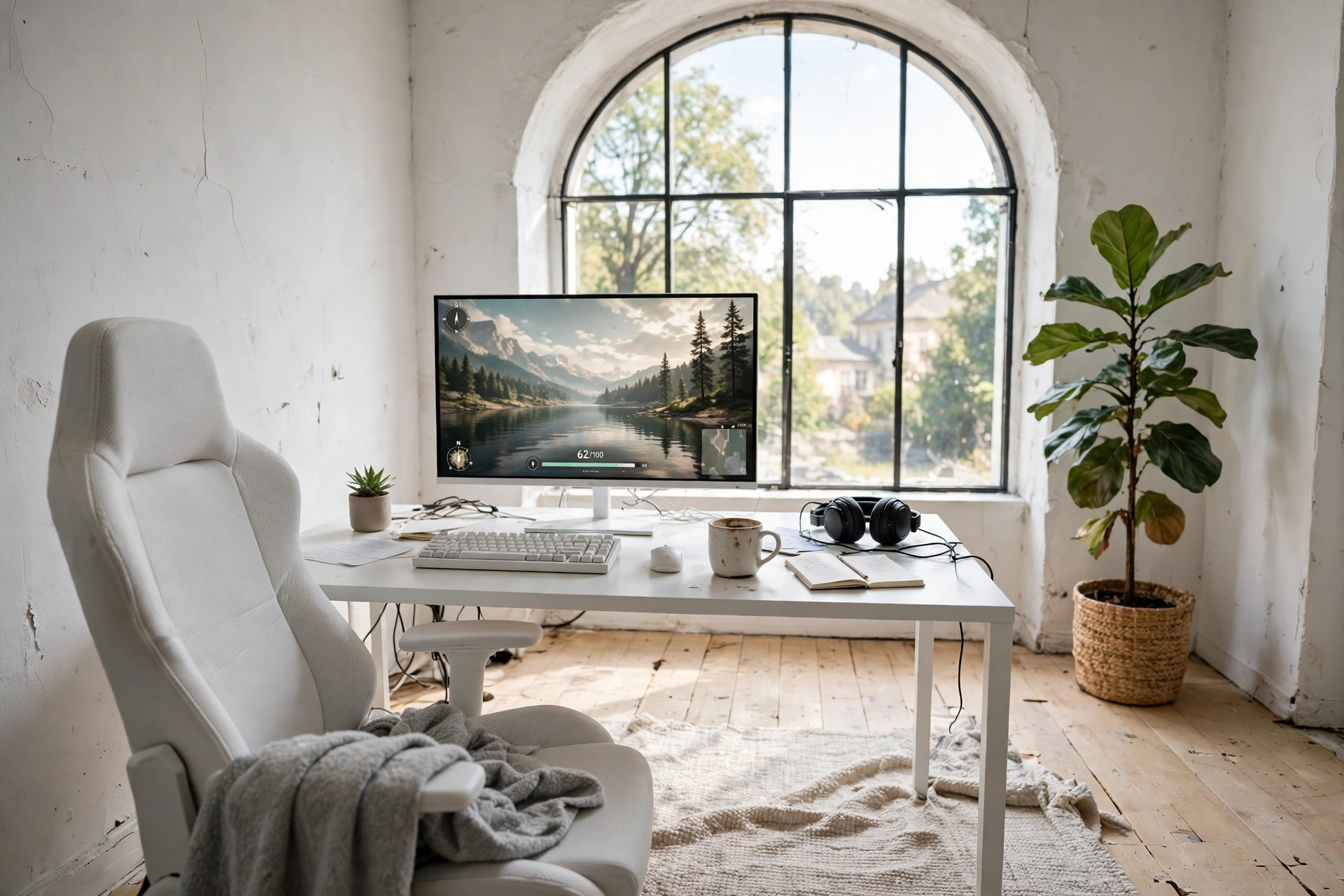
Not every loft needs brick and steel. A white loft with pale wood floors, an arched window, and one clean desk is a calm counterpoint, and the gaming setup becomes a quiet piece of furniture instead of a glowing command center.
- One monitor, one keyboard, one chair. Nothing extra on the desk except a plant and a mug.
- Hide the PC. A white case under the desk or a small shelf keeps the look clean.
- Let the window do the work. Daylight is the main light source, so skip heavy RGB here.
A slim light bar on top of the monitor gives you evening light without a desk lamp taking up space. The whole setup takes five minutes to tidy, which is the real luxury in a white room.
ASUS TUF Gaming VG27AQ 27 Inch QHD Monitor, 165Hz
Why this one: A sharp QHD panel with a clean design that fits a white desk without shouting gamer.
Worth knowing: The stand takes up a fair amount of desk depth, so a monitor arm suits a slim desk better.
Quntis Monitor Light Bar RGB PRO
Why this one: It lights the desk without a lamp base, keeping the minimal look intact after dark.
Worth knowing: The bar sits on top of the monitor, so it fits best on flat top bezels rather than curved screens.
8. Warehouse Stream Studio
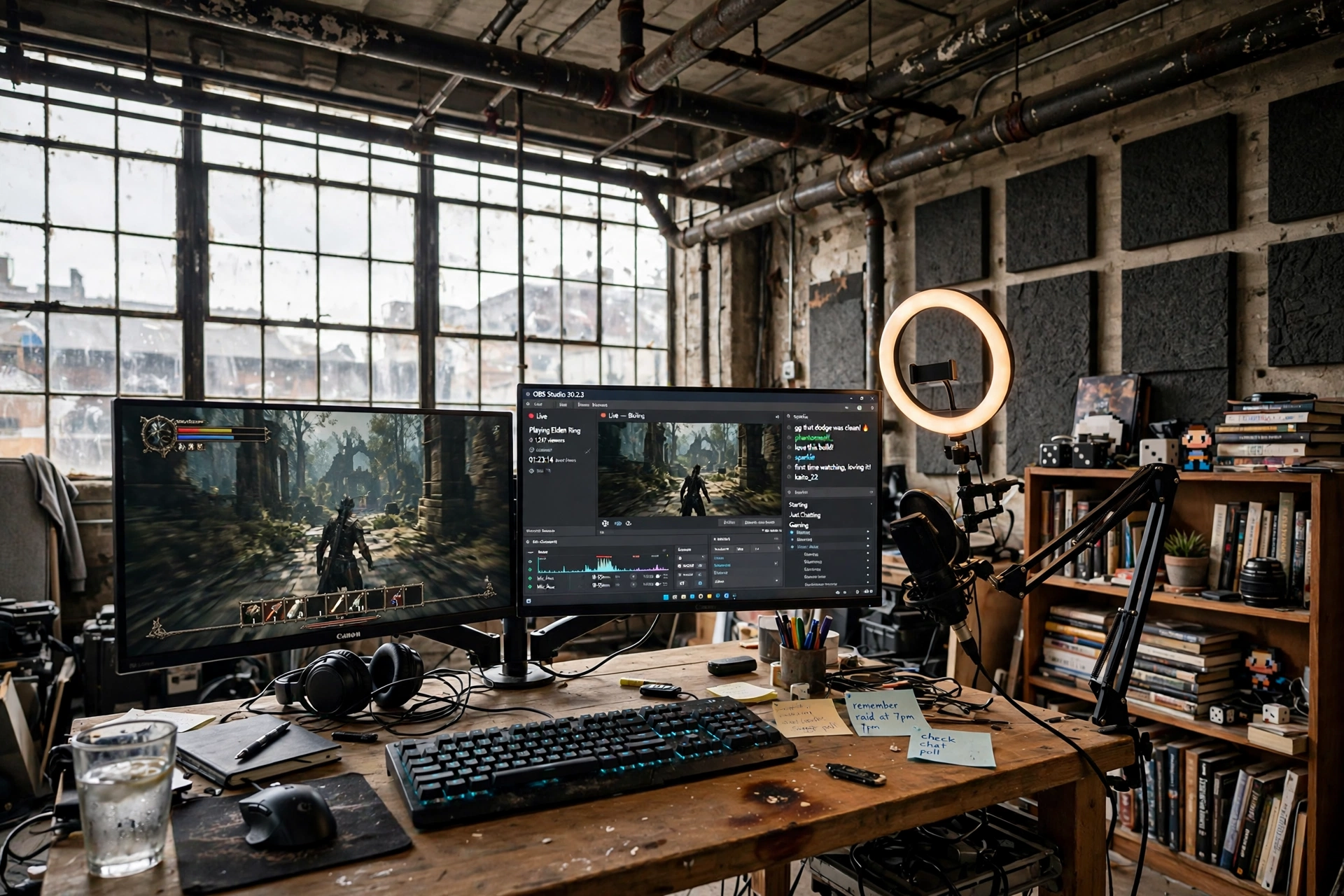
Warehouse lofts were built for making things, and a stream studio fits that history. Tall windows give you gorgeous daylight for the camera, exposed pipes add character to the background, and the open floor means your desk can face the room instead of a wall.
Set the desk so the windows light your face from the front or the side, never from behind, or the camera will turn you into a silhouette. One monitor runs the game, the second runs chat and streaming software, and a microphone on a boom arm swings in when you go live and away when you just want to play. Acoustic foam panels on the wall behind you tame the echo that big empty lofts love to produce.
Streamer tip: treat the background like a set
Pick one wall as your backdrop and style it on purpose: a shelf, a plant, a poster, and warm light. Everything else in the loft can stay messy, because the camera only sees that one wall.
LG UltraGear 27GP850-B 27 Inch QHD Gaming Monitor
Why this one: A fast, color accurate QHD panel that looks great on camera and keeps games smooth while you stream.
Worth knowing: The menu buttons sit under the bezel and take a little practice to find by touch.
Razer BlackWidow V3 Mechanical Gaming Keyboard, Quartz Pink
Why this one: A clicky, responsive board with a soft pink finish that stands out on camera without clashing with the loft.
Worth knowing: The clicky switches are loud, so they can bleed into an open microphone if it sits close to the keyboard.
9. Dusk Lounge Corner
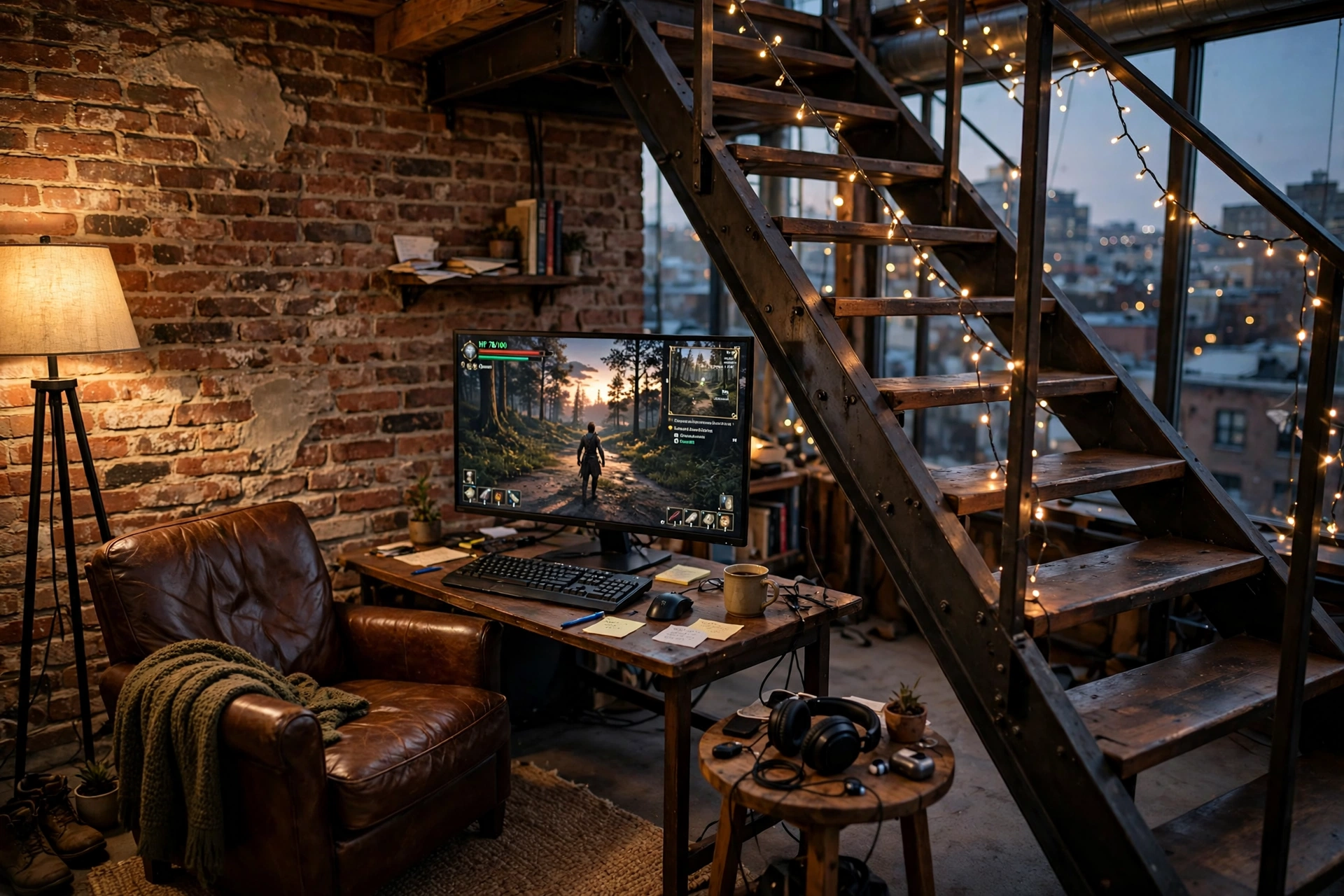
Lofts earn their keep at dusk, when the tall windows go amber and the whole room warms up. This corner is built for that hour: a curved monitor on a corner desk, a leather armchair pulled close, a floor lamp glowing low, and fairy lights tracing the stair rail.
The curved screen wraps your view and suits a corner desk better than a flat panel, because it turns toward you instead of fighting the angle. Wall panels behind the desk bounce soft light around the brick, and a small side table holds a headset and a drink so you never have to leave the chair. When the sun drops, this is the coziest square meter in the house.
What works here: layers of low light instead of one bright ceiling fixture. Lamp, fairy lights, screen glow, and wall panels each add a little, and together they make the brick look golden.
CRUA 27 Inch Curved Gaming Monitor, 180Hz
Why this one: The gentle curve and fast refresh suit a corner desk and make evening games feel immersive without a huge price tag.
Worth knowing: The curve is subtle, so sit centered to get the full effect rather than off to one side.
Nanoleaf Shapes Triangles Smarter Kit
Why this one: The triangle panels throw warm, adjustable light across the brick wall and become art when the screen is off.
Worth knowing: The starter kit covers a small shape, so plan your layout before sticking panels to the wall.
Frequently Asked Questions
Can I put a gaming setup in a loft with a sloped ceiling?
Yes, if you measure first. Sit at the desk and check you can sit upright under the slope, then use a compact desk and a wall mounted shelf on the tall side. A curved monitor also helps a small nook feel bigger.
How do I stop a loft gaming room from echoing?
Soft surfaces are the answer: a thick rug under the desk, curtains on tall windows, a sofa or armchair, and acoustic panels on one wall. Each one cuts the echo a little, and together they make a big difference.
What is the best desk position in a loft with big windows?
At a right angle to the glass. Facing the window gives you glare, and facing away puts your shadow on the screen. A right angle keeps daylight in the room and off the monitor.
Do I need special lighting for a loft gaming setup?
No, but layers help. Daylight does the heavy lifting during the day, and in the evening a floor lamp, an LED strip, or a monitor light bar adds warmth without one harsh ceiling light. Rough cost for a basic layered setup is modest, mostly the price of one lamp and one strip.
Can a loft gaming room work in a rented apartment?
Yes. Freestanding desks, floor lamps, and LED strips that stick to furniture instead of brick keep everything reversible. Avoid drilling into brick or beams, and use the loft’s own character as the decor.
Is one monitor enough for a loft setup?
For most players, yes, especially an ultrawide or a curved 27 inch panel. Add a second monitor only if you stream, work from the same desk, or constantly keep chat open while you play.
Conclusion
A loft does not need to be filled to feel finished. Pick one corner, give it a desk, a screen, and a layer of warm light, and let the height and the brick do the rest. Whether you claim the mezzanine, tuck into the slope under a skylight, or build a console lounge against the brick, the best loft setups all share the same idea: the room is the decor, and the setup just has to fit inside it gracefully.
If your loft is on the small side, the gaming desk setup ideas for small rooms will help you squeeze even more out of a tight corner.
