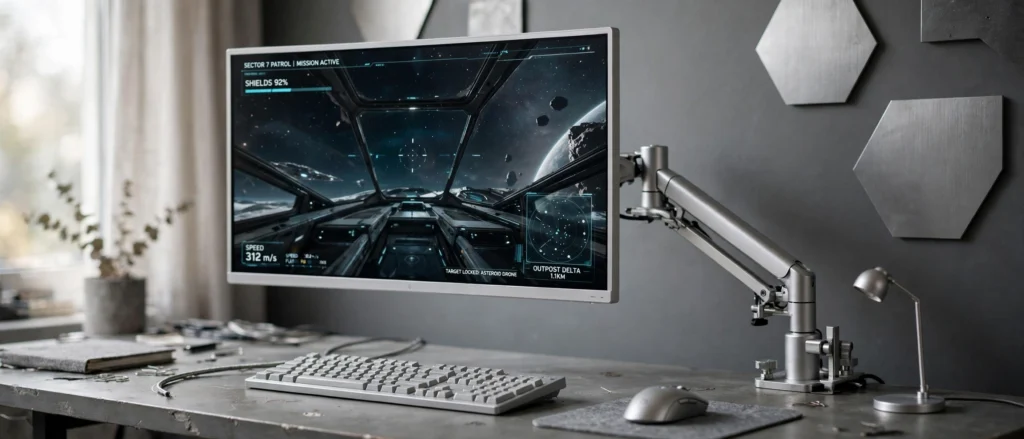
Good to know: As an Amazon Associate I earn from qualifying purchases. Some links in this article are affiliate links, and I may earn a small commission if you buy through them, at no extra cost to you. Read the full affiliate disclosure.
Grey and silver might sound plain on paper, but in a gaming room they do something clever: they step back and let the screen, the light, and the game take over. A silver monitor frame, a soft grey wall, a brushed metal lamp, and suddenly the whole room feels calm, grown up, and put together, even when the game on screen is pure chaos.
I have rounded up nine grey and silver setups that prove monochrome is anything but boring. Some are sleek and minimal, some are cozy corners with a warm lamp, and one moves the whole setup into the living room. If you love the clean look of our aesthetic gaming setup ideas, you will feel right at home here, just in a cooler palette.
In this article
2. Twin Silver Monitors on One Calm Grey Desk
3. A Curved Screen in a Cozy Grey Corner
4. A Silver Console Setup for the Living Room
5. A Small Grey Desk That Fits a Bedroom Corner
6. Silver Keyboard and Mouse Built for Precision
7. A Grey L Shaped Desk With Two Zones
8. A Moody Silver Setup With a Light Bar
9. A Silver Headset Corner That Stays Tidy
FAQ
Grey and Silver Gaming Setups at a Glance
1. Silver Ultrawide on a Floating Arm
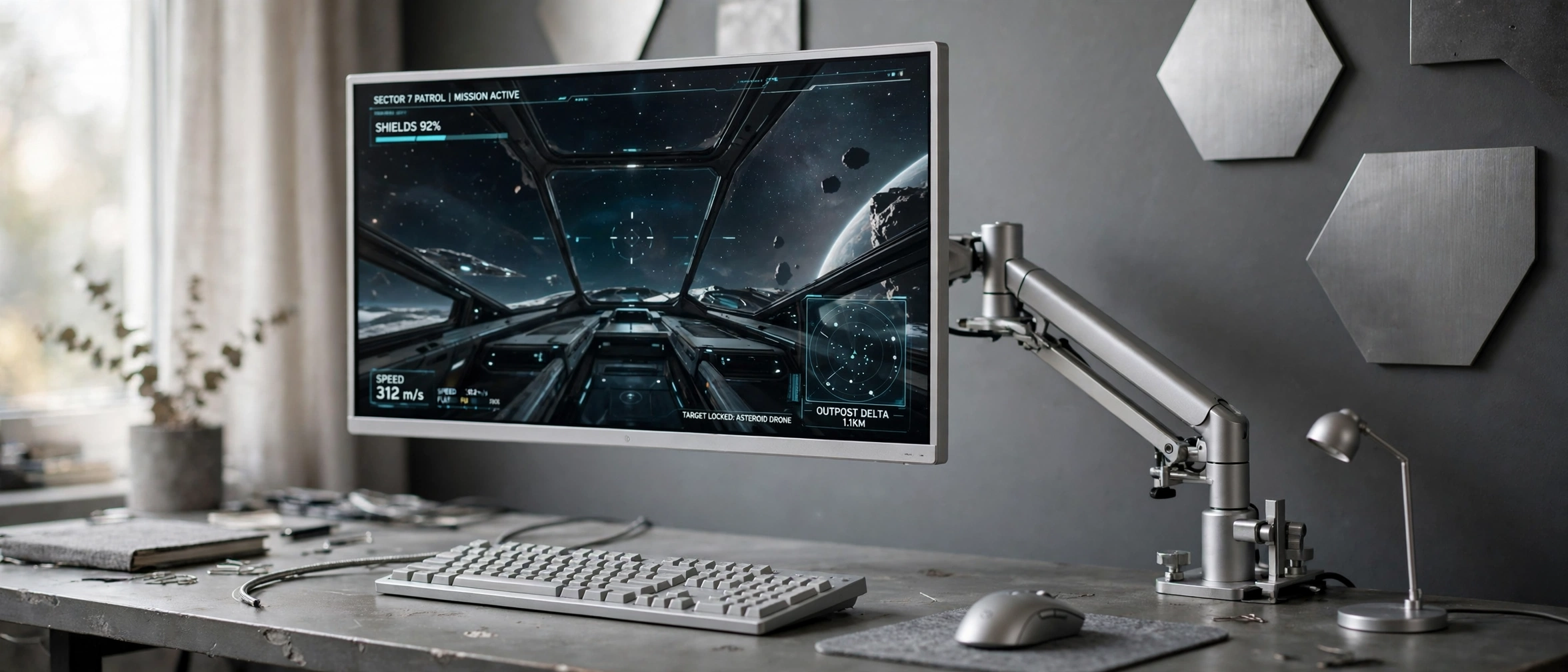
This is the setup for anyone who wants one big screen that does everything. The wide silver ultrawide monitor floats on a silver arm above a matte grey desk, so the whole surface stays clear for a keyboard, a mouse, and a notebook. Hexagonal silver wall panels behind it catch the light and give the grey wall some texture without adding color.
What works here
- The floating screen: the arm lifts the monitor and frees the desk below it.
- One screen, two jobs: game on one side, chat or a guide on the other.
- Metal on metal: the silver arm, lamp, and keyboard tie the whole look together.
- Soft daylight: a window nearby keeps the grey tones warm, not cold.
Keep the desk surface simple and let the screen do the talking. A grey desk mat under the keyboard softens the metal edge, and a small plant or notebook stops the corner from feeling like an office. This is a setup that looks just as good turned off as it does mid game.
LG 34 Inch Curved UltraWide QHD Monitor, 160Hz
Why this one: the wide silver framed screen gives room for a game plus chat side by side.
Worth knowing: an ultrawide needs a deep desk, so measure your depth first.
HUANUO Dual Monitor Arm, Gas Spring
Why this one: it lifts the screen off the desk and frees the space below it.
Worth knowing: it needs a desk edge thick enough to clamp firmly.
2. Twin Silver Monitors on One Calm Grey Desk

Two monitors do not have to mean a busy desk. Here, two silver framed screens sit side by side on a light grey desk, and everything else stays quiet: a grey chair, a small plant, a few silver accessories, and pale walls that bounce the daylight around. It is the kind of setup that works for a full workday and then switches to games without moving a thing.
- Game on the main screen, guides or music on the second.
- Matching silver frames keep the pair looking like one unit.
- A light grey desk keeps the room bright, even on cloudy days.
- A small plant is the only color in the room, and that is enough.
The trick is restraint. Pick one silver accent, like the monitor frames or a lamp, and repeat it twice at most. Everything else stays grey, white, or wood, and the desk stays calm instead of cluttered. If your room is small, this layout still works, because the pale palette makes the wall feel further away than it is.
Acer Nitro VG272U V3 27 Inch QHD Gaming Monitor, 180Hz
Why this one: a sharp QHD picture with a fast refresh rate for smooth play.
Worth knowing: the built in speakers are basic, so plan for headphones or speakers.
DUMOS 45 Inch Gaming Desk with LED Lights and Power Outlets
Why this one: built in power outlets keep chargers close without trailing cables.
Worth knowing: the LED strip is subtle, not a full room glow.
3. A Curved Screen in a Cozy Grey Corner
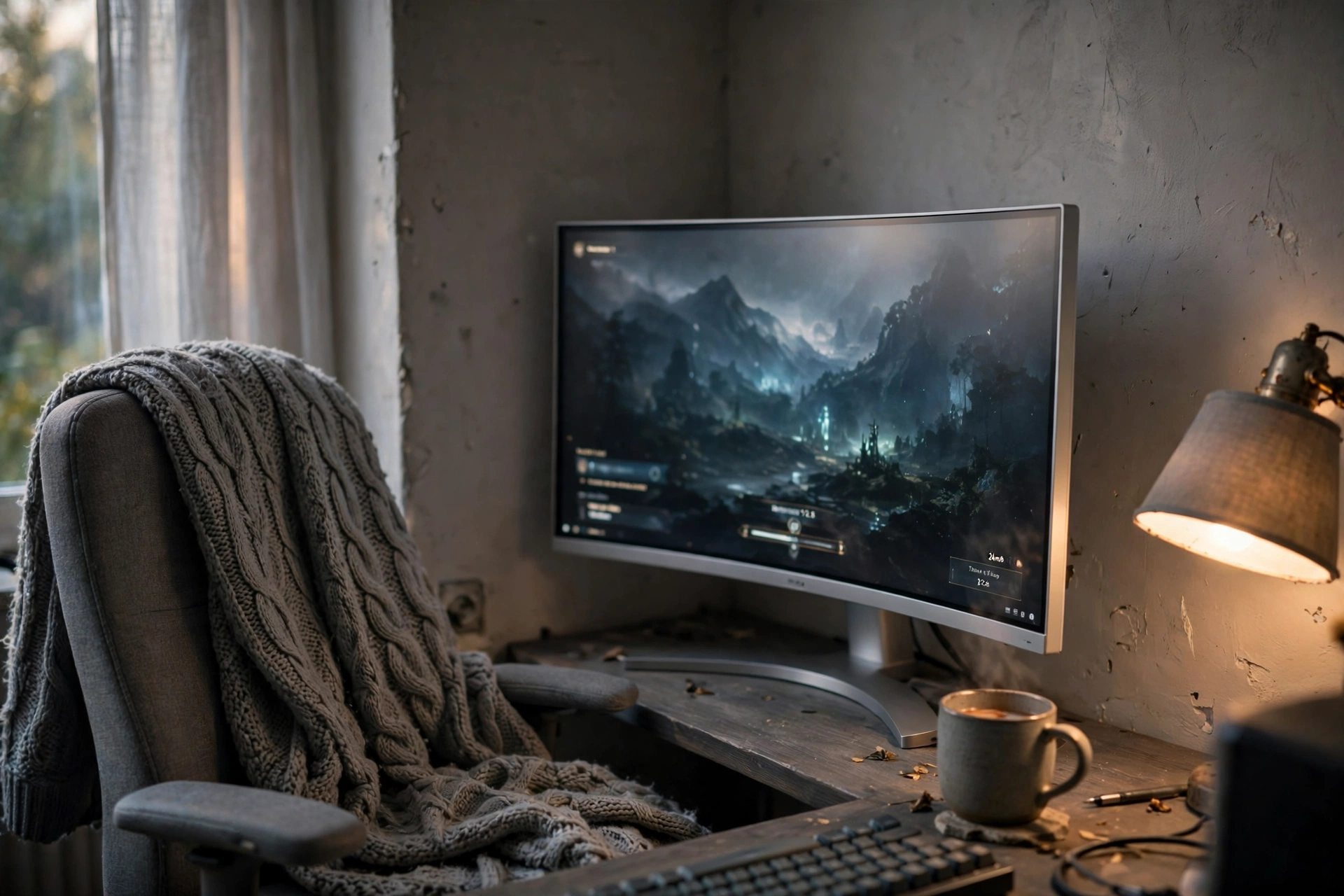
Not every grey setup has to feel cool and sharp. This one tucks a curved silver monitor into a corner nook with warm grey walls, a fabric chair, and a soft lamp, and the whole thing feels like a reading nook that happens to play games. The curved screen wraps the view just enough that you forget the room around you.
Try this: keep one warm light on in the corner, even during the day. A single warm lamp stops grey walls from feeling flat and makes the screen glow feel softer in the evening.
A knitted throw over the chair and a mug on the desk do more for comfort than any extra gadget. The lesson here is that grey works best with texture: fabric, wood, and soft light, not just smooth metal. If your room gets cold light, warm up the lamp and the throw and the grey will feel cozy instead of stark.
Dell S2721HGF 27 Inch Curved Gaming Monitor, 144Hz
Why this one: the curved screen pulls you into the game without a huge footprint.
Worth knowing: 1080p at 27 inches looks softer up close than QHD.
Govee 65.6ft RGBIC LED Strip Lights
Why this one: one long strip covers the desk, shelf, and wall in a single run.
Worth knowing: app setup takes a few minutes the first time.
4. A Silver Console Setup for the Living Room
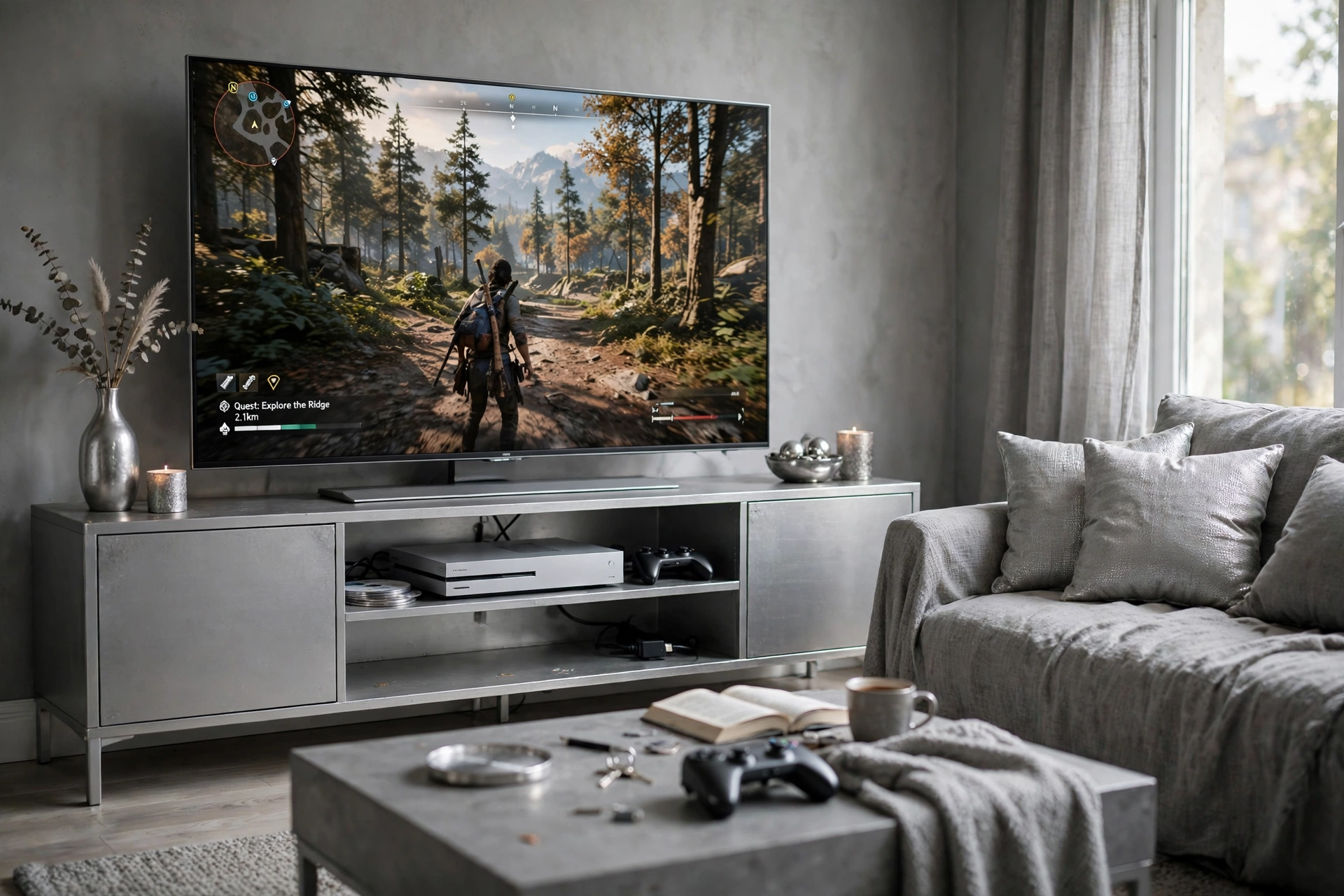
Grey and silver shine brightest in a shared living room, because they blend with furniture instead of fighting it. A big TV sits on a silver media stand, the console tucks into an open shelf, and a grey sofa with silver cushions faces it all. Nothing screams gaming room, yet everything is ready to play the moment you pick up the controller.
Two choices make this work. First, the media stand does the storage: games, controllers, and cables hide behind its doors and shelves. Second, the sofa is the seating, so there is no gaming chair to explain to guests. A coffee table in front holds a mug, a book, and a spare controller, and the room stays a living room first.
Desk setup
Best for solo ranked play and long PC sessions at a desk.
Living room setup
Best for couch co-op, family movie nights, and shared spaces.
If you share the room, keep the silver accents small and the grey soft. A silver vase, a metallic bowl, and the TV frame are plenty. The console itself can sit in the open shelf and still look tidy, as long as the cables run behind the stand.
Samsung 27 Inch Odyssey G5 QHD Gaming Monitor
Why this one: the curved QHD panel suits both console and PC play.
Worth knowing: the stand is wide, so leave room on the media unit.
GTPLAYER Gaming Chair, Computer Chair with Footrest and Lumbar Support
Why this one: the footrest and lumbar support make long sessions easier on your back.
Worth knowing: assembly takes about half an hour.
5. A Small Grey Desk That Fits a Bedroom Corner
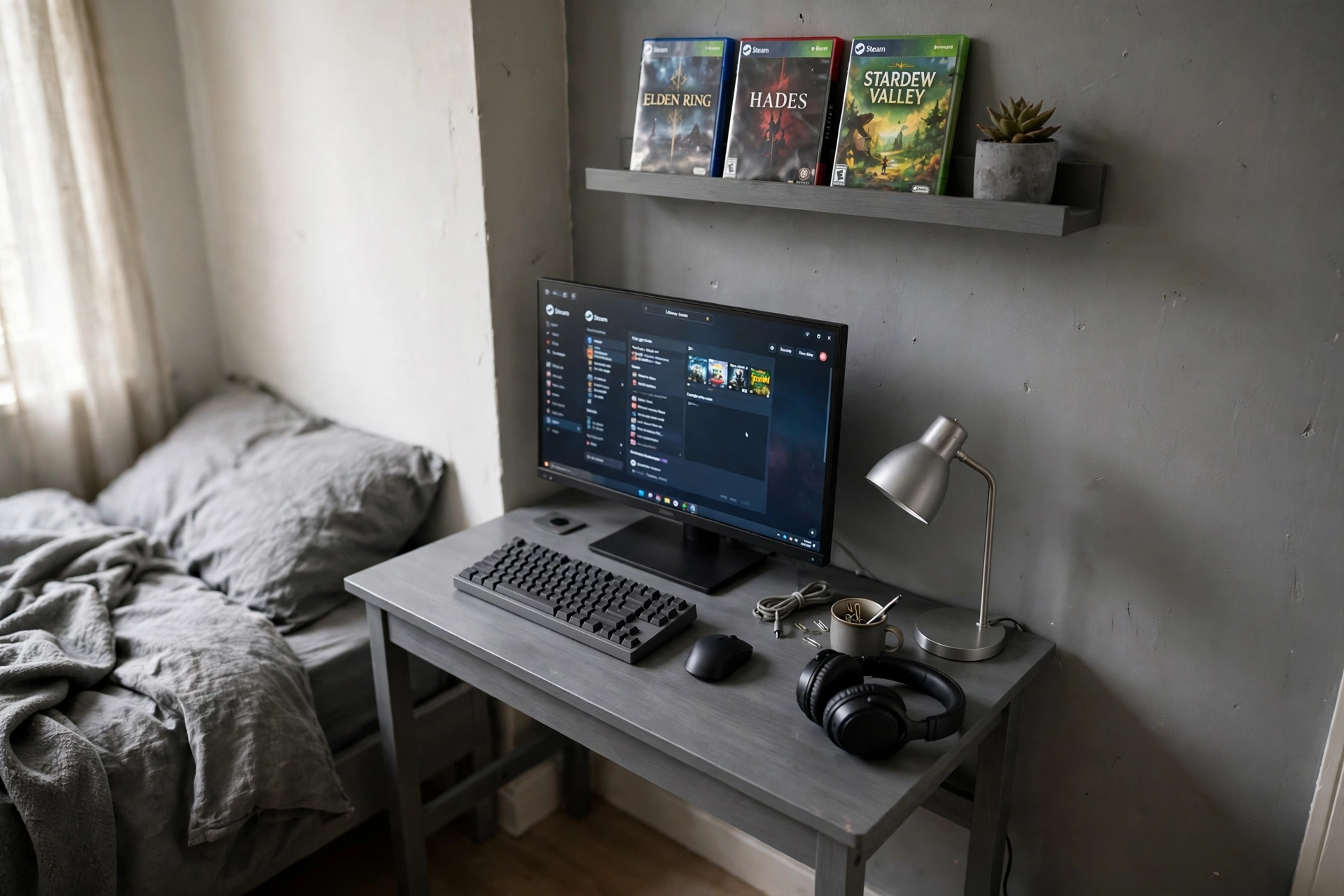
Small bedrooms are where grey earns its keep. A compact grey desk slides into a corner, a single monitor sits on a raised shelf, and the grey bedding nearby makes the whole corner feel like one calm space instead of a desk squeezed next to a bed. Nothing sticks out, nothing crowds the walkway, and the setup still feels like a real gaming spot.
Here is how to make a corner desk work:
- Raise the screen: a monitor shelf lifts the display to eye level and frees the desk below.
- Keep one lamp: a small silver lamp is enough light for a corner, and it doubles as decor.
- Use the wall: a single shelf above the desk holds games without taking floor space.
- Match the bedding: grey sheets tie the desk into the room so it looks planned, not parked.
Measure the corner before you buy anything, and leave a little space on each side for your chair to turn. A 40 inch desk fits one monitor comfortably, and that is all most small rooms need.
KKL 40 Inch Small Computer Desk with Adjustable Monitor Stand
Why this one: the raised monitor shelf frees desk space in a tight corner.
Worth knowing: 40 inches fits one monitor comfortably, two is a squeeze.
KTC 27 Inch Gaming Monitor, 180Hz, 1080p
Why this one: a fast refresh rate at a friendly size for a small room.
Worth knowing: the stand has limited height adjustment.
6. Silver Keyboard and Mouse Built for Precision
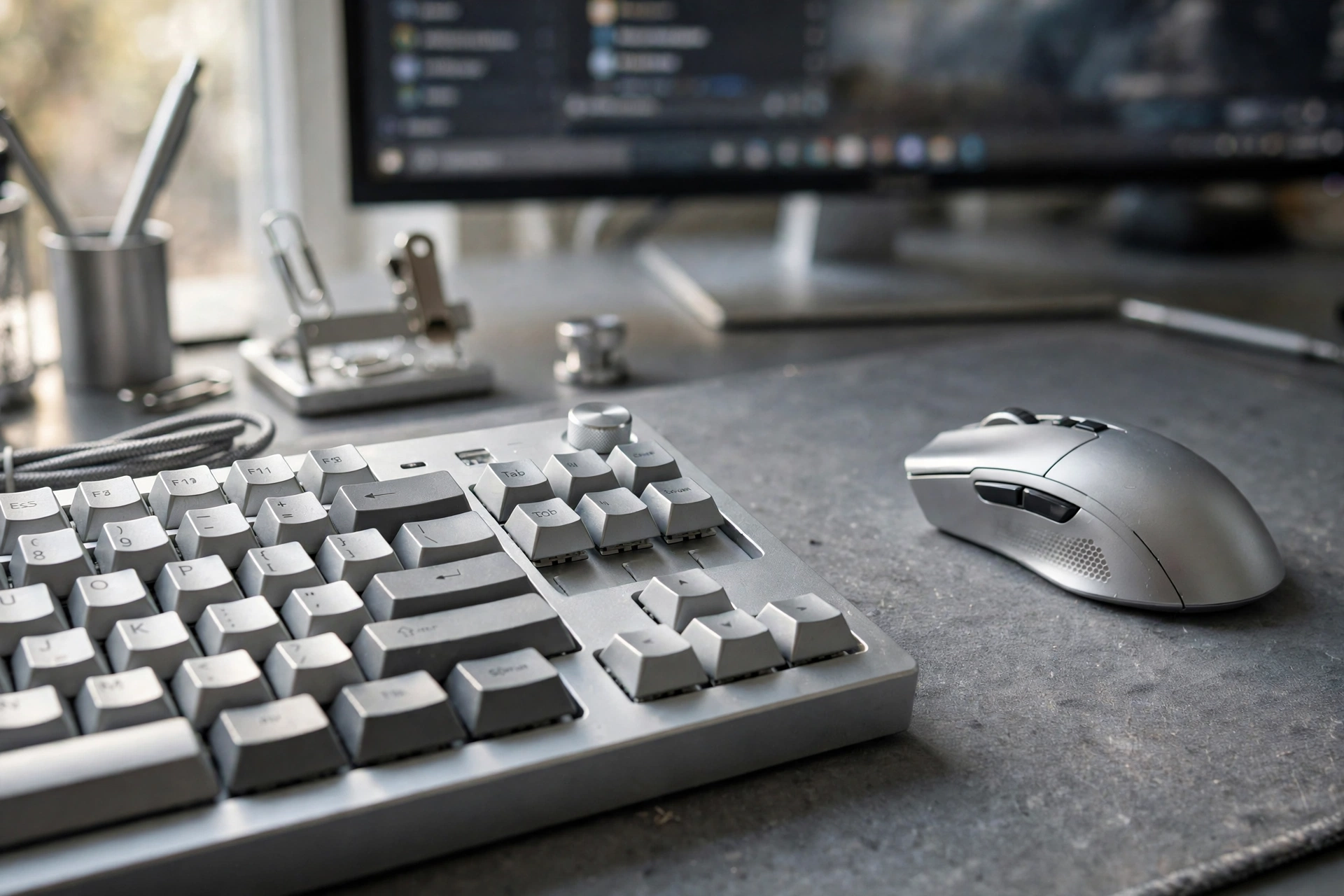
Sometimes the setup is not about the room at all, it is about what your hands touch. A silver mechanical keyboard and a silver mouse on a large grey desk mat turn an ordinary desk into a precise tool, and the monitor glowing softly behind them is almost a backdrop. This is the setup for players who notice key travel, click weight, and mouse glide.
Tactile switches
Precise sensor
Large grey desk mat
Silver desk accessories
The grey desk mat is the quiet hero here. It protects the desk, gives the mouse a smooth surface, and ties the silver keyboard to the grey desktop. Keep cables tidy with a small clip or a braided cable, and the whole desk stays as clean as it looks in the photo. Silver shows fingerprints more than black does, so a quick wipe once a week keeps it looking new.
Corsair K70 CORE RGB Mechanical Gaming Keyboard
Why this one: solid build and smooth switches that feel good for long sessions.
Worth knowing: it is a full size board, so it needs desk width.
Logitech G502 HERO Wired Gaming Mouse
Why this one: a precise sensor and extra buttons you can map to your games.
Worth knowing: the wired cable needs a little cable management to stay out of the way.
7. A Grey L Shaped Desk With Two Zones
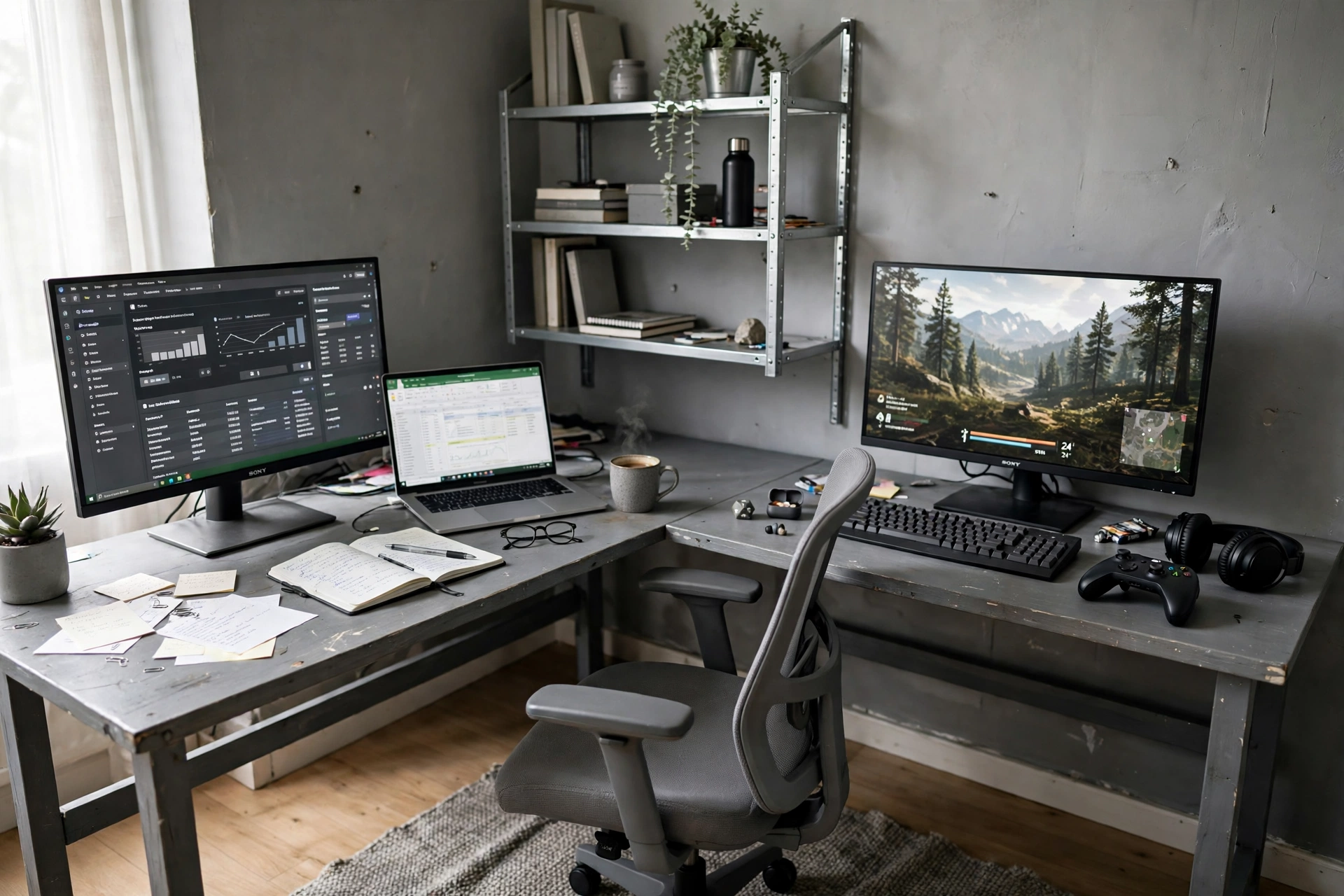
An L shaped desk is the simplest way to give one corner two jobs. One side holds a laptop and a notebook for work or study, the other side holds the gaming monitor and controller, and you just turn your chair to switch modes. The grey finish keeps both sides looking like one piece of furniture instead of two desks pushed together.
Work side: what it does well
Laptop, notebook, and a lamp, all within reach, with the wall shelf above for books.
Play side: what to watch for
The gaming monitor needs a clear cable run to the PC, so plan the power strip placement early.
Silver shelving above the work side adds storage without taking desk space, and a grey office chair rolls between the two zones easily. The one thing to check before buying is the corner itself: an L shaped desk needs a real corner with clear walls on both sides, or the short side will block a door or a walkway.
PRAISUN 66 Inch L Shaped Gaming Desk with LED Lights and Power Outlets
Why this one: the L shape gives a work side and a play side in one desk.
Worth knowing: it needs a real corner, it will crowd a small room.
Acer Nitro KG271U 27 Inch QHD Gaming Monitor, 180Hz
Why this one: a crisp QHD panel with a fast refresh rate for the gaming side.
Worth knowing: the bezel is slim but the stand base is fairly deep.
8. A Moody Silver Setup With a Light Bar
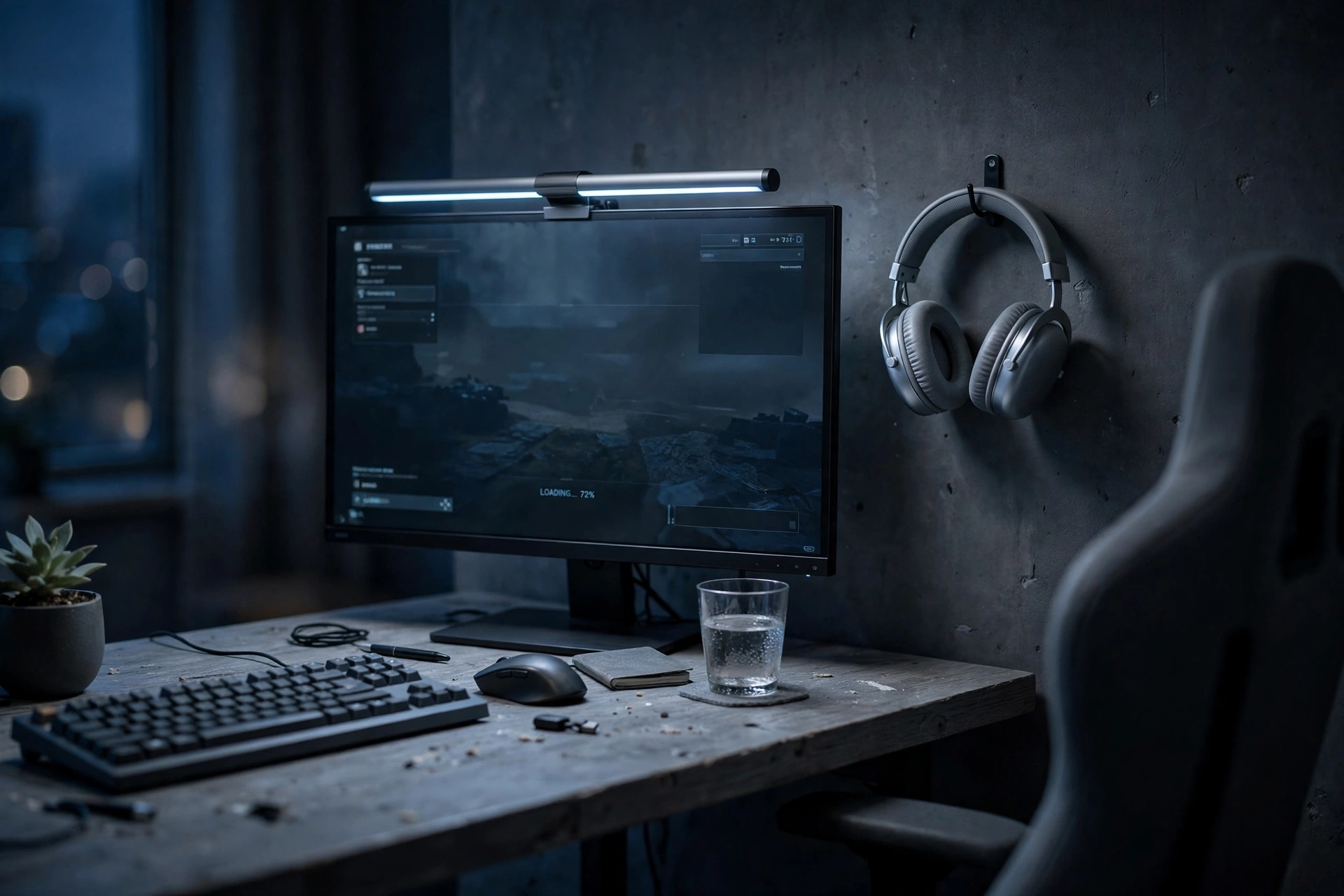
Grey turns moody fast when the lights go down, and this setup leans into it. A dark grey wall sits behind the desk, a slim silver light bar glows above the monitor, and soft cool light washes over the grey desktop. The screen is the brightest thing in the room, which is exactly how late night gaming should feel. If you like this darker mood, our dark gaming setup ideas for a moody battlestation go even further in the same direction.
Night mode checklist
- Light bar on, room light off, screen brightness down a notch.
- Headphones on the hook, not on the desk, to keep the surface clear.
- A grey chair that disappears into the shadows, so the screen stays the focus.
- One soft glow behind the monitor to ease eye strain.
The light bar is the key piece, because it lights the desk without throwing glare on the screen. Without it, a dark grey setup can feel like typing in a cave. With it, you get a pool of light exactly where your hands are, and the silver bar itself looks sharp against the dark wall even when it is off.
LG UltraGear 27GP850-B 27 Inch QHD Gaming Monitor
Why this one: a bright QHD panel with smooth motion for fast games.
Worth knowing: the menu buttons take a little learning.
Quntis Monitor Light Bar RGB PRO
Why this one: it lights the desk without glare on the screen, and the RGB back glow adds mood.
Worth knowing: it needs a USB port on the monitor or PC.
9. A Silver Headset Corner That Stays Tidy
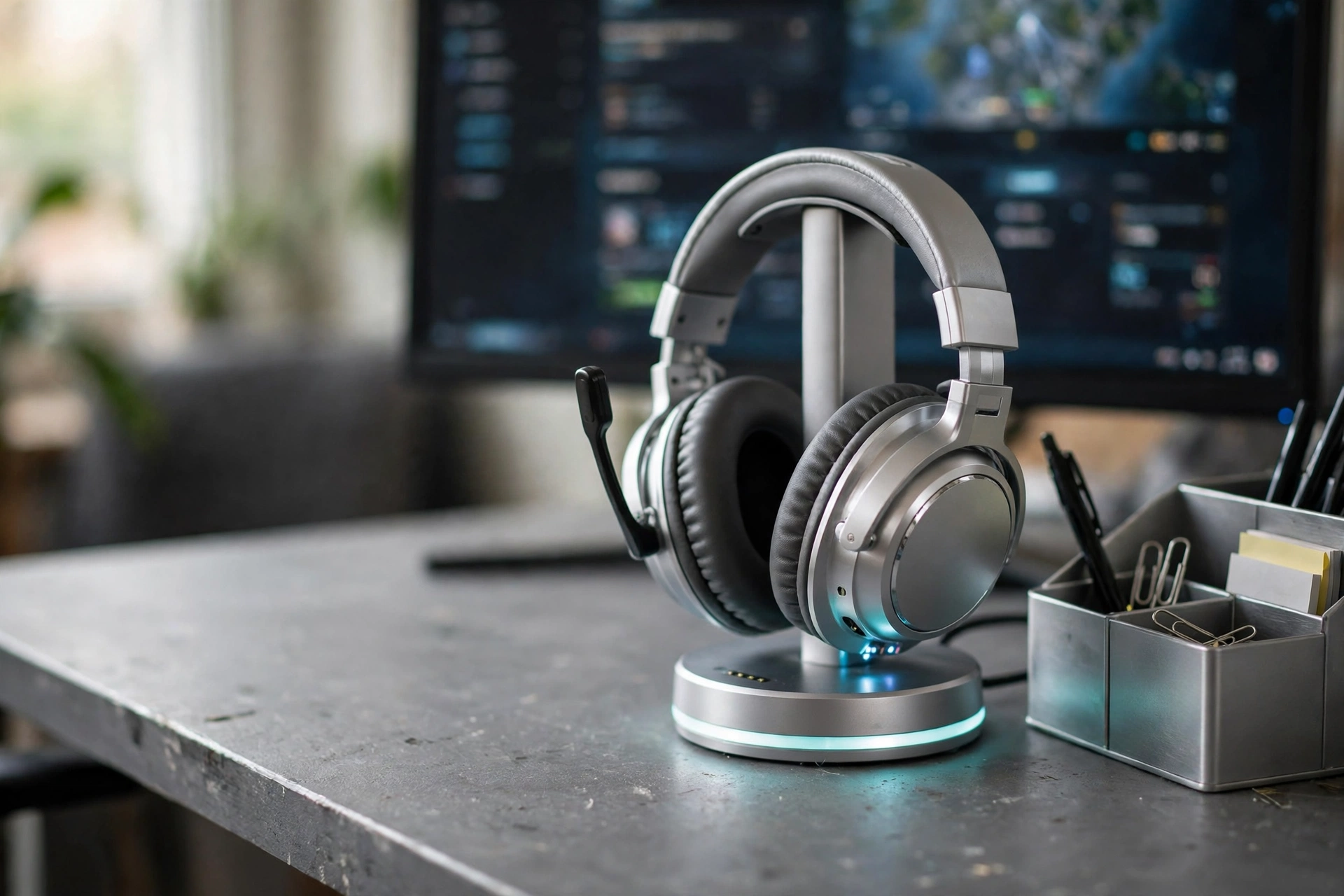
The last setup is the smallest one, and it might be the most useful. A silver headset on a glowing stand, a charging station for a phone, and a small silver organizer turn one corner of a grey desk into a home for all the small things that usually end up scattered. The monitor glows behind it, and the desk stays clear.
- Headset on the stand, not on the desk, so it never gets sat on or tangled.
- Phone charging on the same base, so one cable does two jobs.
- A small organizer for cables, clips, and the odd screwdriver.
- Everything in the corner has a place, so tidying takes ten seconds.
This corner works in any of the setups above, and it is the easiest one to copy. You do not need a new desk or a new monitor, just a stand and a habit: headset goes back on the stand when the game ends. Silver stands look best on a grey desk, because the metal picks up the same tones as the screen frame and the keyboard.
ASUS TUF Gaming VG27AQ 27 Inch QHD Monitor, 165Hz
Why this one: a fast 165Hz QHD panel that suits most games well.
Worth knowing: the stand is sturdy but does not swivel far.
TROND RGB Headset Stand with PD 20W USB C Charger
Why this one: it holds the headset and charges a phone from the same small base.
Worth knowing: the RGB glow stays on while it is plugged in.
Related reading
- 15 Budget Gaming Setup Ideas That Look Expensive for grey and silver looks that cost less than they appear.
- Browse all Gaming Room Ideas on desk and glow.
Frequently Asked Questions
Does a grey and silver gaming setup look cold?
It can, if everything is smooth metal and hard light. Add fabric, wood, and one warm lamp, and the grey turns cozy. A throw, a plant, or warm white lighting makes a big difference.
What is the easiest way to start a grey gaming setup?
Start with the desk and the monitor frame. A grey desk and a silver framed monitor set the palette, and everything else can follow one piece at a time.
How much does a grey and silver setup cost?
A basic setup with a desk, monitor, keyboard, and mouse can come together for a few hundred dollars, while a full room with an ultrawide, a chair, and lighting runs higher. Check the price buttons above for current prices before you buy.
Do silver accessories show fingerprints?
Yes, more than black does. A quick wipe with a soft cloth once a week keeps silver keyboards, mice, and stands looking new.
Can I mix grey with another color?
Yes. Grey and silver pair well with white, soft blue, or warm wood. Keep the second color to small accents, like a lamp or a cushion, so the grey stays the main look.
Grey and Silver, Done Right
Grey and silver work because they get out of the way. The screen, the game, and the light do the talking, and the room around them just feels calm and finished. Whether you copy the floating ultrawide, the cozy curved corner, or just the tidy headset stand, start with one piece and build from there. A grey desk, a silver frame, and a little texture are all it takes to turn a plain corner into a setup you actually want to sit at.
Pick the setup that fits your room and your budget, then make it yours. And if you want more ideas in the same calm style, have a look at the related reading above before you start shopping.
