Heads up: As an Amazon Associate I earn from qualifying purchases. That means if you buy through a link on this page, I may earn a small commission at no extra cost to you. Read the full policy on our affiliate disclosure page.
Red light does something no other color can do in a gaming room. It feels bold, warm, and a little bit cinematic, like the room itself is switched on. Done well, it turns an ordinary desk into a cockpit. Done badly, it turns the room into a darkroom. The difference is placement, and that is what this list is about.
Below are seven complete red LED setups, from a single strip tucked behind a desk to a whole room washed in red. Each one is a full setup you can copy, with the desk, the screen, the seat, and the light working together. If you want the wider picture first, our 15 LED gaming room ideas that set the perfect mood covers every color, while this list goes all in on red.
In this article
At a glance: which red setup fits you?
| Setup | Best for | Hero product |
|---|---|---|
| Red strip behind the desk | First timers, small budgets | Govee RGBIC LED strip |
| Red wall panels | Renters who want wall art | Govee Glide wall lights |
| Full red room | Late night immersion | Govee RGBIC floor lamp |
| Red glow behind the TV | Console players, living rooms | Philips Hue gradient strip |
| Red light on the desk | Small desks, focused play | JOYYE RGB mouse pad |
| Red fans and glass case | PC builders who show off | AsiaHorse RGB fans |
| Soft red bedroom accents | Bedrooms, shared spaces | DUMOS LED gaming desk |
1. Red LED Strip Behind the Desk, the Classic Starting Point
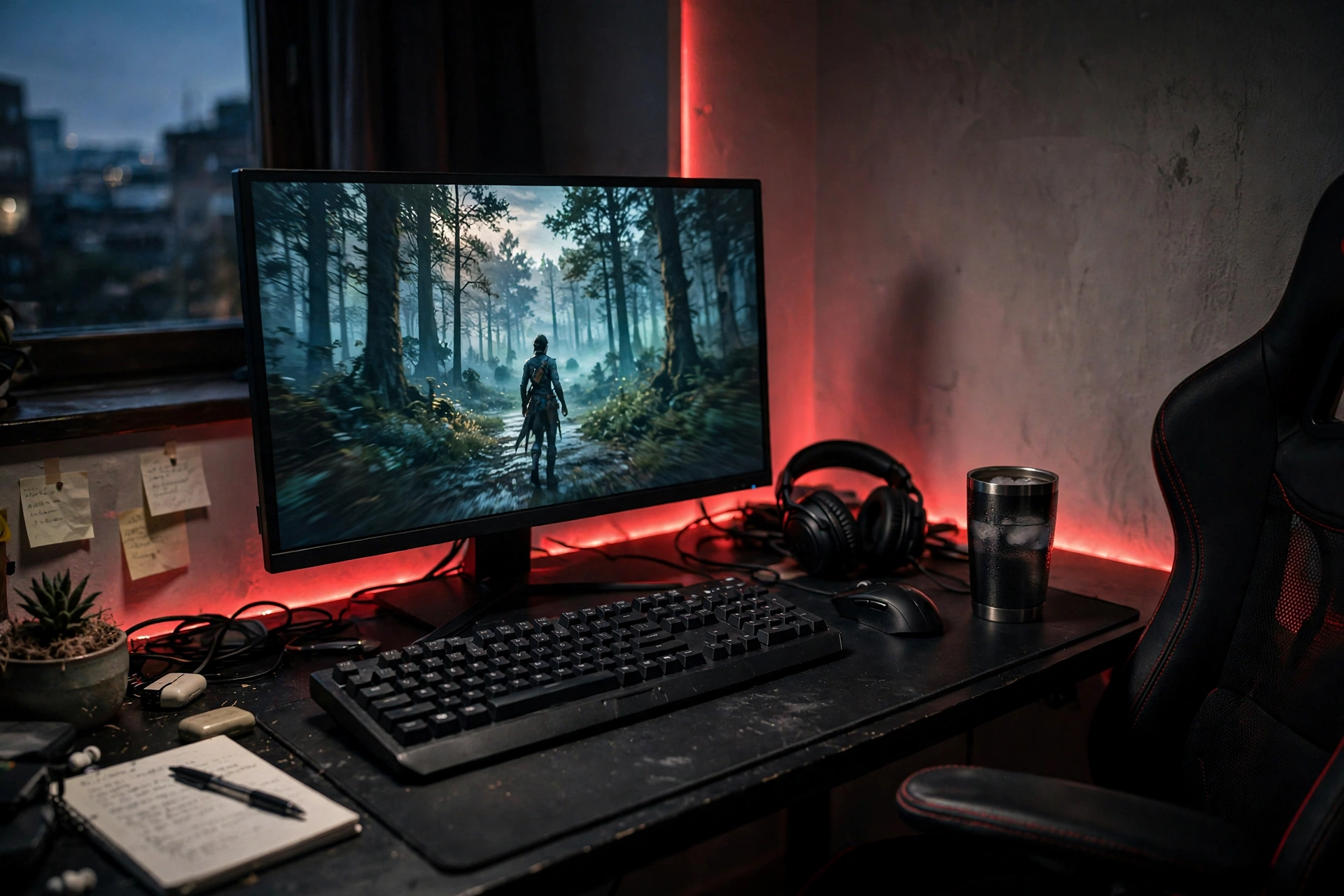
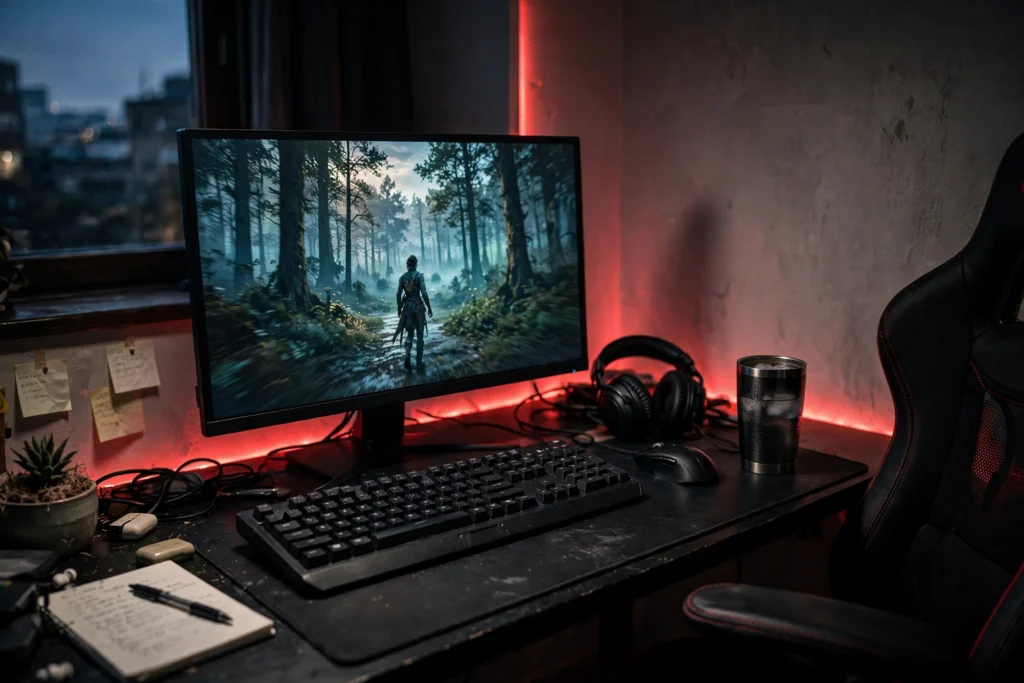
This is the setup that starts most red rooms, and it still works beautifully. A single strip runs along the back edge of the desk and up the wall, so the monitor seems to float in a red halo. The desk itself stays dark and calm, the keyboard catches just enough glow to read, and the chair sits in soft shadow. It looks expensive, and it takes about twenty minutes to install.
- Place the strip along the rear desk edge, not the front, so the light washes the wall.
- Set it to a deep red, not pink or orange, and dim it to about 60 percent.
- Keep the desk surface dark so the glow reads as a frame, not a floodlight.
Pair it with a sharp QHD monitor and a tidy cable run, and the whole corner feels finished. If the red ever feels too strong, one dimmer tap brings it back to a warm ember instead of a warning light.
Govee RGBIC LED Strip Lights, 16.4ft
Why this one: the RGBIC segments let you run red along the desk and fade it out near the floor, so the glow has depth instead of one flat line.
Worth knowing: the adhesive is strong, so plan the route before you stick it down, because moving it later can peel paint.
ASUS TUF Gaming VG27AQ 27 Inch QHD Monitor, 165Hz
Why this one: the slim bezels let the red halo sit right against the screen edge, and the 165Hz panel keeps fast games smooth.
Worth knowing: the stand is sturdy but wide, so measure a small desk before you commit.
2. Red Wall Panels That Glow Like Art
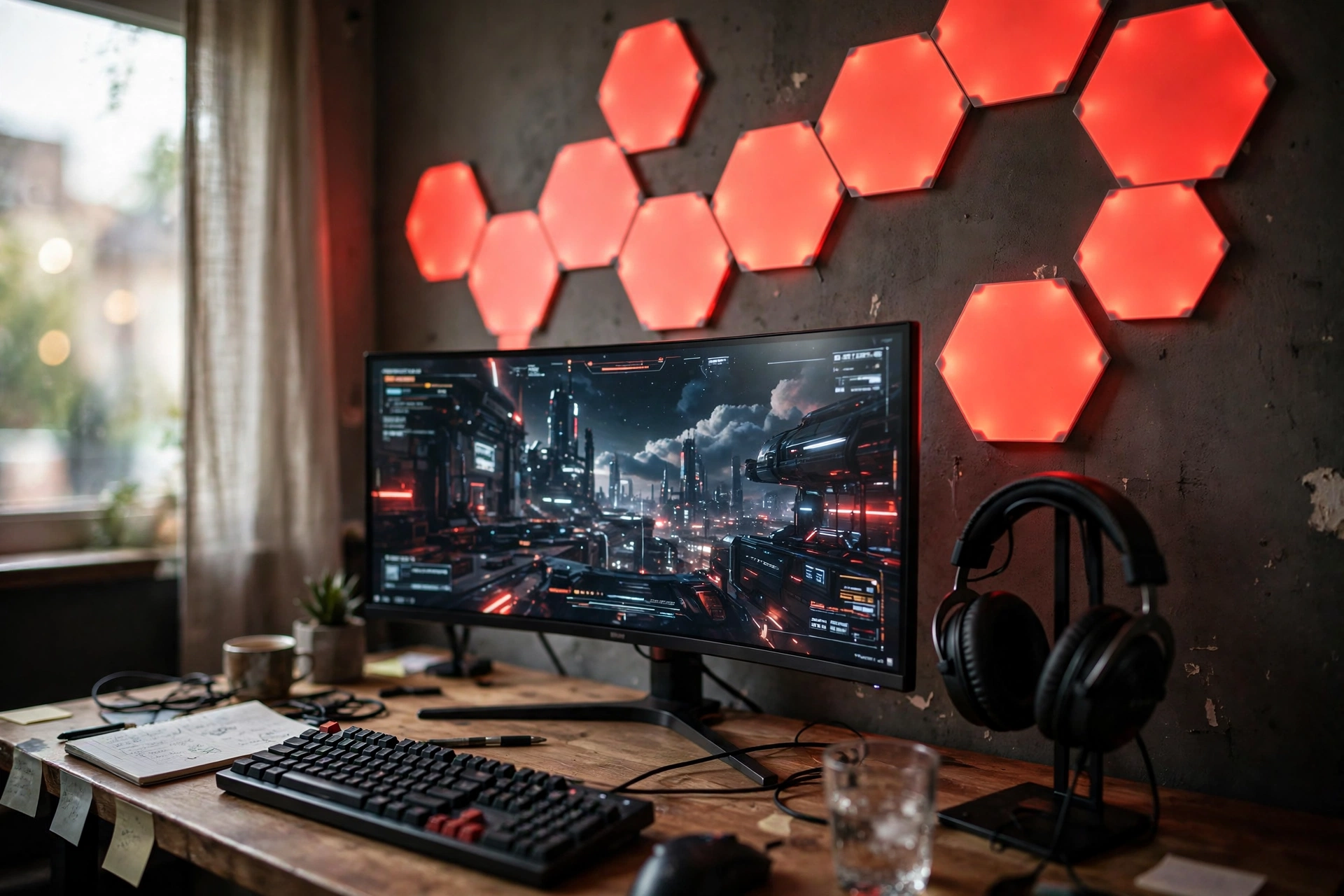
Wall panels turn your lighting into the decoration. Instead of posters or shelves, a cluster of red hexagons sits above the monitor and throws a soft wash across the wall. The desk below stays simple: a curved ultrawide, a keyboard, and a headset on a stand. Nothing else competes for attention.
Here is what works here: the panels give you a shape to look at when the screen is off, so the room still has a focal point. They also bounce red light gently instead of beaming it at your eyes, which matters on long nights. Keep the rest of the wall bare and let the panels do the talking.
Tip: lay the panels out on the floor first and photograph the shape. It is much easier to change a layout on the carpet than on the wall.
Govee Glide Wall Light, 6 Pcs + 1 Corner
Why this one: the bars link into custom shapes, so you can build a hexagon, a wave, or a simple line above the monitor.
Worth knowing: six pieces fill a modest space, but a wide wall may need a second set to feel balanced.
Nanoleaf Shapes Triangles Smarter Kit
Why this one: the triangles react to touch and music, so the wall feels alive during a game and calm when you just want a red glow.
Worth knowing: it costs more than basic panels, so it suits a setup you plan to keep for a long time.
3. A Full Red Room That Feels Like a Cocoon
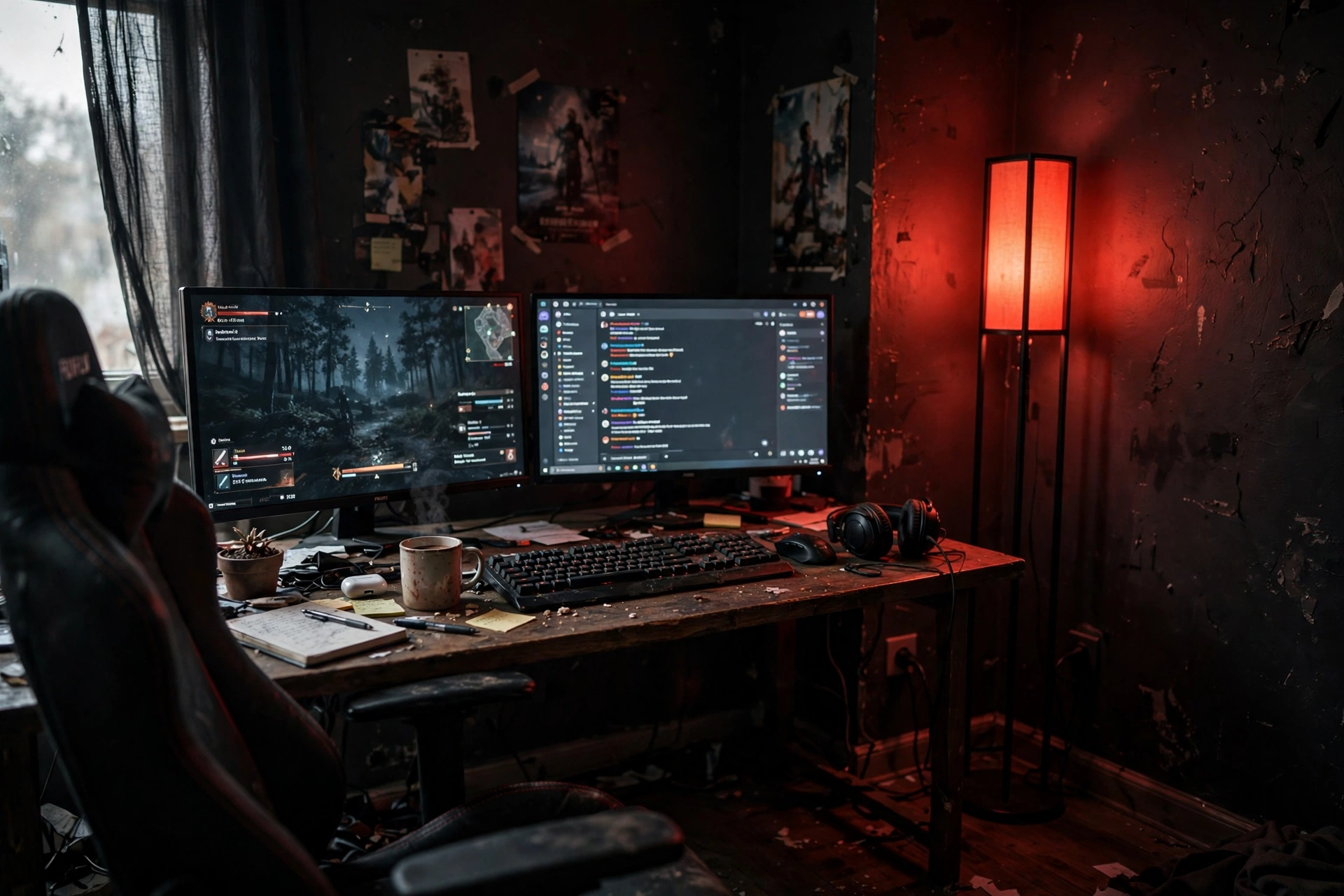
Some rooms go all in, and when the whole space glows red, the outside world disappears. A tall floor lamp in the corner does most of the work here, throwing a soft red wash up the walls and across the ceiling. Two monitors sit in the middle of it, screens bright against the dark, and the gaming chair feels like a cockpit seat. It is dramatic, and it is surprisingly relaxing once your eyes adjust.
Two choices make or break this look. First, keep the ceiling light off, because any white light kills the mood instantly. Second, give the red somewhere to land: dark walls, a rug, or a curtain all soak it up and glow back softly. Bare white walls just bounce it around and feel harsh.
If you love moody rooms in general, our 15 dark gaming setup ideas for a moody battlestation has more ways to build a space that feels like this after dark.
Govee RGBIC Floor Lamp, LED Corner Lamp
Why this one: it tucks into a corner and washes two walls at once, so one lamp can light a whole small room in red.
Worth knowing: it needs a corner with a free outlet nearby, because the cord is not very long.
Philips Hue Play Light Bar, 2 Pack
Why this one: the two bars sit behind the monitors and add a second layer of red, so the glow feels deep instead of flat.
Worth knowing: Hue gear works best with a Hue Bridge, which is sold separately, so budget for it if you do not own one.
4. Red Glow Behind the TV for Console Nights
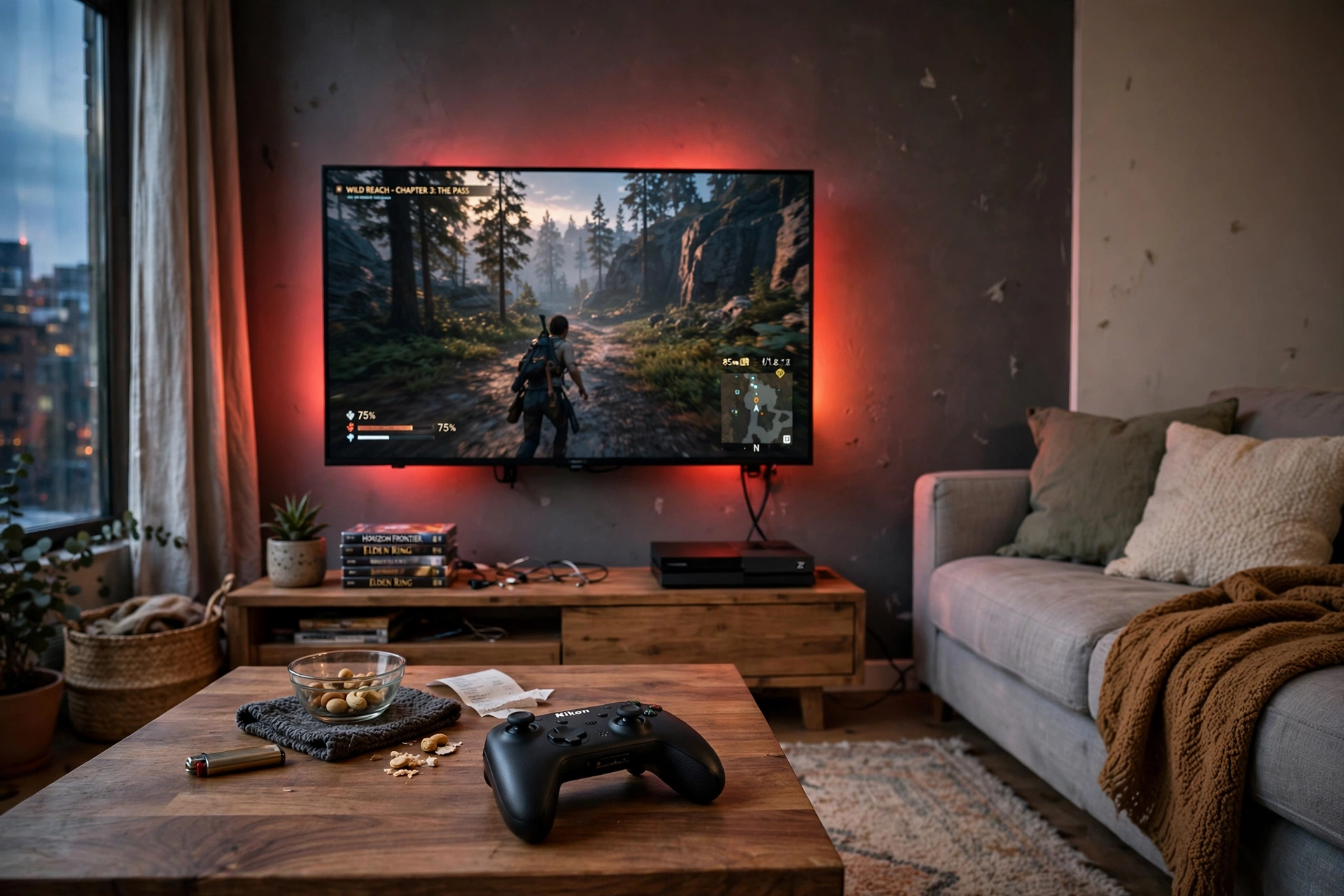
Red light is not just for desks. Behind a TV, it turns a living room into a cinema with a game on the screen. The trick is a gradient strip that follows the back of the TV and spills red onto the wall in soft bands, brighter at the center and fading toward the edges. Add a low coffee table, a controller resting on it, and a sofa pulled close, and the room is ready for a long session.
- Match the strip to your TV size so the glow frames the screen evenly on all sides.
- Keep the rest of the room dim with one small lamp, so the TV stays the brightest thing in view.
- Run a longer strip along the media unit too, so the glow does not stop at the TV edge.
This is the setup that wins over people who do not game, because it looks like a proper home cinema. The red feels warm and intentional, not like a teenager’s bedroom, and it photographs beautifully for a reason.
Philips Hue Play Gradient Light Strip, 55 Inch
Why this one: the gradient blends several reds across the back of the TV, so the glow looks like it comes from the screen itself.
Worth knowing: it needs a Hue Bridge and the Hue Sync app for the full screen matching effect.
Govee 65.6ft RGBIC LED Strip Lights
Why this one: the long run covers the media unit, shelves, and the TV wall in one go, so the whole corner glows evenly.
Worth knowing: 65 feet is a lot of strip, so measure first and cut carefully at the marked points.
5. Red Light Right on the Desk Surface
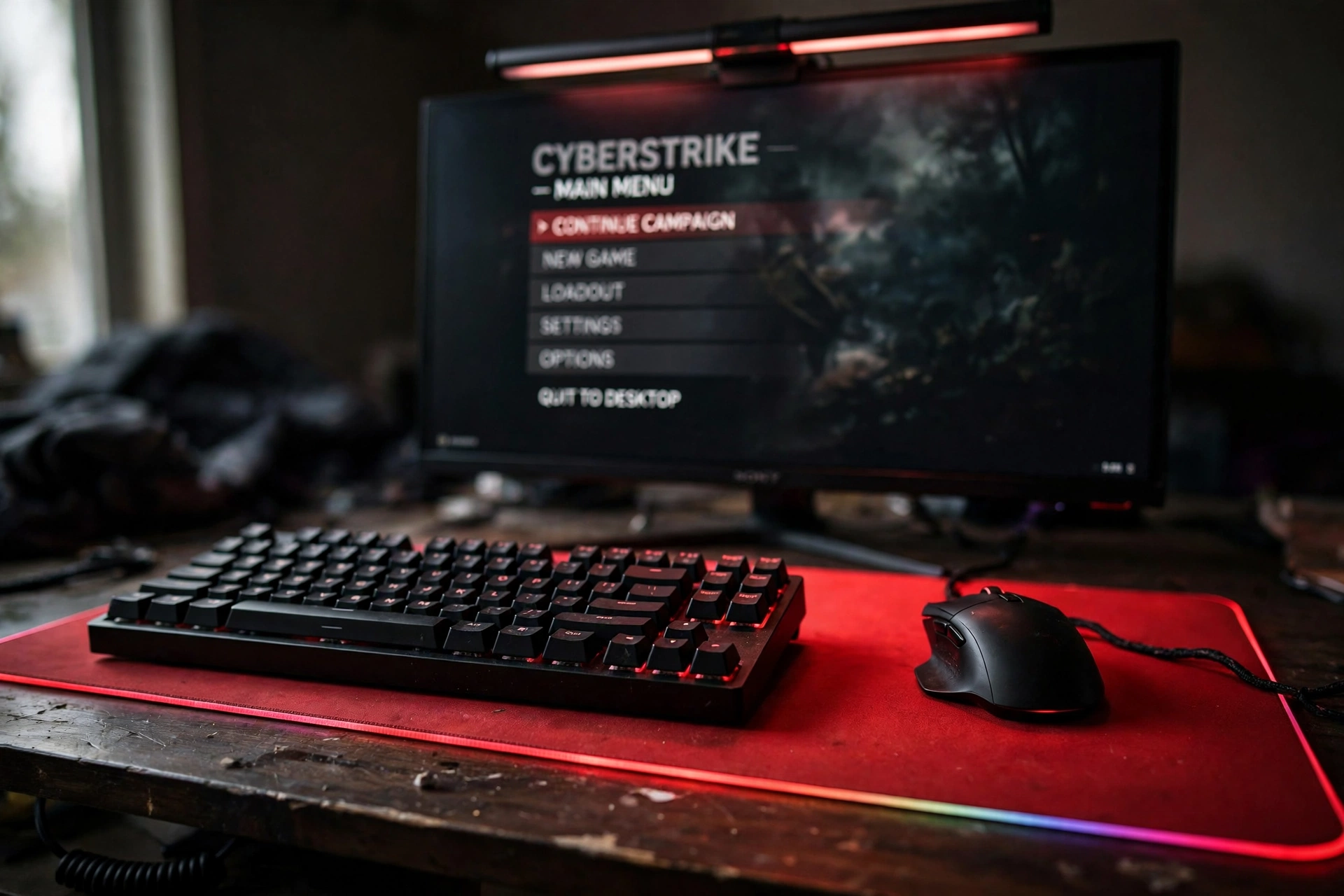
Not every red setup needs to light the walls. This one keeps the glow low and close, right where your hands are. A big RGB mouse pad glows red under the keyboard and mouse, and a slim light bar on top of the monitor throws a soft red wash down across the desk. The room stays dark, the desk stays readable, and your eyes never have to fight glare.
| Desk light | What it does | Watch out for |
|---|---|---|
| RGB mouse pad | Glows under your hands | Cable needs a tidy route |
| Monitor light bar | Lights the desk, not your eyes | Check it fits your monitor |
This is the best red setup for a small desk, because nothing hangs on the wall and nothing stands on the floor. Two pieces, one plug each, and the whole desk feels alive.
JOYYE Large RGB Gaming Mouse Pad with Magnetic Wireless Charger
Why this one: the glowing edge frames the whole keyboard area in red, and the built in wireless charger keeps a phone topped up during play.
Worth knowing: the charging spot only works with phones that support wireless charging, so check yours first.
Hive Vibes Monitor Light Bar with RGB Backlight
Why this one: it clips on top of the monitor and lights the desk with a soft red glow, with no screen glare at all.
Worth knowing: it needs a flat top monitor edge to sit properly, so curved or thick bezel screens may not suit it.
6. Red Fans and a Glass Case That Show It Off
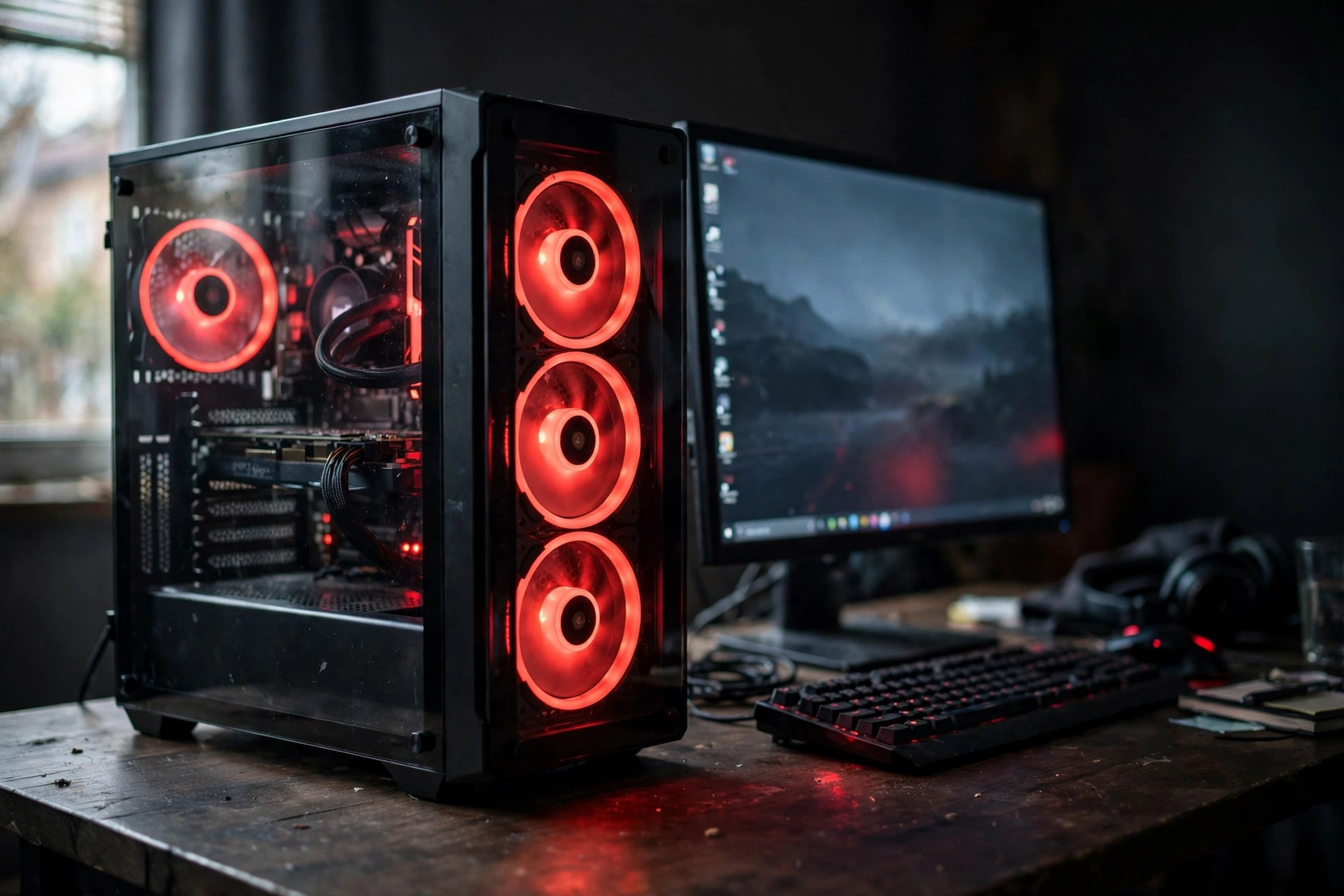
For PC builders, the case is the centerpiece, and red fans inside a glass panel are hard to beat. The tower sits on the desk or on a small stand beside it, the fans spin in a steady red, and the glow reflects softly off the desk surface. The monitor beside it picks up just enough red on its bezel to tie the whole desk together.
What works here is restraint everywhere else. Keep the desk surface clear, keep the keyboard lighting red to match, and let the case be the one loud thing in the room. Three red fans in a glass case look deliberate. Red fans plus red strips plus red wall panels plus a red chair starts to look like a theme park, so pick one hero and let the rest support it.
AsiaHorse COSMIQ 120mm RGB Fans, 3 Pack
Why this one: three matched fans fill a case front with an even red glow, and they run quietly enough to forget about.
Worth knowing: check your case has three free 120mm fan mounts and a spare RGB header before ordering.
GAMDIAS NESO P1 White Tempered Glass Gaming Case
Why this one: the white case and clear glass make red fans pop, and the panoramic view shows off the whole build.
Worth knowing: white cases show dust faster than black ones, so plan a quick wipe down now and then.
7. Soft Red Accents for a Small Bedroom Setup
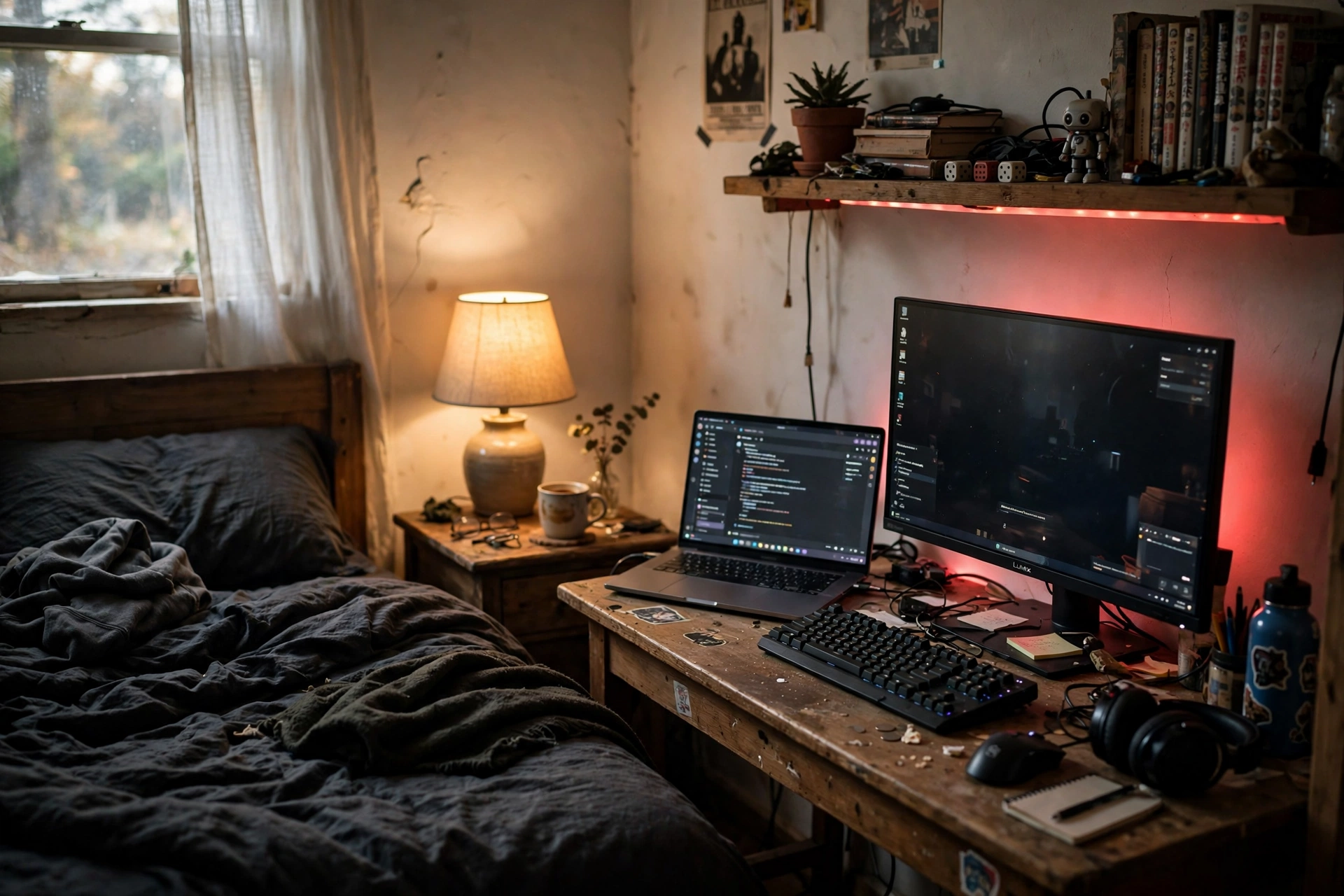
Red light in a bedroom has to share the room with sleep, so this setup keeps it gentle. A desk with built in LED lighting sits against one wall, its red glow set low and warm. A laptop screen glows beside the monitor, a shelf above holds a few bits and pieces with a thin red line along its edge, and the bed stays in soft shadow just out of frame.
- Use a desk with built in LEDs so the red is part of the furniture, not an add on.
- Keep the red dim and low in the evening, so it feels like a lamp, not a spotlight.
- Add a headset stand with a red glow for one more small accent that doubles as storage.
The result is a room that works for homework, gaming, and winding down, without feeling like three different rooms. It is proof that red can be a calm color too, when you let it whisper instead of shout.
DUMOS 45 Inch Gaming Desk with LED Lights and Power Outlets
Why this one: the built in LED strip and power outlets mean one piece of furniture handles light and charging, which matters in a small bedroom.
Worth knowing: at 45 inches it fits a monitor and laptop side by side, but a second large monitor will feel tight.
Miroddi RGB Headset Stand with Wireless Charger, 8 in 1 Charging Station
Why this one: it holds the headset, charges a phone and a controller, and adds a small red glow without taking up desk space.
Worth knowing: the charging ports share one power supply, so charging everything at once can be slower than charging alone.
Related reading
If red is your color, you will also love our 15 neon gaming room ideas with signs that pop, where glowing signs add color and personality to a setup just like these LED ideas do.
Frequently asked questions
Is red LED light bad for your eyes while gaming?
Red light itself is not harmful at normal brightness, but a very bright red room can strain your eyes over a long session because your pupils stay wide in the dark. Keep the red dim, keep the screen brightness matched to the room, and take a short break every hour.
What is the cheapest way to start a red LED setup?
One LED strip behind the desk is the cheapest and most effective start. A single strip, a dark desk, and a monitor you already own can transform a corner in one evening, and you can add wall panels or a floor lamp later.
Can I use red LED lights in a bedroom?
Yes, and red is one of the better colors for a bedroom, because it feels warm and does not feel as harsh as white or blue light at night. Keep it dim, keep it behind the desk or on a shelf, and switch it off or set a timer before sleep.
Do red LED strips work on any desk?
Most strips stick to wood, metal, and painted surfaces, and they cut to length at marked points. Measure your desk first, clean the surface before sticking, and leave a little slack at the corners so the strip does not pull away.
How do I stop a red room from looking too dark?
Layer the light. A strip behind the desk plus one small lamp or light bar keeps the desk readable while the walls stay red. If everything is one shade of red, add a warm white lamp in the corner to lift the shadows.
Can red LED lights sync with my games or music?
Some can. App controlled strips and smart lights from Govee, Philips Hue, and Nanoleaf offer music sync and scene modes, and some can mirror colors from your screen. Check the product app features before buying if syncing matters to you.
Conclusion
Red LED light is a bold choice, and that is exactly why it works. Start with one strip behind the desk and see how it feels at night. Add a wall panel or a floor lamp when you are ready for more. The best red room is not the brightest one, it is the one where the glow feels like it belongs. Pick the setup that fits your space, set the red low and warm, and let the room do the talking.
