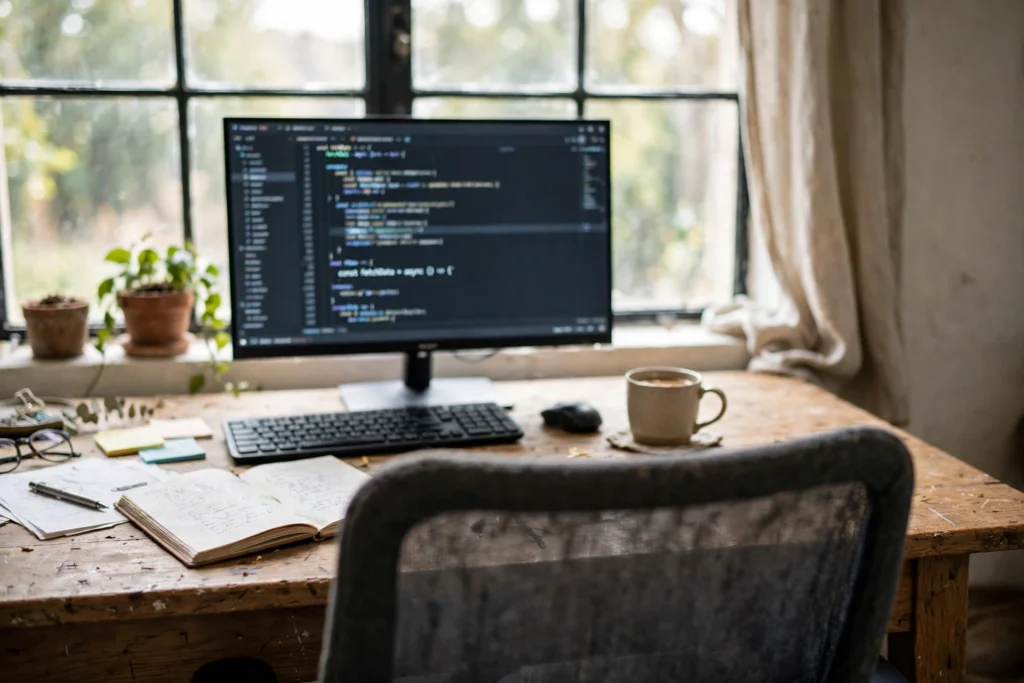
Should Your Desk Face the Window or the Wall?
By Maya Bennett, Founder & Editor. Every desk has to face something, and the two obvious choices are the window and the wall. The window offers daylight and a view, the wall offers a clean background and no glare, and both have real downsides. This article gives the short answer up front, then the case for each direction, and a verdict you can act on. For more ideas in this series, browse the Home Office Ideas category.
As an Amazon Associate I earn from qualifying purchases. Please see our affiliate disclosure for details. This article prints no prices, because prices change. Check the listing before you buy, and confirm you have the exact variant named.
AI-generated image
In this article
At a glance
| Choice | Best for | Watch out for |
|---|---|---|
| Facing the window | Daylight, a view, and a brighter mood | Glare on the screen, and a bright background on calls |
| Facing the wall | A tidy call background and no glare | A boxed-in feeling, and light that must come from lamps |
| Sideways to the window | Daylight without glare, the best of both | Needs a room wide enough for the desk to turn |
The short answer
AI-generated image
Face the window if you want daylight and a view, face the wall if you want a clean call background and no glare, and if the room allows it, turn the desk sideways to the window, which gives you daylight without glare. There is no single right answer, because the best direction depends on your screen, your calls, and where the sun falls in your room. The one rule that holds for everyone is this: light should fall on your desk, not straight into your eyes or straight onto your screen.
Try the test before you move any furniture. Sit where you plan to work at midday, when the sun is strongest, and look at your screen. If you can read it comfortably, the direction works. If you are squinting or tilting the screen, it does not. Do the same test on a video call, because a bright window behind you turns your face into a silhouette, and that matters more than the view.
Facing the window

AI-generated image
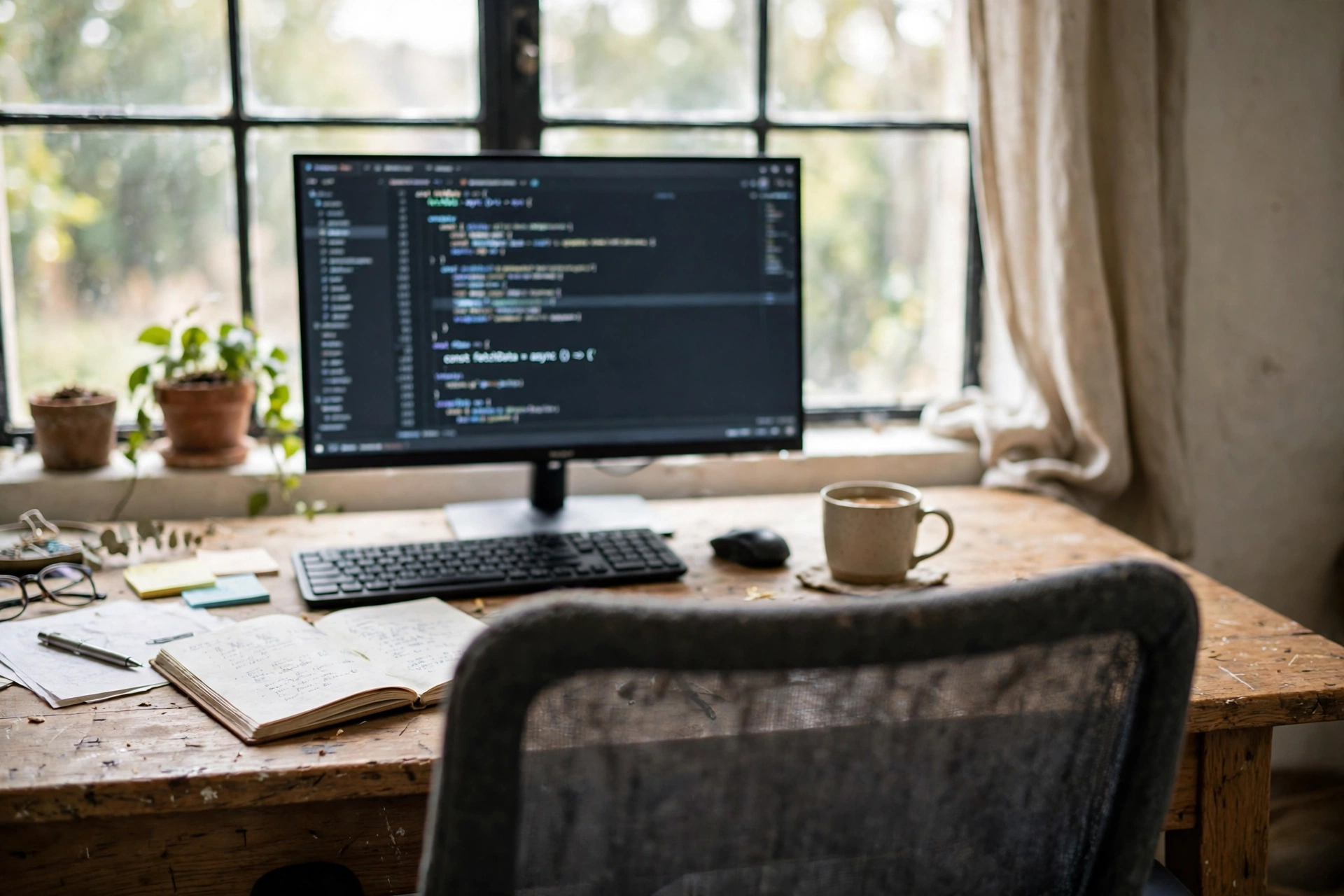
Facing the window is the choice most people want, and for good reason. Daylight is the best light a desk can have, it is free, it changes through the day, and looking up from the screen to a view gives your eyes a rest that no lamp can match. A window desk also makes a small room feel bigger, because the eye travels outside instead of stopping at a wall. If your work is mostly reading, writing, and thinking, the window is a lovely place to face.
The cost is glare. Direct sun on a screen washes it out, and bright light behind the monitor makes your eyes work harder. Sheer curtains or blinds fix most of it, by softening the light without losing it. A monitor light bar helps too, because it lights the desk evenly while the window lights the room. The other cost is calls: with a window behind you, the camera sees a bright square and a dark face, so turn the desk slightly, or close the curtains for calls, and the problem goes away.
RECOMMENDED
BenQ ScreenBar Pro LED Monitor Light Bar, Silver, Ultrawide Lighting, Motion Sensor, Adjustable Brightness and Color Temperature, Eye-Care USB-C Monitor Lamp, No Glare, Curved Monitors
Why this one: It lights the desk evenly without adding glare to the screen, which is exactly what a window-facing desk needs when the daylight shifts through the day.
Worth knowing: It sits on top of the monitor, so check the clamp fits your monitor thickness before ordering.
Facing the wall
AI-generated image
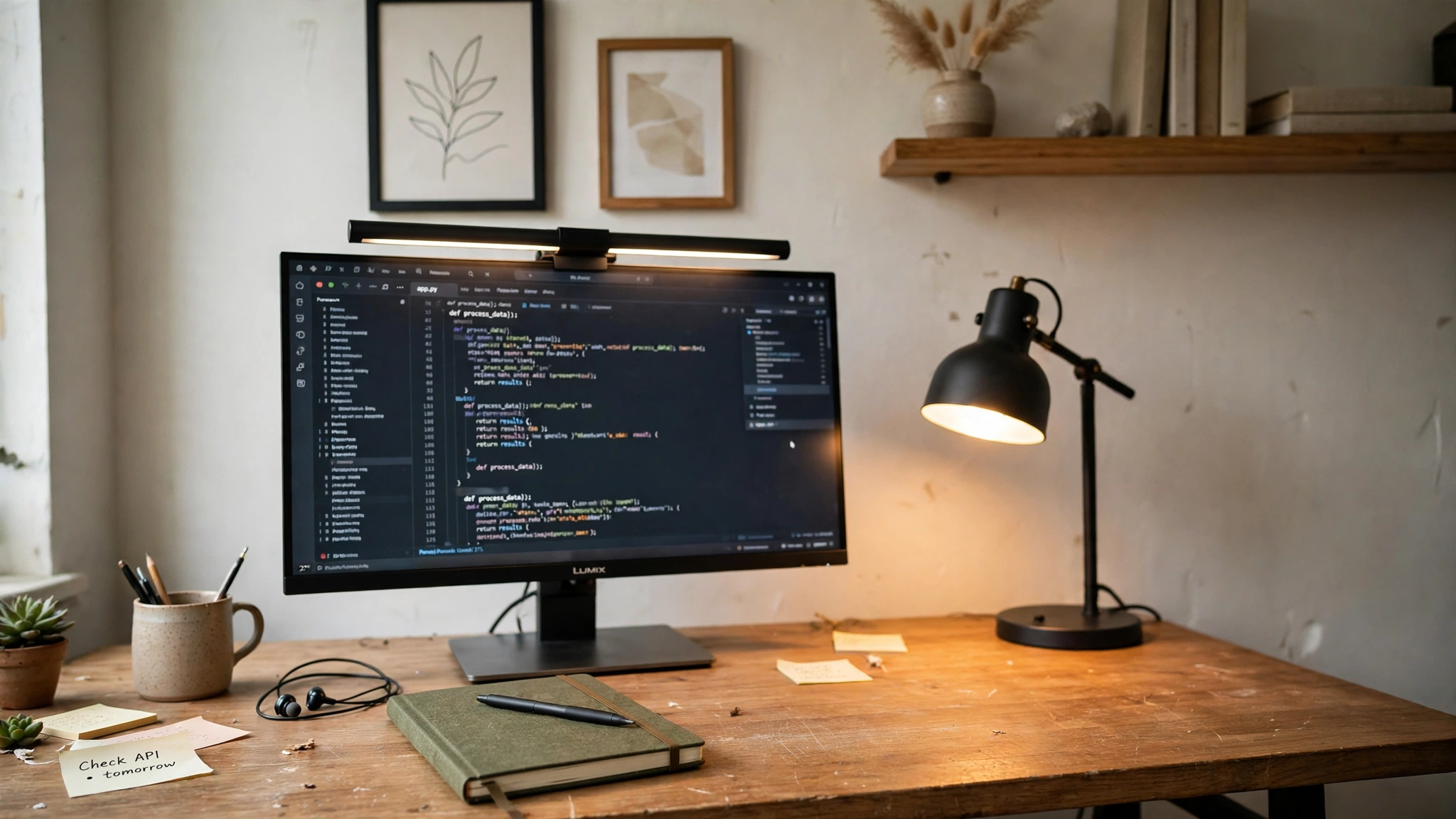
Facing the wall is the practical choice, and it suits call-heavy work best. The screen never catches the sun, the wall behind the desk becomes a tidy background for video calls, and shelves or a pin board above the desk put everything within reach. If your day is mostly calls and screen work, the wall gives you the steadiest light and the fewest surprises.
The cost is the feeling of being boxed in. A wall a foot from your face can make a long day feel longer, and the room’s daylight sits behind you, unused. That is why wall desks need good lamps: a light bar over the monitor plus a desk lamp fills the gap the window would have filled. A little art, a shelf with a plant, or a framed print on the wall in front of you also helps, because something pleasant to look at matters when there is no view. For call-heavy days, our guide to whether a home office is worth it notes the same trade-off: a tidy background and good light matter more than expensive furniture.
RECOMMENDED
Honeywell Desk Lamp for Home Office, H6 Sunturalux Eye-Caring LED Desk Light, 800LM Dimmable Desk Lamp with Timer, Touch Control Tall Desk Reading Light, Table Lamp for Circle Webcam, Study, Bedroom
Why this one: A tall dimmable lamp that fills the light a wall-facing desk misses from the window, with a timer and touch control for easy changes through the day.
Worth knowing: It takes up desk space, so it suits a desk with room to spare beside the monitor.
Verdict
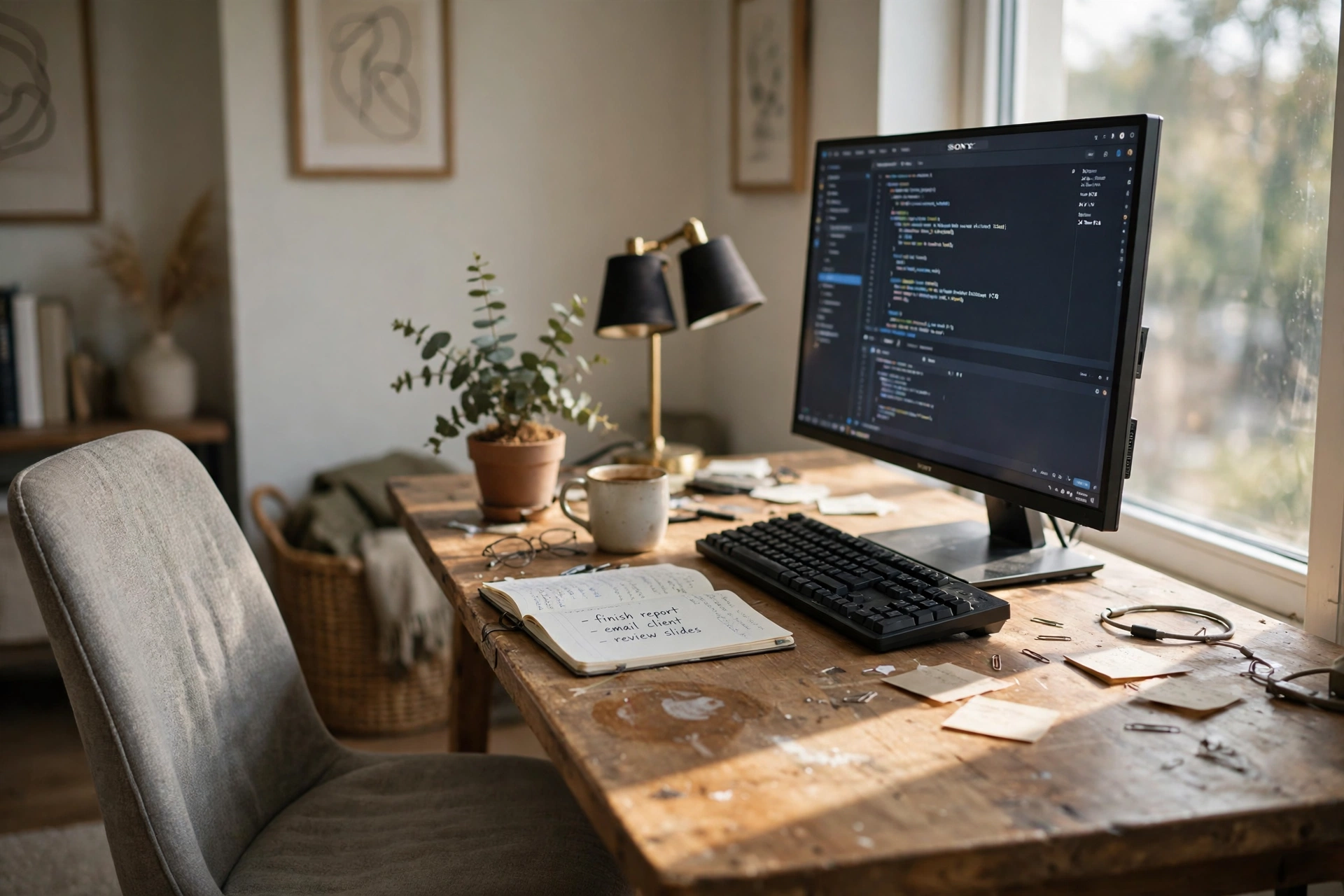
AI-generated image
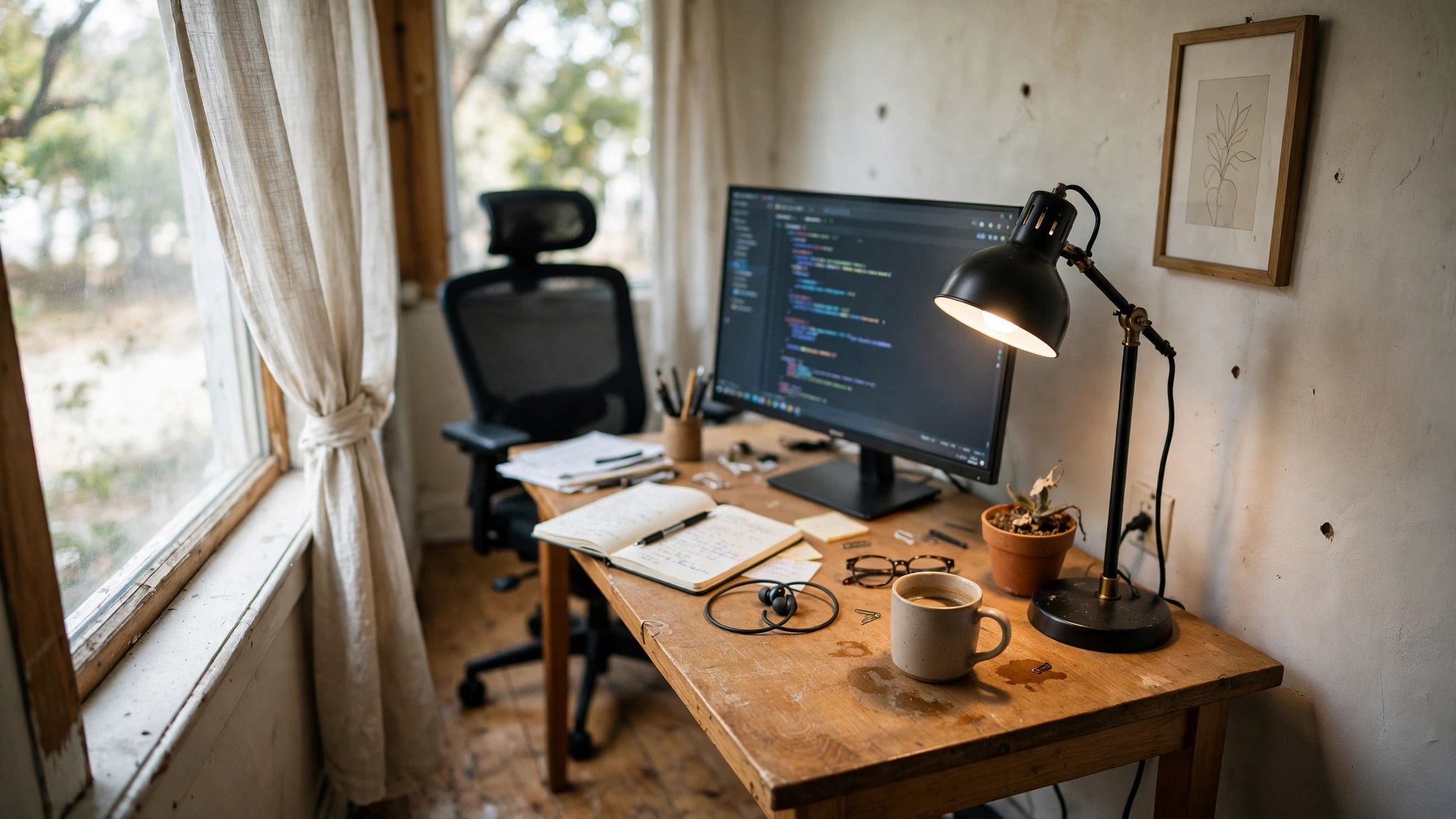
If the room allows it, turn the desk sideways to the window. Light falls across the desk instead of into your eyes or onto your screen, you still get the daylight and the view with a turn of the head, and your call background is a wall, not a bright window. If the room is too narrow for that, choose by your work: window for reading and thinking days, wall for call-heavy days. Either way, add one good light, because the direction only decides where the daylight comes from, and a lamp decides whether the desk works after dark.
RECOMMENDED
Quntis Monitor Light Bar PRO+ with Remote Control, 20 Inch, Black
Why this one: A remote-controlled light bar that works in either direction, window or wall, and costs less than the premium bars while still giving even, adjustable light.
Worth knowing: It needs a monitor to clip onto, so it does not help a laptop-only desk without a separate screen.
Frequently asked questions
Is it bad to face a window while working?
Not bad, just bright. Direct sun on the screen causes glare, and a bright window behind you ruins video calls. Sheer curtains, a slight turn of the desk, or blinds fix both problems without losing the daylight.
What is the best desk direction for video calls?
Facing the wall, with the light in front of you. The camera sees a tidy wall and a well-lit face, which reads as professional on any call. If you face the window, close the curtains or turn the desk for calls.
Should the window be behind me or beside me?
Beside you is best. Light from the side lights the desk and your face evenly, without glare on the screen or a bright background behind you. Behind you is the worst spot for calls, and in front of you is the worst spot for glare.
Does facing a wall make a room feel smaller?
It can, especially in a small room. A light wall colour, a shelf with a plant, or a framed print in front of you softens the boxed-in feeling, and a good lamp keeps the desk bright.
What if my room has no window at all?
Then the wall is the only choice, and light becomes the whole job. A monitor light bar plus a desk lamp, pale walls, and a mirror to bounce light around the room make a windowless desk work well.
Can I just move the desk when the sun moves?
For a light laptop setup, yes, and many people do. For a desk with a monitor, cables, and a chair, moving it daily gets old fast. Pick the direction that works at midday, when the sun is strongest, and live with it.
Conclusion
Window or wall is a trade-off, not a test with one right answer. The window gives daylight and a view, the wall gives a clean background and no glare, and sideways to the window gives you most of both. Test your screen at midday, test your face on a call, and let those two checks decide. Then add one good light, because the direction only sets up the daylight, and a lamp is what keeps the desk working after dark. For more ideas, browse the Home Office Ideas category or start at the desk & glow home page.
