Is a Home Office Worth It?
A home office is worth it when you work from home most days, you have even a small corner to claim, and the setup saves you time, travel, or the daily hunt for a place to sit. It is not worth it when the room is only used once a week, or when the money would be better spent on a better laptop first. This article gives the short answer up front, then the evidence, the trade-offs, and a verdict you can act on. Browse more room ideas in the Home Office Ideas collection on desk and glow.
As an Amazon Associate I earn from qualifying purchases. Read our affiliate disclosure for details.
The short answer: Yes, for most people who work from home three or more days a week. A small, simple setup pays for itself in saved travel time and a calmer workday. If you work from home rarely, a lap desk and a good chair are enough, and a full office can wait.
In this article
The short answer
What you actually need
What it costs
The trade-offs
When it is not worth it
Verdict
FAQ
Conclusion
At a glance
| Question | Short answer |
|---|---|
| Is it worth it? | Yes, if you work from home three or more days a week |
| What do you actually need? | A desk, a chair, and good light |
| What does it cost? | A basic setup can be modest; the chair is the piece to spend on |
| What are the trade-offs? | Space, noise, and the line between work and home |
| When is it not worth it? | Rare home working, or no space to claim at all |
| Verdict | Start small, then grow the setup if it earns its keep |
The short answer
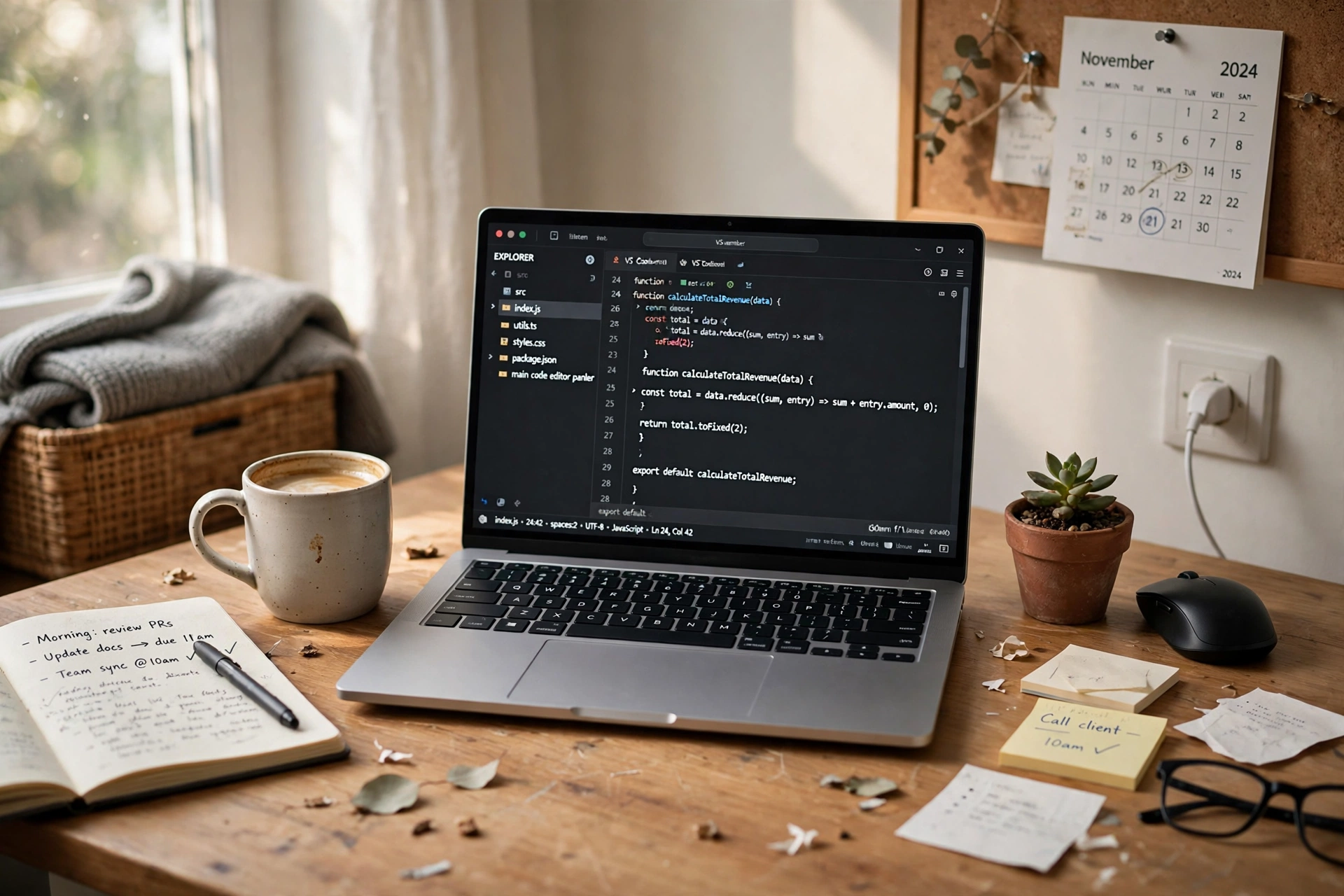
Yes, a home office is worth it for most people who work from home regularly. The value is not in the furniture, it is in having one place where work starts and ends. You stop hunting for a flat surface, you stop packing and unpacking the laptop every day, and you stop working from the sofa with a sore neck. A simple setup does that job. It does not need a spare room, and it does not need expensive furniture. A corner of a bedroom or living room, a small desk, a decent chair, and a lamp are enough to start. The people who regret a home office are usually the ones who bought everything at once before knowing how they actually work at home.
What you actually need
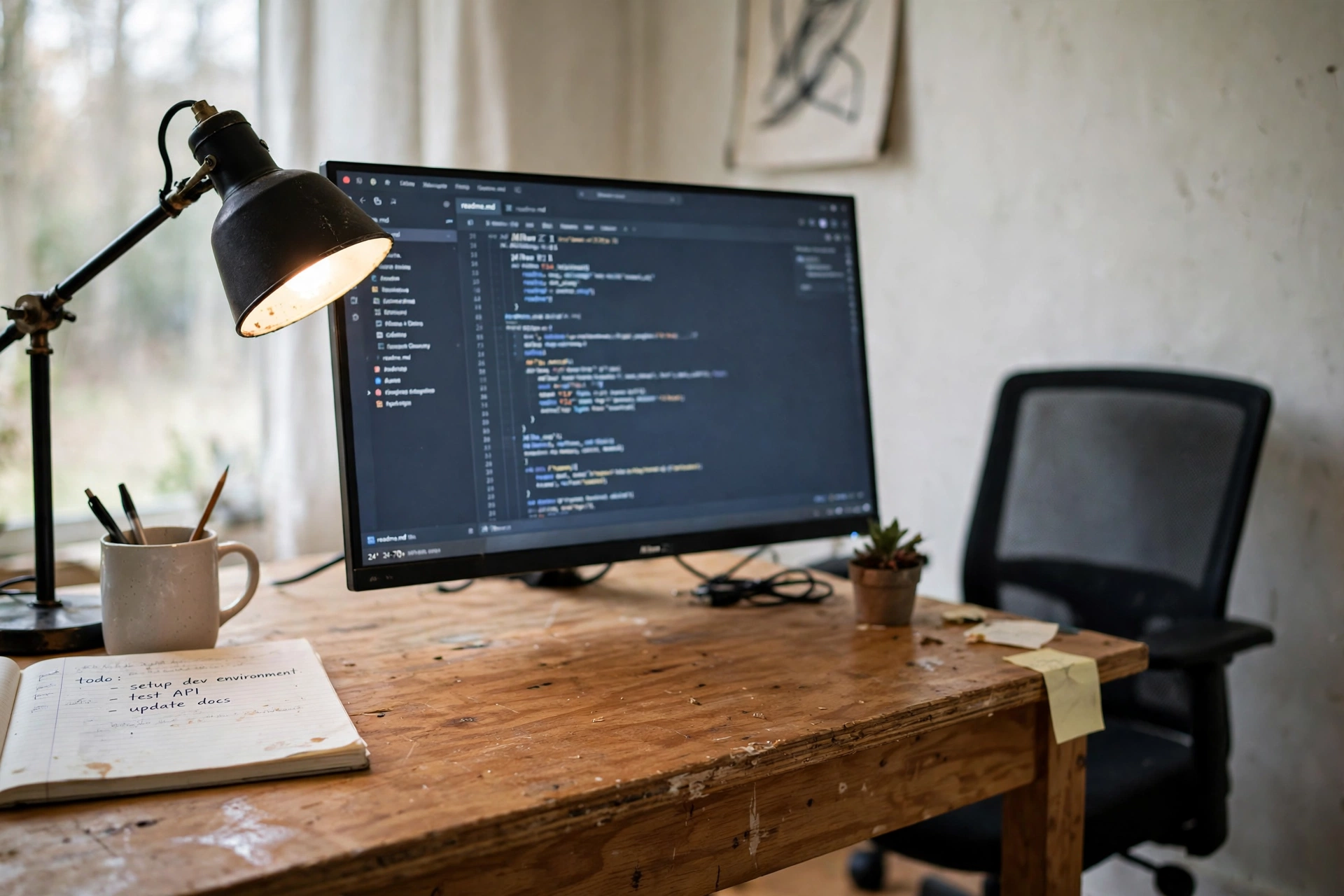
Three things make a home office: a flat surface at the right height, a chair you can sit in for hours, and light that lets you see the screen without glare. Everything else is optional at the start. A plain desk holds the laptop and notebook. A mesh chair with adjustable height keeps sitting comfortable. A light bar over the monitor lights the desk without taking up space. Buy those three, live with them for a month, and only then decide what is missing. Most people find they need a small shelf or a cable tidy next, not a second monitor or a new desk.
Our pick: Furinno Econ Multipurpose Home Office Computer Writing Desk, Black/Brown
Why this one: A simple, low cost desk that fits a laptop, a notebook, and a lamp in a small room.
Worth knowing: Light-duty particleboard construction with a small work surface and no built-in cable management; assembly required.
Why this one: Mesh back, adjustable height, and flip-up armrests, so it covers the basics of a workday chair at a modest price.
Worth knowing: Mid-back design with no headrest, and the seat padding is thin for very long sitting sessions.
Why this one: A monitor light bar that lights the desk evenly without taking up desk space or glaring on the screen.
Worth knowing: It clamps onto the top of a monitor, so it needs a monitor with a suitable top edge plus a USB port for power; it costs more than a basic desk lamp.
What it costs, and what you get back
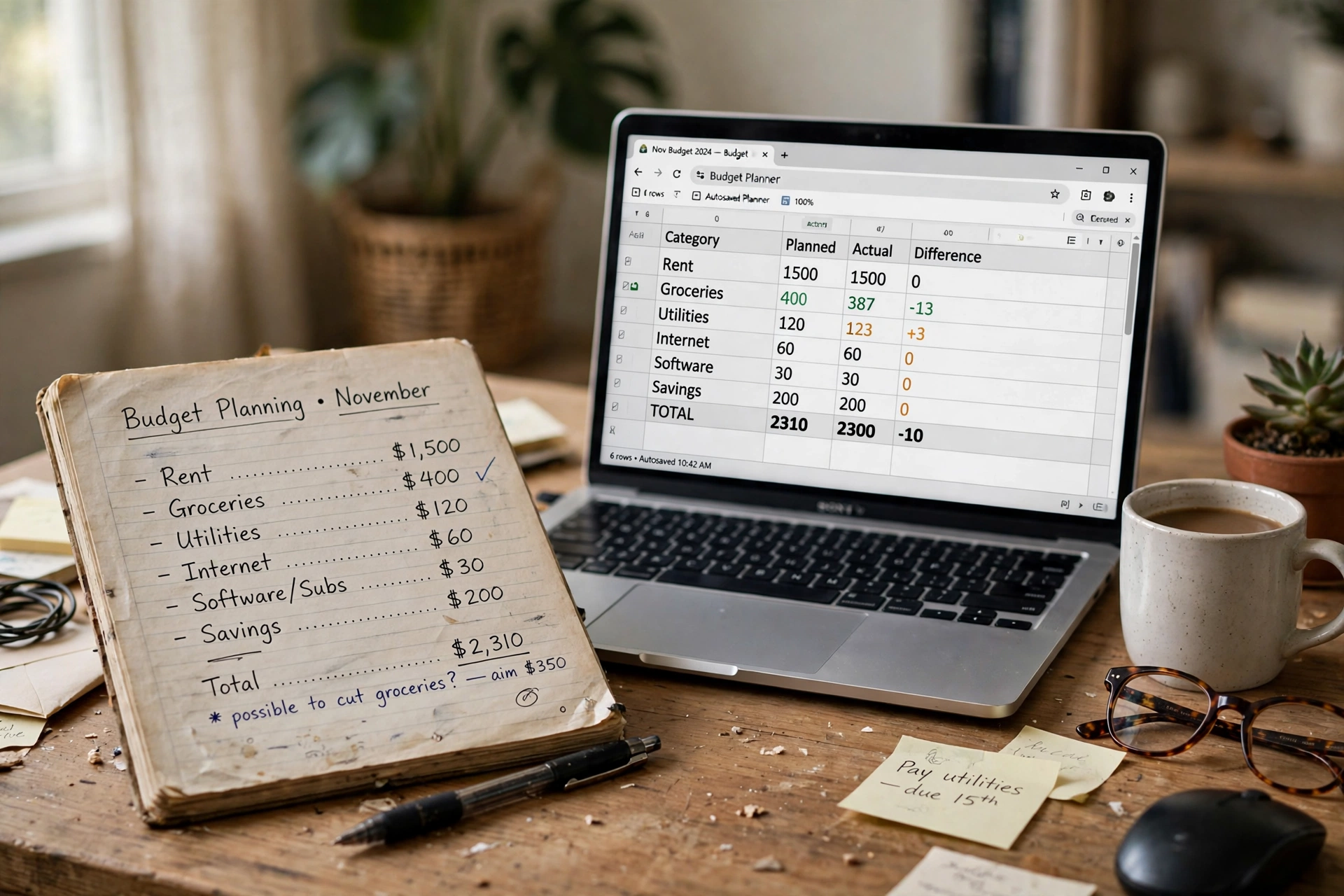
A basic home office can be modest in cost, especially if you already own a laptop. The desk and chair take most of the money, and the chair is the piece worth spending more on, since it is used for hours every day. What you get back is harder to put a number on: no commute on home days, no daily search for a place to work, and a setup that stays ready. If you used to spend money on travel or lunch out on office days, some of that saving offsets the setup cost over time. The honest way to judge it is per workday: divide the cost by the number of days you will actually sit there, and see if the number feels fair.
- Spend most on the chair, then the desk, then lighting.
- Start with the basics and add one piece at a time.
- Count travel and lunch savings on home days, not just the purchase cost.
- Judge the cost per workday, not as one big number.
The trade-offs to be honest about
A home office takes space, and in a small home that space comes from somewhere: a corner of the bedroom, part of the living room, or a shared table. It also takes discipline, because the office is always there, and it is easy to drift back to it in the evening. Noise is the other trade-off. A home is not an office building, so calls compete with washing machines, neighbours, and family life. None of these are reasons to skip a home office, but they are reasons to keep it small, to set start and finish times, and to close the laptop at the end of the day. A home office works best when it has a clear edge.
When a home office is not worth it

A full home office is not worth it if you work from home only once a week, or if your job is mostly on the phone or on the move. It is also a poor buy if there is genuinely no space to claim, and the desk would block a walkway or take over the only table. In those cases, a lap desk, a folding laptop stand, and a good chair cover most of the need for far less money and no lost floor space. The same applies if the laptop itself is slow or broken: fix the tool you work on before buying furniture around it. A home office should follow the work, not lead it.
Verdict: start small, then decide
The verdict is simple: start with a small setup, use it for a month, and then decide whether it earns a bigger one. A desk, a chair, and a light are enough to learn how you actually work at home. If the setup gets used every day, it is worth growing: a better chair, a monitor, a shelf. If it sits unused, you have spent little and learned something useful. One cheap first upgrade that helps many people is a laptop stand, which lifts the screen and costs far less than a new desk or monitor.
Why this one: A thin adhesive stand that lifts the laptop to a better angle and folds flat when you pack up.
Worth knowing: It sticks to the laptop base with adhesive, so it stays attached and adds slight thickness; it offers only two angles.
Frequently asked questions
Do I need a spare room for a home office?
No. A corner of a bedroom or living room works for most people. A spare room helps with noise and boundaries, but a small claimed corner is enough to start.
How much should a first home office cost?
It depends on what you already own. With a laptop in hand, a desk, a chair, and a light cover the basics. Spend most on the chair, since it is used for hours every day.
Can I work from home well without a home office?
Yes, for a day or two a week. A lap desk and a folding stand at the kitchen table work fine. It gets harder when home working is most of the week and the setup has to be packed away daily.
What if I try it and do not like working from home?
That is why starting small matters. A basic desk and chair are easy to reuse elsewhere in the house, and a small setup costs little to walk away from.
Does a home office need to look professional on video calls?
It helps, but a tidy background and good light matter more than expensive furniture. A clean wall behind you and a lamp in front do most of the work.
Conclusion
A home office is worth it when home working is a regular part of your week and you have even a small corner to claim. Start with a desk, a chair, and good light, use the setup for a month, and let the way you actually work decide what comes next. For more ideas to shape the rest of your workspace, browse the Home Office Ideas collection.
