
How to Work from Home Without a Desk
No desk does not mean no office. A lap desk, a kitchen counter, a low table, or a sofa tray can each hold a proper work session, as long as the screen sits at a sensible height and everything you need is within reach. The trick is to build a small setup you can put together in two minutes and pack away just as fast. This guide works through seven desk-free spots, one by one. Browse more room ideas in the Home Office Ideas collection on desk and glow.
As an Amazon Associate I earn from qualifying purchases. Read our affiliate disclosure for details.
In this guide
1. Work from a lap desk
2. Stand at the kitchen counter
3. Turn the kitchen table into an office
4. Build a sofa tray setup
5. Sit on the floor with a cushion
6. Carry a portable second screen
7. Pack up and power anywhere
FAQ
Conclusion
At a glance
| Step | What it does |
|---|---|
| 1. Work from a lap desk | Turns the sofa into a work spot |
| 2. Stand at the kitchen counter | Gives you a standing option at home |
| 3. Turn the kitchen table into an office | Makes a shared table work for the day |
| 4. Build a sofa tray setup | Keeps drinks and notes off your lap |
| 5. Sit on the floor with a cushion | Creates a low, calm work corner |
| 6. Carry a portable second screen | Adds screen space wherever you sit |
| 7. Pack up and power anywhere | Ends the day and frees the room |
1Work from a lap desk

A lap desk is the simplest desk-free setup there is. It gives the laptop a flat, steady base, keeps the heat off your legs, and holds the screen a little higher than a laptop sitting straight on your knees. Sit with your back against the sofa cushions and your feet flat on the floor, or up on a small stool if that feels better. Keep a notebook and a pen on the arm of the sofa, and keep your phone in the lap desk holder if it has one, so nothing slides off when you shift position.
Why this one: A cushioned base with a device ledge, a mouse pad, and a phone holder, so the laptop stays put on the sofa.
Worth knowing: Fits laptops up to 15.6 inches only, so a larger laptop will overhang the edges; the dual-bolster cushion makes it bulkier to carry around than a flat tray.
2Stand at the kitchen counter
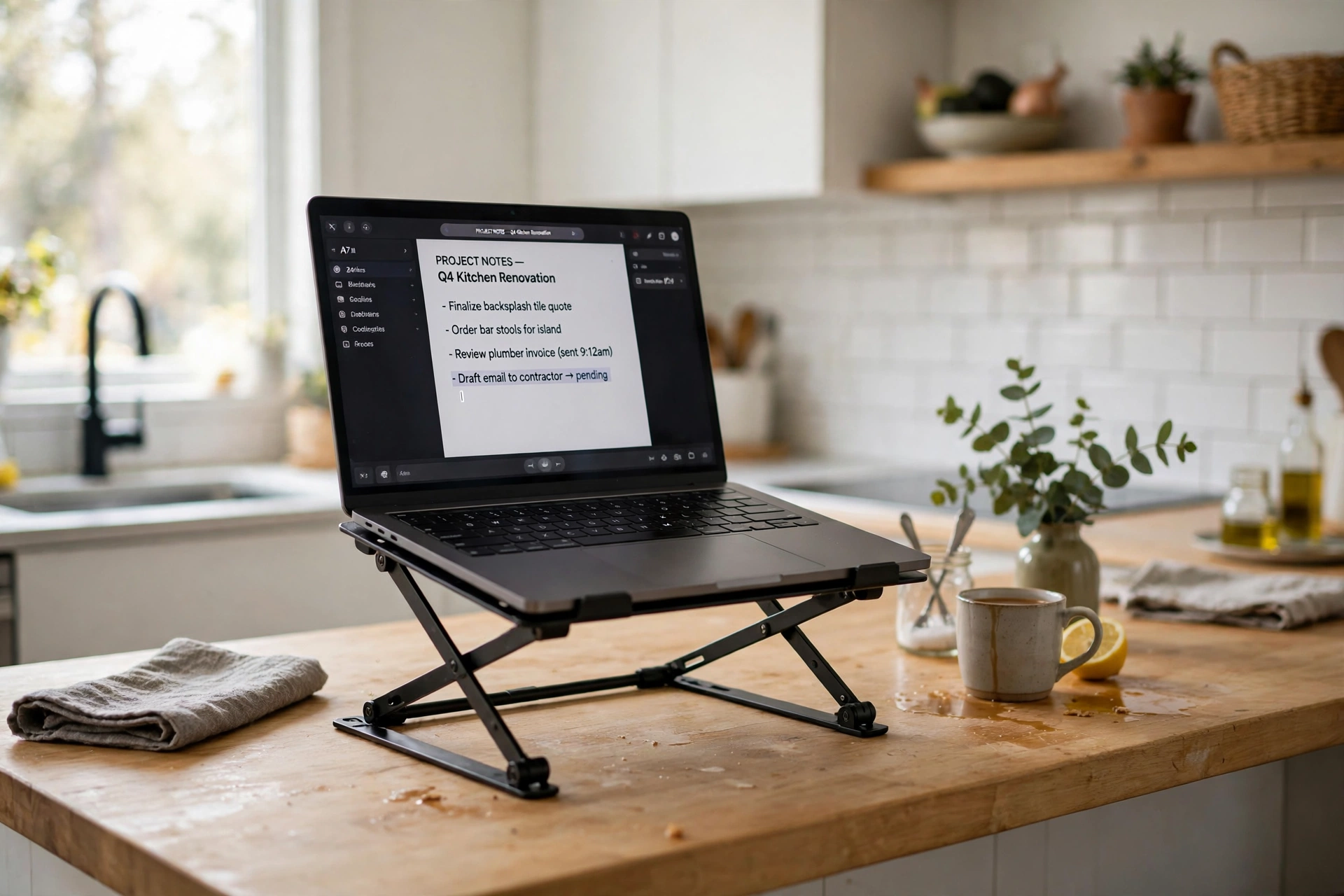
A kitchen counter is about the right height for standing work, and standing for part of the day breaks up long hours of sitting. Put a folding laptop stand on the counter to lift the screen closer to eye level, and use a separate keyboard and mouse if you have them, so your hands stay low while the screen stays high. Stand on a folded towel or a kitchen mat if the floor is hard. Work in shorter stretches here, an hour at a time, then sit down again. A counter is a good change of position, not a full day station.
Why this one: It folds flat for carrying to the counter and lifts the laptop to a better height for standing work.
Worth knowing: It folds flat for carrying, but it offers only a small set of fixed tilt angles rather than continuous height adjustment.
3Turn the kitchen table into an office
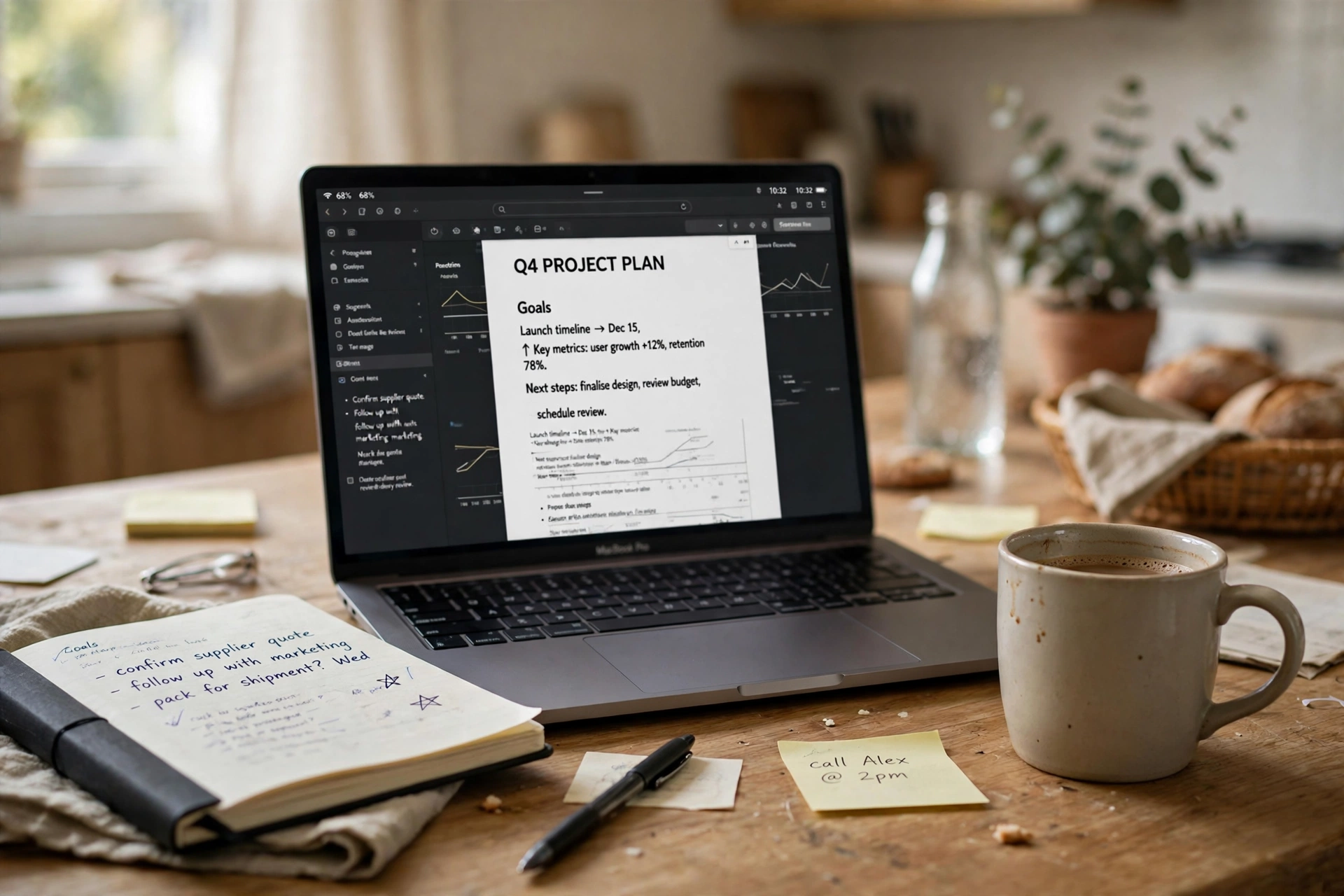
A kitchen table works well as a desk for the day if you set it up on purpose instead of just opening the laptop where you ate breakfast. Clear one end completely, put the laptop on the stand from step two, and keep a small box or tray for your charger, notebook, and pens. Sit on a chair with a cushion if the seat is hard, and face the room rather than the wall so the space feels open. At the end of the day, everything goes back in the box and the table is a table again, which matters when the room is shared.
- Clear one end of the table completely before you start.
- Keep work things in one box or tray for a fast pack up.
- Use the laptop stand so the screen sits higher.
- Agree start and finish times if others use the table too.
4Build a sofa tray setup
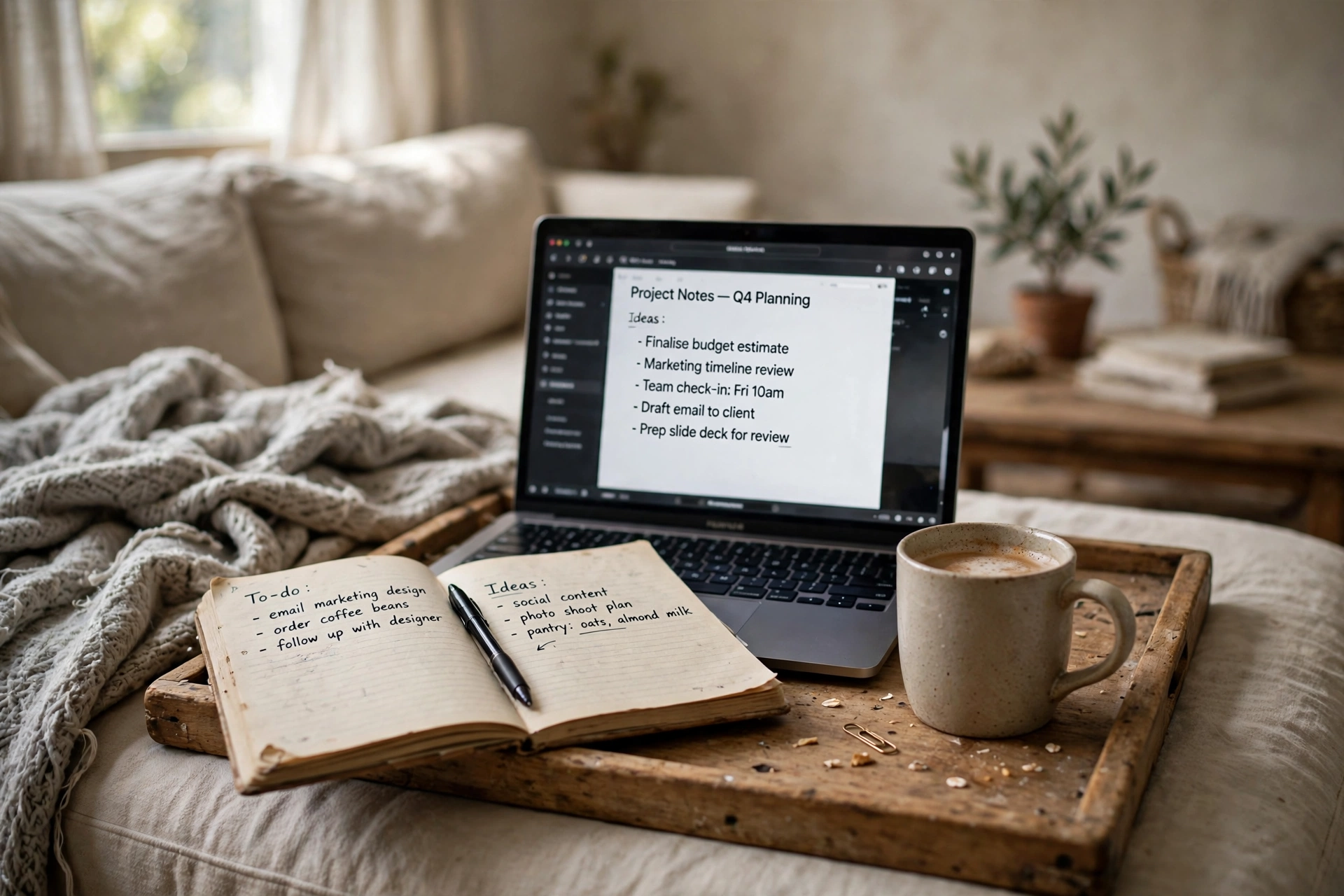
For lighter work, like reading, email, or planning, a sofa tray setup is enough. Use the lap desk from step one for the laptop, and put a sturdy tray or a wide board across the sofa arm for your mug, notebook, and phone. The point is to keep drinks off the sofa and off your lap, and to keep everything in one place so you are not reaching across cushions. Sit upright against the armrest with a cushion behind your lower back, and set a timer for breaks, because a sofa invites longer sitting than a chair does.
What works here: a firm tray, a mug with a lid, a notebook, and a lap desk. What to skip: balancing a drink on the sofa cushion or working with the laptop flat on your knees for hours.
5Sit on the floor with a cushion
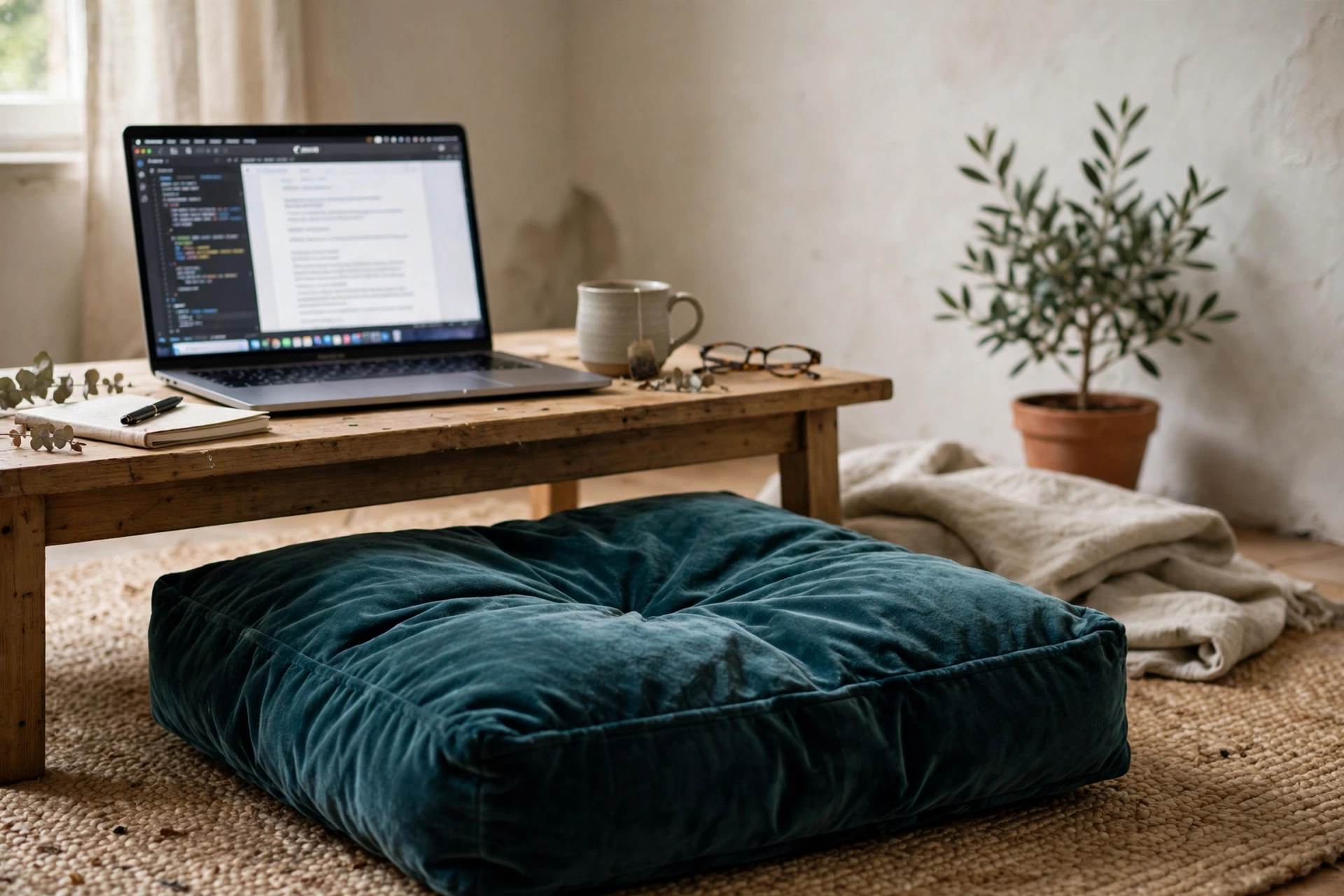
A floor cushion and a low table make a calm work corner that takes up almost no space. Sit on a thick cushion with your back against the wall or a sofa base, and put the laptop on the low table or on the stand from step two. This suits reading, writing, and calls, and it is easy to fold away when you are done. Change position often, because sitting on the floor in one pose gets uncomfortable faster than sitting in a chair. Keep a second cushion nearby so you can switch from cross legged to legs out.
Our pick: Florensi Meditation Mat Zabuton, Velvet Floor Cushion for Sitting, with 100% Cotton Insert
Why this one: A thick cotton filled mat that makes sitting on the floor comfortable for a work session.
Worth knowing: The cotton insert compresses with use and needs fluffing, and the mat gives no back support on its own.
6Carry a portable second screen
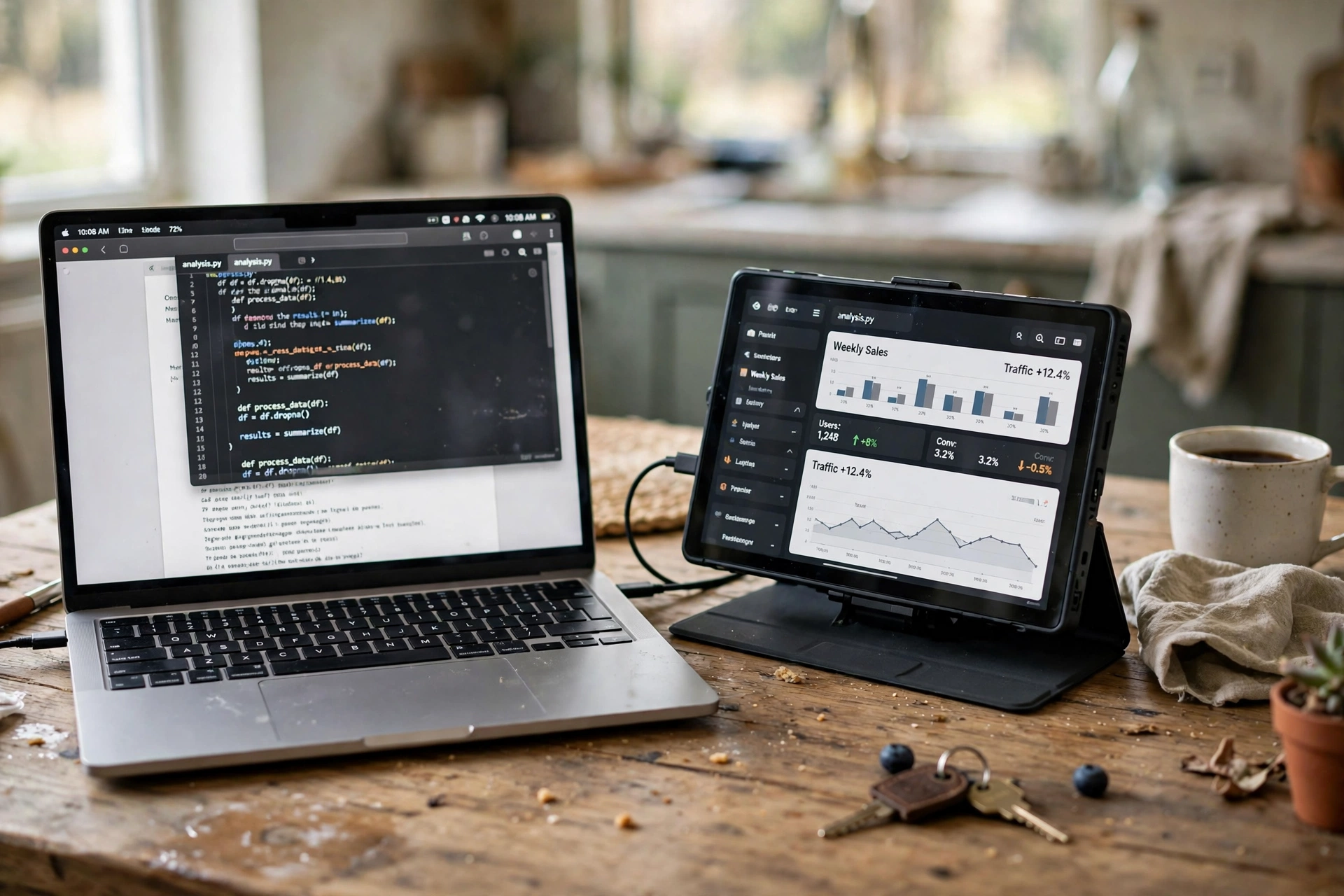
The hardest part of working without a desk is losing the second screen. A portable monitor fixes that, and it fits in a laptop bag. Plug it into the laptop with one USB-C cable, prop it up with its cover, and put your notes or chat on the portable screen while the main work stays on the laptop. It works at the kitchen table, on the sofa, or at a cafe. Keep the brightness matched between the two screens so your eyes are not jumping between a bright and a dim display, and charge the laptop before a long session, because the second screen draws power from it.
Our pick: ARZOPA Portable Monitor, 15.6″ 1080P FHD Laptop Monitor, USB-C HDMI, with Smart Cover, S1 Table
Why this one: A light 15.6 inch screen that connects with one USB-C cable and props up with its smart cover anywhere you sit.
Worth knowing: It draws power from the laptop over USB-C, which shortens laptop battery life, and the smart-cover stand is basic compared with a separate monitor stand.
7Pack up and power anywhere
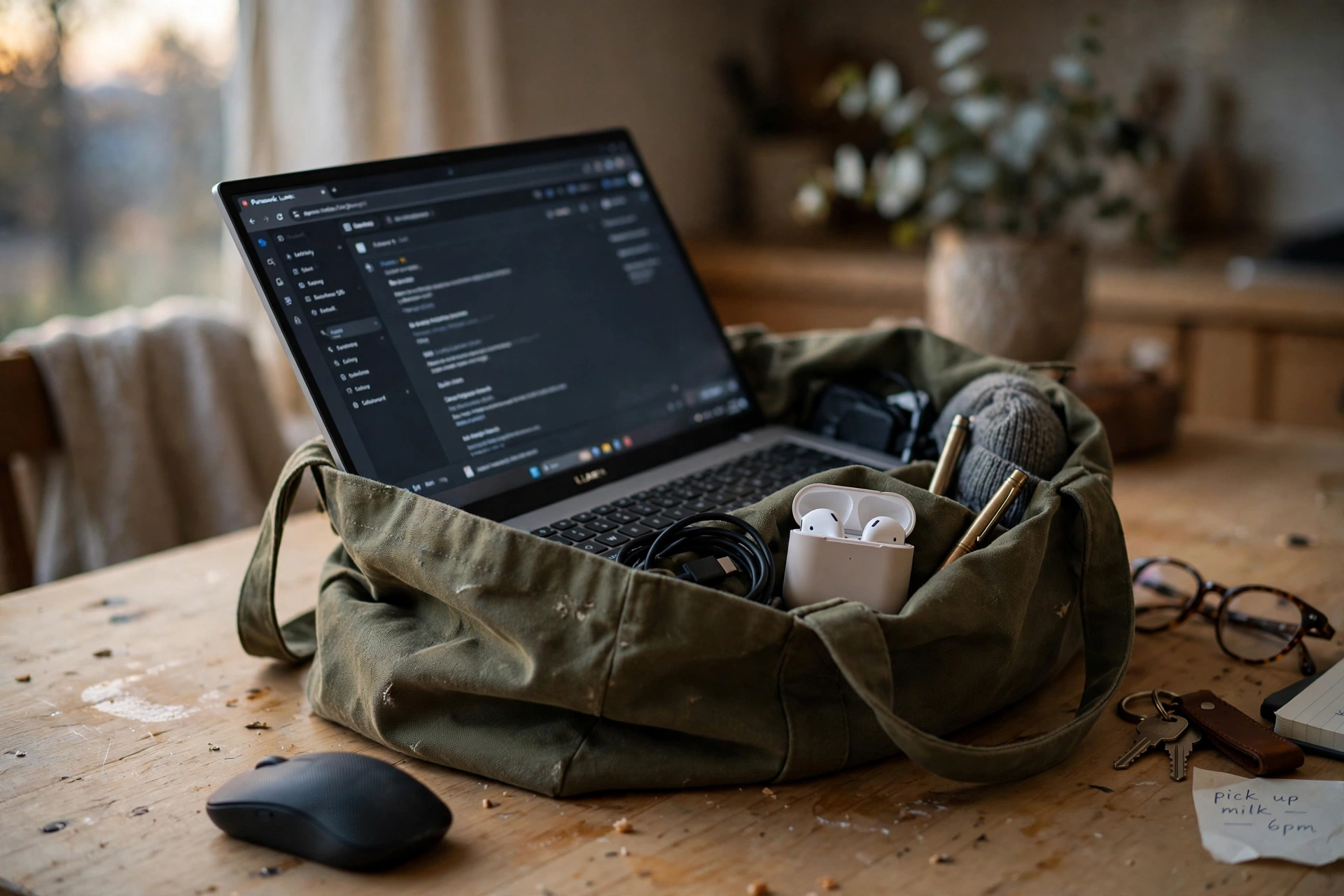
A desk-free setup only works if packing up is easy. Keep one bag or box for everything: laptop, stand, portable screen, charger, and notebook. At the end of the day, put it all away in the same order, every day, so the morning setup takes two minutes. A portable charger in the bag means you can work away from a wall socket for a while, on the sofa, in the garden, or at a cafe. Charge the power bank overnight so it is ready, and keep a spare cable in the bag so a forgotten charger never ends the workday early.
Our pick: Anker Power Bank, 20,000mAh Portable Charger with Built-in USB-C Cable
Why this one: A 20,000mAh bank with a built-in USB-C cable, so the laptop and phone can charge away from a wall socket.
Worth knowing: At 20,000mAh it is noticeably heavier and bulkier than a pocket-size 10,000mAh pack, and it needs recharging itself between uses.
?Frequently asked questions
Can I work a full day without a desk?
Yes, if you change position through the day. Mix the sofa, the kitchen table, and a standing spot at the counter, and take real breaks. One spot for eight hours straight is hard on anyone.
What is the one thing worth buying first?
A lap desk or a folding laptop stand. Either one lifts the screen and gives the laptop a steady base, and both cost far less than a desk.
How do I keep work and home separate without a desk?
Pack everything away at the end of the day. When the laptop, stand, and notebook go back in the bag, the room goes back to being a living room, and that clear end matters.
Is a portable monitor worth it for desk-free work?
If you often compare documents or keep chat open while you work, yes. It is the closest thing to a desk setup you can carry in a bag, though it does use laptop battery.
What if I have nowhere to sit but the bed?
Use the lap desk and sit upright against pillows, not lying down. Keep sessions short, get up often, and move to a table or counter for calls so your voice carries clearly.
Conclusion
Working without a desk is a set of small habits: a lap desk for the sofa, a stand for the counter and the table, a cushion for the floor, a portable screen for extra space, and a bag that packs it all away. None of these spots needs to carry the whole day alone. Rotate between them, pack up at the end, and the home can be an office without a desk in it. For more ideas to shape the rest of your workspace, browse the Home Office Ideas collection.
