How Much Space Do You Actually Need for a Home Office?
By Maya Bennett, Founder & Editor. There is no single square foot number that fits every home office, because the space you need depends on the desk, the chair, and the screen in front of you. A laptop worker in a corner needs far less room than a two monitor worker with a wide desk. This guide answers the question with real desk footprints and chair clearance, so you can measure your own wall and know the answer before you buy anything. If you are starting from a tight corner, the compact desk ideas in 10 Gaming PC Desk Ideas for Beginners show how a 40 inch desk can carry a full setup.
As an Amazon Associate I earn from qualifying purchases. Please see our affiliate disclosure for details. This article prints no prices, because prices change. Check the listing before you buy, and confirm you have the exact variant named.

AI-generated image
In this article
The direct answer
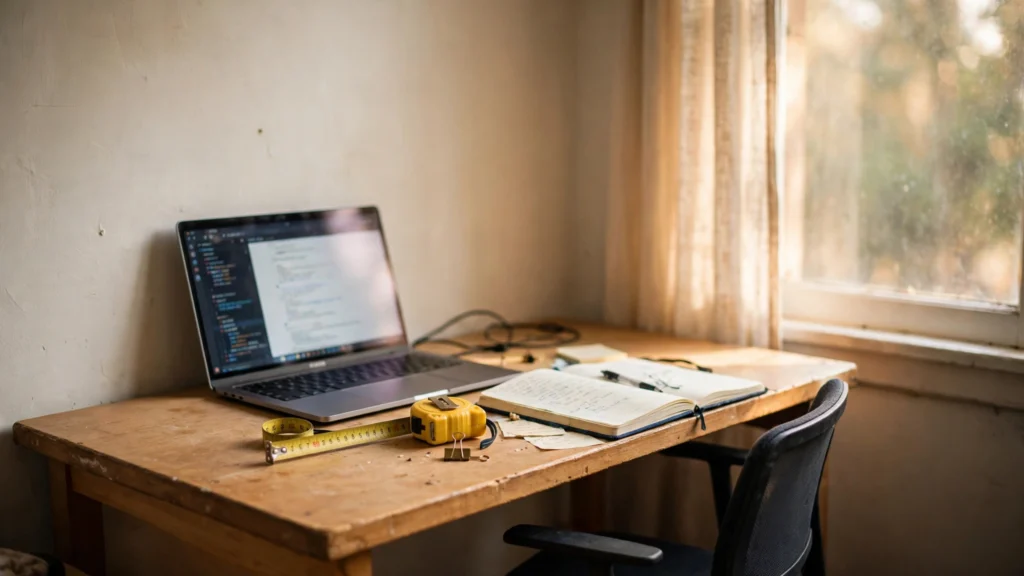
Most home offices need a desk about 40 to 47 inches wide, plus enough floor behind it to pull the chair out and sit down without bumping the wall. That is the honest answer, and it comes from the desks themselves, not from a made up room size. A 40 inch desk holds a laptop, a notebook, and a mug with room to spare. A 47 inch desk holds one monitor, a keyboard, and a lamp. If you work from a laptop most days, the smaller end of that range is enough. If you use a monitor and a keyboard every day, plan for the wider end.
What matters more than the desk is the chair space behind it. A chair needs room to slide back when you stand up, and a chair that cannot move makes even a generous desk feel cramped. So measure twice: once for the desk width along the wall, and once for the chair depth from the desk edge to whatever sits behind you.
The desk footprint
AI-generated image
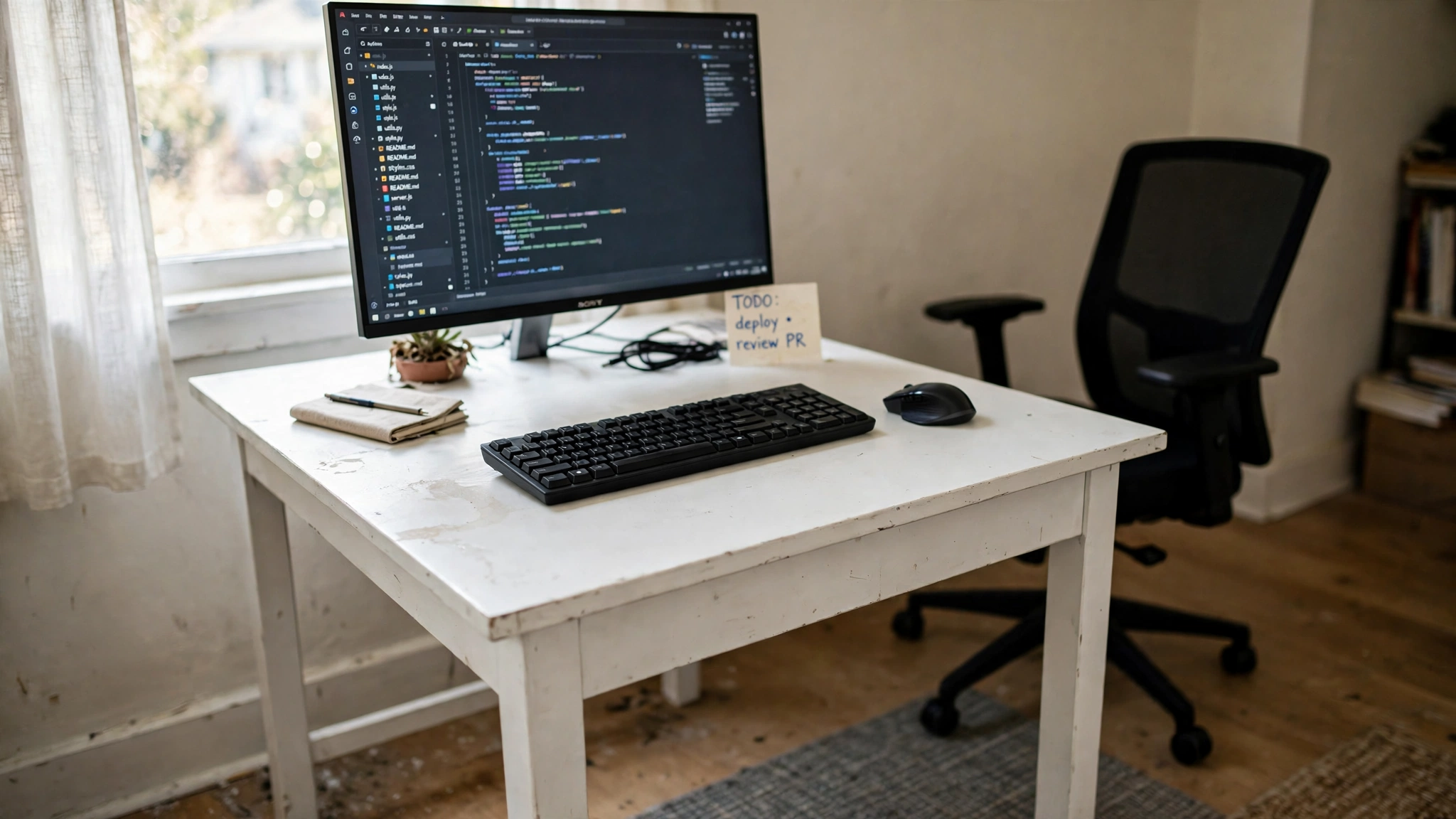
The desk is the anchor of the whole room, and its footprint is easy to read from the listing. A 40 inch desk is about 40 inches wide and 24 inches deep, which suits a laptop, a notebook, and a small lamp. A 47 inch desk adds room for a monitor and a full keyboard side by side, and the extra seven inches make a real difference on busy days. Depth matters too. A desk around 24 inches deep leaves enough room for a monitor at the back and your hands at the front, while a shallower desk forces the screen too close to your eyes.
- Measure the wall first, then pick the desk that fits it, not the other way round.
- Leave a little space at each end of the desk for a mug, a notebook, or a lamp.
- Check the desk depth in the listing, because width alone does not tell the whole story.
When the desk fits the wall with a few inches to spare on each side, the room feels planned rather than squeezed.
RECOMMENDED
Sweetcrispy Small Computer Desk, 40 Inch, Black Wood
Why this one: A 40 by 24 inch desk with two tier drawers, which is the small footprint this answer is built on.
Worth knowing: At 40 inches it suits a laptop and one screen, so a two monitor setup needs a wider desk.
Chair clearance
AI-generated image
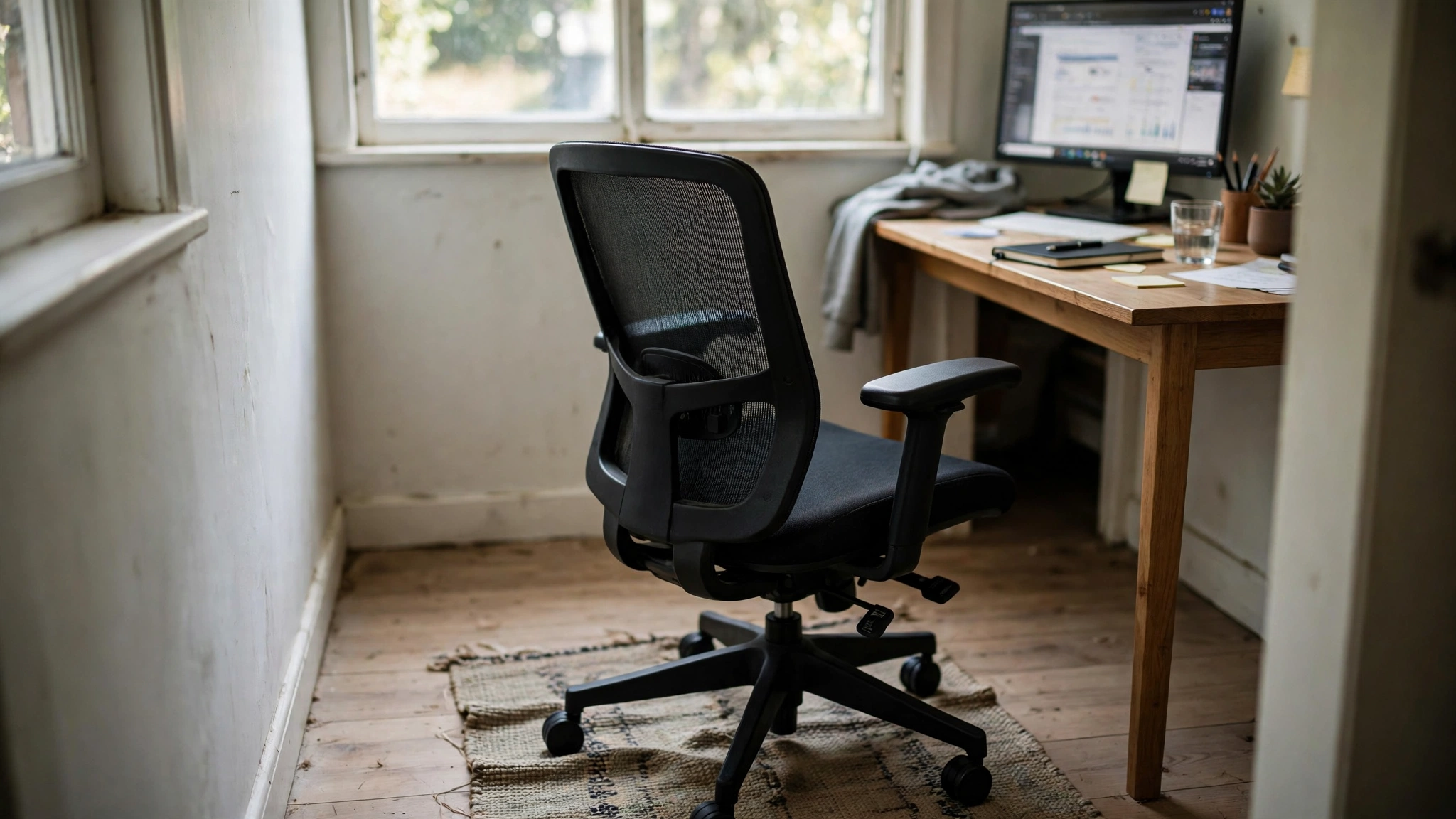
People forget the chair when they measure, and then they wonder why the room feels tight. A chair needs space to roll back, space for your legs, and space for you to stand up without turning sideways. Sit in the chair, push it back as far as it goes, and stand up. If your back hits the wall or the bed behind you, the desk is too close to whatever sits behind it. A chair that slides fully under the desk when you finish work also helps, because the room opens up the moment you push it in.
What to check: the distance from the desk edge to the wall or furniture behind you, the chair width, and whether the chair arms clear the desk edge when you slide in. A chair with flip up arms or no arms at all tucks in further, which suits a tight corner.
Storage belongs on the wall or under the desk here, not on the floor behind the chair, because anything on the floor steals the very space the chair needs to move.
RECOMMENDED
BestOffice Ergonomic Office Chair, Black, Pack of 2
Why this one: A matching pair of ergonomic chairs in one pack, so a shared room gets two seats that tuck in the same way.
Worth knowing: Check the pack count on the listing, because the same chair also sells singly.
When you need more room
AI-generated image
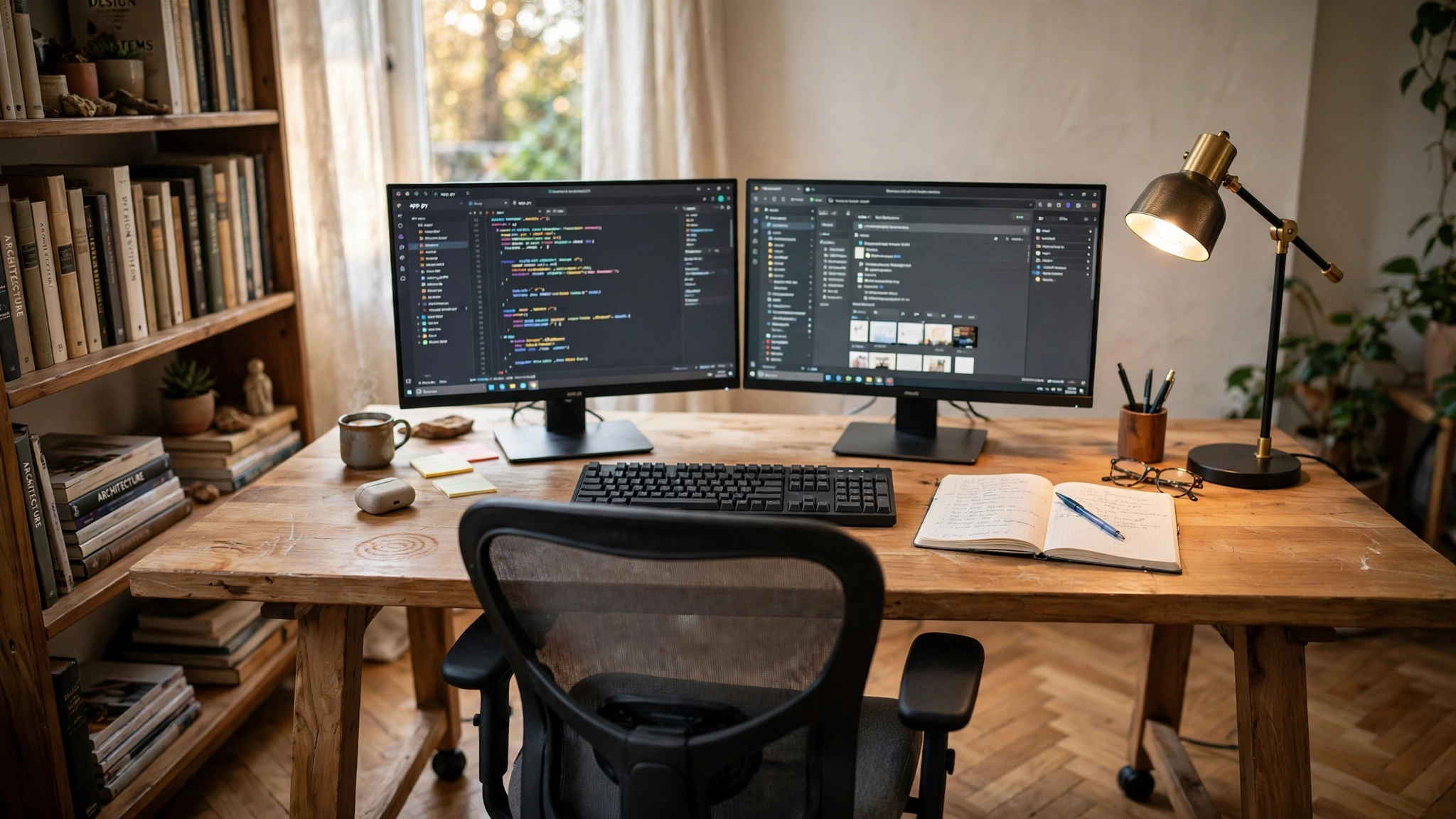
Some work genuinely needs more space, and it is better to admit that before you buy than after. Two monitors side by side need a desk around 55 inches wide or more, because each screen needs its own width plus room for the stands. A large monitor plus a laptop needs a similar span. Papers spread out, a drawing tablet, or a printer on the desk all add to the footprint too. If your work involves any of these, the 40 inch desk that suits a laptop worker will feel small by the second week.
The trade off is simple. A wider desk gives your screens and your elbows room, but it also takes a longer wall and more chair clearance. A corner desk can help, because it uses two walls at once and gives you a long run without blocking the middle of the room. For a wide screen setup in a tight room, the ideas in 10 Ultrawide Monitor Gaming Setup Ideas show how one wide screen can replace two and save desk width.
RECOMMENDED
CubiCubi Computer Desk, 47 Inch, Modern White
Why this one: A 47 inch desk that holds one monitor and a full keyboard with room left for a notebook.
Worth knowing: It is a plain desk with no drawers, so add a small storage unit if papers pile up.
The verdict
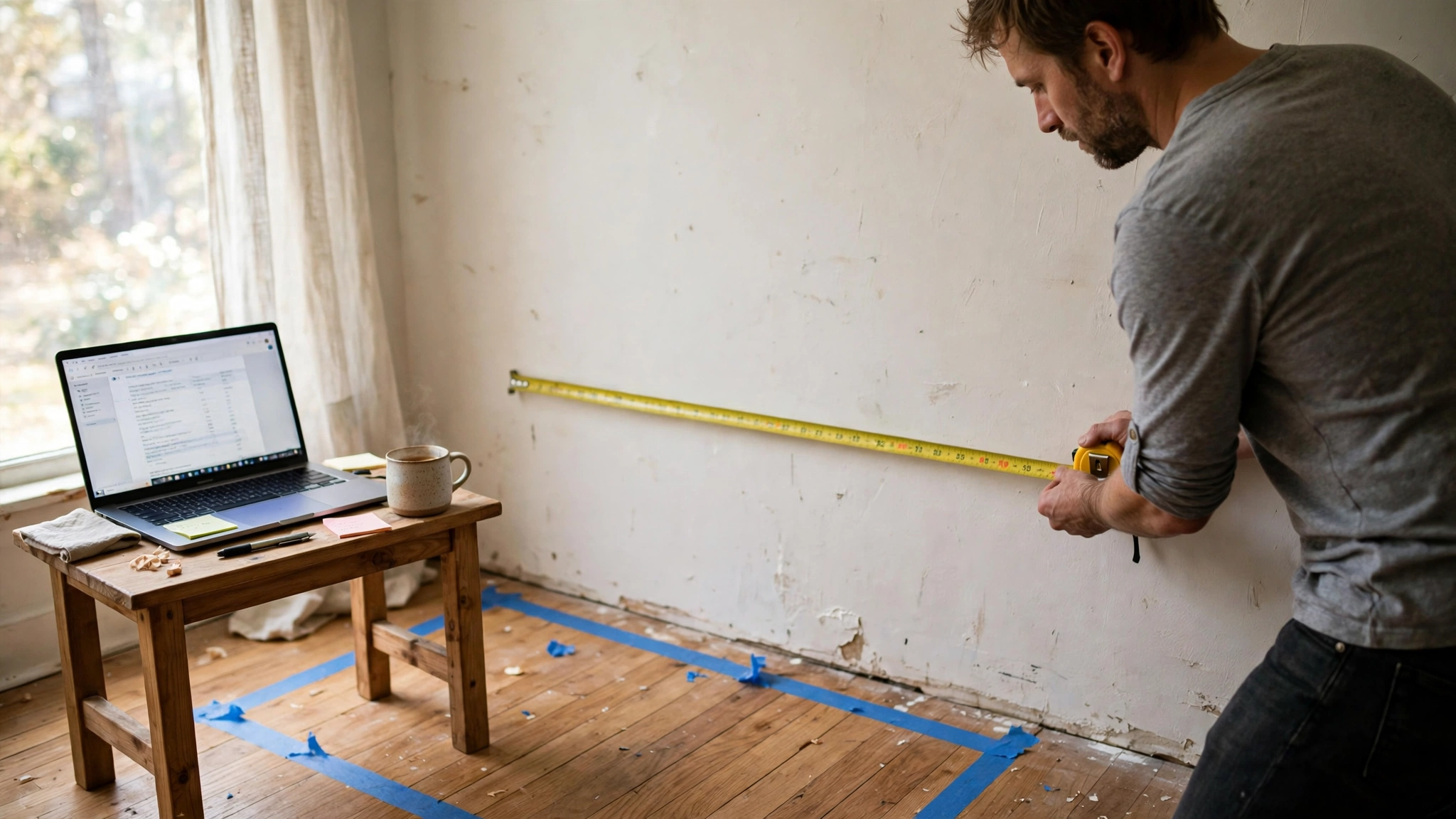
AI-generated image
You need a desk 40 to 47 inches wide for most home office work, plus chair clearance behind it. That is the whole answer. Start with a laptop-only setup on a 40 inch desk if your work is light, move to a 47 inch desk when a monitor and keyboard join in, and go wider only when two screens or spread out papers demand it. Do not buy a desk for the room you wish you had. Buy it for the wall you measured, and leave the chair room in the plan.
MEASURE FIRST
Tape the desk outline on the floor, sit in the chair, and push it back. If you can stand up without turning sideways, the space works.
This is not the same question as working without a desk at all, which is a different setup with different trade offs. Here the desk stays, and the space around it is what you are really choosing.
Frequently asked questions
How wide should a home office desk be?
For a laptop, 40 inches is enough. For one monitor and a keyboard, 47 inches is a comfortable fit. For two monitors, look for a desk around 55 inches wide or wider, and check the listing dimensions before ordering.
How much room do I need behind my office chair?
Enough to push the chair back and stand up without turning sideways. Sit in the chair, roll it back as far as it goes, and stand. If your back hits the wall or furniture behind you, move the desk forward or pick a chair that tucks fully under the desk.
Can a home office fit in a corner?
Yes. A 40 inch desk fits most corners, and a corner desk uses two walls at once for a longer run. Keep the chair clearance in mind, because a corner can trap the chair if the desk sits too deep into it.
Is a 40 inch desk too small for office work?
Not for laptop work, writing, or video calls. It gets tight when you add a monitor, a keyboard, and papers at the same time. If that is your daily setup, a 47 inch desk is the better starting point.
What if I have no spare room at all?
Then the desk footprint still applies, just in a shared room. A 40 inch desk against a bedroom or living room wall, with a chair that tucks underneath, gives you a real office without a dedicated room.
Conclusion
Measure the wall, pick a desk 40 to 47 inches wide that fits it, and leave room for the chair to move. That is how much space a home office actually needs. Start small if your work is light, go wider when your screens demand it, and tape the outline on the floor before you order, so the desk you buy is the desk that fits. For more ideas, browse the Home Office Ideas category.
