How to Refresh a Home Office with No Spending
A tired home office does not always need new furniture. Often it needs a clear desk, a better angle and a few things moved to where they work harder. This guide uses only what you already own: rearrange, clean, turn the desk, and let daylight do the rest. Browse more room ideas in the Home Office Ideas collection on desk and glow.
As an Amazon Associate I earn from qualifying purchases. Read our affiliate disclosure for details.
In this guide
1. Clear everything off
2. Clean the surfaces
3. Turn the desk
4. Put back only what you use
5. Swap things between rooms
6. Open up the light
7. Set a weekly reset
FAQ
Conclusion
At a glance
| Step | What it does |
|---|---|
| 1. Clear everything off | Gives you a blank desk to start from |
| 2. Clean the surfaces | Makes the room feel fresh without new paint |
| 3. Turn the desk | Changes the view and the light in one move |
| 4. Put back only what you use | Stops clutter coming back the same day |
| 5. Swap things between rooms | Brings in a lamp, shelf or chair you already own |
| 6. Open up the light | Lets daylight reach the desk |
| 7. Set a weekly reset | Keeps the refresh going with ten minutes a week |
Step 1. Clear everything off

Take everything off the desk and put it on the bed or the floor in piles: keep, move elsewhere, and put away. Do not sort it yet, just clear the surface. An empty desk shows you how much space you really have, and it makes the next steps faster because you are not working around piles. It also shows the marks, dust and cable tangles that were hiding under papers and mugs. Give yourself half an hour for this step and finish it in one go, so the room does not sit half cleared for days.
Step 2. Clean the surfaces
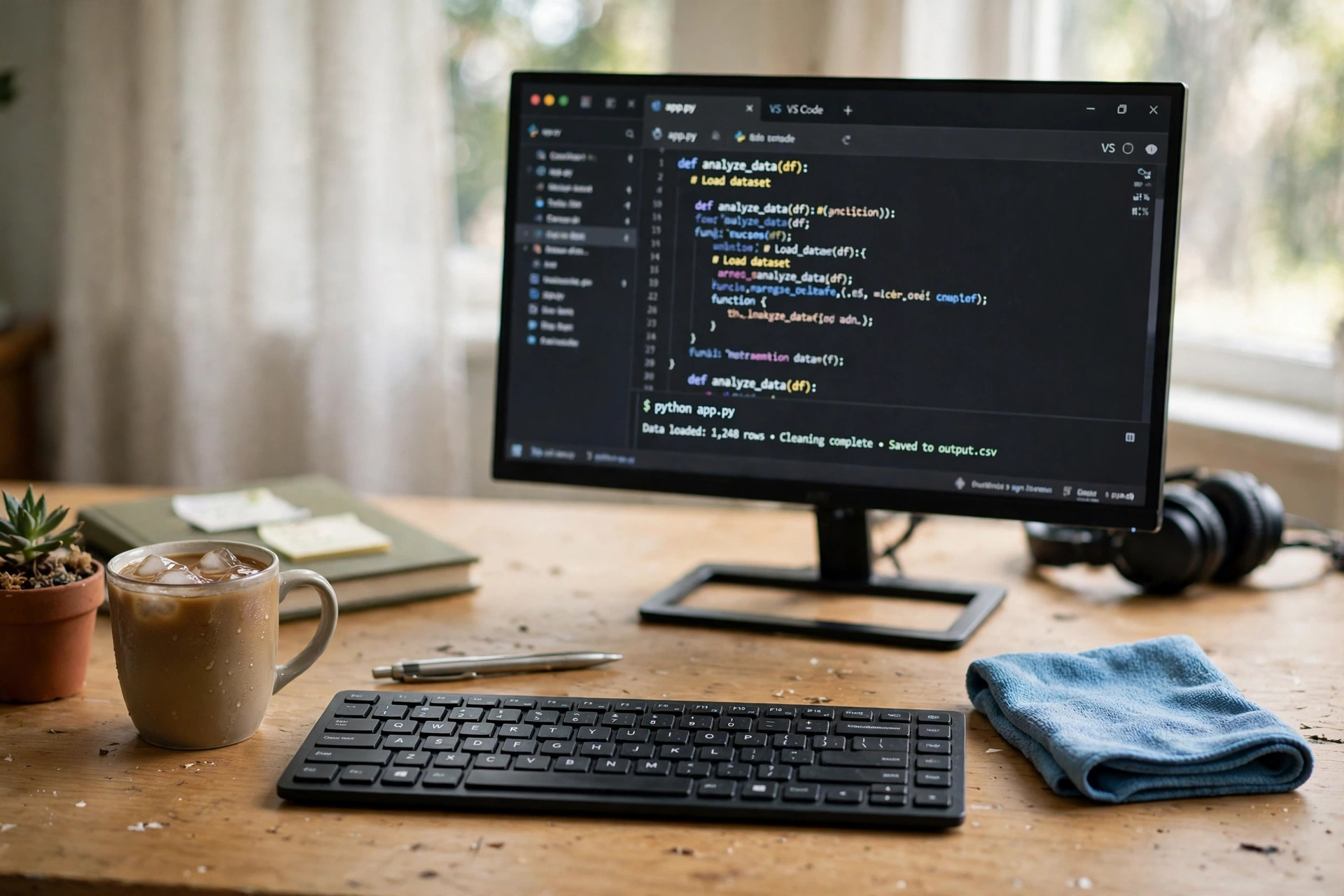
With the desk empty, wipe it down with a damp cloth and the cleaner you already use at home. Clean the monitor and laptop screen with a soft dry cloth, wipe the keyboard, and dust the shelf and the window sill. Then do the floor: vacuum or sweep under the desk, where dust and cable dust gather. A clean surface reflects light better, so the room can look brighter with no new lamp. Work in this order:
- Desk top and drawers, front to back.
- Screens and keyboard, with a soft cloth.
- Shelves, window sill and lamp shades.
- Floor under and around the desk.
Leave the desk empty while it dries, so you start the next step with a truly blank surface.
Step 3. Turn the desk

Moving the desk is the biggest free change you can make. Try it facing the window first, so daylight falls on your work instead of on the back of the screen. If that brings glare, try it at a right angle to the window, with light coming from your left if you write with your right hand. Sit down and work for ten minutes in each spot before you decide, because a layout that looks good can feel awkward once you start typing. Check the chair fits, the cables reach the socket, and the door still opens fully. A desk that faces into the room can also feel more open than one pushed hard against a wall.
Try this: Mark the old desk position with tape on the floor before you move it, so you can put it back in a minute if the new spot does not work.
Step 4. Put back only what you use

Now put things back, one at a time, and ask a simple question for each one: did I use this in the last two weeks? If the answer is no, it goes in a drawer, on a shelf or out of the room. Keep the daily tools within reach: laptop or monitor, keyboard, notebook, pen, lamp and charger. Move the rest to a tray, a box or a drawer so the desk top stays clear. This step is where most refreshes fail, because everything creeps back at once. Be strict for one day and the clear desk will start to feel normal.
- Daily tools stay on the desk.
- Weekly tools go in the top drawer.
- Rarely used things leave the room.
- One tray holds pens, cables and small bits.
Step 5. Swap things between rooms

Walk through the house with fresh eyes. A lamp from the living room, a plant from the kitchen window, a small shelf from the hallway or a cushion from the spare room can change the office without any purchase. Look for things that are not doing much where they are now, and try them on the desk or on the wall behind it for a day. A plant that was hidden behind a sofa can fill an empty corner here, and a lamp that was too dim for reading in the lounge can be just right beside a monitor. If a swap does not work, move it back. Nothing is fixed, and the house still owns the same things.
What works here: a spare lamp, a small plant, a framed picture from another wall, and a cushion that makes the chair feel different. What to skip: anything you need every day in its old spot.
Step 6. Open up the light

Light is free, so use all of it. Wash the inside of the window, pull the curtains fully to the sides, and lift any blind that blocks the top half of the glass. Move a tall plant or a shelf that casts a shadow across the desk. If the screen glares, tilt it slightly or move it a few inches to the side instead of closing the curtains. In the evening, use the lamp you already own and turn off the bright ceiling light, which can make a small room feel flat. Check the room at morning, midday and evening, because the light changes and the best curtain position changes with it.
Step 7. Set a weekly reset
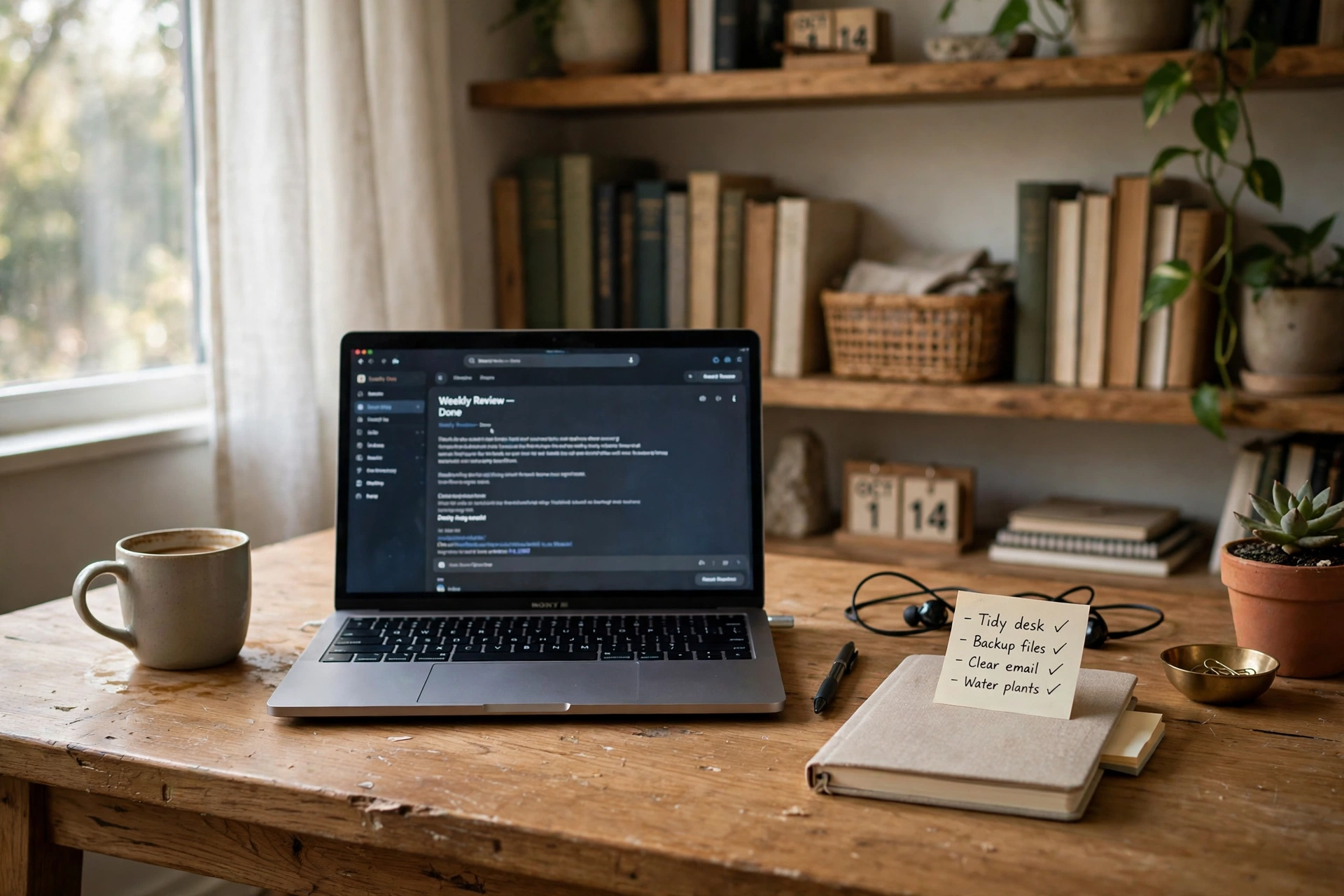
A refresh only lasts if you keep it up, so pick one ten minute slot each week and protect it. Use it to clear the desk top, return things to their homes, wipe the surface and check the cables. Do it on the same day each week, such as Friday afternoon, so it becomes a habit rather than a chore. Keep a small box or tray for things that have drifted onto the desk, and empty it during the reset. Ten minutes a week is enough to stop the slow slide back to clutter, and it means you will rarely need a full refresh again.
- Clear the desk top completely.
- Return stray items to their rooms.
- Wipe the desk and the screen.
- Check cables and the chair position.
Frequently asked questions
Can I really refresh a home office without buying anything?
Yes. Clearing, cleaning, turning the desk and moving things you already own can change how the room looks and feels, with no new purchase needed.
What should I do first?
Clear the desk completely. An empty surface makes every other step easier and shows you what space you actually have.
Where should the desk face?
Try facing the window first, then try a right angle to it if glare appears. Sit and work for ten minutes in each spot before you choose.
How do I stop clutter coming back?
Put back only what you used in the last two weeks, keep the rest in a drawer or another room, and run a ten minute reset each week.
What if I share the room?
Agree on one clear desk zone and one shared shelf, and keep the rest of the room as it is. A small tidy zone still changes the feel of your work corner.
Conclusion
Refreshing a home office with no spending is about using what you have better: a clear desk, a clean surface, a desk turned toward the light, and a short weekly reset to keep it that way. Try the steps in order this weekend and see how different the room feels on Monday. For more ideas to shape the rest of your workspace, browse the Home Office Ideas collection.
