Gaming Room Ideas
Controllers on the desk, headphones draped over the monitor, cables everywhere. That is how most gaming rooms end up, and it is also the fastest way to make a good setup feel messy. A proper controller stand and headphone holder changes the whole room, because every piece of gear gets a home and the desk stays clear for playing. I have put together 12 complete setups built around stands and holders that actually work, from warm walnut wood to glowing RGB charging hubs.
As an Amazon Associate I earn from qualifying purchases. Read our full affiliate disclosure for more detail.
Every idea below is one complete setup you can copy whole, desk, seat, screen, light, storage, and power included. Pick the stand style that suits your room, start with the desk and the chair, and let the holder do the tidying for you. If you are working with a tight space, the 13 gaming room ideas for small bedrooms will help you fit the same ideas into a smaller footprint.
In This Article
- 1. Walnut Wood Classic
- 2. RGB Glow Station
- 3. Under Desk Clamp Saver
- 4. Dual Controller Command Center
- 5. All in One Charging Hub
- 6. Minimal Black Aluminum
- 7. Wall Mounted Console Corner
- 8. Rotating Desk Organizer
- 9. Shooter Themed Collector Display
- 10. Small Room Space Saver
- 11. Warm Walnut Single Controller
- 12. Breathing Light Night Desk
- At a Glance Comparison
- Frequently Asked Questions
- Conclusion
At a Glance Comparison
| Setup | Desk and Seat | Screen and Light | Best For |
|---|---|---|---|
| 1. Walnut Wood Classic | Walnut desk, black leather chair | Wide monitor, warm desk lamp | Warm, classic rooms |
| 2. RGB Glow Station | Black desk, black gaming chair | Wide monitor, RGB strip lights | RGB lovers |
| 3. Under Desk Clamp Saver | Compact desk, slim chair | Single monitor, desk lamp | Clear desktops |
| 4. Dual Controller Command Center | Wide desk, two chairs | Ultrawide monitor, LED glow | Two players |
| 5. All in One Charging Hub | Black desk, ergonomic chair | Wide monitor, neon rope light | Charging everything |
| 6. Minimal Black Aluminum | White desk, grey chair | Single monitor, daylight | Clean, calm rooms |
| 7. Wall Mounted Console Corner | Low media unit, sofa | Large TV, LED wall panels | Console players |
| 8. Rotating Desk Organizer | Black desk, black chair | Wide monitor, warm lamp | Tidy desks |
| 9. Shooter Themed Collector Display | Dark desk, black chair | Wide monitor, hexagon lights | Collectors |
| 10. Small Room Space Saver | Small wall desk, compact chair | Single monitor, wall light | Small rooms |
| 11. Warm Walnut Single Controller | Wood desk, fabric chair | Wide monitor, wooden lamp | Solo players |
| 12. Breathing Light Night Desk | Black desk, mesh chair | Wide monitor, blue ambient glow | Night gaming |
1. Walnut Wood Classic
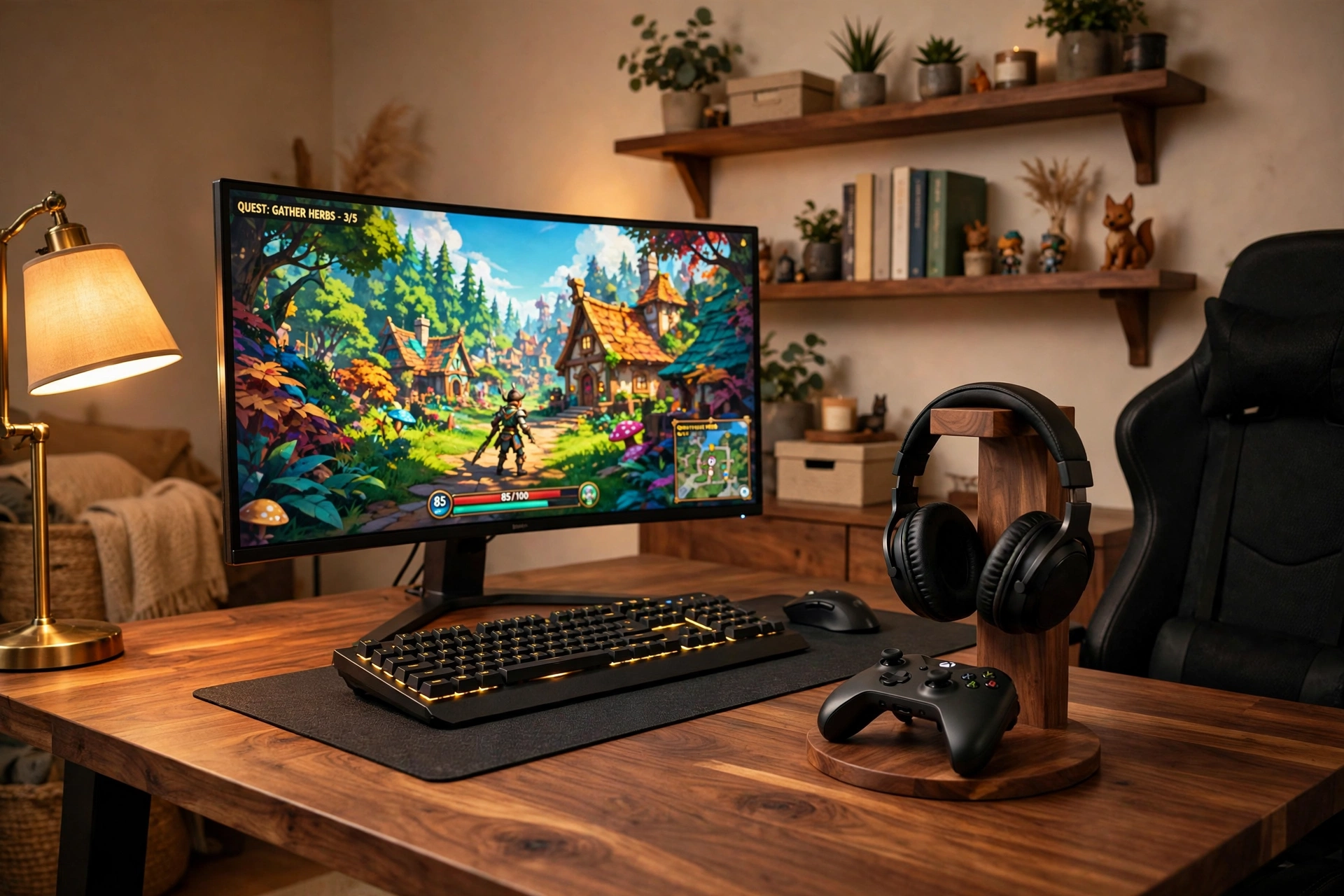
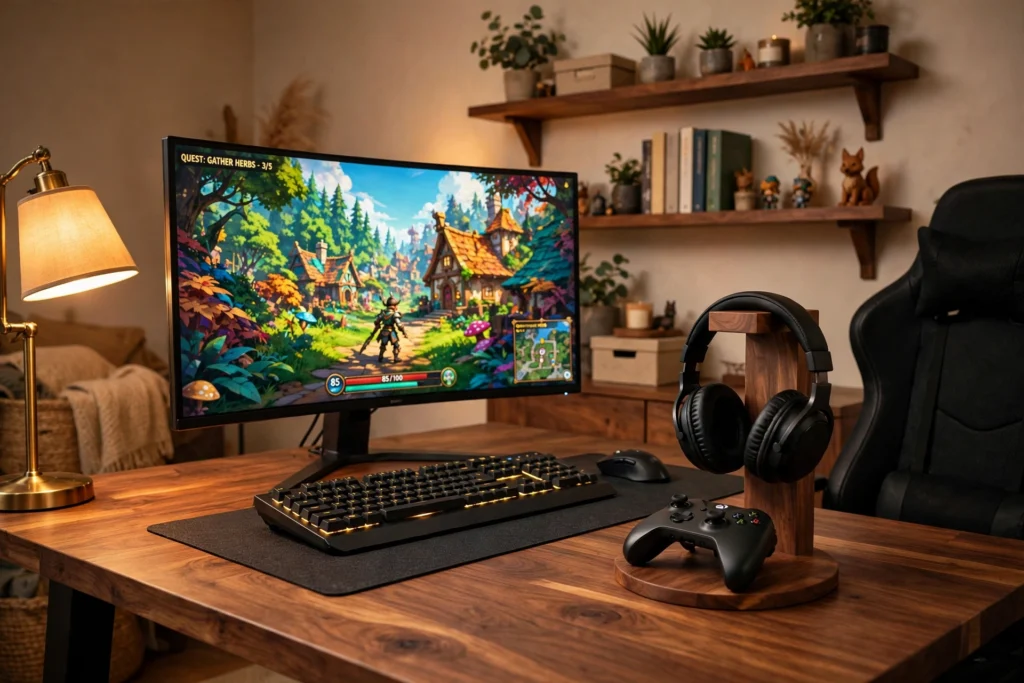
Start with wood, because a walnut stand makes headphones and controllers look like they belong in the room instead of clutter on the desk. Choose a walnut desk with a warm grain, wide enough for a monitor, keyboard, and the stand itself on the right side. Put a wide monitor in the center on a bamboo riser so the screen sits at eye level and the space underneath holds a keyboard tray or a small notebook. Sit in a black leather chair with a high back, firm enough for long sessions and easy to wipe clean. The walnut headphone stand holds your headset up top and your controller on its base, so both are in reach the moment you sit down. A warm desk lamp on the left gives soft task light without washing out the screen. Keep storage simple with a small drawer unit under the desk for games and spare cables. Finish with a slim power strip fixed under the desktop, cables clipped along the back leg, and a dark rug to anchor the wood tones.
UPERGO Headset Stand with Gaming Controller Holder, Walnut Wood Headphone Stand with Storage Base
Why this one: The walnut wood base and storage tray hold a headset, a controller, and small bits like pens in one tidy piece.
Worth knowing: The wood finish is darker in person than in some photos, so check it against your desk before you commit to matching wood tones.
Why this one: The bamboo shelf lifts the monitor to a comfortable height and frees the space underneath for a keyboard or small storage.
Worth knowing: The shelf is wide, so measure your desk depth first if your desk is narrow.
2. RGB Glow Station
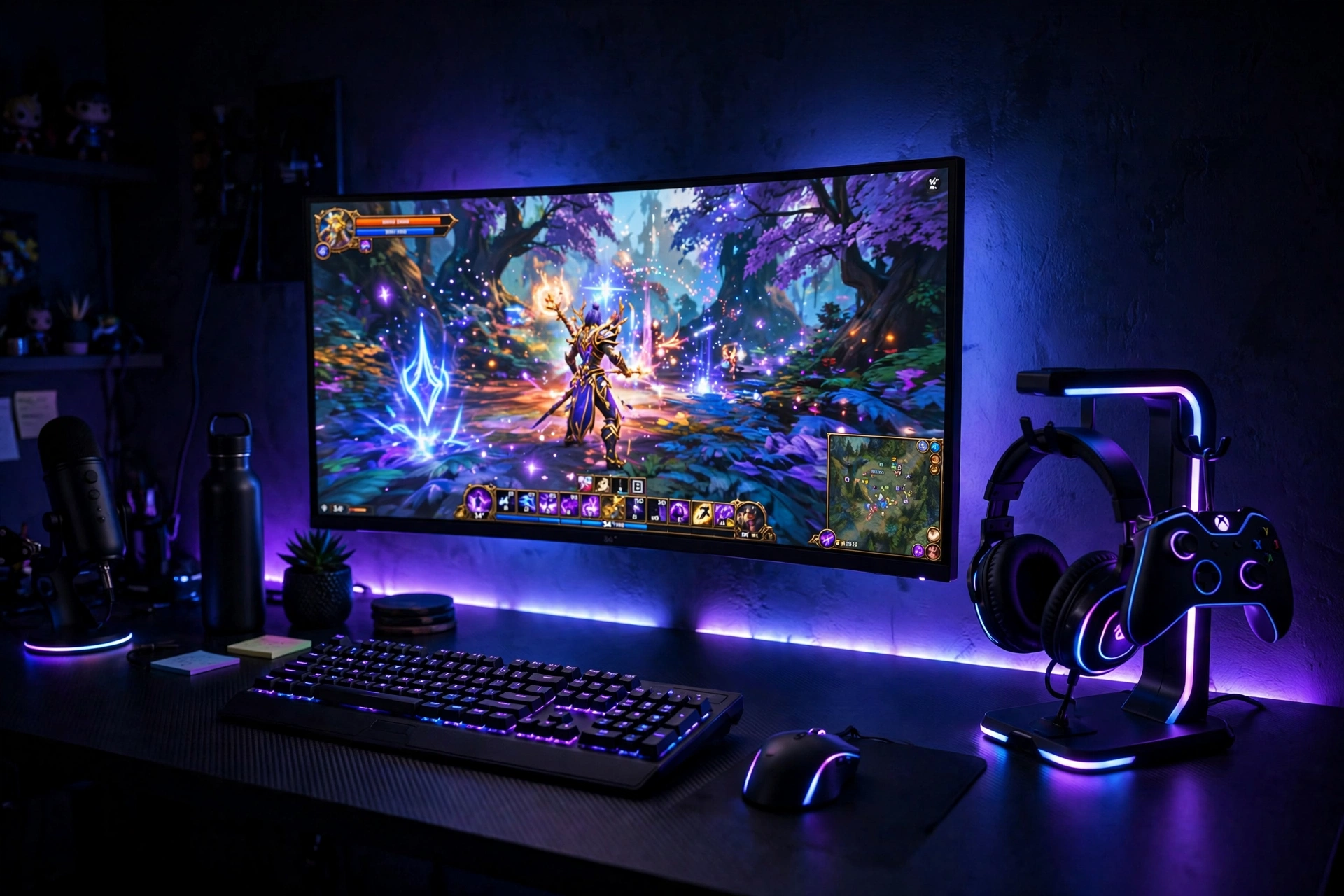
This is the setup for anyone who wants their controller stand to be part of the light show. Choose a black desk with a matte top so the RGB glow reads clearly, and place the RGB headphone stand on the right where its light washes across the wall. Put a wide monitor in the center, then run an RGBIC strip along the back edge of the desk and behind the monitor so the whole wall glows in step with the stand. Sit in a black gaming chair with adjustable armrests, close enough that the controller is a short reach from the stand to your hands. Keep the headset on the stand when you are not wearing it, because the curved top protects the headband from flattening. Storage stays low key with a small black cabinet for games and a cable tray under the desk for the strip power and monitor cables. Finish with a power strip mounted under the desktop, the strip controller tucked at the back, and a dark rug that soaks up the extra color instead of bouncing it around the room.
Why this one: Nine light modes and a rotatable hanger let the stand glow on its own or match the rest of your RGB setup, with a hook for the controller.
Worth knowing: The lights run on USB power, so you need a spare USB port or a powered hub to keep them on.
Govee 16.4ft RGBIC LED Strip Lights
Why this one: The RGBIC strip shows more than one color at a time, so the glow behind the desk feels layered instead of flat.
Worth knowing: The strip sticks best to a clean, smooth edge, so wipe the desk edge down before you apply it.
3. Under Desk Clamp Saver
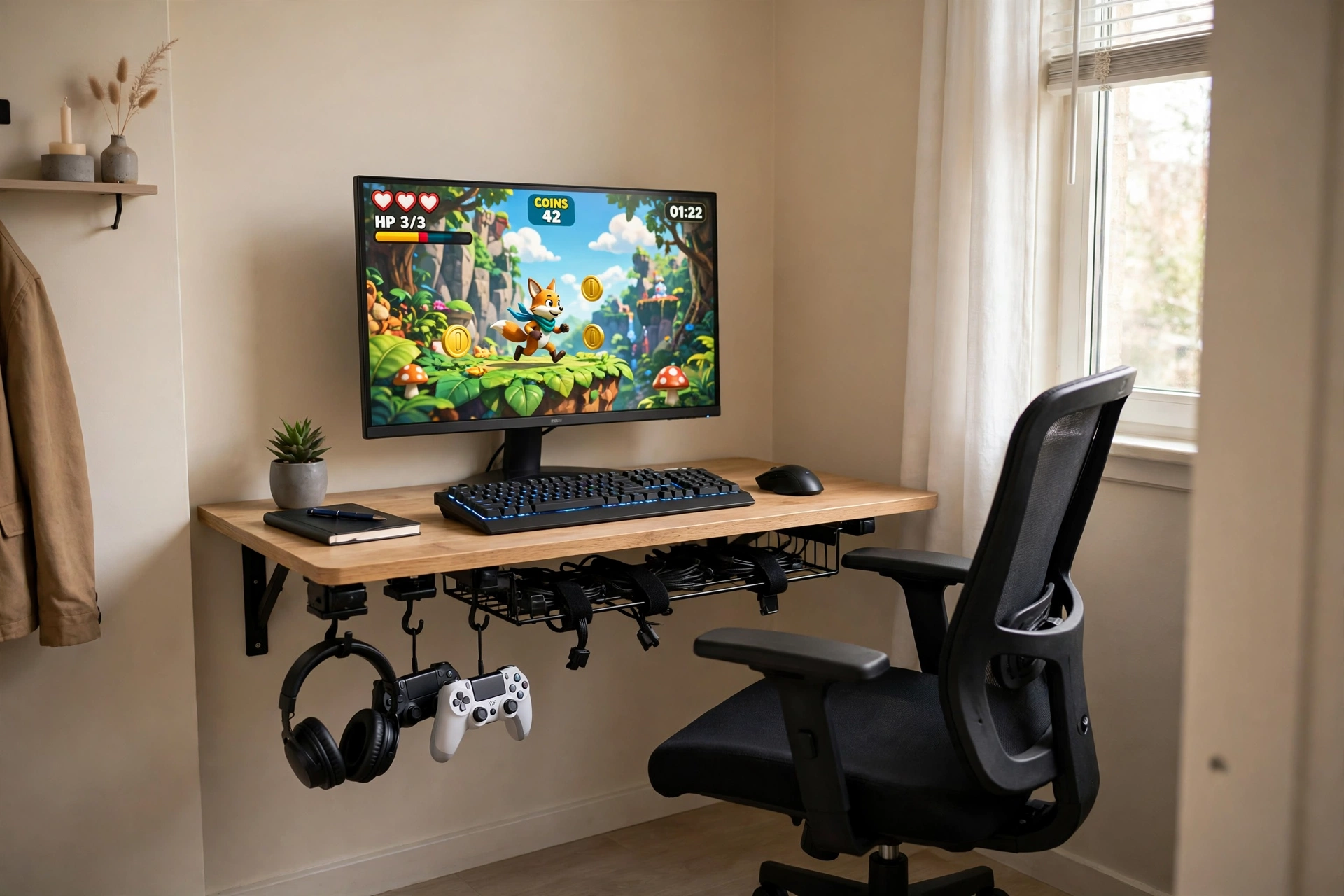
When the desk is small, the best stand is the one that takes up no desk space at all. Clamp an under-desk hanger to the side of a compact desk, with slots for two controllers and a hook for the headset, and the whole desktop stays free for the keyboard and mouse. Choose a slim desk just wide enough for a single monitor and a keyboard, and sit in a compact chair that tucks fully under the desk when you are done. Put the monitor on a small riser so you can slide the keyboard underneath, and keep a small desk lamp on the opposite side from the hanger so the light never hits the hanging gear. Storage lives under the desk too, with a long cable tray holding the power strip, the monitor brick, and every spare cable out of sight. Finish with cable clips along the desk leg, a small shelf on the wall for games, and a light rug that keeps the small footprint feeling open instead of crowded.
Why this one: The clamp holds two controllers and a headset under the desk edge, so nothing sits on the desktop at all.
Worth knowing: The clamp fits desks in a set thickness range, so measure your desktop edge before you order.
Yecaye 2 Pack Cable Management Under Desk, 31.5 in Under Desk Cable Management Tray
Why this one: Two long trays swallow the power strip and every cable, so the floor under a small desk stays clear.
Worth knowing: The trays need screws to mount, so they are not the right pick for a rented desk you cannot drill into.
4. Dual Controller Command Center
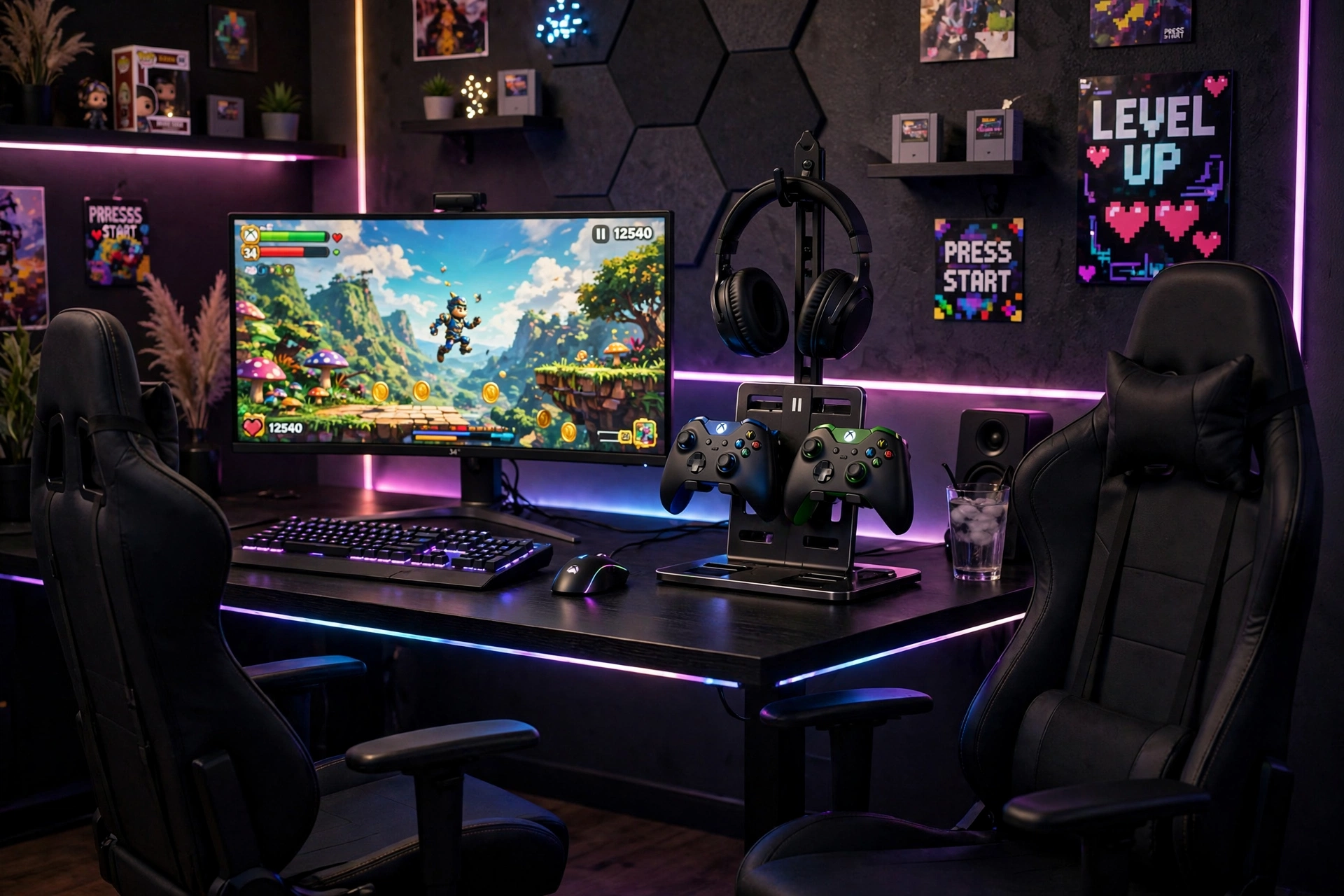
Two players means two controllers, and two controllers loose on a desk is a mess waiting to happen. Build this one around a wide desk with room for an ultrawide monitor in the center and a dual controller holder on the right, with the headphone stand rising above it. Put two matching chairs side by side, both with adjustable height so each player sits at the same eye level with the screen. Run LED strip light behind the monitor for a soft glow that both players can see without glare. Keep a small storage box in the holder base for the second headset cable and spare batteries, and a low shelf under the desk for the console or PC tower. Finish with a desk clamp power strip on the back edge, one switch for the screen and one for the lights, and cables clipped along the back so nobody trips over them mid game.
KDD Dual Controller Holder with Headphone Stand, Multi-Functional Desk Storage Box with Phone Holder
Why this one: Two controller slots, a headphone stand, a storage box, and a phone holder in one piece keep a two player desk tidy.
Worth knowing: The storage box is sized for small items, so it will not fit a full size controller inside it, only on top of the slots.
Why this one: The clamp mount gives you outlets above and below the desk edge, with a USB-C port for fast charging a phone or controller.
Worth knowing: The clamp needs a desk edge with clear space underneath, so it will not fit a desk with a thick apron or modesty panel.
5. All in One Charging Hub
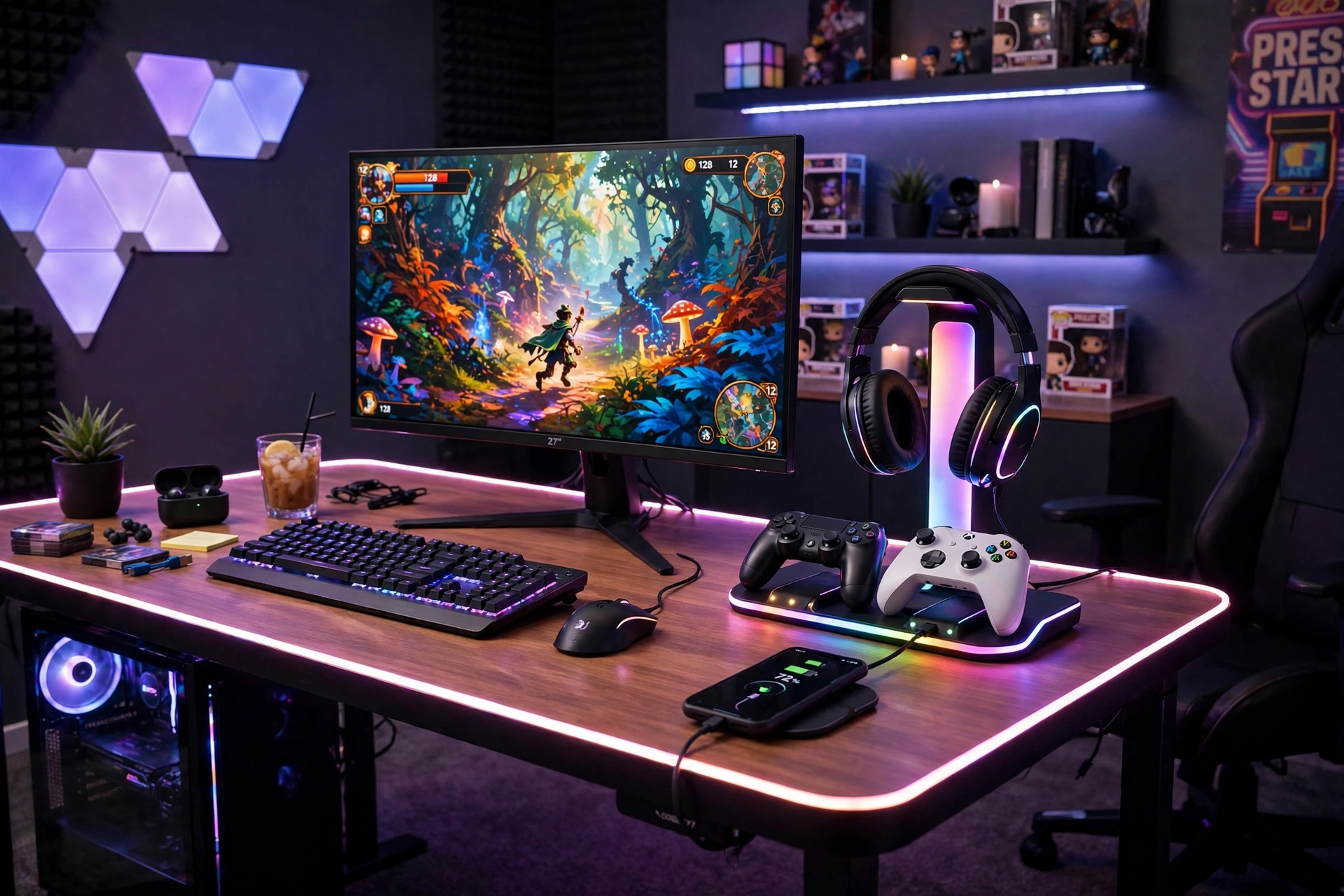
This setup earns its place by charging everything while it stores it. Put an RGB charging stand on the right of a black desk, with the headset on top, two controllers docked on the sides, and a phone on the wireless charging pad at the base. Place a wide monitor in the center and run a neon rope light around the front edge of the desk so the whole station glows like one piece of gear. Sit in an ergonomic chair with lumbar support, because a charging hub tends to become the main desk you sit at for hours. Keep a small drawer unit beside the desk for spare cables and charging bricks, and a cable tray under the desk for the stand power and monitor cables. Finish with a single power strip under the desktop feeding the stand, the monitor, and the rope light, so one switch powers the whole hub down at night.
Why this one: One stand charges a phone, a watch, and holds two controllers and a headset, so the whole charging pile becomes one tidy station.
Worth knowing: The watch charger is made for a specific watch style, so check your watch model fits before you count on that slot.
Govee RGBIC Gaming Lights, 10ft Neon Rope Lights Soft Lighting for Gaming Desks
Why this one: The soft neon rope bends around the desk edge and syncs with the rest of the setup for one continuous glow.
Worth knowing: The rope is a fixed length, so measure the desk edge you want to outline before you plan the run.
6. Minimal Black Aluminum
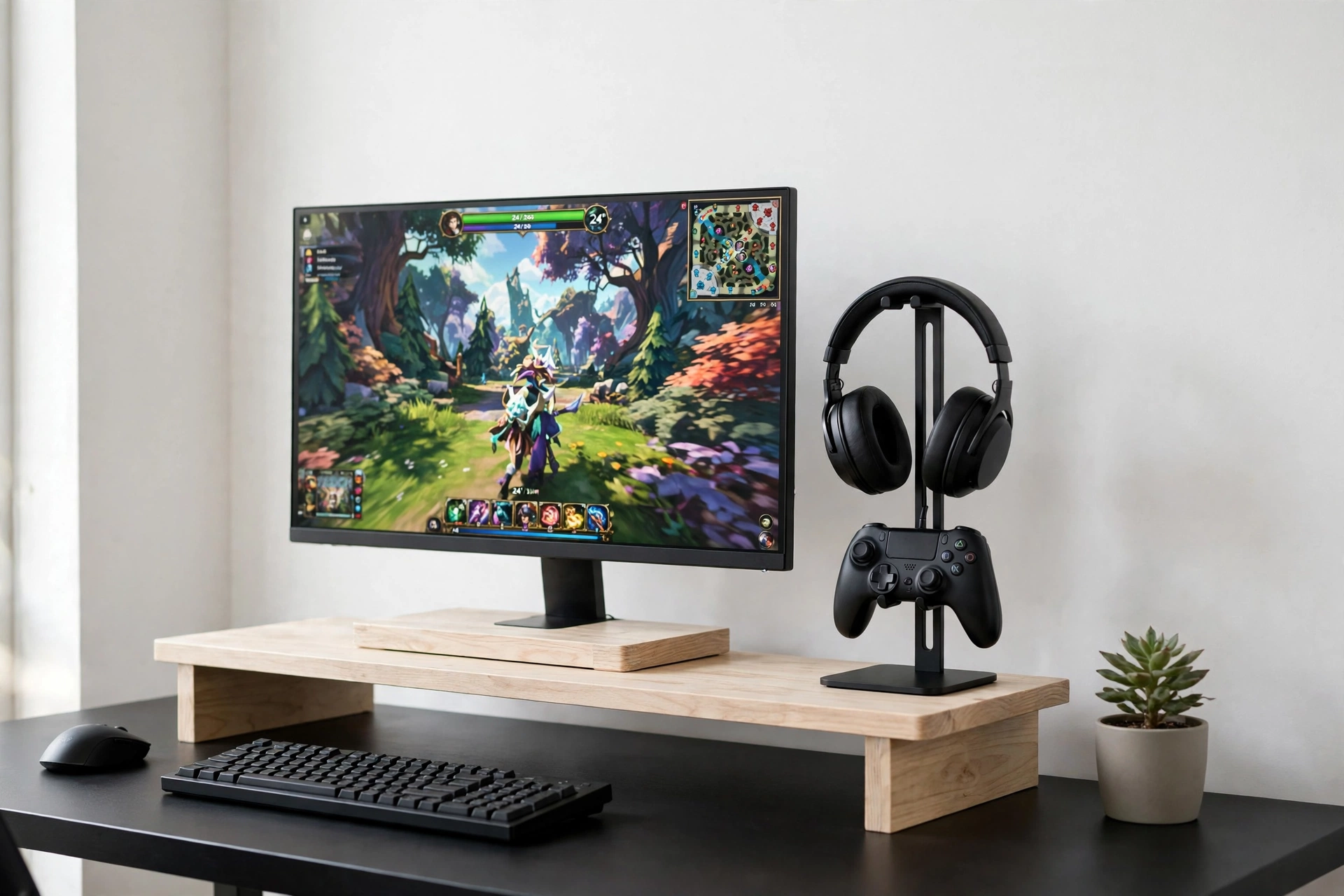
Not every gaming room wants color, and this one proves a stand can be almost invisible. Choose a white desk with clean lines and a slim black aluminum headphone stand with a controller hook, placed to the right of the monitor where it reads as a simple dark line. Put a single monitor on a white wood riser with a drawer, so the keyboard slides underneath and the drawer hides the small bits. Sit in a light grey chair with a simple frame, comfortable but plain, so nothing in the room competes with the screen. Light comes from the window by day and a small white desk lamp by night, with no RGB anywhere. Storage is the riser drawer plus a slim wall shelf for two or three games, and nothing else on show. Finish with a white cable box under the desk holding the power strip, cables clipped in a straight line along the back leg, and a pale rug that keeps the whole room feeling calm.
Why this one: The aluminum bar and rubber pads hold a headset and a controller without scratching them, in a slim shape that disappears on a white desk.
Worth knowing: The base is light, so a heavy headset can tip it if you hang the headset off center.
Why this one: The two tier riser lifts the screen and adds a drawer and pen holders, so small desk clutter has a place to go.
Worth knowing: The drawer is shallow, so it suits pens and small cables rather than bulky items.
7. Wall Mounted Console Corner
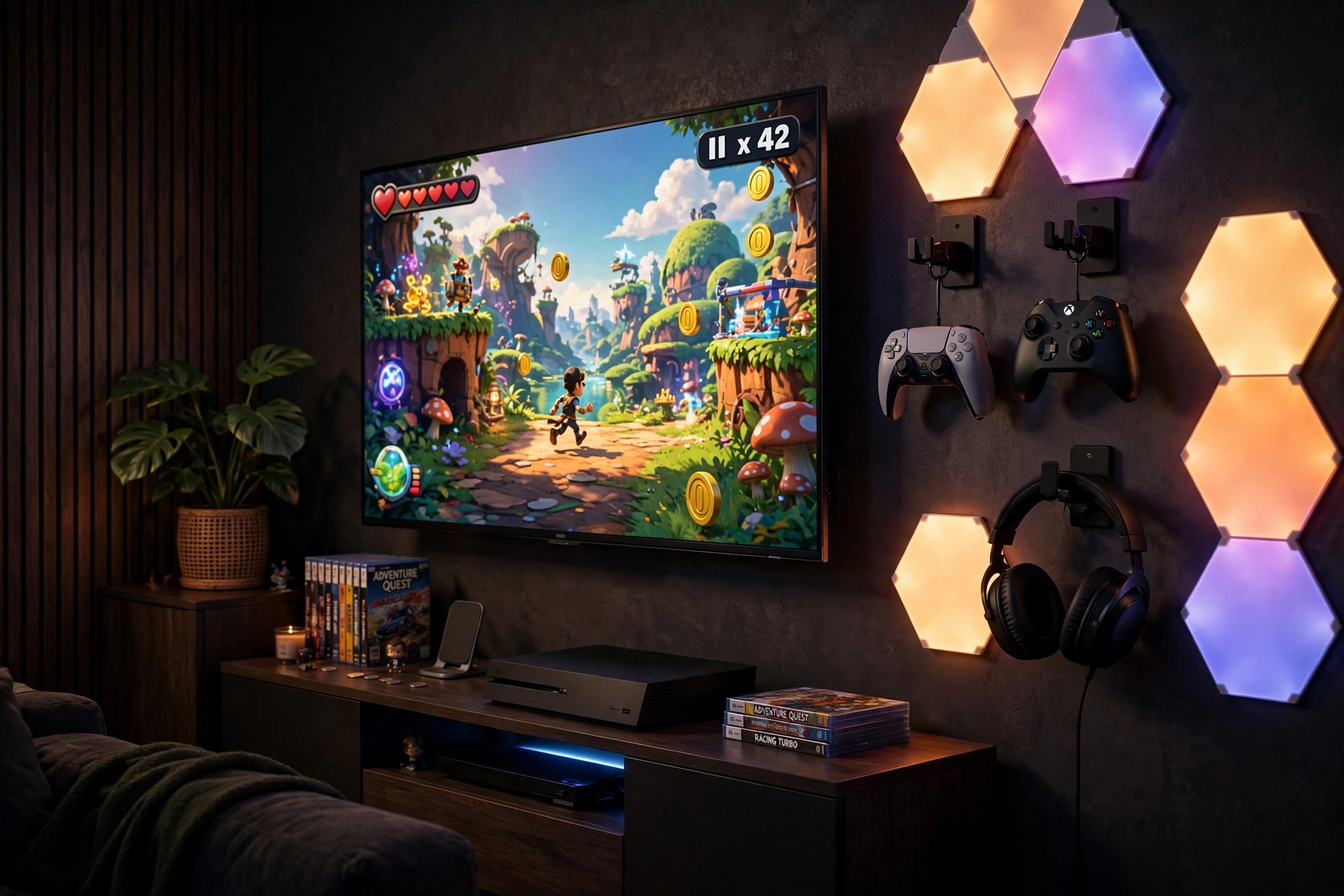
Console players do not need a desk at all, and this setup keeps the controllers on the wall instead. Mount a large TV on the wall above a low media unit, then fix a wall mount kit beside it with two detachable controller holders and a headphone hanger. Sit on a comfortable sofa two good steps back, with a small side table for drinks and the remote. The controllers hang within arm’s reach of the sofa, and the headset hangs beside them, so nothing ever ends up on the sofa cushions. LED wall light panels on the other side of the TV give a soft glow that works as bias lighting and keeps the wall from looking bare. Storage lives inside the media unit, with one shelf for games and one for the console itself, plus a cable box behind the unit for the power strip. Finish with the TV power and console cables run down a wall channel, a rug in front of the sofa, and a floor lamp in the corner for reading between games. For more screen glow ideas, see the 7 bias lighting ideas for TV and monitor.
Why this one: The kit mounts on the wall or the back of the TV and holds two controllers plus a headset, so console gear never touches the furniture.
Worth knowing: The adhesive mount suits smooth surfaces best, so use the screw option on textured walls.
Govee Glide RGBIC LED Wall Lights, Smart RGBIC Wall Sconces for Gaming TV Bedroom Streaming
Why this one: The wall sconces double as bias lighting beside the TV and as decor when the TV is off.
Worth knowing: The panels need a Wi-Fi connection for app control, so they will not run smart scenes on a network without one.
8. Rotating Desk Organizer
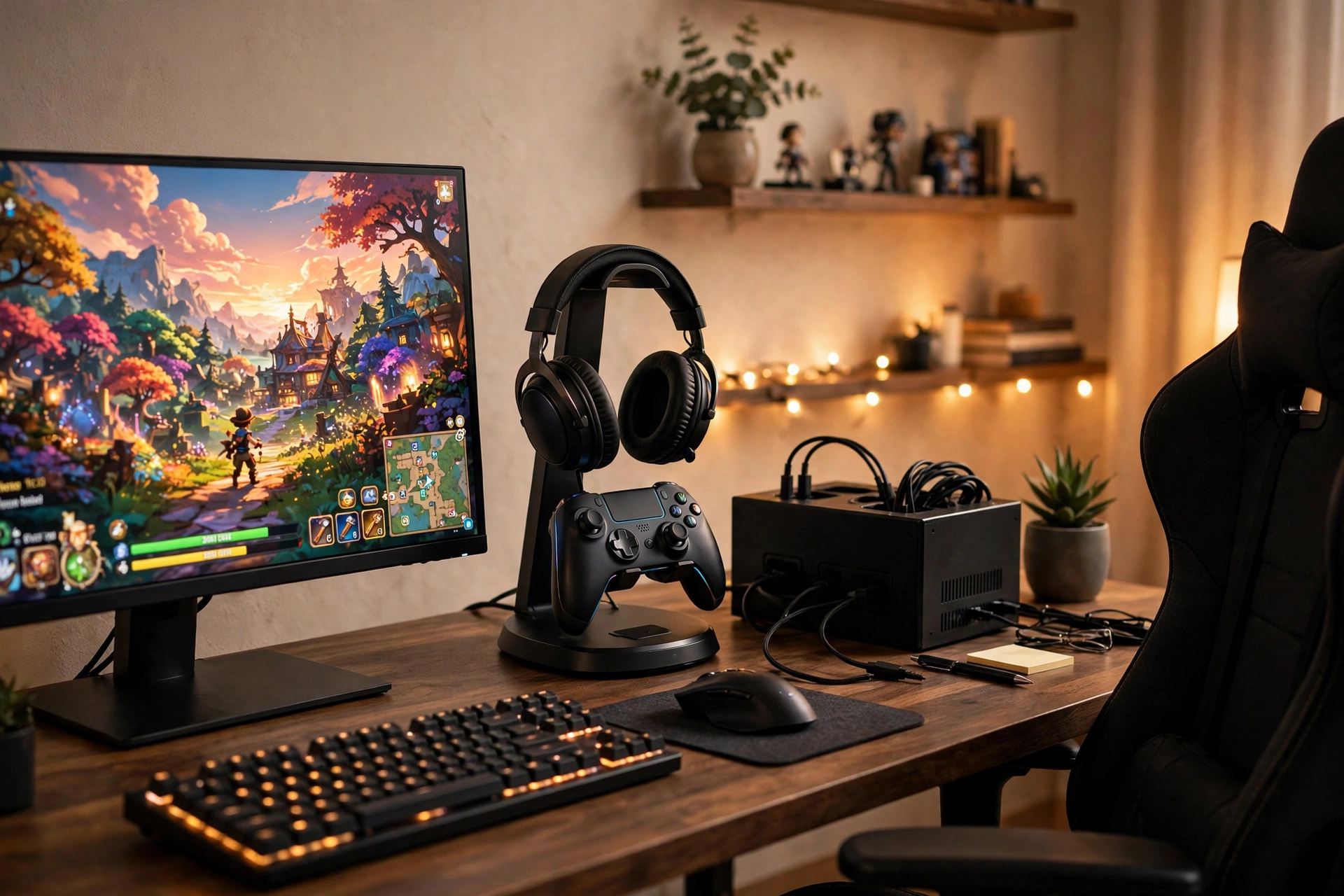
Some desks need a stand that turns, because the headset and controller are used from more than one angle. Put a rotating headset and controller stand on the right of a black desk, with the headset on top, the controller on its side hook, and a phone in the front slot. Place a wide monitor in the center, and keep the keyboard and mouse in the middle of the desk where your hands naturally fall. Sit in a black gaming chair with a swivel base, so you can turn to the stand, grab the controller, and turn back without standing up. A warm desk lamp on the left balances the screen light, and a white cable box under the desk hides the power strip and the monitor cables. Storage is a small drawer unit under the desk for games and spare parts, with the stand base tray holding the daily bits like a charging cable. Finish with the cables clipped along the back edge and a dark rug that keeps the black desk and chair feeling like one set.
Gaming Headset and Controller Stand, Rotating Headphone Storage with Controller and Phone Holder
Why this one: The rotating head lets you swing the headset toward you or away, and the side hook and phone slot keep the controller and phone in the same spot.
Worth knowing: The rotation is smooth but not locking, so the head can drift if you bump the desk.
Why this one: The lidded box hides the power strip and its cables under the desk, so the floor stays clear and the strip stays dust free.
Worth knowing: The box fits strips under a set length, so measure your power strip before you order.
9. Shooter Themed Collector Display
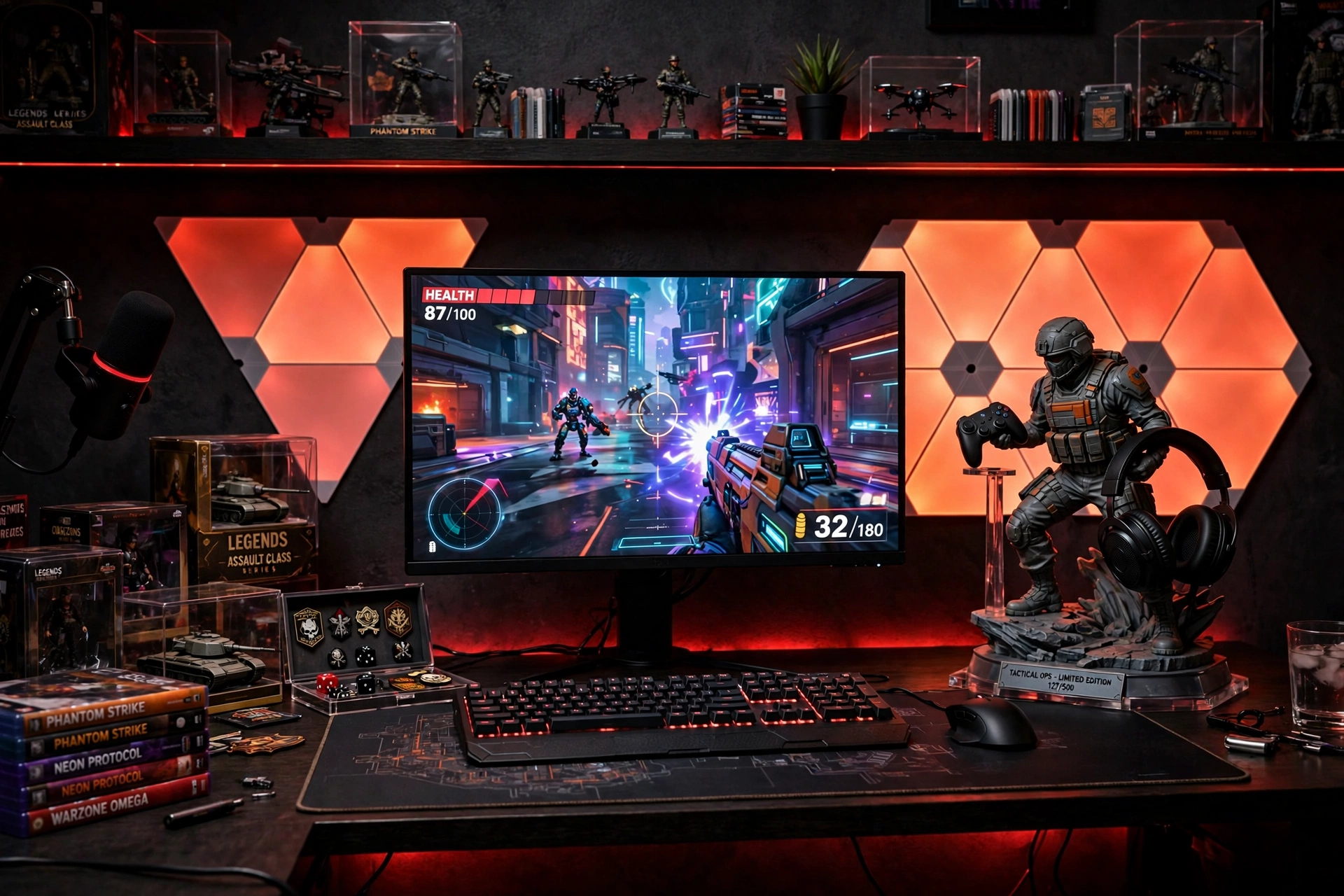
For the player who wants the stand to be the centerpiece, not just storage. Put a shooter themed resin statue stand on the right of a dark desk, with the controller resting on its base and the headset hanging from its top, so it reads as a display piece first and a holder second. Place a wide monitor in the center and hexagon LED panels on the wall behind it, set to a deep red that matches the statue theme. Sit in a black chair with red stitching to tie the palette together, and keep the keyboard and mouse plain black so the statue and the panels do the talking. Storage stays behind the desk, with a low cabinet for the game collection and a cable tray under the desk for the panel power and monitor cables. Finish with a power strip mounted under the desktop, the panel controller on the desk edge for quick changes, and a dark rug that lets the red glow settle instead of bouncing around the room.
Why this one: The hand painted resin figure holds a controller and a headset while doubling as the room’s main piece of gaming decor.
Worth knowing: Each piece is hand painted, so small color differences between pieces are normal and the finish needs gentle dusting.
Govee Glide Hexa Pro Light Panels, RGBIC 3D Hexagon Wall Lights
Why this one: The hexagon panels build a glowing 3D shape on the wall behind the monitor, so the display wall feels designed, not just lit.
Worth knowing: The panels stick to the wall with adhesive, so moving them later can mark painted walls.
10. Small Room Space Saver
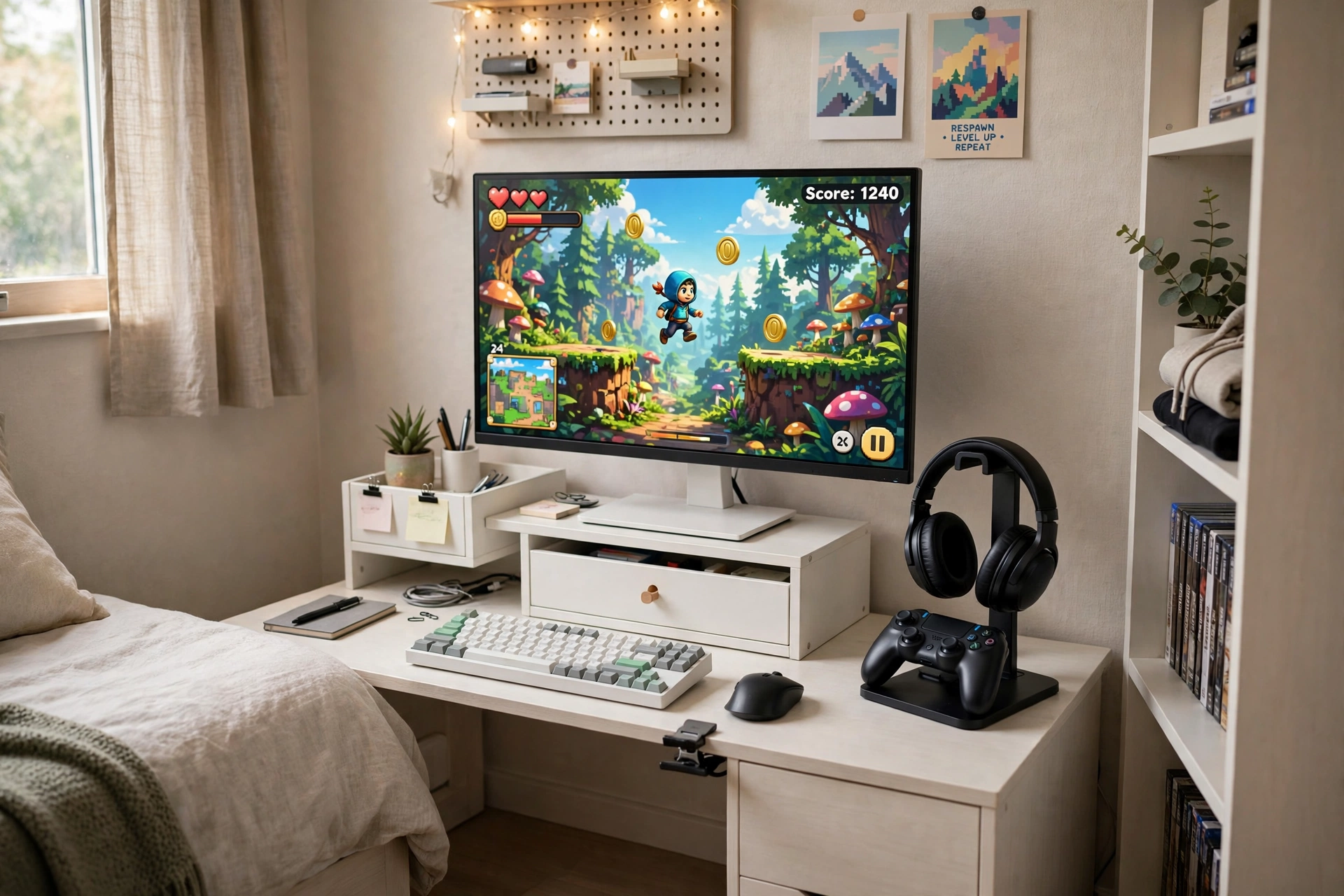
A small room still deserves a proper home for the headset and controller, and this setup fits it all against one wall. Choose a small wall desk just wide enough for a single monitor on a white riser with a drawer, and put a compact headset and controller stand on the right end of the desk. Sit in a compact chair with no armrests, so it slides fully under the desk and the room stays walkable. Keep the headset on the stand and the controller on its hook, with the charging cable wound on the stand’s cable hook so it never dangles. A small wall light above the desk gives task light without taking desk space, and a floating shelf above holds two or three games. Storage is the riser drawer for small bits and a slim rolling cart beside the desk for the console or PC tower. Finish with a cable box under the desk holding the power strip, cables run straight down the wall in a channel, and a light rug that keeps the small room feeling open. For more ways to lift the screen and free desk space, see the 7 monitor stand ideas for gaming desks.
Why this one: The compact stand holds a headset and a controller with a cable hook, so one small footprint covers all three in a tight room.
Worth knowing: The stand is sized for standard headsets, so very wide studio headphones may sit loosely on the top curve.
Why this one: The riser lifts the screen, adds a drawer, a phone holder, and a cup slot, so a small desk gains storage without gaining size.
Worth knowing: The cup slot fits standard mugs, so oversized cups will not sit in it.
11. Warm Walnut Single Controller
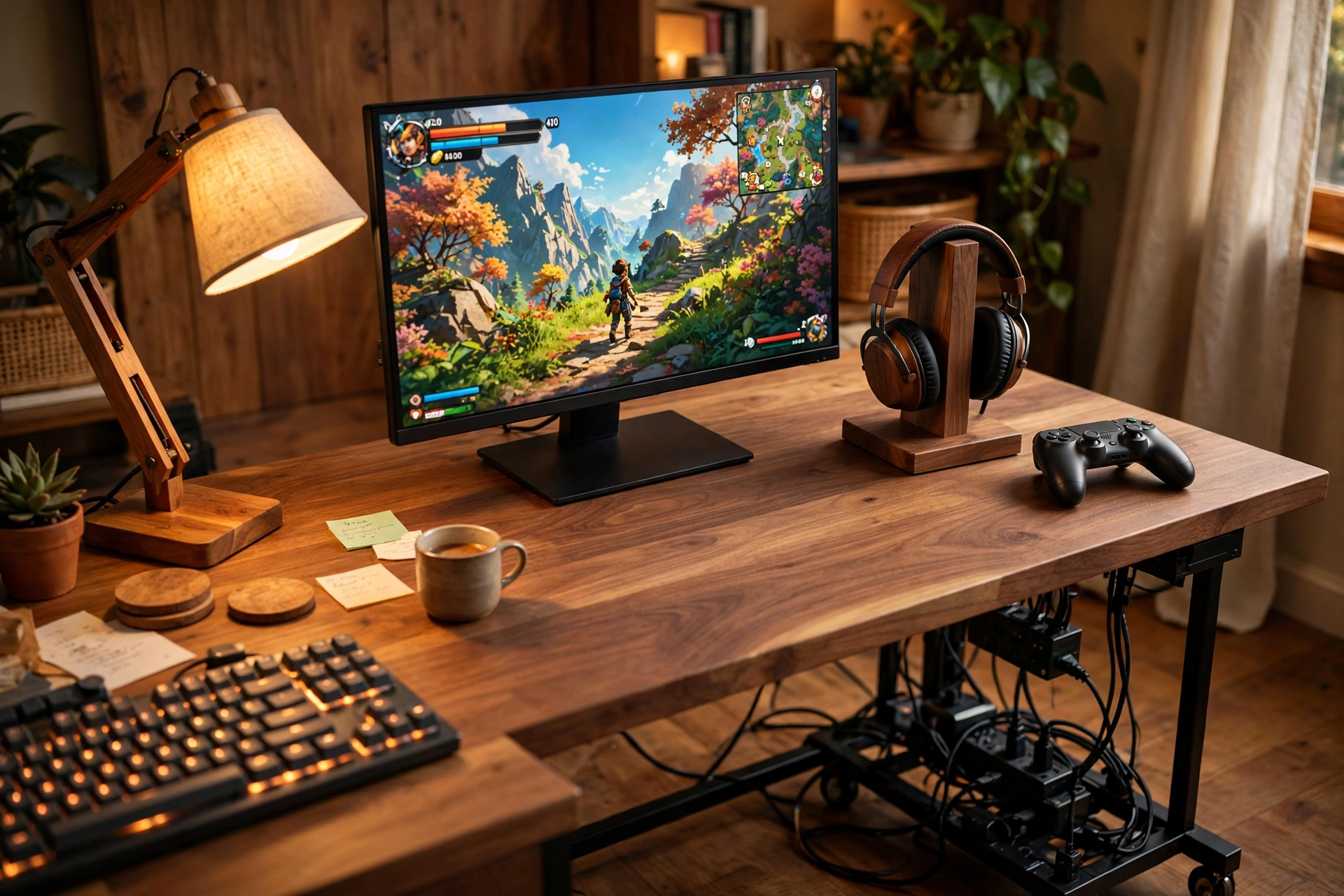
Solo players only need one controller home, and this setup makes that single stand the warmest thing in the room. Choose a wood desk with a natural grain and a walnut headphone stand made for one controller, placed on the right where the wood tones match. Put a wide monitor in the center, and a wooden desk lamp on the left that throws warm light across the desk in the evening. Sit in a fabric chair with a wooden frame, comfortable for long sessions and soft enough to lean back in between games. The headset hangs on the stand, the single controller rests on its base, and the phone sits in the stand slot while it charges. Storage is a rolling cable rack under the desk that holds the power strip and cables on a mobile frame, so you can pull it out to add a cable and roll it back. Finish with the cables clipped along the back leg, a small wall shelf for games, and a warm rug that ties the wood tones together.
Why this one: The walnut wood stand is built for one headset and one controller, so a solo setup gets a proper home without a bulky multi dock.
Worth knowing: The single controller slot fits standard controllers, so oversized controllers with bulky grips may sit snugly.
Why this one: The rolling steel rack hides the power strip and cables under the desk and rolls out when you need to reach them.
Worth knowing: The rack is open framed, so cables are hidden from the front but still visible from the sides.
12. Breathing Light Night Desk
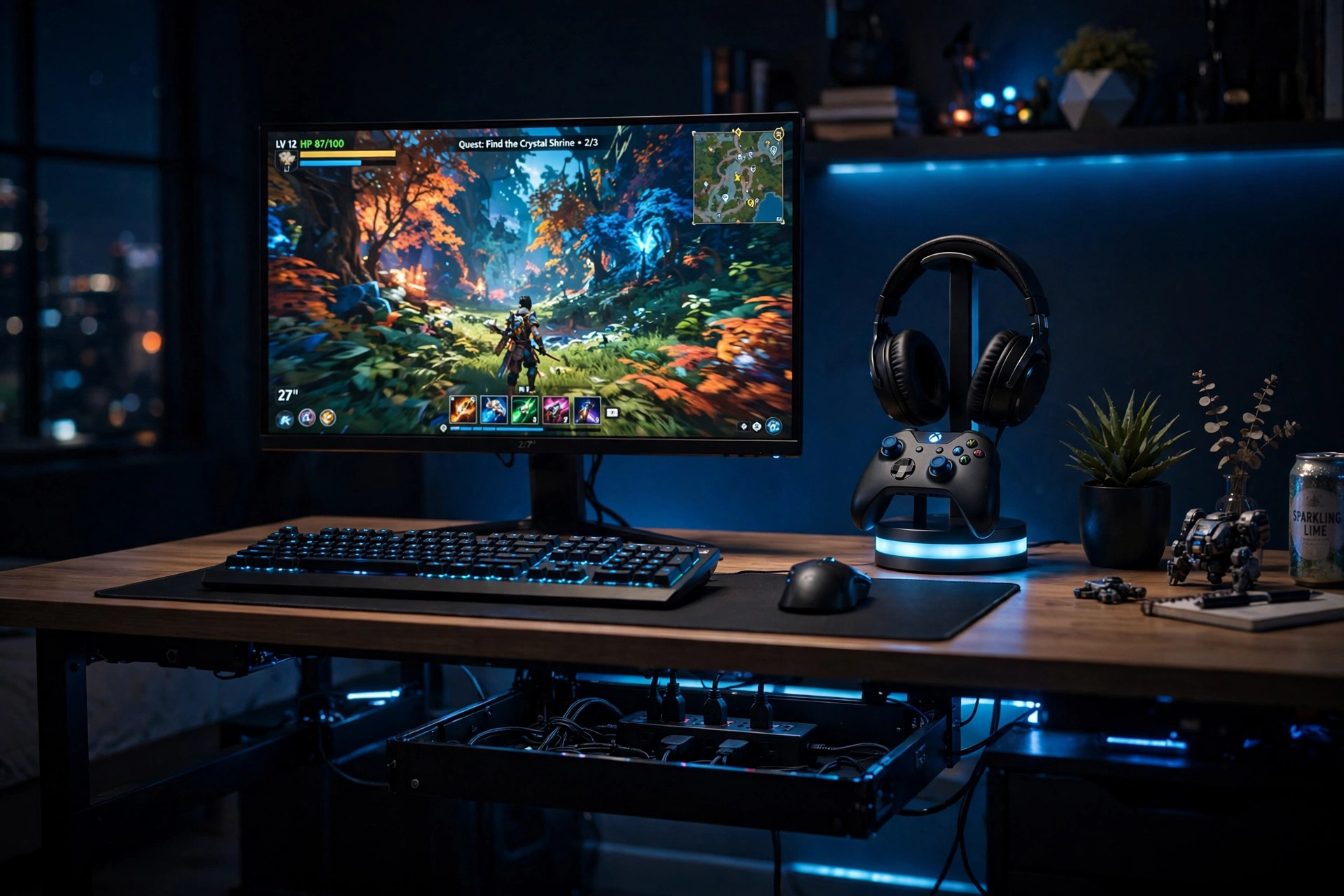
Night players need a stand that glows softly instead of shouting. Put a headphone stand with a slow breathing light on the right of a black desk, with the headset on top and the controller on its holder, so the light pulses gently while you play. Place a wide monitor in the center and set the room lighting to a low blue, with no bright overhead light at all. Sit in a black mesh chair that stays cool during long night sessions, with the armrests set low so your shoulders stay relaxed. A power strip with a cable management box under the desk hides every cable, and the stand charging cable runs straight from the box to the stand base. Storage is a slim drawer unit under the desk for games and a small wall shelf for the headset case. Finish with the monitor cables clipped along the back edge, a dark rug that absorbs the blue glow, and blackout curtains so the breathing light is the brightest thing in the room after the screen.
Why this one: The breathing light glows softly instead of flashing, and the built in charging station keeps the controller topped up overnight.
Worth knowing: The breathing light cannot be fully switched off while the stand is plugged in, so it is not the pick for a room that needs total darkness.
Why this one: The strip and its box in one piece give you ten outlets and three USB ports with the cables hidden, so a night desk stays dark and tidy.
Worth knowing: The box lid lifts for access, so it is not the pick if you need the strip switches reachable without opening it.
Frequently Asked Questions
What is the best type of controller stand for a small desk?
An under-desk clamp holder like setup 3, because it holds two controllers and a headset without using any desktop space. If you cannot clamp to your desk edge, a compact single stand like setup 10 or setup 11 is the next best pick.
Will a headphone stand damage my headset?
A good stand protects it, because the curved top supports the headband instead of letting it flatten on a desk. Avoid stands with a narrow or sharp top edge, and hang the headset centered so it does not tip the stand.
Do I need a charging stand or a plain stand?
A plain stand is enough if you charge controllers with a cable when you are done. A charging stand like setup 5 or setup 12 earns its place if you play daily and want the controller full every time you sit down, because it charges while it stores.
Can I mount a controller holder on the wall?
Yes, and setup 7 shows how. Wall mounts work best on smooth walls or the back of a TV, and they keep console gear off the furniture entirely. Use the screw option on textured walls, since adhesive alone can fail over time.
How do I stop controller and headphone cables from tangling?
Give every cable a home, with a cable tray or cable box under the desk, clips along the desk leg, and a hook on the stand for the headset cable. For more small room layouts, see the 13 gaming room ideas for small bedrooms.
Conclusion
A controller stand and headphone holder is a small buy that changes the whole gaming room. Pick the style that matches how you play, walnut wood for a warm classic room, RGB for a glowing station, a clamp mount for a small desk, or a charging hub if you play every day. Build one complete setup around it, desk, seat, screen, light, storage, and power, and your gear will always be in reach, charged, and out of the way. Start with the walnut classic if you want the safest first try, go RGB if you want the room to glow, and keep the small room saver in mind if space is tight. Your desk will thank you every time you sit down.
