Gaming Room Ideas
Screen mirroring lighting is my favourite trick for making a game feel bigger than the screen it is played on. The lights read the colours on your monitor or TV and paint them onto the wall behind it, so a sunset race turns the whole room orange and a deep sea level turns it blue. It is not just pretty, it pulls your eyes into the game and makes a plain wall feel like part of the world you are playing in. You can do it with a camera that watches the screen, a sync box that reads the HDMI signal, or software that mirrors your PC desktop, and every setup below uses one of those three routes.
As an Amazon Associate I earn from qualifying purchases. Read our full affiliate disclosure for more detail.
Every idea below is one complete setup you can copy whole, desk, seat, screen, light, storage, and power included. Start with the screen you already own, pick the mirroring method that fits it, then build the desk and the seat around it. If you are new to glow behind the screen, the 7 bias lighting ideas for TV and monitor are a gentle place to start before you add full colour sync.
In This Article
- 1. Govee T2 Console Wall
- 2. Hue Sync Box 8K Theater
- 3. DreamView G1 Pro Battlestation
- 4. Govee Sync Box Kit 2 Ultrawide
- 5. Budget G1 Monitor Glow
- 6. Hue Gradient Bundle Lounge
- 7. Nanoleaf Lines Feature Wall
- 8. Neon Rope Desk Edge
- 9. Big Screen Govee Sync Box 2
- 10. Hue Classic Sync Box
- 11. Streamer Screen Mirror
- 12. Small Room Monitor Sync
- 13. Big Screen T2 Cinema Wall
- At a Glance Comparison
- Frequently Asked Questions
- Conclusion
At a Glance Comparison
| Setup | Desk and Seat | Screen and Light | Best For |
|---|---|---|---|
| 1. Govee T2 Console Wall | Low TV stand, sofa | 55 to 65 inch TV, dual camera backlight | Console players |
| 2. Hue Sync Box 8K Theater | Media console, sofa | Large TV, HDMI sync box, Hue bars | Home theater |
| 3. DreamView G1 Pro Battlestation | 60 inch desk, gaming chair | Wide monitor, camera light bars | PC gamers |
| 4. Govee Sync Box Kit 2 Ultrawide | Desk with monitor riser, task chair | Ultrawide monitor, HDMI sync kit | Ultrawide screens |
| 5. Budget G1 Monitor Glow | Compact desk, task chair | 27 to 34 inch monitor, strip sync | First sync setup |
| 6. Hue Gradient Bundle Lounge | Low console, cream velvet chair | 65 inch TV, sync box and gradient strip | Living rooms |
| 7. Nanoleaf Lines Feature Wall | Wood desk, task chair | Monitor, Lines wall, light bars | Feature walls |
| 8. Neon Rope Desk Edge | L shaped marble desk, task chair | Monitor, neon rope desk glow | Corners |
| 9. Big Screen Govee Sync Box 2 | Low console, green velvet chair | 75 to 85 inch TV, HDMI sync box | Big TVs |
| 10. Hue Classic Sync Box | Media console, sofa | TV, classic sync box, white bars | Bright rooms |
| 11. Streamer Screen Mirror | Wide desk, gaming chair | Monitor, light bars, key light | Streaming |
| 12. Small Room Monitor Sync | 32 inch white desk, slim chair | Single monitor, strip sync | Small rooms |
| 13. Big Screen T2 Cinema Wall | Low console, sofa | 75 to 85 inch TV, dual camera backlight | Movie nights |
1. Govee T2 Console Wall
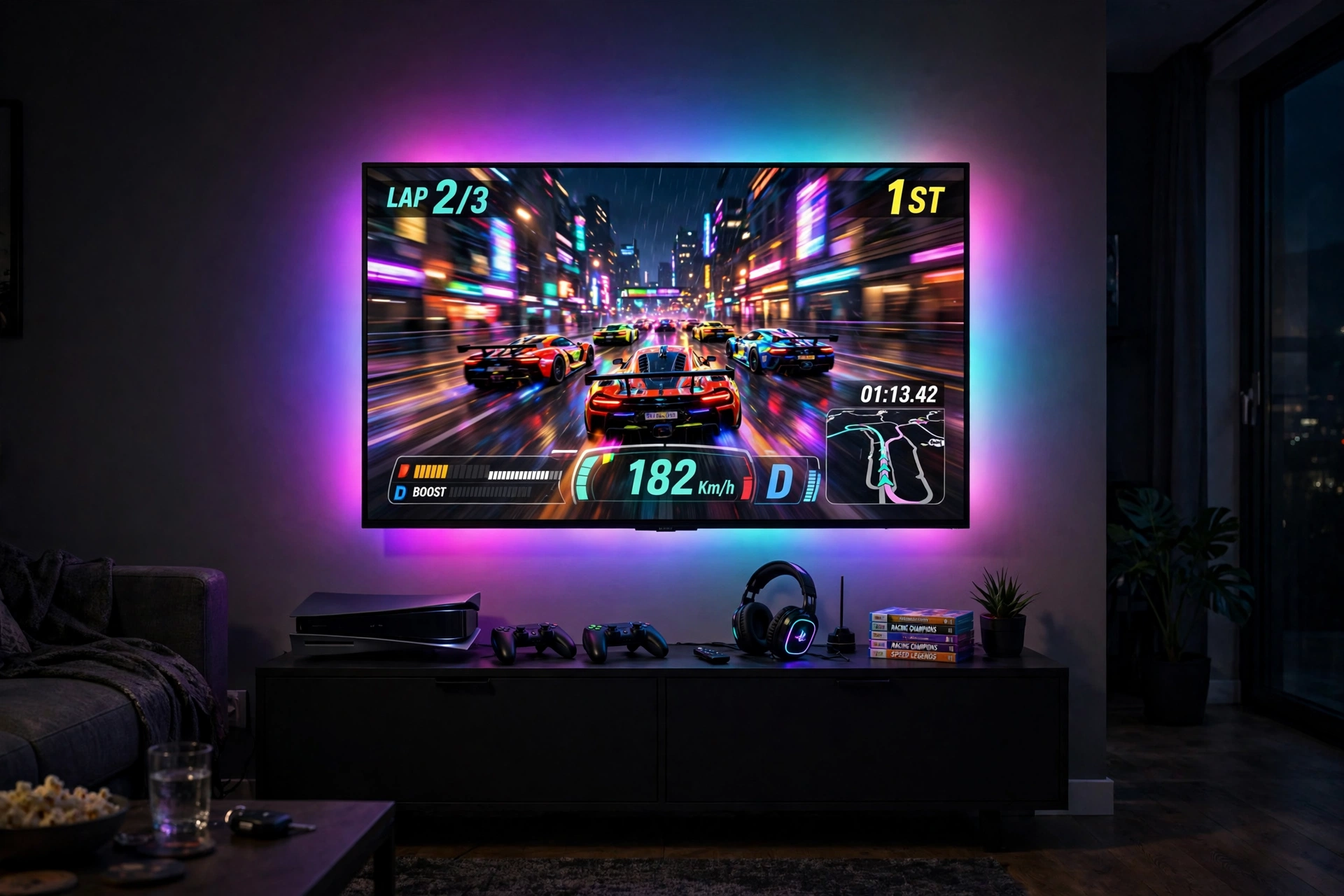
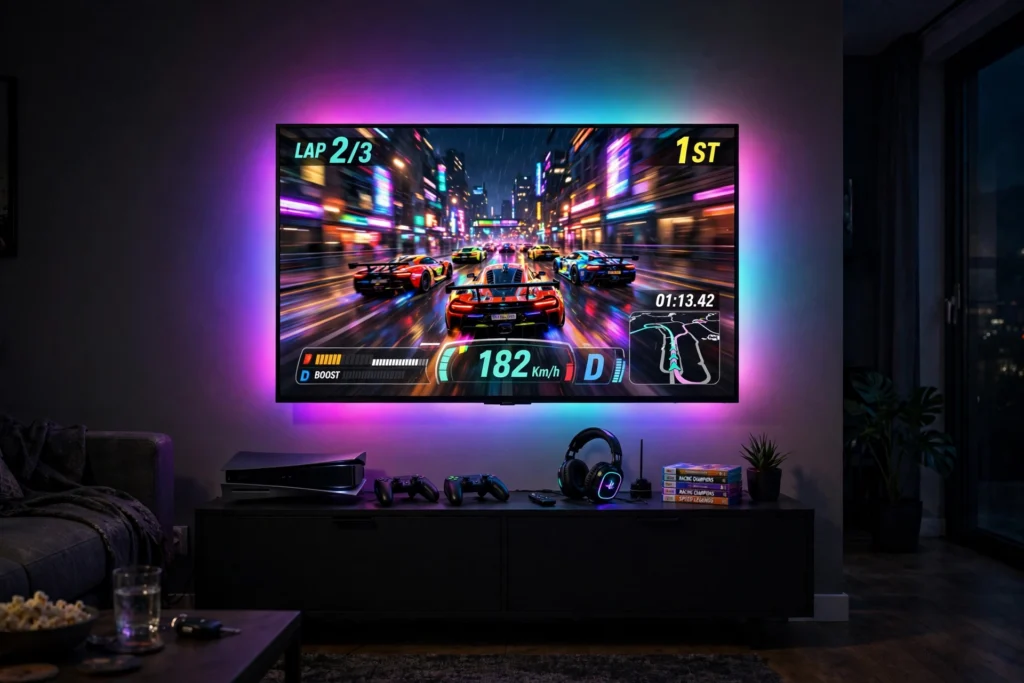
Start with the console setup most living rooms already have, then add the mirror. Mount a 55 to 65 inch TV on the wall or set it on a low black media console, and stick the T2 strip around the back of the screen with the dual cameras sitting on top, watching the picture. The cameras read the colours at the edges of the screen and push them onto the wall in real time, so a night race throws purple and pink light across the room while a sunny track turns it warm gold. Sit on a sofa placed straight in front, far enough back to take in the glow, and keep two controllers on a small tray on the console. Store games upright inside the console, with the headset on a hook on one door and cables in a lidded box. Power runs through one surge protected strip inside the console, with a single cord dropping to a floor outlet behind the unit, so nothing trails across the rug. Calibrate the cameras once with the foam blocks, then leave them alone.
Why this one: The dual cameras read the screen edges more accurately than a single camera, and the dense RGBIC strip gives a smooth wash of matching colour on the wall.
Worth knowing: Calibration takes patience and the cameras sit on top of the TV, so they are visible and take the spot a webcam would use.
Why this one: The wide black stand fits a large TV and hides the console, games, and power strip inside its cabinets, keeping the glow as the only thing on show.
Worth knowing: Assembly takes time and involves many parts, so set aside a clear afternoon to build it.
2. Hue Sync Box 8K Theater
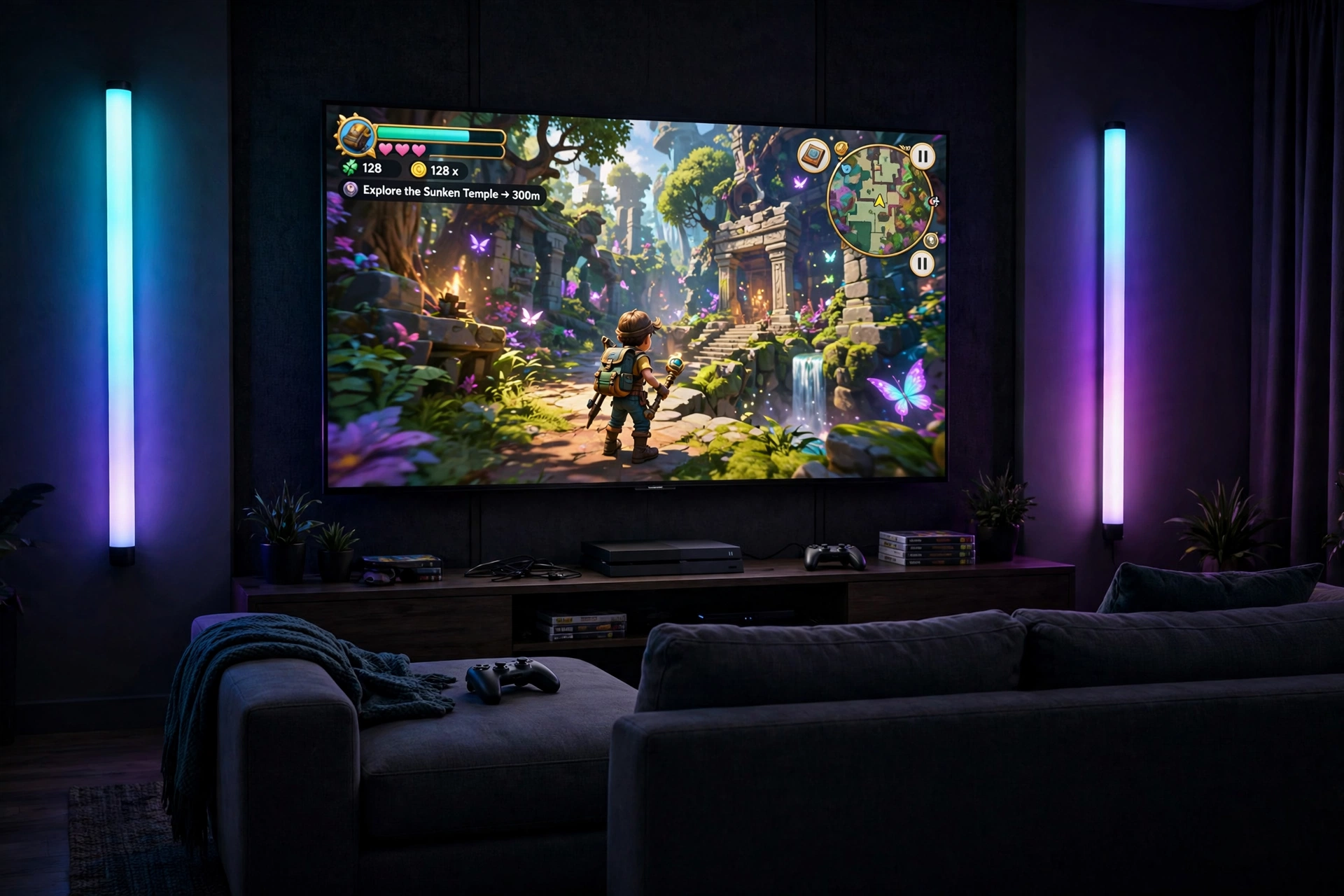
This is the premium route, and it shows in the smoothness of the light. Run your console and streaming box through the Hue sync box, then out to the TV over HDMI, so the box reads the video signal directly instead of watching the screen with a camera. Place two Hue Play bars upright on stands on either side of the TV, angled at the wall, and let the sync box drive them in step with the game, with a Hue Bridge linking everything together. The colours shift with almost no delay, and the bars can show different colours at each end of the room, so the left side of an explosion glows orange while the right side stays cool blue. Sit on a dark sofa centered on the TV, with a throw folded over one arm for long sessions. Keep the sync box, Bridge, and console on a low media console with closed doors, games stacked upright inside, and a single surge protected strip handling power for the whole shelf. Dim the room lights before you start, because the effect is strongest in the dark.
Why this one: It reads the HDMI signal directly, so the sync is faster and more accurate than a camera, and it handles high resolution and high refresh rate gaming without downgrading the picture.
Worth knowing: It needs a Hue Bridge to work, and it only syncs HDMI devices, not apps built into the TV itself.
Why this one: The two black bars stand on the console or mount behind the TV, and they wash the wall in rich, even colour that matches the sync box output.
Worth knowing: A Hue Bridge is required, and the bars are at their best in a dark room, as daylight washes out the colour on the wall.
3. DreamView G1 Pro Battlestation
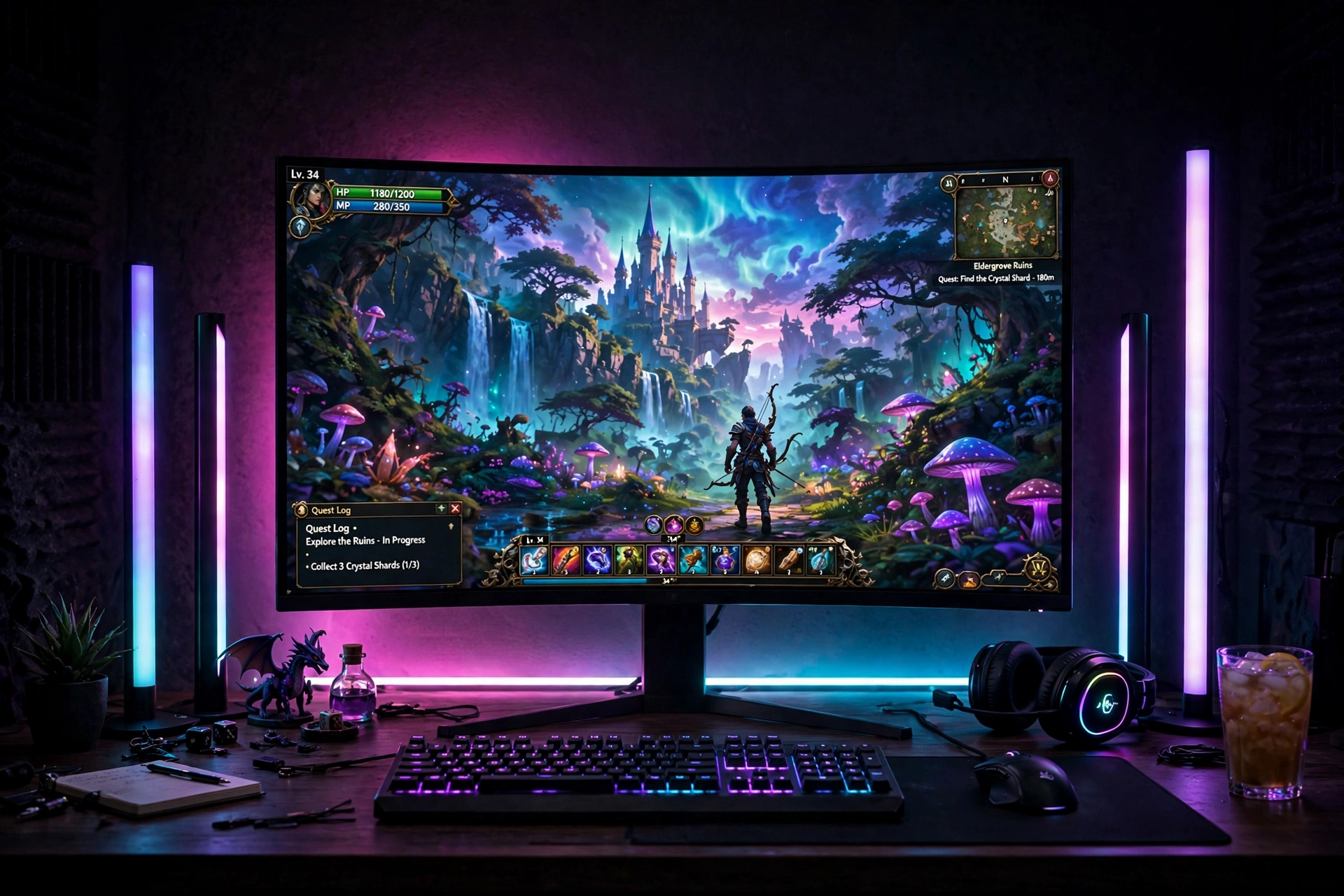
For PC players who want the full surround effect at the desk, this kit does it in one box. Put a 60 inch black desk against the wall, with a wide monitor in the center at eye level, and mount the G1 Pro camera on top of the monitor so it can read the screen. Run the flexible neon strip around the back of the monitor, then stand the two light bars upright on either side of the desk, facing the wall behind. The camera feeds the colours to the strip and the bars together, so the wall behind your desk shifts with the game, and the four built in game modes tune the effect for story games, shooters, racing, or movies. Sit in a comfortable gaming chair with lumbar support, close enough that the glow fills your peripheral vision. Keep the keyboard and mouse on a large desk mat, the headset on a stand to the right, and games and cables in a drawer or a small shelf under the desk. Power everything from one surge protected strip fixed under the desktop, with cables clipped along the back leg.
Why this one: One kit covers the monitor back, both sides of the desk, and the wall, with a camera that works with PC and console alike and game modes tuned for different genres.
Worth knowing: The camera takes the top center spot on the monitor, so it can block a webcam, and setup needs careful calibration with foam blocks on the screen.
DESIGNA Computer Gaming Desk 60 Inch, PC Laptop Table Workstation with Free Large Mousepad, Black
Why this one: The wide 60 inch black top gives room for a monitor, keyboard, and both light bars side by side, and the included large mousepad keeps the surface neat.
Worth knowing: It has no built-in drawers or cable tray, so storage and cable management need a separate solution, and the black top shows dust easily under bright light.
4. Govee Sync Box Kit 2 Ultrawide
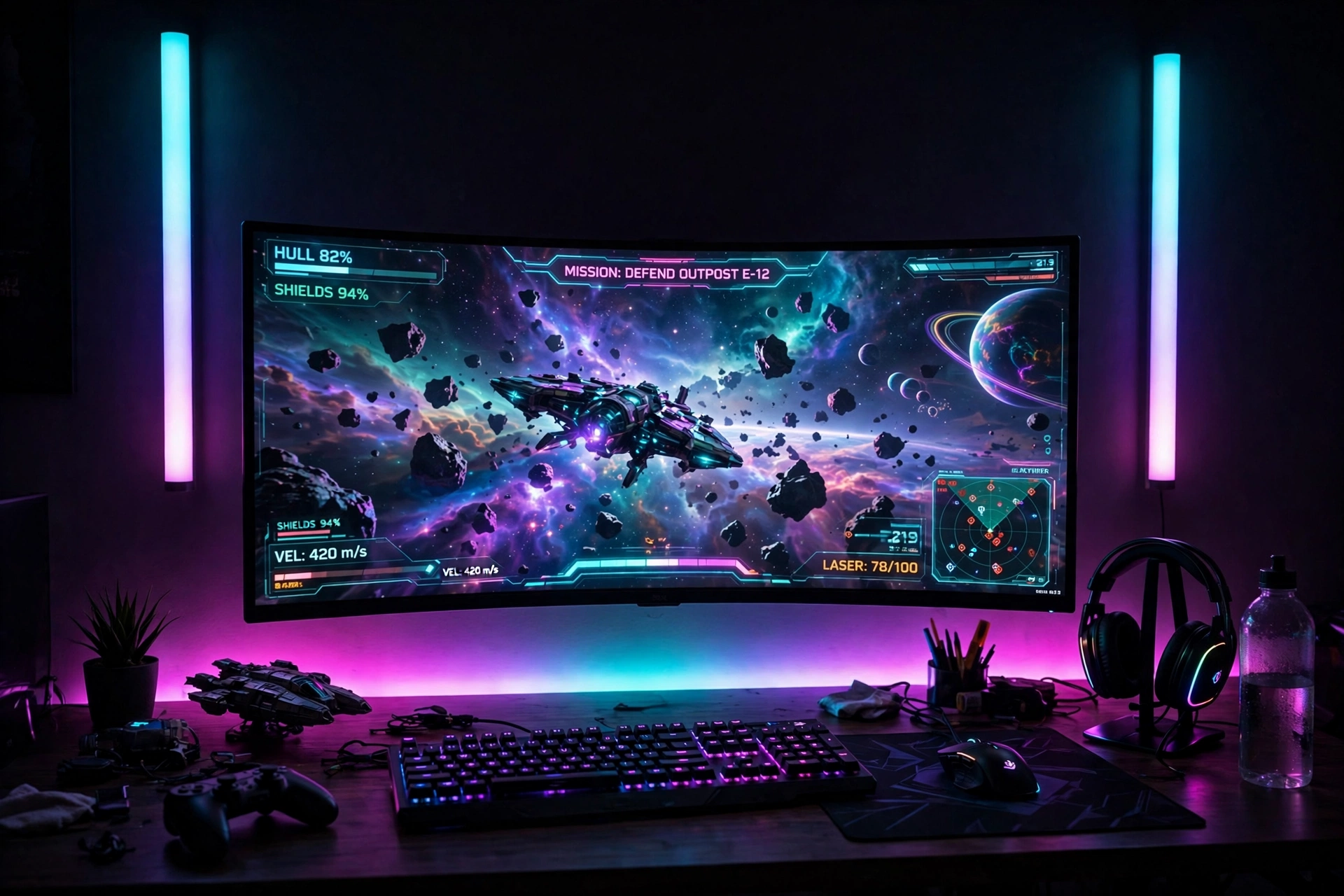
Ultrawide monitors deserve a sync system that can keep up with the extra width, and an HDMI sync box is the way to do it. Set the ultrawide monitor on a riser on your desk so the screen sits at eye level, then run your PC through the sync box and out to the monitor. The kit brings its own light bars and a backlight strip, so the bars stand on either side of the screen while the strip runs behind it, and all of them mirror the game in real time with no camera in the way. The high refresh rate support means fast shooters stay smooth, and the AI effects can flash the lights for in game moments like a win or a kill. Sit in a task chair with adjustable height and armrests, and keep a keyboard and mouse on a wide mat that fits the full span of the screen. Store spare cables and game boxes in a drawer unit beside the desk, and run power through a surge protected strip mounted under the desktop, with the sync box tucked behind the monitor.
Why this one: The kit includes the sync box, light bars, and monitor backlight together, and the HDMI 2.1 connection keeps high refresh rate and variable refresh rate gaming intact while the lights mirror the screen.
Worth knowing: It works with HDMI sources only, so built in TV apps and DisplayPort connections will not sync, and the box needs its own power outlet and shelf space.
Why this one: The black vented riser lifts the screen to eye level and frees the space underneath for a keyboard tray or a slim notebook.
Worth knowing: It fits one standard monitor, and a very wide ultrawide screen may overhang the edges.
5. Budget G1 Monitor Glow
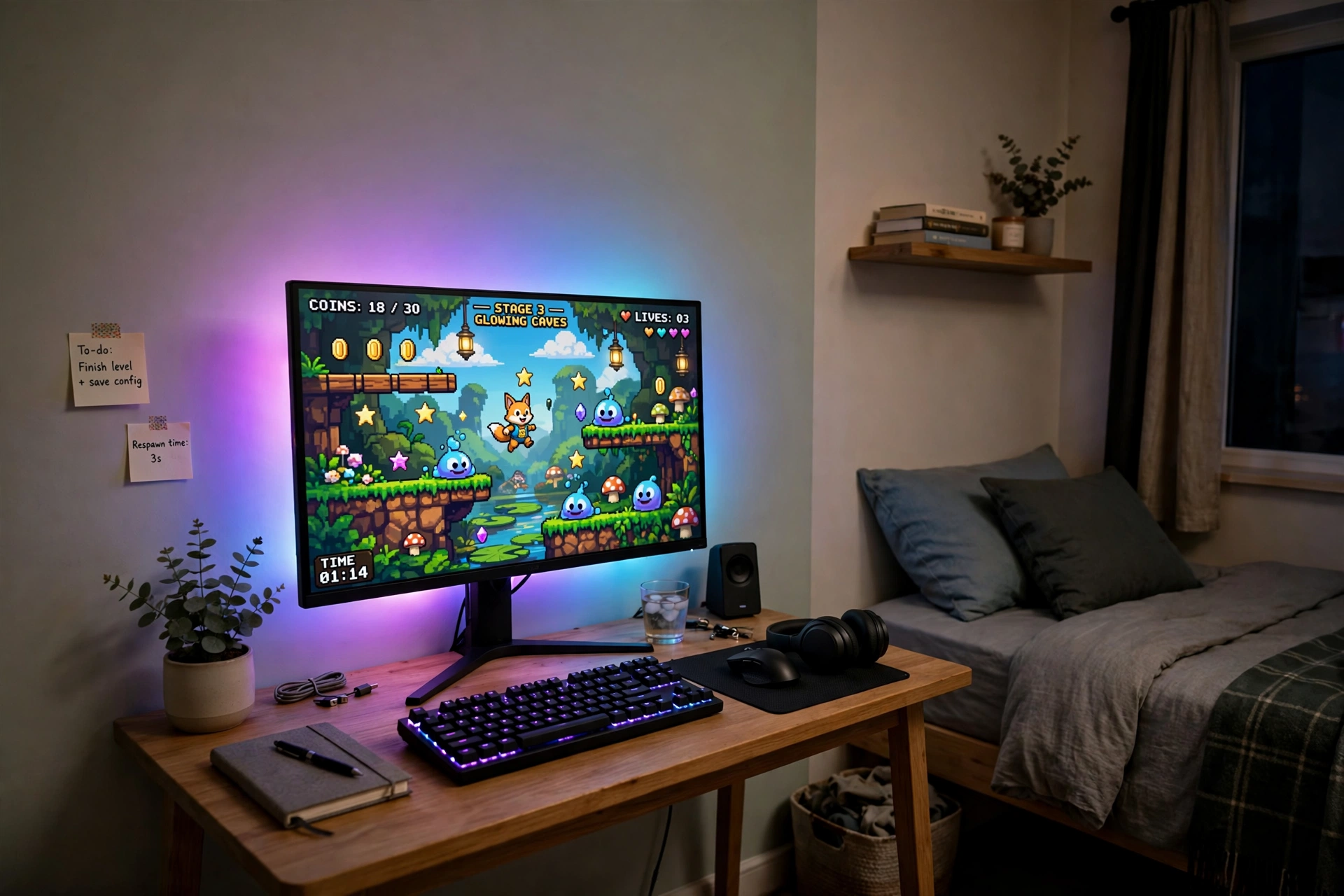
You do not need a sync box to get screen mirroring light, and this is the cheapest honest way in. Stick the G1 monitor light strip around the back of a 27 to 34 inch monitor and let the desktop software read what is on screen, then mirror those colours onto the wall behind it. Add a plain RGBIC strip along the back edge of the desk for a second layer of glow, synced through the same app, so the wall and the desk edge shift together. Keep the desk compact, with a single monitor, a slim keyboard, and a mouse, and nothing else on the top except a small plant and a headset stand. Sit in a simple task chair with adjustable height, close enough that the glow fills the edges of your vision without pulling your eyes away from the game. Storage stays light, with games in one drawer and cables in a small box under the desk. Power is one short surge protected strip fixed to the desk leg, with the strip and the light strip sharing it, so the whole setup runs from a single wall outlet and costs very little to run.
Why this one: The strip mirrors your screen through desktop software with no camera to mount, it fits curved monitors, and the double beads give a smooth, bright glow for the size.
Worth knowing: Screen mirroring needs the desktop software running on a Windows PC, so it will not sync a console on its own.
Govee 16.4ft RGBIC LED Strip Lights, Work with Alexa and Google Assistant
Why this one: The RGBIC segments let different parts of the strip show different colours at once, which suits a desk edge glow, and app and voice control make it easy to change the accent colour.
Worth knowing: It needs the app and a Wi-Fi connection for smart features, and the adhesive backing can peel on textured or dusty walls, so clean the surface first.
6. Hue Gradient Bundle Lounge
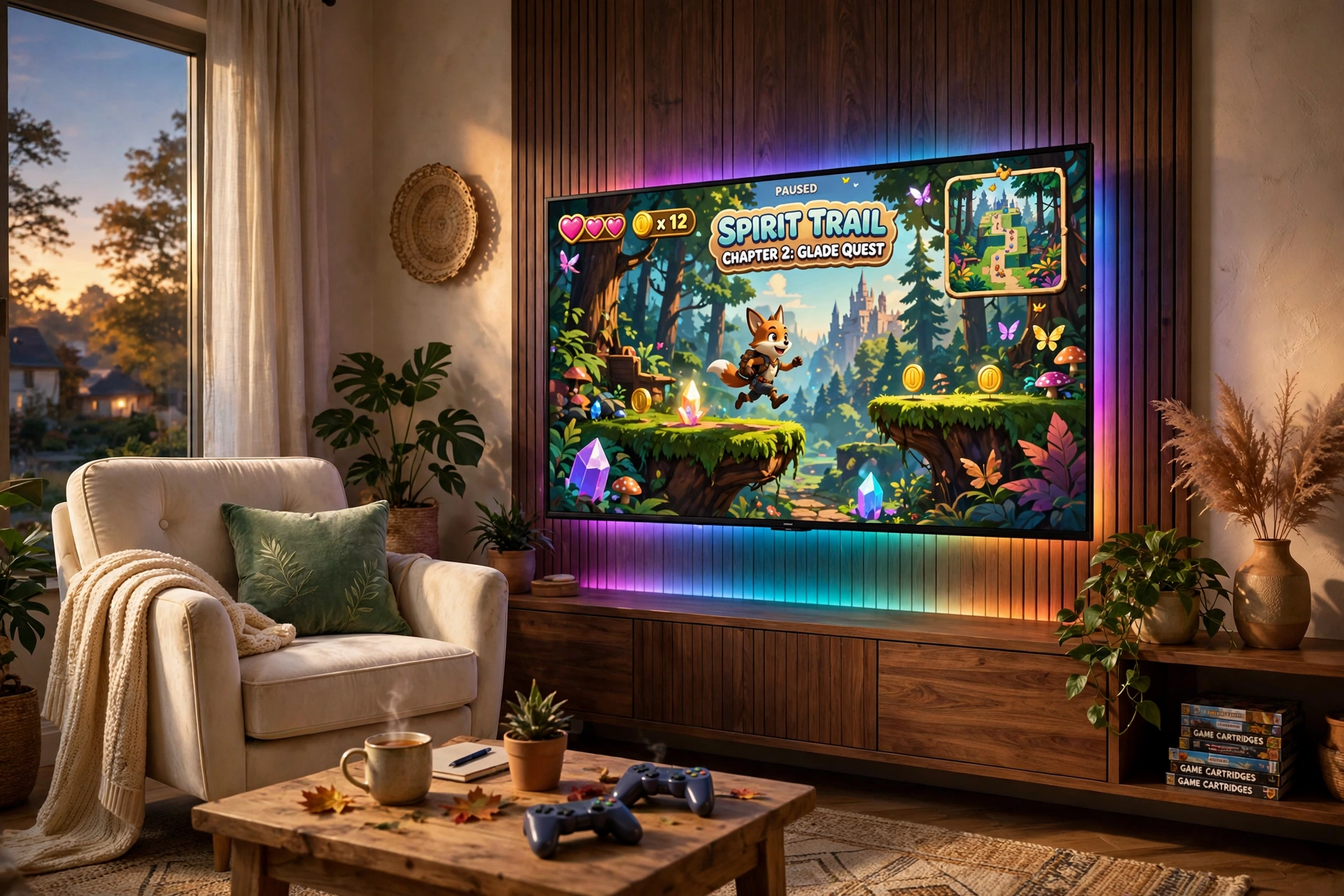
Some rooms are for relaxing first and gaming second, and this setup respects that. Put a 65 inch TV on a low console, and run the gradient strip around the back of the screen so it can show several colours at once, fading from one to the next across the width of the TV. Pair it with the Hue sync box, so the strip reads the HDMI signal from your console and paints the wall in the exact gradient of the scene, soft and slow for a story game, bright and fast for a racer. Sit in a cream velvet armchair with gold legs, angled slightly toward the TV, with a cushion and a throw for long evenings. Keep the console tidy with a soundbar under the TV, two controllers on a small brass tray, and games stacked upright inside the console doors. A warm floor lamp in the corner gives reading light when the game is off, and power runs through one surge protected strip inside the console, so the only visible cable is the one dropping to the floor outlet behind the unit.
Why this one: The bundle gives you the sync box and a gradient strip made for a 65 inch TV together, so the wall behind the screen shows a smooth blend of the colours on screen instead of one flat colour.
Worth knowing: A Hue Bridge is required, the strip is sized for a 65 inch TV, and it only syncs HDMI devices, not apps built into the TV.
Why this one: The cream velvet and gold legs keep the lounge feeling soft and calm, and the slim shape tucks neatly beside a low TV console.
Worth knowing: It has fixed legs with no height adjustment and no wheels, so check your seat height first, and pale velvet needs regular cleaning to stay bright.
7. Nanoleaf Lines Feature Wall
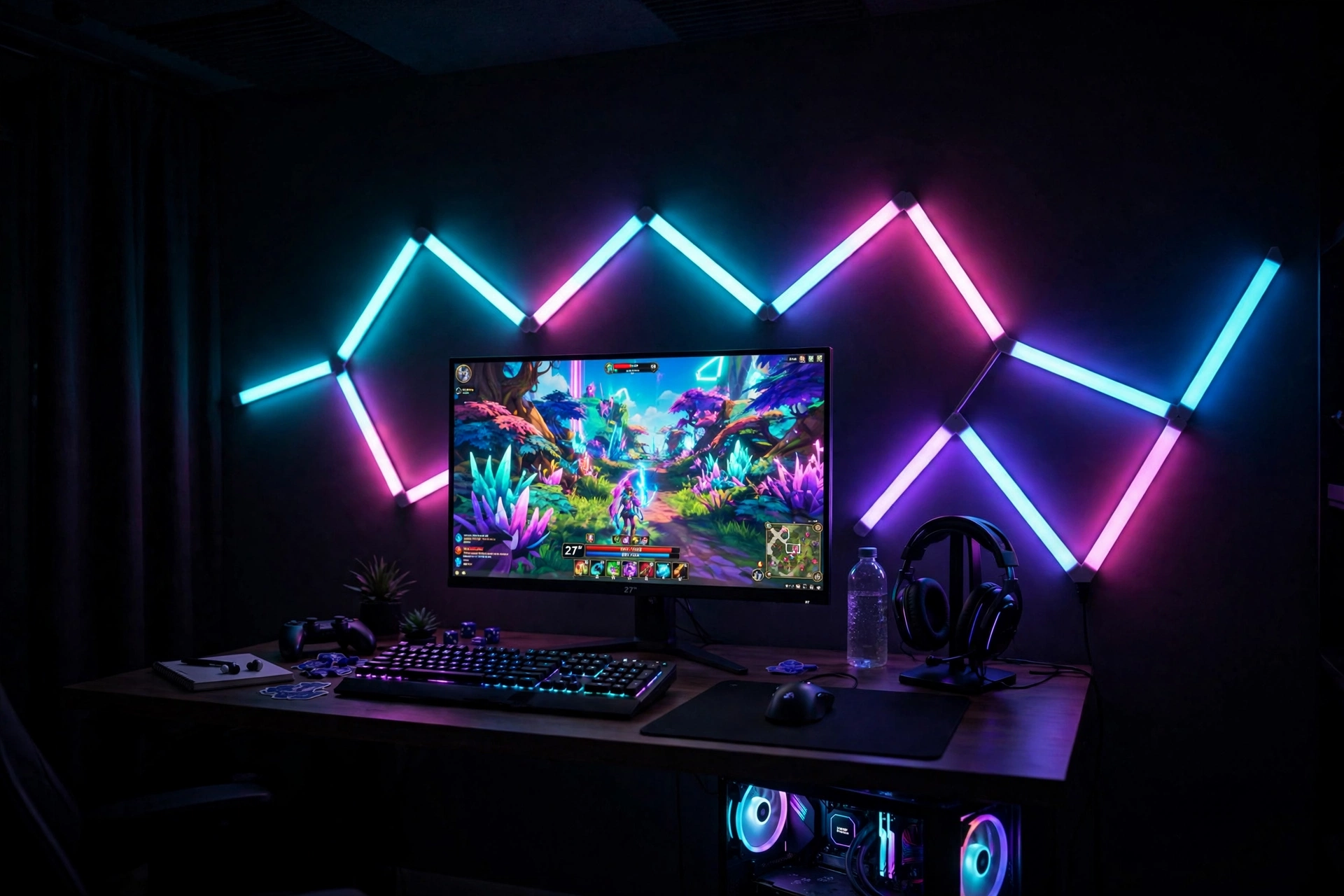
Make the wall itself the light show. Arrange the Nanoleaf Lines into a geometric pattern above and around your monitor, at 60 degree angles, so the bars form peaks and valleys across the wall. With screen mirroring turned on, the lines pick up the colours from the game and spread them across the whole pattern, so the wall behind your desk becomes a live extension of the screen. Place a wood desk below the pattern, with a single monitor centered under the tallest peak, a keyboard and mouse on a dark mat, and a headset on a stand to the right. Sit in a task chair with adjustable height, and keep a small plant and a controller on the left side of the desk for balance. Add two light bars on the desk itself for a lower layer of glow that mirrors the screen too. Storage hides in a drawer unit beside the desk, with games and cables sorted inside, and power runs through one surge protected strip fixed under the desktop, with the Lines power supply and the bars sharing it. Plan the pattern on the floor first, because the bars stick once.
Why this one: The nine modular bars join at 60 degree angles into any geometric shape, and screen mirroring lets the whole pattern shift colour with your game.
Worth knowing: The bars mount with adhesive tape, so plan the layout before you stick them down, and an expansion pack is needed if you want a bigger pattern later.
Why this one: The triple sided bars throw light forward and back at once, and desktop sync lets them mirror your screen in real time for a lower layer of glow under the wall pattern.
Worth knowing: The bars on their own have no colour matching, so you need the desktop software on a Windows PC to get the screen mirroring effect.
8. Neon Rope Desk Edge
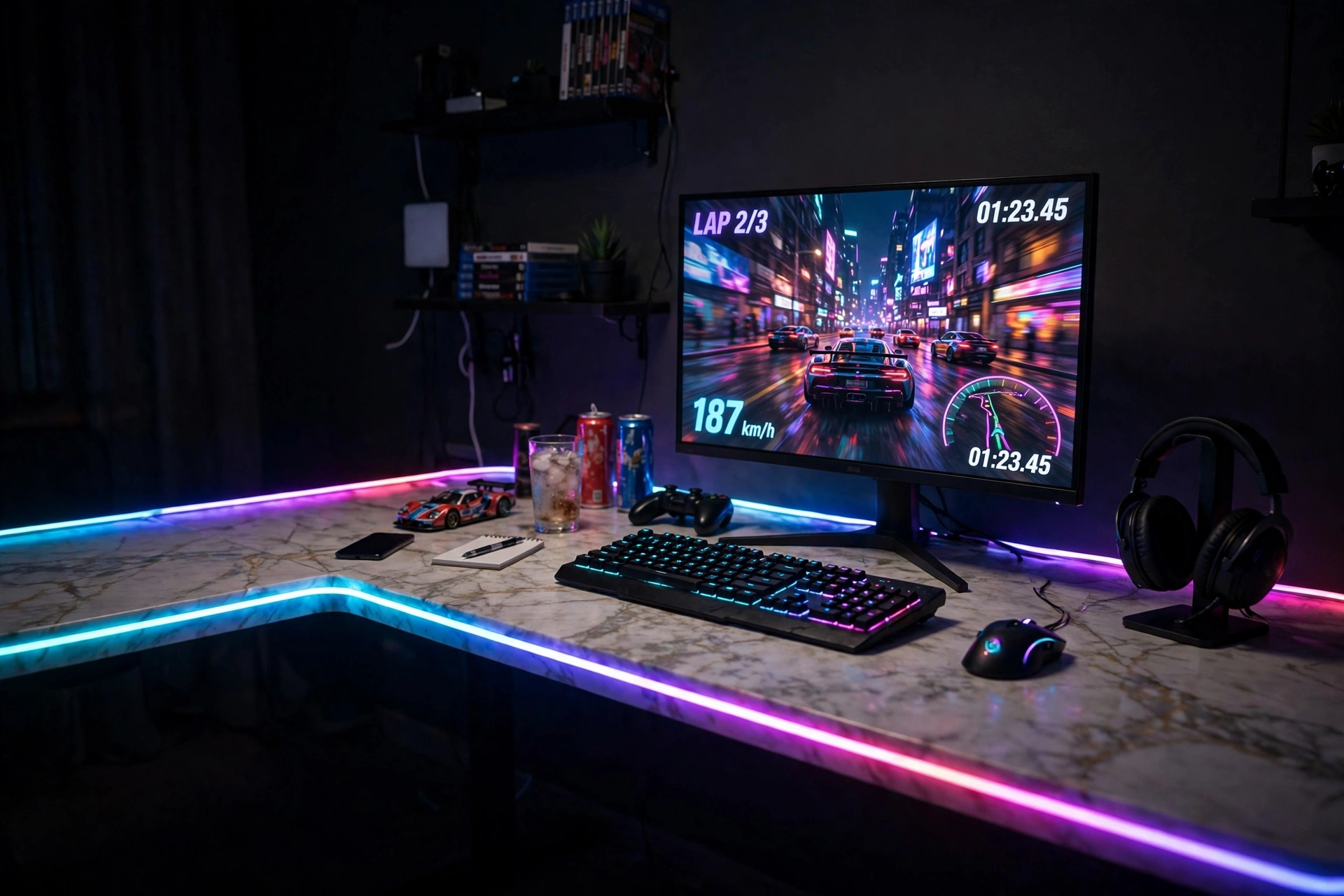
Corners are made for this look, because the desk edge becomes the light. Push an L shaped marble top desk into the corner, with the long side against the back wall and the short side against the side wall, and run the neon rope light along the front edge of the desk, facing back toward the wall so the glow washes up behind the monitor. The rope syncs with the AI gaming sync box and with Razer Chroma, so it can mirror the colours on screen, and you can cut it to fit the exact length of your desk edge. Place the monitor in the corner of the L, at eye level on the desk, with a slim keyboard and mouse in front, and sit in a task chair that swivels easily between the two sides of the desk. Storage lives in the reversible side shelves, with games stacked upright, the headset on a hook, and cables in a small box on the lower shelf. Power runs through one surge protected strip fixed under the desktop, with the rope light adapter and the monitor sharing it, and cables clipped along the back edge so the marble top stays clean.
Why this one: The soft neon rope gives a smooth, glare free line of light along the desk edge, it can be cut to fit, and it syncs with the AI gaming sync box and Razer Chroma for true screen mirroring.
Worth knowing: The AI gaming sync box is sold separately, and smart features need a 2.4G Wi-Fi connection, so a 5G only network will not work.
Why this one: The marble look top and side shelves give you the stone effect and extra storage in a compact corner footprint, with room to run the rope light along the front edge.
Worth knowing: The top is a marble look finish, not solid stone, so it can scratch if you drag heavy gear across it.
9. Big Screen Govee Sync Box 2
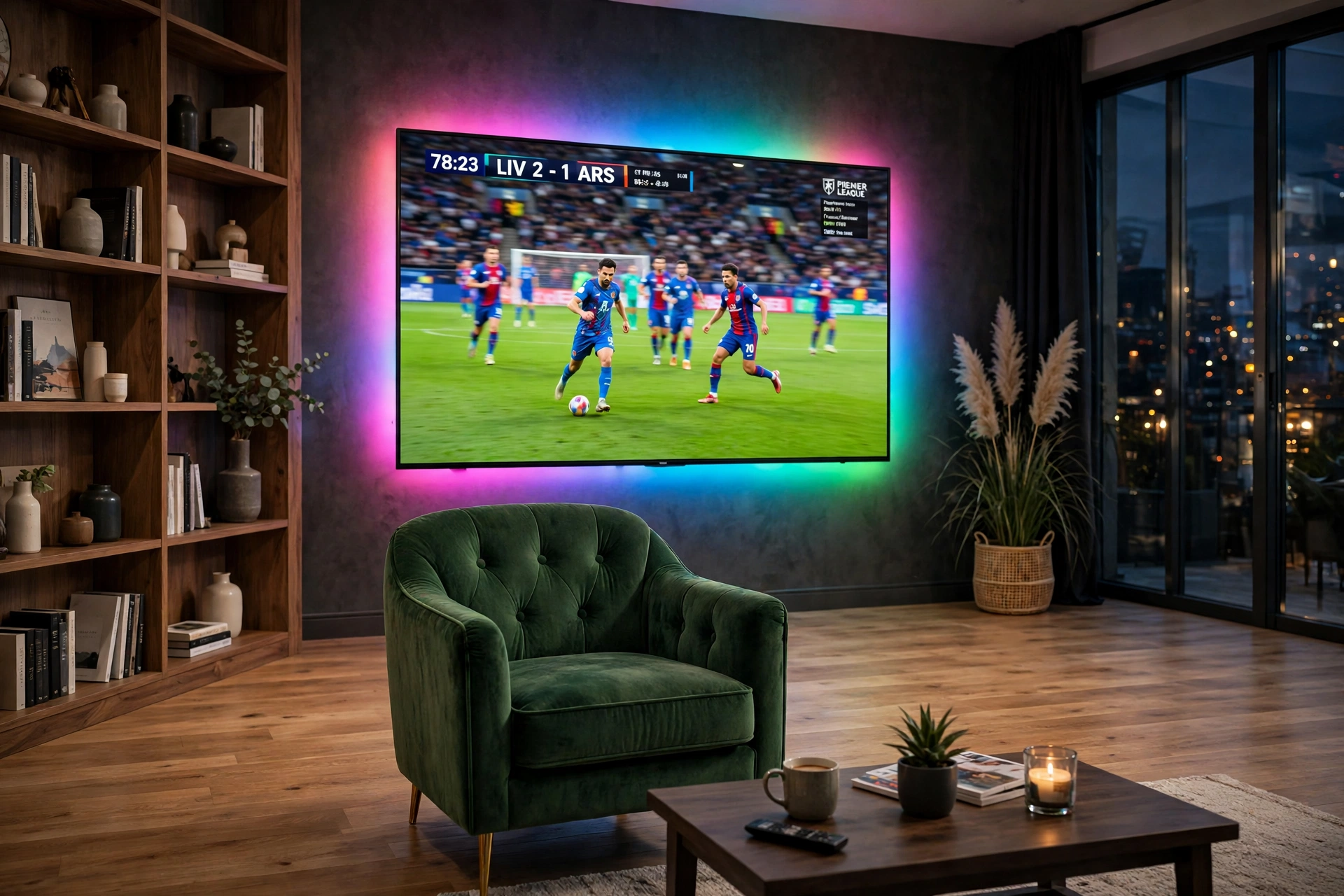
When the TV is 75 inches or bigger, the backlight has to work harder, and this kit is built for it. Run your console through the sync box and out to the big TV over HDMI 2.1, then stick the high density strip around the back of the screen, with 75 LEDs per meter giving a bright, even wash that can fill a large wall. The box reads the HDMI signal directly, so the colours track the game with almost no delay, and it supports high refresh rates and variable refresh rate, so fast sports and shooters stay smooth on the big screen. Sit in a green velvet armchair with a high back, placed far enough from the TV that the glow wraps around you, with a side table for a drink and a controller. Keep the console, the sync box, and a soundbar on a low console under the TV, with games stored upright inside and cables in a lidded box. Power runs through one surge protected strip inside the console, and the strip and the sync box share a single outlet behind the unit, so the setup stays tidy even at this size.
Why this one: The HDMI 2.1 sync box reads the signal directly for fast, accurate mirroring, and the dense 75 LED per meter strip is bright enough to wash the wall behind a very large TV.
Worth knowing: It works with HDMI sources only, so apps built into the TV will not sync, and turning on HDR can make the light colours look less saturated, which is normal for this kit.
Why this one: The plush green velvet, curved back, and gold tone legs give you a rich seat that stands up to the big glowing wall without a bulky gaming chair.
Worth knowing: It is an accent chair, not a task chair, so the height and armrests do not adjust.
10. Hue Classic Sync Box
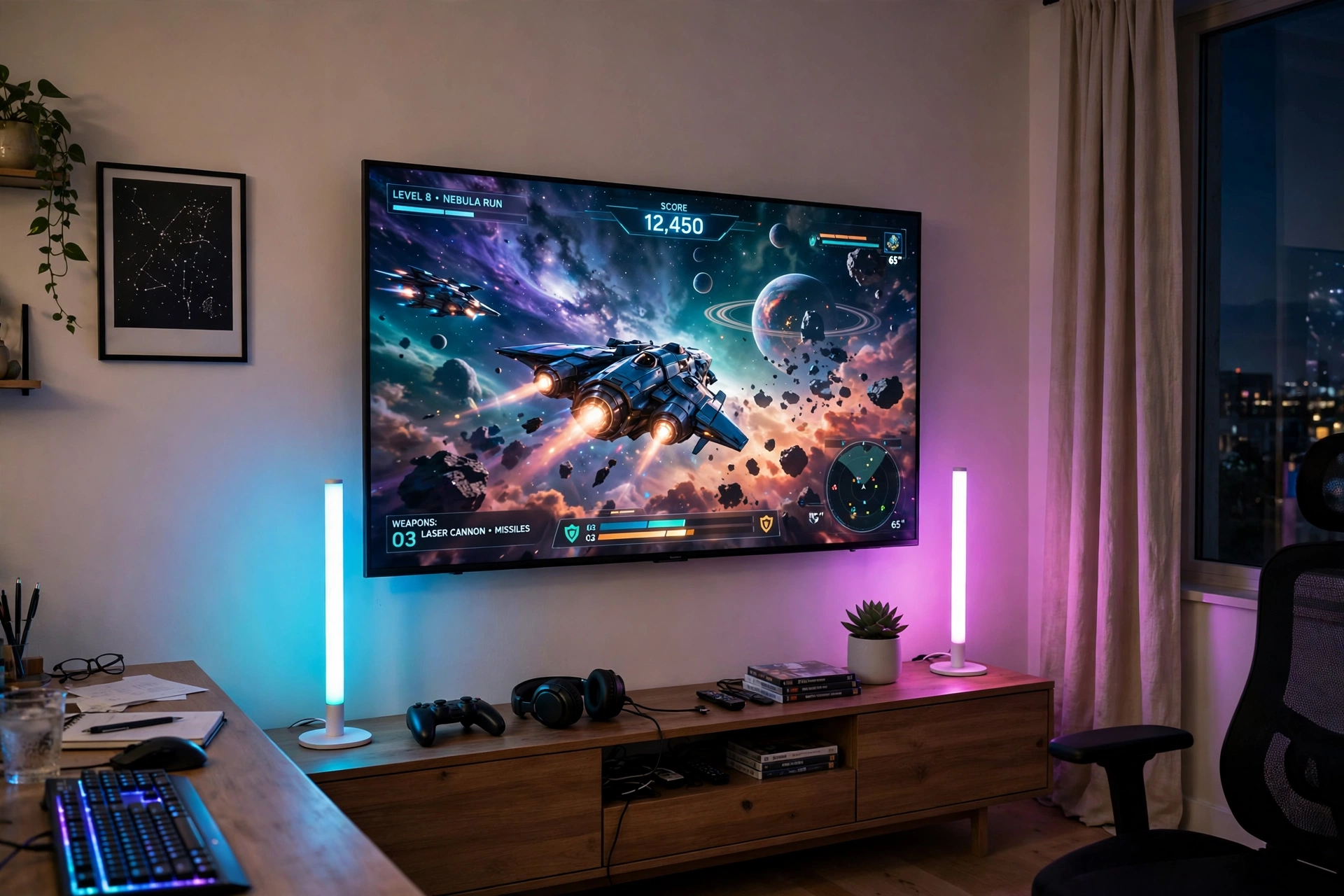
Bright rooms suit the classic Hue setup, because the white bars disappear into light walls while the colour still pops. Run your console through the original Hue sync box and out to the TV, then stand two white Play bars on either side of the screen, angled at the wall, with the Bridge linking them all. The box reads the HDMI signal and drives the bars in step with the game, and the white finish keeps the setup looking light and calm when the lights are off, which matters in a room that gets daylight. Sit on a light sofa centered on the TV, with pale cushions and a throw, and keep the media console low and pale too, with the console and the sync box inside closed doors and games stacked upright. A white shelf beside the TV holds two or three games and a headset, and power runs through one surge protected strip inside the console, with a single cord to the floor outlet. Keep the room lights low when you play, because even the best sync bars need a dim room to show their full colour on a white wall.
Why this one: The original sync box reads the HDMI signal directly for smooth, accurate colour matching, and it works with the full Hue range, so you can add more lights later.
Worth knowing: It needs a Hue Bridge to work, it only syncs HDMI devices, not TV apps, and it tops out at 4K, so it will not pass an 8K signal.
Why this one: The two white bars blend into light walls and pale furniture, and they wash the wall in rich, even colour that matches the sync box output.
Worth knowing: A Hue Bridge is required, and the bars show their colour best in a dim room, as daylight washes out the glow on the wall.
11. Streamer Screen Mirror
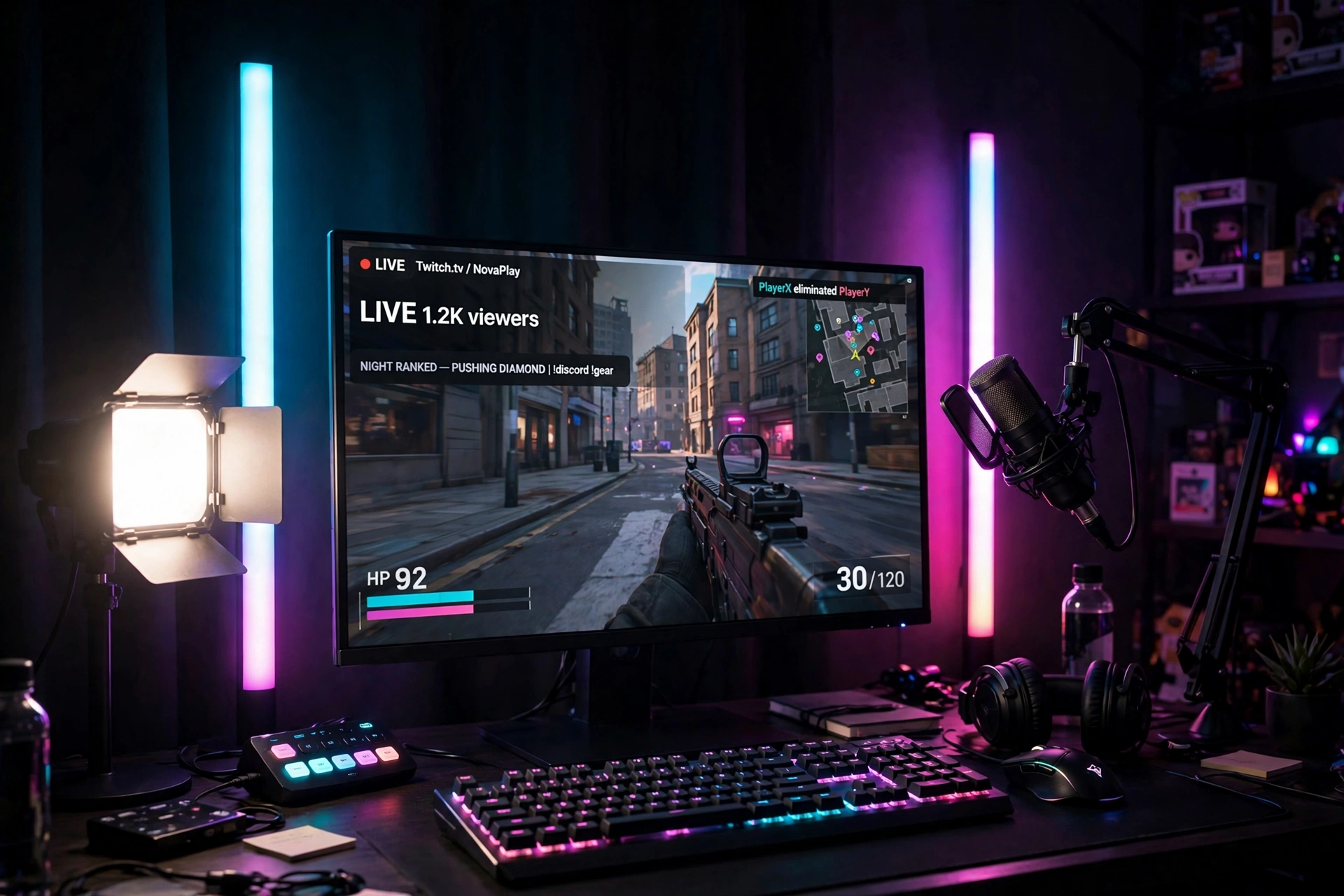
Streaming is the job here, so build the room around the camera, then let the screen mirroring light do the background work. Put a wide desk against a plain wall, with the monitor at eye level and a key light on a desk clamp just out of frame, angled to soften shadows on your face. Stand two light bars behind the monitor, facing the wall, and sync them to your screen through the desktop software, so the wall behind you shifts colour with the game while your face stays evenly lit. Add a boom arm microphone with the cable routed down the arm, so the sound gear becomes part of the look. Sit in a gaming chair with good lumbar support, which keeps the frame dark and lets the glow do the talking. Keep storage behind you, not beside you, with a slim cabinet holding spare cables, games, and a second headset, so the background stays tidy on stream. Power everything through one surge protected strip under the desk, cable tied and out of shot, and test the light and mic before every session, because a clean frame and clear voice matter more than any extra prop.
Why this one: The triple sided bars throw light forward and back at once, and desktop sync lets them mirror your screen in real time, so the wall behind you on stream shifts colour with the game.
Worth knowing: The bars on their own have no colour matching, so you need the desktop software on a Windows PC to get the screen mirroring effect.
Elgato Key Light, Professional 2800 Lumens Studio Light with Desk Clamp for Streaming
Why this one: The large edge-lit panel gives soft, even light with adjustable brightness and colour temperature, so your face stays clear on stream without harsh shadows or glare.
Worth knowing: It needs a power outlet and app setup for full control, and the panel and clamp take up real desk space, so measure your desk edge before you buy.
12. Small Room Monitor Sync
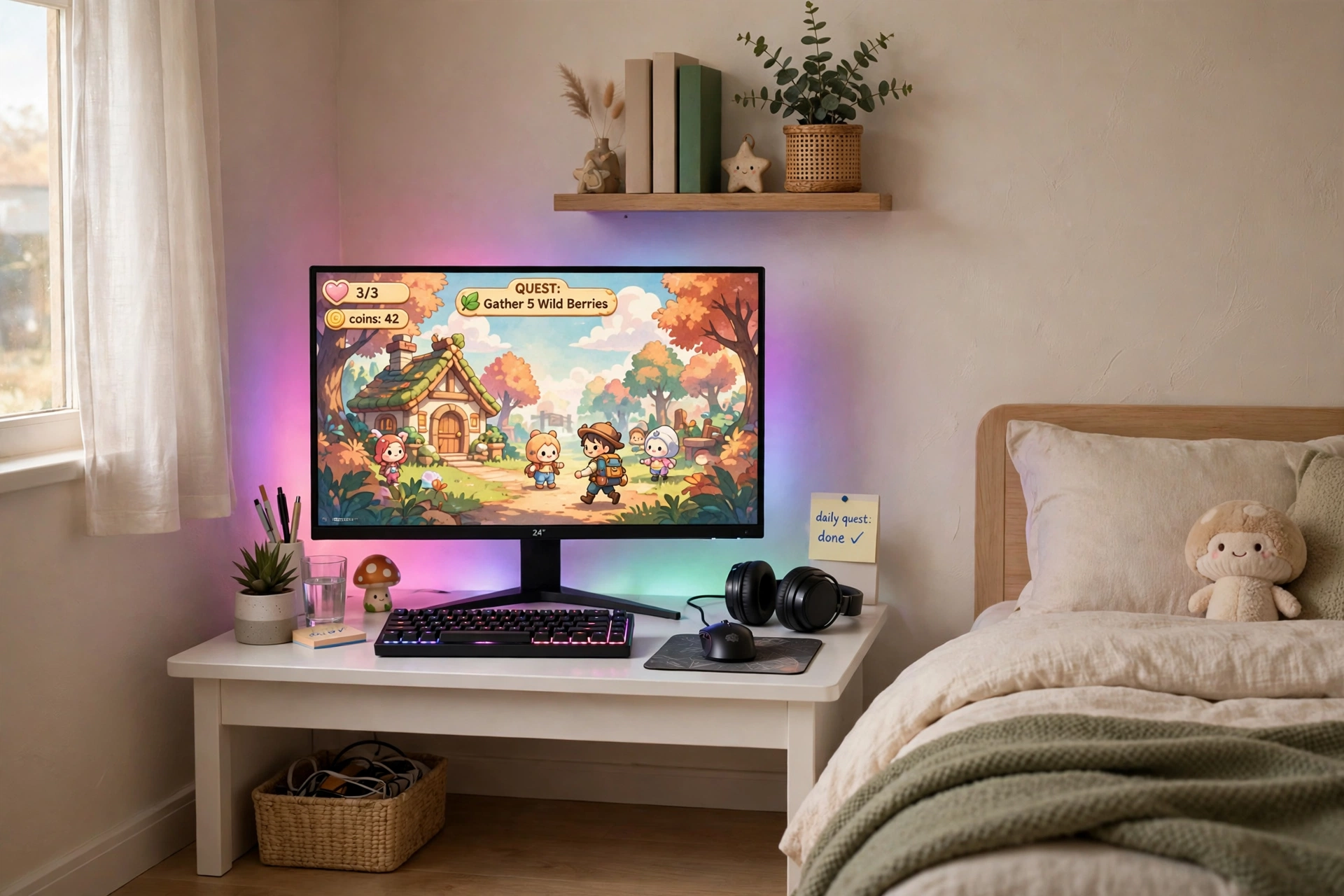
Small rooms suit screen mirroring best, because the glow has nowhere to escape and the whole corner becomes the game. Push a compact 32 inch white desk into the brightest corner, and leave at least one side clear so the room still feels open. Put a single monitor on the desk, paired with a slim keyboard and a mouse, and run the G1 strip around the back of the screen so the desktop software can mirror the game onto the wall behind it. Sit in a slim chair that tucks neatly under the desk when you are done, and keep the desktop to the essentials, with a tiny plant and a headset on a small stand as the only extras. One narrow shelf beside the desk holds two or three games and a controller, and a small drawer under the desk hides cables and notebooks. Light comes from the window by day and the mirrored glow at night, and power stays simple, with one short strip fixed to the desk leg and cables clipped tight. For more small room layouts, see the 13 gaming room ideas for small bedrooms, which help you fit the same glow into a smaller footprint.
Why this one: The strip mirrors your screen through desktop software with no camera to mount, it fits curved monitors, and the double beads give a smooth, bright glow for a small corner.
Worth knowing: Screen mirroring needs the desktop software running on a Windows PC, so it will not sync a console on its own.
Why this one: The compact 32 inch white top fits a small corner without crowding the room, and the two drawers give a home for cables, controllers, and small accessories.
Worth knowing: The narrow top fits one monitor comfortably but leaves little room for a second screen or large speakers, so keep the desktop to the essentials.
13. Big Screen T2 Cinema Wall
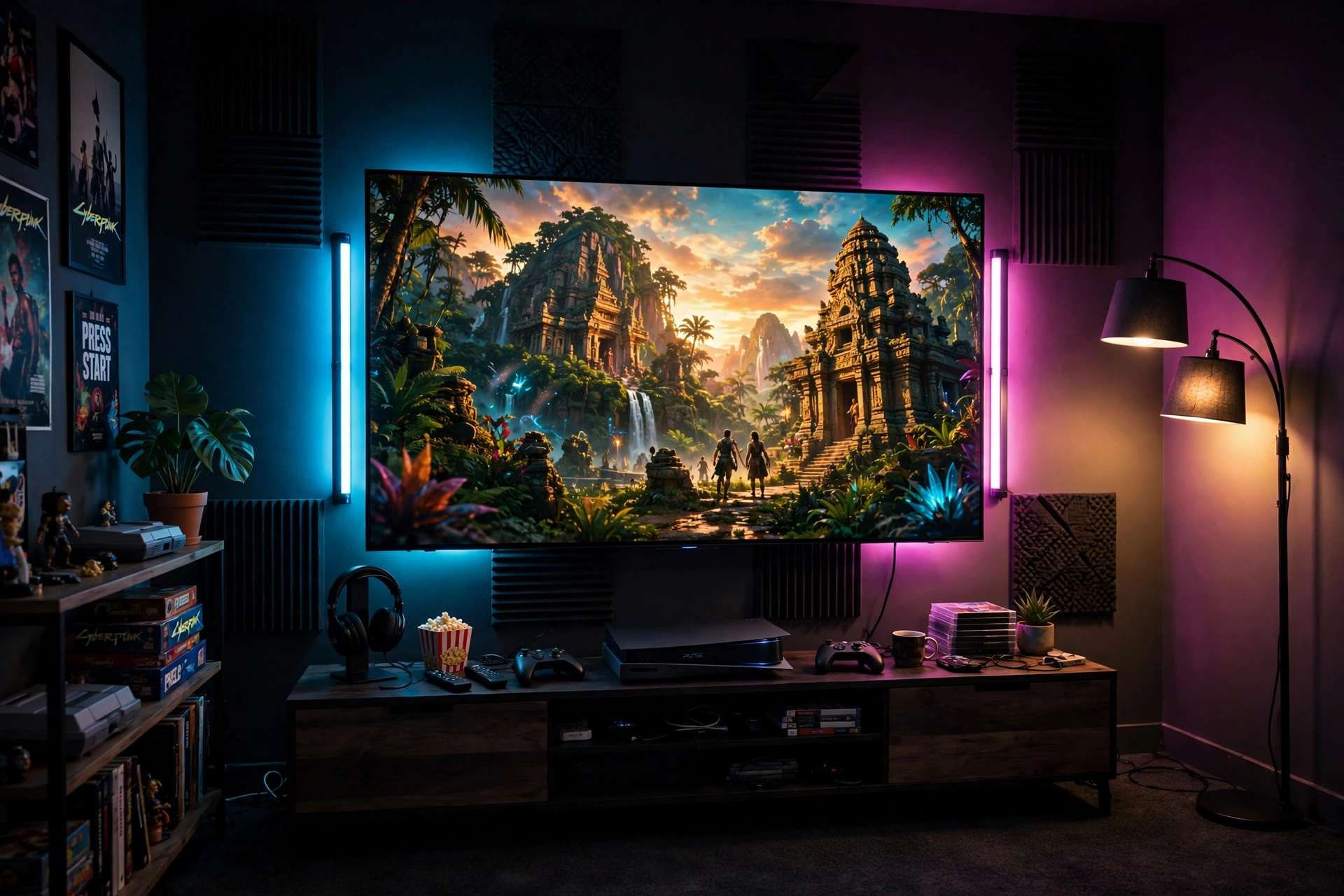
End with the cinema wall, the setup that turns a big TV into a whole room experience. Mount a 75 to 85 inch TV on the wall, and stick the larger T2 strip around the back of the screen with the dual cameras on top, pushing the colours onto the wall in real time. The double light beads and dense strip give a bright, even wash that can fill a large wall, so a jungle scene turns the room green and gold while a night city turns it blue and pink. Place a low wooden console under the TV with the console, a soundbar, and controllers inside, and sit on a sofa far enough back to take in the glow. Add a tall floor lamp in the corner for warm light when the game is off, and keep a shelf beside the TV for games. Storage hides inside the console, with cables in a lidded box and games stacked upright. Power runs through one surge protected strip inside the console, with a single cord dropping to a floor outlet behind the unit. Calibrate once, dim the room, and the wall becomes part of the movie.
Why this one: The dual cameras read the screen edges more accurately than a single camera, and the long, dense strip is sized for a very large TV, so the glow covers the full wall.
Worth knowing: Calibration takes patience and the cameras sit on top of the TV, so they are visible and take the spot a webcam would use.
Why this one: The tall antique brass lamp gives warm, steady light in the corner for reading and late night play, balancing the cool colour of the screen glow.
Worth knowing: It is a single fixed height floor lamp with no adjustable arm, so place it where the light falls on the seating, not on the screen.
Frequently Asked Questions
What is screen mirroring lighting?
Screen mirroring lighting reads the colours on your monitor or TV and copies them onto the wall behind it in real time. A camera kit watches the screen, a sync box reads the HDMI signal, or desktop software reads your PC display. The result is a glow that shifts with the game, so the room feels like part of the world on screen.
Is a camera or a sync box better for screen mirroring?
A sync box is faster and more accurate because it reads the video signal directly, with no camera in the way, but it costs more and only works with HDMI devices. A camera kit works with any screen, including consoles and smart TV apps, but needs careful calibration and takes the top center spot on the screen. Pick the sync box for a dedicated HDMI setup and the camera kit for flexibility.
Can screen mirroring lighting work in a small room?
Yes, and setup 12 shows how. In a small room the glow has nowhere to escape, so even a single strip behind the monitor fills the corner. Use one strip, a compact desk, and a slim chair, and keep storage closed. For more small room layouts, see the 7 monitor stand ideas for gaming desks, which help you lift the screen and free desk space.
Do I need a Hue Bridge for Philips Hue screen mirroring?
Yes, for the Hue sync box and Play bars in this article. The Bridge links the lights together and lets the sync box drive them. Without it, the bars can still work as plain smart lights through Bluetooth, but they will not mirror the screen. The Govee kits in this article do not need a separate hub.
Will screen mirroring lights work with my console?
Camera kits and HDMI sync boxes both work with consoles, because they read the screen or the HDMI signal rather than your PC. Desktop software sync, like the Govee G1 monitor strip in setup 5, needs a Windows PC running the software, so it will not mirror a console on its own. Check which method your kit uses before you buy.
How do I keep the glow from distracting me while I play?
Keep the brightness low and the wall behind the screen plain and matte, so the light spreads softly instead of glaring. Angle light bars at the wall, not at your eyes, and pick a slower, smoother mode for story games, saving the fast, bright effects for racing and action. If the glow still pulls your eyes, dim it in the app until it sits in your peripheral vision.
Conclusion
Screen mirroring lighting works because it turns the wall into part of the game. Choose your method first, a camera kit for flexibility, a sync box for speed and accuracy, or desktop software for a budget PC setup, then build one complete setup around a desk, a seat, a screen, light, storage, and power. Start with the Govee T2 console wall if you play on a TV, go DreamView G1 Pro if you play on a PC, and keep the small room setup in mind if space is tight. Calibrate once, dim the room, and your gaming room will feel bigger every time you sit down, not just on the day you finish setting it up.
