Gaming Room Ideas
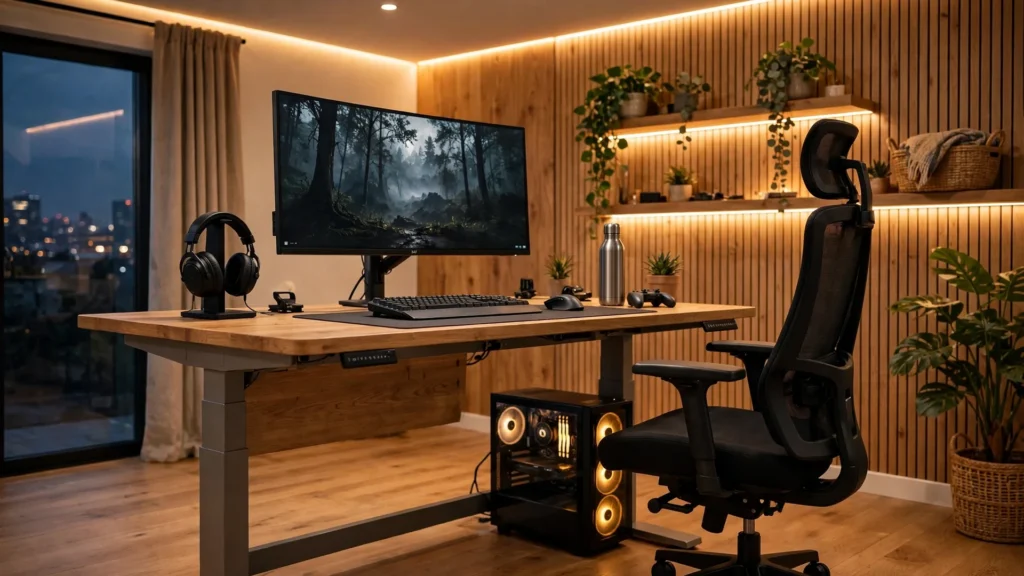
Most gaming setups are built for average height, and tall gamers pay for it with sore necks, cramped knees, and chairs that end at the shoulders. A setup built for height fixes all three: a higher desk, a screen at true eye level, a chair with a tall back, and legroom you do not have to fold yourself into. These eight setups are complete, copyable builds for tall players, and every one of them covers desk, seat, screen, light, storage, and power.
As an Amazon Associate I earn from qualifying purchases. Read our full affiliate disclosure for more detail.
Every idea below is one complete setup you can copy whole, desk, seat, screen, light, storage, and power included. Measure your sitting eye height and your knee height before you buy anything, because those two numbers decide your desk height and your monitor height. If you also need help fitting a tall setup into a small room, the 13 gaming room ideas for small bedrooms will help you plan the footprint, and the 7 monitor stand ideas for gaming desks will show you how to lift a screen to true eye level.
In This Article
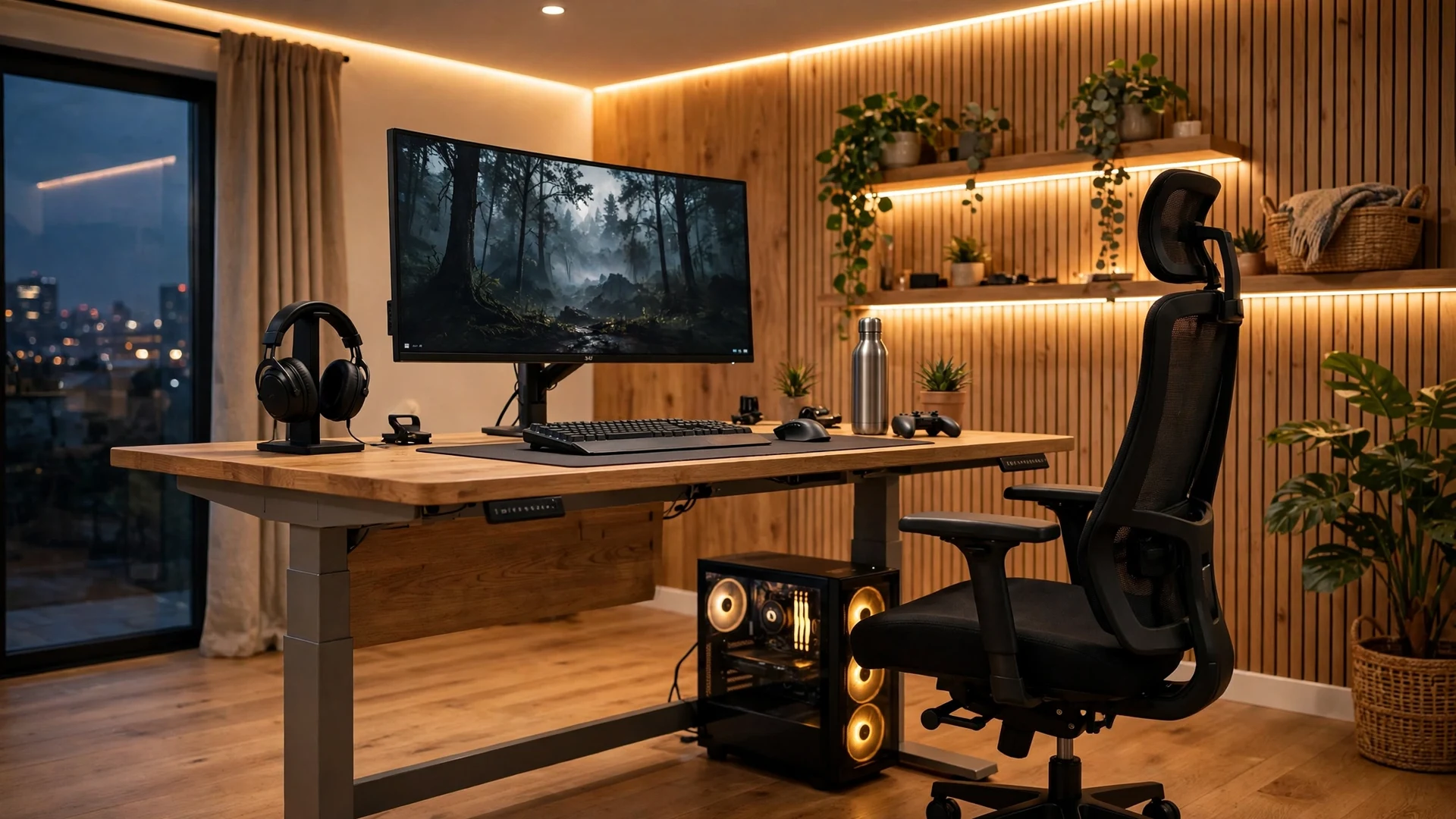
- 1. Standing Desk Tall Setup
- 2. High Monitor Arm Setup
- 3. Tall Chair and Deep Desk
- 4. Wall Mounted Screen at Eye Level
- 5. Long Legroom Open Desk
- 6. Tall Gamer Console Lounge
- 7. Adjustable Everything Setup
- 8. Tall Gamer Corner Command Center
- At a Glance Comparison
- Frequently Asked Questions
- Conclusion
At a Glance Comparison
| Setup | Desk and Seat | Screen and Light | Best For |
|---|---|---|---|
| 1. Standing Desk | Tall desk, high-back chair | Wide monitor, LED strip | Sitting and standing through long sessions |
| 2. High Monitor Arm | 60 inch desk, tall chair | Raised monitor, desk lamp | Fixing neck strain for tall players |
| 3. Deep Desk | Deep desk, high-back chair | Wide monitor, floor lamp | Long legs and long sessions |
| 4. Wall Mounted Screen | Desk below, tall chair | Wall mounted monitor, LED strip | A screen that never sits too low |
| 5. Open Legroom Desk | Open frame desk, tall chair | Single monitor, desk lamp | Knees that never hit a drawer |
| 6. Console Lounge | TV stand, deep lounge chair | Large TV, TV backlight | Console gaming without a desk |
| 7. Adjustable Setup | Adjustable desk, adjustable chair | Monitor on arm, key light | A setup that fits any tall body |
| 8. Corner Command Center | L-shaped desk, gaming chair | Dual monitors, RGB strip | A tall gamer who wants it all |
1. Standing Desk Tall Setup
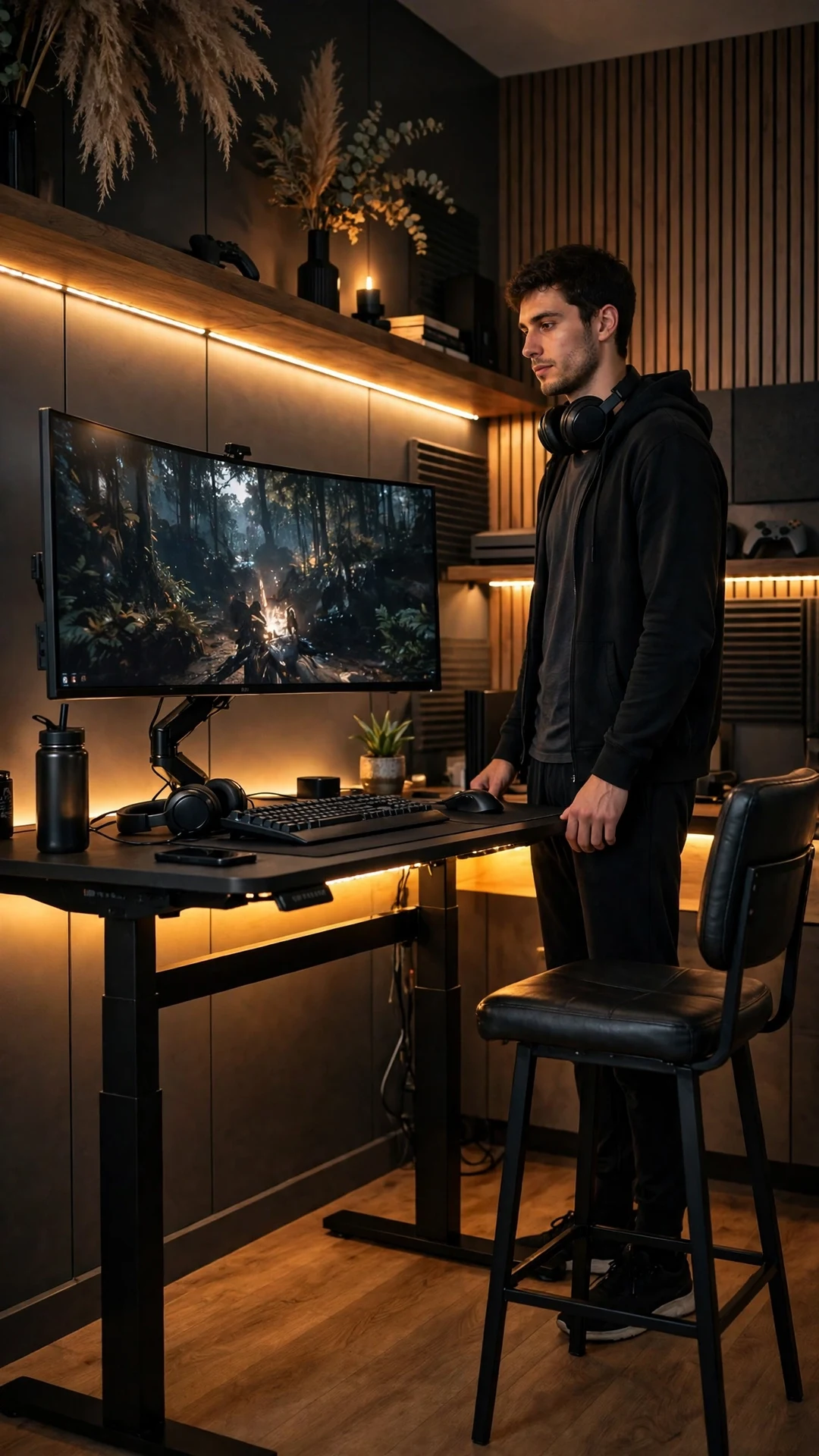
A desk that adjusts to standing height is the single best upgrade for a tall gamer, because it ends the hunch for good. Set the desk so your elbows rest at 90 degrees and the top of the monitor sits at your eye level, then switch between sitting and standing through the day.
Pair it with a high back chair that actually reaches your shoulders, with lumbar support you can adjust to your spine, not to an average one. A monitor arm lets you raise the screen as high as the desk goes, which matters when your eye level is above a standard desk.
Keep the keyboard and mouse on the desk surface, not on a tray that sits too low, and run power through a strip fixed under the desk so cables never dangle at knee height. Add an LED strip along the back edge for evening glow, and standing becomes the break your back has been waiting for.
Why this one: The fully adjustable arm raises a monitor to true eye level for a tall gamer and frees the whole desktop.
Worth knowing: It only holds one screen up to 27 inches, so a dual monitor setup needs a second arm.
Why this one: The high back, lumbar support, and flip-up arms suit a tall sitter, and it holds up to 300 lbs.
Worth knowing: The gray velvet shows dust and pet hair easily, so it needs a quick brush now and then.
2. High Monitor Arm Setup
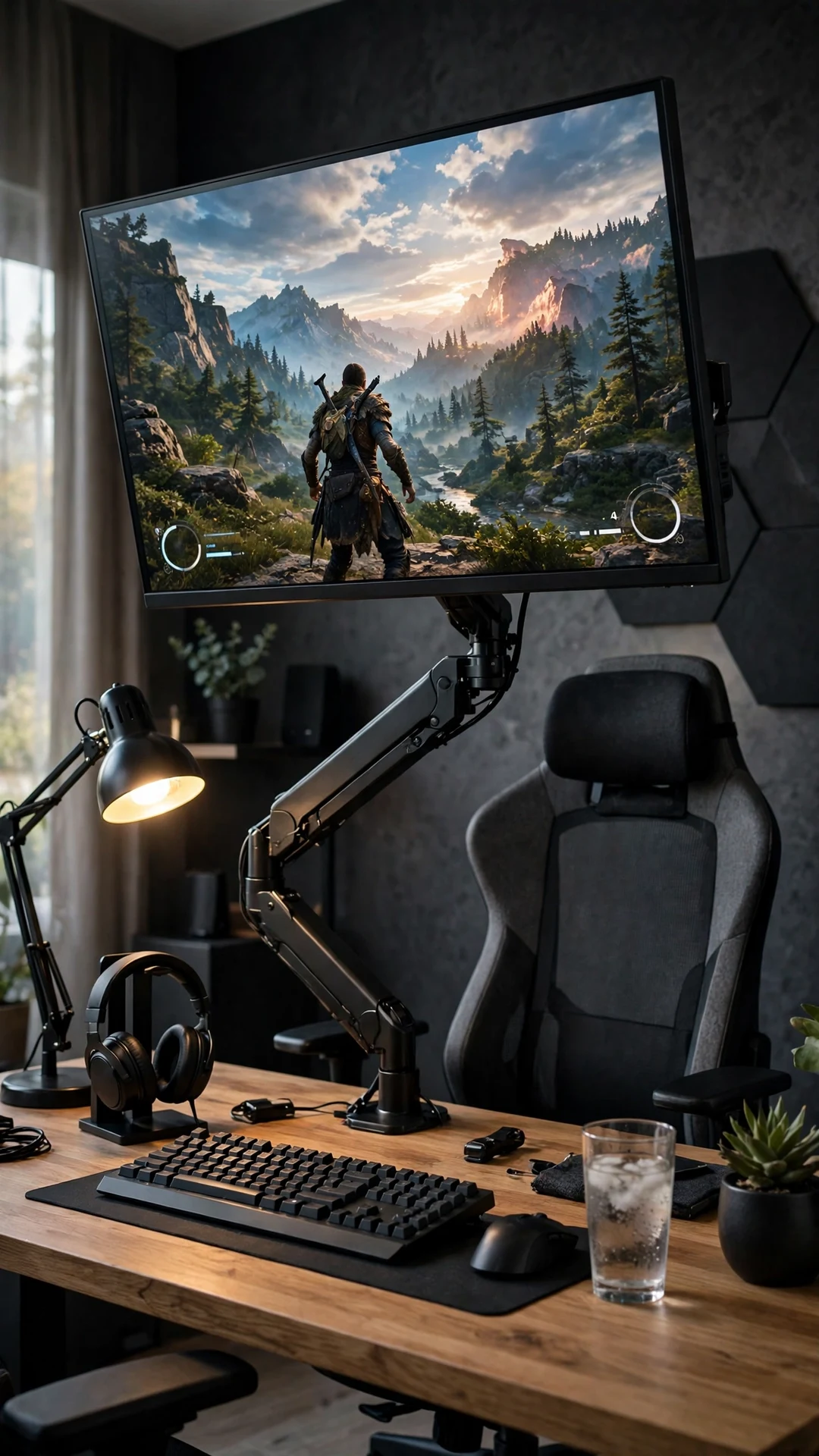
Neck strain is the most common complaint tall gamers have, and it almost always comes from a monitor that sits too low. A monitor arm that lifts the screen to your true eye level fixes it in one move, and a 60 inch desk gives you the depth to push the screen back far enough to see it comfortably.
Mount the arm on the back edge of the desk and raise the monitor until the top third of the screen is at your eye height when you sit straight. Add a monitor riser under a second screen if you run dual monitors, so both screens sit at the same height.
Use a desk lamp with an adjustable arm for task light that can reach up to your work height, and keep the keyboard close so your shoulders stay relaxed. Run power through a strip under the desk, and your neck will thank you within a week.
Why this one: The single monitor mount adjusts from 13 to 32 inches and lifts the screen high enough for tall eye levels.
Worth knowing: It fits monitors from 4.4 to 19.8 lbs only, so very heavy screens need a stronger mount.
DESIGNA Computer Gaming Desk 60 Inch, PC Laptop Table Workstation with Free Large Mousepad, Black
Why this one: The 60 inch depth lets a tall gamer push the monitor back to a comfortable viewing distance.
Worth knowing: It has no drawers, so add a small shelf or basket for storage.
3. Tall Chair and Deep Desk
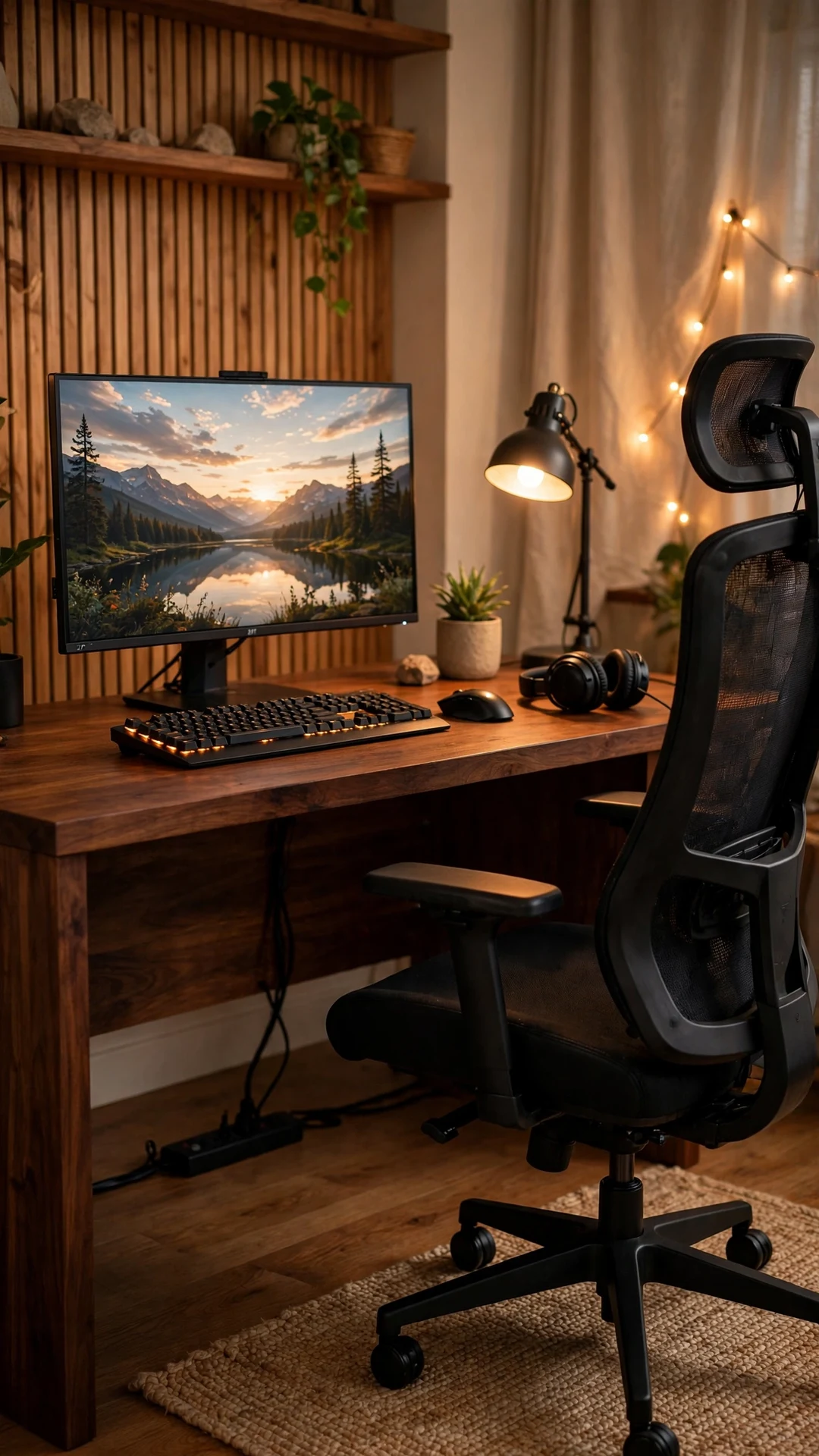
Tall gamers need depth more than width, because long legs need room to stretch and long arms need a keyboard that is not jammed against the monitor. A deep desk, at least 30 inches front to back, gives your knees space and lets you push the screen to a comfortable distance.
Pair it with a chair whose seat is deep enough that your thighs are fully supported, with a high back that reaches your shoulders and a headrest you can actually use. A floor lamp in the corner lights the room without taking desk space, and a monitor on a riser lifts the screen above the keyboard line.
Store games on a shelf above the desk rather than in drawers under it, so your knees never hit a drawer front. Run power through a strip fixed to the back of the desk, and the setup finally fits the person using it.
Why this one: The high back and lumbar support suit a tall sitter, the flip-up arms slide under a deep desk, and it holds up to 300 lbs.
Worth knowing: The gray velvet shows dust easily, so brush it down now and then.
Why this one: The bamboo riser lifts the monitor to eye level and adds storage underneath for controllers.
Worth knowing: It is sized for one monitor, so a dual setup needs two risers side by side.
4. Wall Mounted Screen at Eye Level
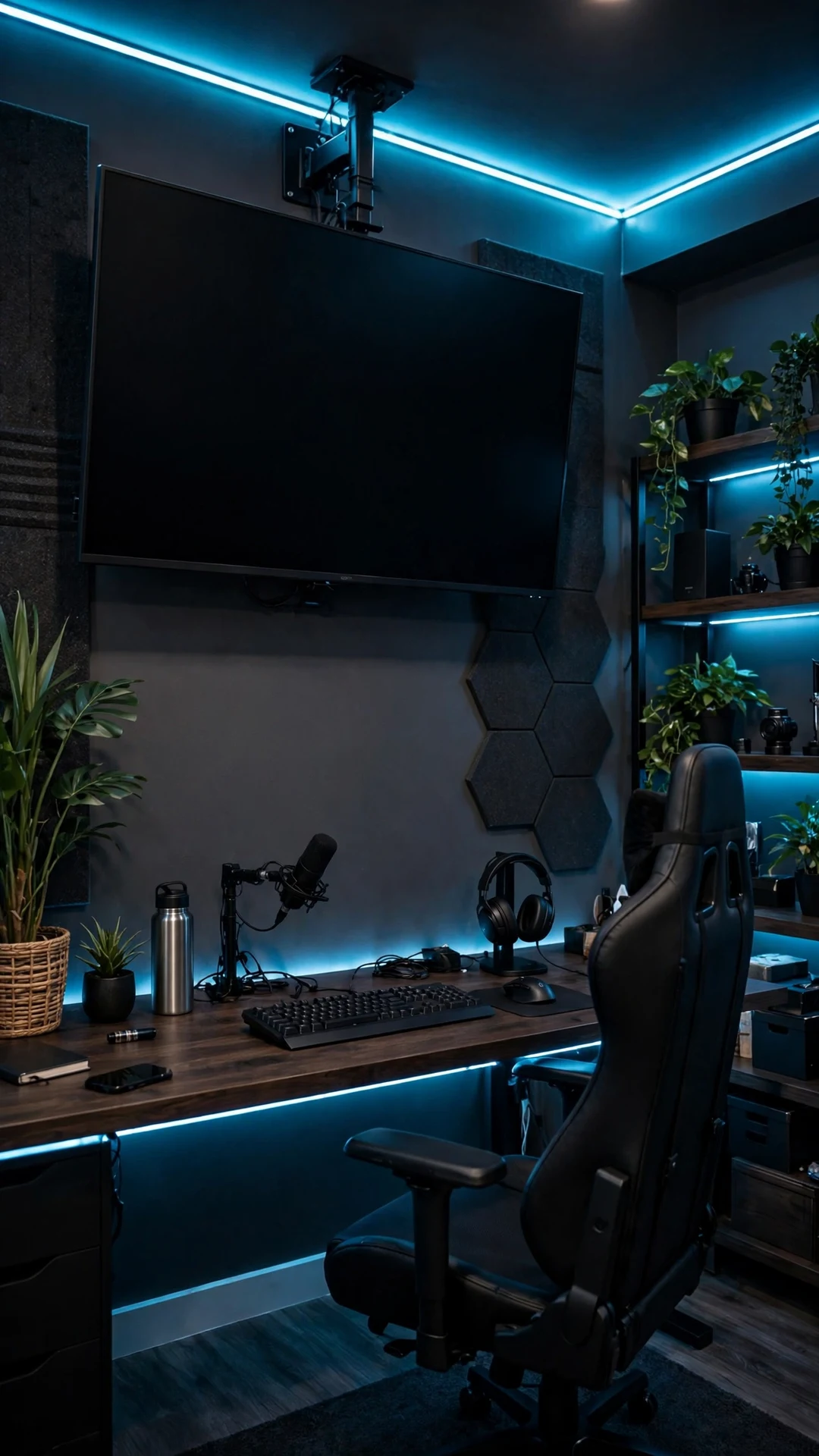
A wall mounted monitor is the simplest way to get a screen to tall eye level, because the wall has no height limit. Mount the screen so its center sits at your sitting eye height, put the desk below it, and your neck stays straight for the whole session.
Use a monitor arm with a wall mount rather than a fixed bracket, so you can pull the screen toward you for close work and push it back for films. An LED strip behind the screen washes the wall with soft light and cuts eye strain in a dark room.
Keep the desk clear with a keyboard and mouse only, and store the PC on the floor beside the desk with cables running up the wall in a channel. Power comes from a strip fixed behind the desk, and the whole setup looks clean because the screen floats at exactly the right height.
Why this one: The adjustable mount fits screens from 13 to 32 inches and holds the monitor at tall eye level on the wall.
Worth knowing: It fits monitors from 4.4 to 19.8 lbs only, so check your screen weight first.
Govee 16.4ft RGBIC LED Strip Lights, Work with Alexa and Google Assistant
Why this one: The RGBIC strip behind the monitor washes the wall with soft light and cuts eye strain in a dark room.
Worth knowing: The adhesive can loosen on textured walls over time, so add a few clips for a lasting hold.
5. Long Legroom Open Desk
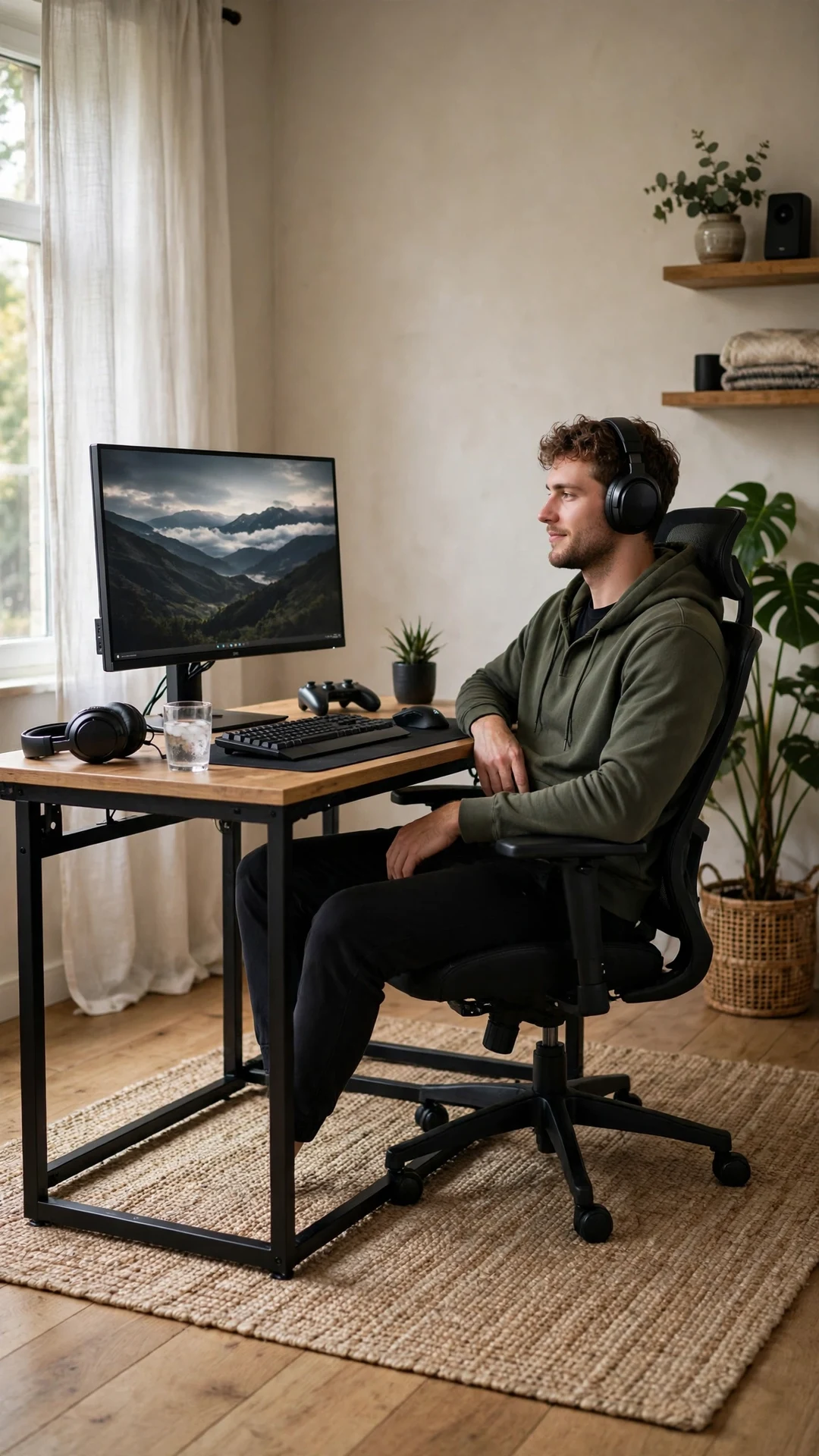
The worst part of a standard desk for a tall gamer is the drawer unit or modesty panel that eats the legroom. An open frame desk with nothing under the top except legs gives you the full depth for your knees, and you can stretch out between matches without hitting anything.
Choose a simple 32 inch desk with an open frame and pair it with a tall chair that rolls fully under the desk when you are done. A desk lamp with a flexible arm gives task light at your height, and a monitor on an arm keeps the desktop clear for your arms.
Storage moves to the wall instead of under the desk, with a small shelf and a pegboard for controllers and headsets. Run power through a strip fixed to the back edge of the desk, and your legs finally have the room they need.
CubiCubi Computer Desk, 32 inch Small Home Office Desk for Small Spaces, Vintage
Why this one: The open frame leaves the full depth free for long legs, and the 32 inch top fits a monitor and keyboard easily.
Worth knowing: It has no storage at all, so games and controllers need a wall shelf or a basket.
Why this one: The armless chair rolls fully under an open desk, and the lumbar support helps long sessions.
Worth knowing: It has no armrests, so your elbows get no support during long matches.
6. Tall Gamer Console Lounge
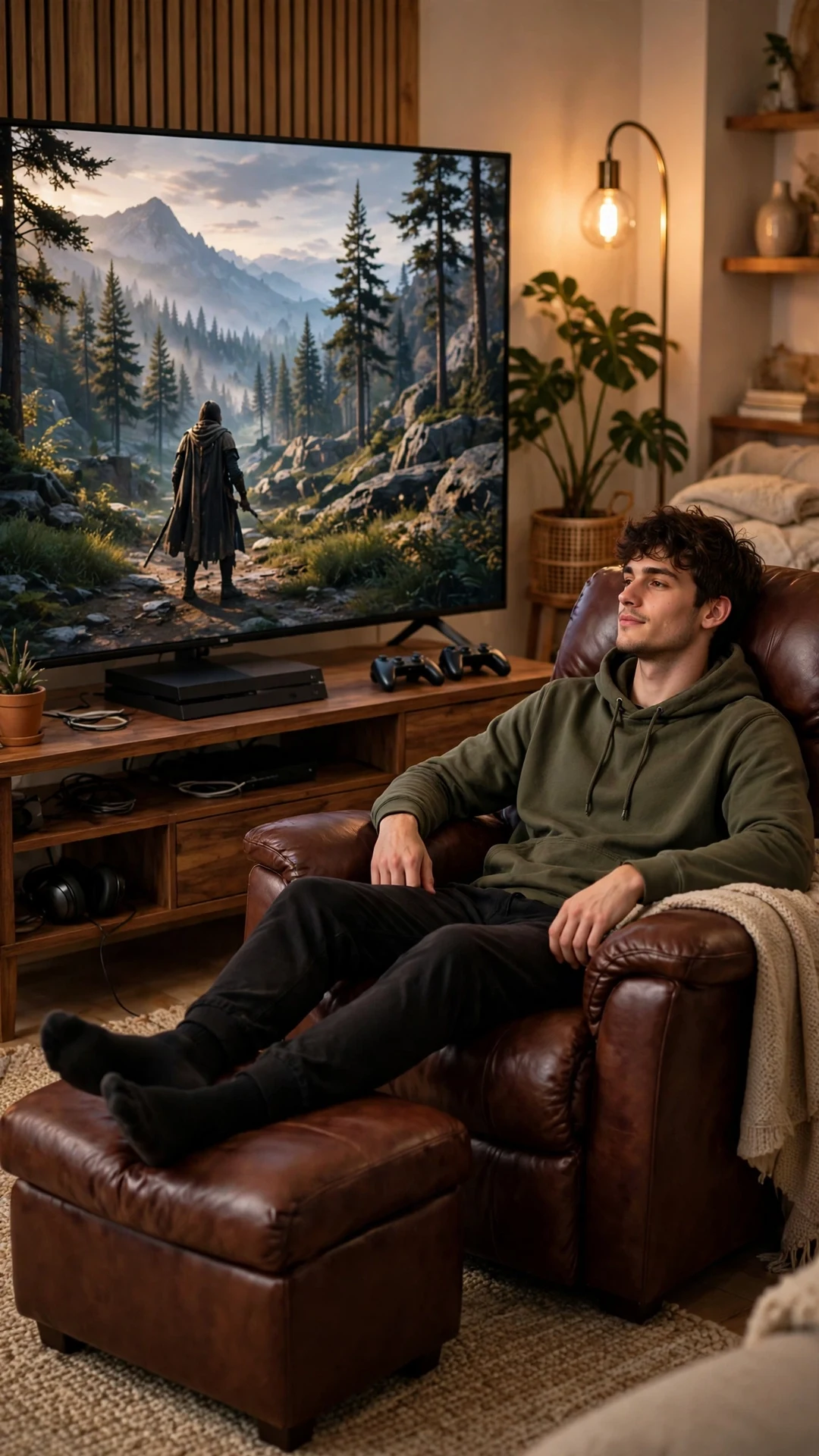
Tall gamers do not always want a desk, and a console lounge built for height is a joy. The key is a deep chair with a high back and a seat long enough that your knees are not bent at a sharp angle, plus a TV mounted high enough that you look slightly up, not down.
Put the TV on a stand at the right height or wall mount it so the center sits at your eye level from the chair, and add a TV backlight strip for soft glow. A footrest or ottoman lets you stretch your legs out fully, which matters more the taller you are.
Store games and controllers in the TV stand cabinet, and run power through a strip hidden behind the stand. Add a side table within reach for drinks, and the lounge becomes the place where tall gamers actually relax.
Why this one: The stand holds TVs up to 80 inches and the side cabinet hides games and controllers neatly.
Worth knowing: It is a wide unit, so measure the wall before you commit to it.
Why this one: The deep green velvet chair has wing sides and a high back that suit a tall sitter in a lounge.
Worth knowing: It is a lounge chair, so it has no wheels or height adjustment.
7. Adjustable Everything Setup
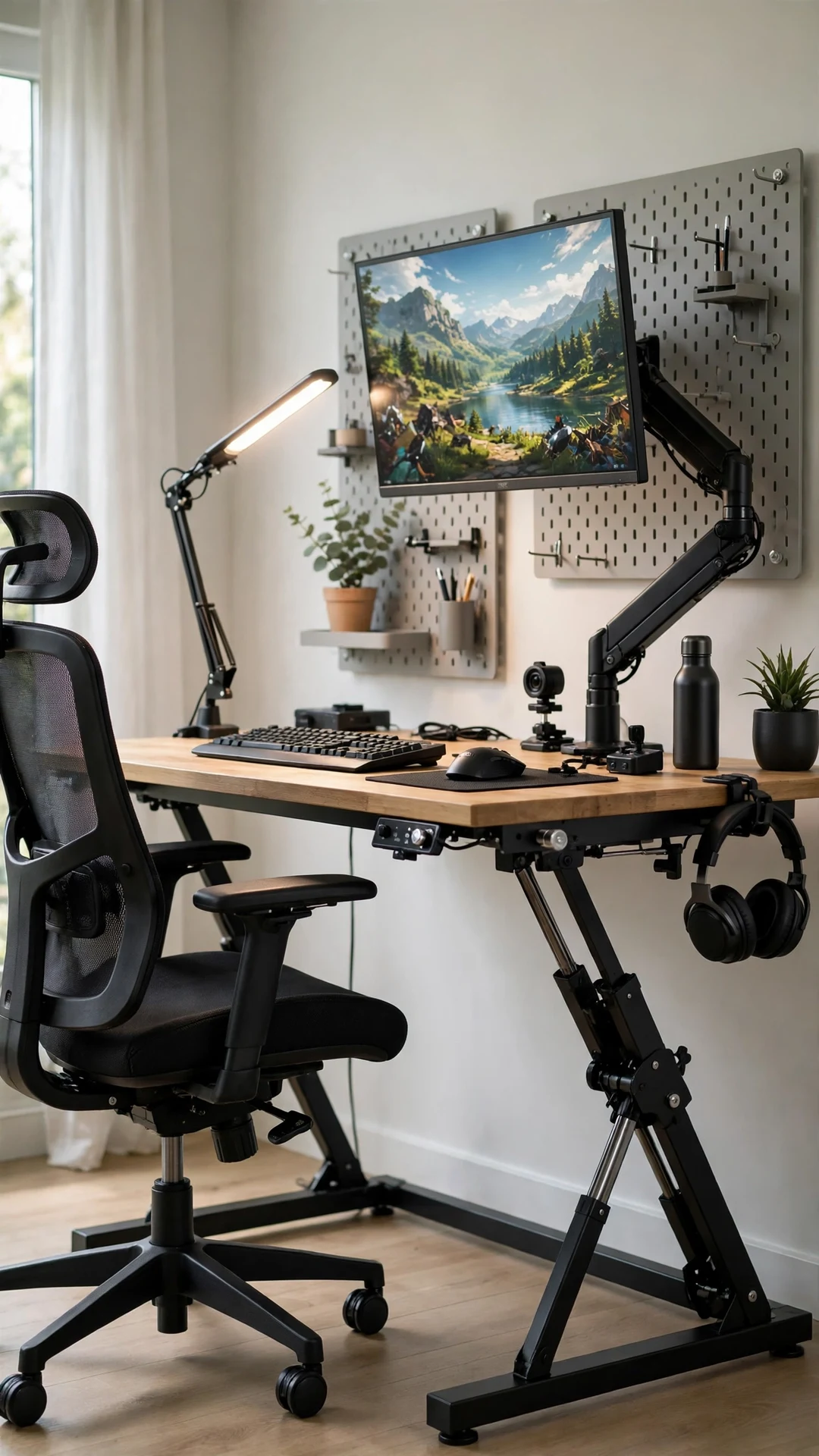
Tall gamers come in many shapes, so the safest setup is one where everything adjusts. An adjustable desk, an adjustable monitor arm, and an adjustable chair with height, tilt, and lumbar controls let you tune the setup to your exact body instead of guessing from a size chart.
Start with the chair height so your feet rest flat and your knees sit at 90 degrees, then raise the desk so your elbows match, then raise the monitor so the top third of the screen is at eye level. A key light on a clamp gives even face light for streams and video calls without taking desk space.
Keep the keyboard and mouse on the desk surface, store games on a shelf at shoulder height, and run power through a strip with surge protection under the desk. Measure twice, adjust once, and the setup will fit you better than any fixed desk ever could.
Why this one: The fully adjustable arm is the heart of this setup, raising any screen up to 27 inches to true eye level.
Worth knowing: It only holds one screen, so a dual monitor setup needs a second arm.
Elgato Key Light, Professional 2800 Lumens Studio Light with Desk Clamp for Streaming
Why this one: The 2800 lumen key light clamps to the desk and gives even light for streams and calls at any desk height.
Worth knowing: It is a single light, so a second light is needed for a fully balanced camera shot.
8. Tall Gamer Corner Command Center
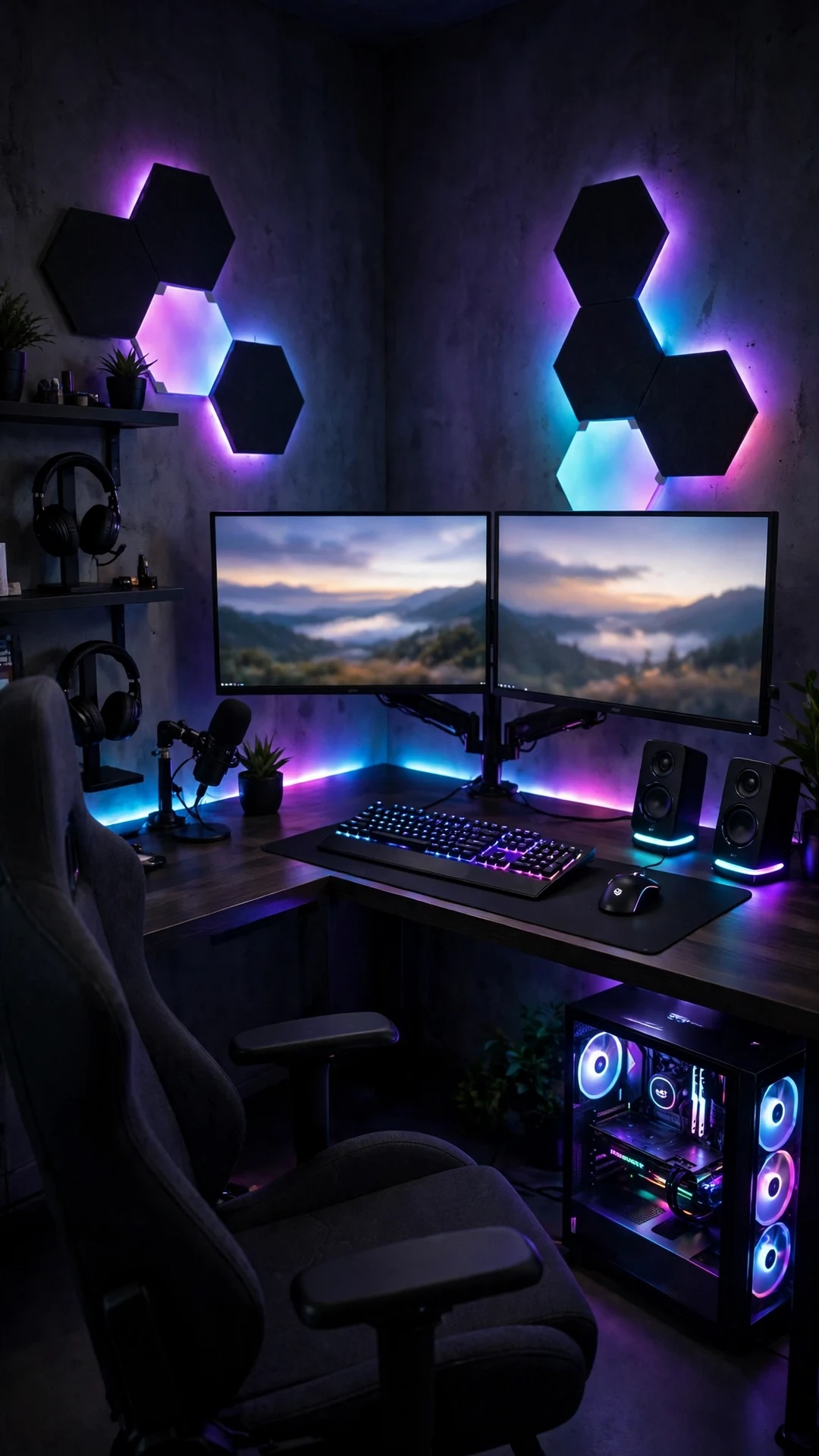
A corner command center is the full tall gamer build, with an L-shaped desk, dual monitors on arms, and a gaming chair that fits a tall frame. The corner gives you two walls of space, so the main screen sits straight ahead and the second screen sits to the side at the same height.
Raise both monitors on arms to your eye level, and put the keyboard on the main desk with the mouse on a large pad that covers the corner join. A gaming chair with a footrest lets you stretch out, and an RGB strip along both desk edges ties the corner together in one color.
Store games in the desk shelves and hang the headset on a stand at the end of the desk. Run power through a clamp strip on the desk edge with plenty of outlets for the PC, both monitors, and the lights, and the corner becomes a command center built for your height.
Why this one: The L shape gives a tall gamer two full desk zones, and the reversible shelves hold games within easy reach.
Worth knowing: The open shelves show clutter, so use small bins to keep the corner tidy.
Why this one: The footrest, massage lumbar support, and 360 degree swivel suit long sessions in a corner setup.
Worth knowing: The red finish is bold, so it suits a corner with warm colors better than a calm palette.
Frequently Asked Questions
What desk height is right for a tall gamer?
Set the desk so your elbows rest at 90 degrees when your hands are on the keyboard, which is usually 30 to 32 inches for a tall sitter, higher than a standard 29 inch desk. An adjustable desk is the safest choice, since it lets you tune the height exactly.
How high should my monitor be?
The top third of the screen should sit at your sitting eye height, so you look very slightly down at the center of the screen. A monitor arm is the easiest way to reach tall eye levels, since most desk stands top out too low.
What chair is best for a tall gamer?
Look for a high back that reaches your shoulders, a deep seat that supports your full thigh, and a weight capacity with headroom. Setups 1, 3, and 7 use high back chairs with lumbar support that suit tall frames.
Do tall gamers need a deeper desk?
Yes, depth matters as much as height. A desk at least 30 inches deep lets you push the monitor back to a comfortable viewing distance and gives your knees room. Setup 3 and setup 5 are built around deep and open legroom.
Can I wall mount a monitor for a tall setup?
Yes, and it is often the best fix. A wall mount has no height limit, so the screen can sit exactly at your eye level. Setup 4 shows how to do it with an adjustable arm so you can pull the screen closer when you need to.
Conclusion
A tall gamer setup is not a luxury, it is the difference between playing comfortably and playing through pain. Raise the desk, raise the screen to true eye level, pick a chair with a back that reaches your shoulders, and give your legs the depth they need. Start with the monitor arm if your neck hurts, the deep desk if your knees hit drawers, or the full corner command center if you want it all at once. For more ideas on lifting screens to the right height, the 7 monitor stand ideas for gaming desks show every way to raise a monitor without buying a new desk.
