Gaming Room Ideas
Your first gaming setup is the one you will learn the most from, and that is exactly why it is so easy to get wrong. I have seen the same ten mistakes turn up in room after room, a monitor that does not fit the desk, a chair that hurts after an hour, cables everywhere, and a budget spent in the wrong place. None of them are hard to avoid once you know what to look for, and most of them cost nothing to fix if you catch them before you buy.
As an Amazon Associate I earn from qualifying purchases. Read our full affiliate disclosure for more detail.
The Short Answer
Measure your room and your desk first, then buy in this order: desk, chair, screen, light, storage, and power, with decoration last. The three mistakes that cost the most are buying a monitor that does not fit the desk, sitting in a chair with no support, and plugging expensive gear into an unprotected power strip. Get those three right and the rest of the setup falls into place. If your room is small, start with the 13 gaming room ideas for small bedrooms to see how the same order works in a tight space, and if you are starting from zero, the 15 PC gaming setup ideas for beginners will show you complete layouts to copy.
In This Article
- 1. Buying the Monitor Before the Desk
- 2. Choosing a Desk That Is Too Small
- 3. Sitting in the Cheapest Chair You Could Find
- 4. Setting the Screen Too Low
- 5. Plugging Everything Into a Bare Power Strip
- 6. Gaming in the Dark
- 7. Buying RGB Before the Basics
- 8. Putting the PC on the Floor
- 9. Spending the Whole Budget on One Part
- 10. Forgetting Storage and Cable Management
- At a Glance Comparison
- Verdict
- Frequently Asked Questions
- Conclusion
At a Glance Comparison
| Mistake | What Goes Wrong | The Fix | What It Costs You |
|---|---|---|---|
| 1. Monitor before desk | Screen overhangs or crowds the desk | Measure first, buy the desk first | A return or a new desk |
| 2. Desk too small | No elbow room, gear piled up | A 60 inch desk as the standard | Comfort on every session |
| 3. Cheapest chair | Back and neck pain within an hour | Adjustable seat with lumbar support | Your back, every day |
| 4. Screen too low | Neck strain from looking down | Arm or riser to eye level | Headaches and stiff shoulders |
| 5. Bare power strip | One surge can kill the whole setup | Surge protected strip, mounted | The PC itself |
| 6. Gaming in the dark | Eye strain and headaches | Bias light behind the screen | Tired eyes after an hour |
| 7. RGB before basics | Pretty room, uncomfortable setup | Glow last, comfort first | Money spent twice |
| 8. PC on the floor | Dust, heat, and blocked airflow | Raise it off carpet and dust | Shorter PC life, more noise |
| 9. Budget on one part | Great GPU, terrible everything else | Balance the spend across the setup | Performance you cannot feel |
| 10. No storage or cable plan | Clutter creeps back in a week | A home for every cable and controller | A setup that never feels finished |
1. Buying the Monitor Before the Desk
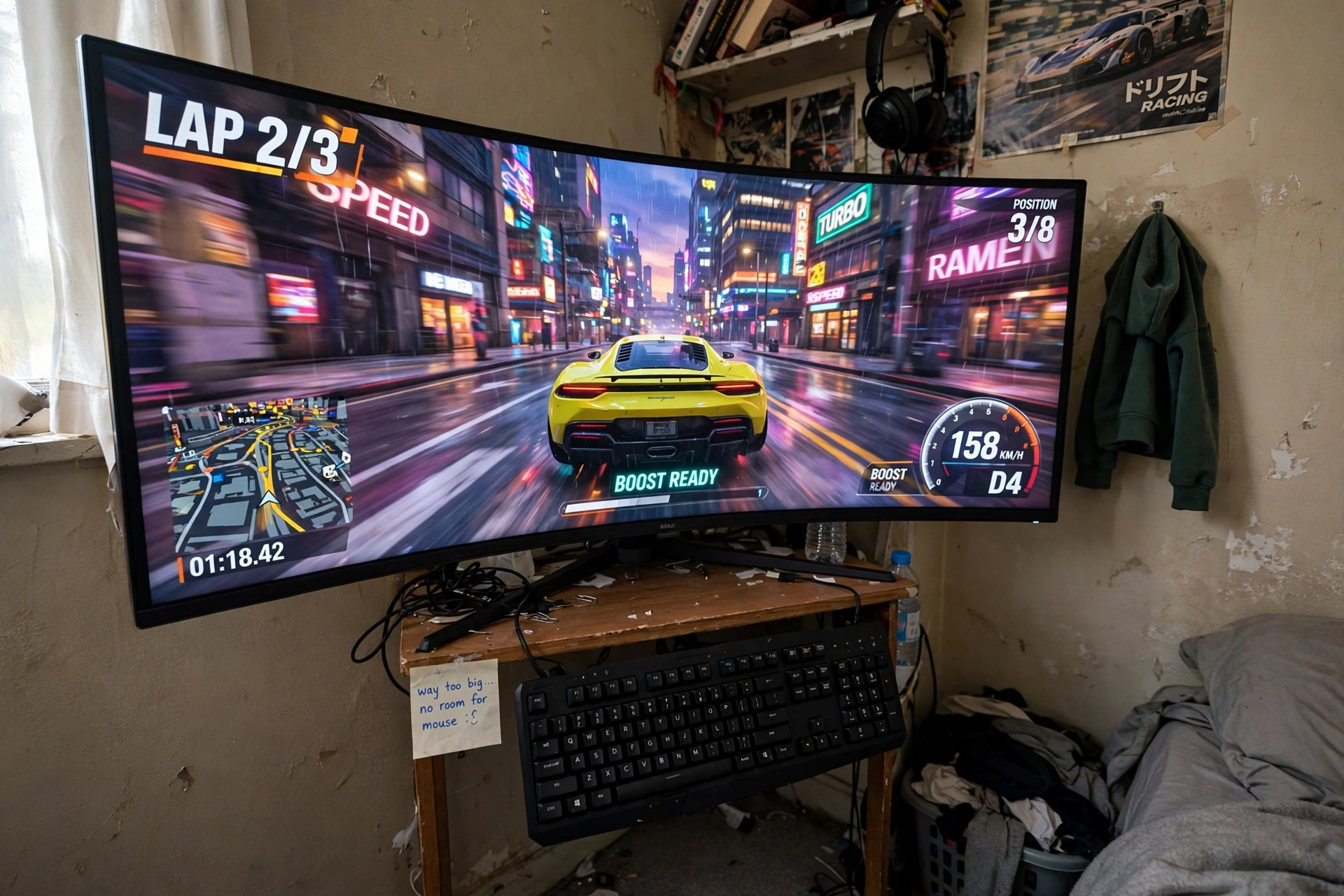
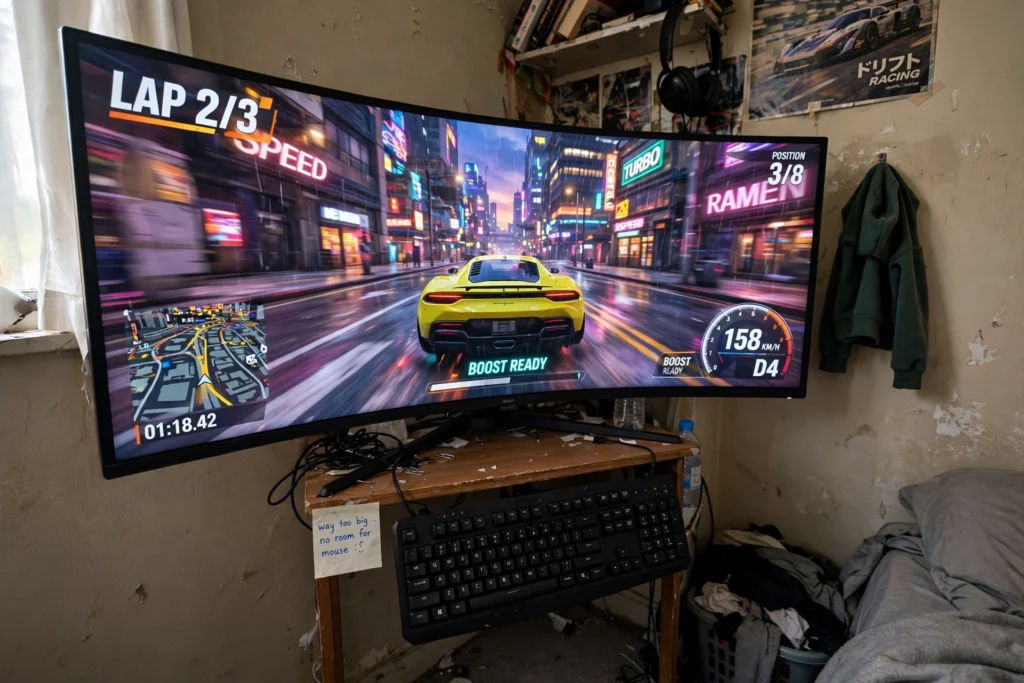
The monitor is the most exciting part to buy, so it usually gets bought first, and that is the trap. A 34 inch ultrawide looks wonderful in the store and then arrives home to a desk that is 40 inches wide with a keyboard, a mouse, and a pair of speakers fighting for the same space. The screen overhangs the edges, the keyboard slides off the front, and you end up sitting too close because there is nowhere else to sit. Measure the wall and the desk space first, then choose a screen that leaves at least a hand span of desk on each side. The trade-off is real: a bigger screen is more immersive, but only when you can sit at the right distance from it. A smaller screen at the right distance beats a huge screen you have to crane your neck to see. If you already bought the monitor, a monitor arm that clamps to the back edge can win back a few inches of depth, but the honest fix is to pick the desk first and the screen second.
2. Choosing a Desk That Is Too Small
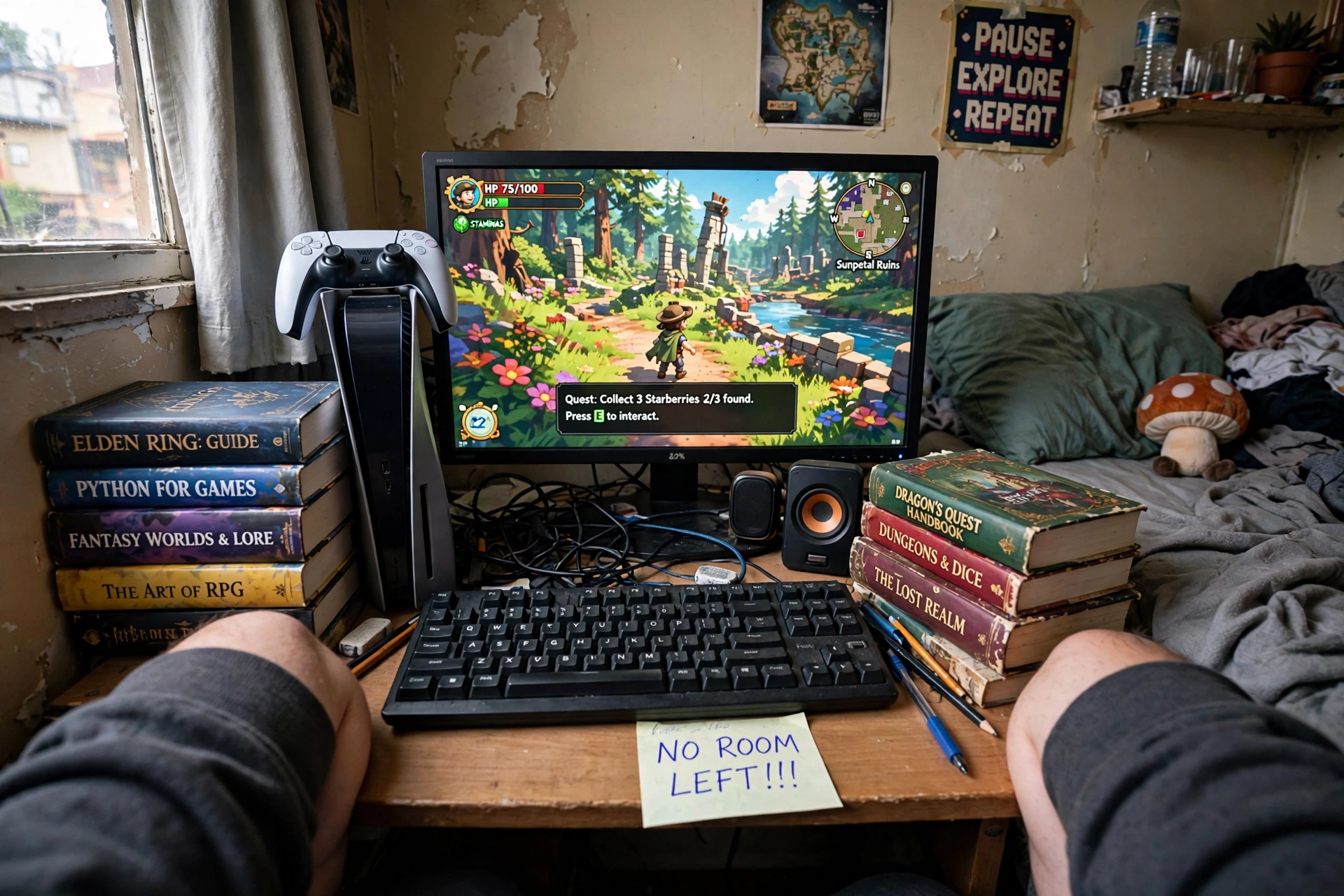
A desk that is too small punishes you every single session. Your elbows hang off the sides, the keyboard sits at an angle, the mouse runs out of room mid-flick, and anything you add later, a second screen, a headset stand, a notebook, has nowhere to go. The evidence is simple: a setup needs room for the monitor, the keyboard, the mouse with space to move, and your arms, and that takes more width than most first-time buyers expect. A 60 inch desk is the sweet spot for most rooms because it holds a monitor, a full keyboard, and a console or speakers without crowding, and it still fits along a normal bedroom wall. The trade-off is floor space, since a bigger desk takes a bigger bite out of the room, but a cramped desk costs you comfort every day while a bigger desk only costs you a little floor. If your room genuinely cannot take 60 inches, go compact on purpose with a desk that has drawers, and keep the desktop to the essentials only.
DESIGNA Computer Gaming Desk 60 Inch, PC Laptop Table Workstation with Free Large Mousepad, Black
Why this one: The wide 60 inch black top gives room for a monitor, keyboard, and speakers side by side, and the included large mousepad keeps the surface neat.
Worth knowing: It has no built-in drawers or cable tray, so storage and cable management need a separate solution, and the black top shows dust and fingerprints easily.
3. Sitting in the Cheapest Chair You Could Find
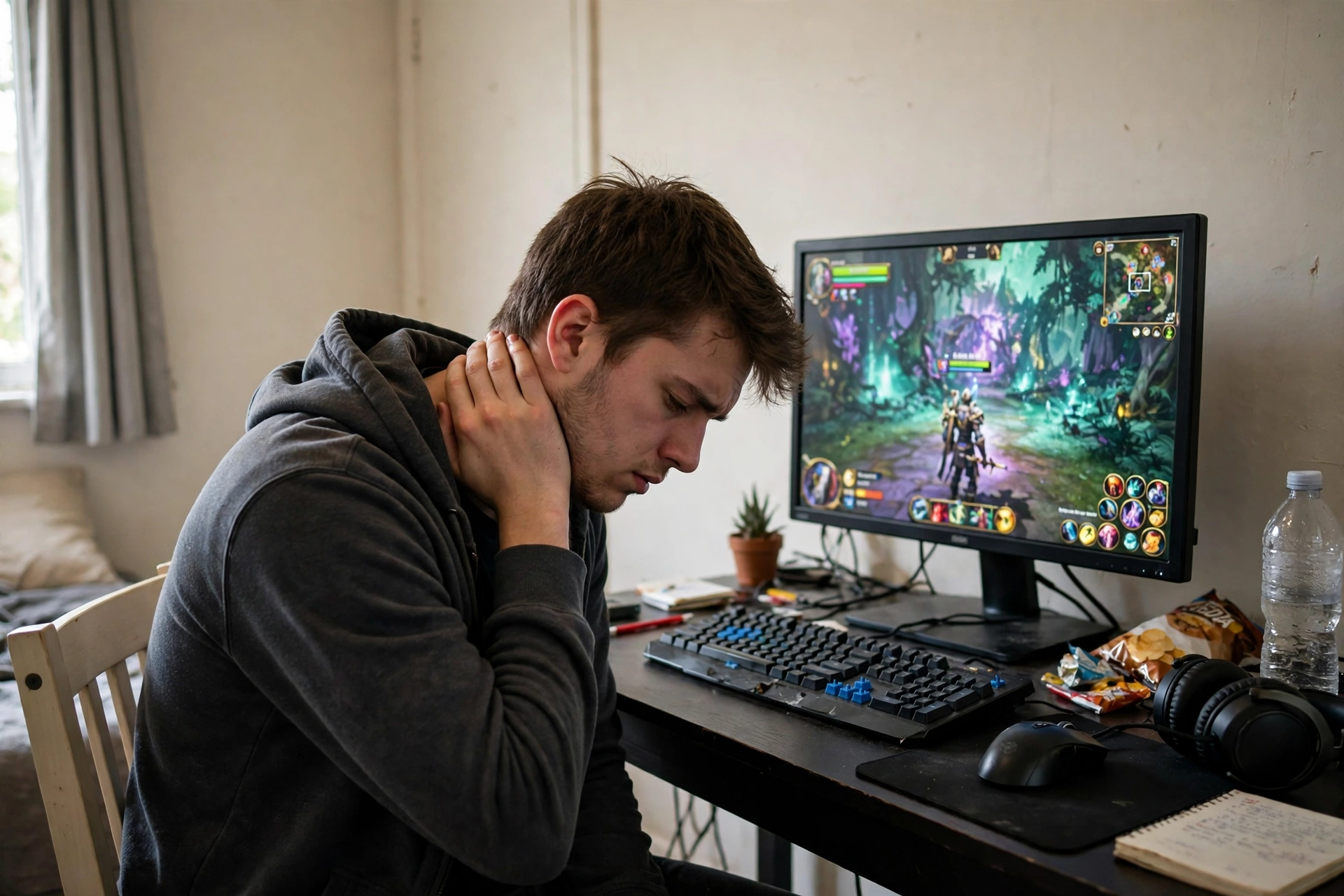
The chair is the piece you touch for every minute you play, and it is the piece most first setups cheap out on. A dining chair or a flat office stool feels fine for twenty minutes and then your lower back starts to ache, your shoulders creep up, and you catch yourself leaning forward to get comfortable. An adjustable chair with lumbar support and height adjustment is not a luxury, it is the difference between playing for an hour and playing for an evening. The trade-off is that a good chair costs about as much as a mid-range headset, and it is tempting to spend that money on something flashier, but the headset does not hold your spine up. Sit in the chair before you buy if you can, check that your feet rest flat and your elbows sit level with the desk, and treat lumbar support as a requirement, not a bonus.
Why this one: The high back, lumbar support, and adjustable height give you proper support for long sessions, and the flip-up armrests let the chair tuck under the desk.
Worth knowing: The grey velvet shows dust and lint, so it needs regular brushing, and the high back takes up more visual space in a small room.
4. Setting the Screen Too Low
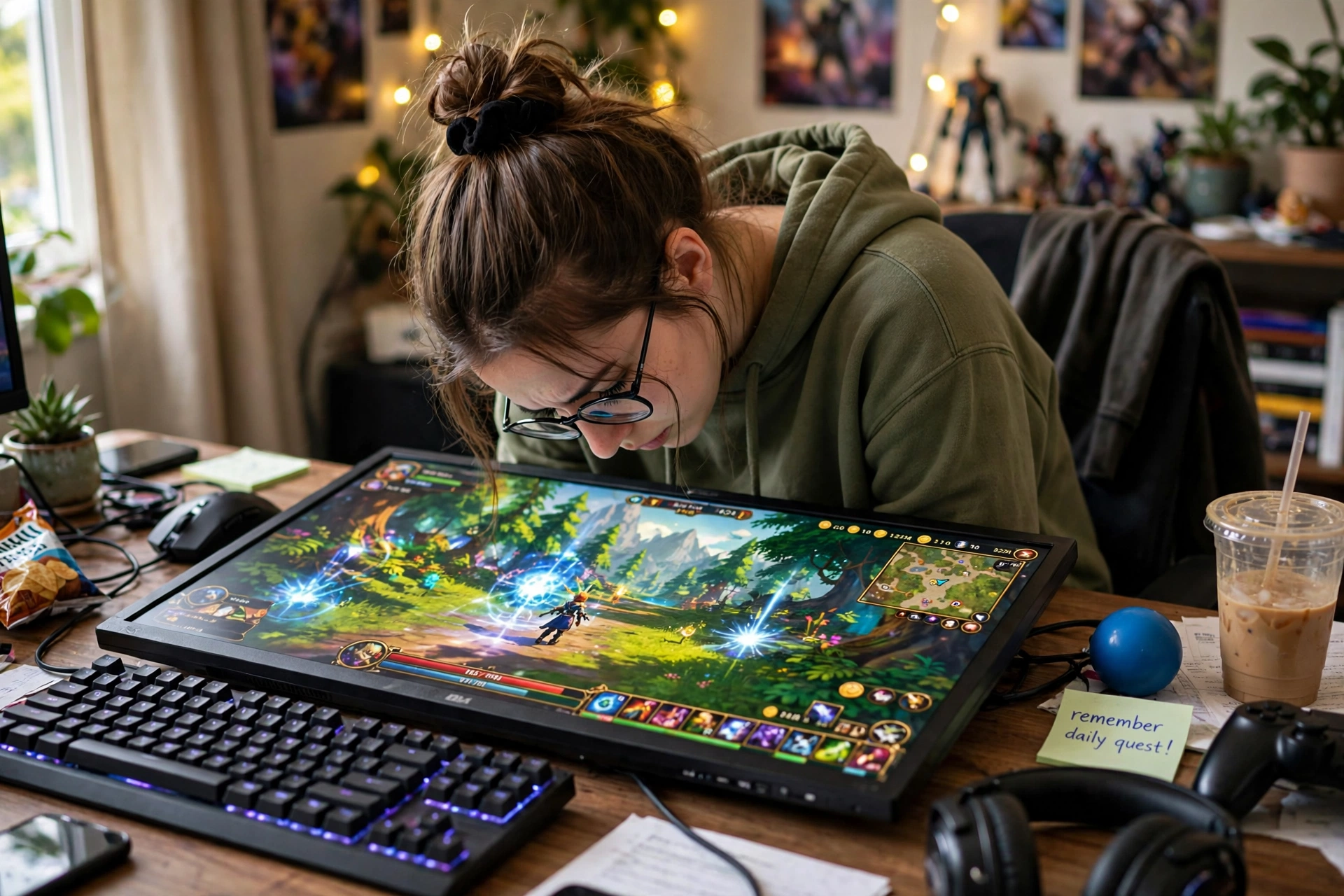
Almost every first setup puts the monitor flat on the desk, and almost every first setup ends with a sore neck. When the top of the screen sits below your eye line, you tilt your head down for hours, and your shoulders and upper back pay for it. The fix costs very little: raise the screen so the top third sits at eye level when you are sitting upright, and keep it about an arm’s length away. A monitor arm is the flexible answer because it lets you adjust height, tilt, and distance in seconds, and it frees the desk space underneath. A riser is the simpler answer, and it doubles as storage for a keyboard or a notebook when you are not playing. The trade-off is that an arm needs a desk edge or a grommet hole to clamp to, and a riser adds a fixed height, so check your desk and your monitor’s weight and VESA mount before you buy either. For more ways to lift the screen and free desk space, see the 7 monitor stand ideas for gaming desks.
Why this one: The arm lifts the screen to eye level, tilts and swivels with one hand, and frees the desk space underneath, with both a clamp and a grommet mount included.
Worth knowing: It fits 13 to 32 inch monitors up to 19.8 lbs, so check your screen size, weight, and VESA pattern first, and the clamp needs a solid desk edge to grip.
5. Plugging Everything Into a Bare Power Strip
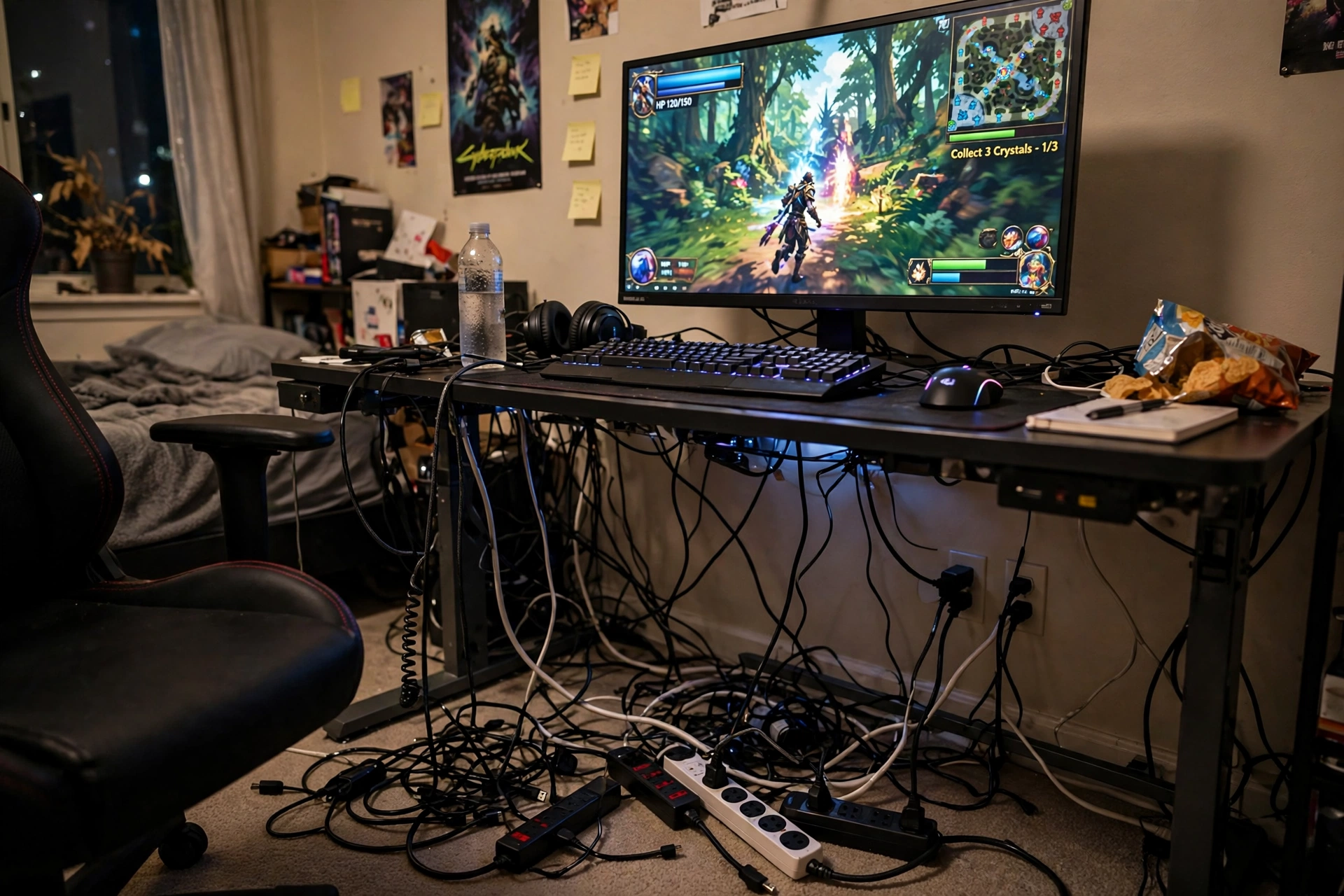
This is the mistake that can cost you the whole setup in one bad moment. A gaming PC, a monitor, a console, speakers, and a lamp all plugged into a cheap strip with no surge protection is a row of expensive gear with no safety net. One voltage spike can damage the power supply or the motherboard, and daisy-chaining strips together to get more outlets adds overload risk on top of it. The fix is a single surge protected strip with a proper joule rating, mounted under the desk so it stays off the floor and out of the dust, with one cord running to the wall outlet. Count your plugs before you buy, leave two outlets spare for whatever comes next, and never chain one strip into another. The trade-off is a little money and a little planning against the real risk of replacing a PC, and that is not a close call. Route the cables along the back of the desk with clips so nothing dangles where feet can catch it.
6. Gaming in the Dark

A bright screen in a pitch dark room looks dramatic, and it is terrible for your eyes. The contrast between the glowing screen and the black room makes your eyes work harder, and most people feel it as tired eyes, a dull headache, or trouble sleeping after a late session. The fix is not a bright ceiling light, which glares on the screen, but a soft glow behind the monitor that lifts the wall around it. Bias lighting evens out the contrast so your eyes relax, and it makes the screen look richer at the same time. A strip stuck to the back of the monitor, set to a warm white or a soft color, is enough, and you can dim it for late night play. The trade-off is small: a little light in the room against a lot less strain, and the strips cost far less than the headset most people buy first. For full lighting layouts, see the 7 bias lighting ideas for TV and monitor.
Why this one: The warm setting gives the screen a soft halo that eases eye strain in a dark room, and app control makes it easy to dim for late night play.
Worth knowing: The adhesive can loosen over time on a warm monitor back, so check it now and then and add clips if needed.
7. Buying RGB Before the Basics
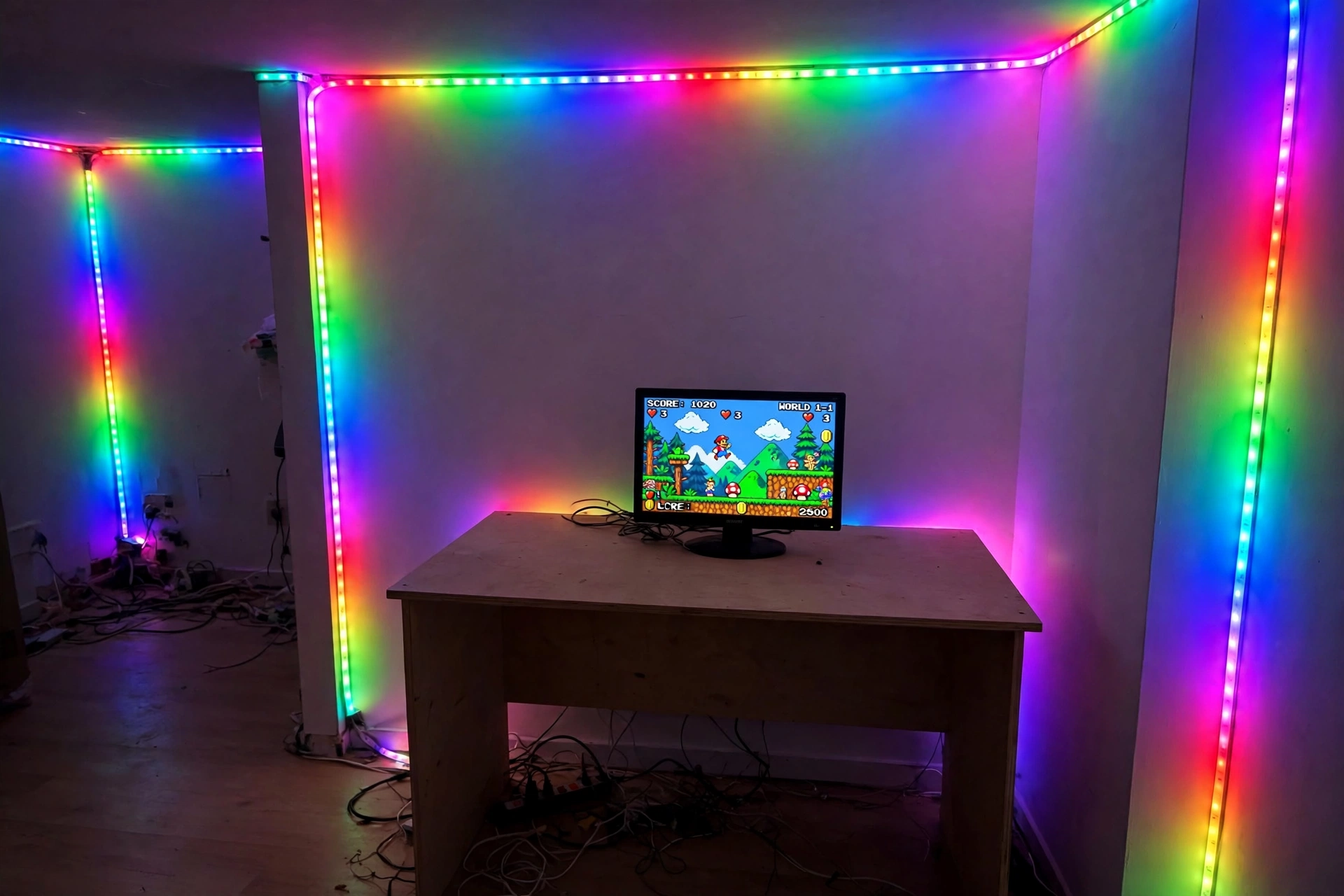
RGB strips are the most fun purchase in the whole setup, and that is why they so often come first. The room ends up glowing in every color while the chair still hurts, the monitor still sits too low, and the cables still spill across the floor. Glow is decoration, and decoration belongs last, after the desk, the seat, the screen, the light, the storage, and the power are all sorted. That does not mean skipping RGB, because a single strip done well makes a room feel finished, and one accent color at a time looks far better than a rainbow on every surface. The trade-off is patience: buy the strip after the basics and you will place it where it actually flatters the room instead of hiding a setup you are not happy with. If you want the look without the clutter, one strip behind the monitor and one along a shelf is enough to start.
Govee 16.4ft RGBIC LED Strip Lights, Work with Alexa and Google Assistant
Why this one: The RGBIC segments let different parts of the strip show different colors at once, which suits one accent wall, and app and voice control make it easy to change the color.
Worth knowing: It needs the app and a Wi-Fi connection for smart features, and the adhesive backing can peel on textured or dusty walls, so clean the surface first and plan the layout before sticking it down.
8. Putting the PC on the Floor
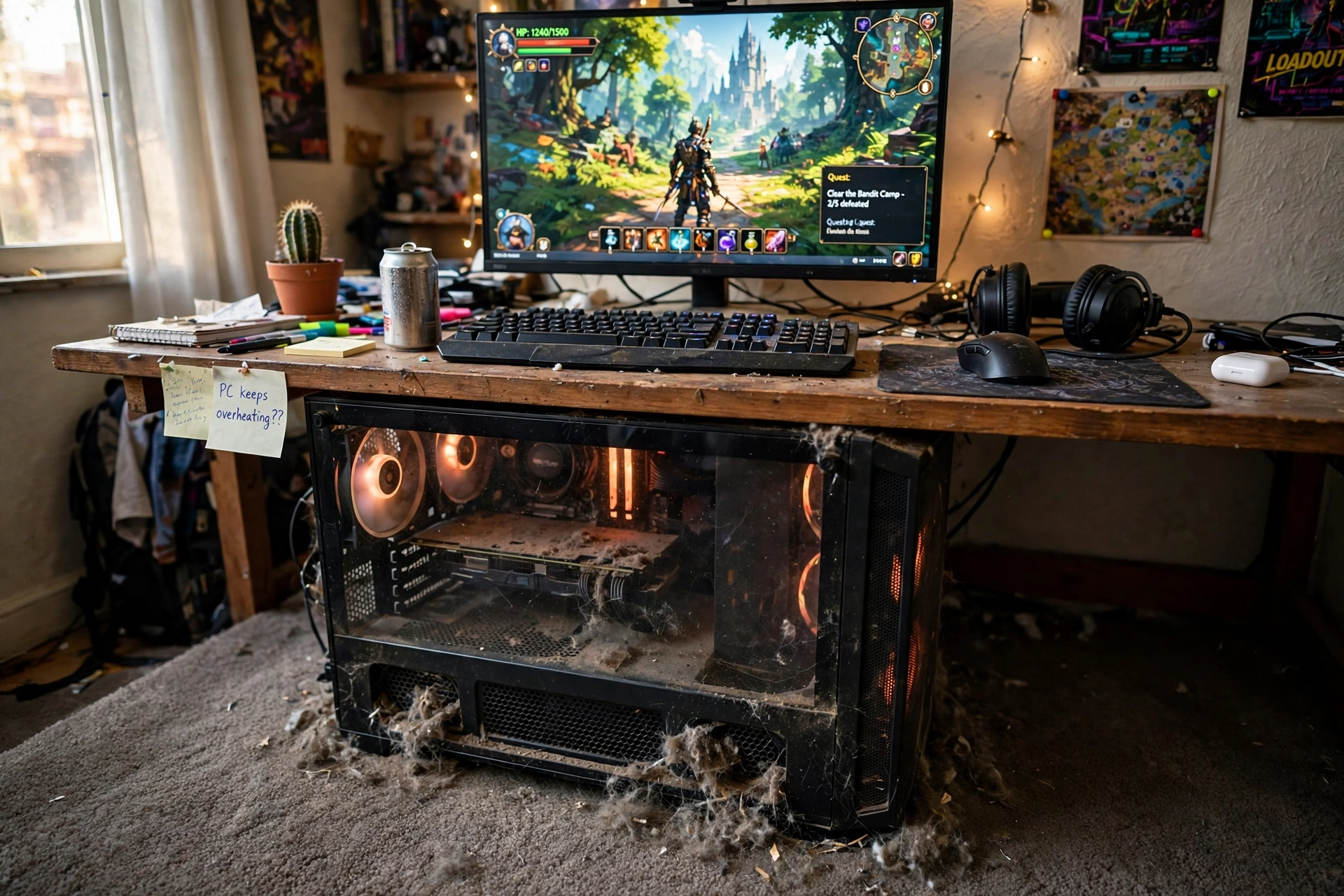
The floor feels like the obvious place for a tower, and on carpet it is the worst place in the room. The bottom vents sit against carpet fibres, dust gets pulled in with every breath of the fans, and the case runs hotter and louder than it should. Over time that means more cleaning, more fan noise, and a shorter life for the parts inside. The fix is simple: raise the tower off the floor on a small stand or a sturdy shelf, keep the intake vents clear, and give the back of the case a few inches of breathing room from the wall. The trade-off is a little desk or floor space against a cooler, quieter PC that lasts longer, and it is worth it even in a small room. Check the dust filters every month or two, because a filter full of dust is nearly as bad as no filter at all, and keep drinks off the desk edge above the case.
9. Spending the Whole Budget on One Part
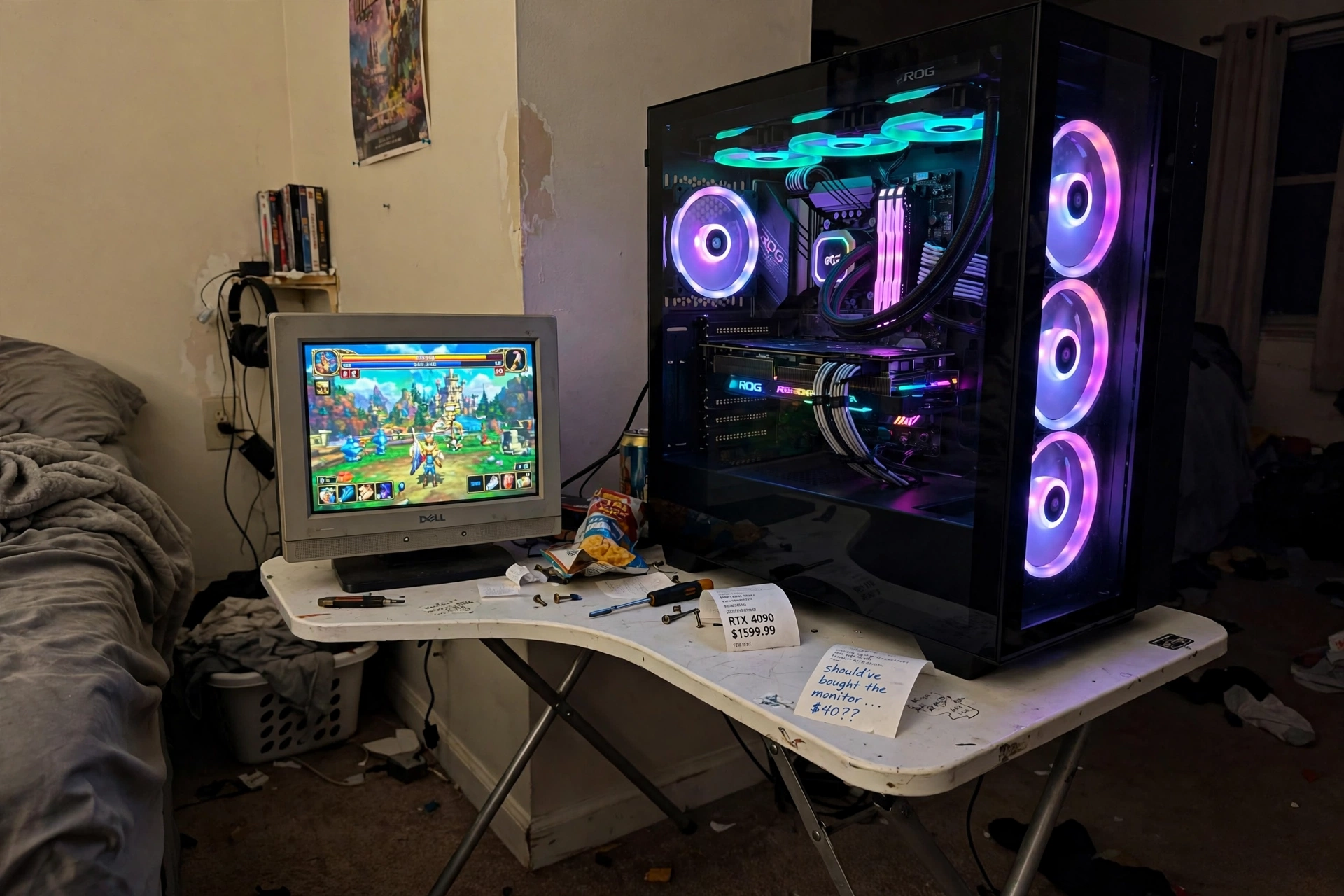
A top-end graphics card next to a tiny old monitor on a wobbly folding table is the classic first-setup photo, and it is a budget mistake, not a hardware mistake. The card can only show you what the screen can display, and a low refresh screen with washed out colors hides most of what you paid for. The same money spread across a decent screen, a solid desk, and a comfortable chair gives you a better experience every day than one star part surrounded by weak ones. Plan the budget in slices before you buy anything: a share for the PC, a share for the screen, a share for the desk and chair, and a share for light, storage, and power. The trade-off is giving up the flagship part for a balanced setup, and the evidence is on the screen in front of you, because a balanced setup feels fast everywhere while a lopsided one feels held back by its weakest part. If money is tight, the 15 budget gaming setup ideas that look expensive show how to stretch each slice further.
10. Forgetting Storage and Cable Management
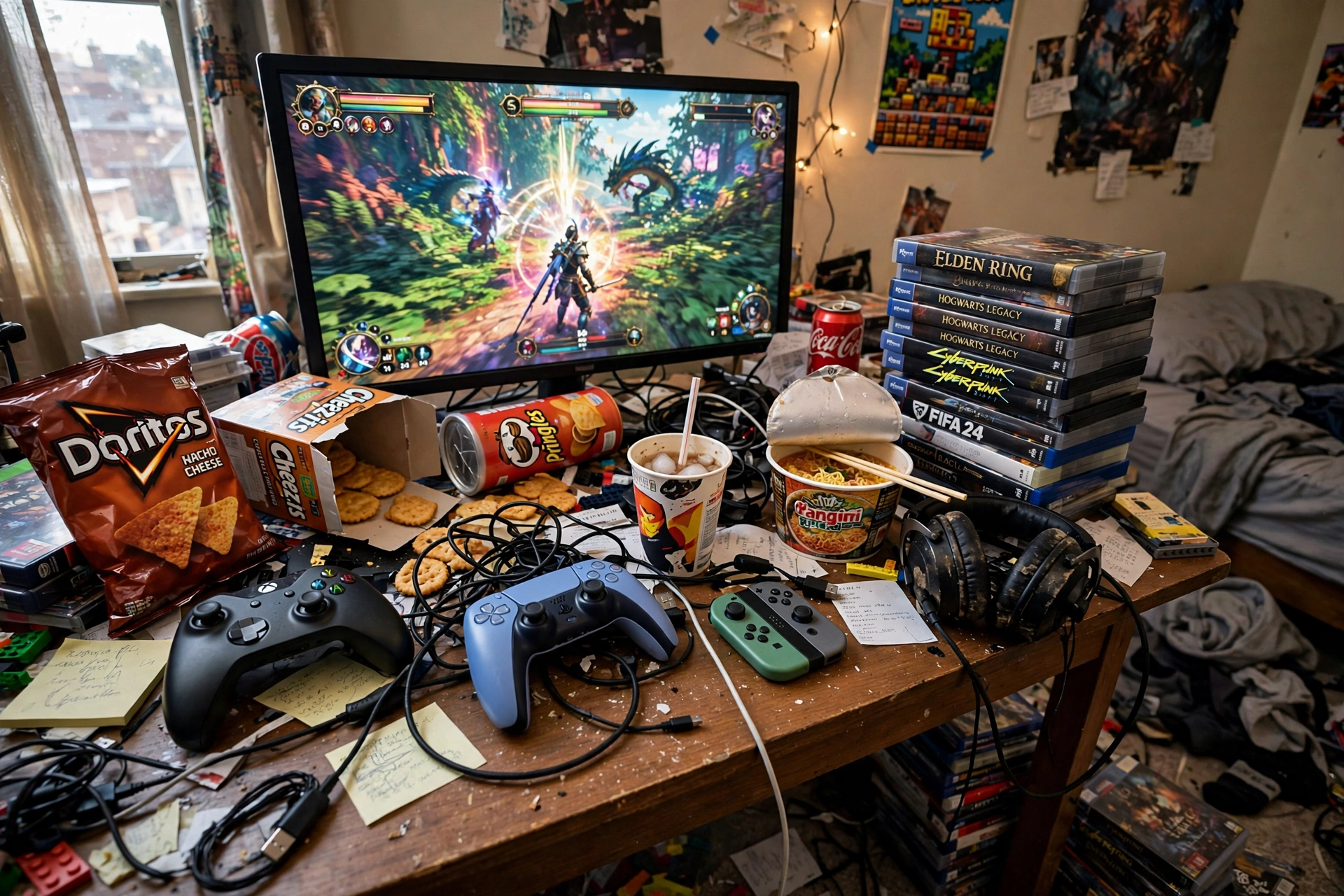
The setup looks perfect on day one and then the clutter arrives: controllers, headsets, game cases, chargers, and cables with no home to go to. Within a week the desk is buried and the setup feels unfinished, not because anything is broken but because nothing was planned. Give every item a home before you buy it: a hook or a stand for the headset, a drawer or a box for controllers and cables, and a shelf for games. A monitor riser helps here too, because it lifts the screen and opens up storage space underneath for a keyboard, a notebook, or a slim charging tray. The trade-off is a little planning against a desk that stays clear, and the rule is simple: if an item has no home, it will live on the desk. Build the storage into the setup from the start and the room stays as good as it looked on the first day.
Why this one: The black vented riser lifts the screen to eye level and frees the space underneath for a keyboard or a notebook, which is storage you get for free.
Worth knowing: It fits one standard monitor, and a very wide ultrawide screen may overhang the edges.
Verdict
None of these ten mistakes needs a big budget to fix, and most of them need no spending at all, just measuring first and buying in the right order. If you take one thing from this guide, take the order: desk, chair, screen, light, storage, and power, with decoration last. A first setup built that way feels good on the first night and still feels good a year later, while a setup built the other way round spends its first year being fixed. Buy the desk and the chair before the glow, protect the power before you plug anything in, and give every cable and controller a home. Do that and your first gaming setup will look like a second setup, the one built by someone who already learned all of this the hard way.
Frequently Asked Questions
What should I buy first for a gaming setup?
Buy the desk first, then the chair, then the screen. The desk sets the size of everything else, the chair decides how long you can play comfortably, and the screen should fit the desk you already own, not the other way round.
How big should a gaming desk be?
A 60 inch desk is the standard that works for most rooms, with room for a monitor, a keyboard, and speakers. If your room is small, go compact on purpose with a desk that has drawers, and keep the desktop to the essentials, as shown in the 13 gaming room ideas for small bedrooms.
How high should my monitor be?
The top third of the screen should sit at eye level when you are sitting upright, about an arm’s length away. A monitor arm or a riser gets you there in minutes, and it frees desk space underneath at the same time.
Do I really need a surge protector for a gaming PC?
Yes. A gaming PC is one of the most expensive things in the room, and a single surge protected strip is the cheapest insurance you can buy for it. Mount it under the desk, leave two outlets spare, and never daisy-chain strips together.
Is gaming in the dark bad for your eyes?
Gaming in a pitch dark room strains your eyes because of the contrast between the bright screen and the black room. A soft bias light behind the monitor evens out the contrast and eases the strain, and it makes the screen look better too.
Should I buy RGB lighting for my first setup?
Buy it last, not first. Sort the desk, the chair, the screen, the light, the storage, and the power first, then add one RGB strip as the finishing touch. One accent color at a time looks far better than a rainbow on every surface.
Conclusion
Your first gaming setup does not need to be perfect, it needs to be built in the right order. Measure the room, buy the desk and the chair before the fun stuff, set the screen at eye level, light the room so your eyes can relax, protect the power, and give everything a home. Skip the ten mistakes above and you will end up with a setup that feels comfortable on the first night and stays that way, instead of a room you spend the next year fixing. Start with the desk, and let everything else follow.
