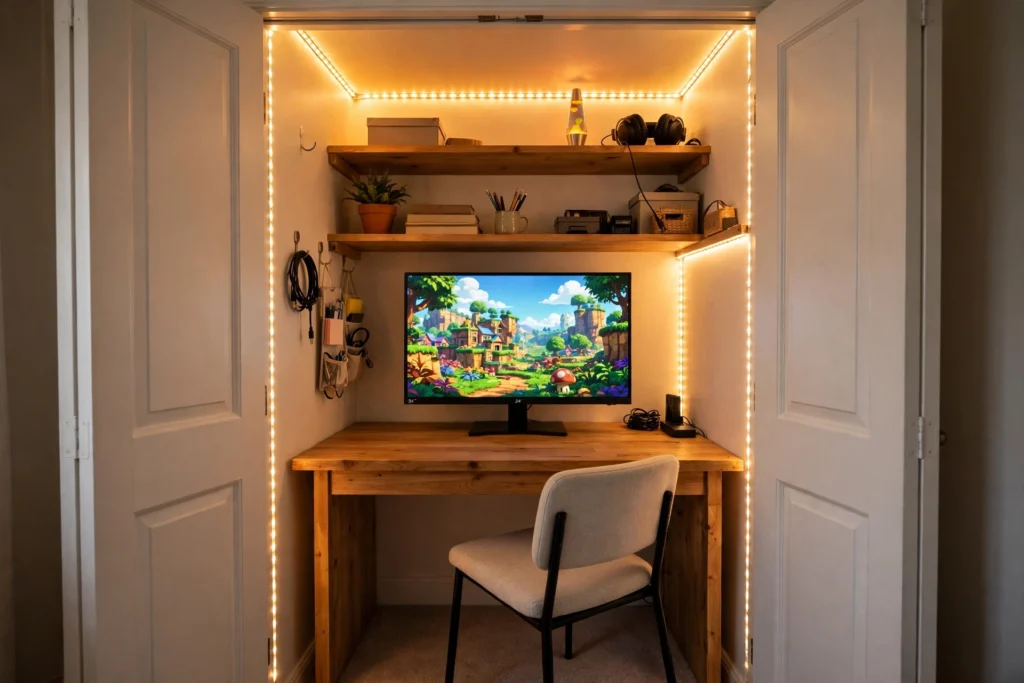
Gaming Room Ideas
A cloffice is a closet turned into a small office, and when you build it for gaming it becomes the cosiest battlestation in the house. I love this idea because it solves the oldest small room problem: where does the gaming setup go when there is no spare room at all. You take the closet you already have, clear out the clothes rail, and build a desk, a screen, and a chair into that little nook. Close the doors and it disappears. Open them and you are ready to play.
As an Amazon Associate I earn from qualifying purchases. Read our full affiliate disclosure for more detail.
The Short Answer
A cloffice is a closet converted into a compact office, and it works for gaming when the closet is at least 48 inches wide and 24 inches deep. A 32 inch desk, a 24 inch monitor, and an armless chair fit that space with room to breathe. The three things that make or break it are measuring before you buy anything, giving the gear air to breathe, and lighting the inside so you are not playing in a dark box. Get those three right and a cloffice plays just as well as a desk in the open room, with the bonus that you can close the doors and hide it all.
In This Article
What Is a Cloffice
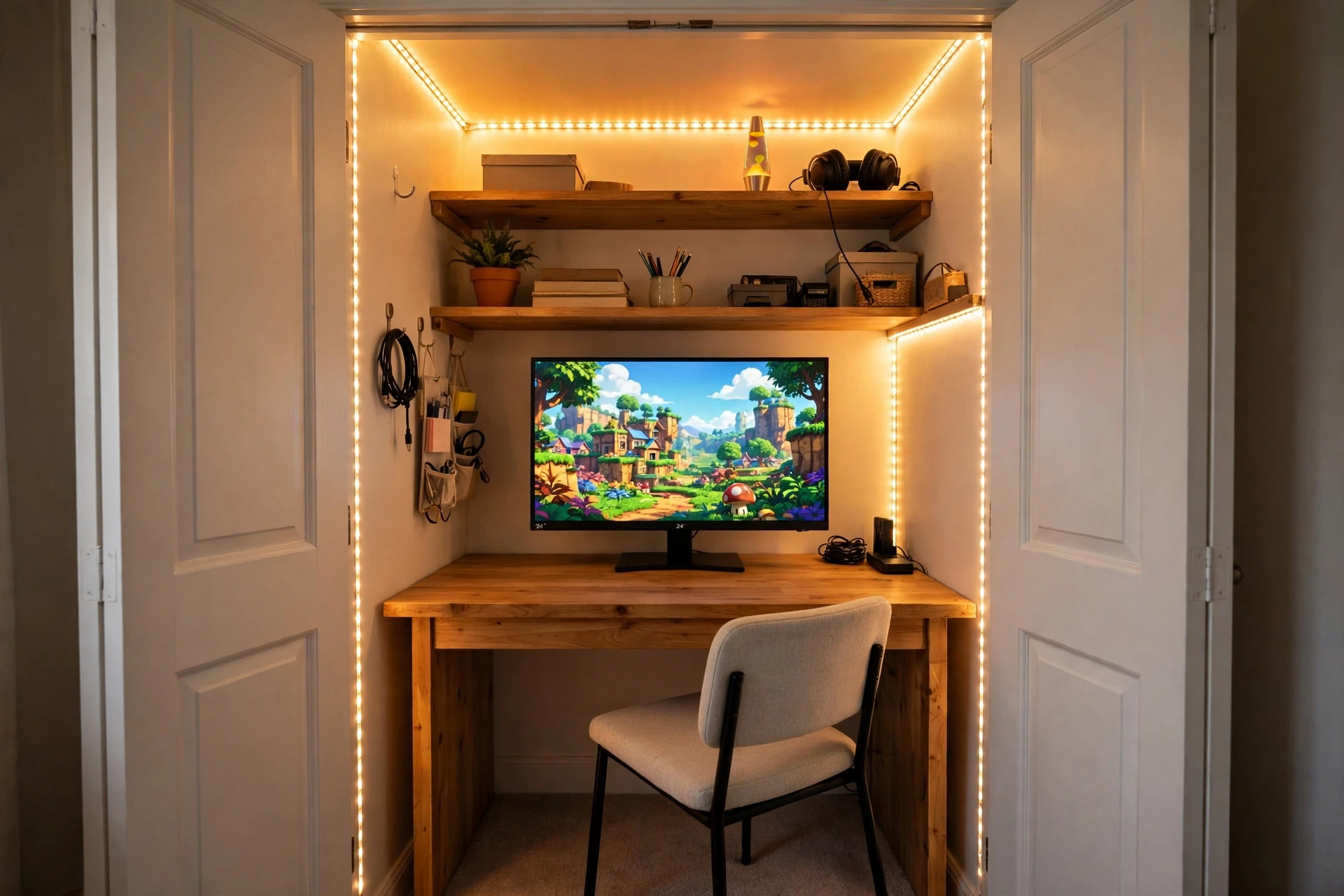
AI-generated image.
A cloffice is a closet plus an office, and the word tells you everything. It started as a work from home fix for people with no spare room, then gamers claimed it, because a closet is the perfect size for one person, one desk, and one screen. The closet gives you three walls, which sounds like a drawback until you sit in one. Those walls block glare, hold your shelves, and make the space feel like a cockpit instead of a corner of a bedroom.
Most cloffices start the same way. The hanging rail and the top shelf come out, a desk goes in at sitting height, and a shelf or two goes back up high for games and gear. Some people keep the closet doors so the setup can vanish at the end of the night. Others take the doors off completely and let the glowing nook become part of the room. Both work, and the choice comes down to whether you want to hide the setup or show it off.
What a cloffice is not is a full gaming room. You will not fit a racing rig, a second desk, or a wall of collectibles in a standard reach-in closet. What you get instead is a focused, private place to play, built from space you already own. If your bedroom feels crowded, start with the 13 gaming room ideas for small bedrooms to see how a tight room can still hold a proper setup, then bring the best of those ideas into the closet.
Will a Closet Actually Fit a Gaming Setup
AI-generated image.
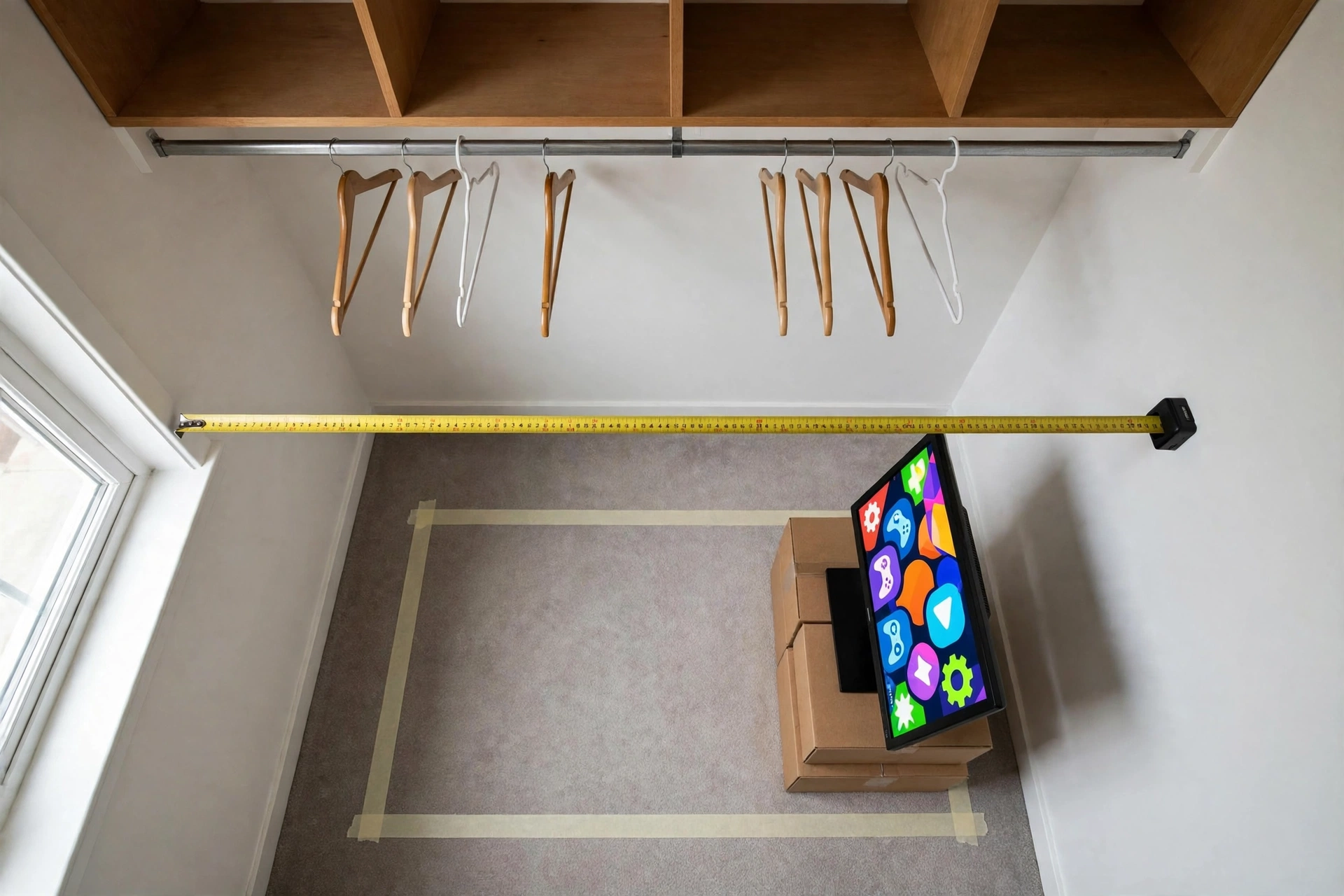
Yes, in most homes it will, and the numbers are kinder than you might expect. A standard reach-in closet is about 48 to 72 inches wide and about 24 inches deep, with an opening around 48 inches across when both doors slide open. A 32 inch desk leaves you elbow room on each side, a 24 inch monitor is about 22 inches wide, and a keyboard and mouse take about 28 inches of desk width between them. Put those together and a 48 inch closet holds a complete single monitor setup with space to spare.
Depth is the tighter number. A closet at 24 inches deep fits a desk around 16 to 20 inches deep, which is enough for a monitor on its stand, a keyboard, and your forearms. What does not fit is a deep gaming chair with wide armrests, a 32 inch monitor on a deep stand, or a full tower PC on the desktop. The fix is to put the tower on the floor beside the desk or on a low shelf, and to pick a chair without arms that slides under the desk when you are done.
Before you buy a single thing, tape the footprint on the closet floor. Mark the desk outline, sit on a chair in front of it, and reach for an imaginary keyboard. If your elbows hit the walls, the desk is too wide or the chair is too big. If your knees hit the desk front, the desk is too deep. This five minute test saves more returns than any review ever will, and it tells you the truth about your closet, not a generic one from a guide.
Plan It First: Measure, Power and Air
AI-generated image.
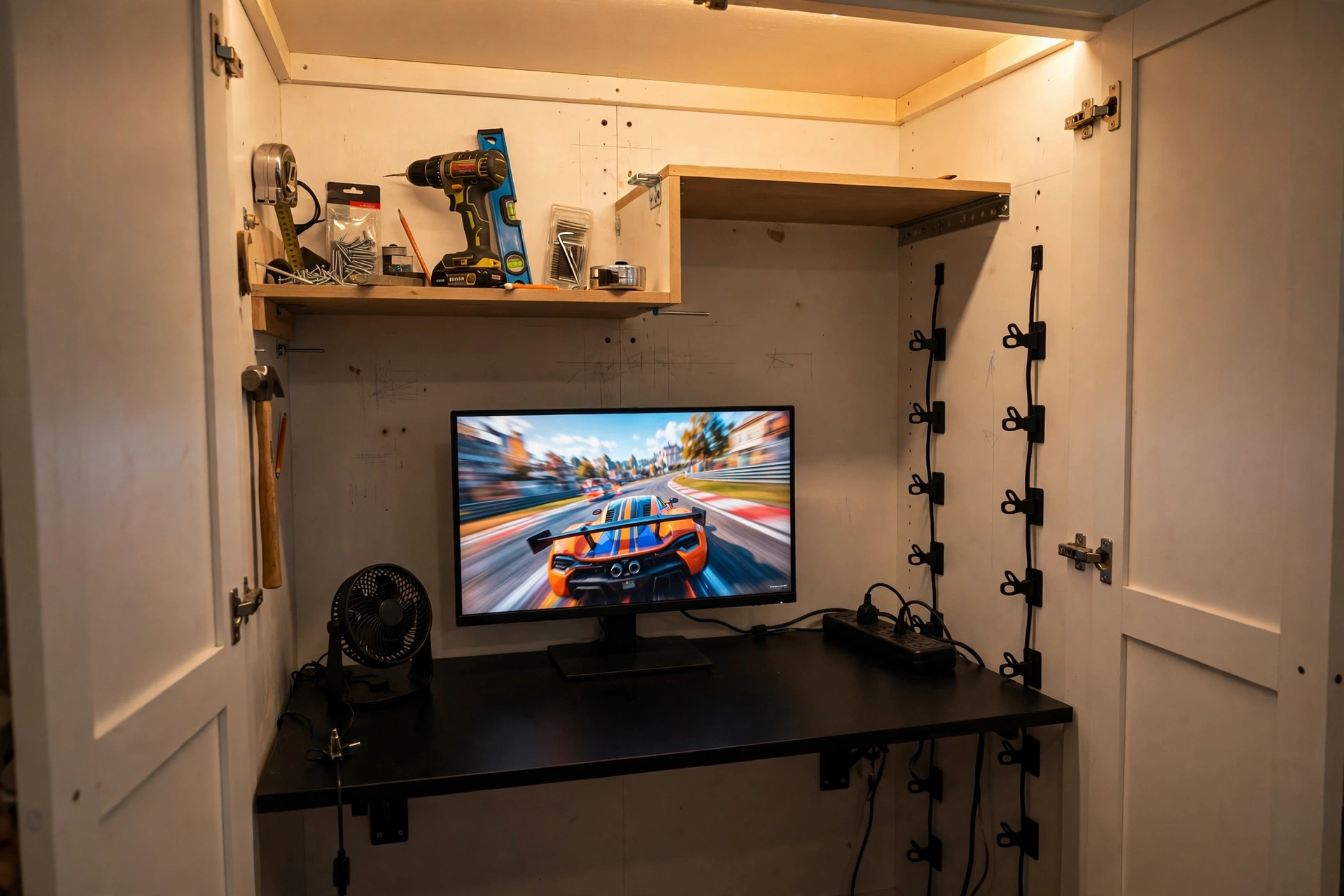
A cloffice rewards planning and punishes guessing, so do the boring work first. Measure the width, depth, and height of the closet in three places, because older closets are rarely square, and write down the smallest number for each. Measure the doorway too, since the desk has to get in there, and check the height from the floor to the lowest shelf or rail you plan to keep. A desk at standard sitting height is about 29 to 30 inches tall, and you want at least 30 inches of clear space above it for the monitor and a shelf.
Power comes next. Most closets have no outlet inside, so find the nearest outlet on the bedroom wall and plan a single surge protected strip with a cord long enough to reach it without stretching across the floor. Count your plugs before you shop: monitor, PC or console, light bar, fan, and phone charger is five already. A flat plug helps here, because the strip sits close to the wall behind the desk and a bulky plug pushes it out into your legroom.
Air is the part most first time cloffice builders forget, and it matters more than the desk. A closed closet with a gaming PC inside warms up fast, and warm air has nowhere to go when the doors are shut. Plan for a small fan to move air across the desk, leave a gap at the top or bottom of the doors if you can, and never block the vent in the room. If you play with the doors closed for long sessions, open them between games and let the space breathe. A hot, stuffy cloffice is a miserable place to play, and it is entirely avoidable.
Build the Core: Desk, Screen and Seat
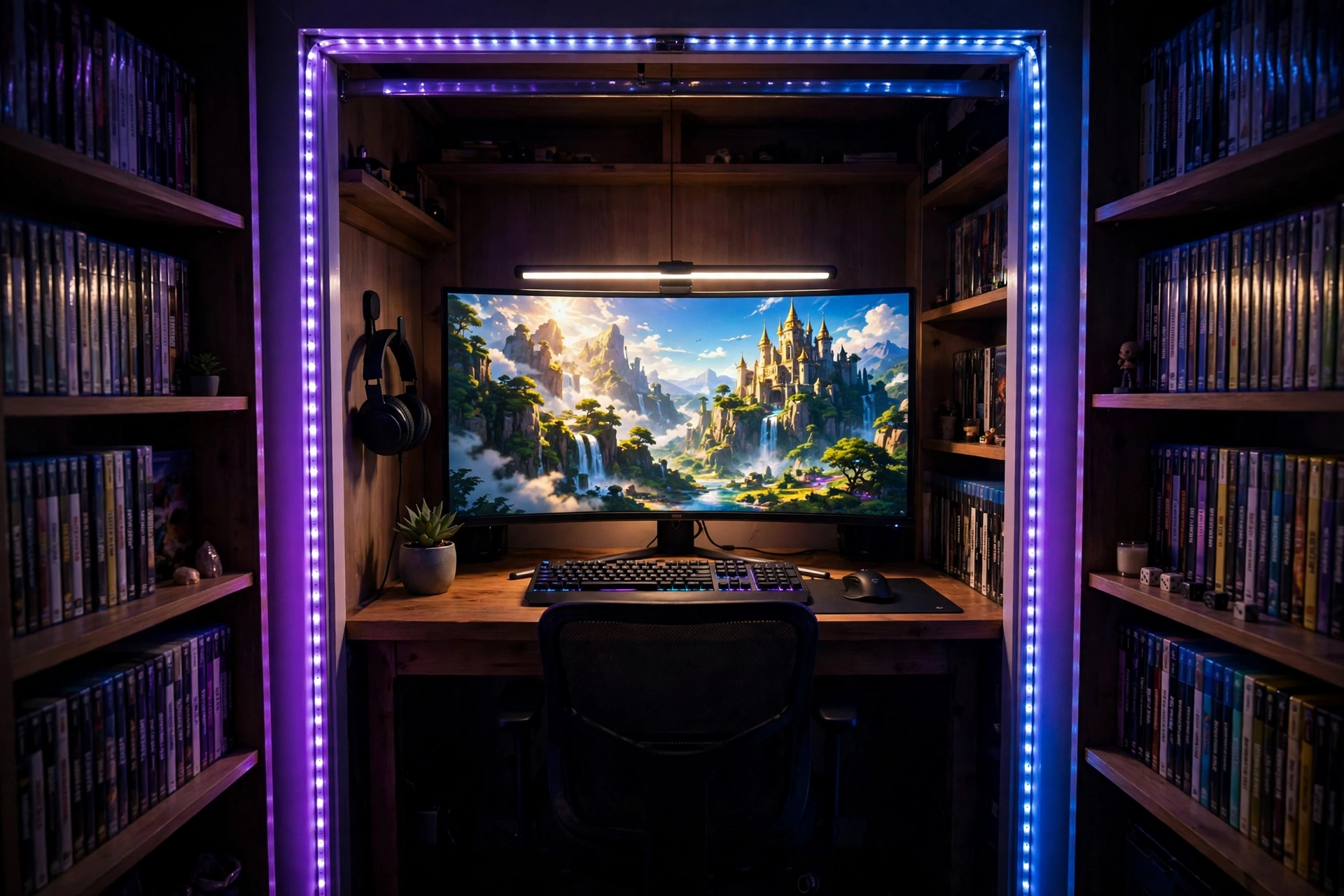
AI-generated image.
Start with the desk, because everything else hangs off its size. A 32 inch desk is the sweet spot for a standard closet: wide enough for a monitor and a full keyboard, narrow enough to leave a gap at each end for cables and a drink. Pick a desk with a depth of about 16 to 20 inches so your knees clear the front and the monitor sits at a comfortable distance. A desk with drawers sounds handy, but drawers eat knee room in a closet, so open legs and a shelf above the desk store more in less space.
The screen should be a 24 inch monitor. It is the largest size that fits a 32 inch desk without crowding the keyboard, and at 1080p with a fast refresh rate it is a genuine gaming monitor, not a compromise. Mount it on a small riser or a monitor arm if you want the base off the desk, and set the top of the screen at or just below eye level. If you already own a monitor stand, the 7 monitor stand ideas for gaming desks will help you pick a setup that lifts the screen and frees the desktop underneath.
The seat is where closet builds go wrong, because a big gaming chair simply does not fit. An armless chair slides under the desk when you finish, rolls out of the way, and keeps your shoulders free in a narrow space. It is not a chair for eight hour marathon sessions, and I would not pretend otherwise, but for a couple of hours after work it is comfortable, and it is the chair that makes the whole closet work. Add a small cushion for lumbar support if you need it, and keep a headset on a wall hook so it never lives on the desk.
CubiCubi Computer Desk, 32 inch Small Home Office Desk for Small Spaces, Vintage
Why this one: At 32 inches wide and about 16 inches deep it fits a standard closet with room to spare, and the simple steel frame leaves your knees free underneath.
Worth knowing: The top is thin and light, so a heavy monitor arm clamped to the back edge can flex it, and it has no built in cable management.
ASUS TUF Gaming 24 inch 1080P Monitor VG247Q1A, 165Hz, 1ms, FreeSync Premium
Why this one: A 24 inch 1080p screen at 165Hz is the right size and speed for a closet desk, and the slim frame keeps the whole setup feeling open instead of crowded.
Worth knowing: The built in speakers are basic, so plan on a headset for any game where sound matters.
Why this one: The armless design slides fully under a 32 inch desk, the height adjusts to match the desk, and the lumbar support helps in a chair this compact.
Worth knowing: The low back gives no head or upper back support, so it suits shorter sessions better than all day play.
Light It, Cool It and Power It
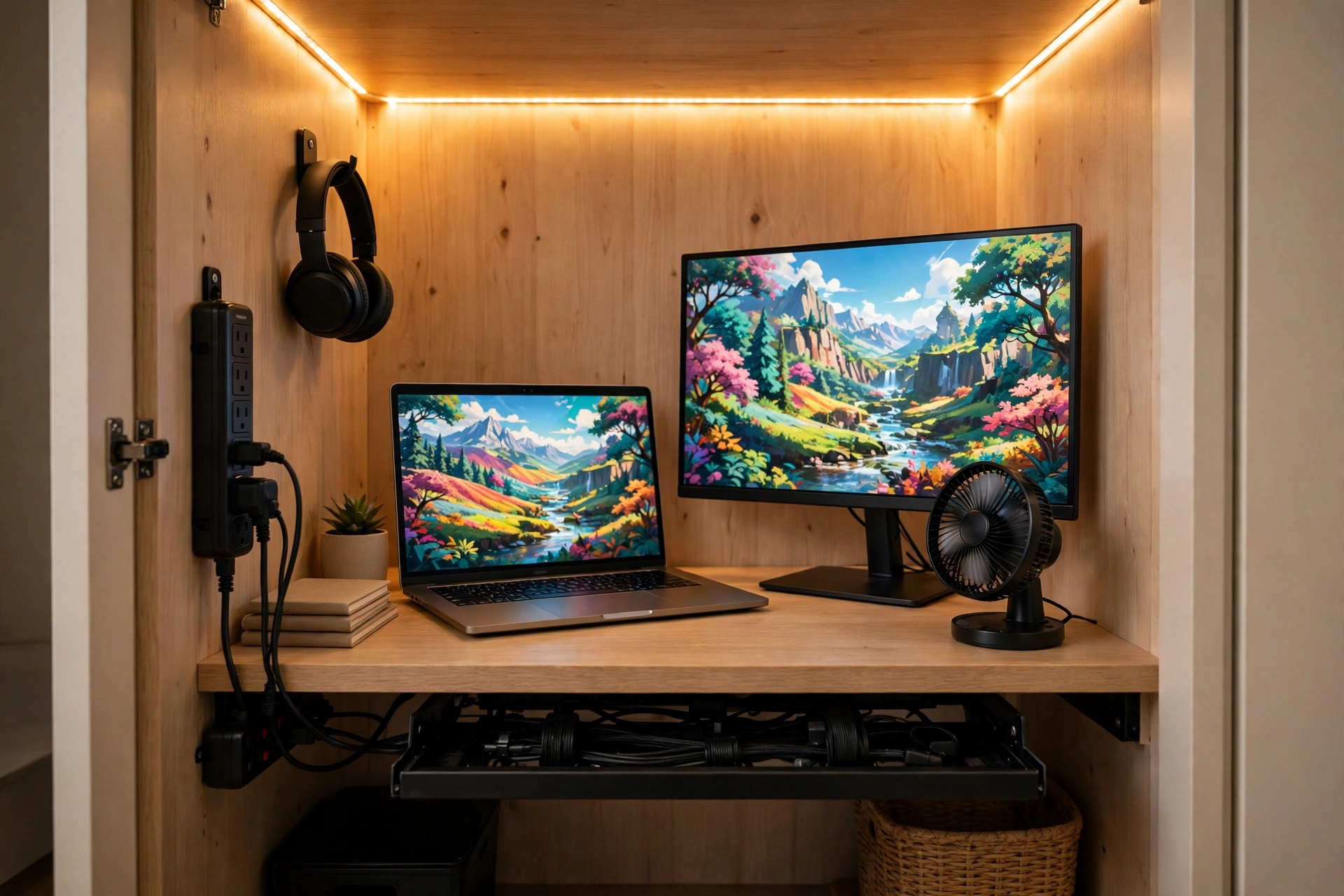
AI-generated image.
A closet has no window and no ceiling light that reaches the desk, so lighting is not decoration here, it is part of the build. A monitor light bar is the single best fix, because it clips to the top of the screen, lights the keyboard without throwing glare on the display, and takes up no desk space at all. A warm white setting keeps the little room calm, while a cooler setting helps you focus during competitive games. For the glow that makes a cloffice feel like a gaming room, run an LED strip along the inside of the closet frame or behind the desk, and keep it low and warm rather than flashing through every colour at once.
Cooling is simple and cheap. A small USB fan on the desk or clipped to a shelf moves air across you and the gear, and it costs almost no space. Point it so air flows past the monitor and out toward the open doors, not straight at your face, and run it on its lowest setting during quiet games. If your PC lives inside the closet, give it the same treatment: clear space around its vents, keep it off the carpet, and check that warm air can escape. For more on lighting a screen without glare, my 7 bias lighting ideas for TV and monitor cover the same tricks in a full sized room, and every one of them scales down to a closet.
Power and cables are the last step, and they decide whether the cloffice feels tidy or tangled. Mount a slim surge protected strip to the wall or the back of the desk, route every cable through one tray or a row of clips, and label the plugs you reach for in the dark. Keep the strip where you can reach its switch without crawling behind the desk, and never daisy chain one strip into another to get more outlets. One good strip with enough outlets beats two cheap ones every time, and it is the safest way to feed a whole setup from a single bedroom outlet.
Why this one: The remote control and auto dimming let you set the light without reaching over the keyboard, and the angled design lights the desk without glare on the screen.
Worth knowing: The clip needs a monitor with a flat top edge and enough depth to grip, so it fits poorly on very thin or curved screens.
Govee 16.4ft RGBIC LED Strip Lights, Work with Alexa and Google Assistant, App Control, Music Sync
Why this one: One 16.4ft strip frames a whole closet opening, the app gives you steady warm colours as well as game night effects, and it is easy to trim to the length you need.
Worth knowing: The adhesive can peel on dusty or textured closet walls, so clean the surface first and add clips on the corners.
Why this one: At 5.5 inches it fits on a crowded closet desk, the USB power plugs straight into the PC or the strip, and three speeds cover a quiet evening and a warm afternoon.
Worth knowing: It is a personal fan, not a room cooler, so it moves air across you and the desk but will not cool a closed closet on its own.
Why this one: Six AC outlets plus four USB ports feed a whole closet setup from one wall outlet, and the flat plug and mountable body sit neatly behind a desk.
Worth knowing: The USB ports share their total output, so charging two hungry devices at once is slower than charging one.
Close the Doors: Living With a Cloffice
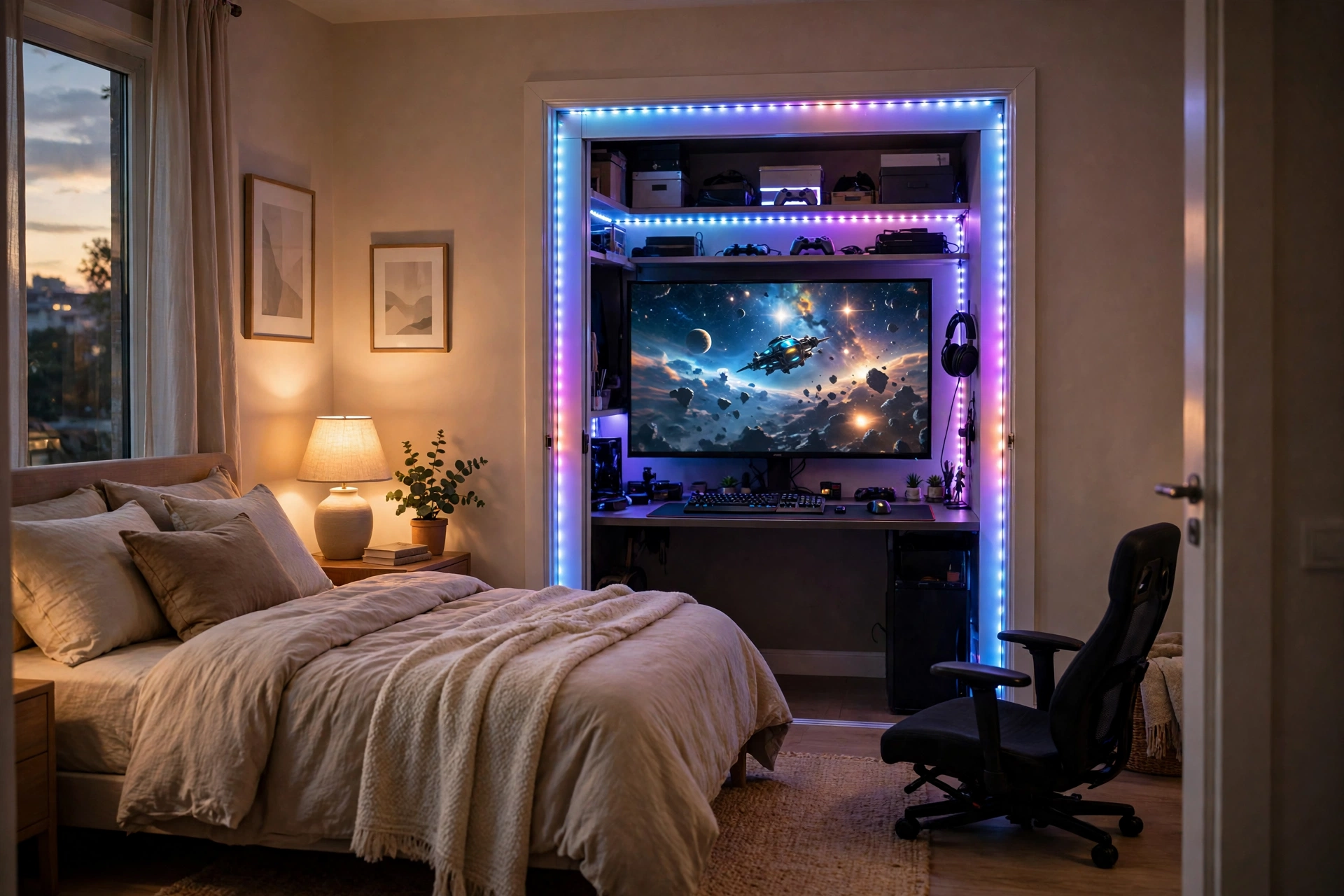
AI-generated image.
The best part of a cloffice is also its biggest trade off. Close the doors and the gaming setup disappears, the bedroom looks calm, and nobody has to look at cables. Open them and you are in your own little room. That trick only works if the doors still close, so keep the chair, the headset, and the controller inside the closet footprint, and resist the urge to let gear drift out onto the bedroom floor. The moment the setup spills out of the closet, you have lost the whole point of it.
Sound is the other honest trade off. A closet does not soundproof anything, and a headset is your best friend in a cloffice. A closed door muffles a little keyboard noise for the rest of the house, but it does not stop a loud game or a heated voice chat from carrying through the bedroom. Keep the volume in your headset, use a mic with a mute button, and agree on quiet hours with anyone who shares the room. On the plus side, the three walls make a cloffice feel private in a way an open desk never does, and that privacy is half the appeal.
Storage is the last thing to plan, because a cloffice takes away the closet you used to store clothes in. Before you build, decide where those clothes are going: a wardrobe, under bed boxes, or a second closet. Keep one high shelf in the cloffice for games and controllers, hang a small hook rail on the side wall for headsets and cables, and leave the top shelf for the things you reach for least. A cloffice that still tries to hold all your clothes and all your gaming gear holds neither well.
At a Glance Comparison
| Build | Desk and Screen | Heat and Space | Best For |
|---|---|---|---|
| PC Cloffice | 32 inch desk, 24 inch monitor | Warmest, tower on the floor | Daily PC gaming |
| Console Cloffice | 32 inch desk, 24 inch monitor or small TV | Cooler, console on a shelf | Couch free console play |
| Laptop Cloffice | 32 inch desk, laptop plus monitor | Coolest, packs away fastest | Smallest closets, renters |
Verdict
A cloffice is worth building if you have a spare closet and no spare room, and it is not worth forcing into a closet that is too small. The honest test is the tape measure: at least 48 inches wide and 24 inches deep, with an outlet in reach and a way for warm air to escape. If your closet passes that test, a 32 inch desk, a 24 inch monitor, and an armless chair make a complete gaming setup that hides behind two doors. If your closet is narrower than that, or it is the only storage in the room, a small desk against the wall will serve you better than a cramped closet ever will.
For most renters and small bedroom gamers, the cloffice is the best use of a closet I know. It costs less than a full room makeover, it takes a weekend to build, and it gives you a private place to play that vanishes when you are done. Build it for the games you actually play, keep the air moving, and leave room for the doors to close. Do that and the smallest room in the house becomes your favourite one.
Frequently Asked Questions
What is a cloffice?
A cloffice is a closet converted into a small office, with a desk, a screen, and a chair built into the closet space. For gaming it means a compact desk, a 24 inch monitor, and an armless chair fitted into a standard reach-in closet.
How big does a closet need to be for a gaming cloffice?
Aim for at least 48 inches wide and 24 inches deep. That fits a 32 inch desk and a 24 inch monitor with elbow room. A narrower closet can still work for a laptop setup, but a full PC build will feel cramped below that size.
Does a gaming cloffice get too hot?
It can, because a closed closet traps warm air from a PC or console. Use a small USB fan, keep the doors open while you play, leave gaps for air to escape, and keep the tower off the carpet with clear space around its vents.
Do I need to remove the closet doors?
No, and keeping them is half the appeal, because they hide the whole setup when you are done. Removing them makes the space feel bigger and lets warm air out, so take them off only if you prefer the open glowing nook look.
Can I build a cloffice in a rental?
Yes, if you keep it reversible. Use a freestanding desk, shelves that clamp or stand on the desk, adhesive LED strips, and hooks that do not need drilling. Keep the hanging rail and shelves you remove so you can put the closet back when you move out.
Conclusion
A cloffice turns the most overlooked space in a bedroom into a proper place to play. Measure first, build around a 32 inch desk and a 24 inch monitor, light it with a bar and a strip, keep the air moving with a small fan, and feed it all from one good surge protected strip. Close the doors when you are done and the room is calm again. Open them and your game is waiting. That is the whole charm of a cloffice: a gaming room that fits in a closet, and disappears when you want it to.
